


Chat Highlight N Sound Mod (26.2, 1.20.1) – Never Miss Your Name

 0
0 

🌐 Good news — we've translated this article into other languages!
Or pick the one you like:
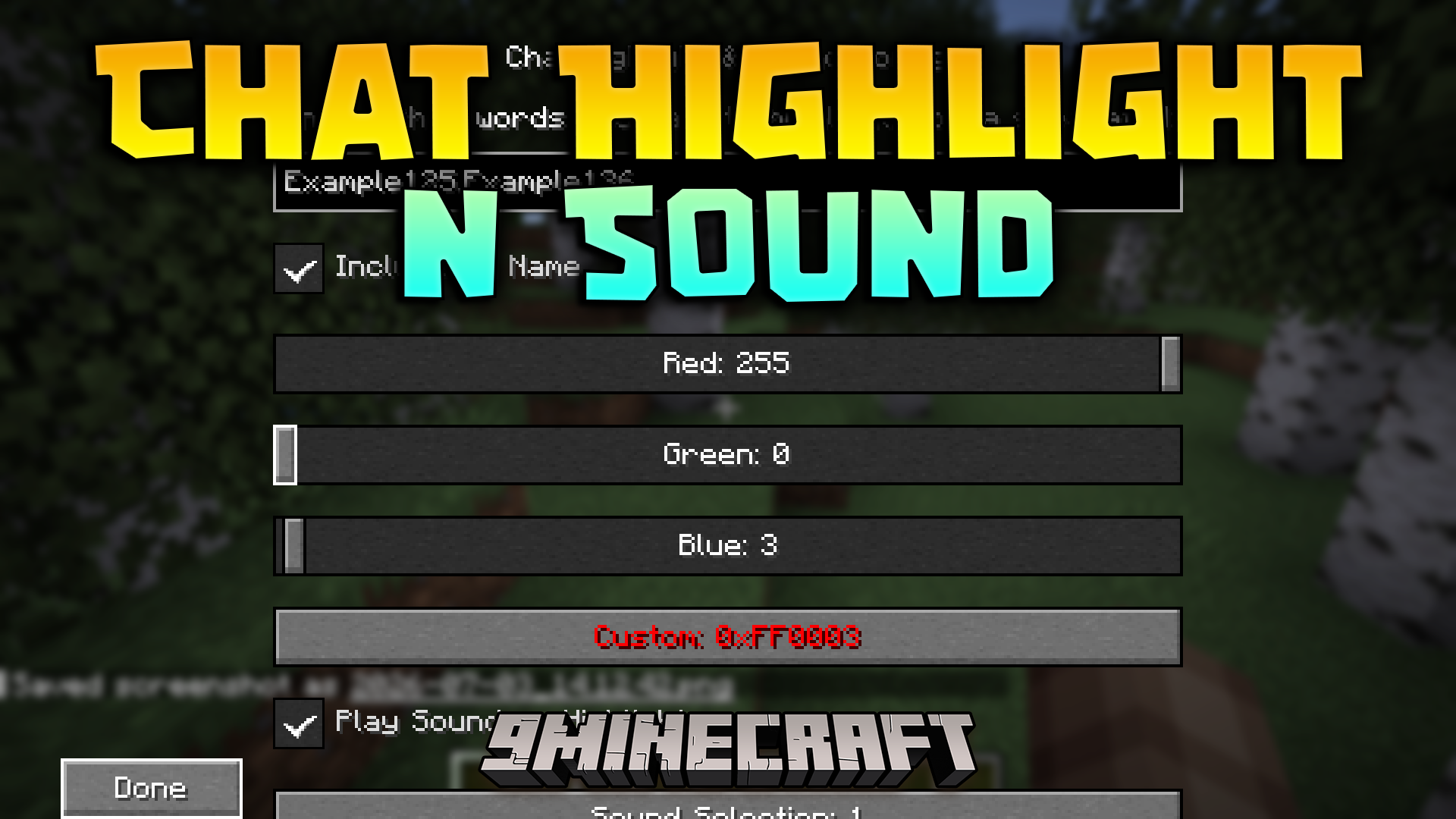
Chat Highlight N Sound Mod helps you notice important text in the busy server chat. It highlights your name or any custom words you pick and plays a sound whenever someone types them. This makes it easy to spot when friends talk to you or mention things you care about.
Features:
- Custom Word Alerts: Pick specific words or names you want to track in the game chat.
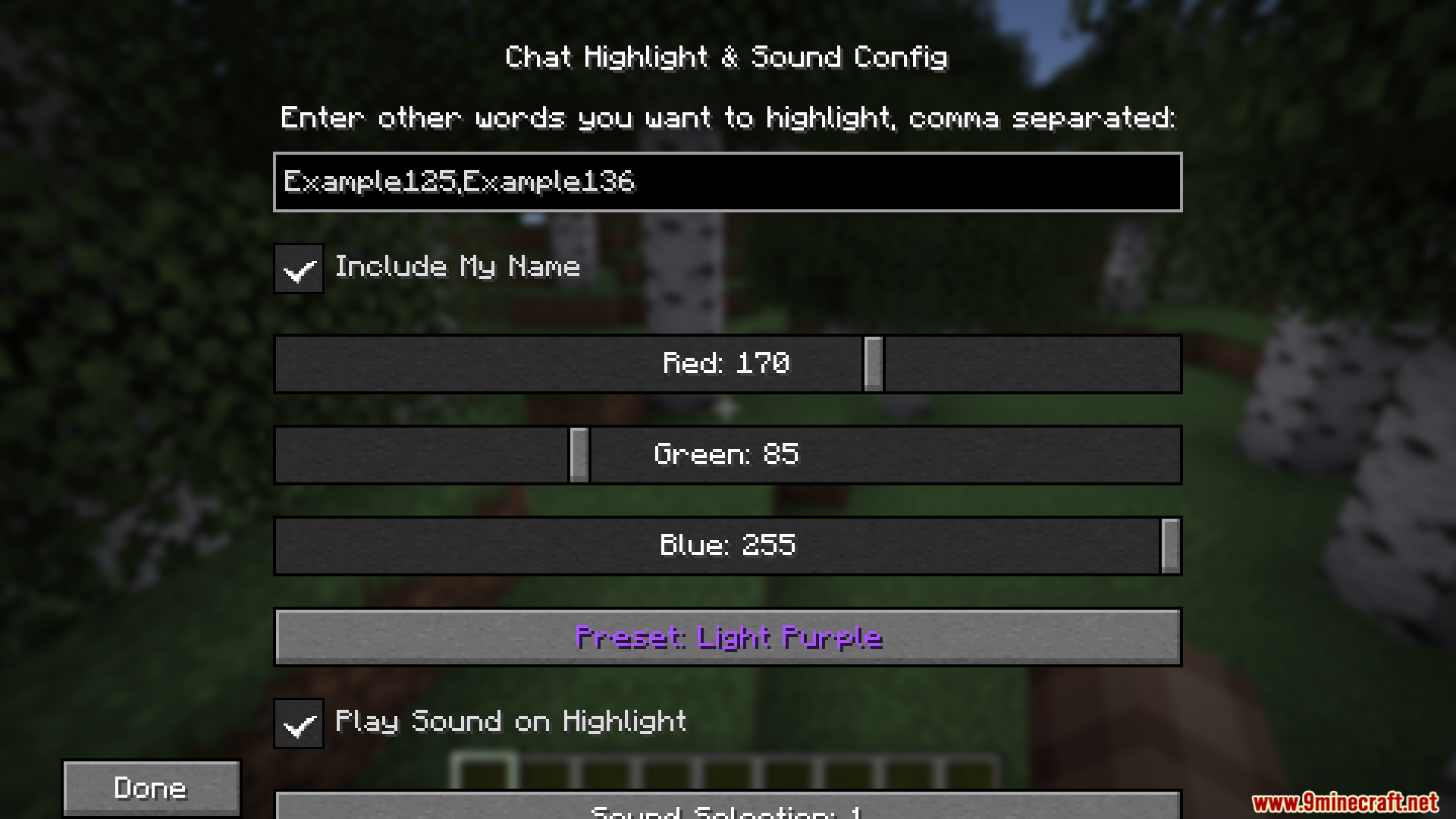
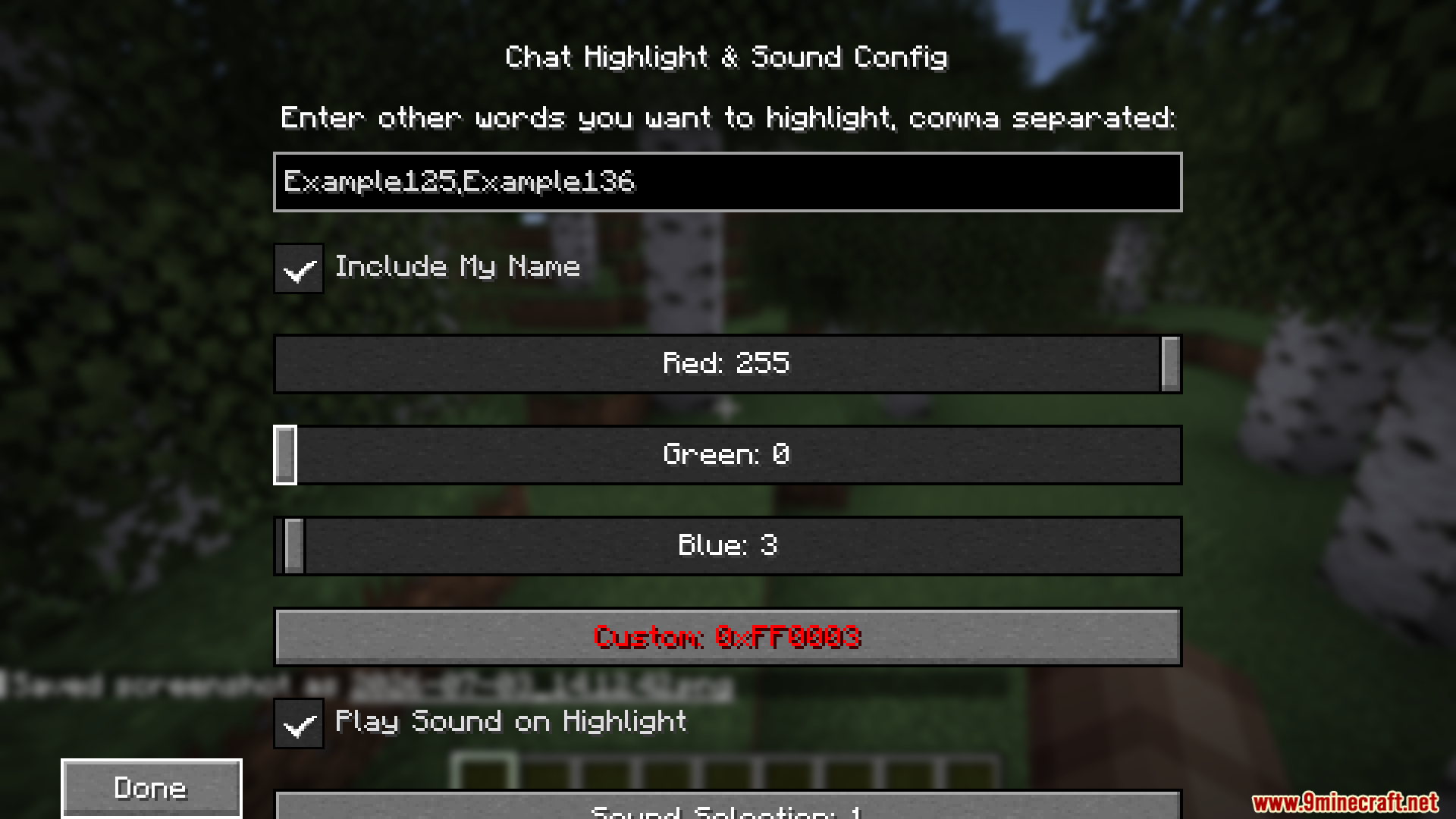
- Highlights the chosen words in a color you select so they stand out from normal text.
- Plays a sound effect to grab your attention when someone types your tracked keywords.
- Lets you change the highlight color at any time in the settings menu.
How to Use:
- If you play on Fabric, press U on your keyboard to open the settings screen.
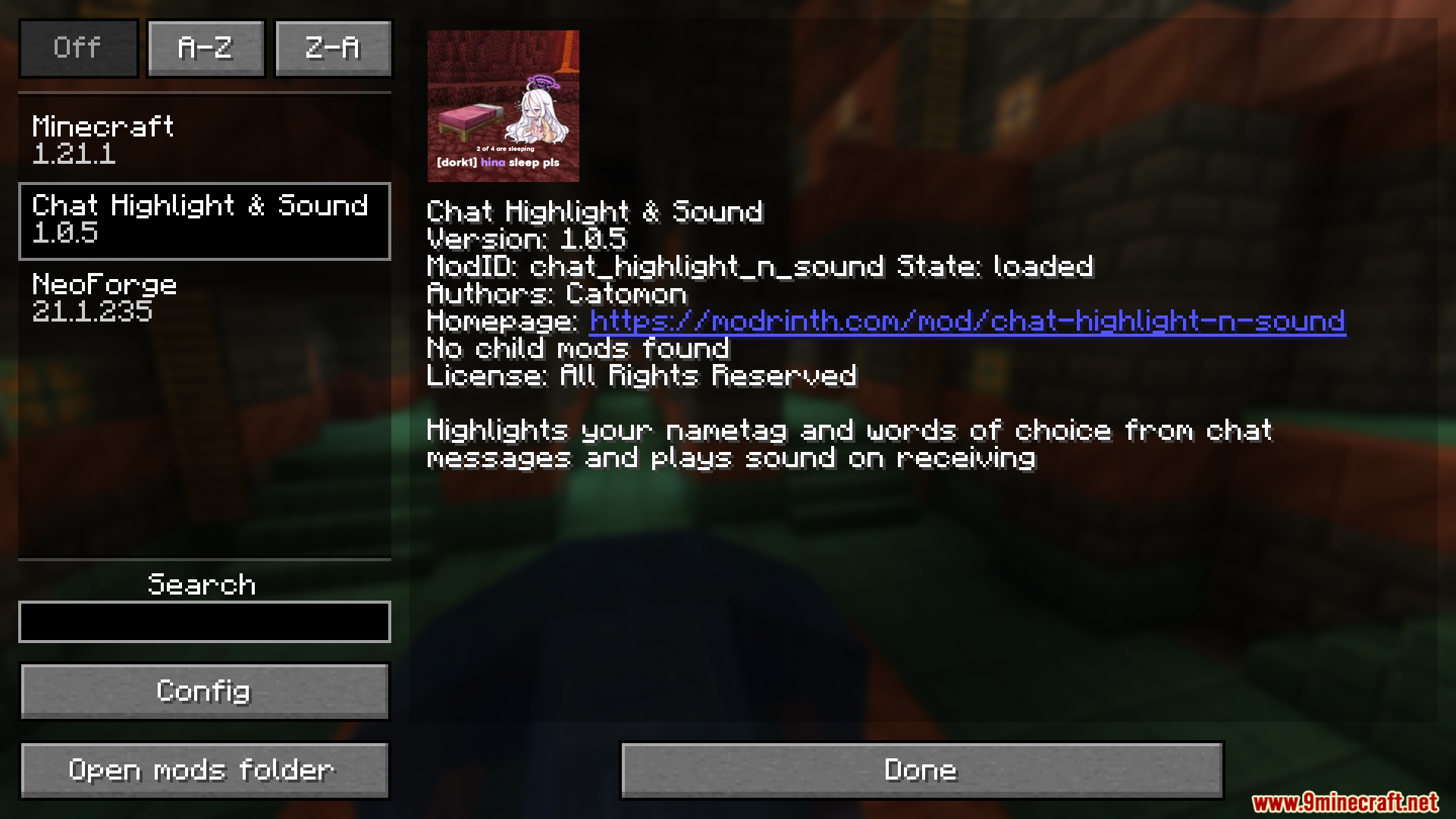
- If you play on Forge, open the main menu, click the Mods button, and select the config option.
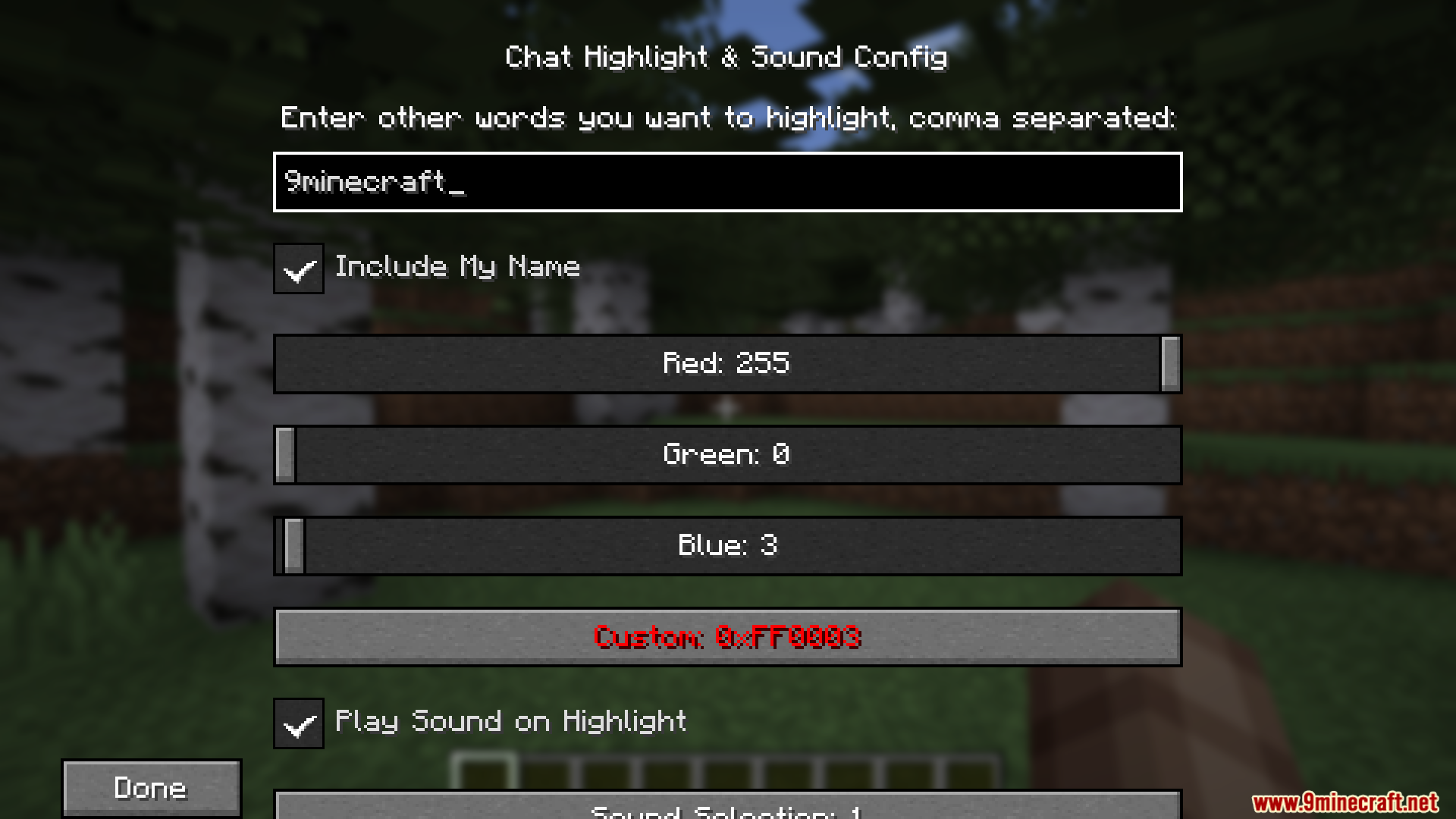
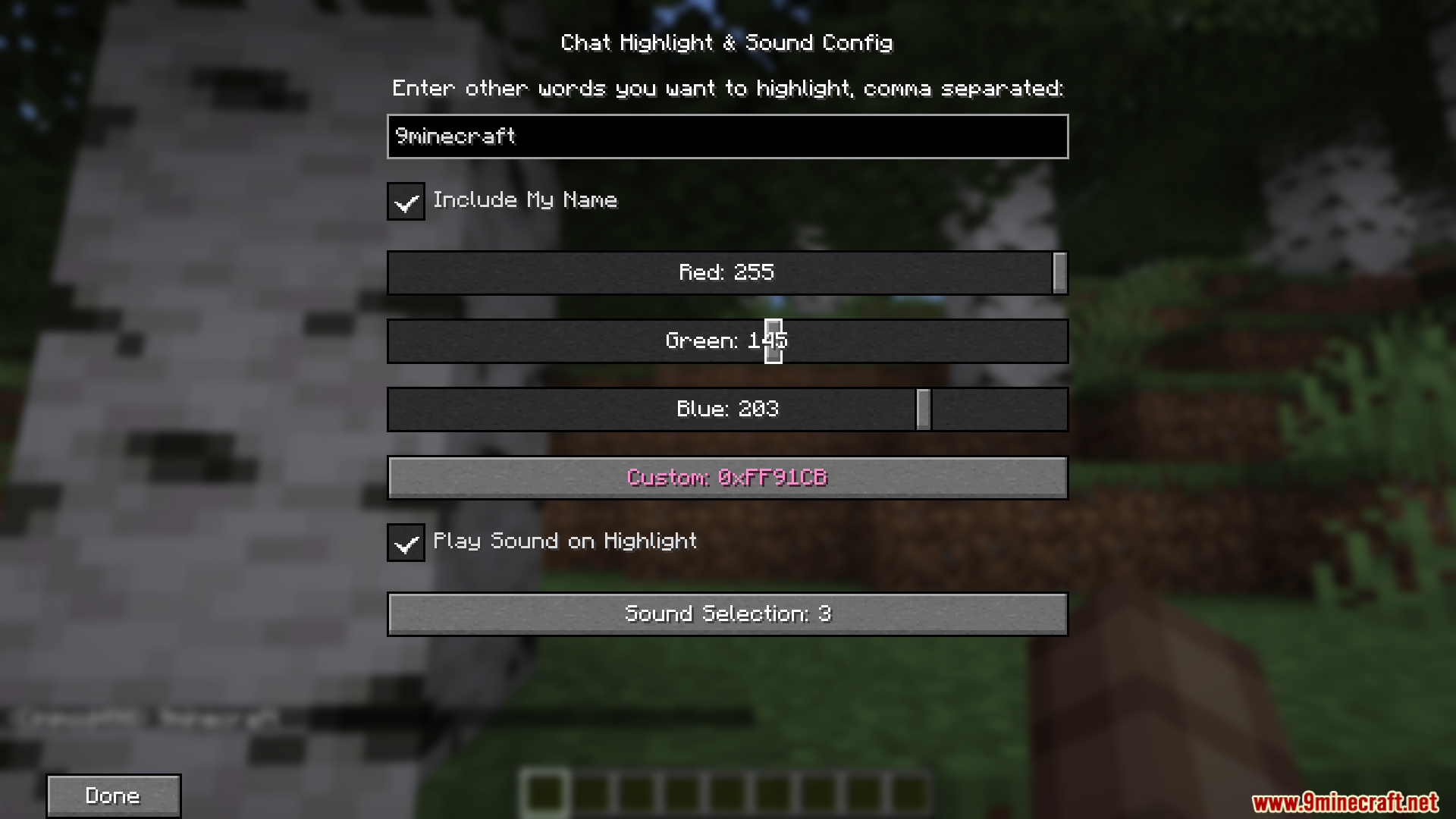
- Add the words you want to track, pick a highlight color, and choose a sound alert.
- Save your changes to start seeing alerts in the chat window.
Screenshots:
How to Install:
New to Minecraft? Follow our step-by-step guide to install Mods on your PC.View Guide




Chat Highlight N Sound Mod Download Links
For Minecraft 26.2
For Minecraft 26.1.2, 26.1.1, 26.1
For Minecraft 1.21.11, 1.21.10, 1.21.9
For Minecraft 1.21.10, 1.21.9
For Minecraft 1.21.8, 1.21.7, 1.21.6
For Minecraft 1.21.1, 1.21
For Minecraft 1.20.1, 1.20
Click to rate this post!
[Total: 1 Average: 5]
You May Also Like







This post has no comments yet. Be the first — your comment will appear here.