🌐 Good news — we've translated this article into other languages!
Or pick the one you like:

Construction Wand 9minecraft Mod lets you place huge rows of blocks all at once. Instead of clicking one by one, you can build a whole wall, floor, or path in a single second. The wands take blocks straight from your inventory to build the shape you want. This saves you hours of time when making big houses or long roads. It works well in survival mode by using your own materials and taking durability damage over time.
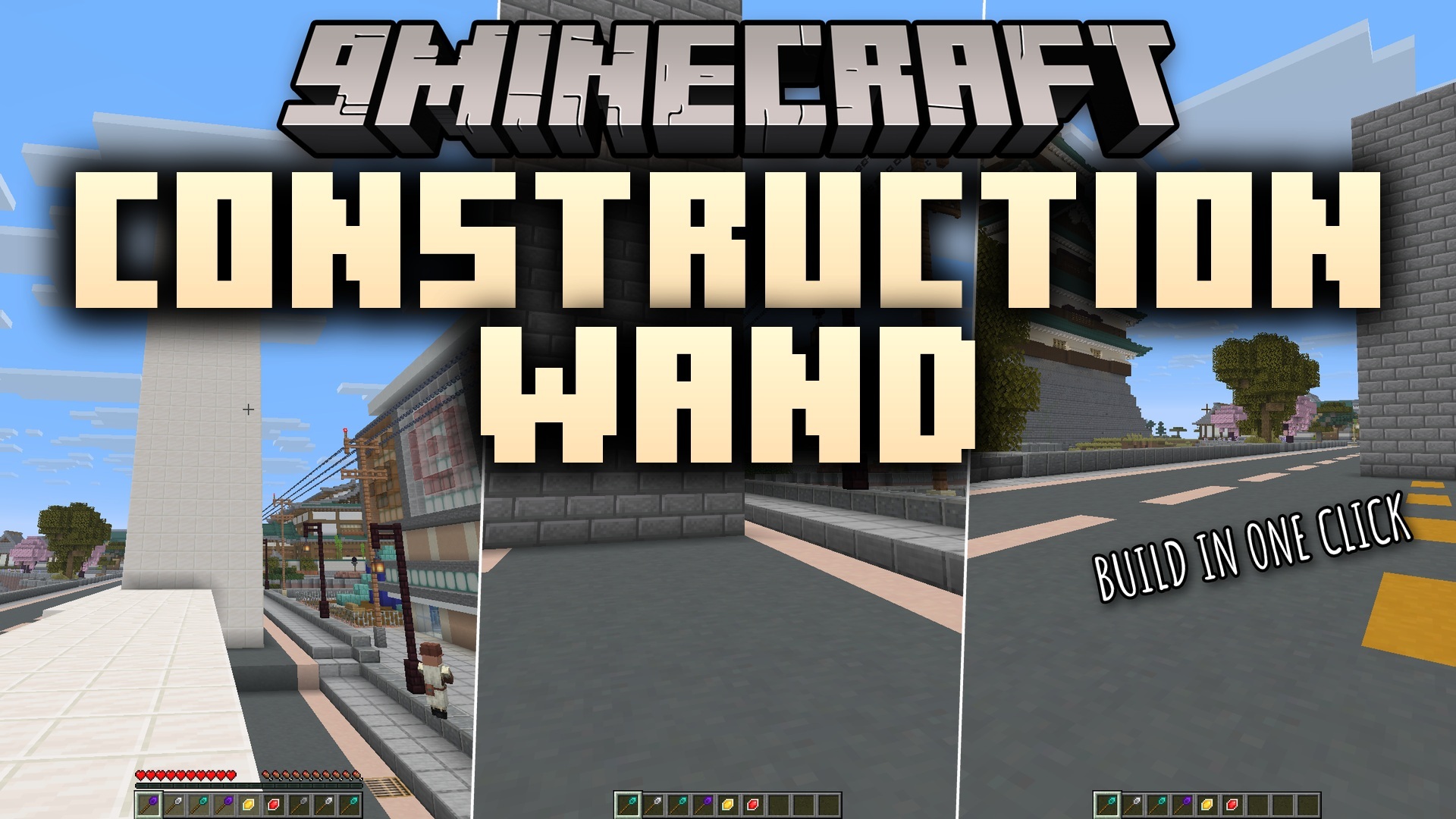
The Construction Wand 9minecraft Mod adds a set of building wands that place a whole row, wall, or floor of matching blocks in a single right-click, with Stone, Iron, Diamond, and Infinity tiers that reach from a handful of blocks up to thousands, a wand-options menu for direction, matching, and replacement, an Angel core for placing blocks in mid-air, and an undo for the last placement

Features:

  • Undo Mistake: Reverses your last build in one step, so you do not have to break bad blocks by hand.
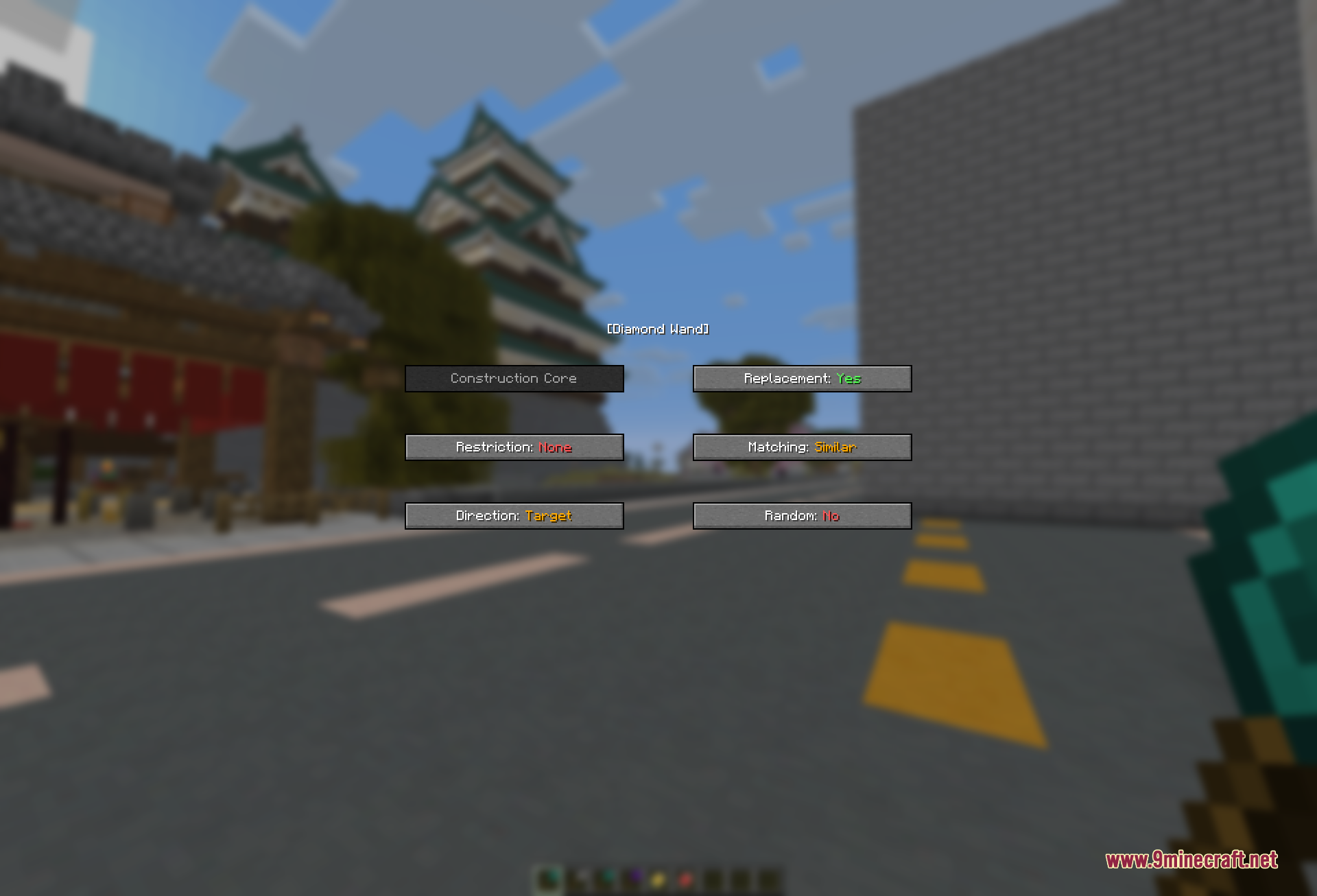
  • Wand Menu: Opens a small screen when you right-click the air, letting you change how the wand acts.
  • Mixes blocks from your inventory randomly to make a cool textured wall or path.
  • Lets you replace old blocks with new ones directly without breaking them first.
  • Fits right into normal play because you craft the wands with common items.

Wand Tiers:

  • Stone Wand: The starter tool that places a short line of blocks.
  • Iron Wand: A better tool that handles bigger lines.
  • Diamond Wand: Places up to one hundred and twenty-eight blocks in one click.
  • Infinity Wand: A massive tool that places up to two thousand blocks at once for huge projects.

Wand Upgrades:

  • Angel Core: Lets you place blocks floating in the air without needing a block underneath.
  • Destruction Core: Adds the power to break whole rows of blocks at once.

How to Use:

  1. Craft a wand using normal materials at a crafting table.
  2. Put the blocks you want to build with in your inventory or off-hand.
  3. Point your crosshair at the side of an existing block.
  4. Right-click to place a whole row or wall of blocks instantly.
  5. Right-click the wand in the empty air to open the options menu and change your settings.

Screenshots:
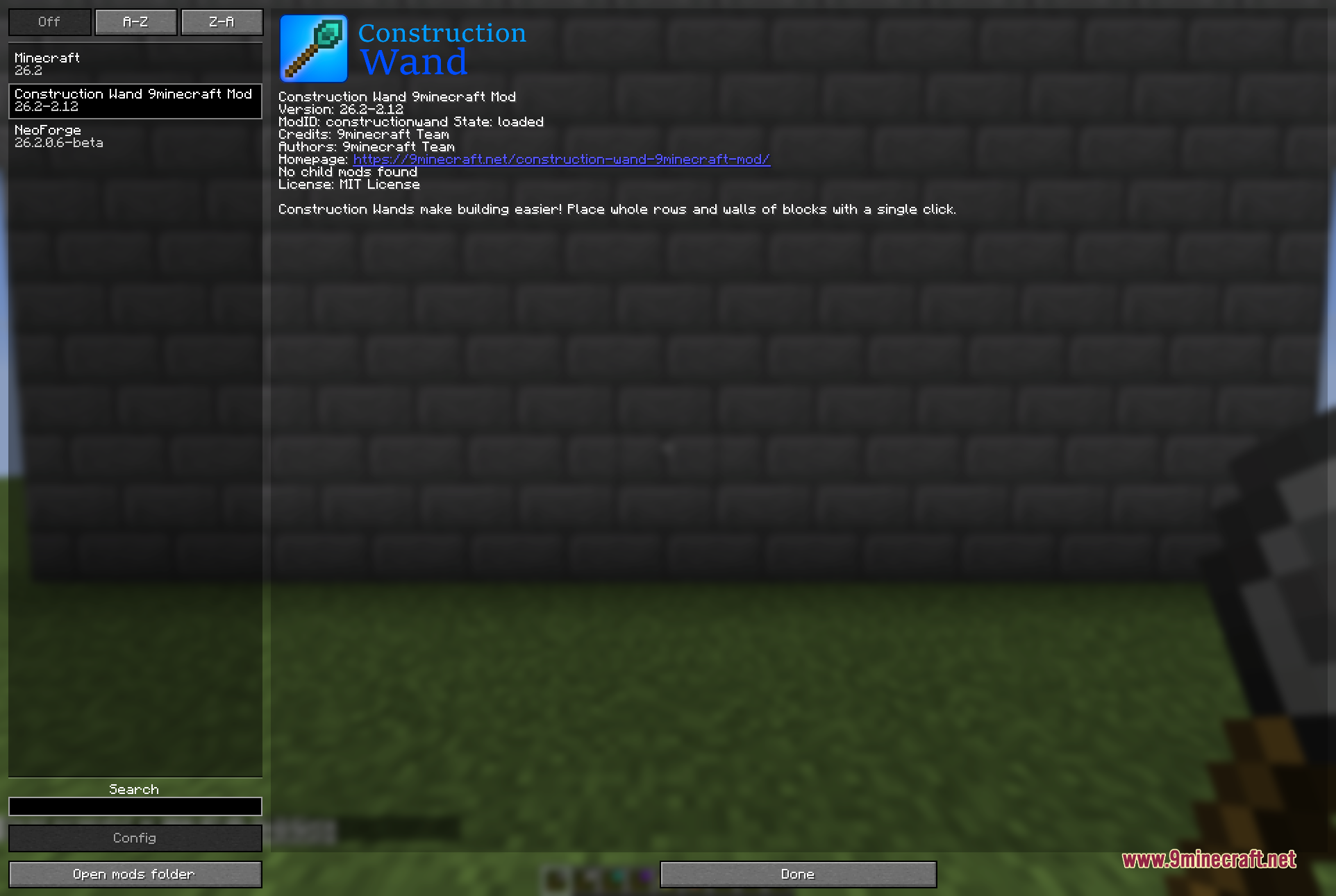
The mod's entry in the in-game mods list, showing it loaded with its 9minecraft Team credits, a clickable homepage link, and the tagline that its wands make building easier by placing whole rows and walls of blocks with a single click
The mod’s entry in the in-game mods list, showing it loaded with its 9minecraft Team credits, a clickable homepage link, and the tagline that its wands make building easier by placing whole rows and walls of blocks with a single click
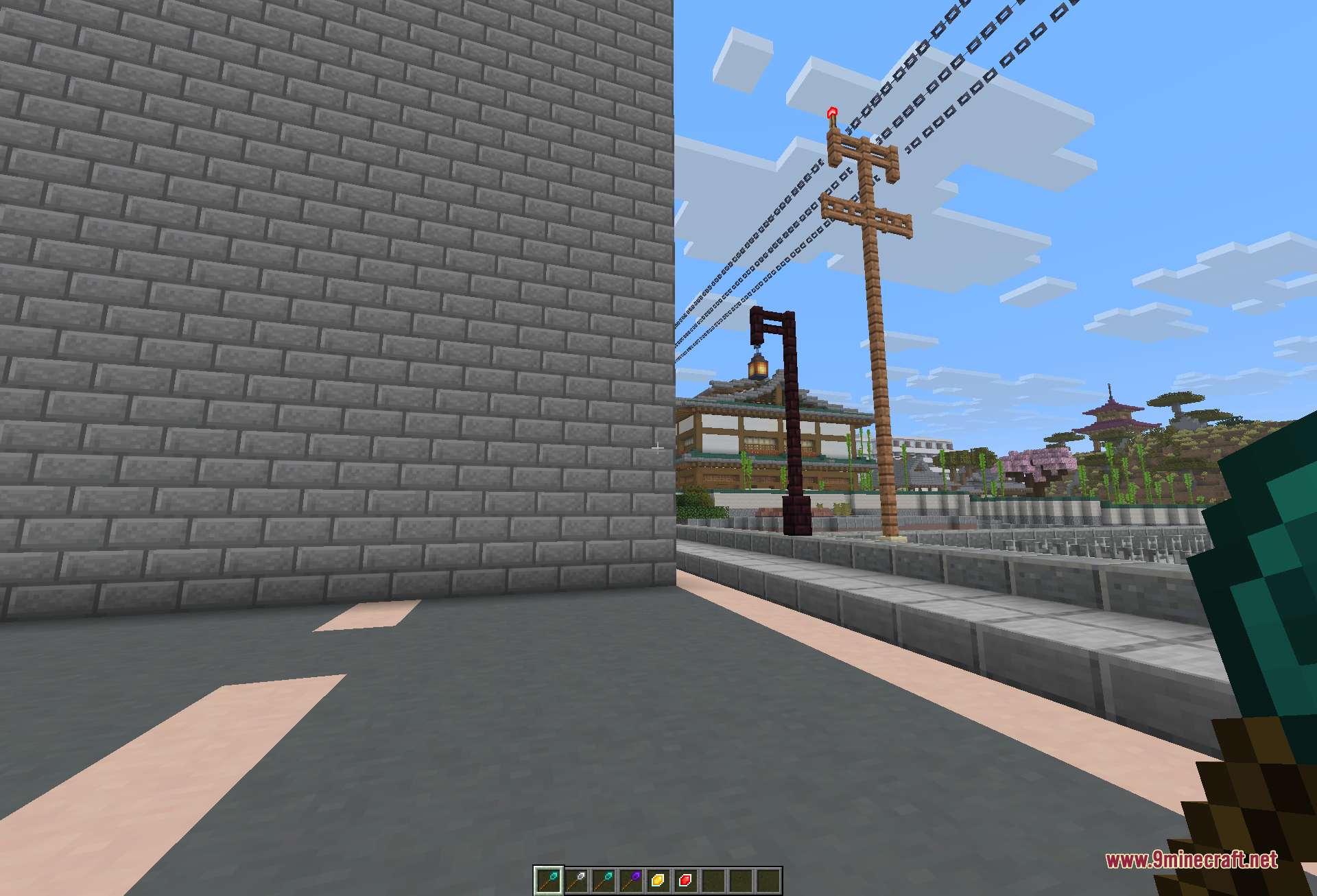
A tall grey stone-brick wall raised in one action beside a paved road, with the wand and its crafting materials sitting in the hotbar and a Japanese-style town in the background
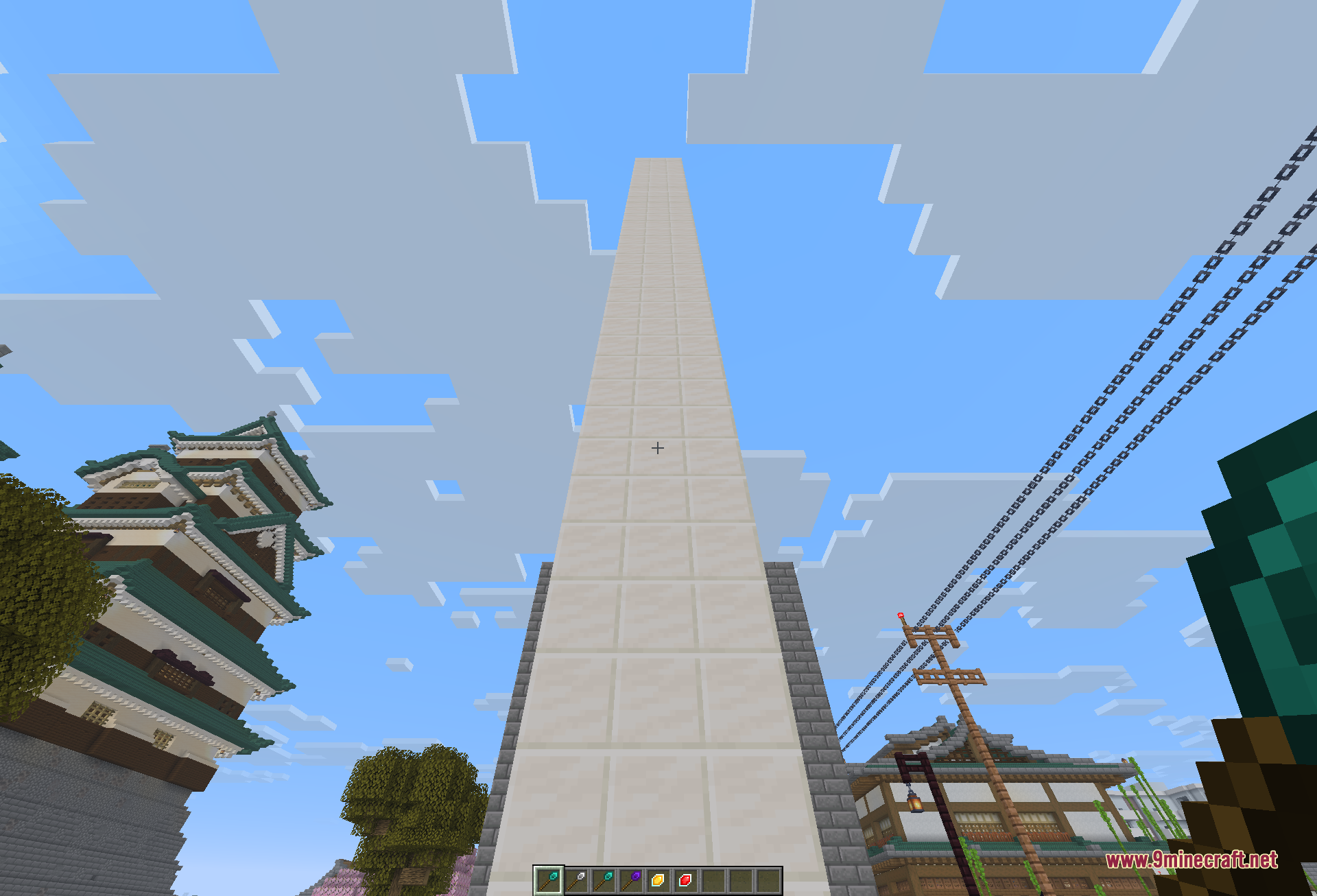
Looking straight up a towering white pillar that was extended high into the sky in a single wand action, framed by pagoda rooftops, power poles, and overhead wires
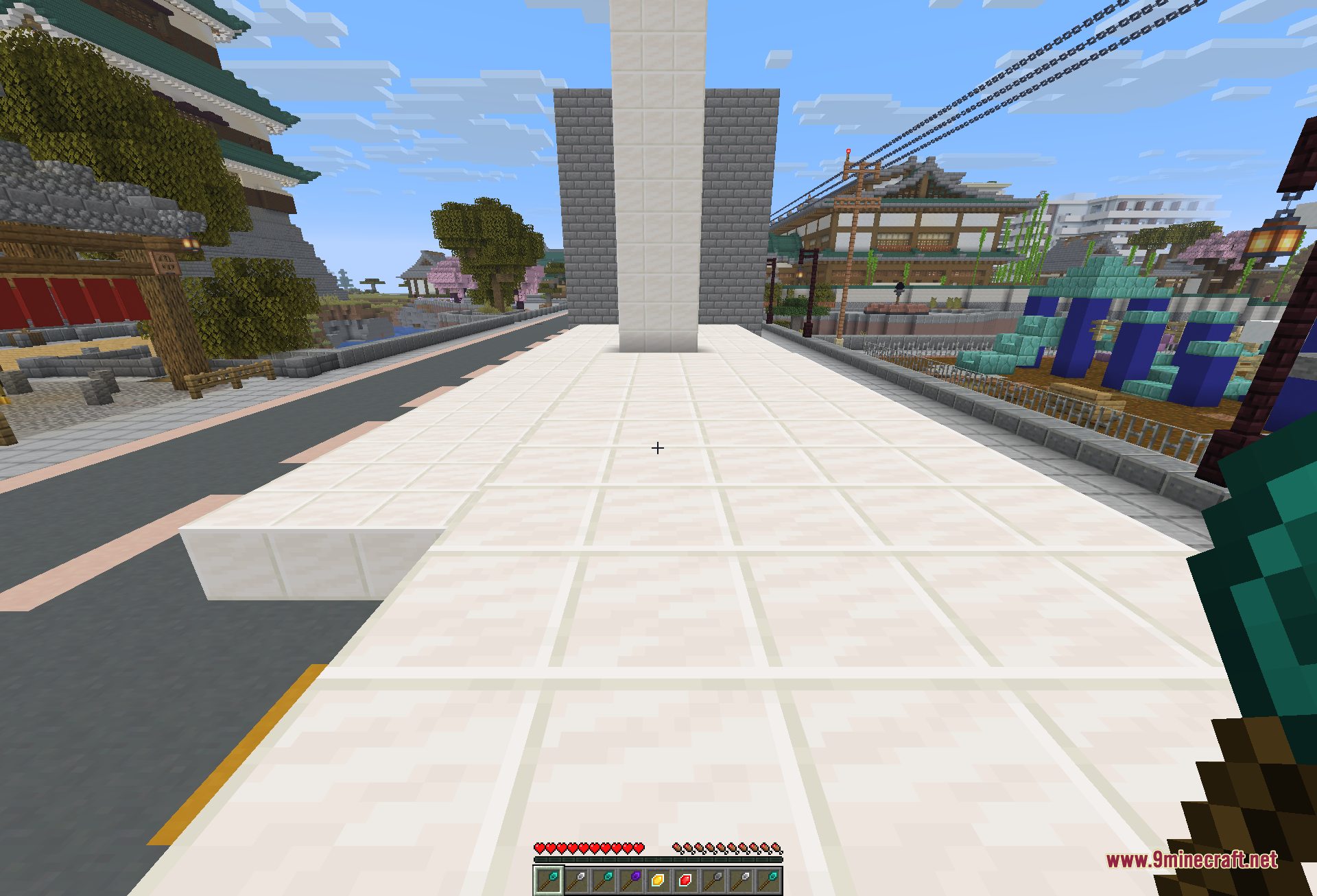
A wide white-tiled plaza floor filled in with the wand, running toward a tall white pillar with a green-roofed castle on the left and shops on the right
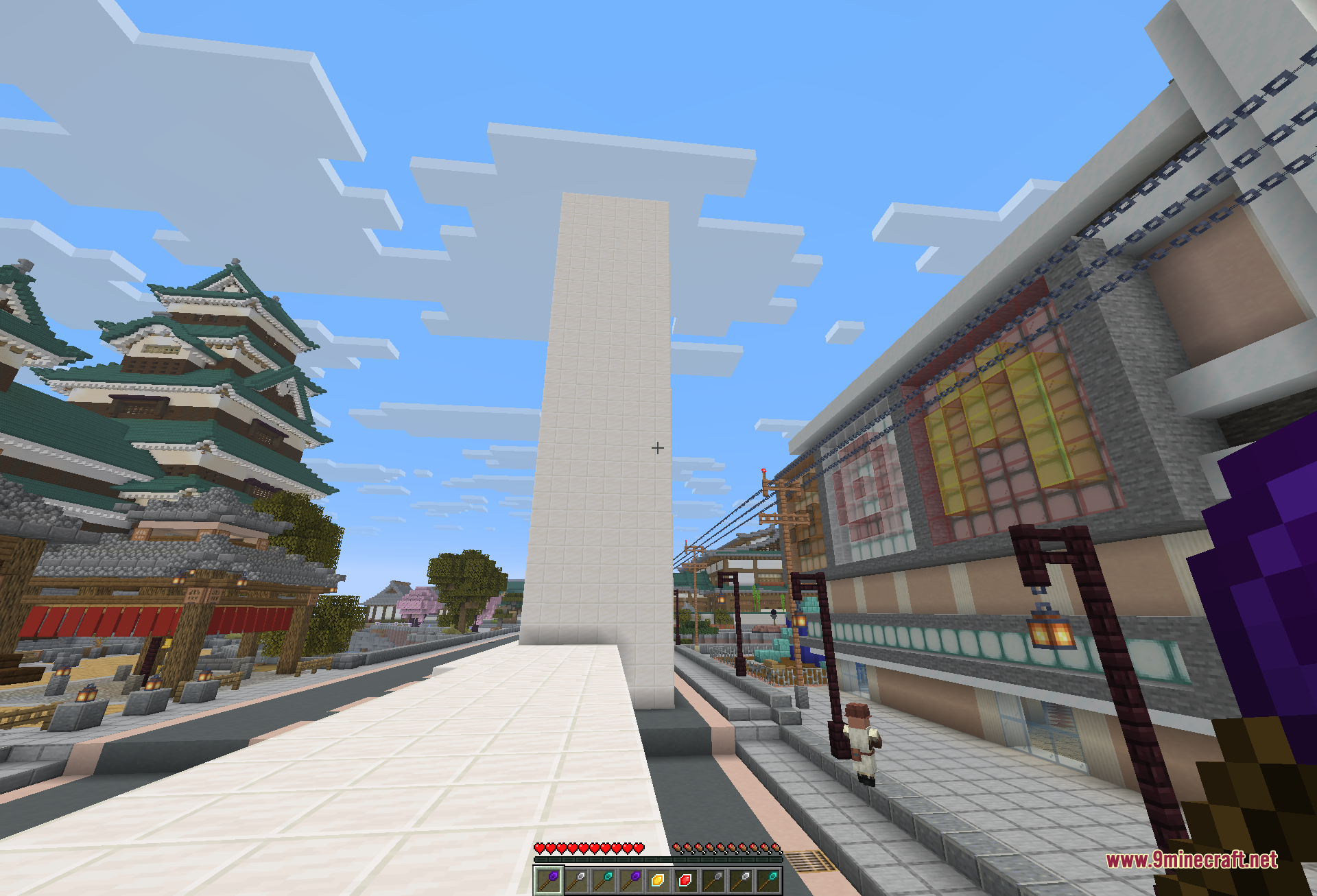
A tall white pillar built straight up along a paved street, standing between a castle keep and a row of townhouses
The Diamond Wand options menu open in-game, with buttons for the Construction Core, replacement, block restriction, matching mode, build direction, and random placement
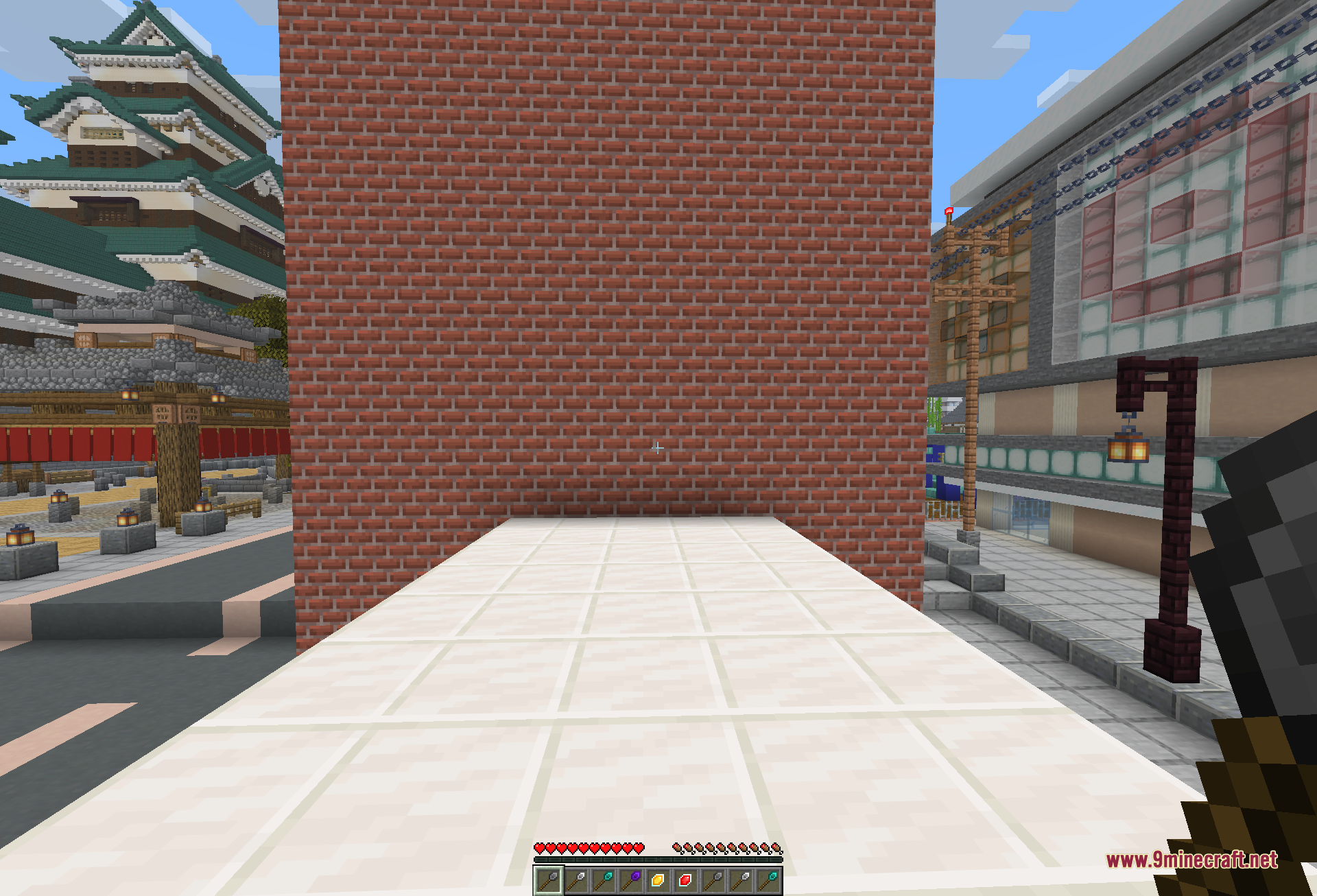
A large red-brick wall placed in one action, rising from a white-tiled walkway between a castle and a row of shops
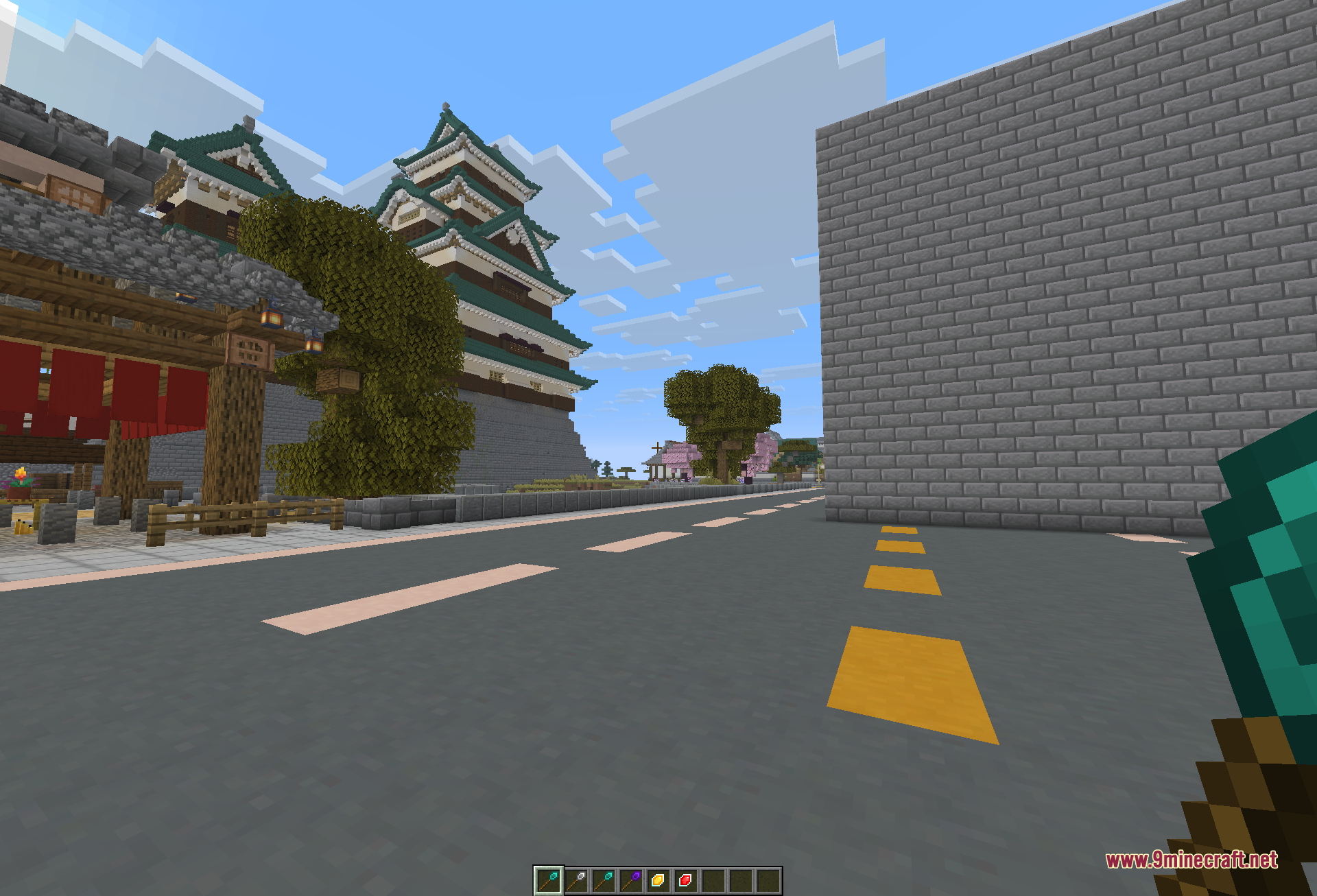
A long grey stone-brick wall extended along a road in a single click, with a castle keep, trees, and cherry blossoms in the distance
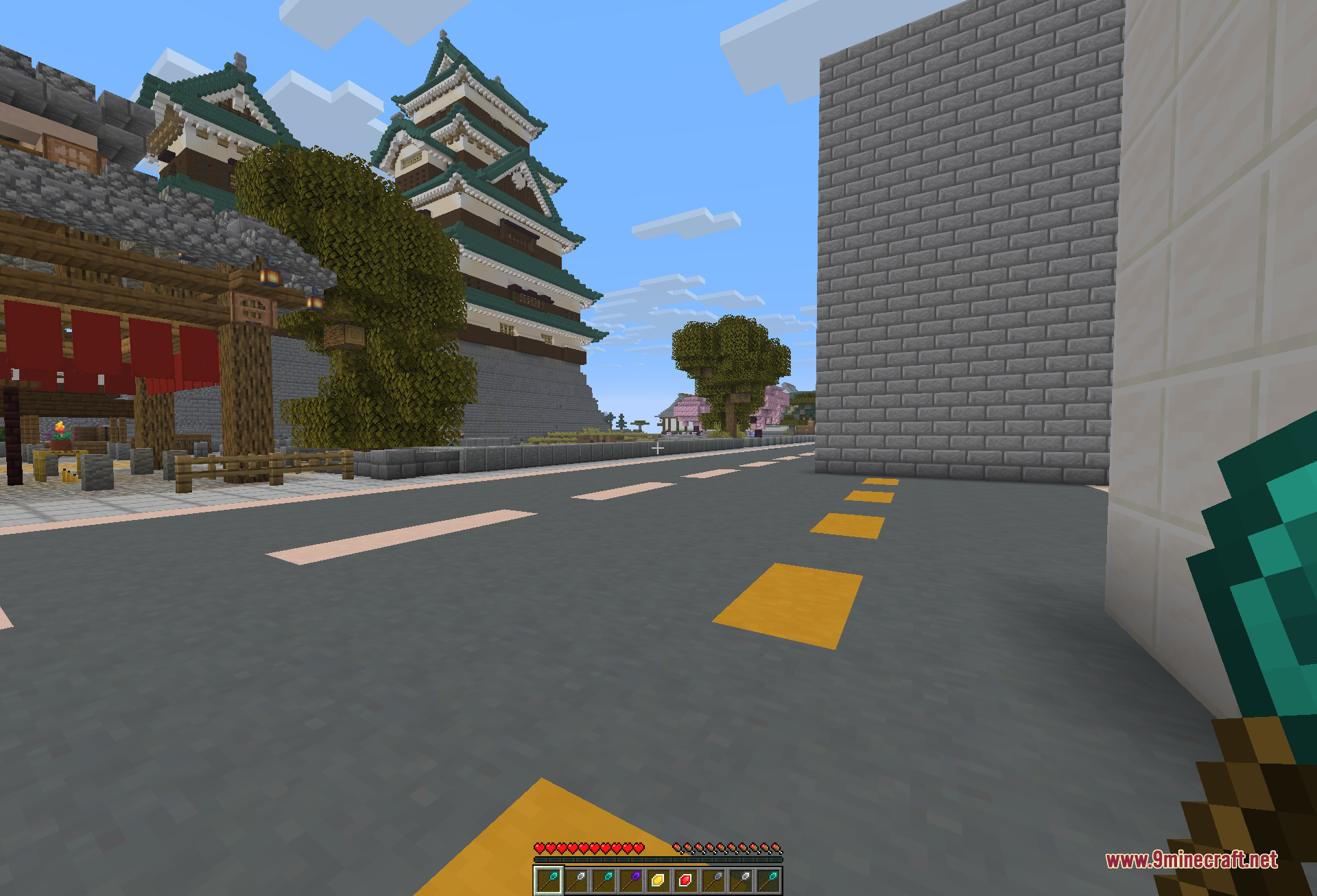
A themed city street lined with a tall grey wall on the right and a green-roofed castle on the left, showing a wall run built quickly with the wand
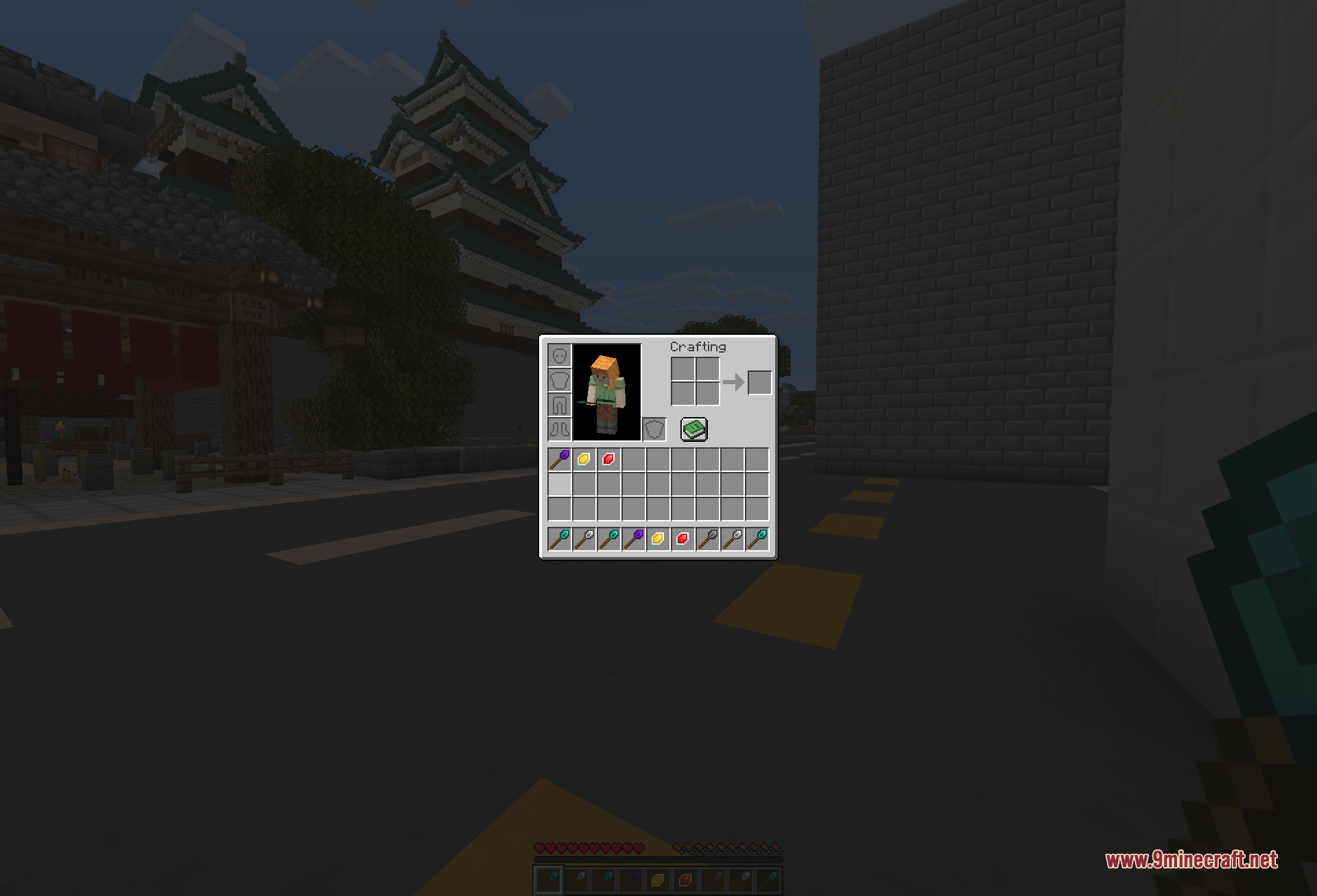
The player inventory open at dusk, showing the different wand tiers and their crafting ingredients laid out in the hotbar and inventory

Construction Wand 9minecraft Mod Download Links

Filter by

For Minecraft 26.2

Fabric 258 KB Jul 5, 2026
NeoForge 183 KB Jul 5, 2026

Click to rate this post!
[Total: 1 Average: 5]