
Construction Wand Mod (26.3, 1.20.1) – Build Walls in One Click

 0


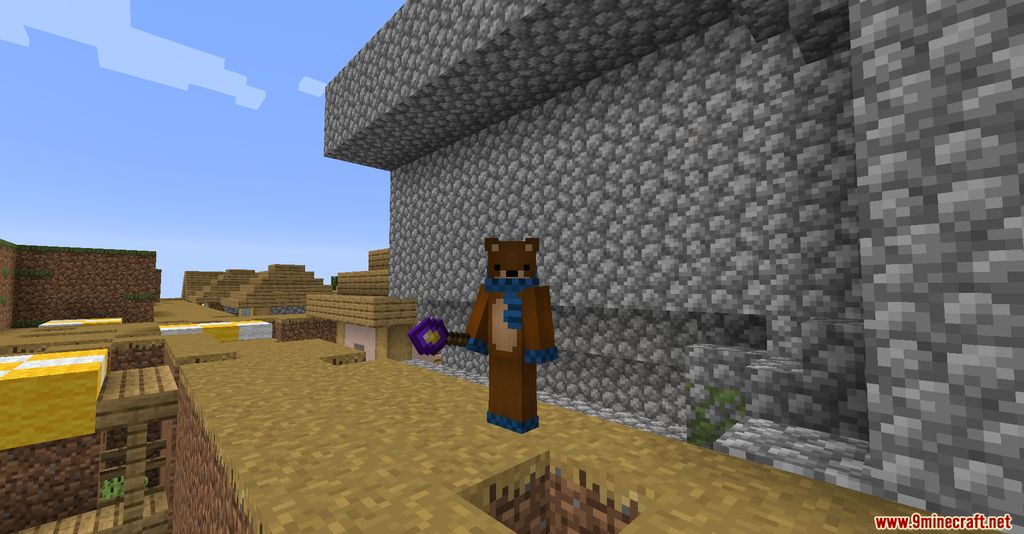
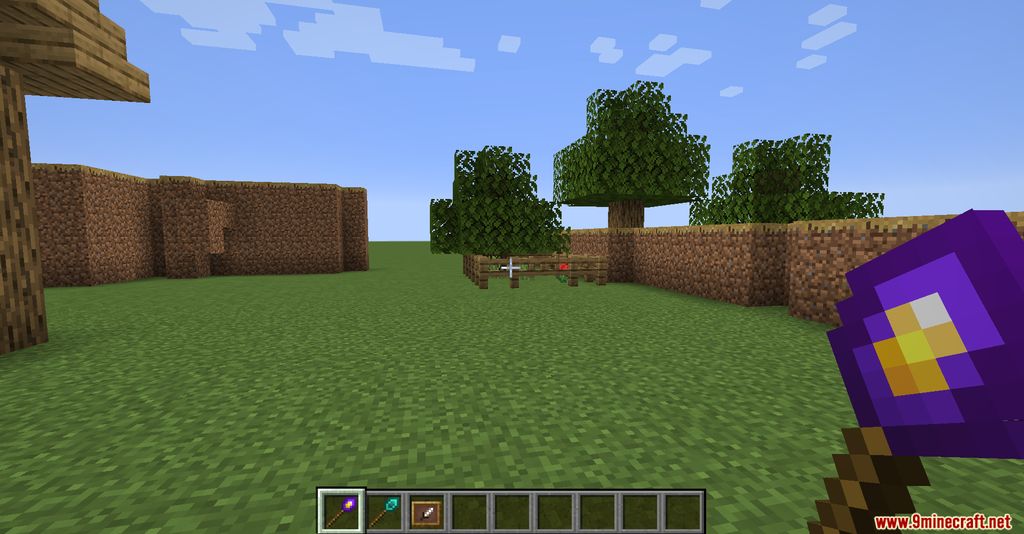
Construction Wand Mod adds four useful wands to Minecraft that make building large structures fast and simple. With it, you place up to 1,024 blocks at once on the side of a build you face. Higher tiers cover more blocks, last longer, and accept special core upgrades. These upgrades let you build behind walls, place blocks in midair, or clear blocks fast. The mod also includes an undo option so you easily fix accidental placements.
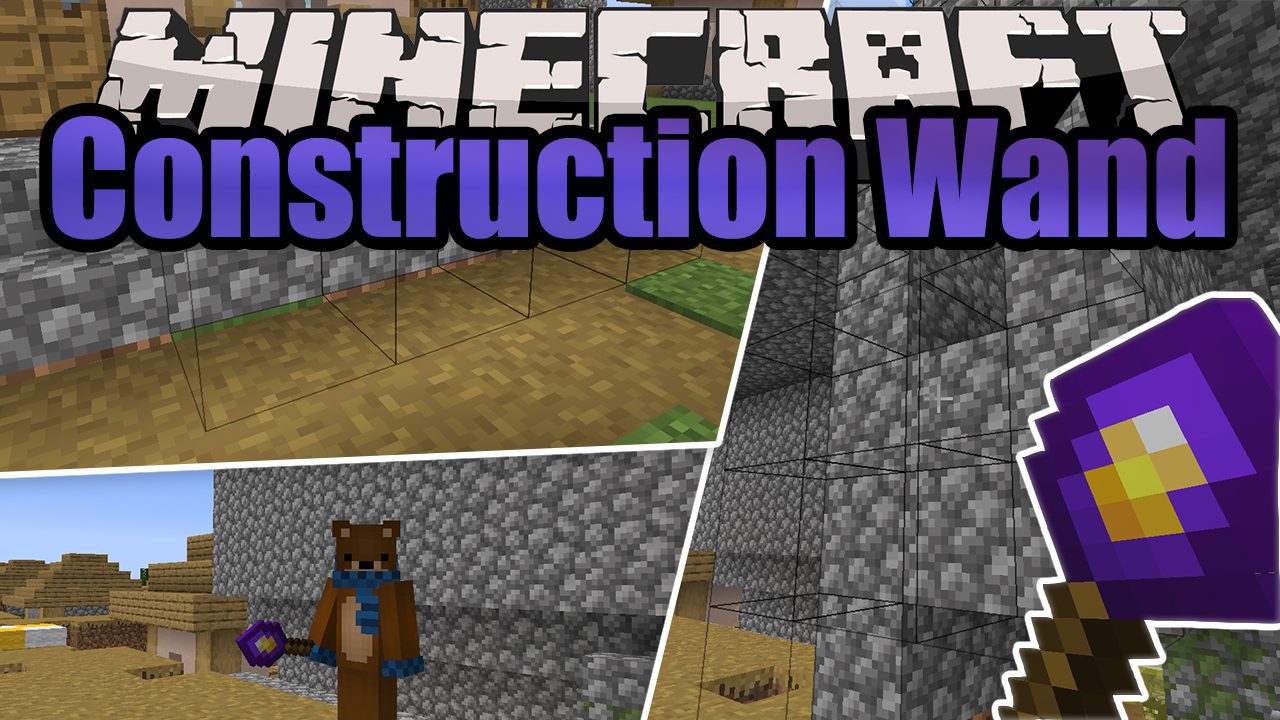
Features:
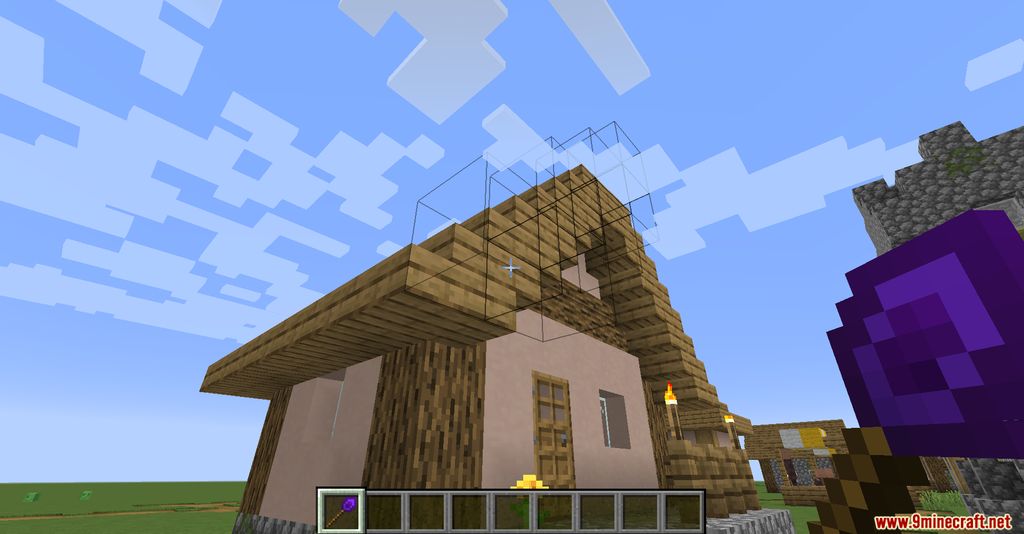
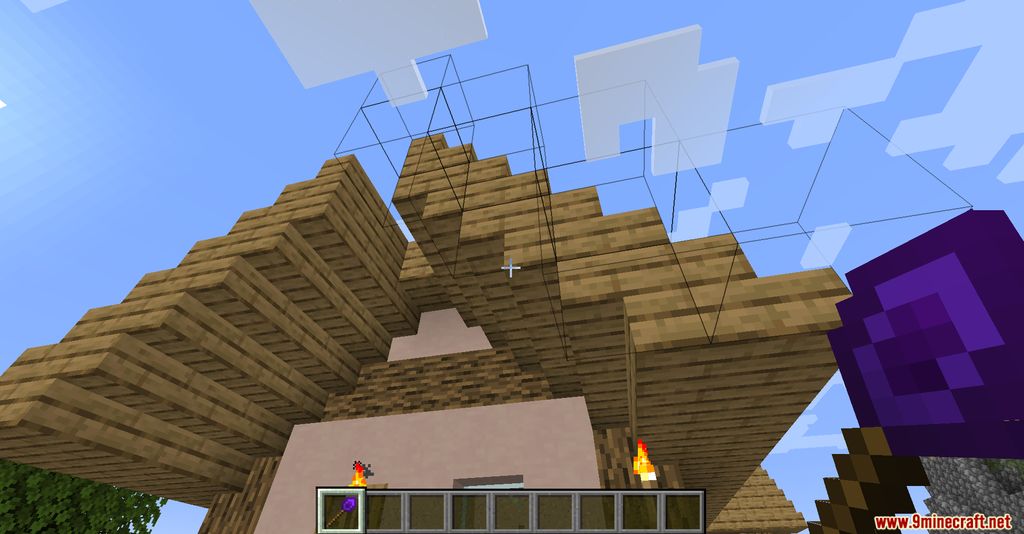
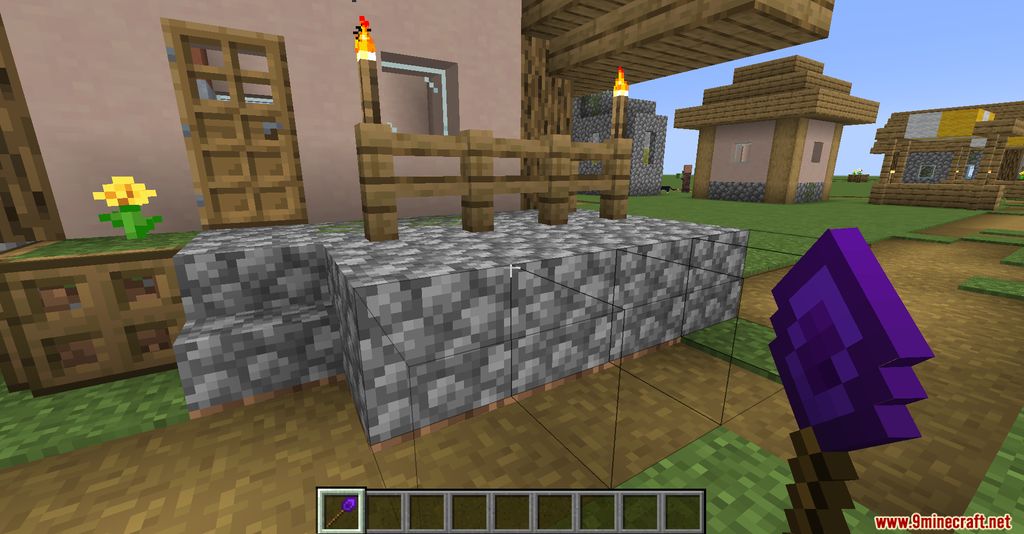
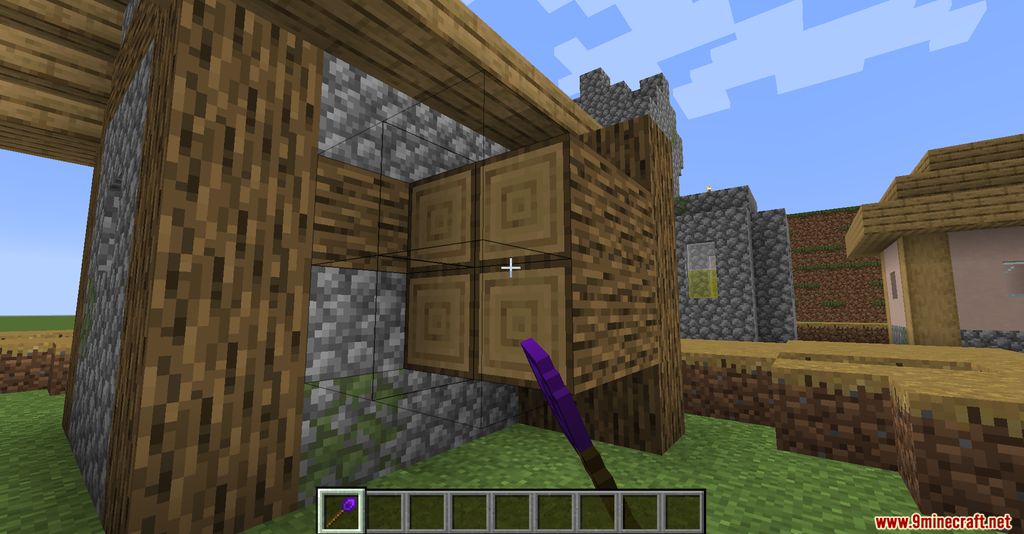
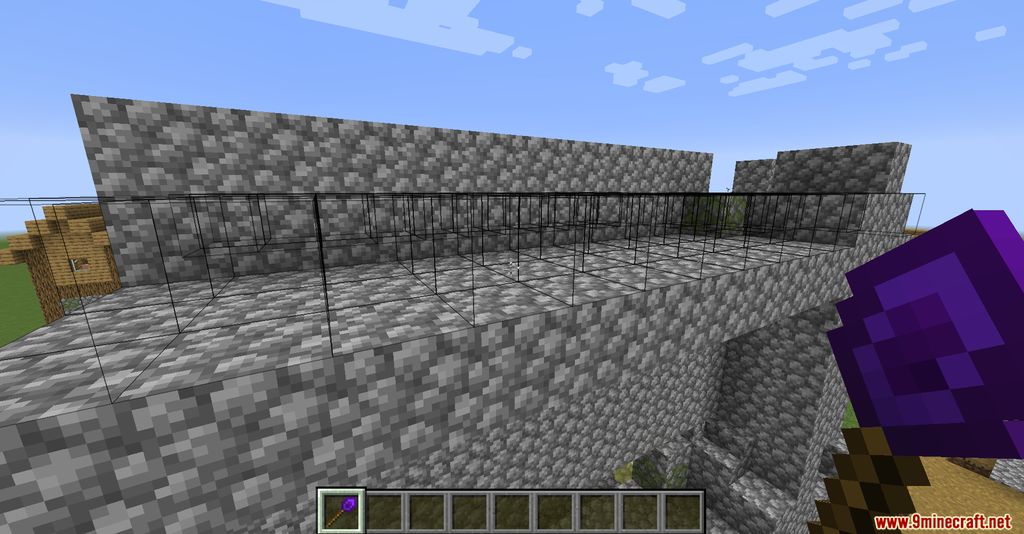
- Mass Block Placement: Places up to 1,024 blocks at one time to extend builds on the side facing you.
- Undo Action: Reverses your last placement to return your items, or restores blocks removed with the Destruction core.
- Smart Building Options: Lets you lock placement to rows or columns, adjust block direction, replace tall grass or fluids, match exact or similar blocks, or place random hotbar blocks.
- Pulls blocks directly out of shulker boxes in your inventory so you keep building without stopping.
- Places blocks held in your offhand instead of matching the block you look at.
- Works with Botania items like the Black Hole Talisman for block storage, and the Rod of the Lands or Rod of the Depths to supply dirt and cobblestone using Mana.
- Tracks the total number of blocks placed with wands in your game statistics.
- Includes a blacklist and whitelist system for modded tile entities to prevent invisible or unbreakable ghost blocks.
Wand Tiers:
| Wand | Durability | Max Blocks | Upgradeable | Angel Distance | Max Destroy |
|---|---|---|---|---|---|
| Stone | 131 | 9 | No | – | – |
| Iron | 250 | 27 | Yes | 1 | 9 |
| Diamond | 1561 | 128 | Yes | 4 | 25 |
| Infinity | Unbreakable (lava-proof) | 1024 | Yes | 8 | 81 |
Wand Cores:
- Construction Core: Comes installed on every wand and extends the side of a build facing you.
- Angel Core: Places blocks on the opposite side of a wall or row, and places blocks from your offhand in midair as long as you have not fallen more than 10 blocks.
- Destruction Core: Destroys multiple non-tile-entity blocks at once on the side facing you.
How to Use:
- Combine an Iron, Diamond, or Infinity wand with a new core in a crafting grid to install an upgrade.
- Hold CTRL (the default option key) and Left-Click empty space with your wand to switch between installed cores.
- Hold CTRL and Scroll your mouse wheel to change placement locks like Horizontal, Vertical, North/South, or East/West.
- Hold Sneak + CTRL and Right-Click empty space to open the wand options screen, where you change direction, block matching, fluid replacement, and random hotbar mode.
- Hold a block in your offhand and Right-Click empty space while using the Angel core to place a block in midair.
- Hold Shift + CTRL while looking at blocks to highlight your last action with a green border, then Right-Click to undo it.
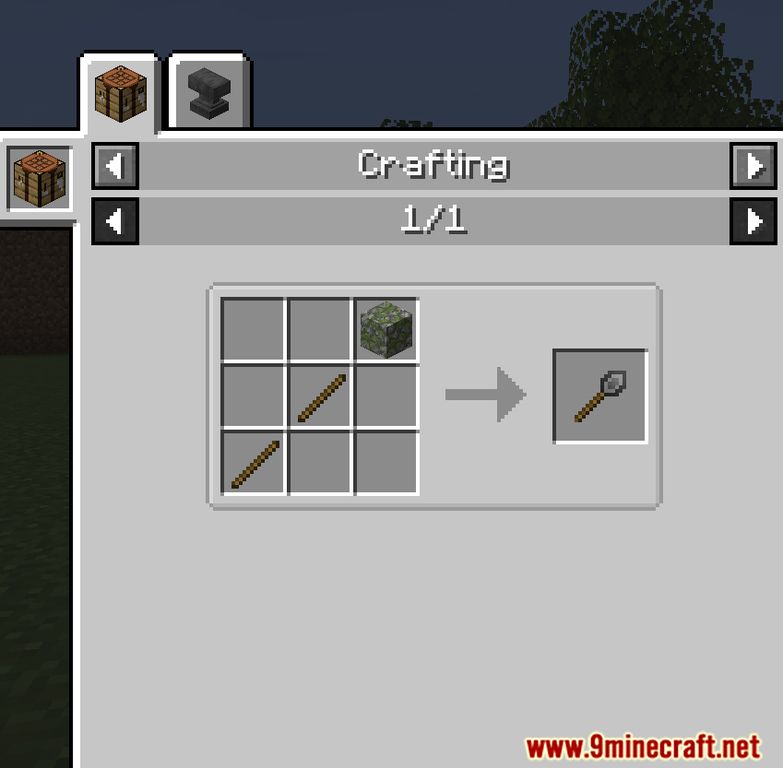
Crafting Recipes:
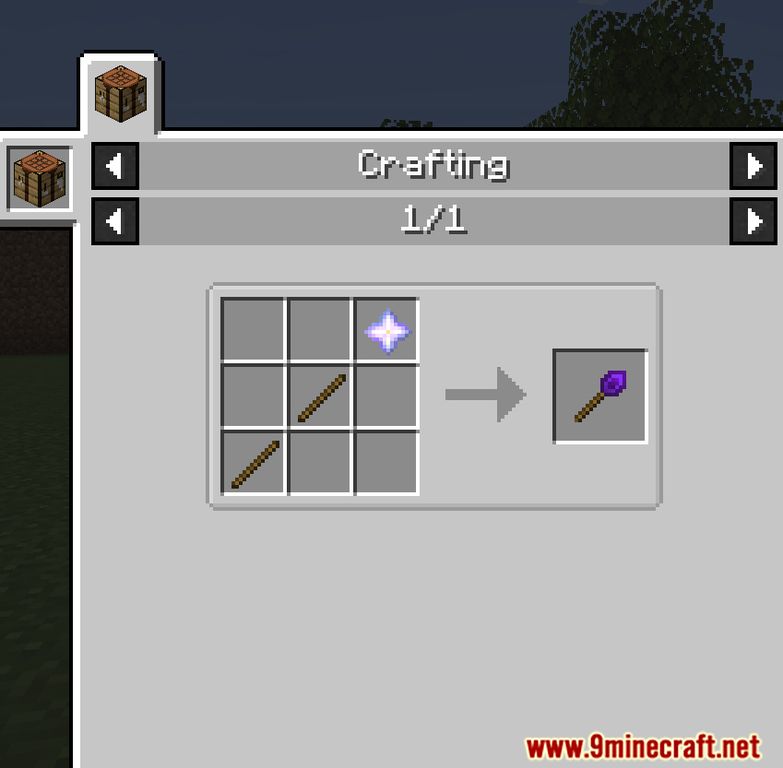
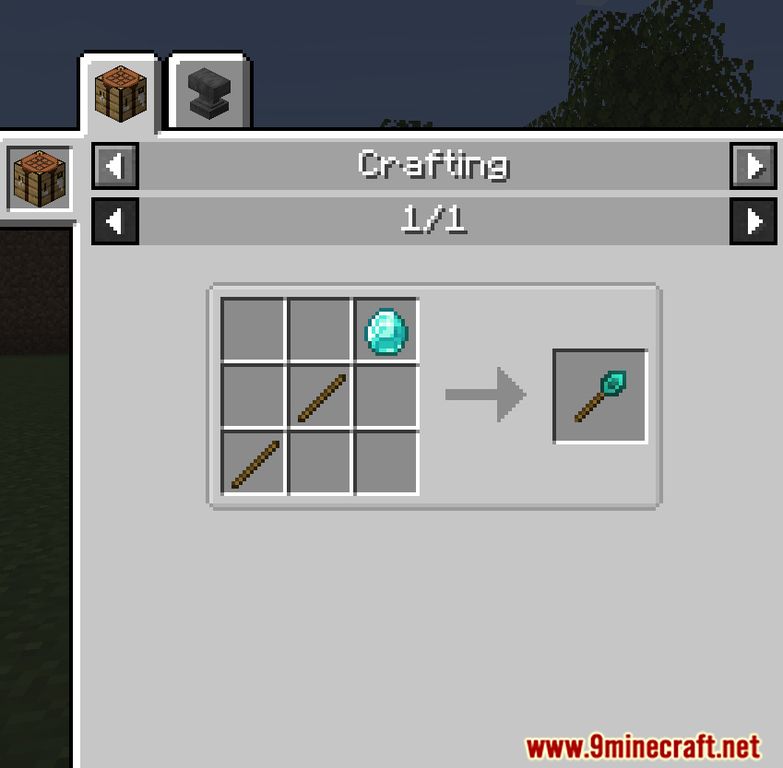
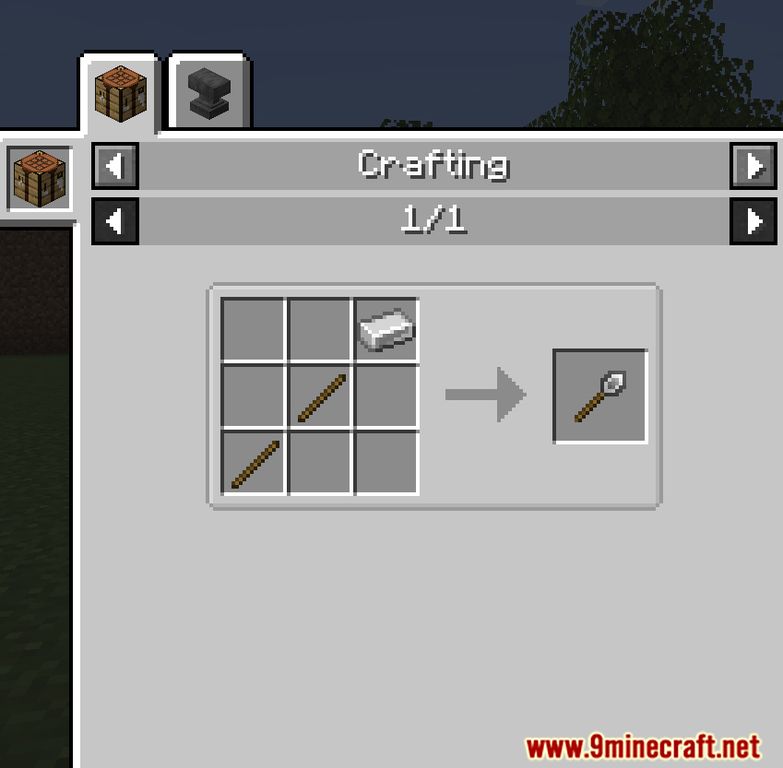
Screenshots:
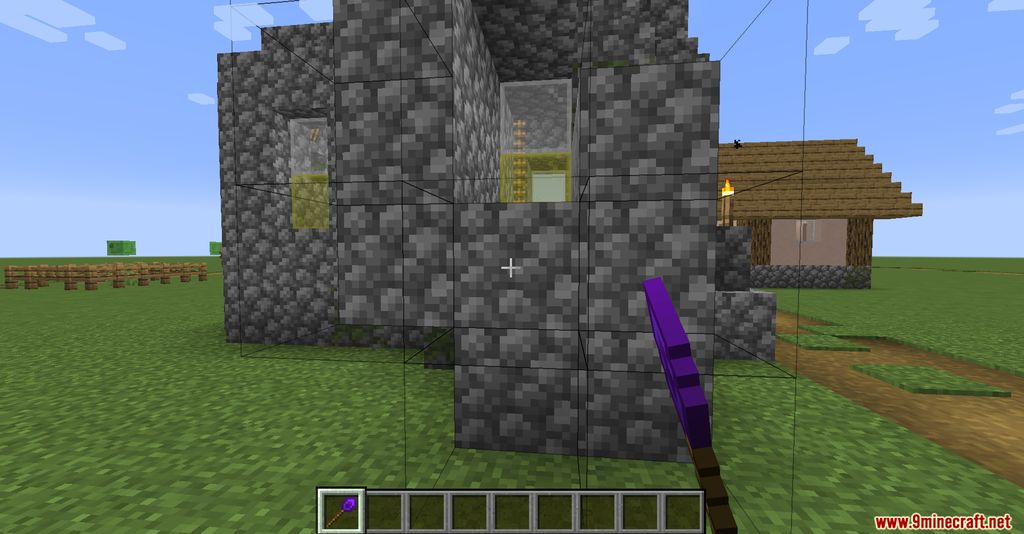
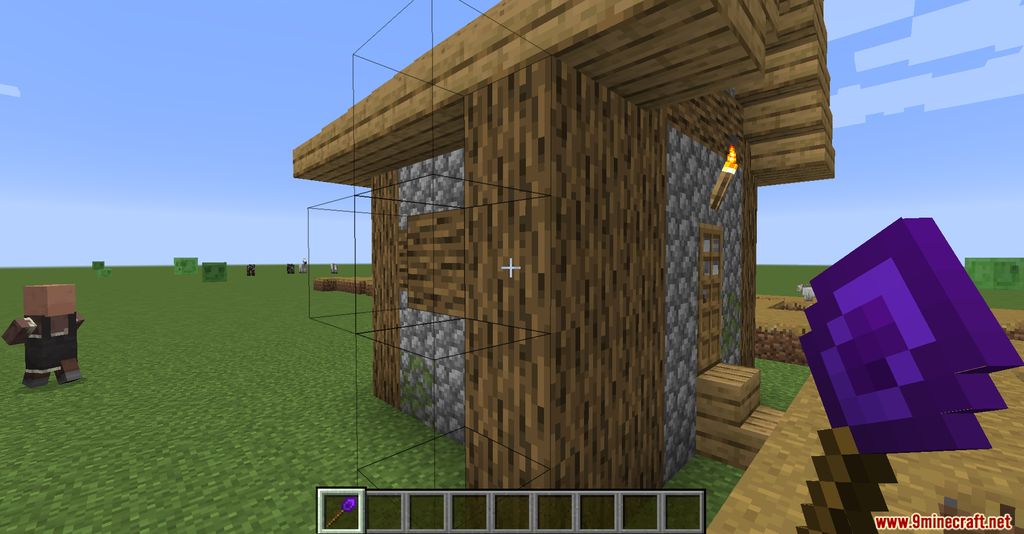
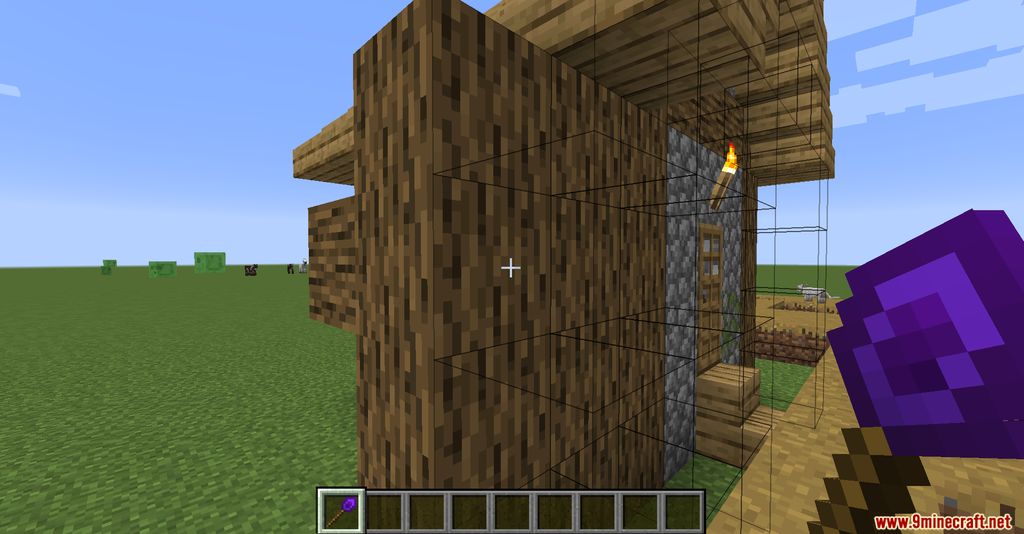
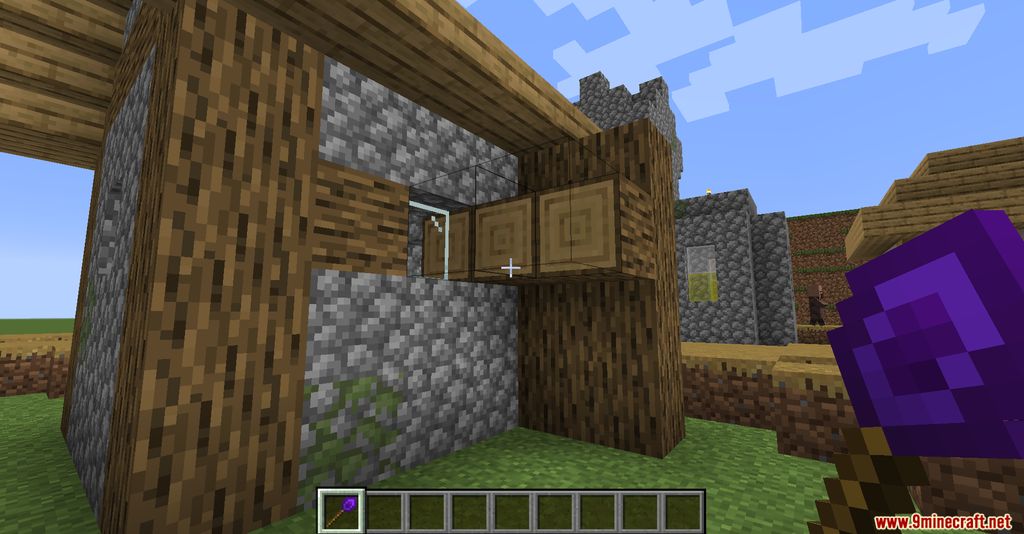
How to Install:
New to Minecraft? Follow our step-by-step guide to install Mods on your PC.View Guide


Construction Wand Mod Download Links
For the Latest Minecraft Versions
We've developed a brand-new version of Construction Wand called Construction Wand 9minecraft Mod with many new features, improvements, and continuous updates for the latest Minecraft versions. Download it here: https://www.9minecraft.net/construction-wand-9minecraft-mod/
For Minecraft 26.3
For Minecraft 26.2
For Minecraft 26.1.2, 26.1.1, 26.1
For Minecraft 1.21.11
For Minecraft 1.21.10, 1.21.9
For Minecraft 1.21.8, 1.21.7, 1.21.6
For Minecraft 1.21.5
For Minecraft 1.21.4
For Minecraft 1.21.3, 1.21.2
For Minecraft 1.21.1, 1.21
For Minecraft 1.20.2
For Minecraft 1.20.1, 1.20
For Minecraft 1.19.4
For Minecraft 1.19.3
For Minecraft 1.19.2
For Minecraft 1.18.2
For Minecraft 1.18.1
For Minecraft 1.17.1
For Minecraft 1.16.5
For Minecraft 1.15.2
For Minecraft 1.14.4
You May Also Like
Picked for this page
 ToLaserBlade Mod (26.1.2, 1.20.1) – Simple Sword with a Laser Blade
 Essentials Mod (1.21.11, 1.20.1) – Automate Various Areas of The Game
 Macaw’s Roofs Mod (26.3, 1.20.1) – Make a Sloped Roof Without Using Stairs
 Sleeping Bags Mod (26.3, 1.20.1) – Sleep Wherever You Want
 Macaw’s Paintings Mod (26.3, 1.20.1) – In-game Art Gallery
 Macaw’s Paths and Pavings Mod (26.3, 1.20.1) – Pathways and Sidewalks
 WorldEdit CUI Mod (26.3, 1.20.1) – A Graphical User Interface for WorldEdit
 Nutritious Milk Mod (26.3, 1.20.1) – Enhanced Effects for Drinking Milk
 Spice Of Fabric Mod (26.1.2, 1.20.1) – Food Containers
 Burn In The Sun Mod (26.3, 1.20.1) – Custom Sun Burn Entities
 Similsax Transtructors Mod (26.1.2, 1.20.1) – Makes Building More Fun
 Enchanted Golden Apple Addition Mod (26.2, 1.20.1) – New Recipes, Advancements
Most viewed in Mods over the last 7 days
 Ala Industrial Mod (26.3) – Run Electric Power Grids and Automated Factories
 PleasureCraft Mod (26.3, 1.21.1) – Jenny Mod Remake for Fabric
 Jennycraft Mod (26.3, 1.20.1) – Virtual Girlfriend in Minecraft
 Fapcraft Mod (26.3, 1.12.2) – Comprehensive and Detailed Content
 Jenny Mod (Fapcraft) Official Complete Guide – How to use, Tutorial
 BangCraft Mod (1.20.1) – Jenny, Ellie and Elliot
 Fabric Loader (26.3, 1.20.1) – Fabric Installer for All Minecraft Versions
 The Shooting Star Demo Mod (26.3, 1.20.1) – Vaporize Terrain From Orbit
 Meteor Client Mod (26.3, 1.20.1) – Xray, HUD, Fly
 OptiFine HD (26.3, 1.20.1) – Run Faster, FPS Boost, Shaders Support
 Aristois Client Mod (1.21.4, 1.20.1) – World Class Minecraft Utility
 Prestige Client Mod (1.21.11, 1.21.4) – Powerful Ghost Features for Crystal & Sword PvP
More from Mods
 Cafe Core Mod (26.2, 1.21.1) – Bypass Anvil Limits and Tame Pets in Seconds
 GTNH’s Forgelin Mod (1.7.10) – Play Kotlin-Powered Mods on Minecraft 1.7.10
 Nodeflow Mod (26.1.2, 1.21.1) – Wire Custom Redstone Logic on Visual Graph
 Winter Client Mod (1.21.11) – Survive Ruthless PvP on Anarchy Servers
 LARP Client Mod (1.21.11) – Dominate Crystal PvP on Anarchy Servers
 Berlin Client Mod (1.21.11) – Hunt Stashes and Win Crystal Fights
 Kaleidoscope Cookery Refabricated Mod (26.3, 1.20.1) – Cook Hearty Meals
 Minecraft MusicBox Mod (1.21.12) – Play Your Favorite Songs While Mining and Building
 MTR Navigation Mod (1.21.1) – Plan Railway Trips and Never Miss a Train Stop
 TheHouse Mod (1.21.11) – Host Casino Tables and Track Every Bet in Real Time
 CinematicInteractions Mod (1.21.1) – Watch Your Hands Work at Every Crafting Table
 Earth Platform Mod (1.21.1) – Travel Across Real Continents in a True Scale World

This post has no comments yet. Be the first — your comment will appear here.