


Shadows Z Mod (1.21.1, 1.20.1) – Resurrect Defeated Mobs to Build a Shadow Army
 58
58
 0
0


🌐 Read this article in your language! Choose your preferred language below.
Or pick the one you like:
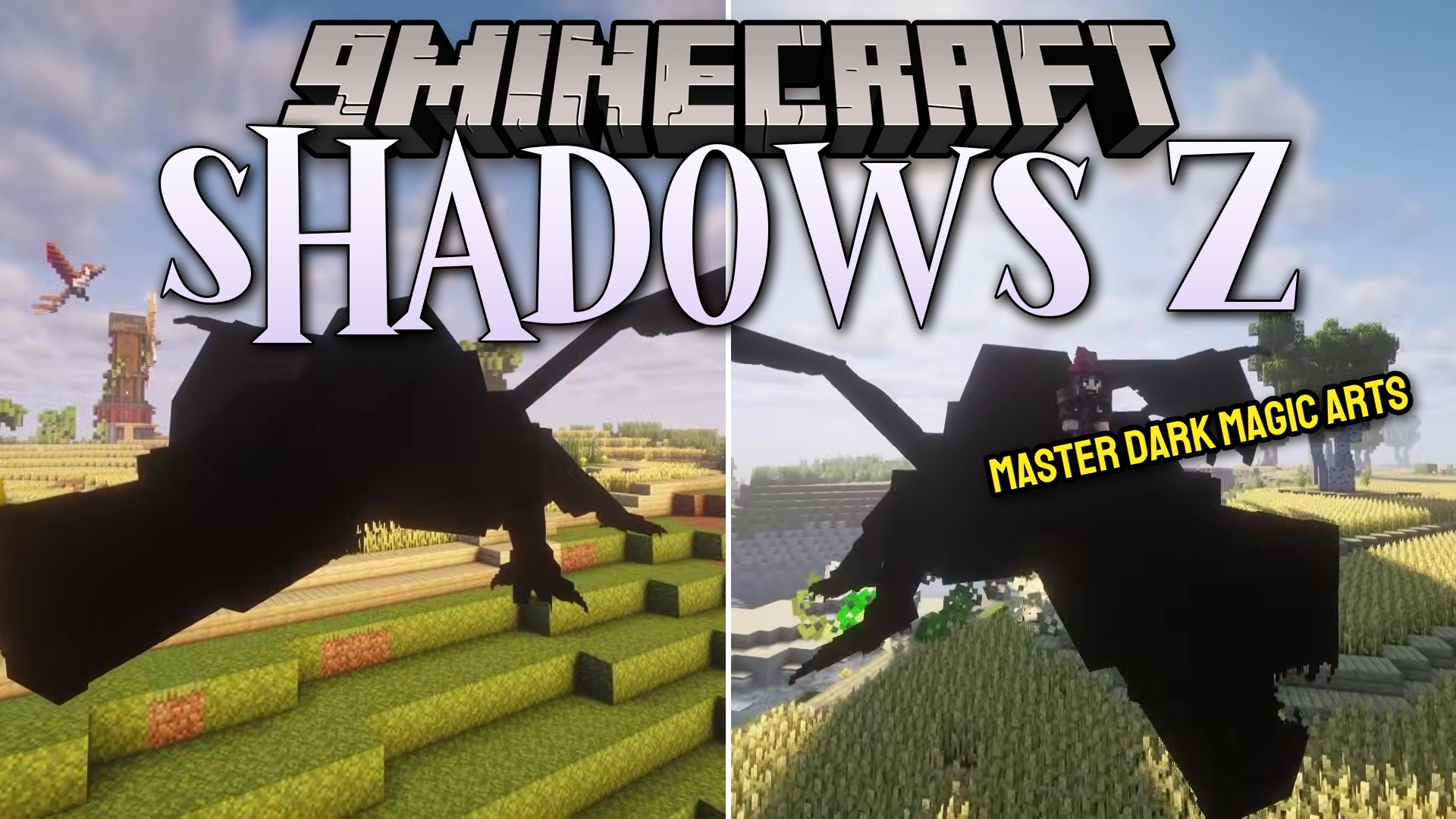
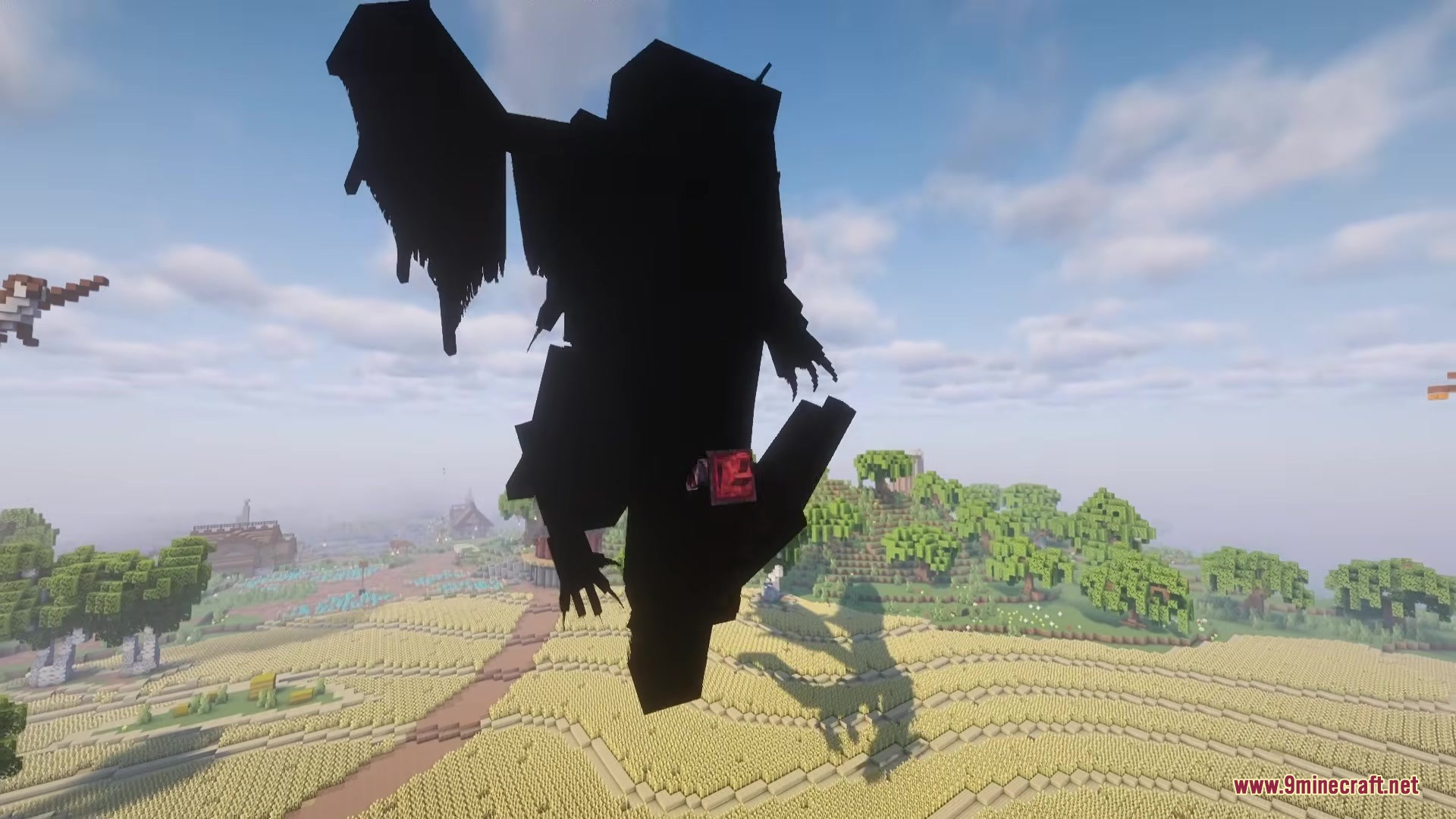
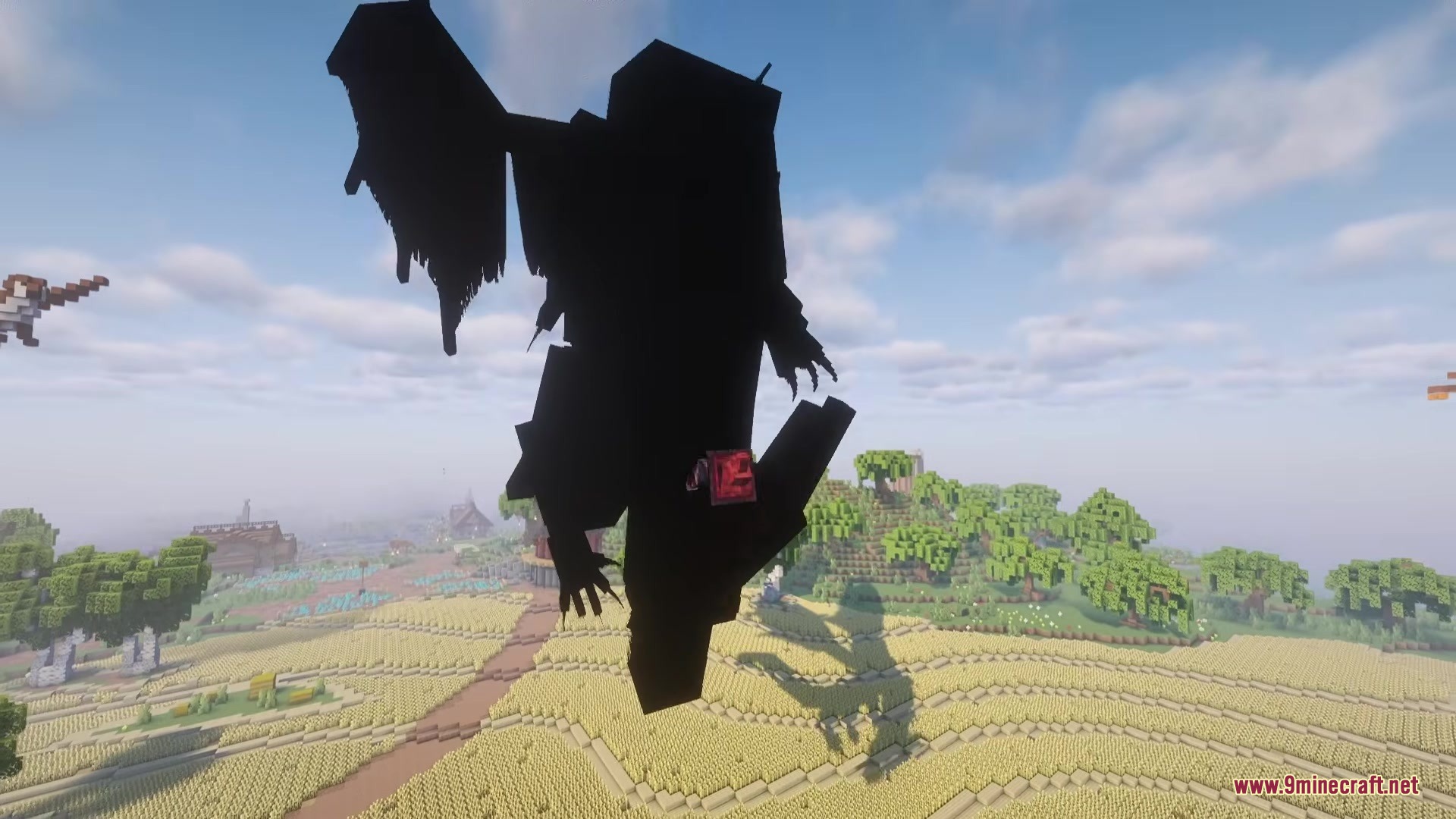
Shadows Z Mod adds necromancy magic for Iron’s Spells ‘n Spellbooks. It lets you build an army by bringing fallen mobs back to life as dark shadows. You command these shadows to fight for you, carry your items, and defend your base.
Features:
- Shadow Army: Players collect the souls of defeated mobs and turn them into loyal shadow fighters.
- Smart Minions: Shadows load the chunks around them and gather dropped items into a special storage chest.
- This mod gives you a dedicated shadow menu to name your minions, change their fighting style, or set them to guard a spot.
- Defeated horses keep their saddles and armor when they come back as shadows.
- Witches brought back to life heal you during combat instead of throwing bad potions.
- Taking down another player’s pet turns that pet into your own tamed shadow companion.
- All active shadows automatically return to your storage if you fall in battle.
Configuration:
- Change the maximum number of shadows you can control at once.
- Adjust the difficulty and success chances for reviving mobs.
- Change the cooldown times for your magic abilities.
- Blacklist specific mobs so they never turn into shadows.
How to Use:
- Press your Shadow Eyes keybind to see the dark spirits of mobs that just died.
- Hold Shift and Right-click on a spirit to try and claim it.
- Watch your mana bar. Having more mana makes it easier to claim strong mobs with high health.
- If you fail three times, the spirit disappears forever. Unclaimed spirits vanish after five minutes.
- Press Y to open your Shadow Storage and find the items your minions pick up.
- Open your normal inventory to access the Shadow Menu, where you can tell your army to follow you, stay, or attack enemies.
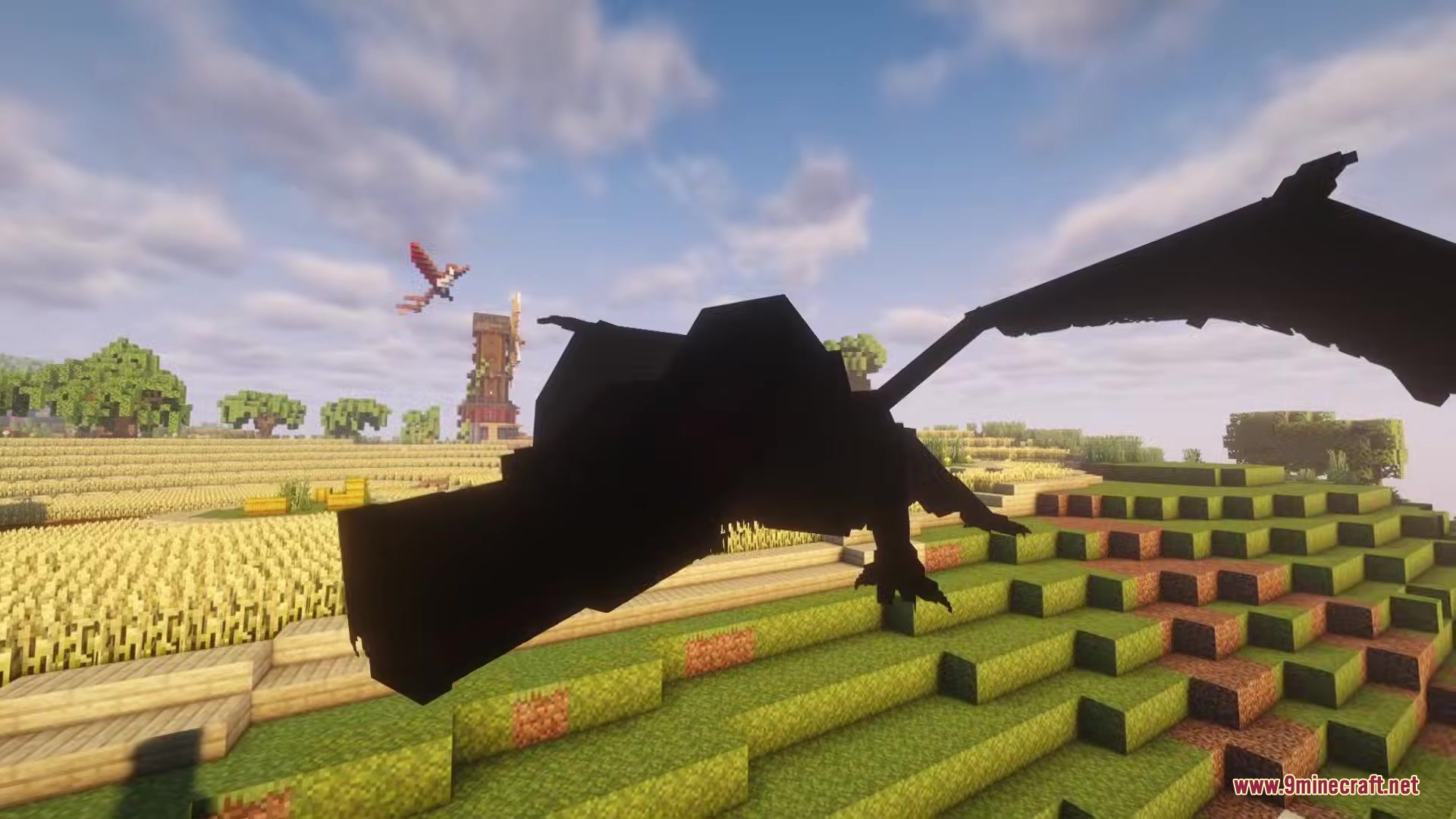
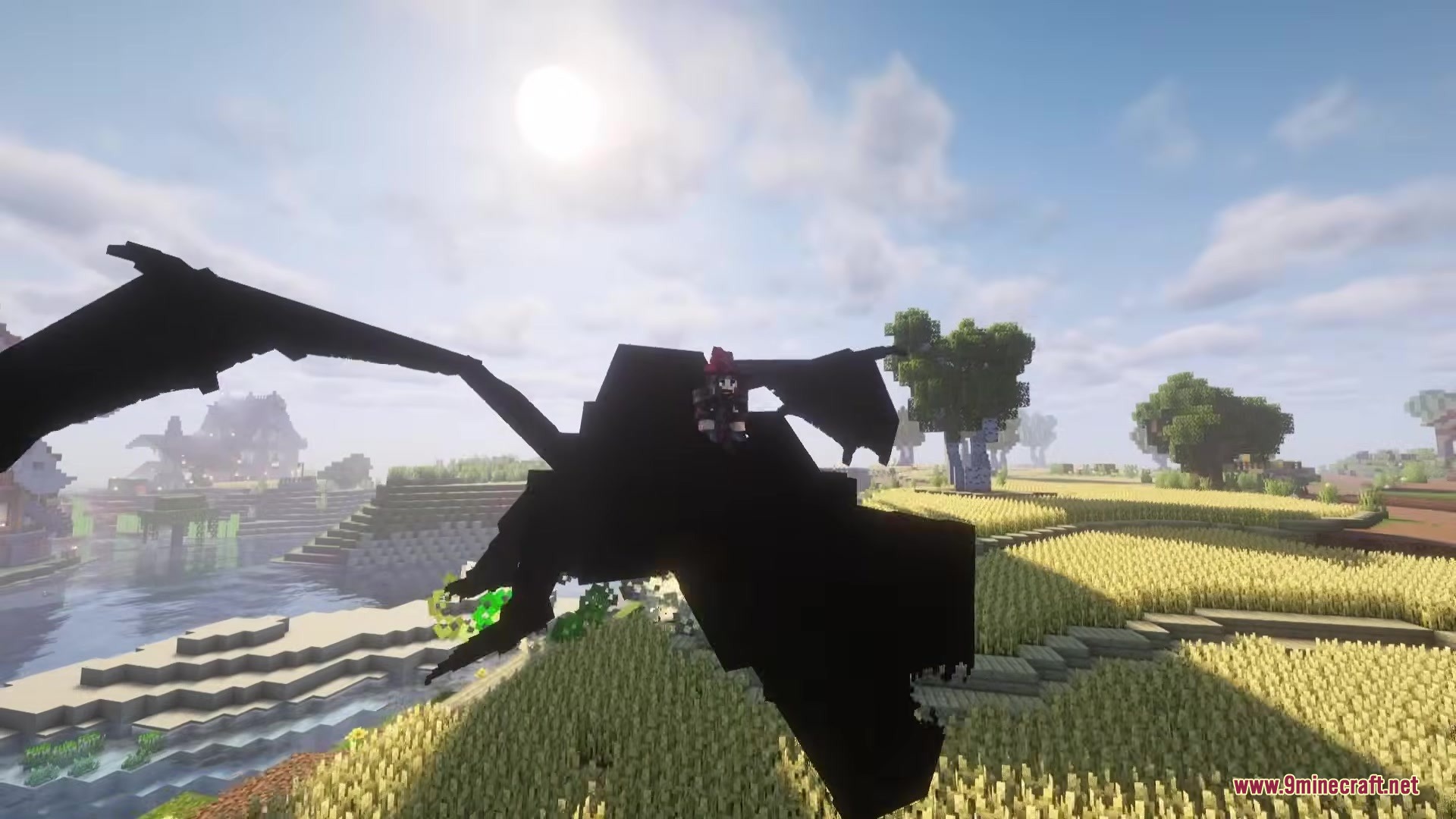
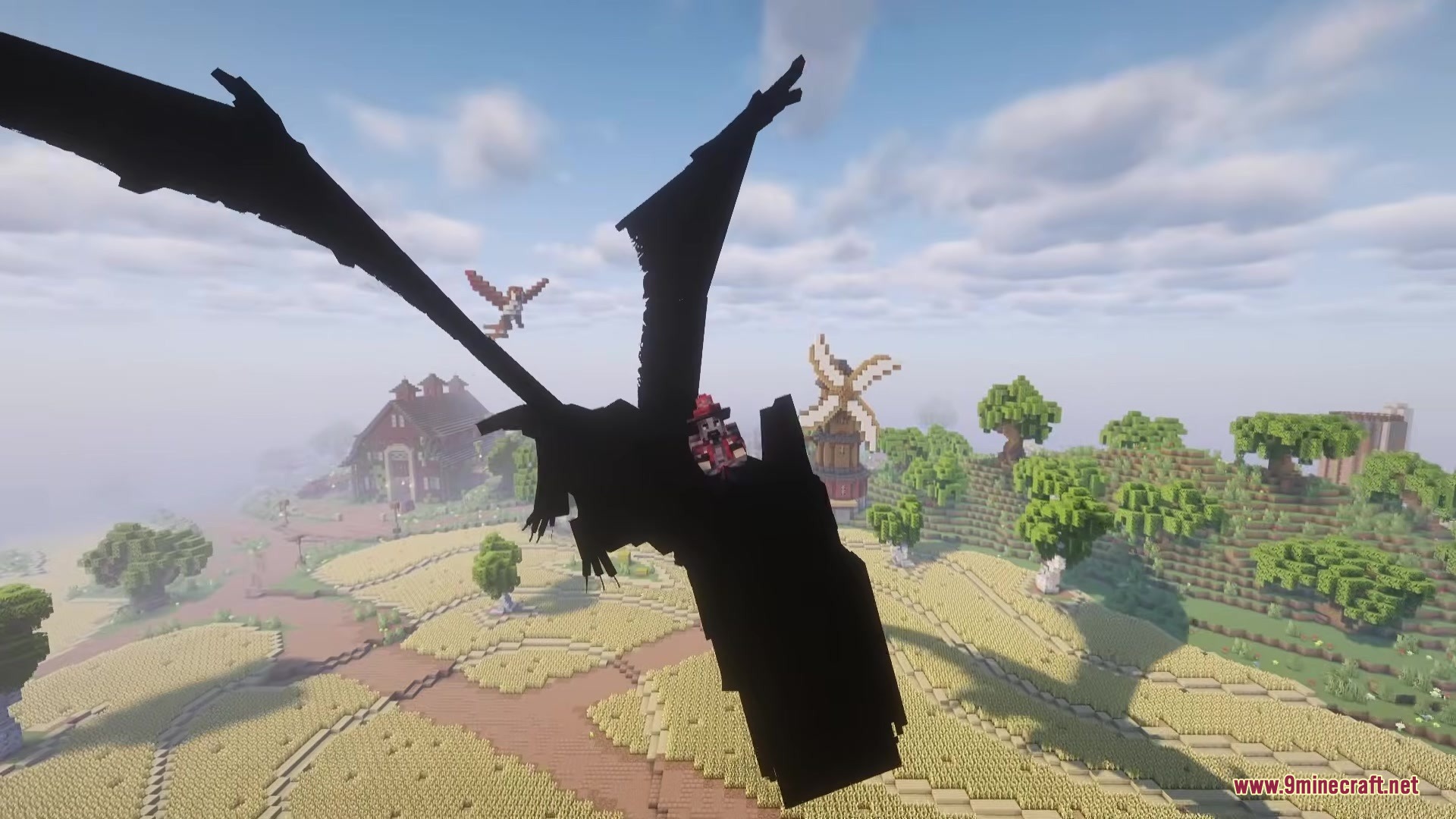
Screenshots:
How to Install:
New to Minecraft? Follow our step-by-step guide to install Mods on your PC.View Guide
Requirements:


Shadows Z Mod Download Links
For Minecraft 1.21.1, 1.21
For Minecraft 1.20.1, 1.20
Click to rate this post!
[Total: 0 Average: 0]
You May Also Like

This post has no comments yet. Be the first — your comment will appear here.