


Akashic Tome 9minecraft Mod (26.2) – Carry Every Mod Manual in One Inventory Slot
 246
246
 0
0

🌐 Read this article in your language! Choose your preferred language below.
Or pick the one you like:
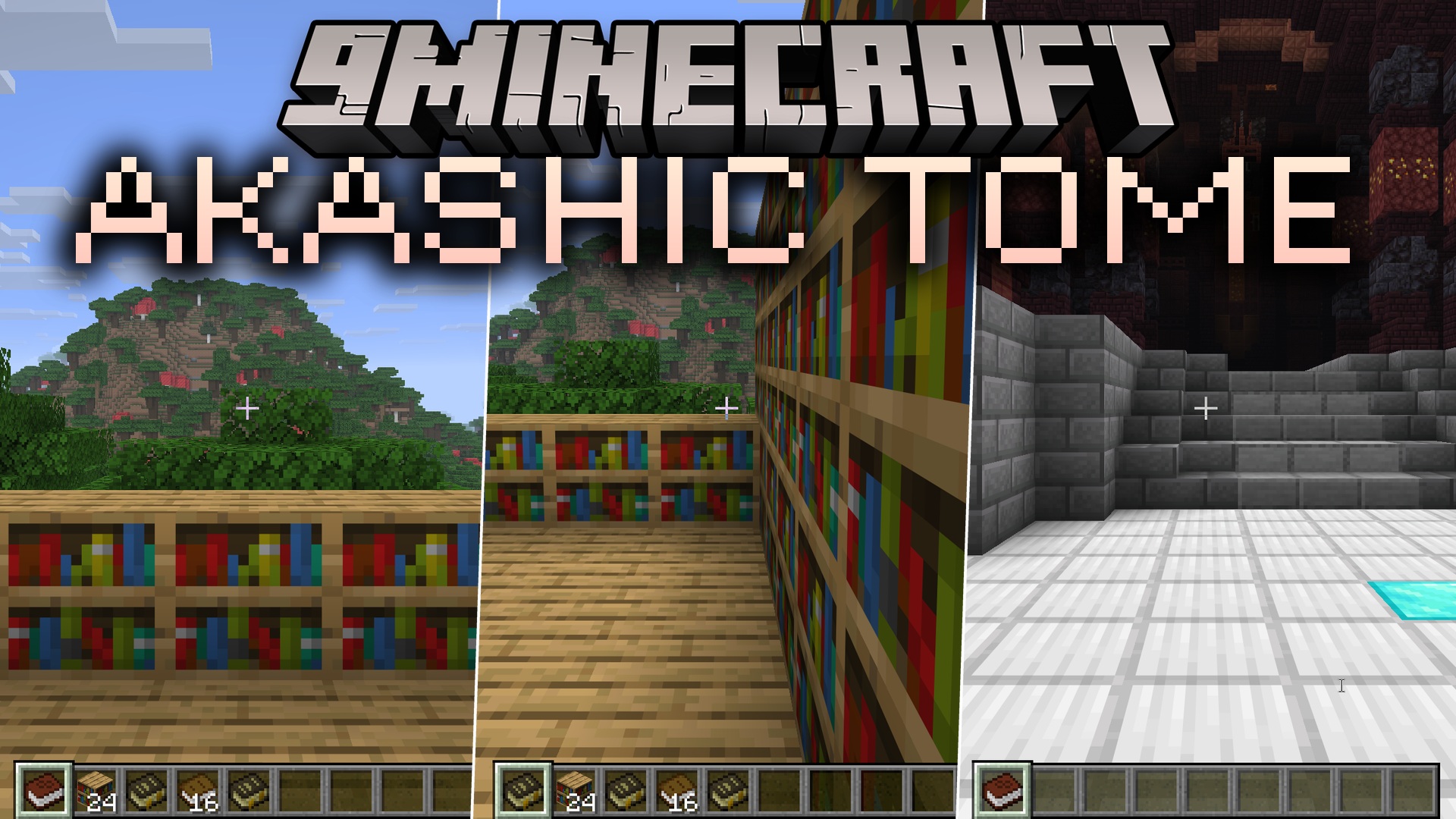
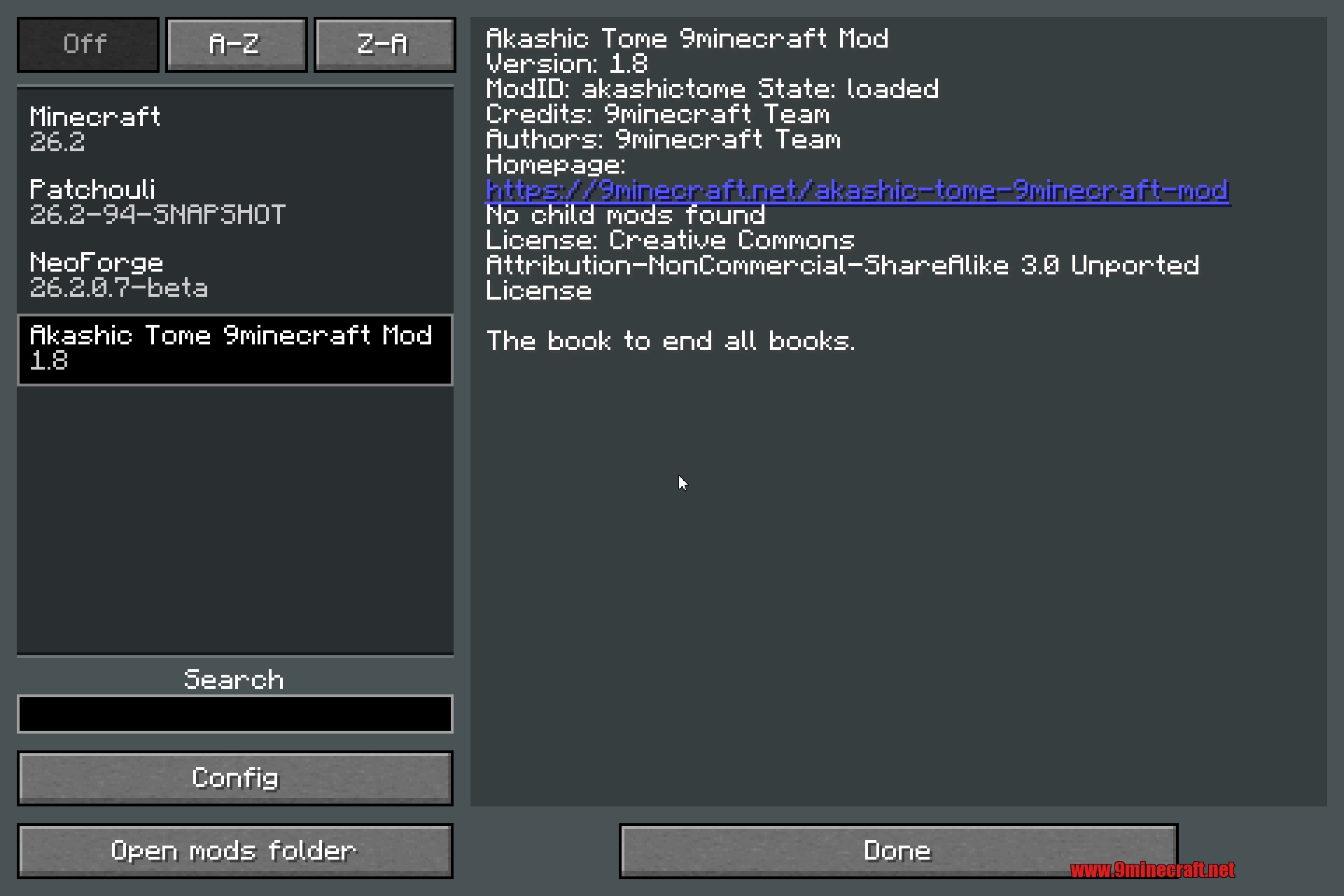
Akashic Tome 9minecraft Mod lets you pack every single mod guide book into one main book. When you play with lots of mods, you get too many manuals that fill up your inventory. This mod fixes that problem by giving you one special tome to hold them all. You save space in your hotbar and never lose your guides again.
Features:
- One Book for Everything: Stores all your different mod manuals inside a single item.
- Saves Space: Akashic Tome 9minecraft Mod frees up your inventory so you have more room for blocks and tools.
- Shows a list of every book you put inside it right in the item tooltip.
- Remembers exactly which mod each guide belongs to.
- Turns into the exact book you want to read when you pick it from the menu.
How to Use:
- Craft the main tome using a normal book and a bookshelf.
- Put the tome and any mod manual together in a crafting grid to absorb the manual.
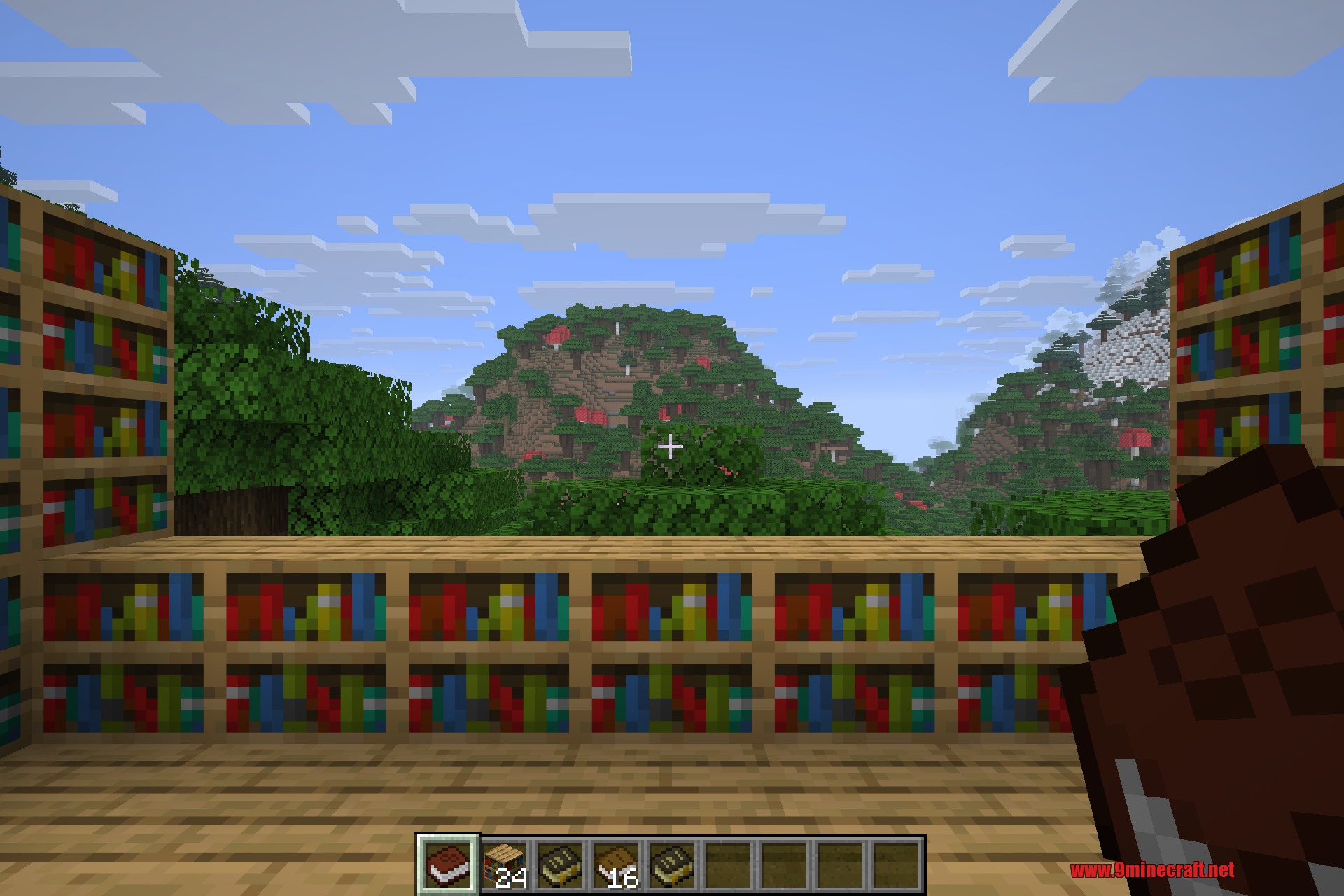
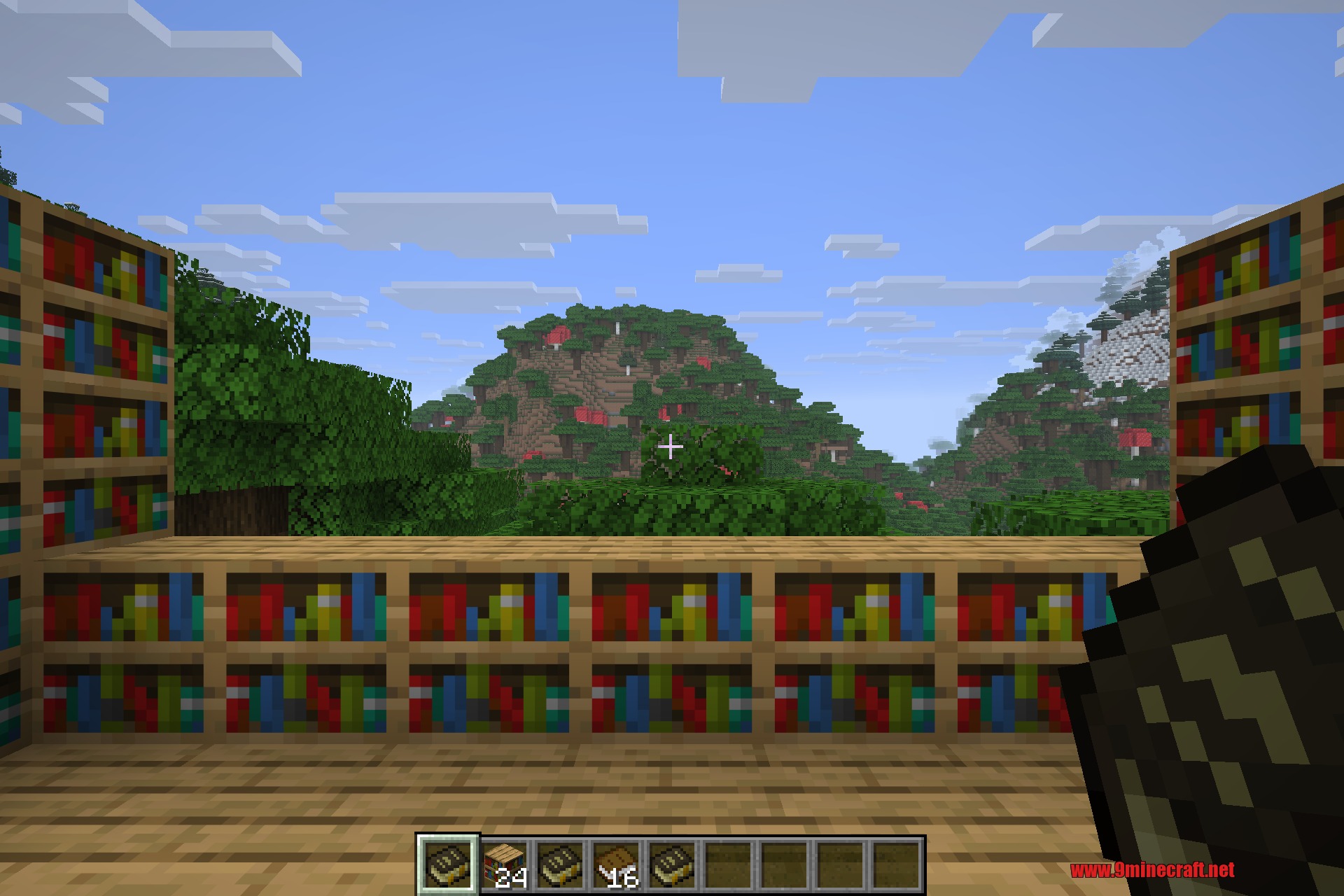
- Right-click the tome to open the menu and pick a book to read.
- Left-click the air to change the manual back into the main tome.
- Sneak and drop the item to throw the current manual out of the tome.
Configuration:
allItems– allow any mod item to be stored, not only books (default: off).blacklistedMods– mod IDs whose items can never be stored.whitelistedItems– specific item IDs that are always storable.whitelistedNames– name fragments treated as books (book, tome, lexicon, guide, manual).hideBookRender– hide the decorative book drawn in the tome screen.
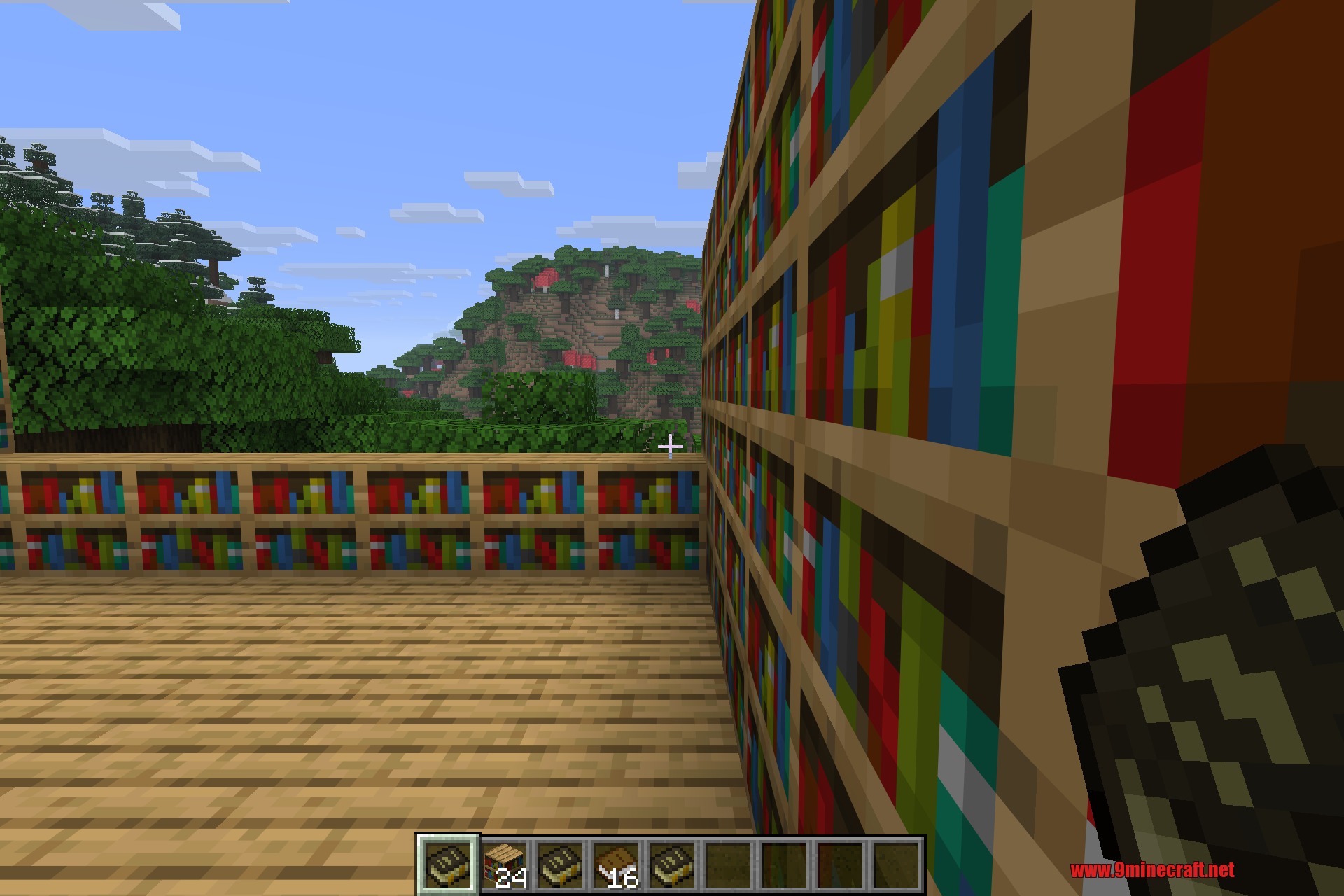
Screenshots:


How to Install:
New to Minecraft? Follow our step-by-step guide to install Mods on your PC.View Guide
Requirements:

Akashic Tome 9minecraft Mod Download Links
For Minecraft 26.2
Click to rate this post!
[Total: 0 Average: 0]
You May Also Like



















This post has no comments yet. Be the first — your comment will appear here.