
Warped Tunnel Schematic (1.19.x) – Compact Nether Hub Pathway Build Design

 0


Warped Tunnel Schematic gives you a pre-built design for a Nether hub pathway. You can place this compact structure straight into your world to connect your portals. The build uses a specific set of blocks to create a neat passage. It works perfectly for setting up safe travel routes in the Nether.
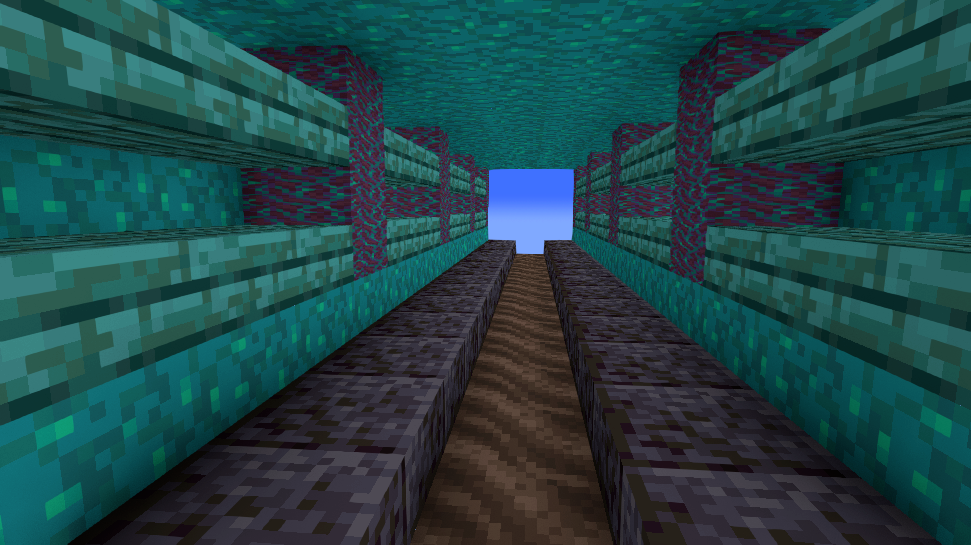
3D Preview & Editor:
Materials
7 types · 689 blocks
| Netherrack | 407 | Warped Wart Block | 157 | Warped Slab | 48 | |||
| Polished Blackstone Slab | 34 | Warped Stem | 20 | Soul Soil | 17 | |||
| Blackstone | 6 | |||||||
How to place this schematic
.litematic This is a Litematica schematic. You place it with the Litematica mod, which shows the build as a ghost overlay you fill in.
| 1 | Install Litematica (plus MaLiLib) for your Minecraft version. |
| 2 | Put the .litematic file in .minecraft/schematics. |
| 3 | In game press M → Load Schematics, pick the file, then Load. |
| 4 | Position the ghost preview, then build it by hand — or turn on Easy Place to place blocks straight from your hotbar. |
Features:
- Nether Hub Design: Offers a ready-made tunnel section for your portal network.
- Fits into a small space with its 17 block length, 6 block height, and 8 block width.
- Contains exactly 689 blocks.
- Uses warped blocks to match the style of the blue Nether biomes.
- Relies entirely on standard vanilla blocks, so you do not need any mods to see the blocks.
- Comes as a LITEMATIC file for easy pasting into your save.
Schematic Specs:
 Minecraft1.19.x
 Dimensions17×6×8
 Total Blocks689
Warped Tunnel Schematic Download Links
For Minecraft 1.19.x
Click to rate this post!
[Total: 0 Average: 0]
You May Also Like
Picked for this page
 Pokémon Temple Arena Japanese Litematica Schematic (1.21.x) – Large Asian Fortress With Fighting Rin
 Medieval Castle Undecorated Interior Schematic (1.21.x) – Medium Sized Medieval Castle With Empty Ro
 Autosmelter Carpet Dupe Schematic (1.21.x) – Automatic Furnace System With Infinite Fuel
 Twenture Emerald Spawner Farm Schematic (1.21.x) – Double Vindicator Spawner Emerald Farm Layout
 Overflow Proof Item Filter Schematic (1.21.x) – Simple Redstone Item Sorter Setup
 Fun Penentrator Trap Schematic (1.21.x) – Large Vanilla Trap Blueprint For Your World
 End House Schematic (1.21.x) – Unfurnished End Base With Piston Door
 Netherless Melon Pumpkin Farm Schematic (1.21.x) – Compact Auto Farm Without Nether Blocks
 Seazy X Shy Rocket Crafter V1 Schematic (1.21.x) – Automated Vanilla Firework Crafter Build
 Bee Green House Garden Apiary Schematic (1.21.x) – Ready To Build Vanilla Bee Farm
 Tramway Schematic (1.21.x) – Small Modern Tram Build For Your City Rails
 Santos FC Schematic (1.21.x) – Santos Futebol Clube Pixel Art Build
Most viewed in Schematics over the last 7 days
 Fastest Bonemeal Farm Donut Smp Schematic (1.21.x) – Fast Redstone Bonemeal Farm Build
 KelpFarmV9.9 Schematic (1.21.x) – Compact And Simple Seaweed Farm Build
 64 Module Cobblestone Farm Schematic (1.21.x) – Massive Automated Stone Gathering Build
 Gold Farm Schematic (1.21.x) – Automatic Nether Roof Gold Farm
 Villager Trading Hall Schematic (1.21.x) – Modern Shop Build For 48 Villagers
 Minutes End Base Before Spoke Null End Video Schematic (1.21.x) – Giant Unstable SMP End Base Schema
 Bamboo Farm Schematic (1.21.x) – Small Automated Redstone Bamboo Farm
 36 Module Cobble Farm 18m per Hour Donut SMP Schematic (1.21.x) – Massive Automated Stone Generator
 Best Railgun Tp Trap on Donutsmp Schematic (1.21.x) – Unescapable Multiplayer Redstone Trap Build
 Bamboss V2 800k Bamboo per Hour Schematic (1.21.x) – High Speed Automated Bamboo Farm Schematic
 Donut Smp Stash and Regear Schematic (1.21.x) – Large Storage And Regear Room Build
 Cobble Farm 50m per Hour Donut SMP Schematic – High Yield Cobblestone Generator Build
More from Schematics
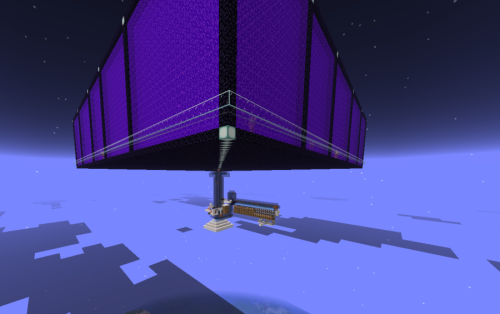 Gold Farm Overworld Only Schematic (1.21.x) – Efficient Overworld Gold Farming System
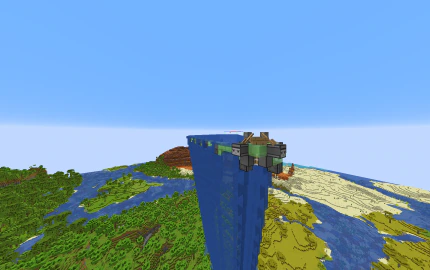 DonutSMP Flooder Machine Size Fixed Giant Schematic (1.21.x) – Giant Flooding Machine for Minecraft
 Skeleton Pirate Schematic (1.21.x) – Detailed Skeleton Pirate Statue Schematic
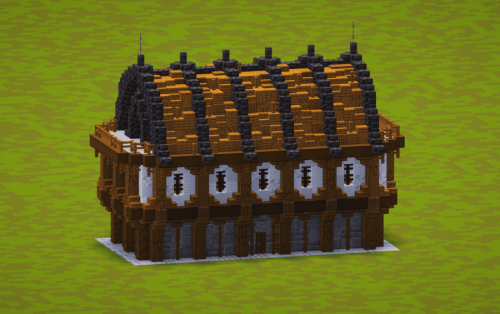 Medieval Workshop Schematic (1.21.x) – Detailed Medieval Building with Curved Roof
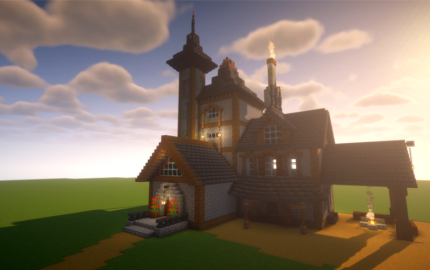 Medieval Snow Survival Schematic (1.20.x) – Cozy Medieval House For Snowy Biomes
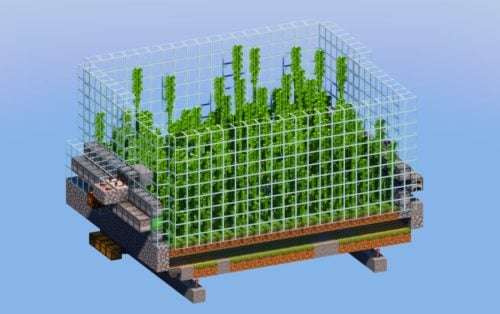 5000 Bamboo per Hour Automatic Farm Uses Slimeblocks and Flying Machine Schematic (1.21.x) – Efficie
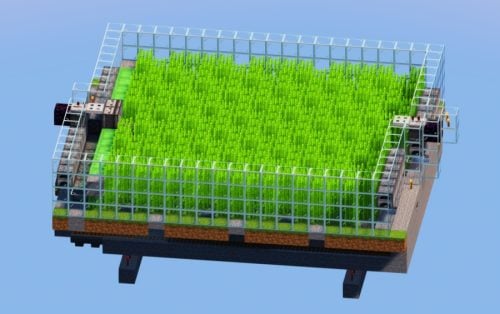 1500 Sugarcane per Hour Automatic Farm Uses Slimeblocks and Flying Machine Schematic (1.21.x) – High
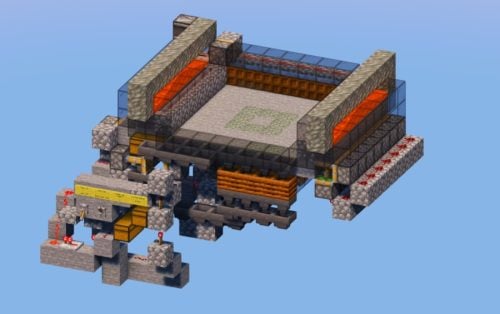 Infinite Moss and Bonemeal Automatic Farm 1500 Bonemeal per Hour or 5000 Moss Azalea Seeds per Hour
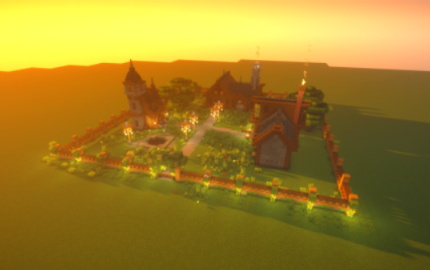 Cozy Medieval Village Schematic (1.20.x) – Build a Beautiful Medieval Town Easily
 Oak Bonsai Tree Schematic (1.21.x) – Beautiful Large Oak Tree For Garden Projects
 Modern Luxury Villa Schematic (1.20.x) – Elegant Contemporary Home for Your World
 Contemporary Executive Villa Schematic (1.20.x) – Modern Minimalist Home for Luxury Cities

This post has no comments yet. Be the first — your comment will appear here.