


Death Keeper Grave Stones Mod (26.1.2, 1.21.1) – Never Lose Your Loot After

 0
0 

🌐 Read this article in your language! Choose your preferred language below.
Or pick the one you like:
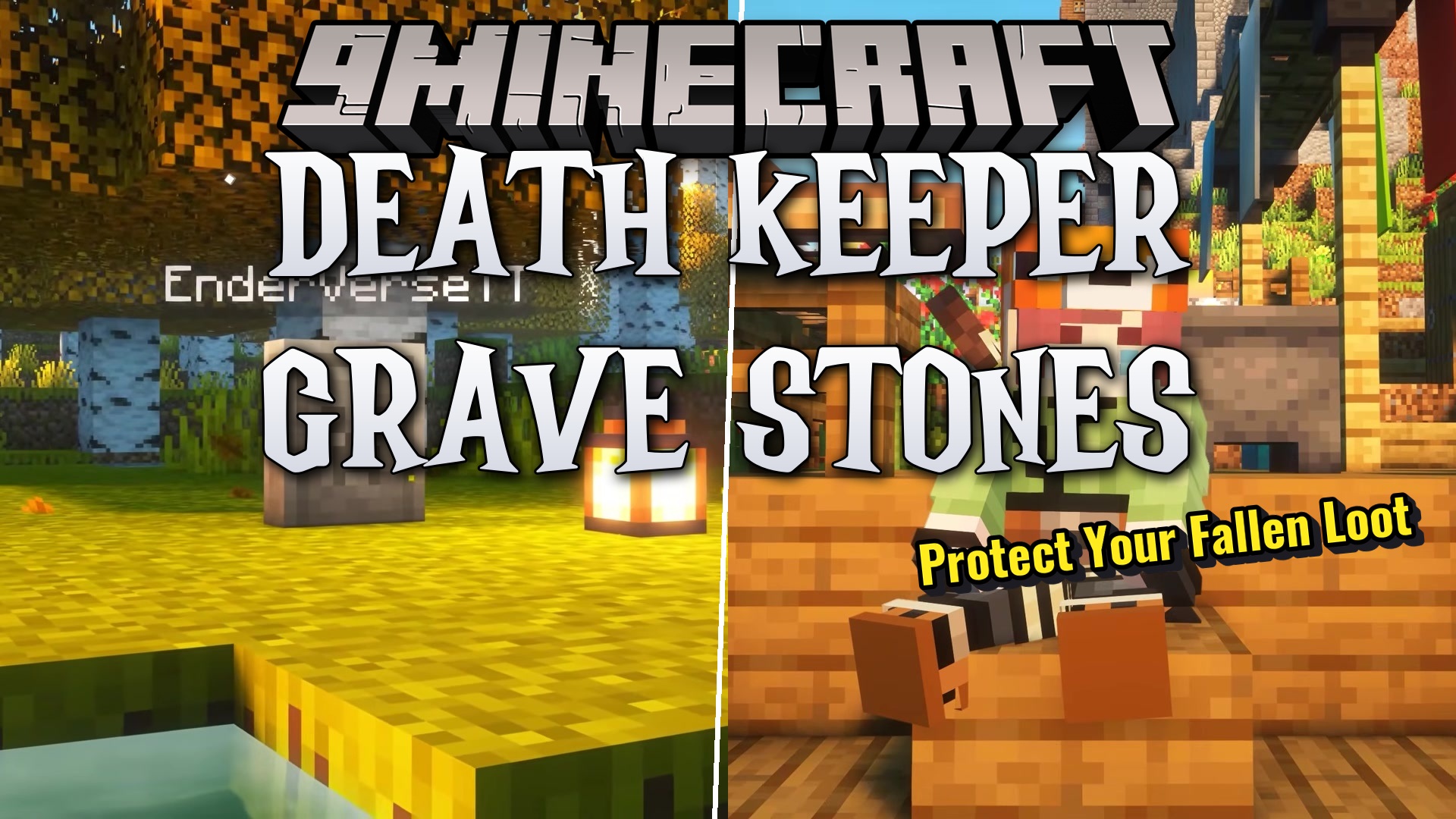
Death Keeper Grave Stones Mod saves your items from disappearing when you die. Instead of dropping everything on the ground, this mod places a grave at your death spot to hold your loot. You can return to the location later to get your things back. It catches the items right as they drop, which means it works perfectly alongside other special inventory addons.
Features:
- Places a gravestone block exactly where you die to store your items safely.
- Merges nearby graves together if you happen to die in the same spot multiple times, keeping the area clean.
- Lets specific mobs like villagers or wandering traders drop their own graves when defeated.
- Stores items in a separate data file instead of using block entities, keeping your server running smoothly even with hundreds of graves.
- Gives you the option to lose a set percentage of items upon death for extra challenge.
- Clears graves automatically after a set amount of time passes.
Commands:
/gravestone place <entity> <pos>: Manually creates a grave for an entity at a specific spot./gravestone destroy <pos>: Removes a grave without dropping the items inside./gravestone clear: Deletes all graves in your current dimension./gravestone clear <targets>: Removes graves that belong to specific players or mobs./gravestone insert <item> <count> <pos>: Adds items directly into an existing grave./gravestone remove <item> <count> <pos>: Takes a specific amount of an item out of a grave./gravestone inventory <pos>: Shows a list of all items stored inside a grave./gravestone data <pos>: Shows the exact code data of the grave./gravestone list <entity>: Shows all graves belonging to a specific player across all worlds./gravestone claim <player> <pos>: Moves items from a grave straight into a player’s inventory.
Configuration:
#Whether to where if Player/Mob Drops will be put into the Gravestone
GravestoneOnDeath = true
#Percentage of amount that items are lost
# Default: 100.0
# Range: 0.0 ~ 100.0
ItemLostPercentage = 100.0
#Distance to merge graves instead of placing a new grave
# Default: 5
# Range: 1 ~ 256
GraveMaxDistance = 5
#Time till the grave despawns in Ticks
# Default: 72000
# Range: 1 ~ 864000
MaxGraveLifespan = 72000
#Whether to allow grave merging
GraveMerging = true
#Whether to allow grave to spawn with no drops
EmptyGraves = false
#Whether to allow coarse to spawn under graves
CoarseDirtBelowGraves = false
#Whether to text to be displayed above the gravestone for a non player entity
NonPlayerGraveTitles = false
#A whitelist of entities to be able to drop graves.
EntitiesGraves = ["minecraft:player", "minecraft:villager", "minecraft:wandering_trader"]
How to Use:
- Play the game normally until you die or defeat a mob listed in the config file.
- Return to the exact coordinates where the death happened.
- Find the grave block and interact with it to get your items back.
- If you die near an existing grave, look inside the old one, as this mod merges nearby drops together into one spot.
Screenshots:


How to Install:
New to Minecraft? Follow our step-by-step guide to install Mods on your PC.View Guide
Requirements:

Death Keeper Grave Stones Mod Download Links
For Minecraft 26.1.2, 26.1.1, 26.1
For Minecraft 1.21.11
For Minecraft 1.21.10, 1.21.9
For Minecraft 1.21.8, 1.21.7, 1.21.6
For Minecraft 1.21.5
For Minecraft 1.21.4
For Minecraft 1.21.1, 1.21
Click to rate this post!
[Total: 0 Average: 0]
You May Also Like















This post has no comments yet. Be the first — your comment will appear here.