


Mandala’s GUI Dark Mode 9minecraft Resource Pack (26.2) – Eye-Soothing Dark Mode Menus
 705
705
 0
0


🌐 Read this article in your language! Choose your preferred language below.
Or pick the one you like:
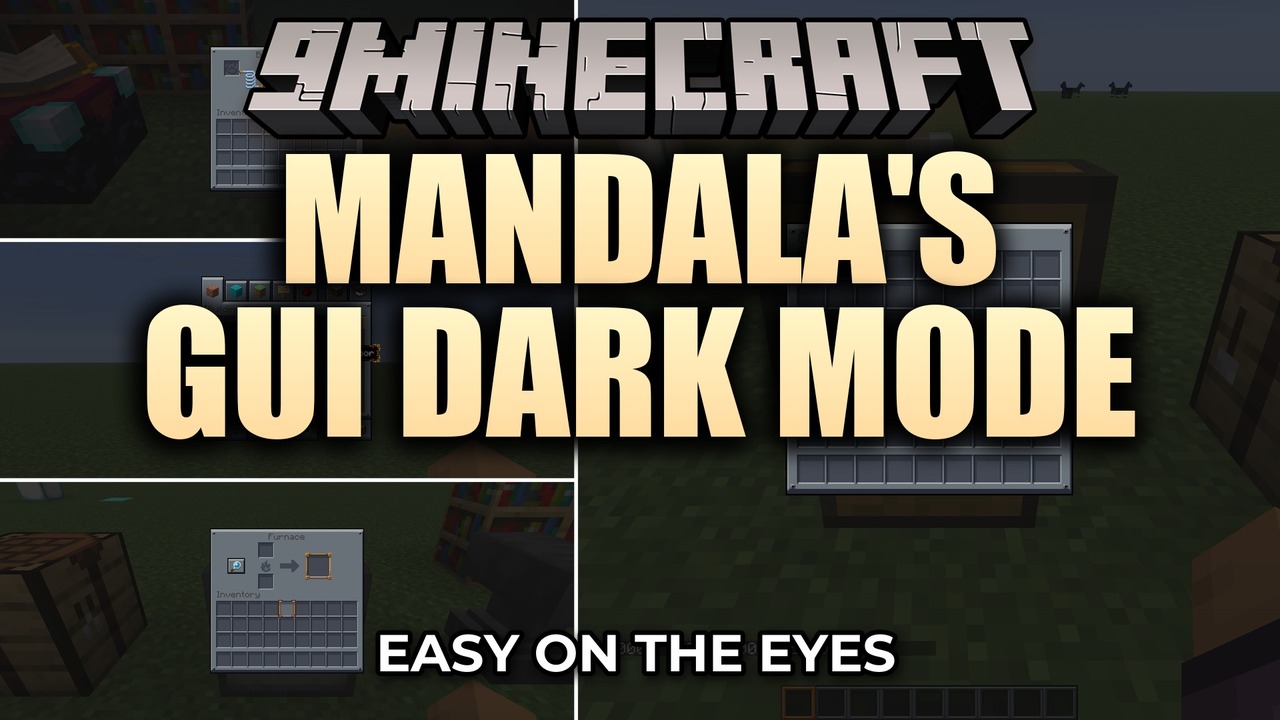
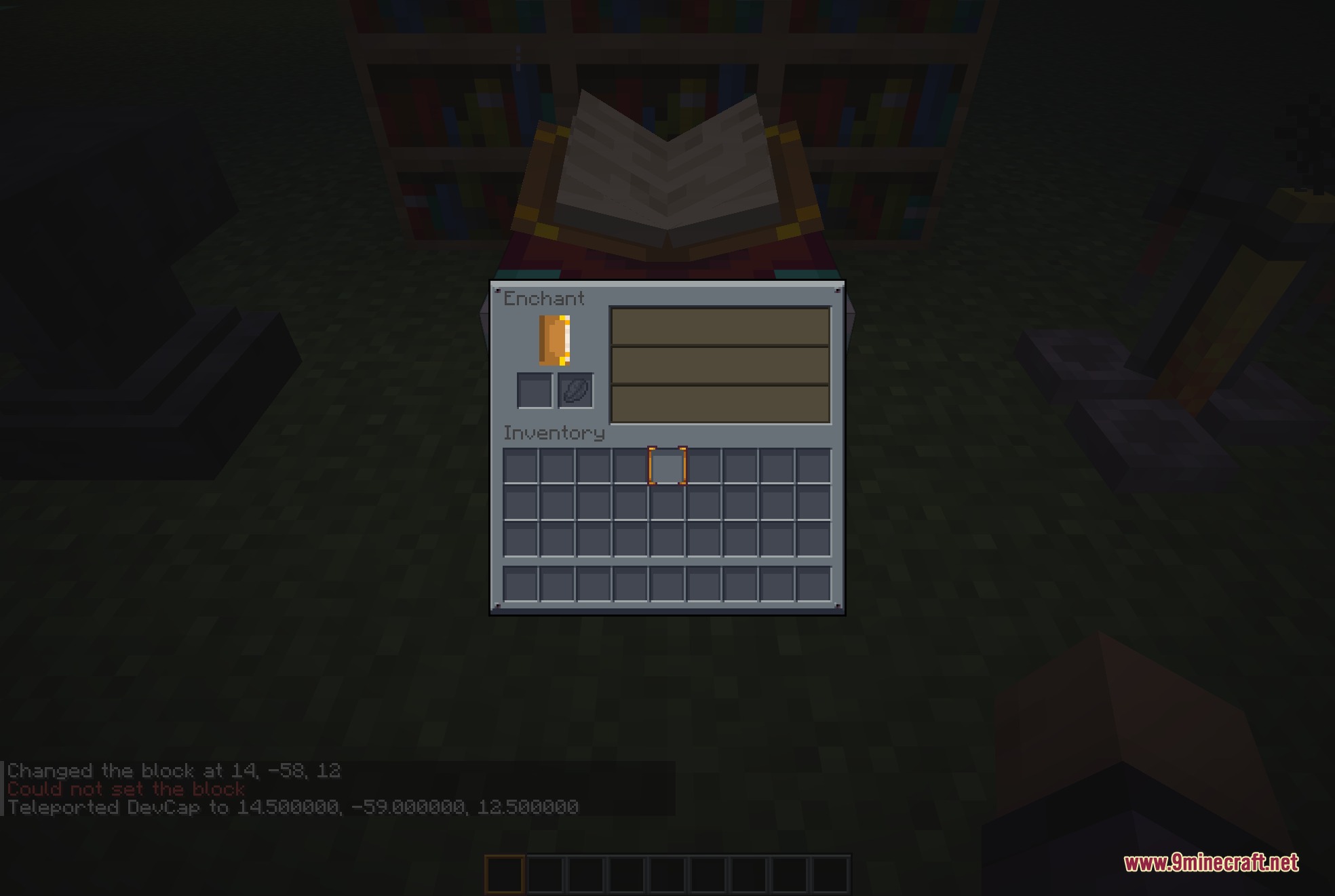
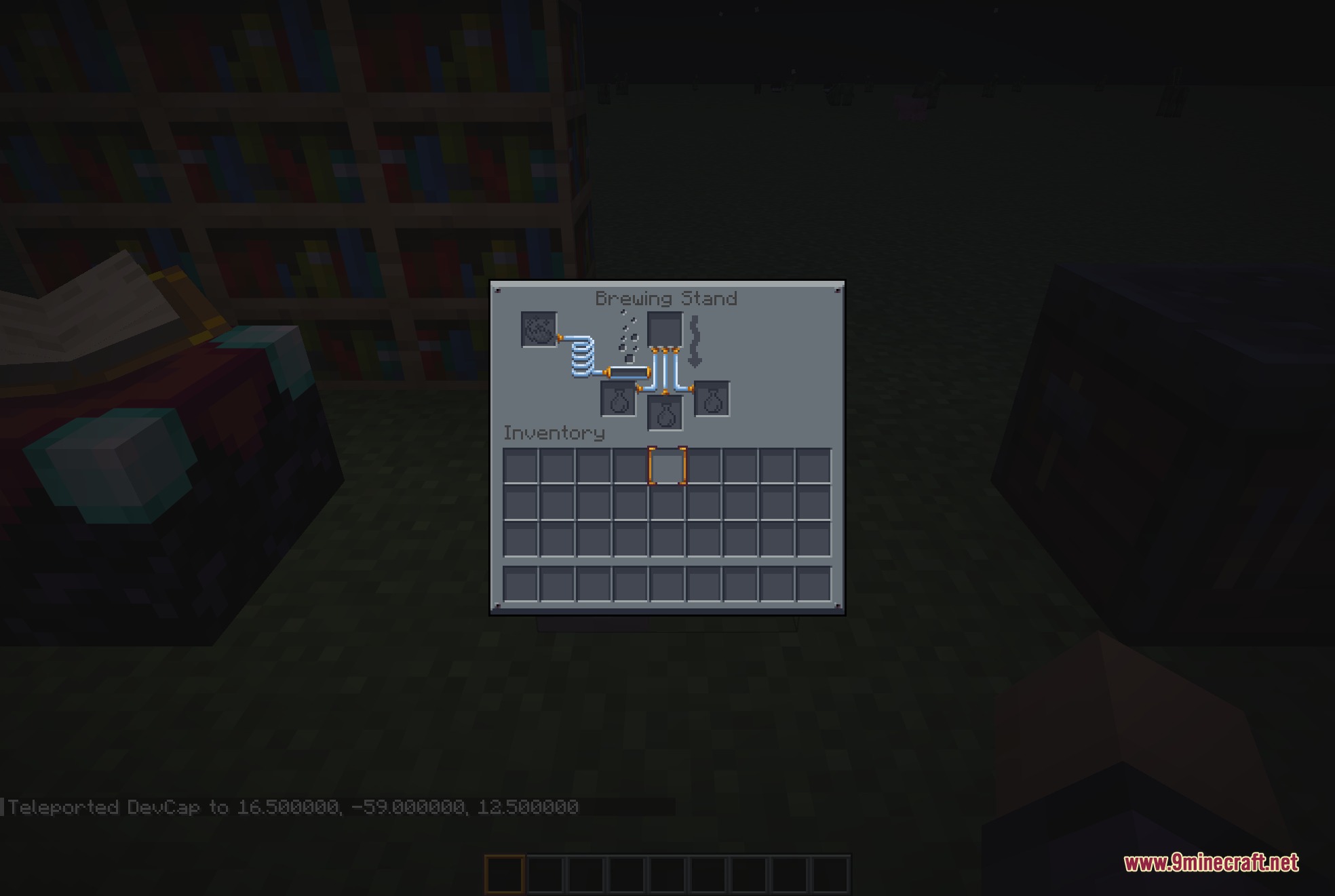
Mandala’s GUI Dark Mode 9minecraft Resource Pack transforms the look of every menu into a clean, dark blue-gray panel. This pack replaces the bright vanilla screens with flat colors that are easier on your eyes. It changes the hotbar, health hearts, and all storage containers so you can play comfortably at night.
Features:
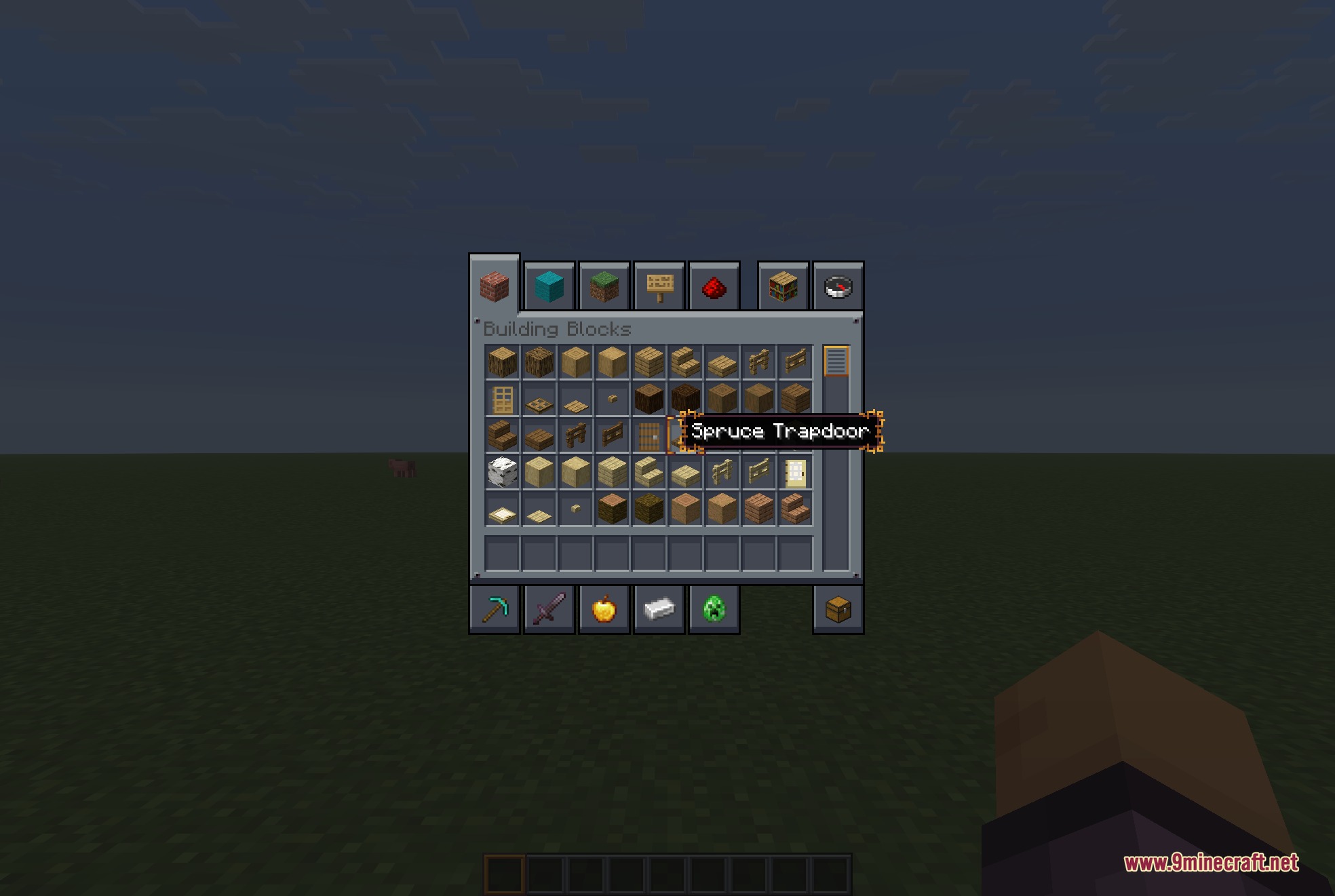
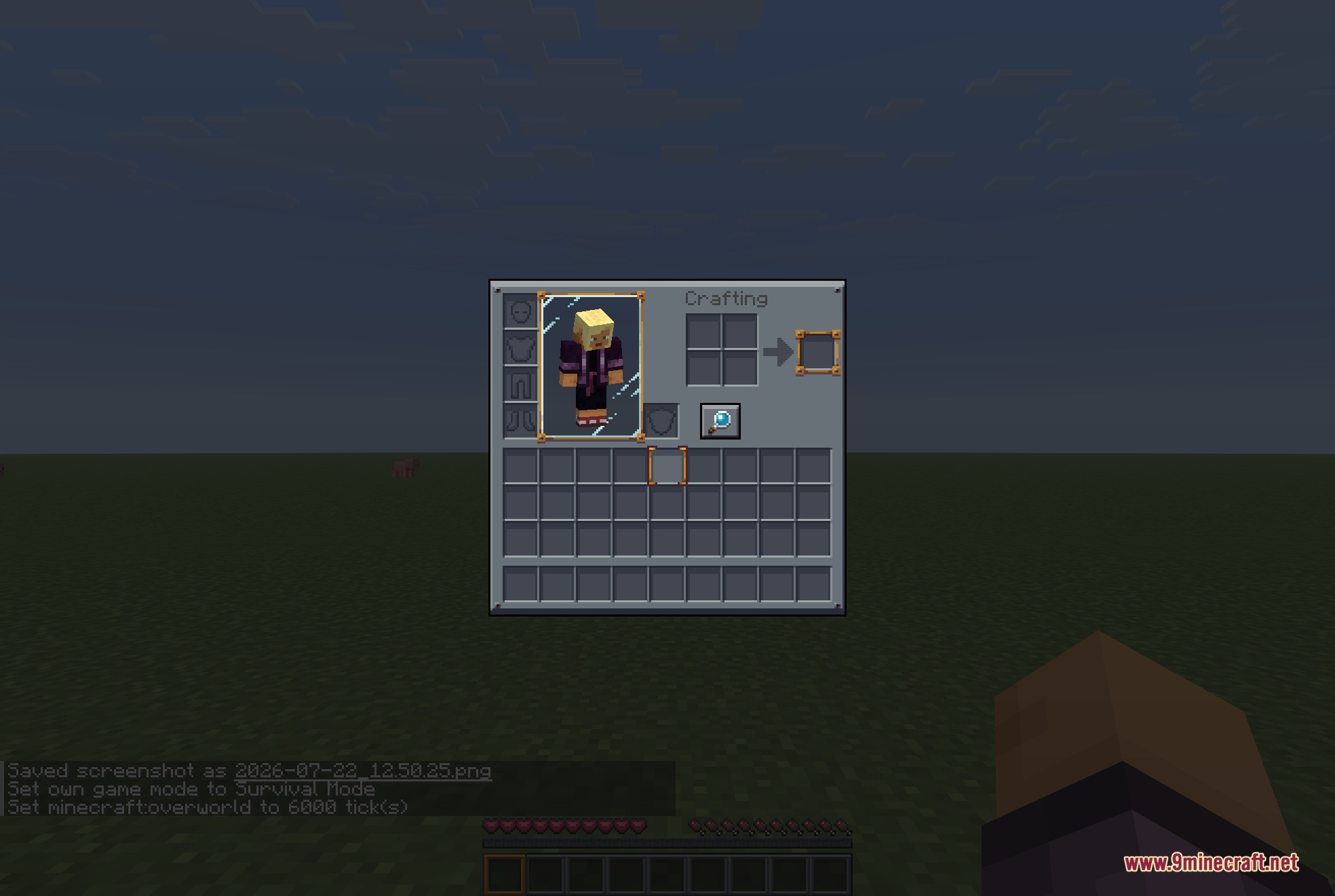
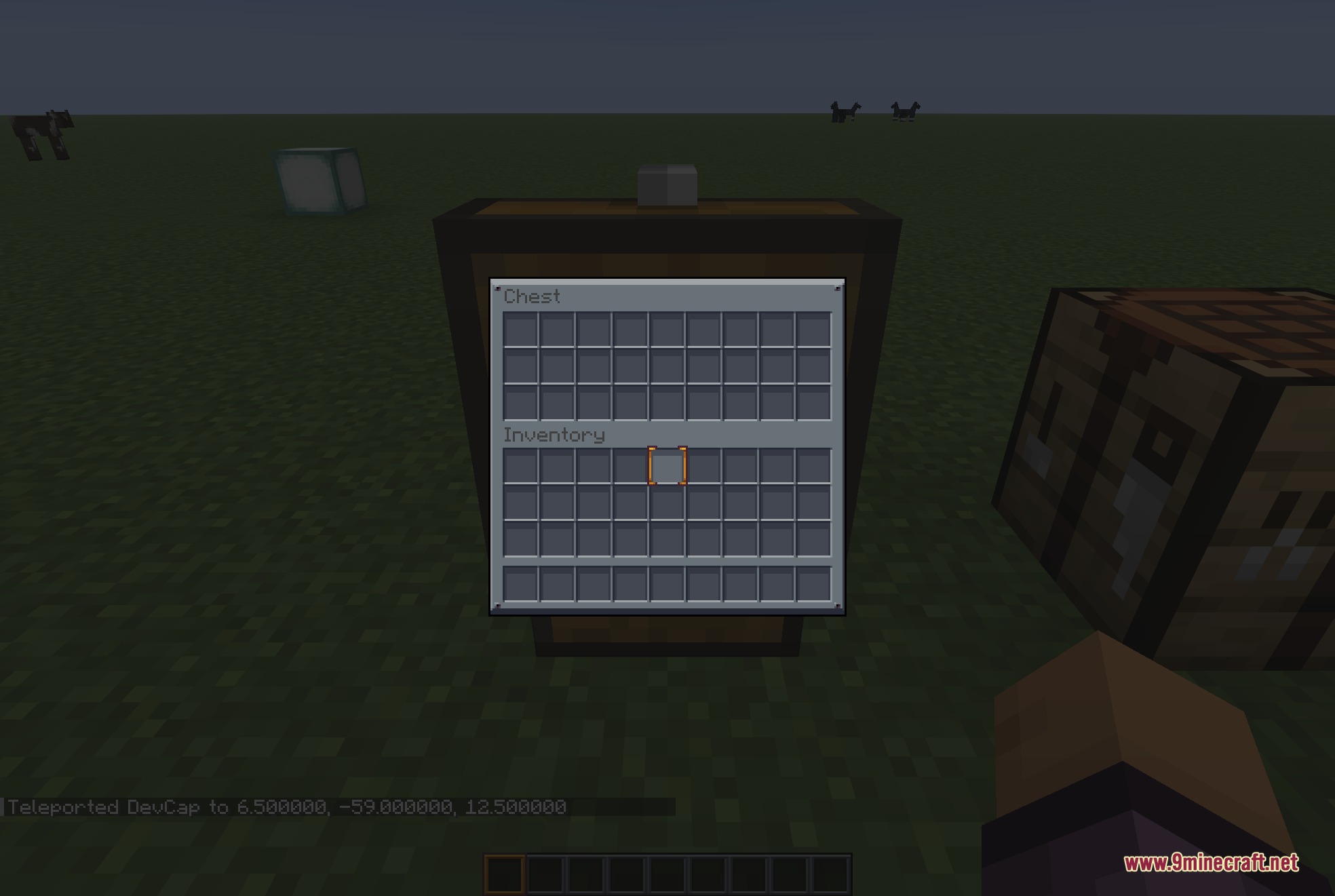
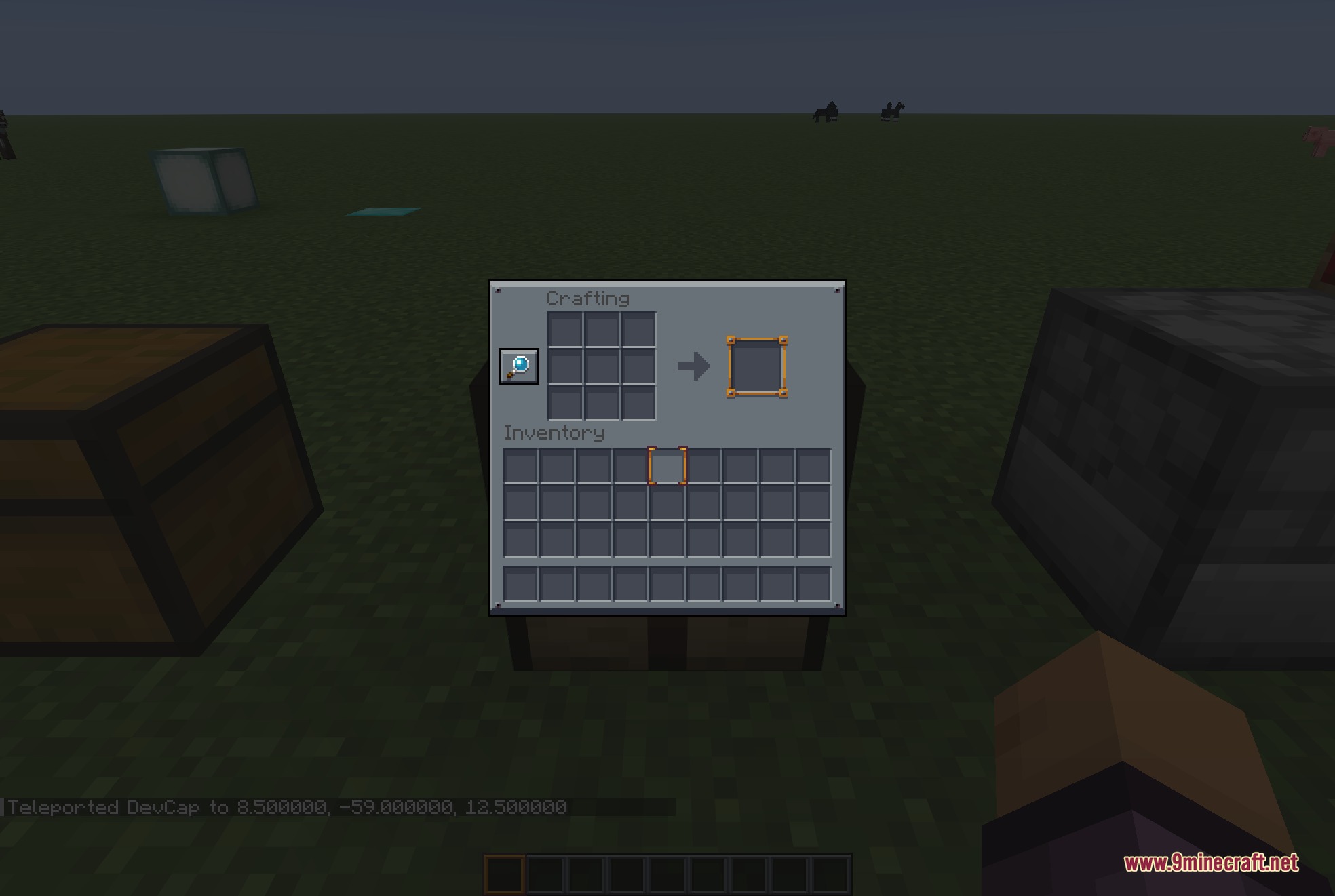
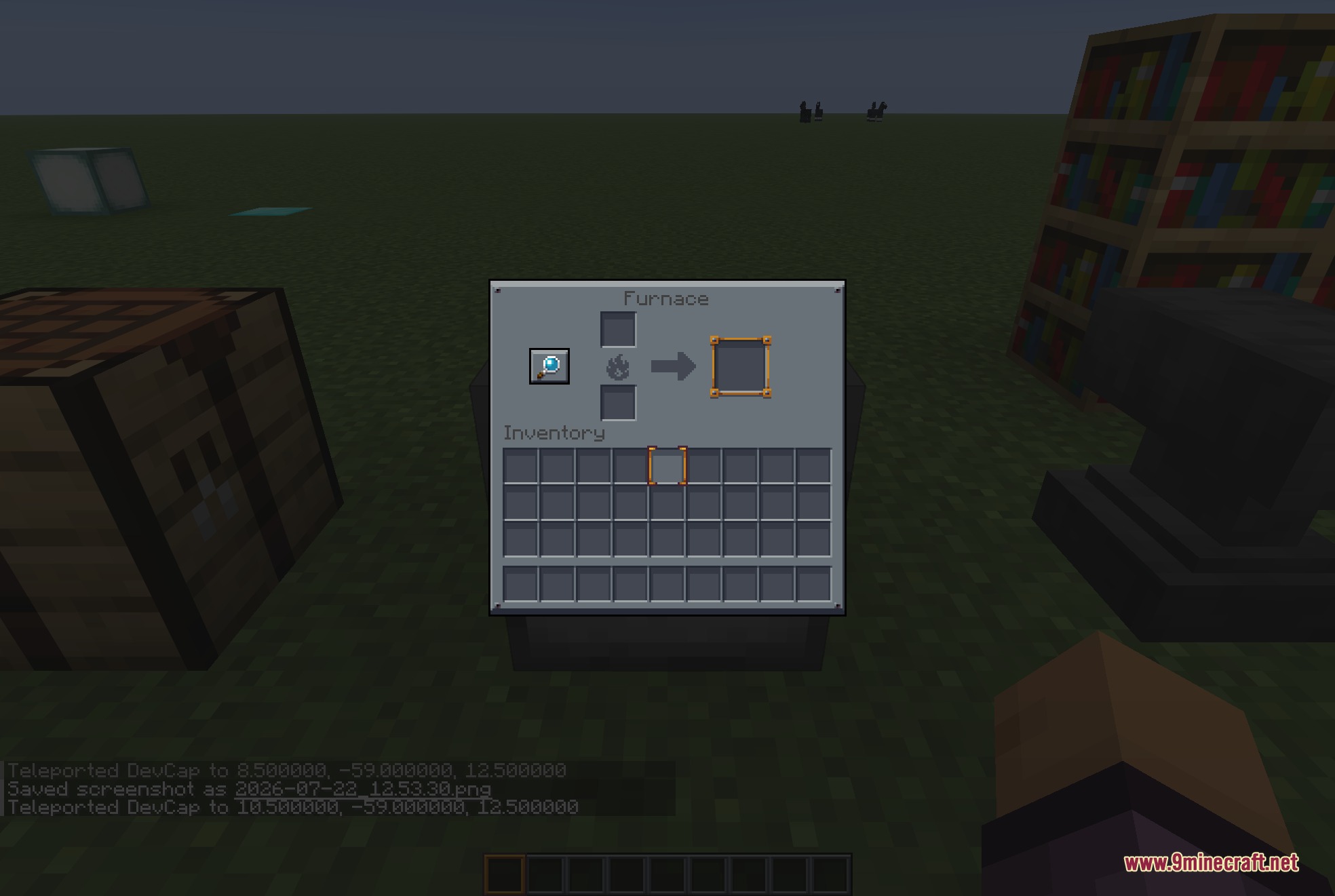
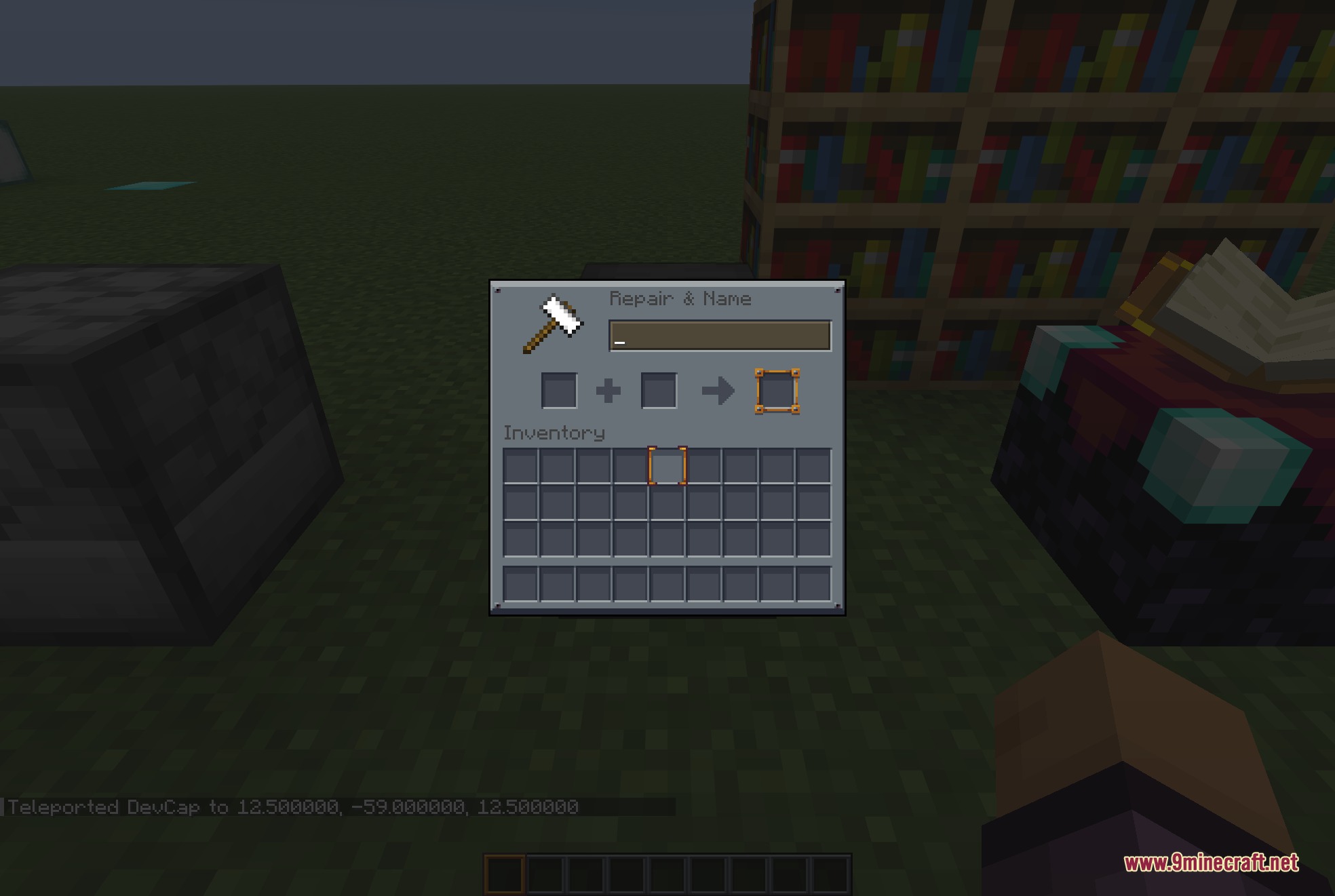
- Dark Interface: Changes the survival and creative inventory screens into flat dark panels.
- Eye-friendly Colors: Uses a flat blue-gray palette that reduces glare in low light.
- Darkens every container, including chests, furnaces, crafting tables, and brewing stands.
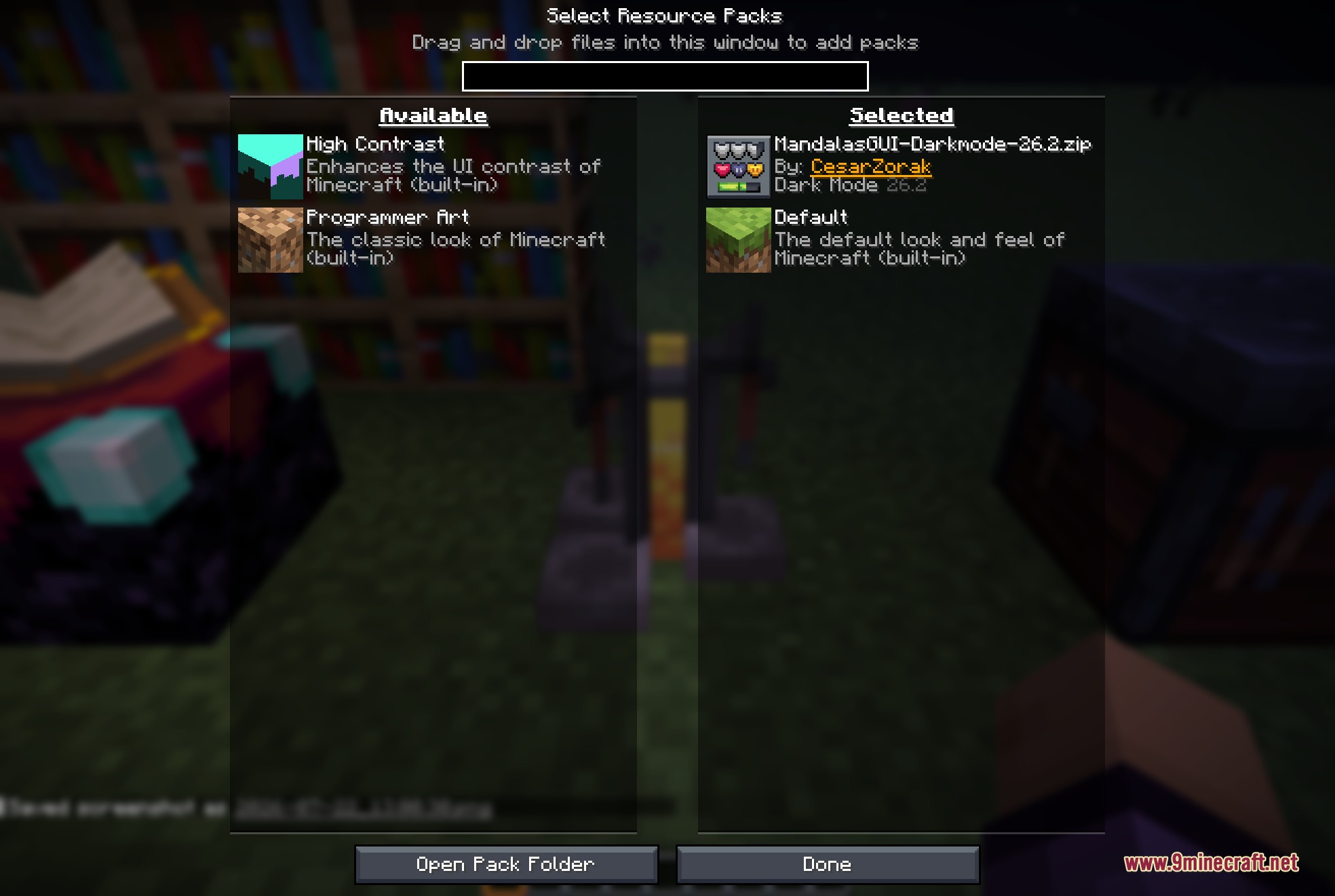
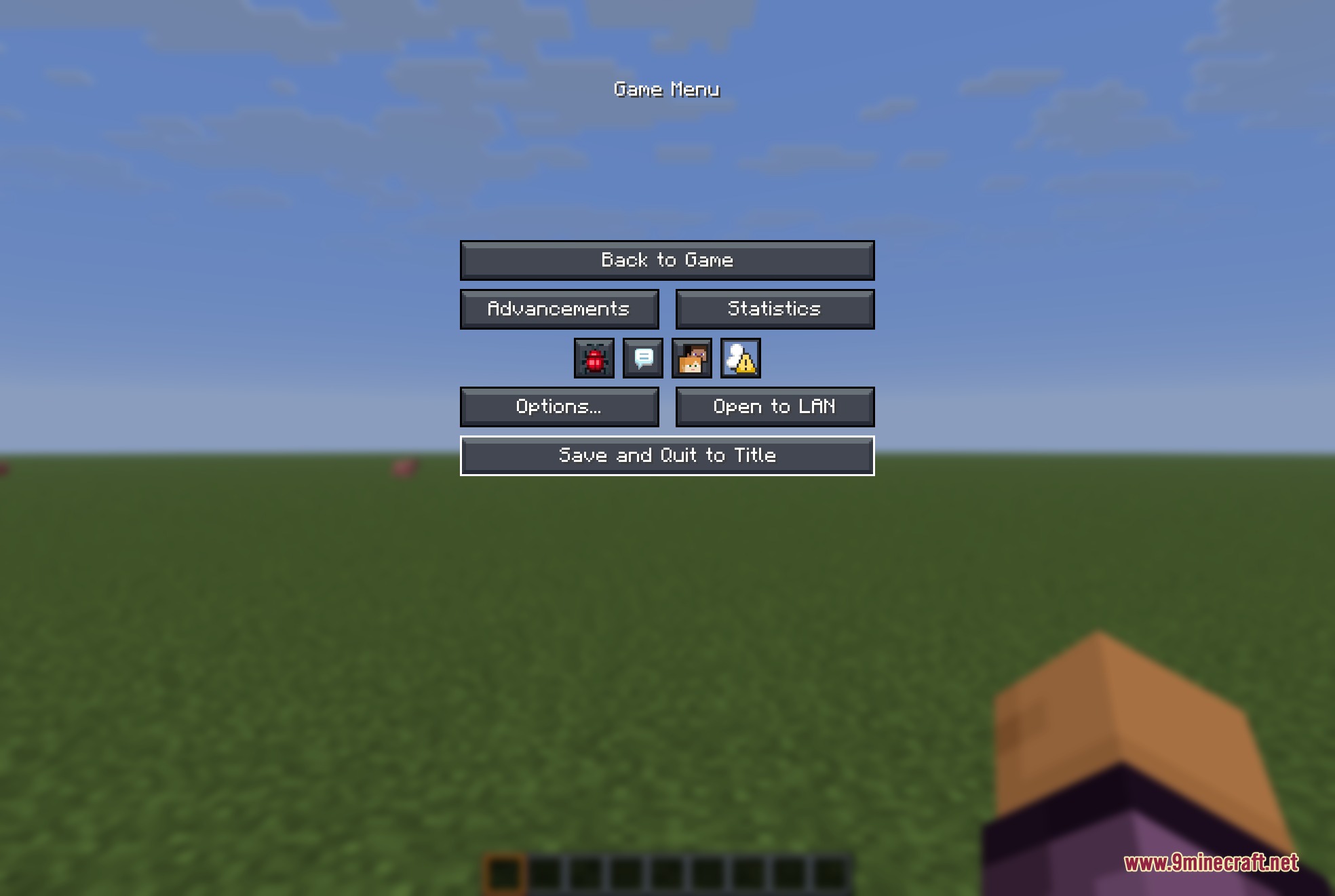
- Updates the main menus, pause screens, and options with a matching dark style.
- Recolors the in-game display, giving you a new hotbar, hearts, hunger icons, and experience bar.
- Adds a custom crosshair and empty-slot icons to fit the new look.
- Leaves all blocks, items, and world textures completely vanilla.
- Works perfectly on top of almost any other texture pack you want to use.
- Styles the menus of over 70 popular mods like JEI, Jade, and Create.
Menu Changes in Mandala’s GUI Dark Mode 9minecraft Resource Pack:
- Updates the title screen, world list, and server selection with dark backgrounds.
- Styles the villager trading screen, stonecutter, and loom.
- Adds signature corner accents to all tooltips when you hover over items.
- Changes buttons, sliders, text fields, and scrollbars to match the dark theme.
Screenshots:
How to Install:
New to Minecraft? Follow our step-by-step guide to install Resource Packs on your PC.View Guide
Mandala's GUI Dark Mode 9minecraft Resource Pack Download Links
For Minecraft
26.2.x
All Versions Covered
26.2
All Versions Covered
26.2
Click to rate this post!
[Total: 1 Average: 5]
You May Also Like






This post has no comments yet. Be the first — your comment will appear here.