


Keybind Atlas Mod (1.21.1, 1.20.1) – Manage Mod Controls on a Visual Keyboard
 59
59
 0
0


🌐 Read this article in your language! Choose your preferred language below.
Or pick the one you like:
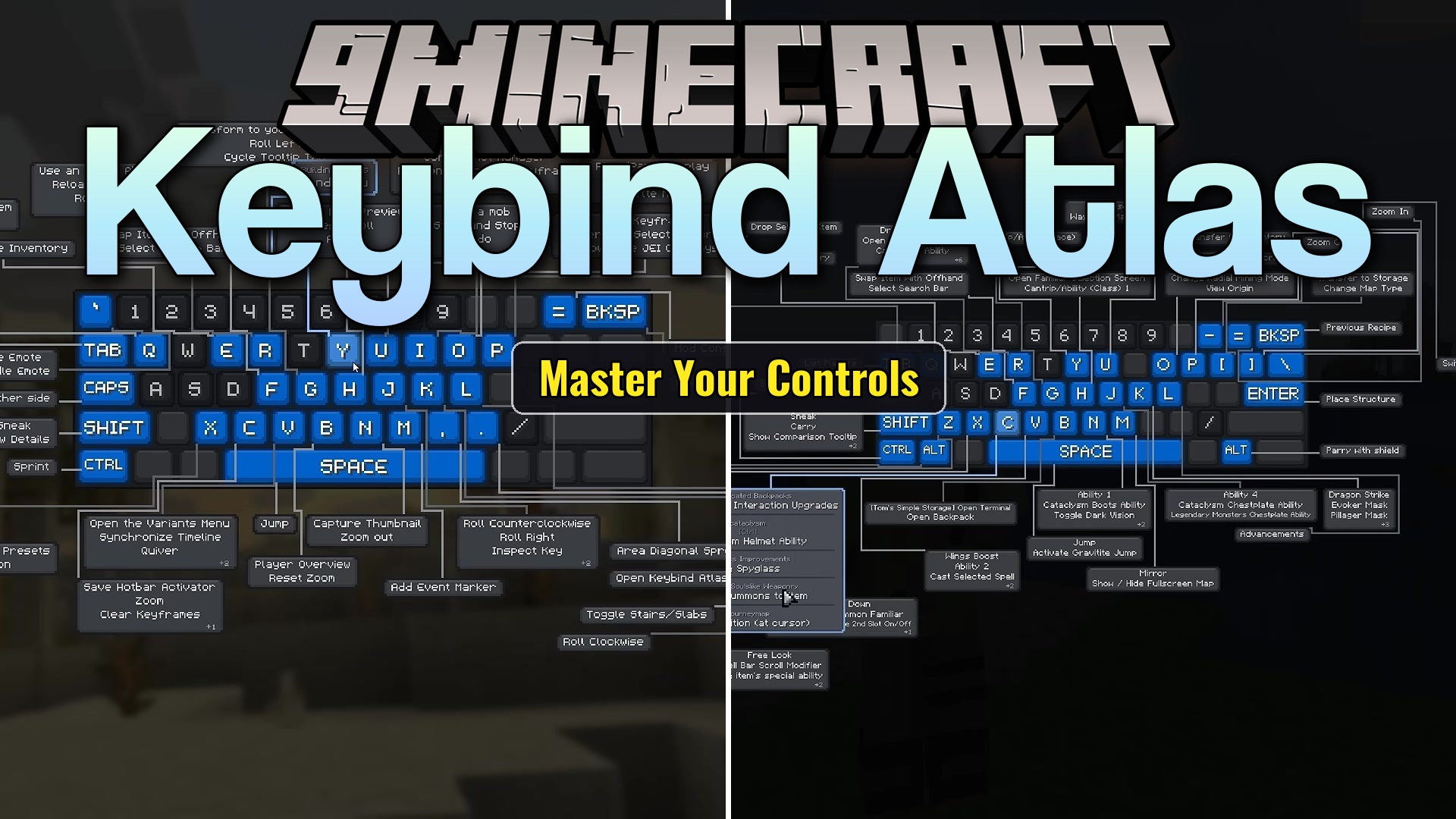
Keybind Atlas Mod gives you a visual map of your keyboard and mouse right inside the game. It reads all your current controls from vanilla Minecraft and other mods to show you exactly what every button does. You no longer need to scroll through long menus to figure out your setup. The map lets you check your controls at a glance and change them on the same screen.
Features:
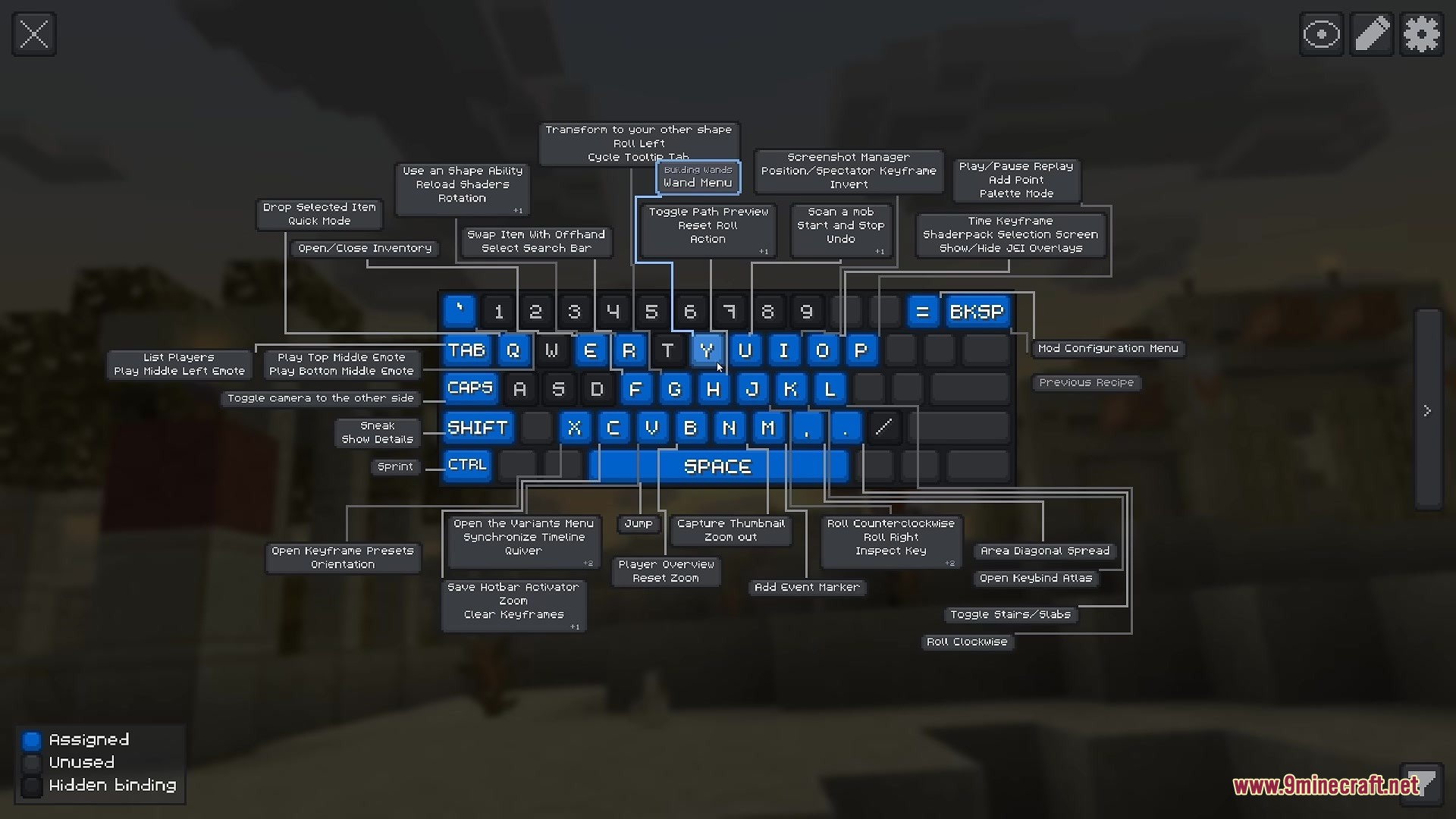
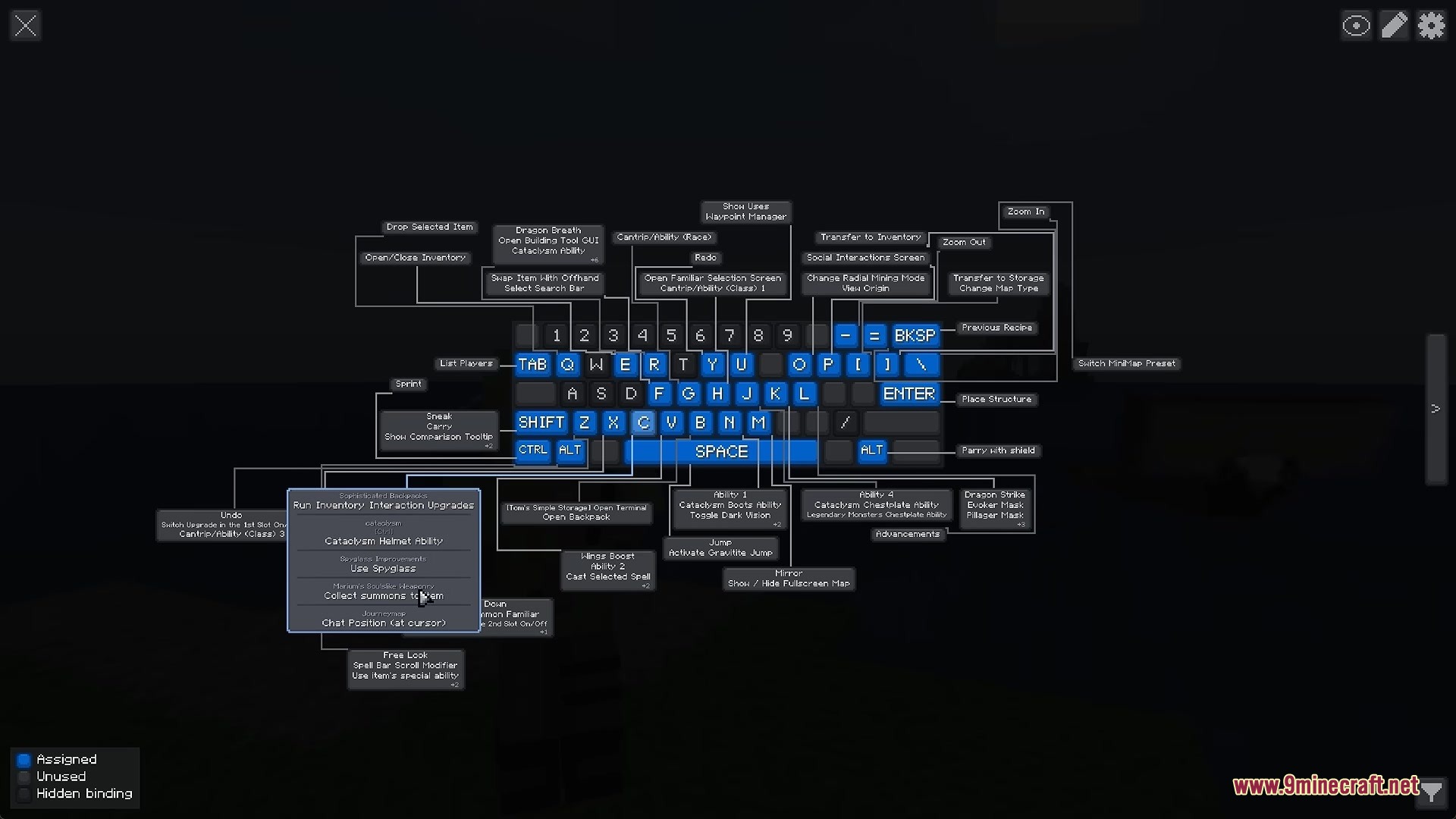
- Visual Keyboard: Shows a live picture of your keyboard and mouse on the screen.
- Color Coding: Keys change color based on if they are used, free, or hidden.
- Hovering your mouse over any key pops up a box showing the action and the mod it comes from.
- You can remove, change, or add new controls directly from the visual map.
- Lets you browse a list of unassigned actions sorted by mod.
- Includes an undo button to fix mistakes before saving your new keys.
- Allows you to filter the map by specific mods or actions to find things faster.
- You can create custom color categories to group similar controls together.
- Supports many different keyboard layouts from around the world.
- Works completely on your side, so you do not need to put it on a server to use it.
How to Use:
- Press K on your keyboard to open the visual map.
- Move your mouse over any colored key to see what action it performs.
- Click on a key to change its setting or remove the action.
- Use the filter options to find controls for a specific mod.
- Click the apply button to save any changes you make to your setup.
Screenshots:
How to Install:
New to Minecraft? Follow our step-by-step guide to install Mods on your PC.View Guide
Requirements:


Keybind Atlas Mod Download Links
For Minecraft 1.21.1, 1.21
For Minecraft 1.20.1, 1.20
Click to rate this post!
[Total: 0 Average: 0]
You May Also Like




This post has no comments yet. Be the first — your comment will appear here.