


Kiss a Friend Mod (26.2, 1.20.1) – Share a Quick Kiss with Friends
 128
128
 0
0


🌐 Read this article in your language! Choose your preferred language below.
Or pick the one you like:
Kiss a Friend Mod adds a fun way to interact with other people on your multiplayer server. It lets you share a quick kiss with your friends when you play together. The mod runs mainly on the server, so your friends do not always need to install it on their own computers to join the fun. If you also play with the Estrogen mod, you can even share special status effects through a kiss.
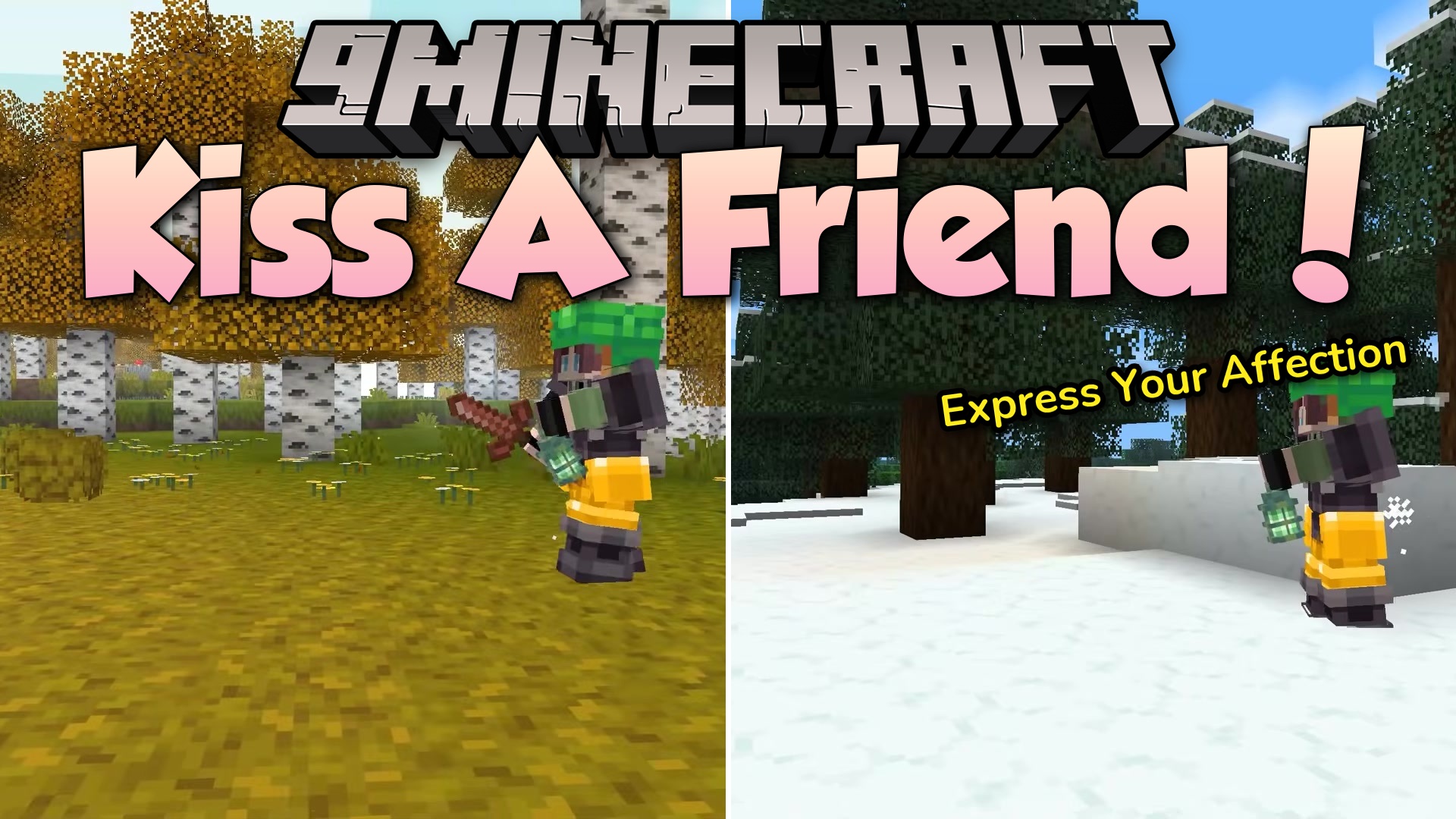
Features:
- Player Kissing: Adds a simple and cute way to share a kiss with anyone else in the game.
- Both players must sneak and look directly at each other to trigger the action.
- Runs perfectly on the server side, so other players can join without downloading the file themselves.
- Adds special text popups when you complete the action for the first time.
- Works with the Estrogen mod to share the special Girl Power status effect.
- Copies half of your effect timer to your friend without lowering your own time.
- Lets you turn off the effect sharing in the settings if you only want the normal kiss.
Configuration:
config/kiss-a-friend.toml: holds all the settings for the mod, like turning off effect sharing.
How to Use:
- Stand close to the player you want to kiss.
- Make sure both of you look directly at each other.
- Press and hold the sneak key (usually Shift) at the same time to start the kiss.
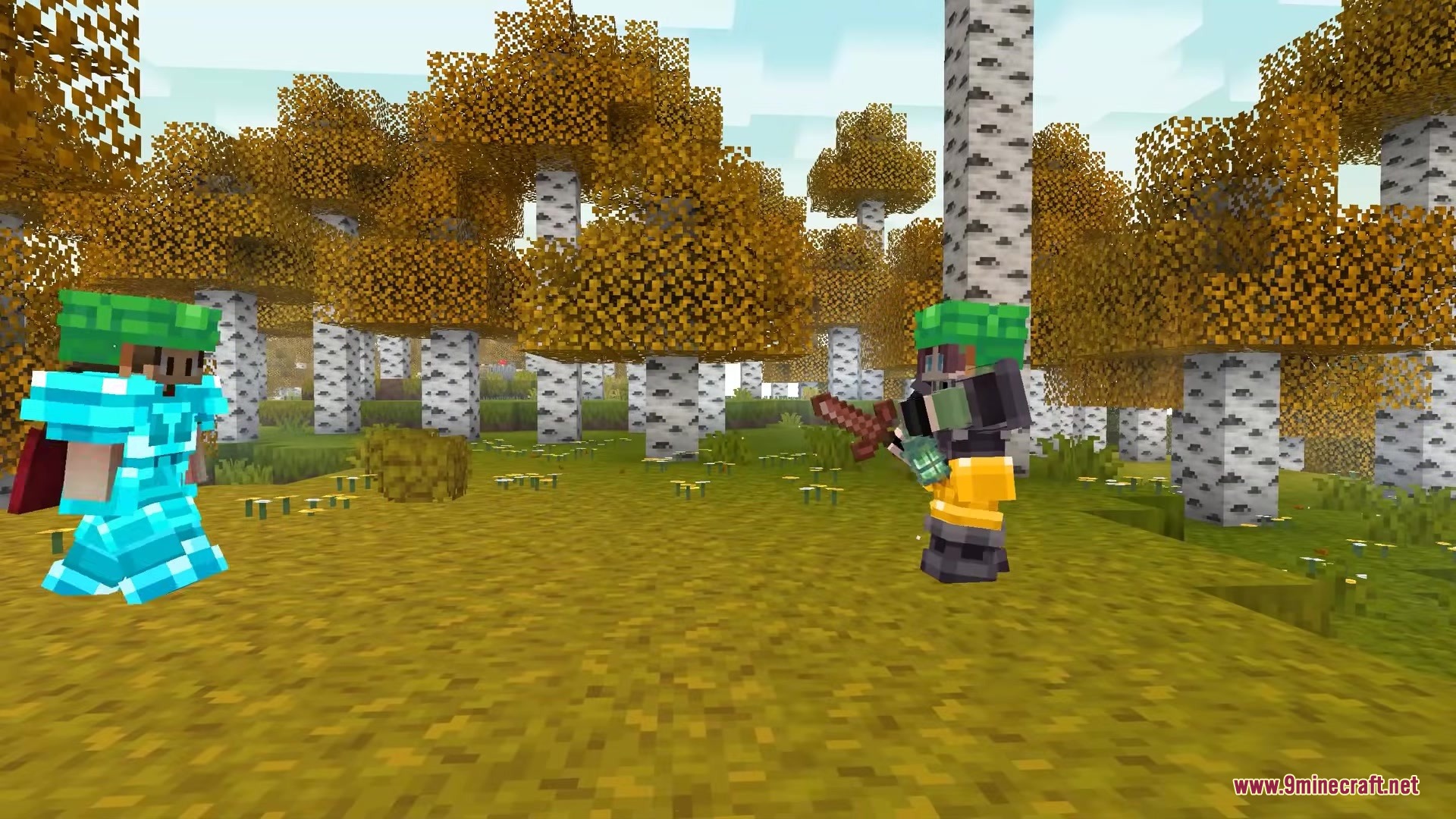
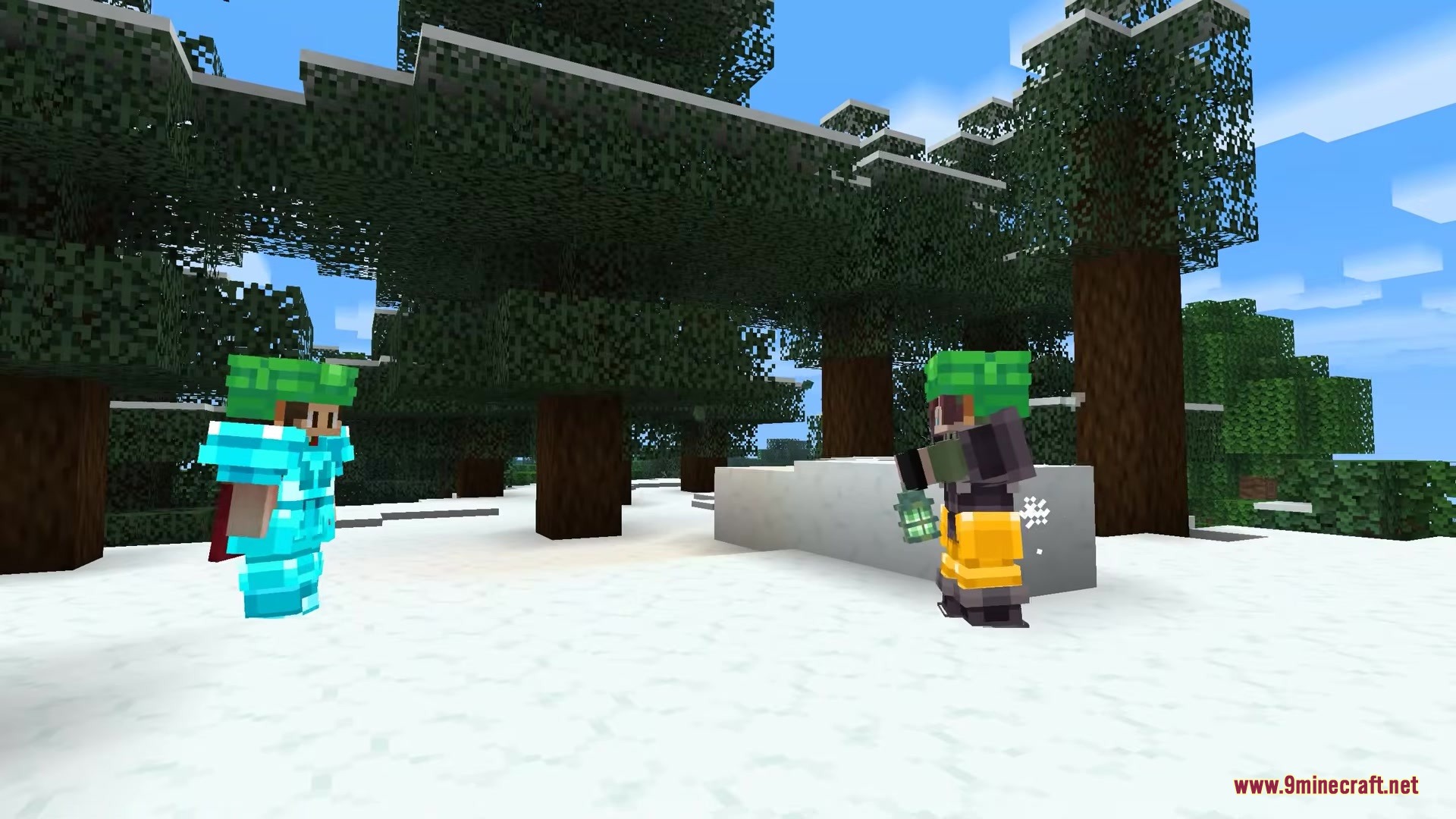
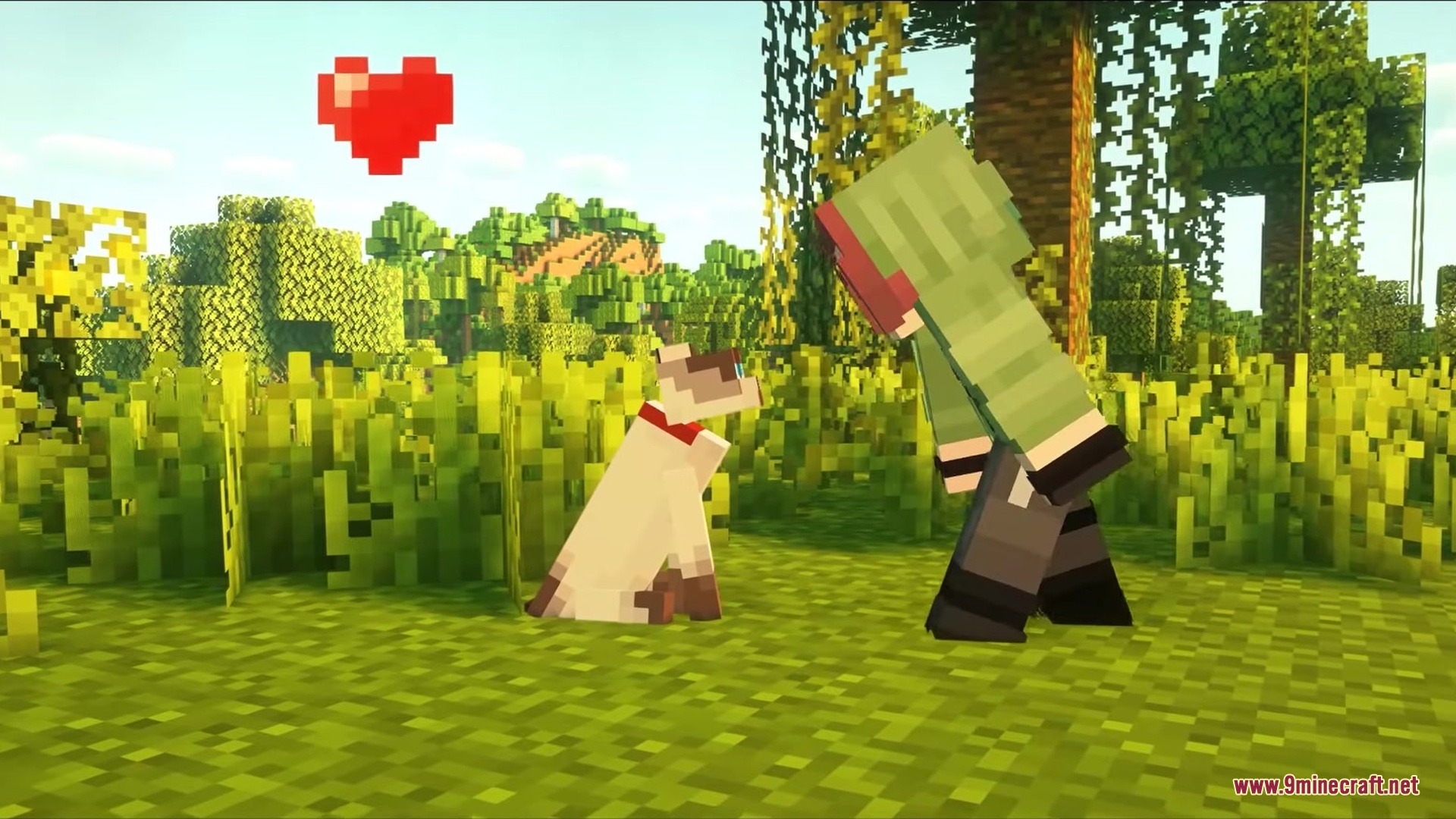
Screenshots:
How to Install:
New to Minecraft? Follow our step-by-step guide to install Mods on your PC.View Guide
Requirements:


Kiss a Friend Mod Download Links
For Minecraft 26.2
For Minecraft 26.1.2, 26.1.1, 26.1
For Minecraft 1.21.11, 1.21.10, 1.21.9
For Minecraft 1.21.1, 1.21
For Minecraft
1.20.6,
1.20.5,
1.20.4
All Versions Covered
1.20.6
1.20.5
1.20.4
1.20.3
1.20.2
1.20.1
1.20
All Versions Covered
1.20.6
1.20.5
1.20.4
1.20.3
1.20.2
1.20.1
1.20
Click to rate this post!
[Total: 0 Average: 0]
You May Also Like



This post has no comments yet. Be the first — your comment will appear here.