


Better GUI Workbench Villagers… Resource Pack (26.2, 1.20.1)

 0
0 

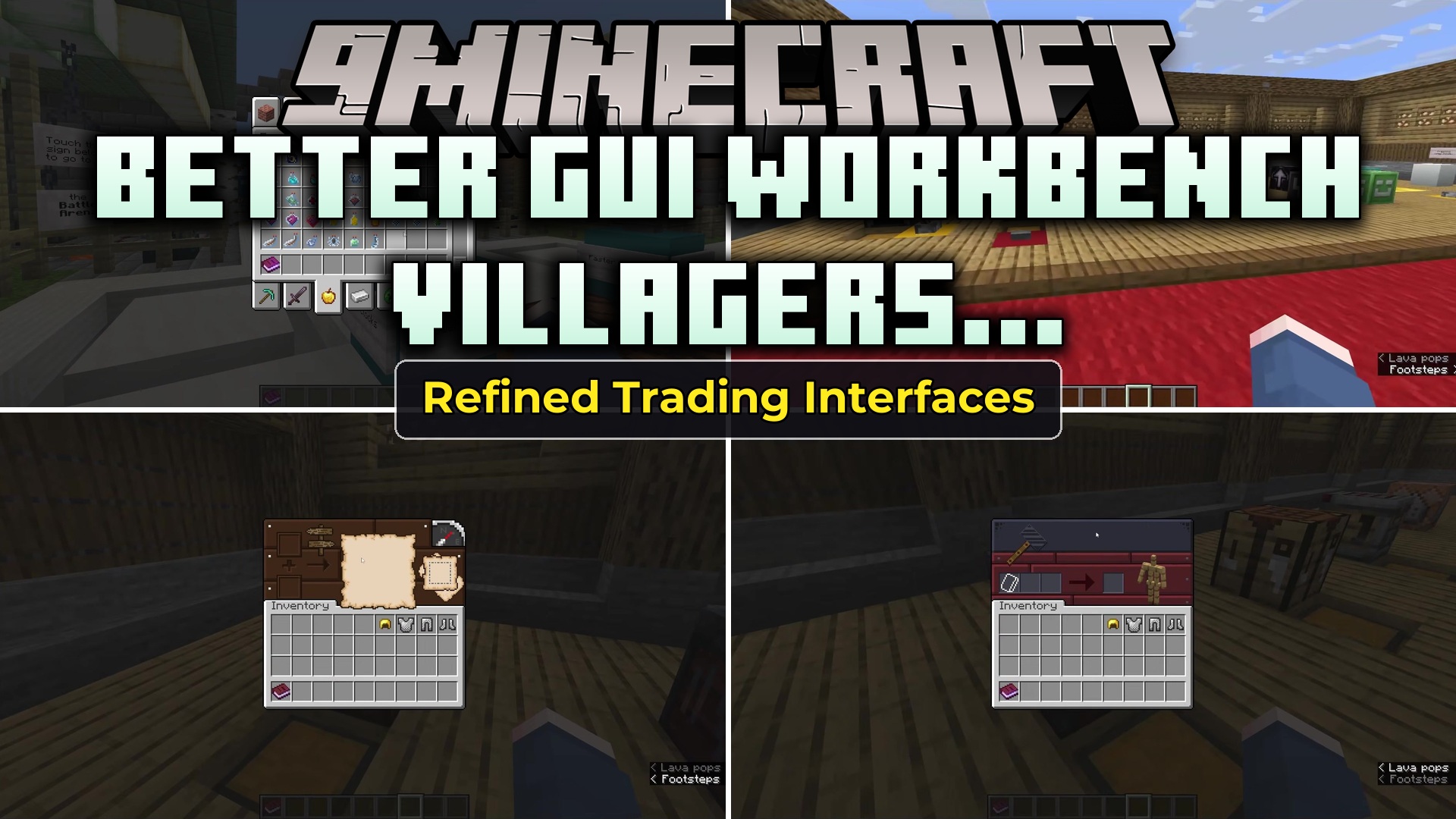
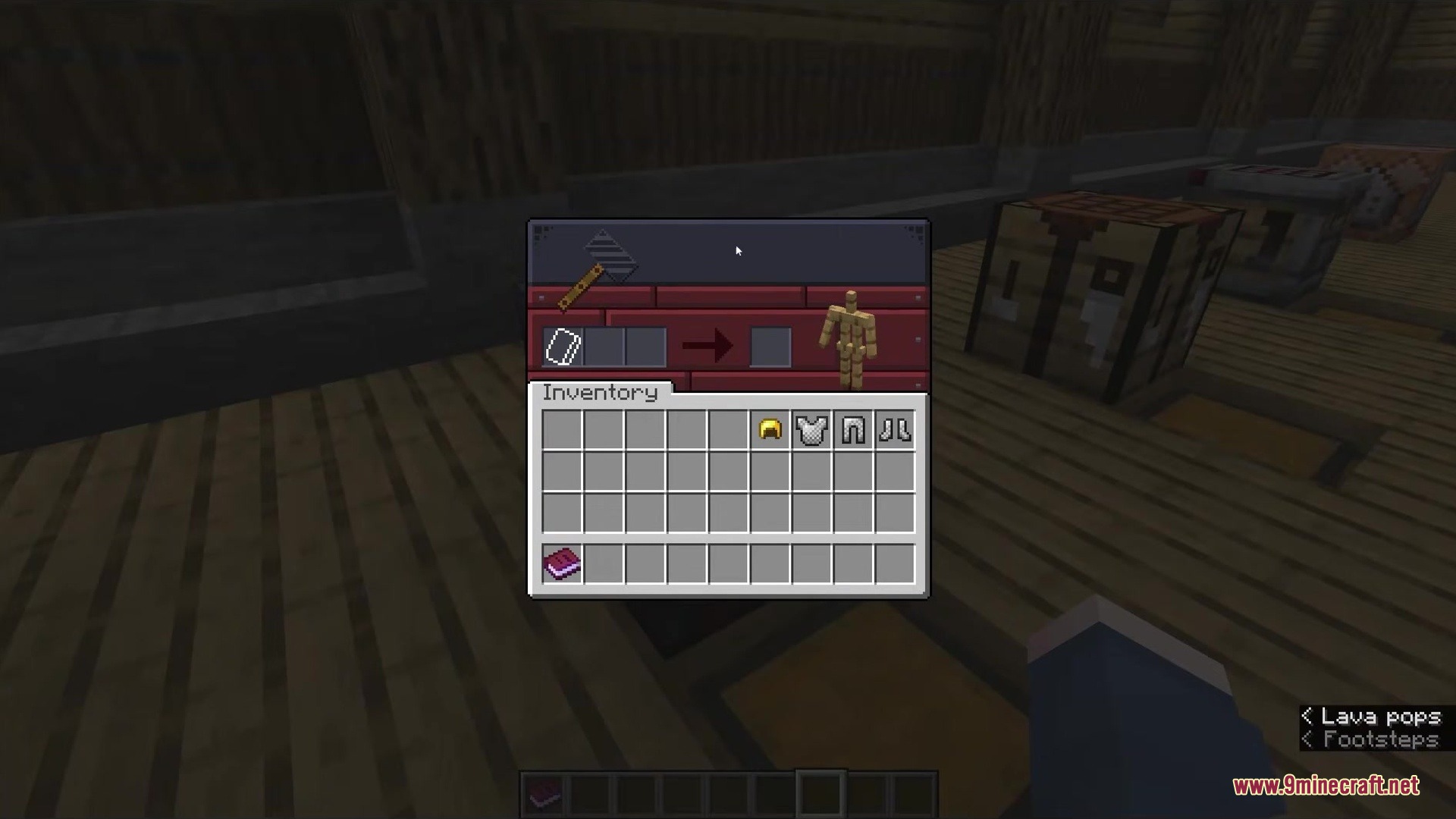
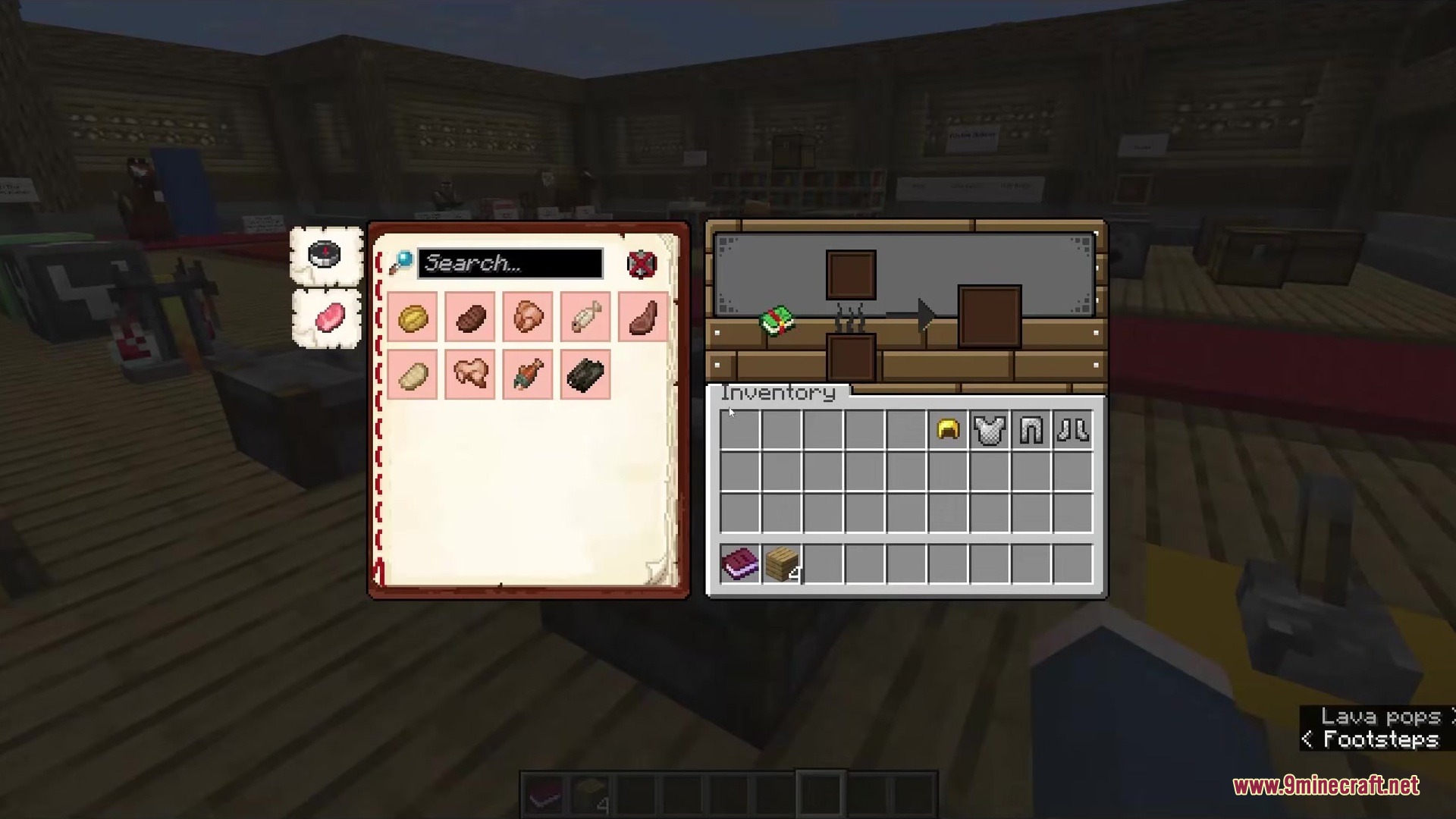
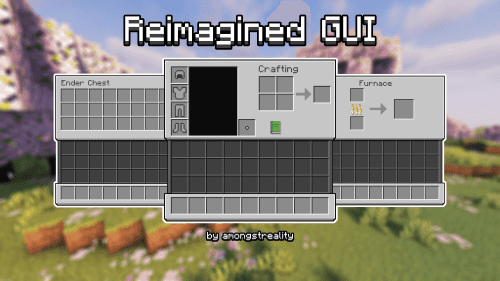
Better GUI Workbench Villagers… Resource Pack refreshes the look of every menu and inventory screen in your game. It gives a custom, colorful design to workstations, chests, and even animal inventories so you never have to look at plain gray boxes again.
When you open a chest, cook food in a furnace, or trade with a villager, you see a fresh new screen. This pack changes the menus for riding horses and camels, too. It even brings custom looks to blocks from other popular mods, making sure your whole game matches this fun style.
To make sure every screen loads correctly, you need to play with OptiGUI installed. If you play without it, some villager trades or special chests might show the wrong picture. There is a beta version you can pick if you cannot use OptiGUI, which gives a basic design to stop visual bugs.
Features:
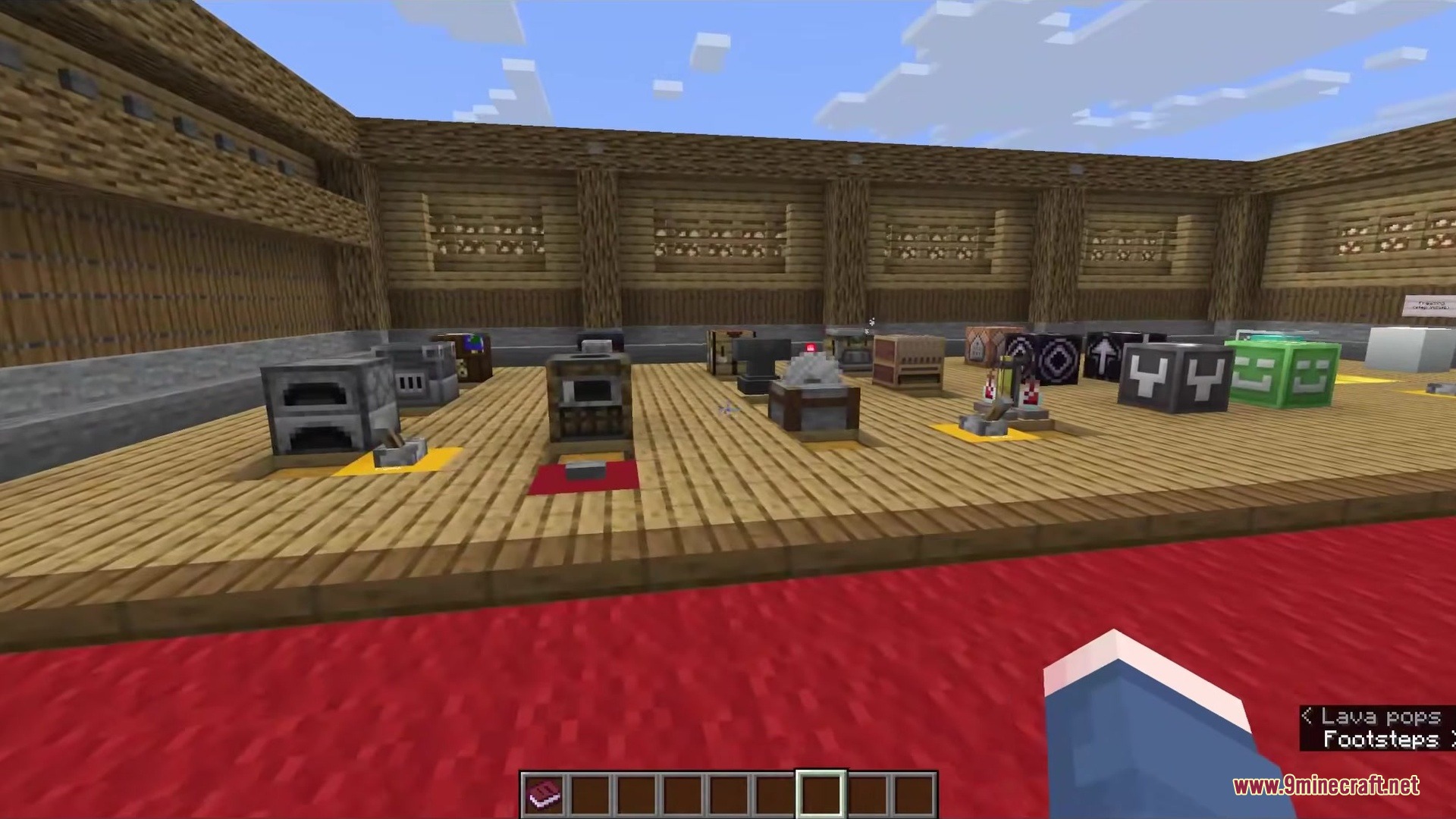
- Changes the visual style of all vanilla workstations, chests, and furnaces.
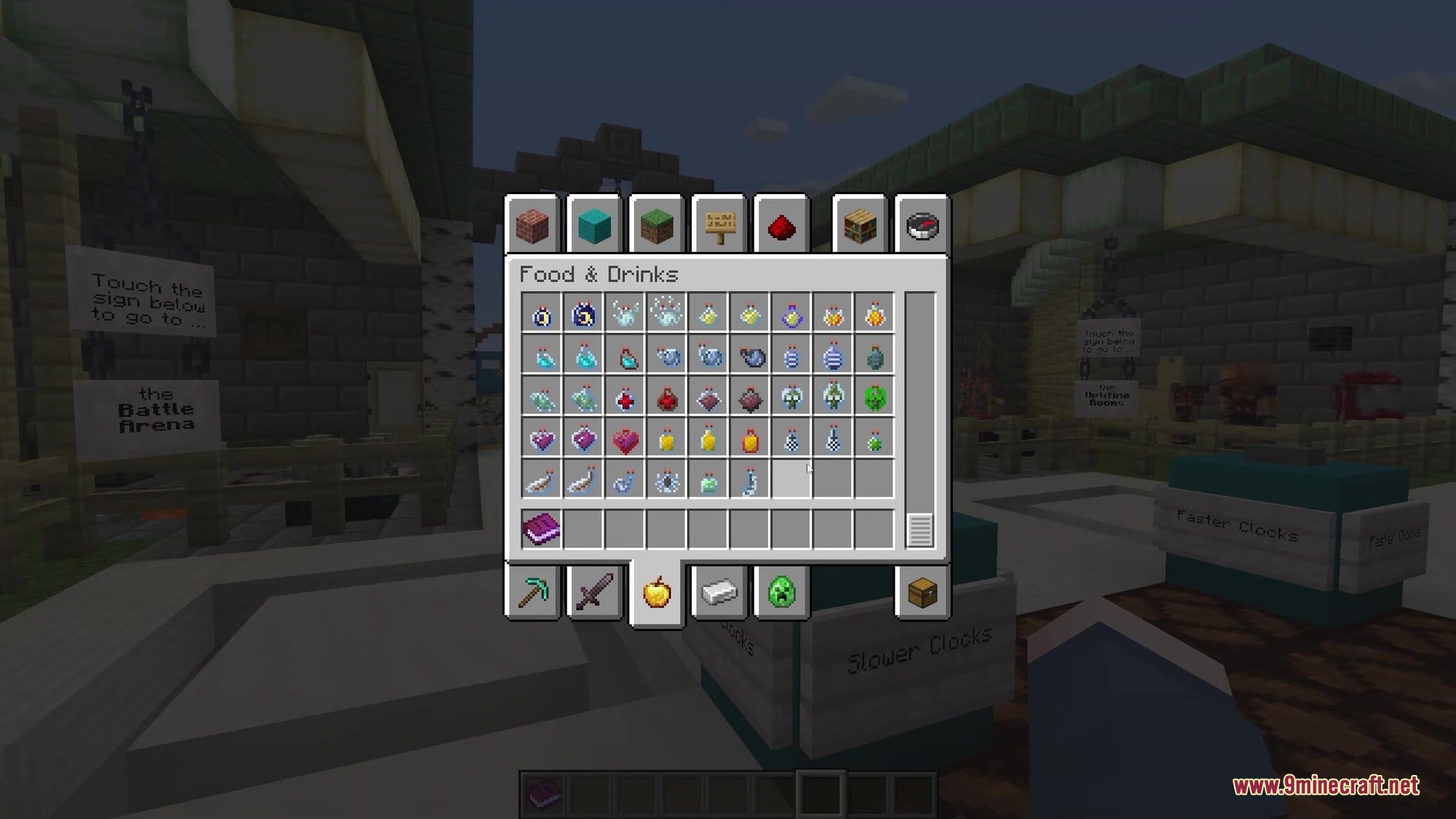
- Gives a fresh look to the creative mode inventory screen.
- Updates the menus you see when riding horses, mules, and camels.
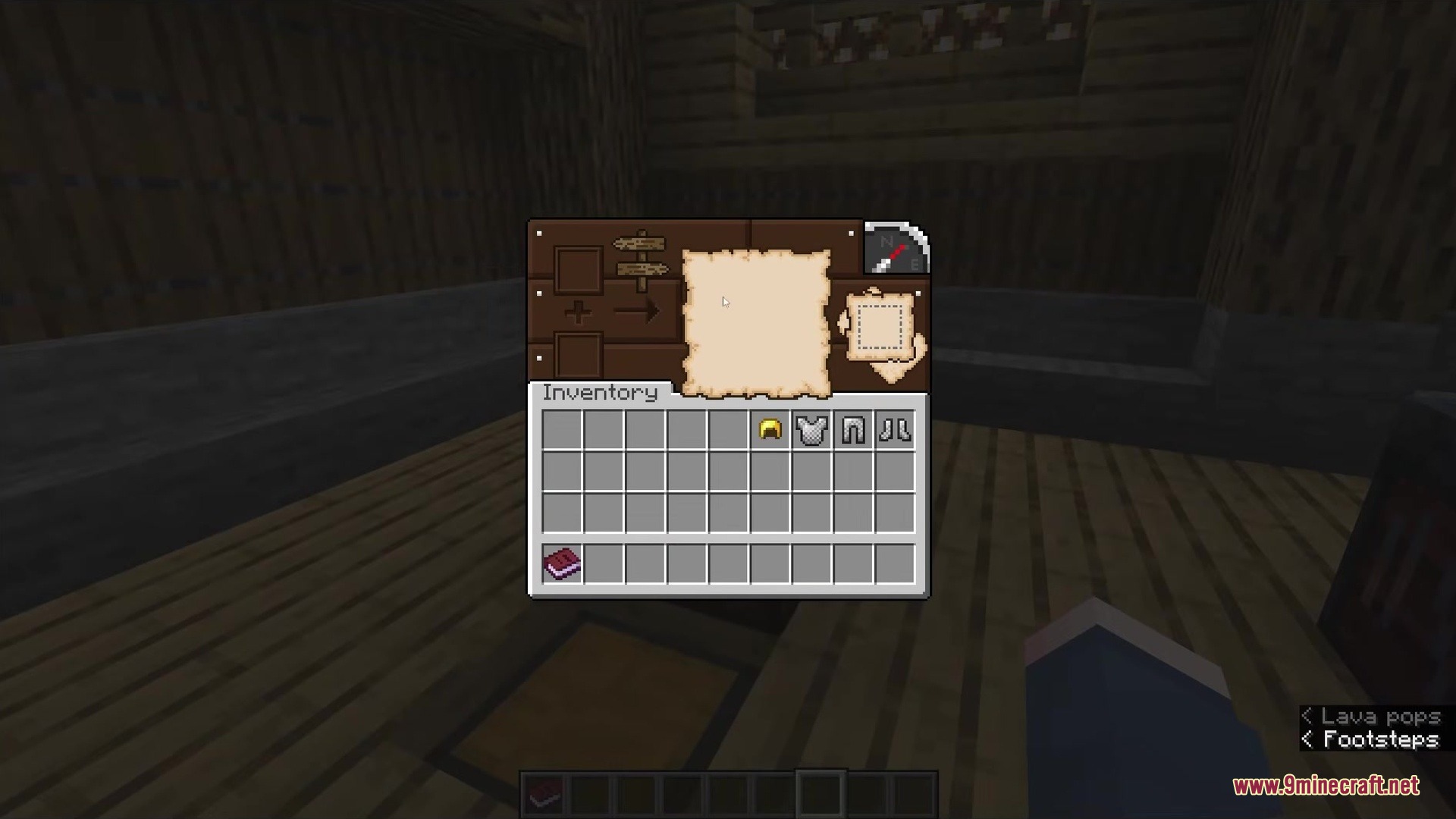
- Adds custom trading screens for different types of villagers.
- Includes special menu designs for blocks from mods like MrCrayfish’s Furniture and Iron’s Spells ‘n Spellbooks.
- Needs OptiGUI to display special blocks like shulker boxes and ender chests without errors.
- Offers a safe fallback version if you cannot add extra mods to your game.
Screenshots:
How to Install:
New to Minecraft? Follow our step-by-step guide to install Resource Packs on your PC.View Guide
Better GUI Workbench Villagers… Resource Pack Download Links
For Minecraft
26.2.x
All Versions Covered
26.2
26.1.2
26.1.1
26.1
For Minecraft
1.21.x
All Versions Covered
1.21.11
1.21.10
1.21.9
1.21.8
1.21.7
1.21.6
1.21.5
1.21.4
1.21.3
1.21.2
1.21.1
1.21
For Minecraft
1.20.x
All Versions Covered
1.20.6
1.20.5
1.20.4
1.20.3
1.20.2
1.20.1
1.20
You May Also Like




This post has no comments yet. Be the first — your comment will appear here.