


Clutter No More Mod (26.2, 1.20.1) – Change Block Shapes Instantly Without

 0
0 

🌐 Read this article in your language! Choose your preferred language below.
Or pick the one you like:
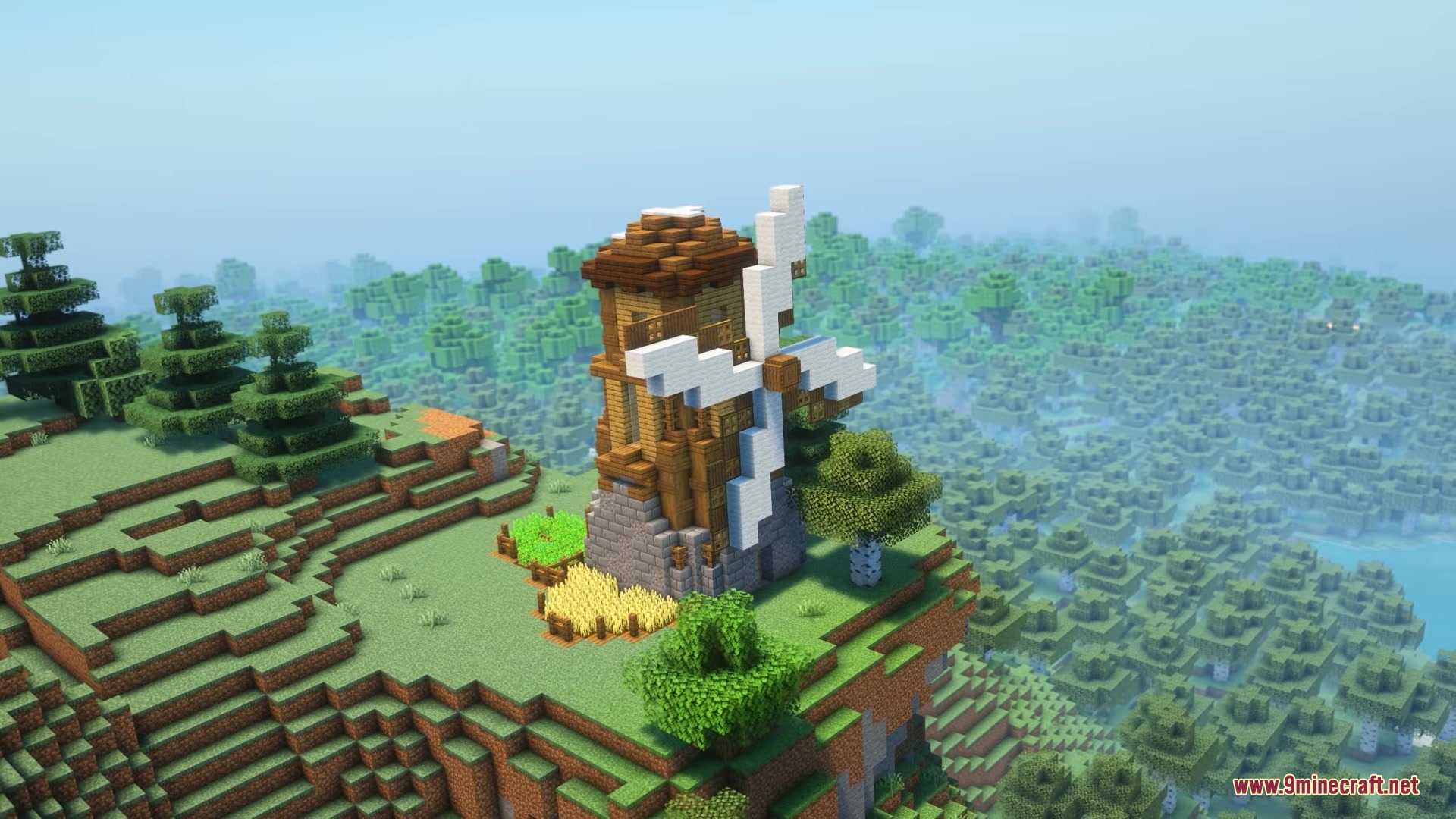
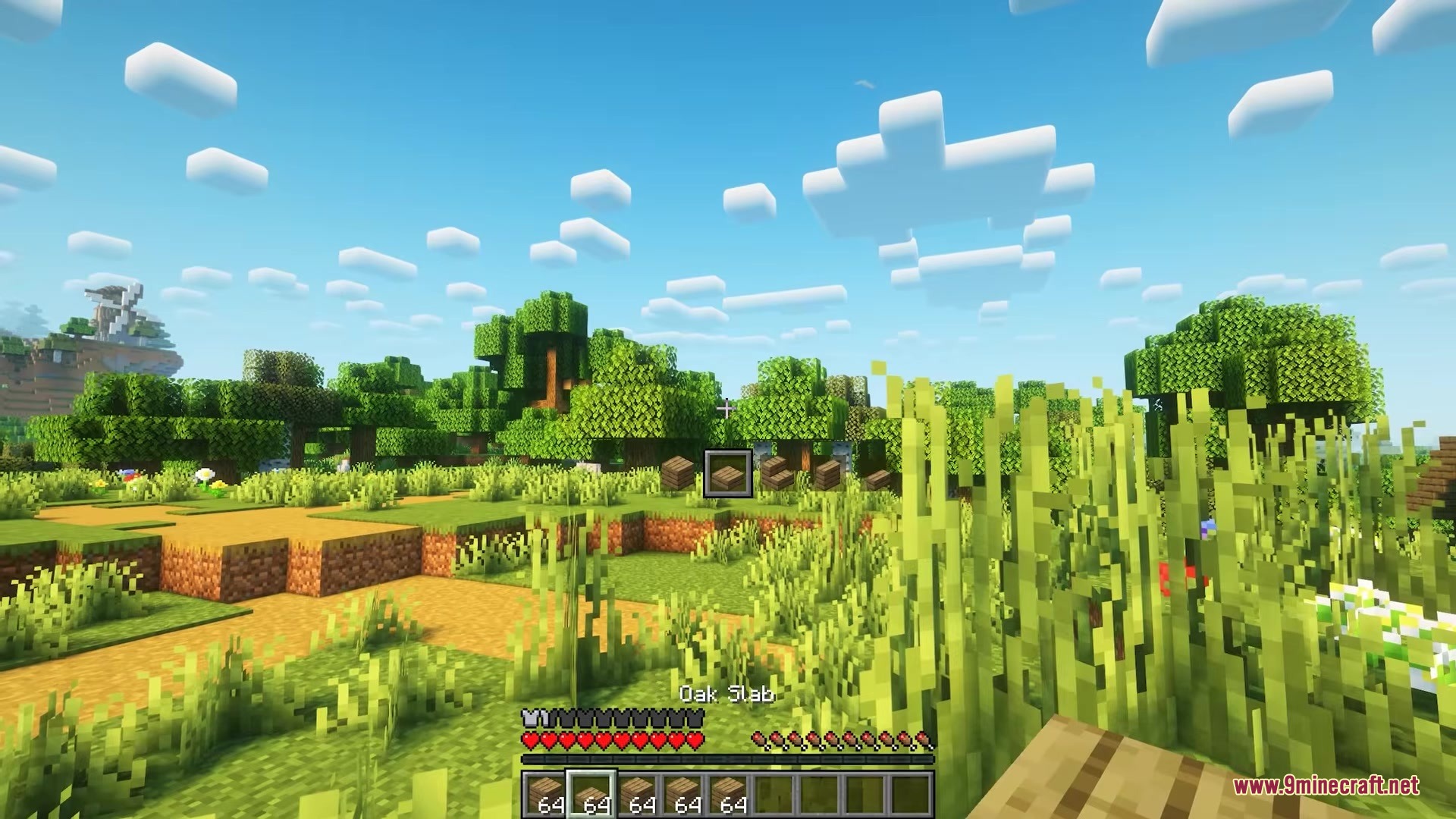
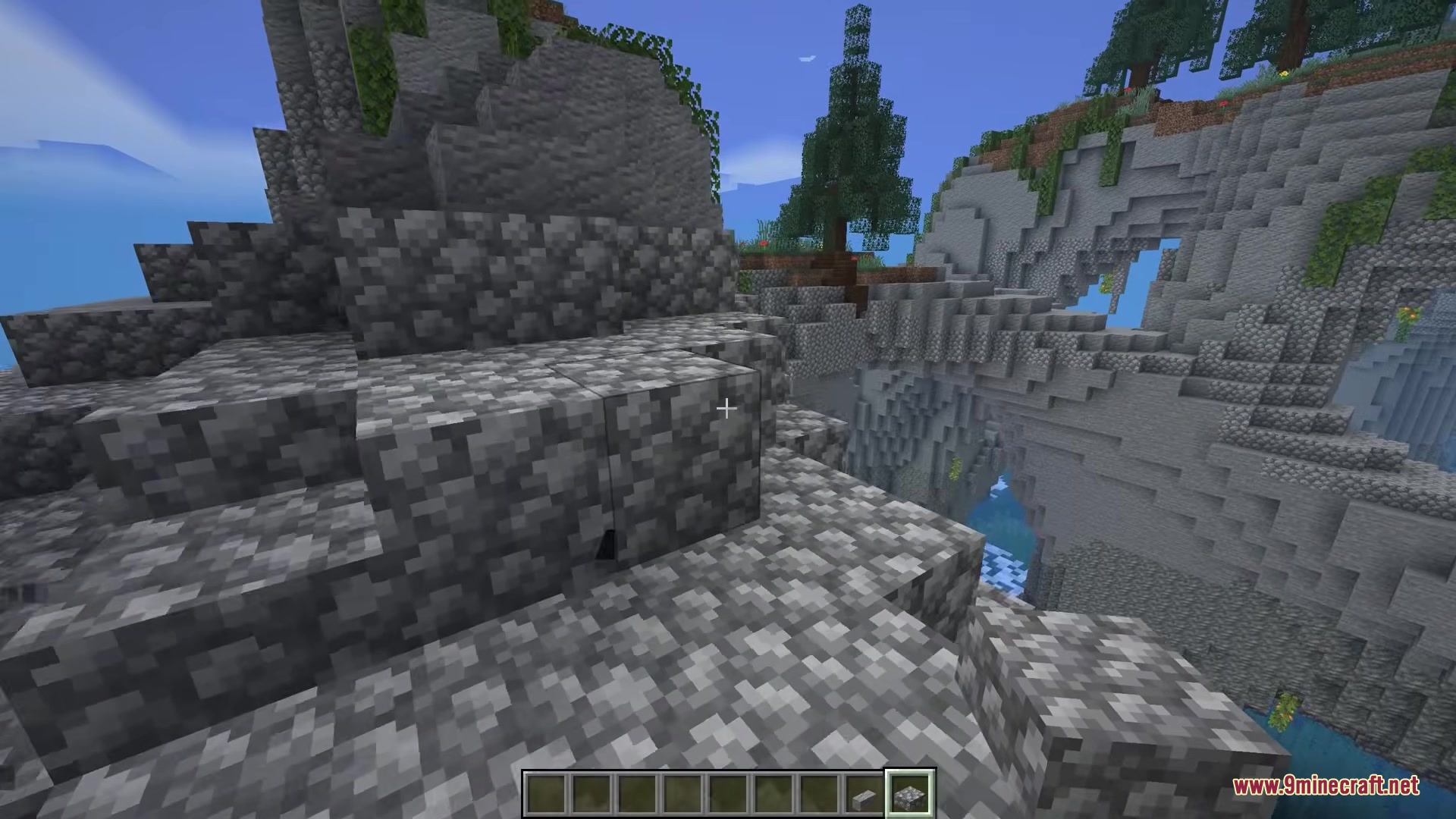
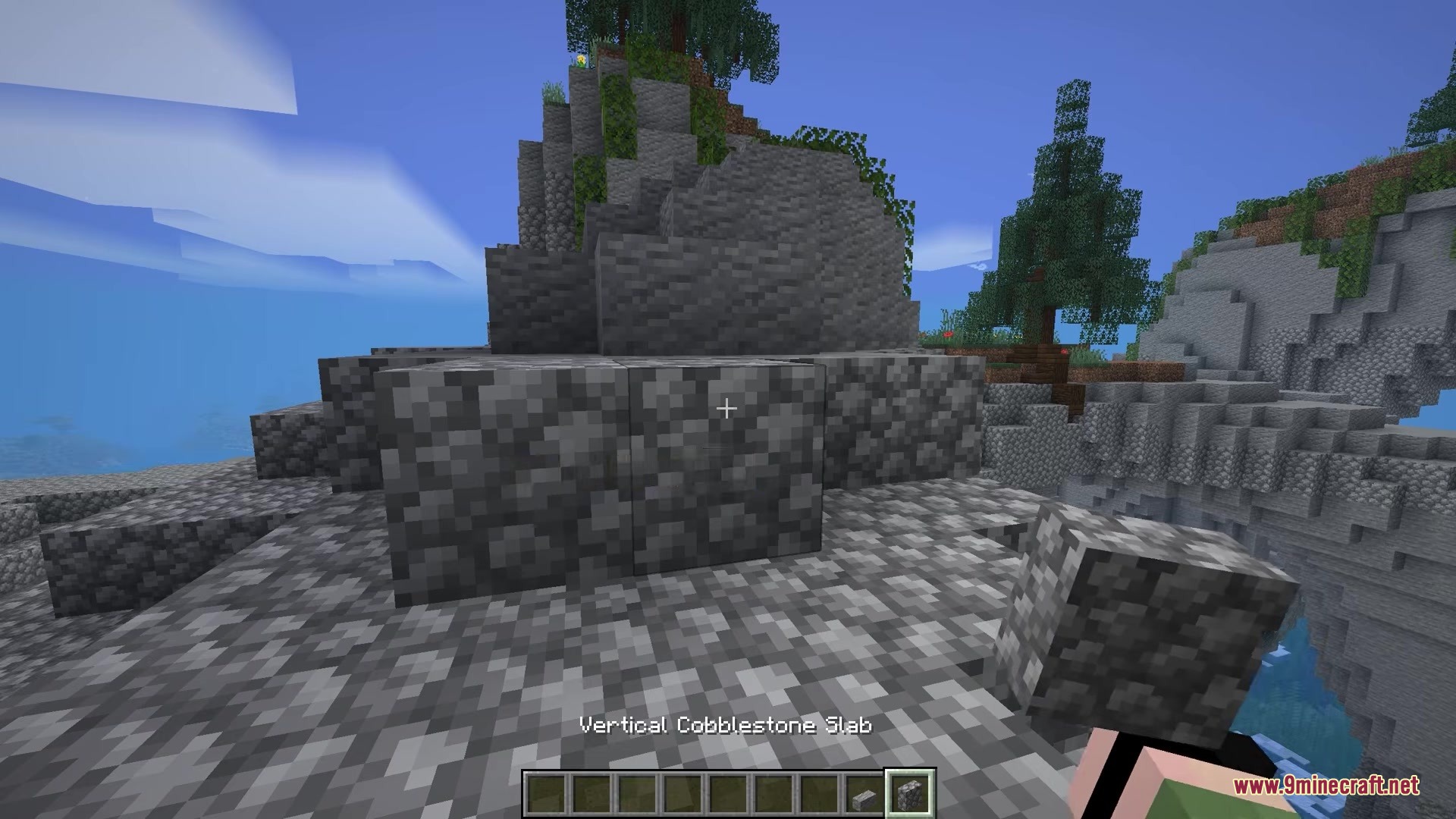
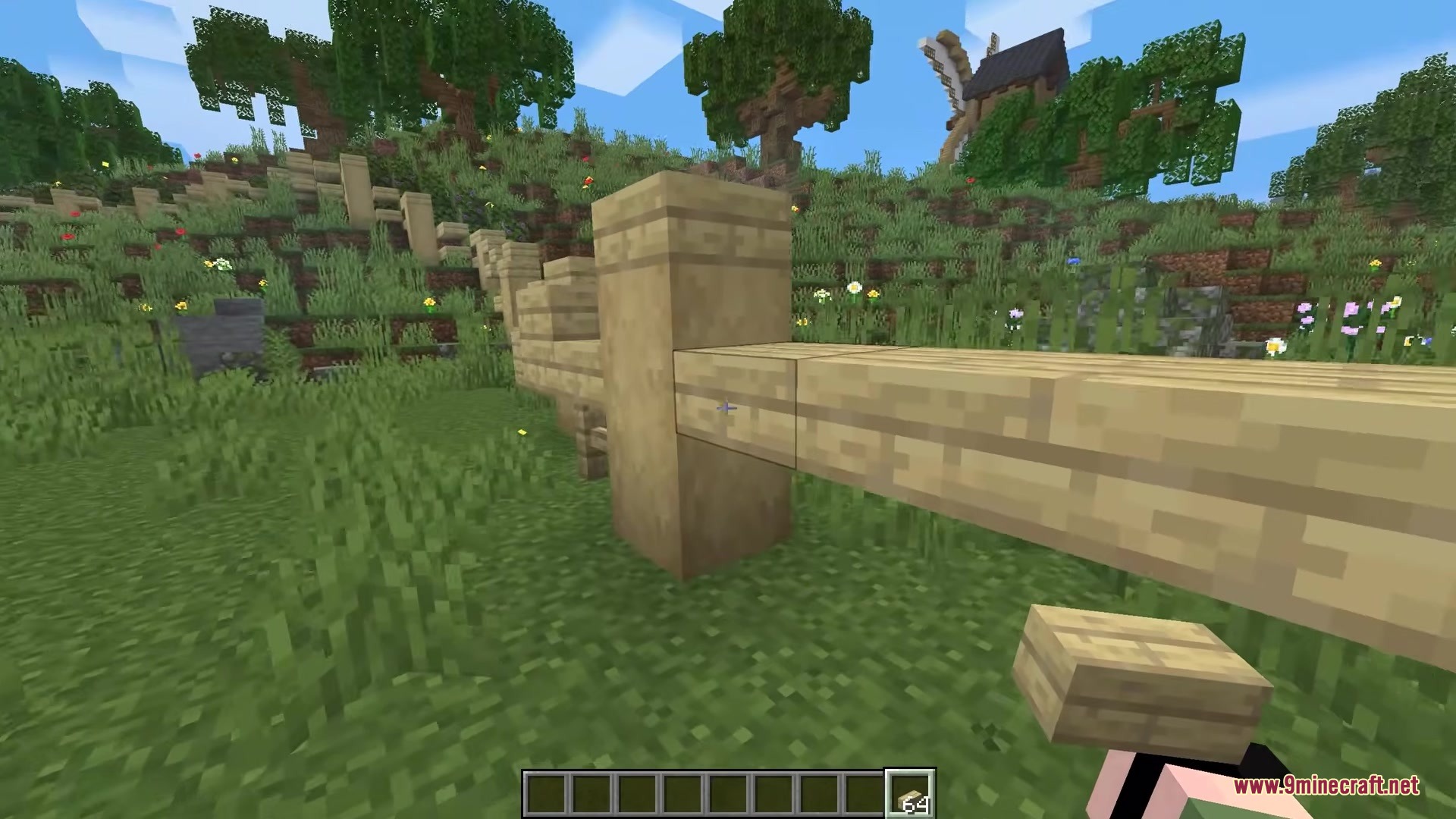
Clutter No More Mod solves the problem of a messy inventory when you build big projects. Instead of carrying separate stacks for full blocks, slabs, and stairs, you only need one block type. You just press a button to swap between different shapes right in your hand. This keeps your bags empty and saves you time from constantly opening a crafting table. It even brings fresh building pieces to the game, like vertical slabs and small steps.
Features:
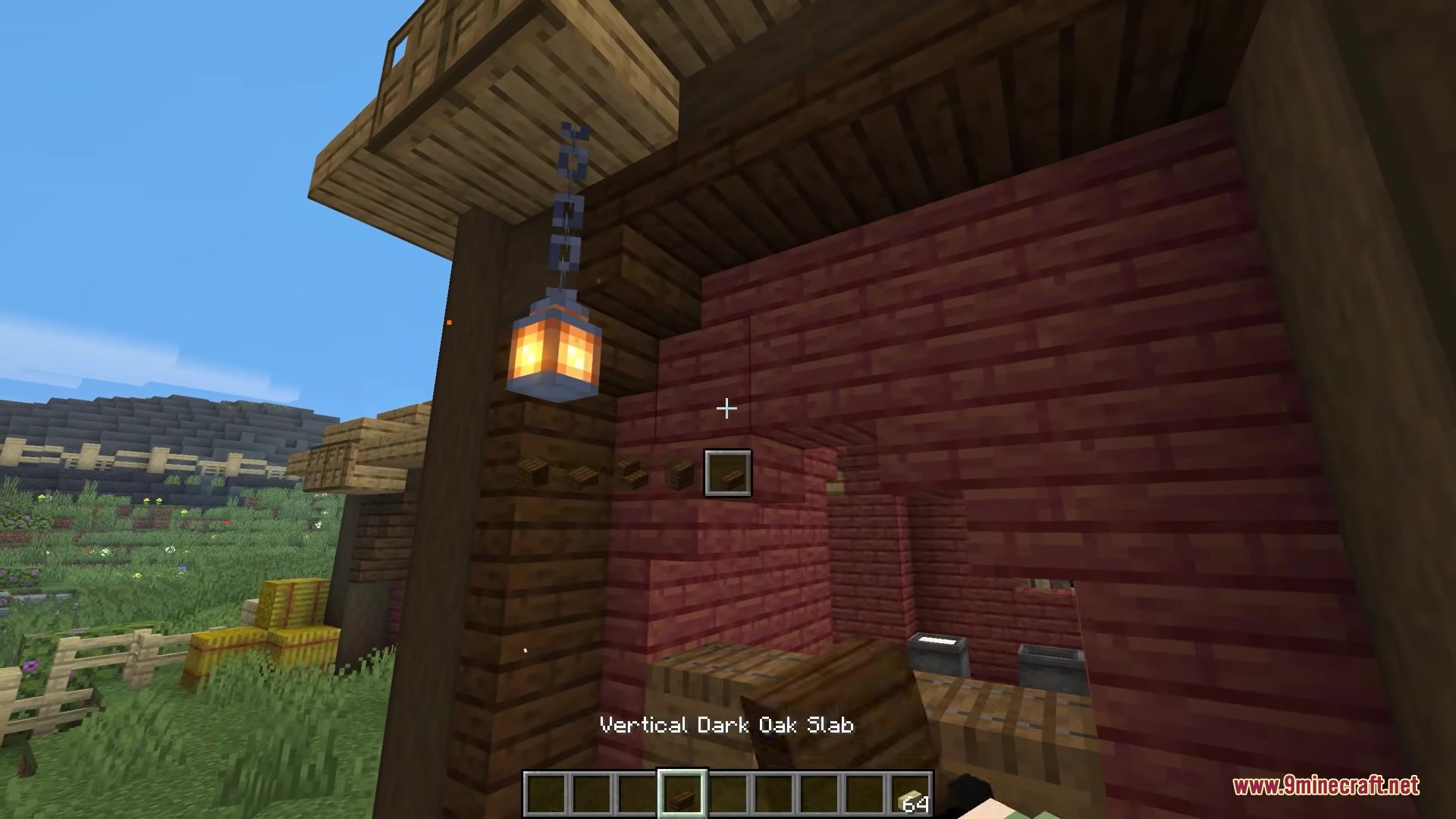
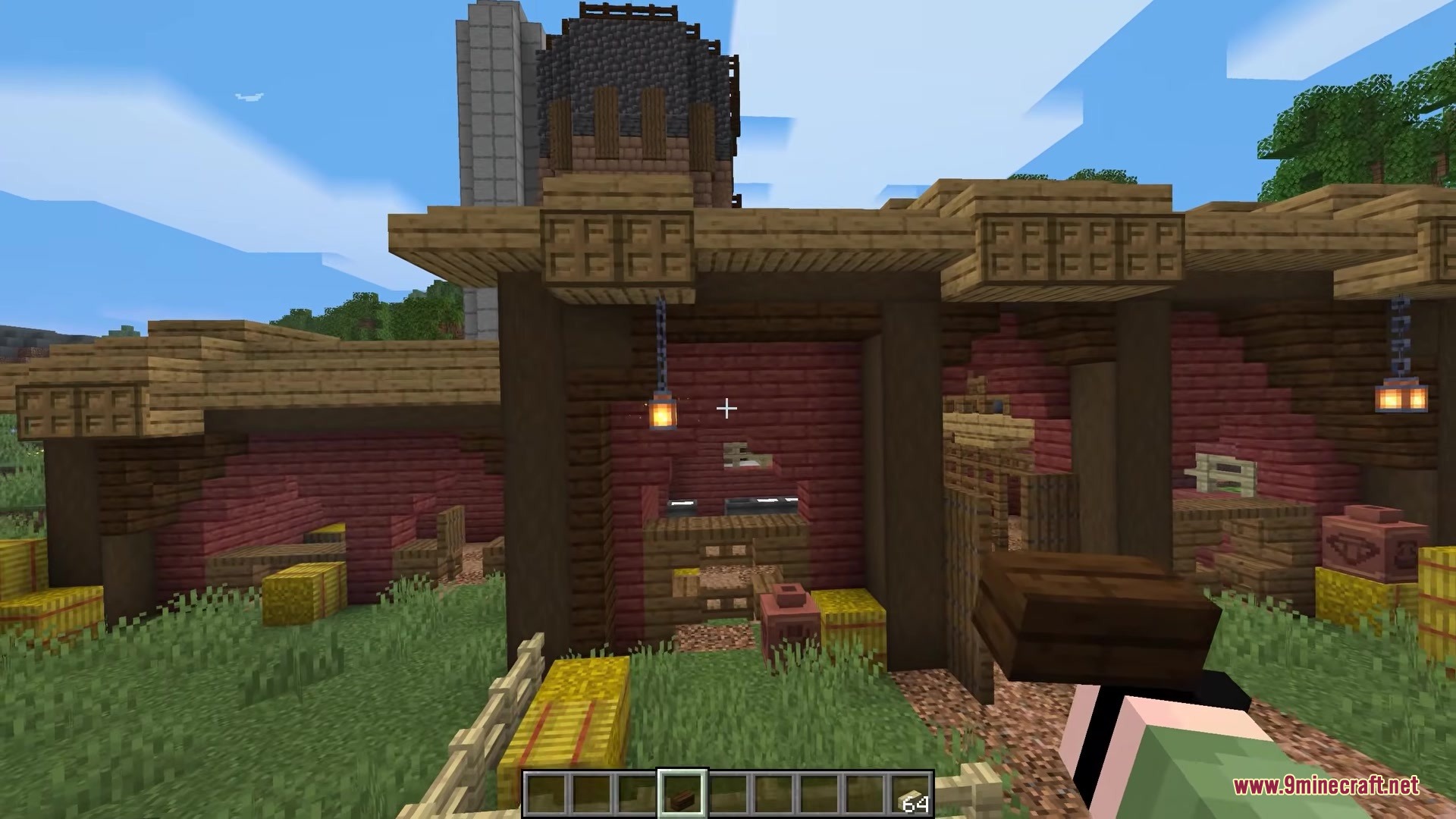
- Players can change the shape of any held block by pressing a simple key.
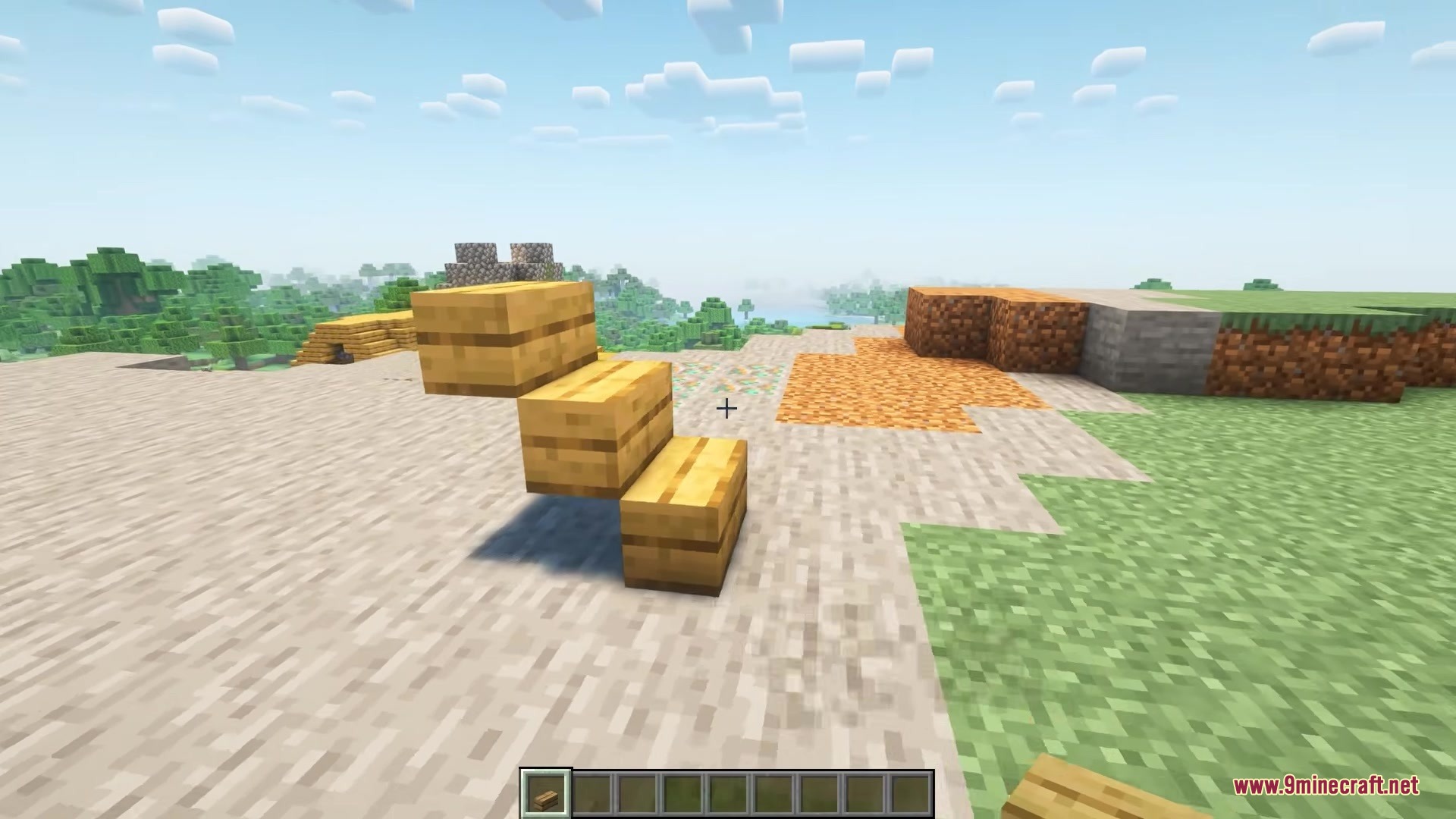
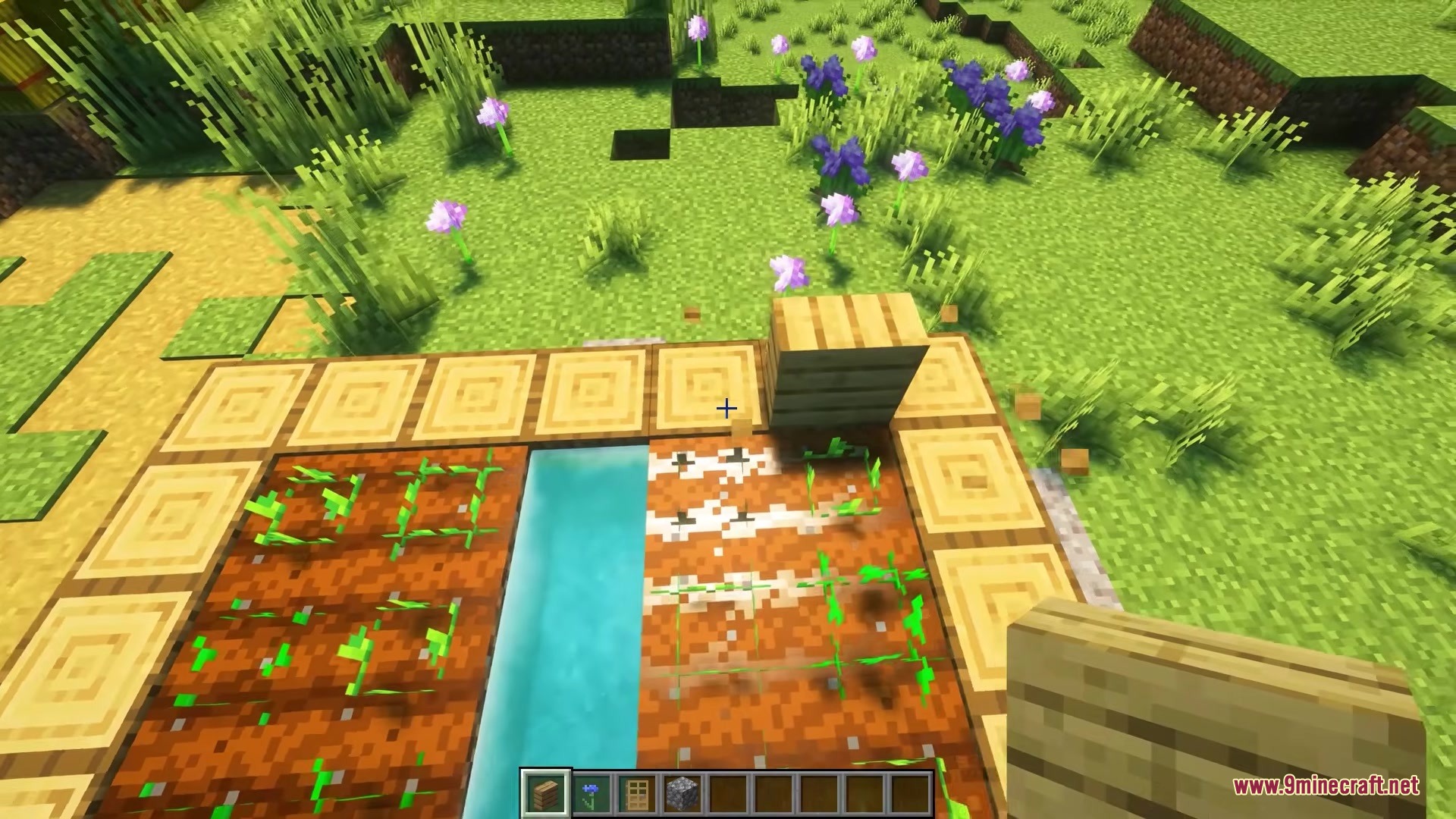
- Adds new building shapes like vertical slabs and small steps.
- Merges different shapes of the same material back together in your inventory.
- Removes the need to craft stairs and slabs at a crafting table.
- Cleans up the creative menu by hiding all the extra block variations.
- Saves inventory space so you can carry more types of building materials.
How to Use:
- Hold a regular full block in your hand.
- Press the Left Alt key to cycle through different block shapes.
- Pick the shape you want, such as a stair or a vertical slab.
- Place the block in your world.
Screenshots:
How to Install:
New to Minecraft? Follow our step-by-step guide to install Mods on your PC.View Guide
Requirements:




Clutter No More Mod Download Links
For Minecraft 26.2
For Minecraft 26.1.2, 26.1.1, 26.1
For Minecraft
1.21.11,
1.21.10,
1.21.9
All Versions Covered
1.21.11
1.21.10
1.21.9
1.21.8
1.21.7
1.21.6
1.21.5
1.21.4
1.21.1
1.21
All Versions Covered
1.21.11
1.21.10
1.21.9
1.21.8
1.21.7
1.21.6
1.21.5
1.21.4
1.21.1
1.21
For Minecraft 1.20.1, 1.20
Click to rate this post!
[Total: 0 Average: 0]
You May Also Like




This post has no comments yet. Be the first — your comment will appear here.