


Focal Engine Mod (1.20.4, 1.20.1) – Run Advanced Shaders for Realistic Lighting and Weather
 100
100
 0
0

🌐 Read this article in your language! Choose your preferred language below.
Or pick the one you like:
Focal Engine Mod replaces the standard graphics system in Minecraft to run advanced shaders. It works alongside OptiFine to give shader packs more control over how your world looks. This mod acts as a base for Continuum shaders, adding highly detailed lighting and weather effects to the game.

Features:
- Realistic Weather: Adds thick fog, falling rain, ground puddles, and moving water ripples.
- Advanced Lighting: Brings in distinct light rays, contact shadows, and realistic block reflections.
- Generates 3D volumetric clouds in the sky instead of flat shapes.
- Works directly with PBR resource packs to make materials look physically real.
- Includes an in-game menu where you can log into your account.
- Lets you download or update shaders and textures without leaving the game window.
- Removes standard visual limits so your world gets much better graphics.
How to Use:
- Install OptiFine first (you also need OptiFabric if you play on Fabric).
- Add this mod to your game and launch Minecraft.
- Open the custom in-game menu to log in and manage your files.
- Select a compatible Continuum shader from your video settings to apply the new effects.
Screenshots:
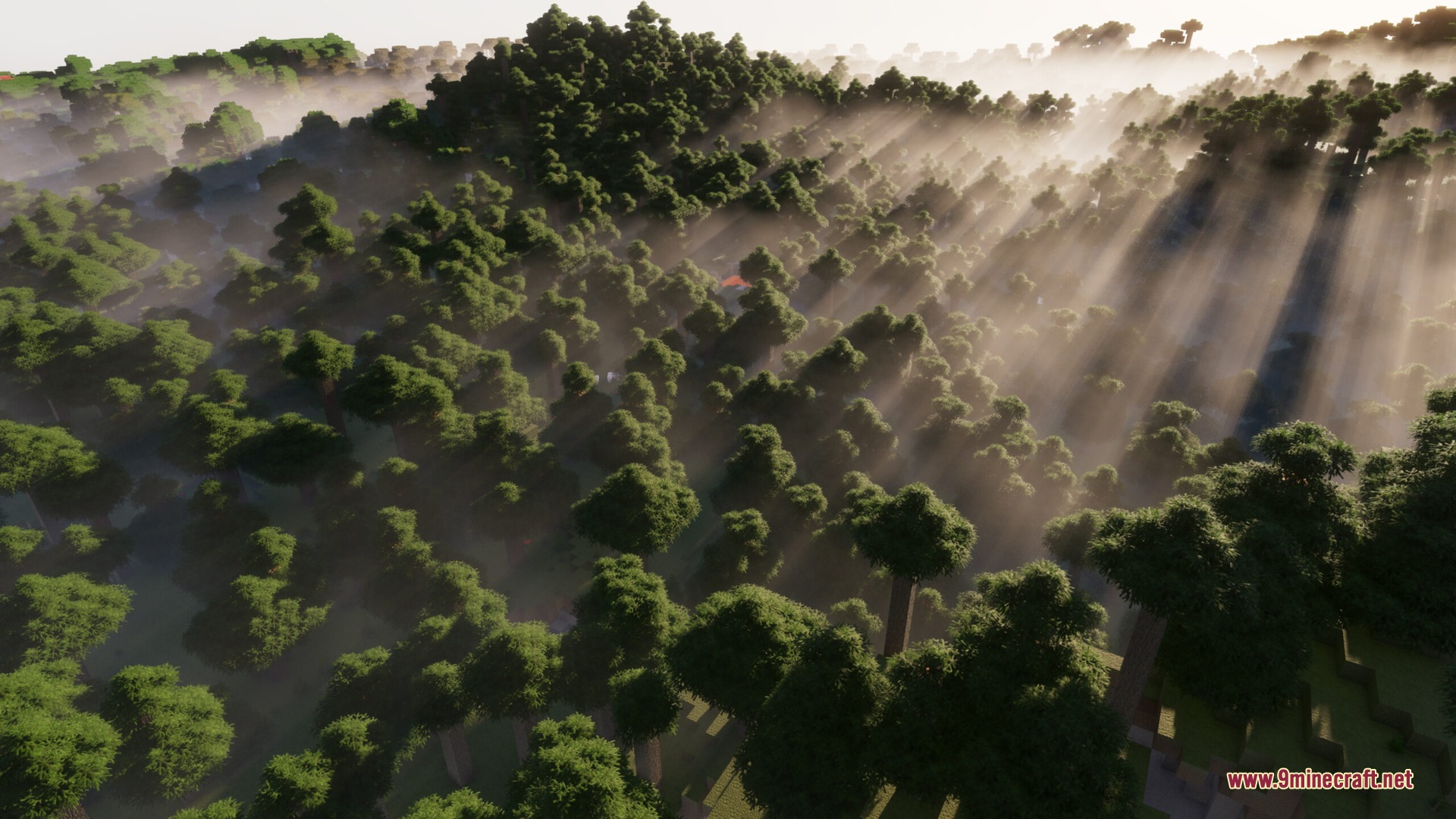

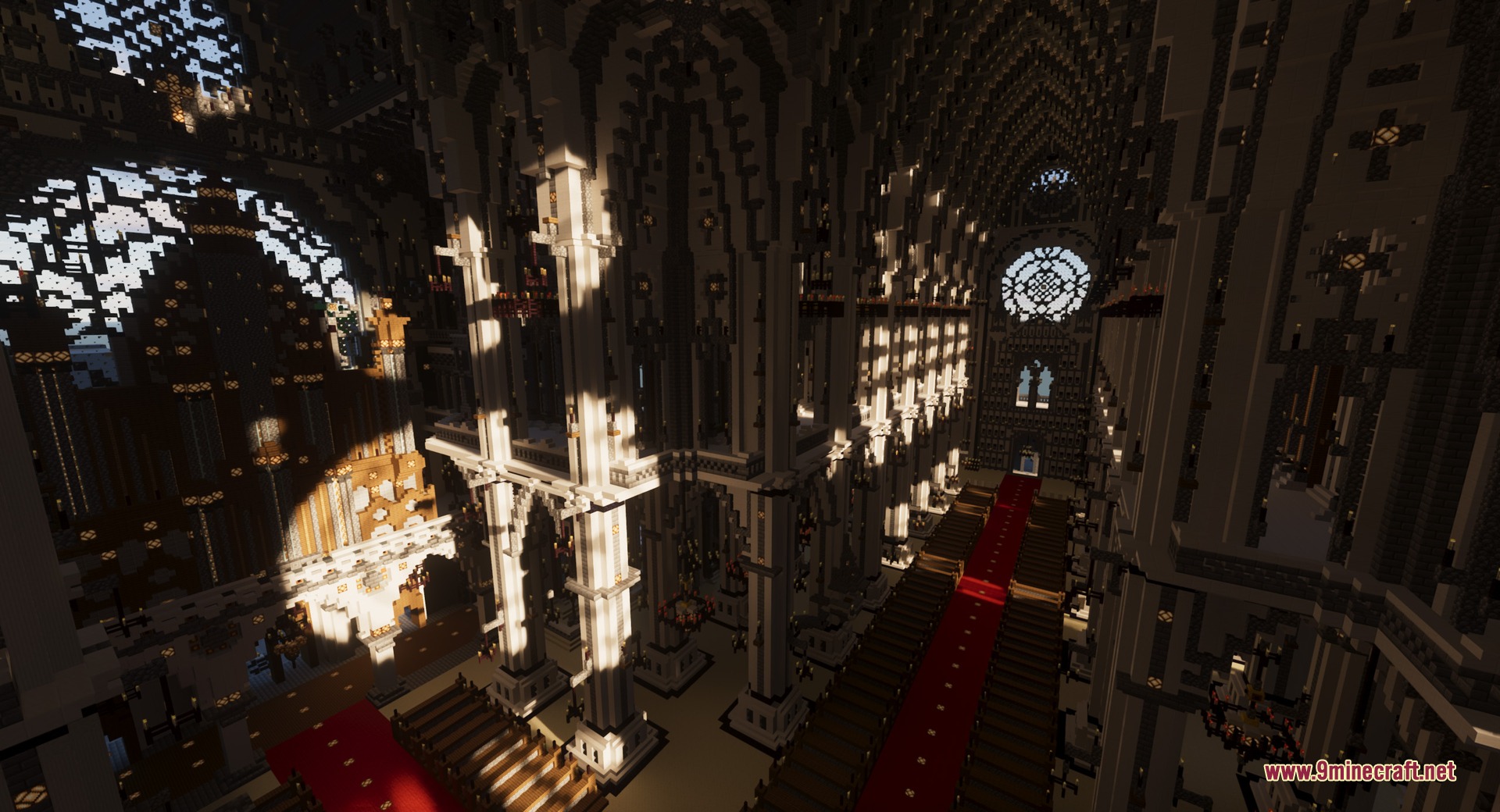
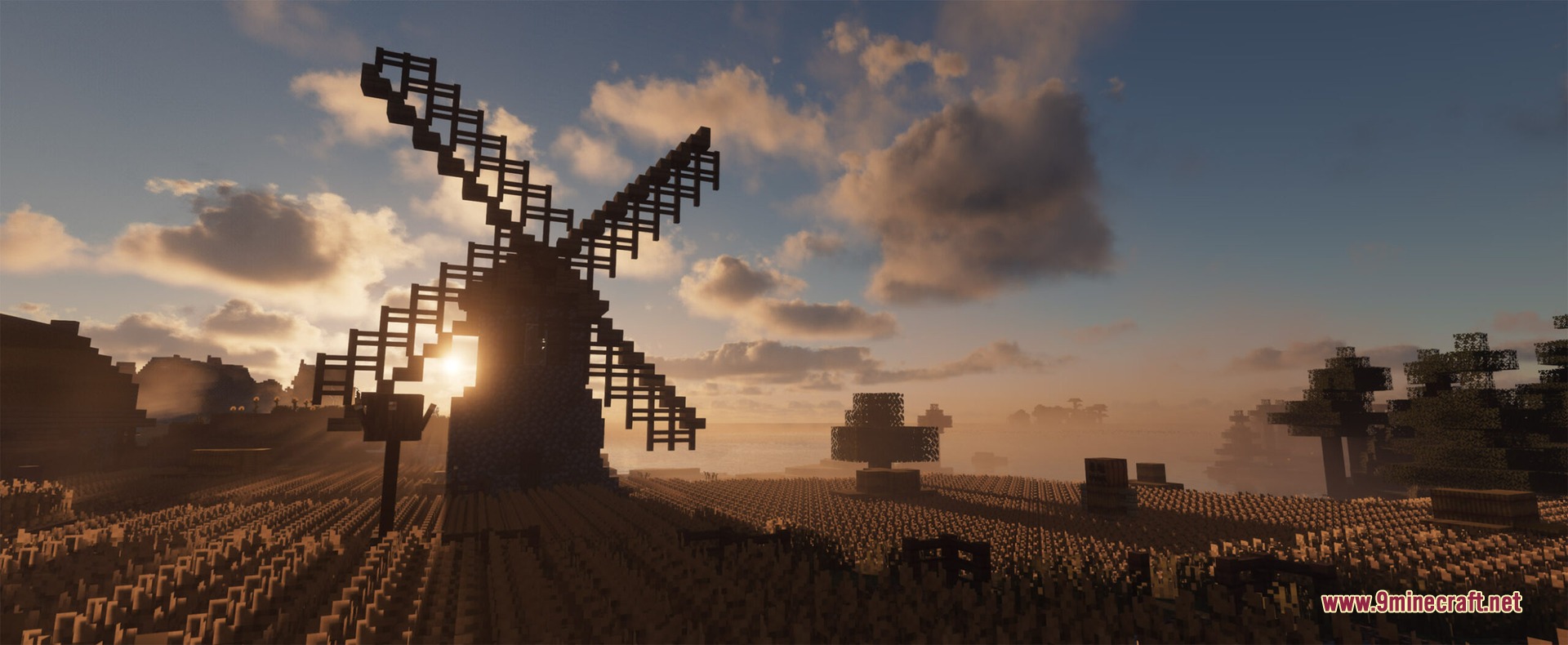
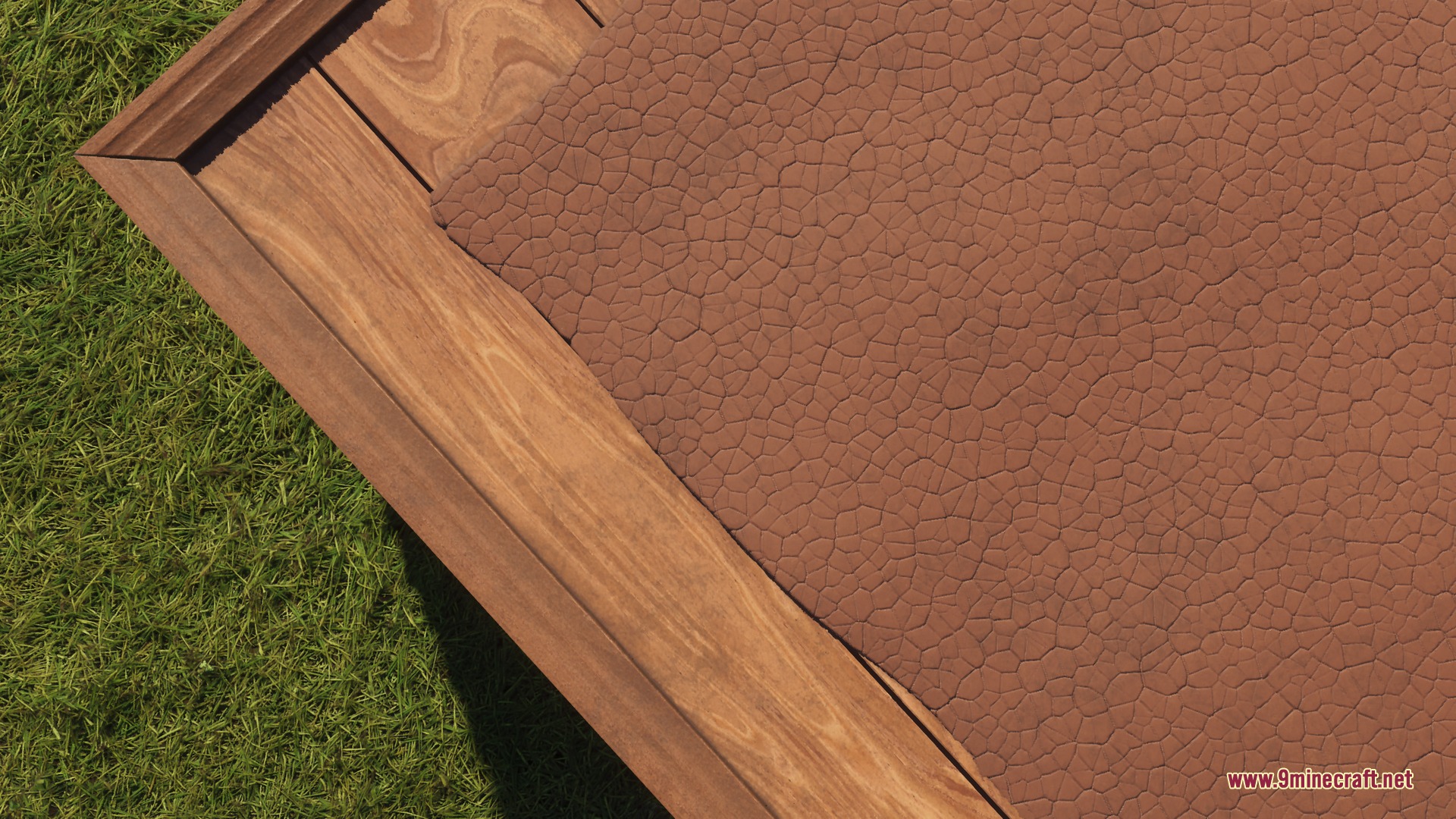

How to Install:
New to Minecraft? Follow our step-by-step guide to install Mods on your PC.View Guide



Focal Engine Download Links
For Minecraft 1.20.4
For Minecraft 1.20.1
For Minecraft 1.19.2
For Minecraft 1.17.1
For Minecraft 1.16.5
For Minecraft 1.14.4
Click to rate this post!
[Total: 0 Average: 0]
You May Also Like





This post has no comments yet. Be the first — your comment will appear here.