


Hydra Client Mod (1.21.11) – See Through Walls and Dominate Server PvP
 0
0
 0
0

🌐 Good news — we've translated this article into other languages!
Or pick the one you like:
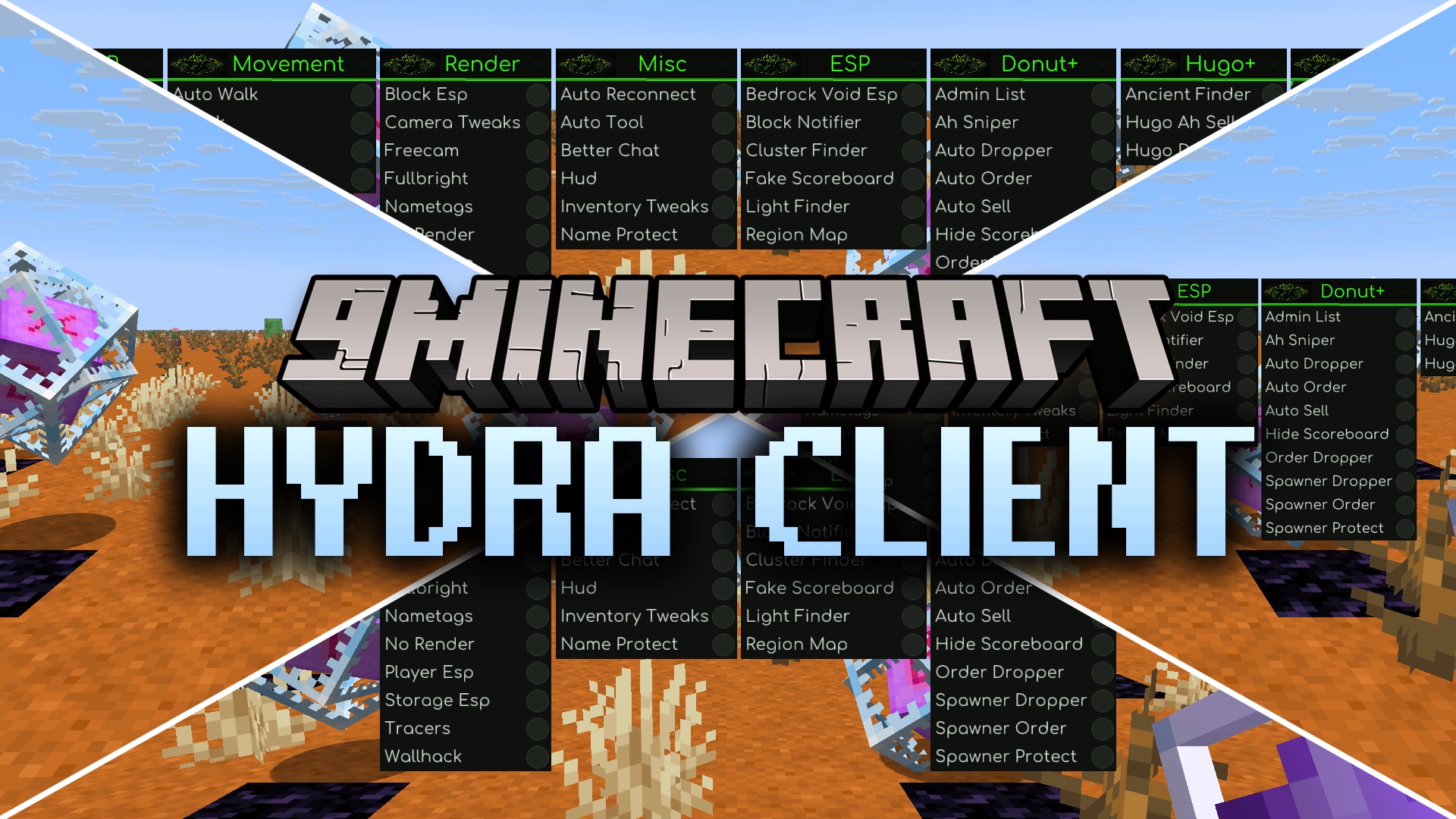
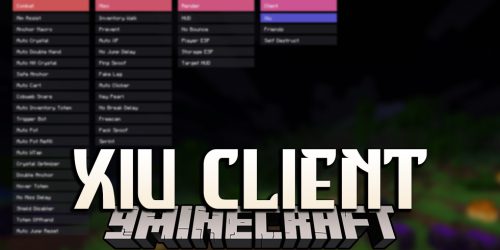
Hydra Client Mod gives you a massive menu of helpful tools right inside your game. It packs dozens of utilities into a simple screen that you can open with a single button press. The mod sorts everything into neat columns so you can find exactly what you need for combat, movement, or building. It also includes built-in performance hooks and lets you join older servers without changing your game version.
Features:
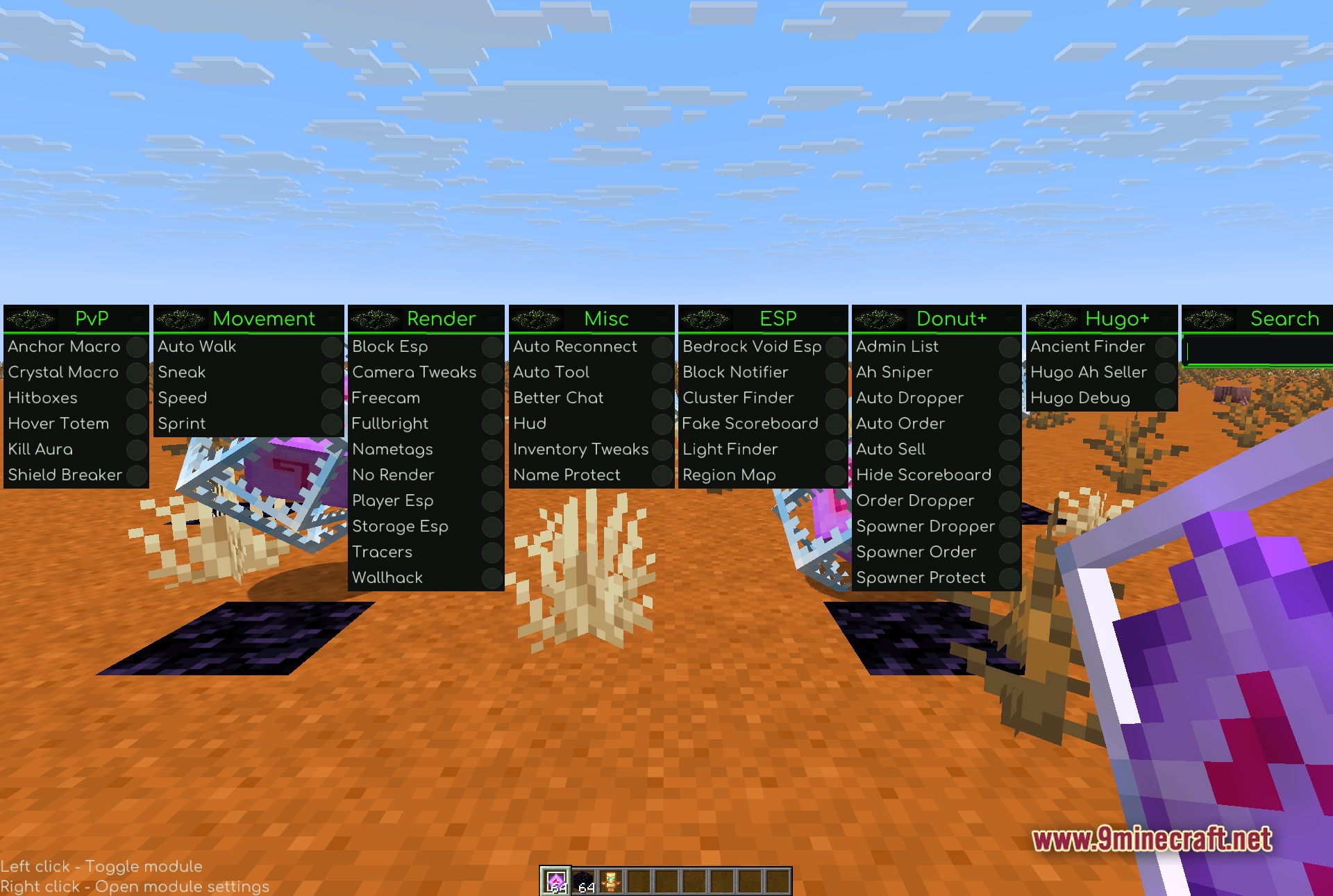
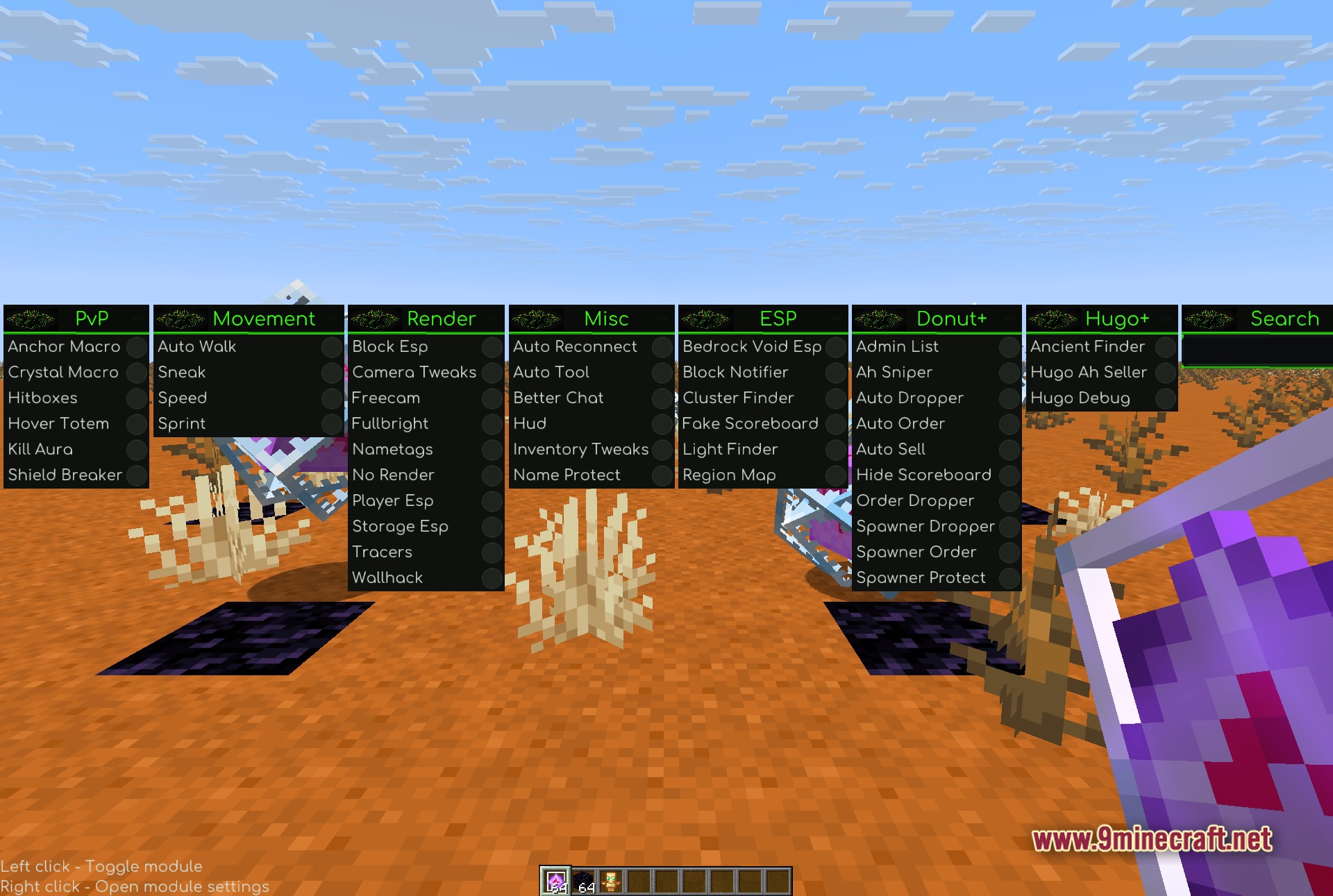
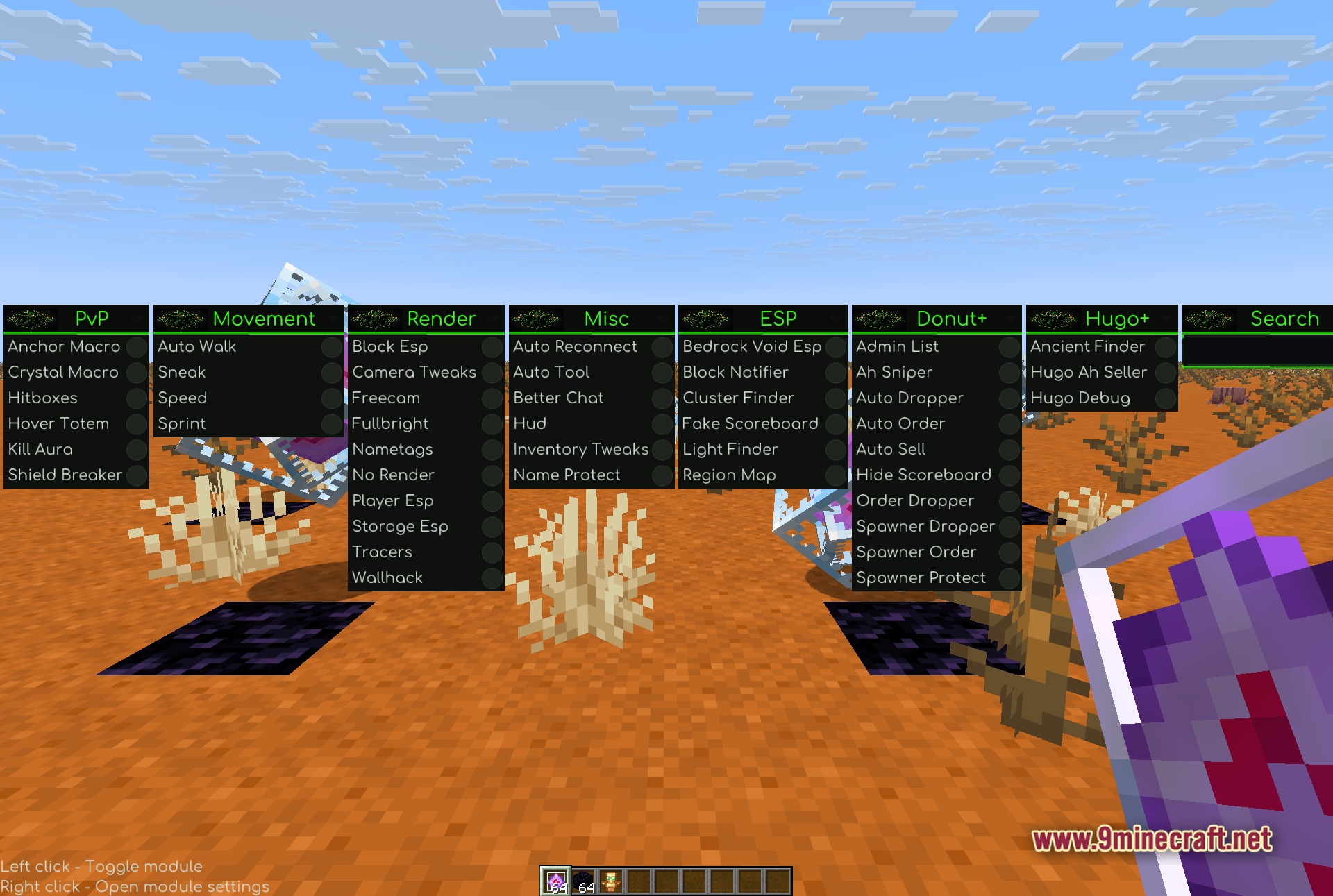
- ClickGUI Menu: Press Right Shift to open a clean, organized screen with all your tools.
- Built-in Optimizations: Includes hooks for Sodium and Lithium to keep your game running fast and smooth.
- Cross-Version Play: Uses ViaFabricPlus so you can join older Minecraft servers using just one game version.
- Bundles Baritone pathfinding to automatically walk or mine to specific places.
- Lets you right-click any tool in the menu to open extra settings and change how it works.
- Groups all tools into horizontal columns based on what they do.
PvP Modules:
- Anchor Macro automates placing and exploding respawn anchors in combat.
- Crystal Macro places and breaks End Crystals quickly.
- Hitboxes shows the exact size of players and mobs around you.
- Hover Totem keeps you floating when a totem activates.
- Kill Aura automatically attacks nearby enemies.
- Shield Breaker helps you disable enemy shields fast.
Movement Modules:
- Auto Walk keeps your character moving forward without holding the button.
- Sneak locks you in a crouching position.
- Speed makes you run much faster than normal.
- Sprint automatically triggers your sprint when moving.
Render Modules:
- Block ESP highlights specific blocks through walls.
- Camera Tweaks gives you new angles and zoom options.
- Freecam lets your camera fly out of your body to look around.
- Fullbright turns off darkness so you can see perfectly in caves.
- Nametags makes player names bigger and easier to read.
- Wallhack lets you see other players through solid ground.
Misc Modules:
- Auto Reconnect tries to join the server again if you get kicked.
- Auto Tool picks the best pickaxe or shovel for the block you want to break.
- Better Chat cleans up the text box and adds new chat options.
- HUD adds extra details to your screen like armor status.
- Inventory Tweaks helps you sort your items quickly.
- Name Protect hides your real username from your own screen.
ESP Modules:
- Bedrock Void ESP shows you where holes in the bedrock are.
- Block Notifier tells you when certain blocks appear nearby.
- Cluster Finder spots large groups of ores for you.
- Fake Scoreboard lets you change what the server scoreboard says on your screen.
- Light Finder highlights dark spots where monsters can spawn.
- Region Map maps out the chunks around you.
Donut+ Modules:
- Admin List shows if any staff members are online on the DonutSMP server.
- AH Sniper automatically buys good deals from the auction house.
- Auto Dropper throws away items you do not want.
- Auto Order and Auto Sell handle your shop tasks automatically.
- Hide Scoreboard removes the server text from the side of your screen.
- Spawner tools help you protect, drop, or order mob spawners.
Hugo+ Modules:
- Ancient Finder helps you locate rare items on the HugoSMP server.
- Hugo AH Seller puts your items on the auction house automatically.
- Hugo Debug gives you extra technical details about the server.
Search Feature:
- Includes a text filter that spans the whole module list.
- Filters the screen instantly so you can find things fast.
- Saves you time when you forget which category a tool belongs to.
- Updates the results as you type each letter.
- Works across all horizontal columns at the same time.
How to Use:
- Join a world or a multiplayer server.
- Press the Right Shift key to open the main ClickGUI menu.
- Left-click on any tool name to turn it on or off.
- Right-click on a tool to open its extra settings and adjust them.
- Use the search bar at the top if you cannot find a specific tool.
Screenshots:
How to Install:
New to Minecraft? Follow our step-by-step guide to install Mods on your PC.View Guide
Requirements:


Hydra Client Mod Download Links
For Minecraft 1.21.11
Click to rate this post!
[Total: 0 Average: 0]
You May Also Like


This post has no comments yet. Be the first — your comment will appear here.