


Frost Client Mod (1.21.11) – Dominate Anarchy Servers with Flawless Crystal PvP
 2
2
 0
0

🌐 Good news — we've translated this article into other languages!
Or pick the one you like:
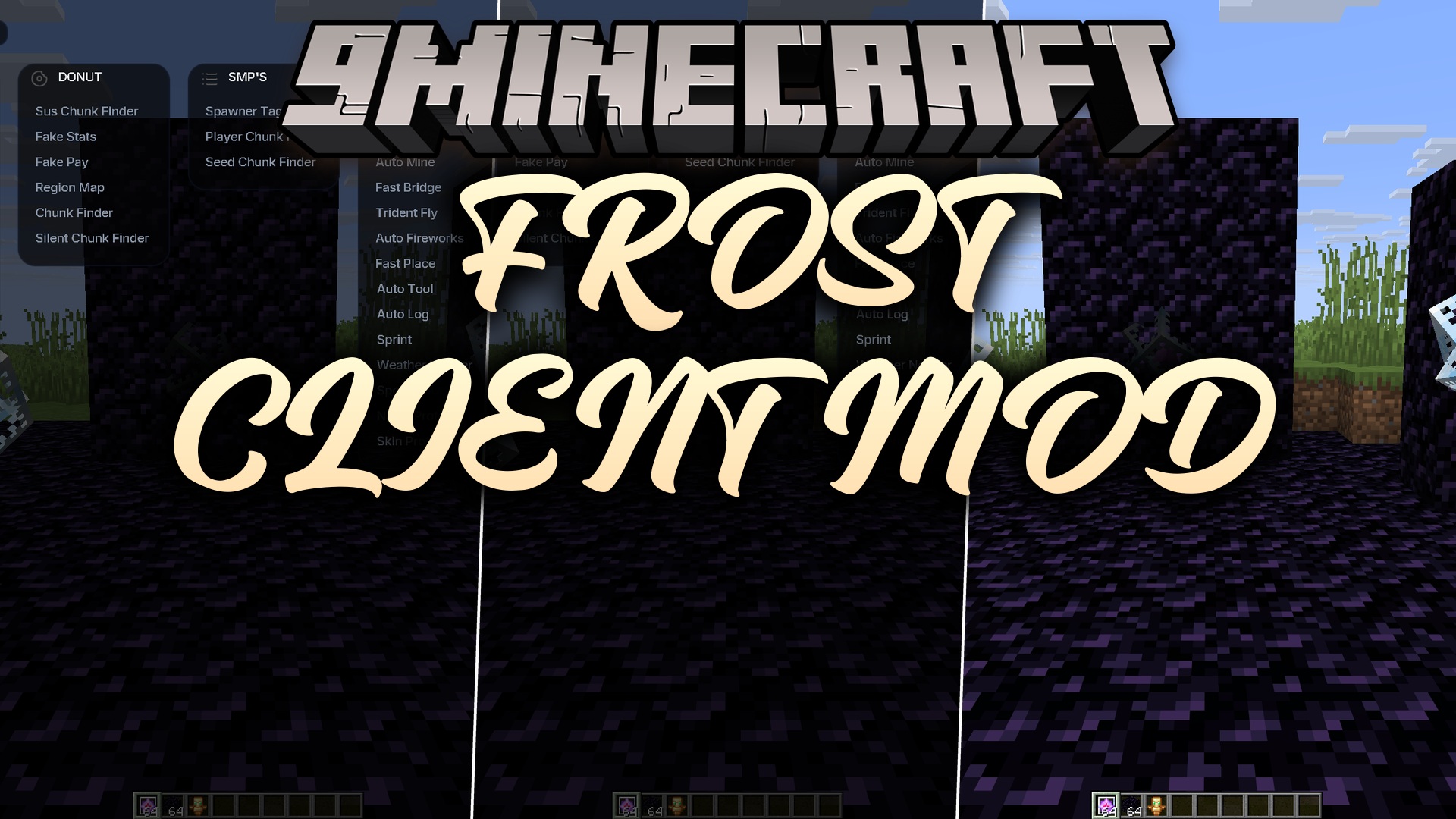
Frost Client Mod equips you with a powerful set of combat and utility tools for anarchy and economy servers. It focuses heavily on crystal PvP, helping you manage totems, anchors, and crystals during fast-paced fights. The client includes multiple modules for finding bases, tracking chunks, and changing how the game looks, giving you a clear advantage in competitive multiplayer worlds.
Features:
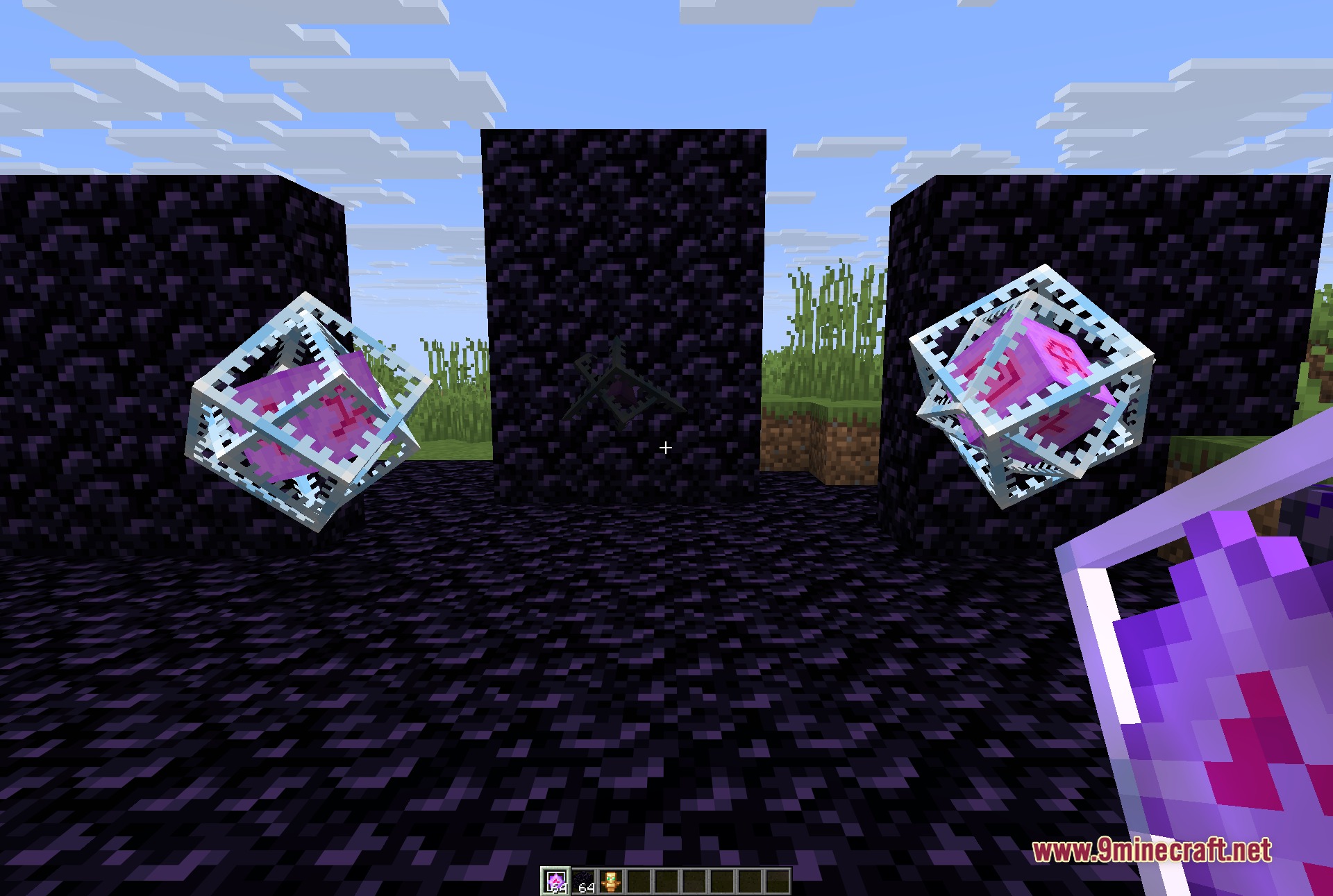
- Crystal PvP Focus: Automates crystal placement and hit timing for faster, more accurate attacks.
- Anarchy Combat: Swaps totems and manages your inventory items automatically during intense fights.
- Breaks enemy shields and handles mace combos to keep pressure on opponents.
Visual and Render Tools:
- Highlights players, blocks, and storage chests through walls using ESP modules.
- Removes shadows completely with a full bright option so enemies cannot hide in the dark.
- Adds a freecam mode so you can look around your surroundings without moving your character.
Server and Economy Tools:
- Scans chunks to help you find hidden bases and stashes on large economy servers.
- Creates fake stats and fake pay alerts for specific server types.
Extra Utilities:
- Hides your real name and skin to protect your identity on streams or screenshots.
- Shows what music you are listening to with a built-in Spotify HUD.
- Speeds up common tasks like building bridges, mining blocks, and switching tools.
- Lets you change the menu colors and save your favorite module setups in a config manager.
How to Use:
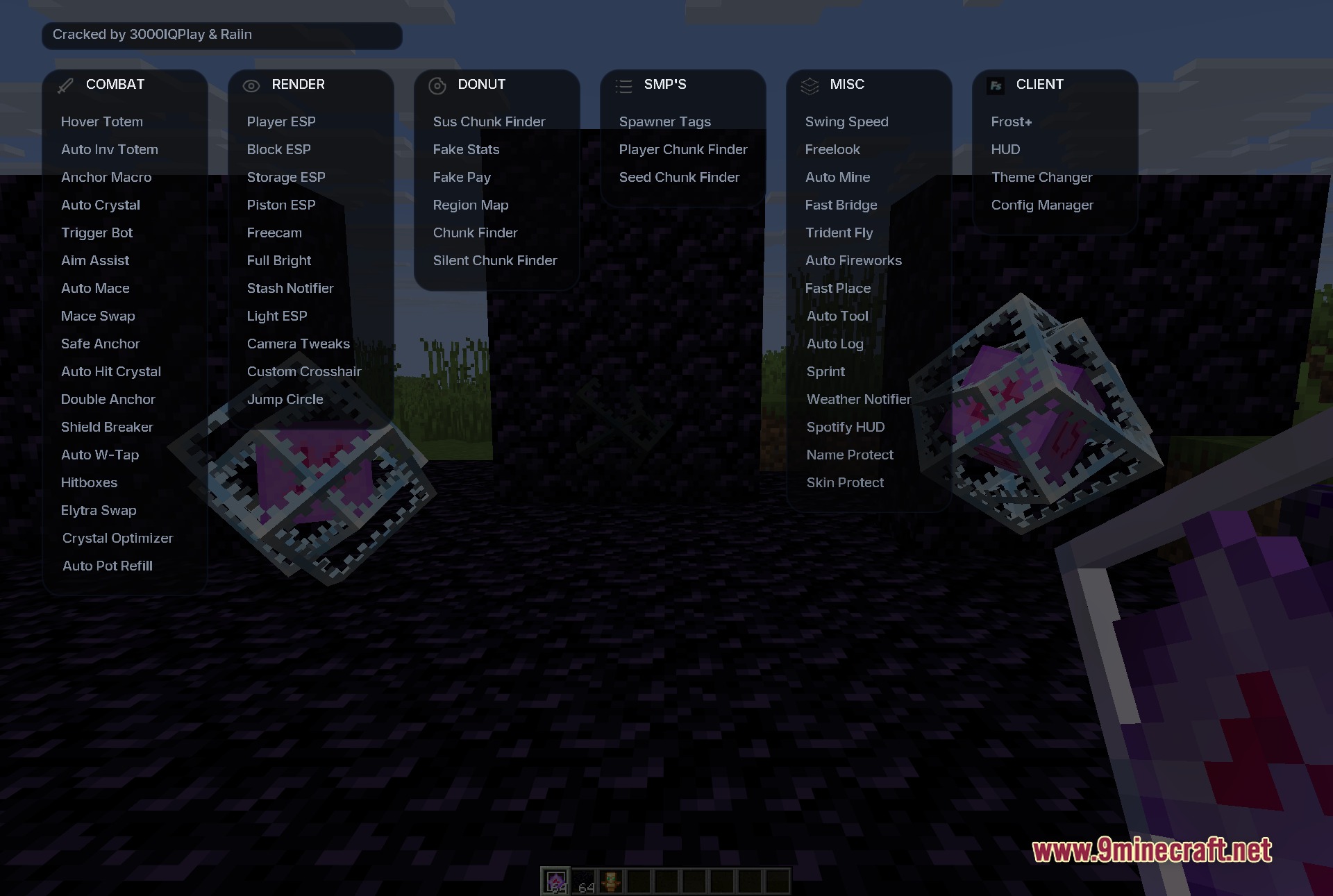
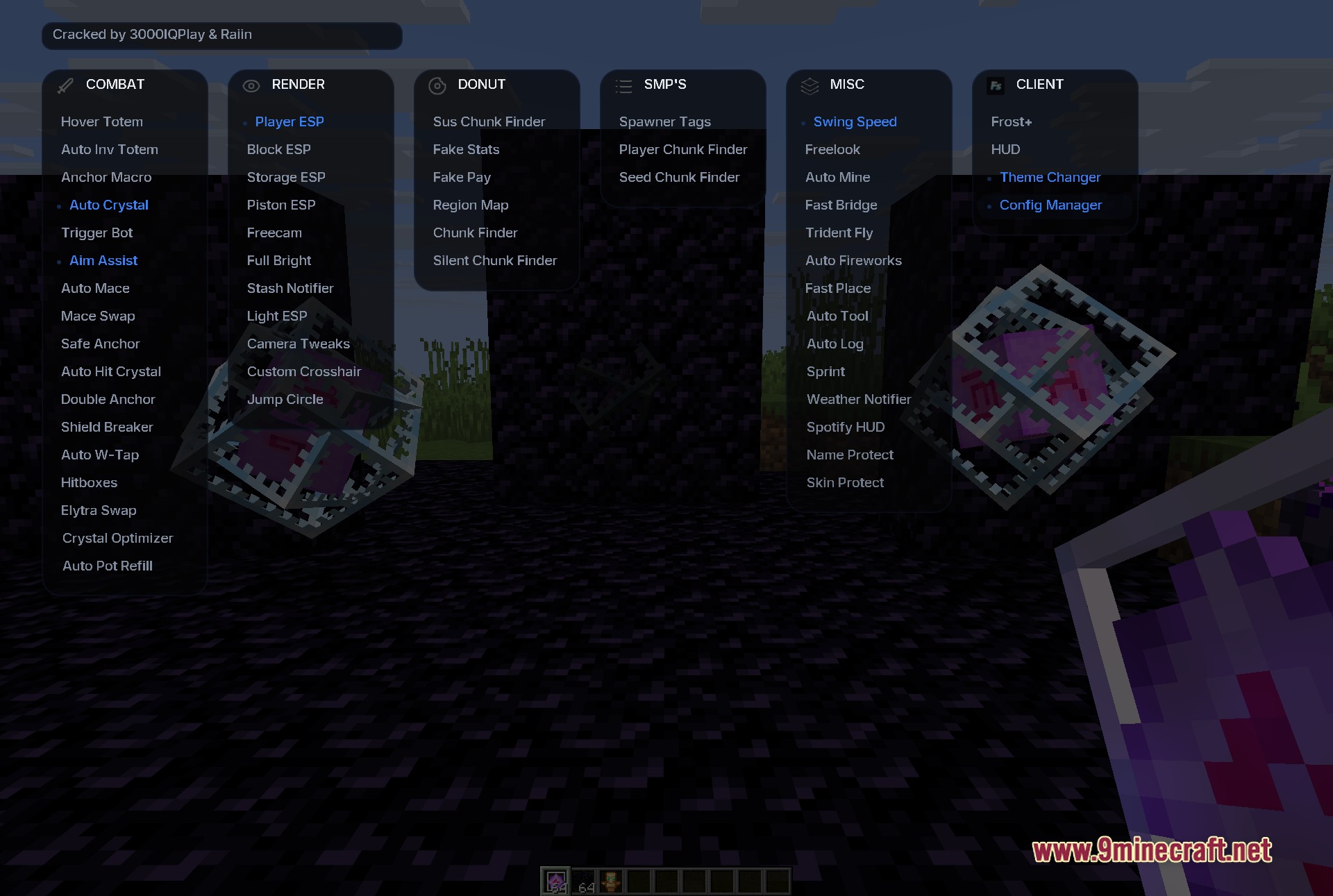
- Press the Right Shift key on your keyboard to open or close the module menu.
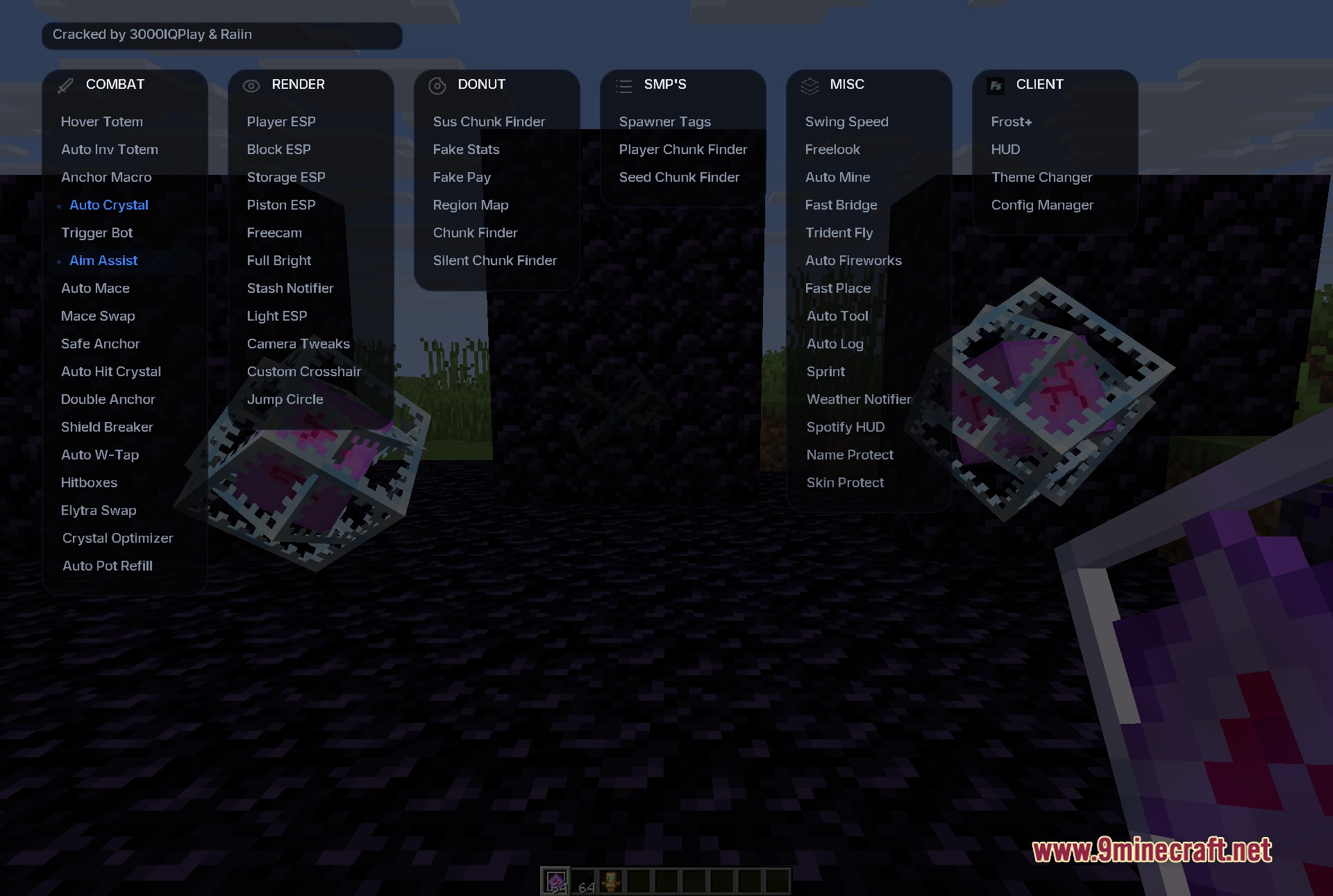
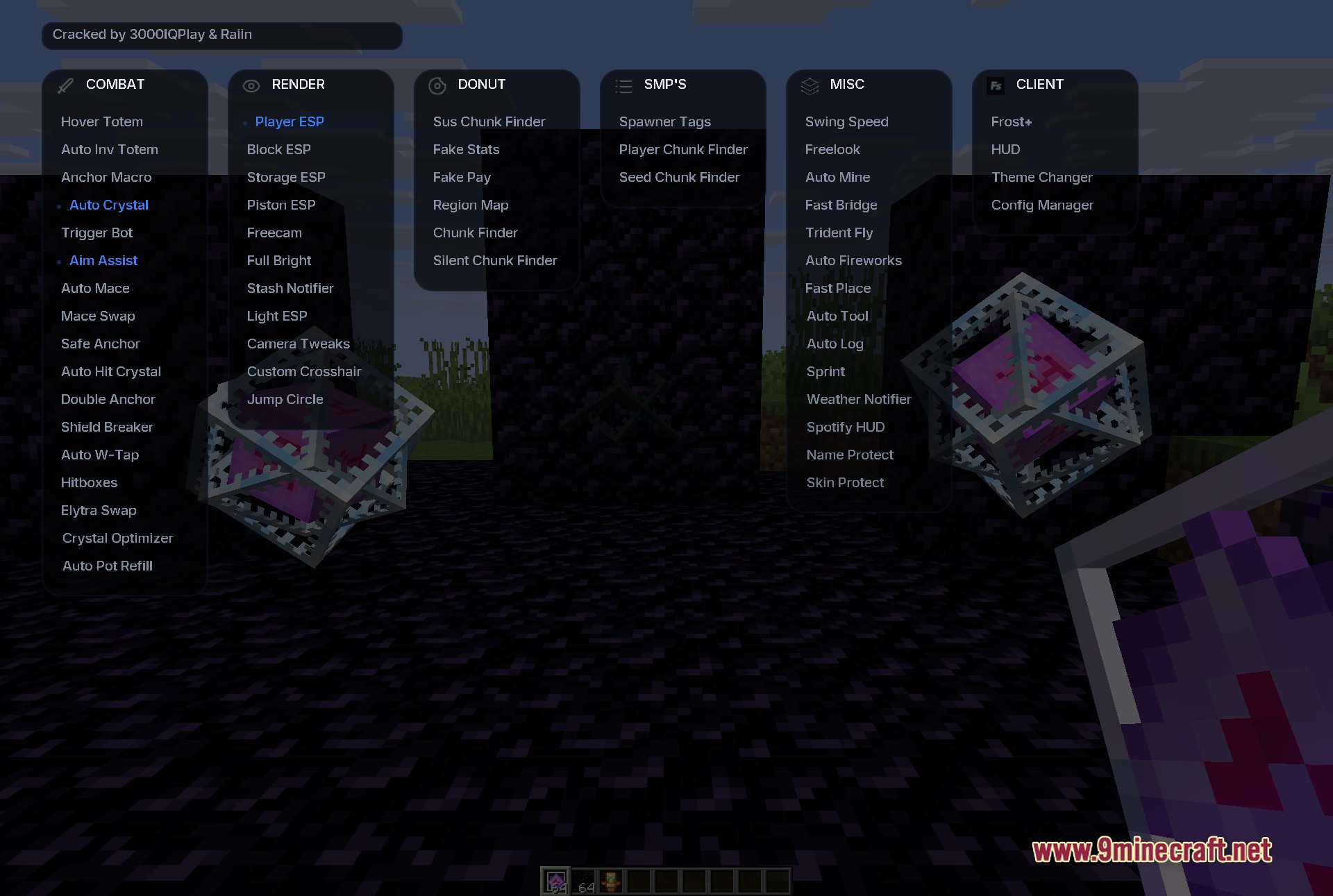
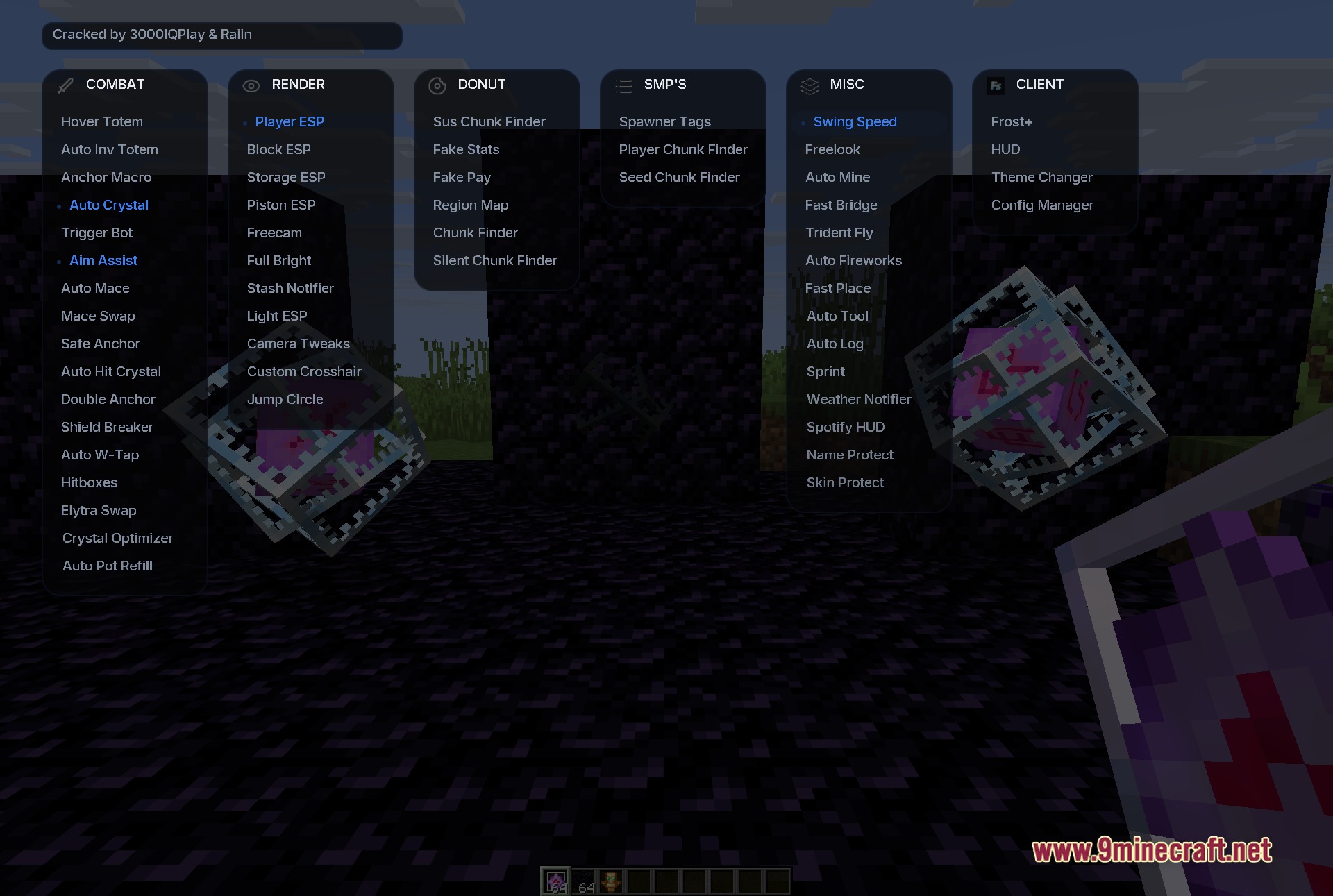
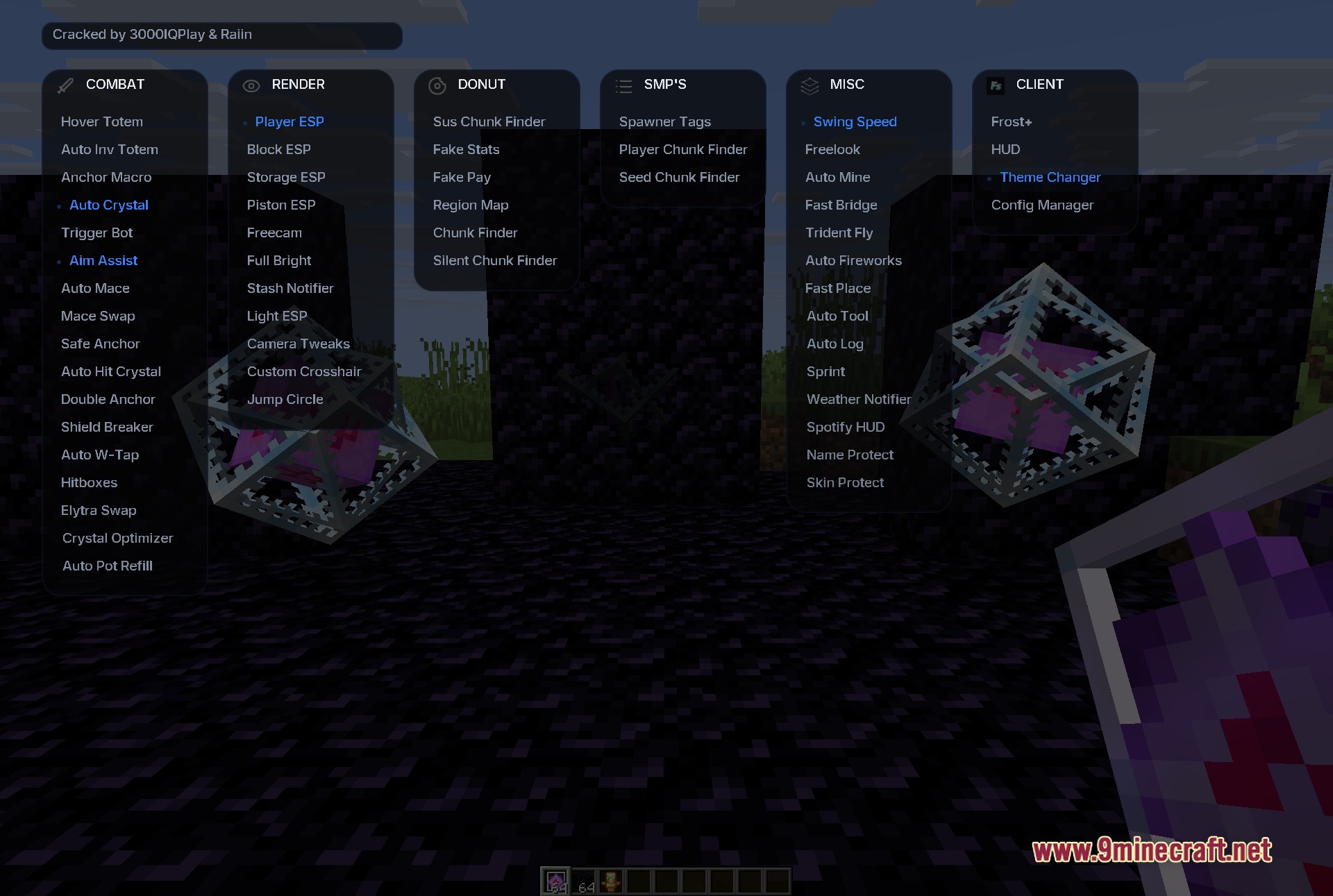
- Look at the side-by-side panels to see all available categories at once.
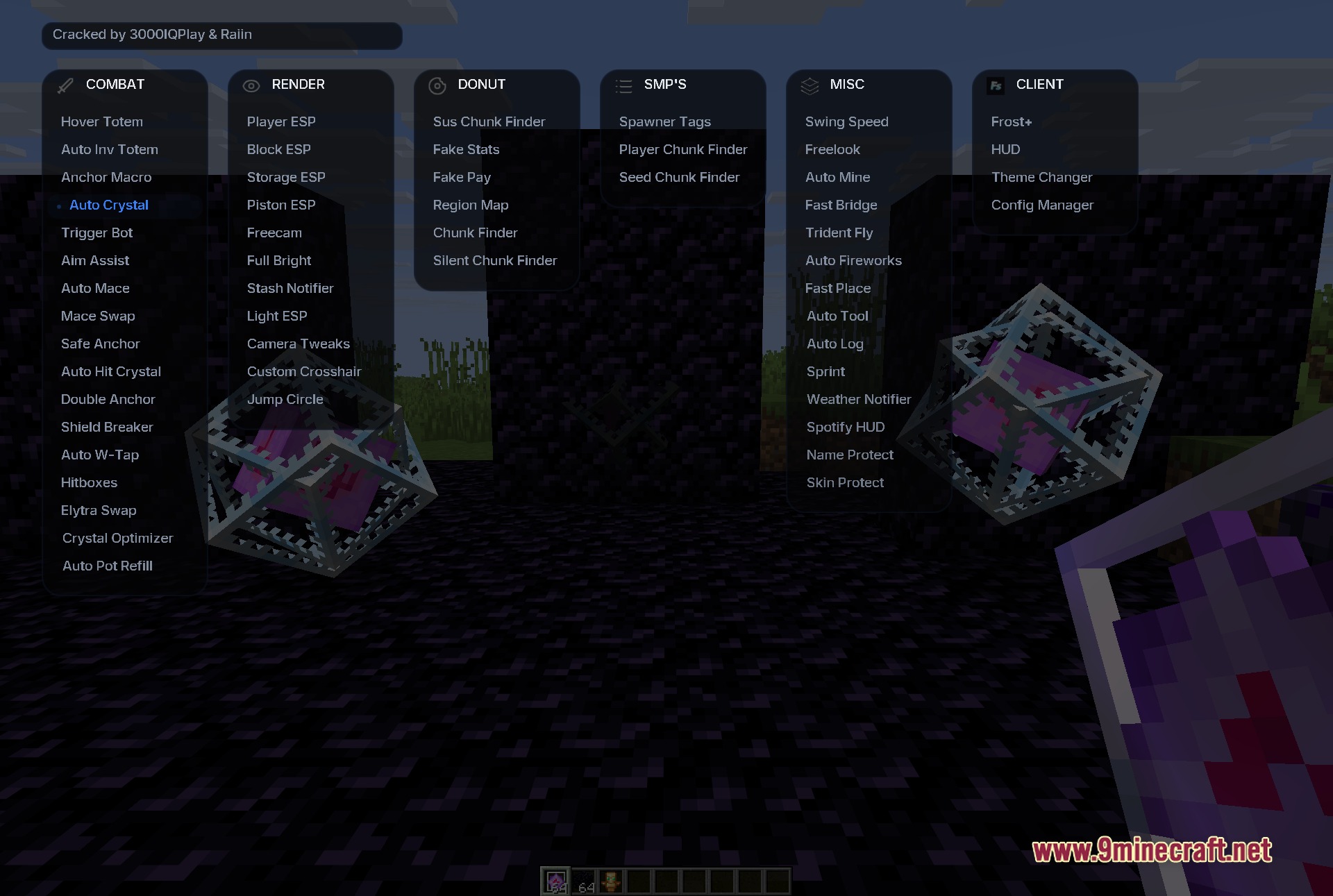
- Click on a module name to turn it on.
- Check for a blue highlight and a dot marker to know which modules are active.
Screenshots:
How to Install:
New to Minecraft? Follow our step-by-step guide to install Mods on your PC.View Guide
Requirements:


Frost Client Mod Download Links
For Minecraft 1.21.11
Click to rate this post!
[Total: 0 Average: 0]
You May Also Like





This post has no comments yet. Be the first — your comment will appear here.