


Clov Skins Mod (26.2) – Swap Character Skins Without Leaving Your World

 0
0 

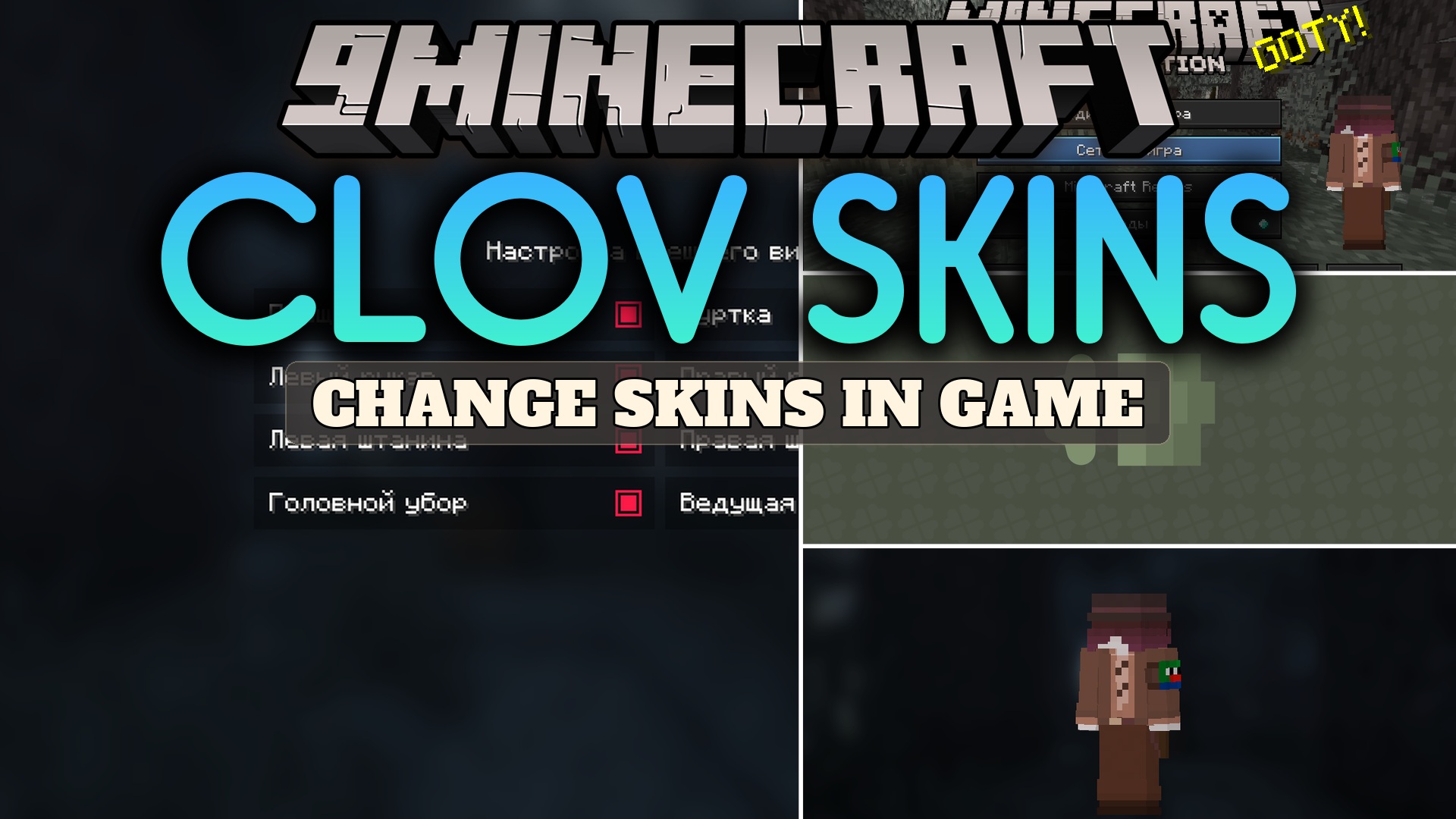
Clov Skins Mod lets you change your character’s appearance right inside the game. You no longer need to close Minecraft or open a web browser to switch your outfit.
Features:
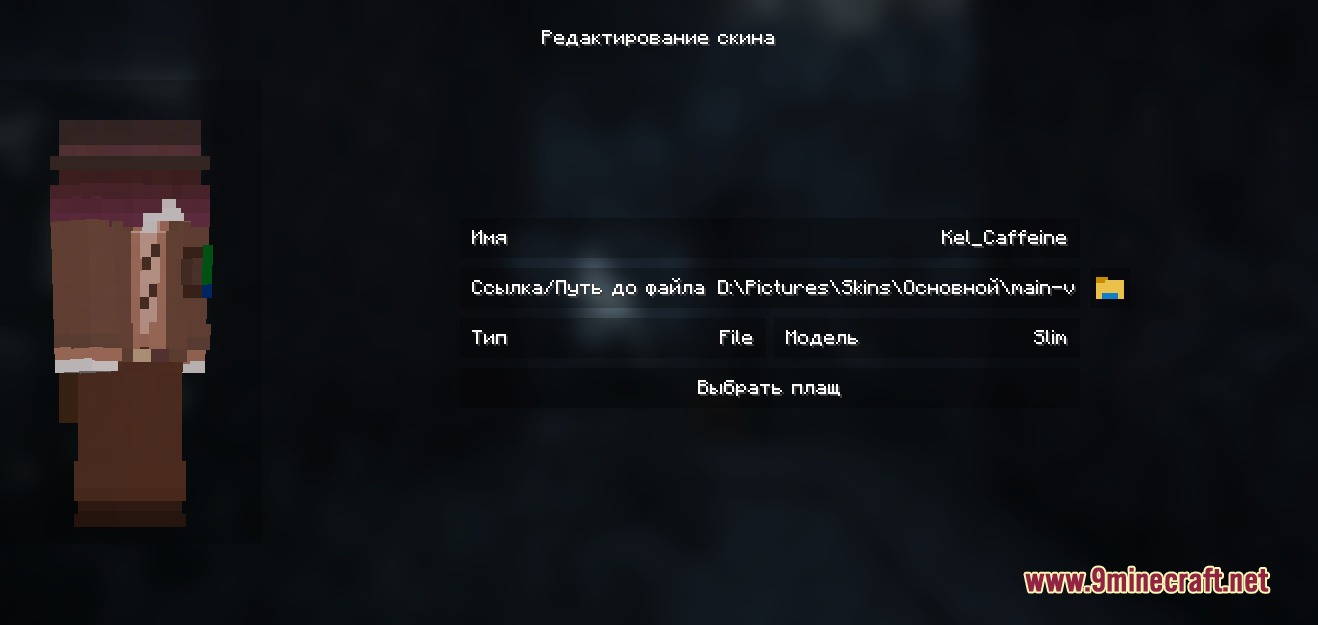
- Load from File: Pick an image saved on your computer to update your character instantly.
- Use Web Links: Type in a direct URL to grab a new look straight from the internet.
- Copy a Nickname: Enter another player’s username to borrow their exact outfit.
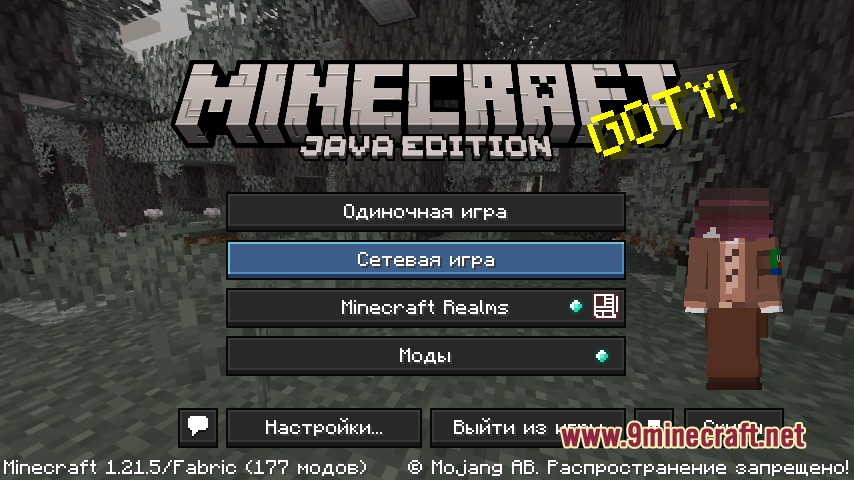
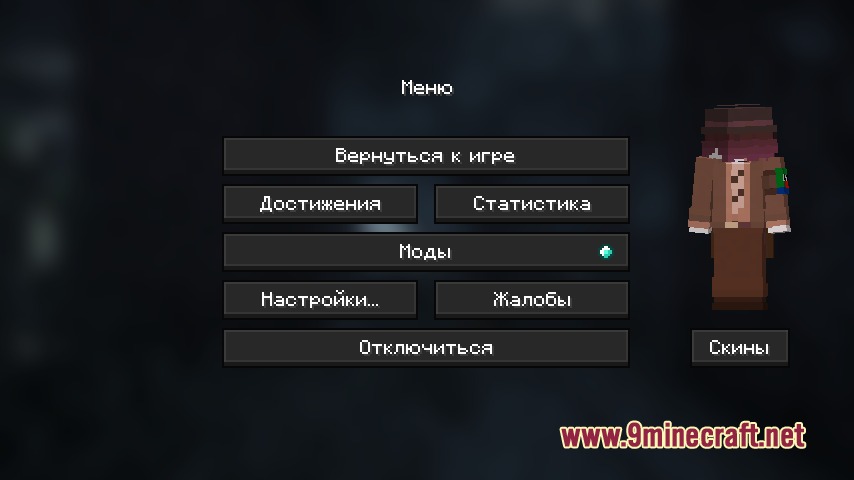
- Adds a dedicated menu that you can open straight from the title screen or pause menu.
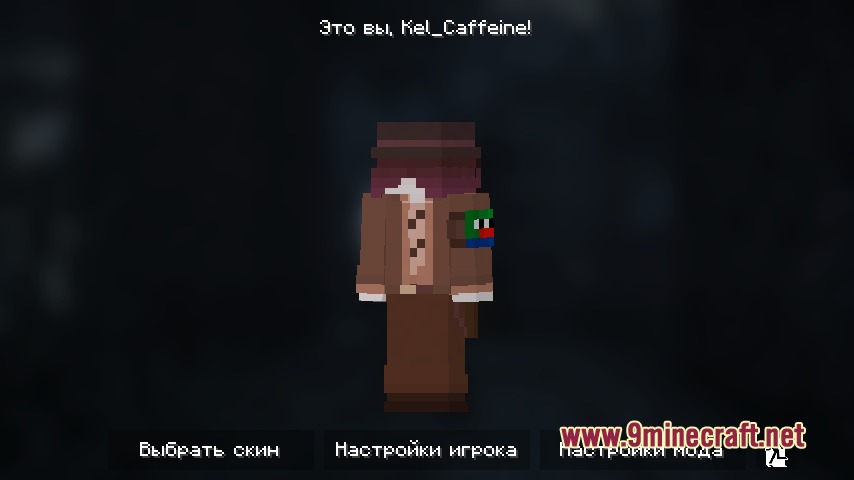
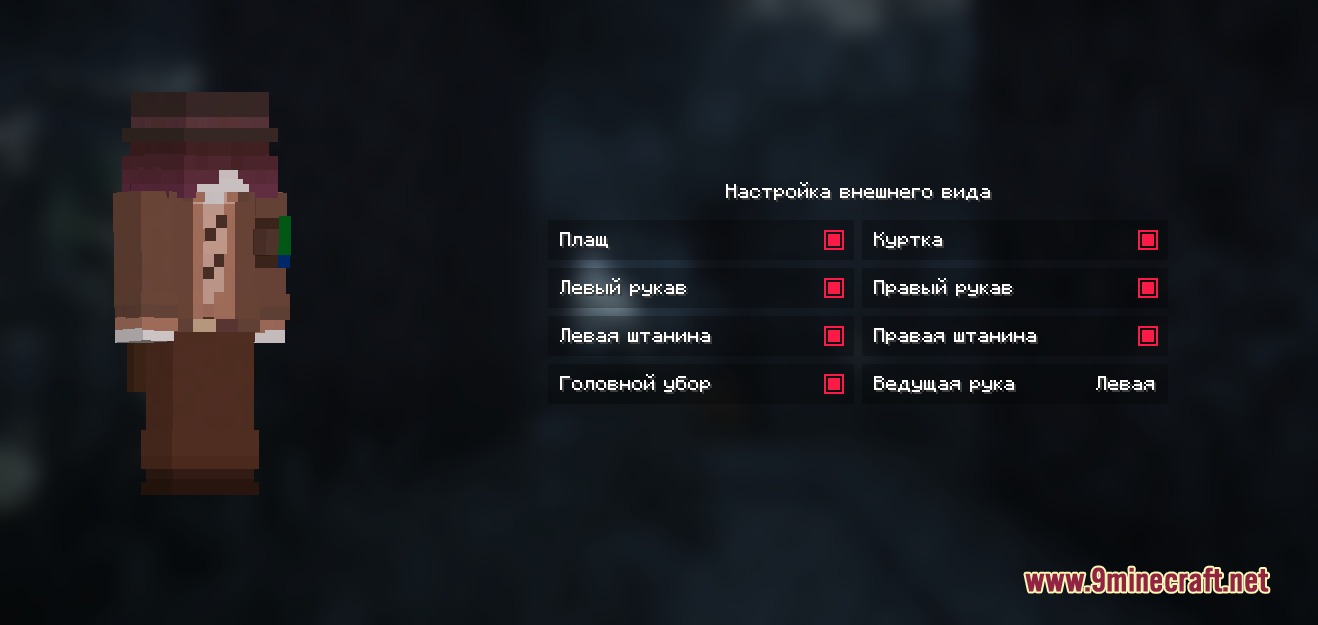
- You can adjust your current appearance using the built-in character customization window.
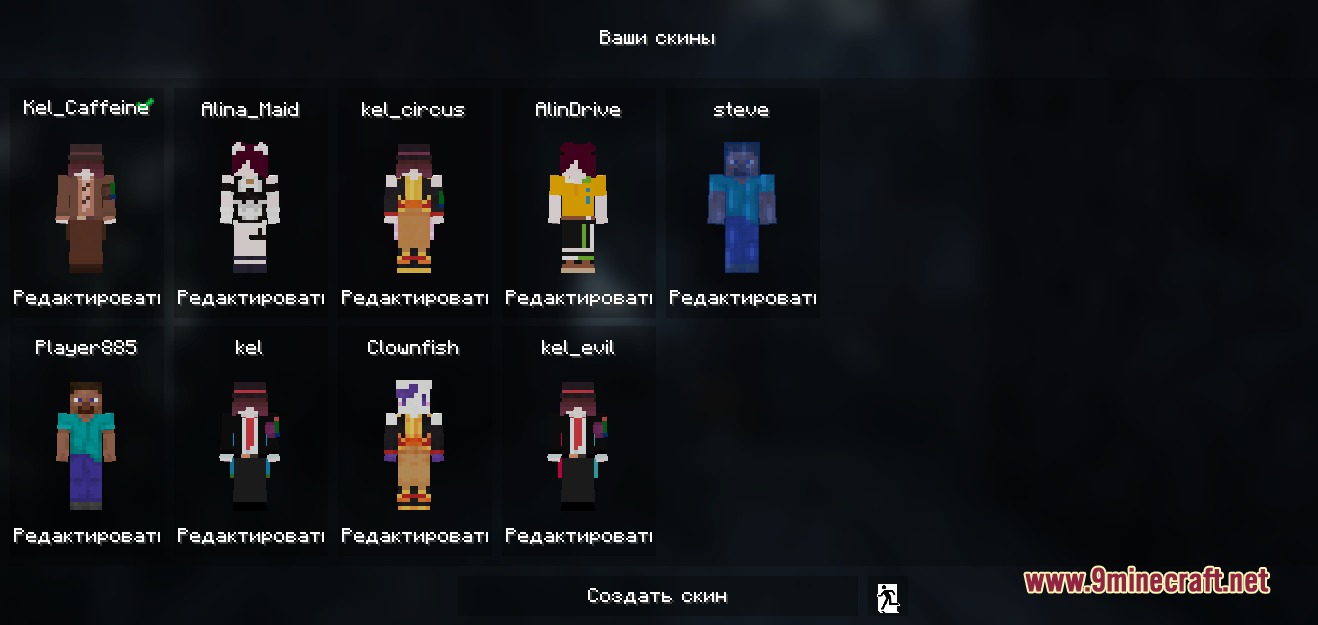
- Keeps a list of your saved outfits so you can swap between your favorites quickly.
How to Use:
- Open the game and look for the new button on the main title screen or the pause menu.
- Click the button to open the management window.
- Choose how you want to add a new look: upload a file, paste a web link, or type a player’s nickname.
- Select your new outfit from the list and apply it to your character.
Screenshots:

How to Install:
New to Minecraft? Follow our step-by-step guide to install Mods on your PC.View Guide
Requirements:




Clov Skins Mod Download Links
For Minecraft 26.2
For Minecraft 1.21.10, 1.21.9
For Minecraft 1.21.8, 1.21.7, 1.21.6
For Minecraft 1.21.5, 1.21.4
Click to rate this post!
[Total: 0 Average: 0]
You May Also Like









This post has no comments yet. Be the first — your comment will appear here.