


Create Train Lights Mod (1.21.1, 1.20.1) – Light Up Your Railway Trips
 1
1
 0
0

🌐 Good news — we've translated this article into other languages!
Or pick the one you like:
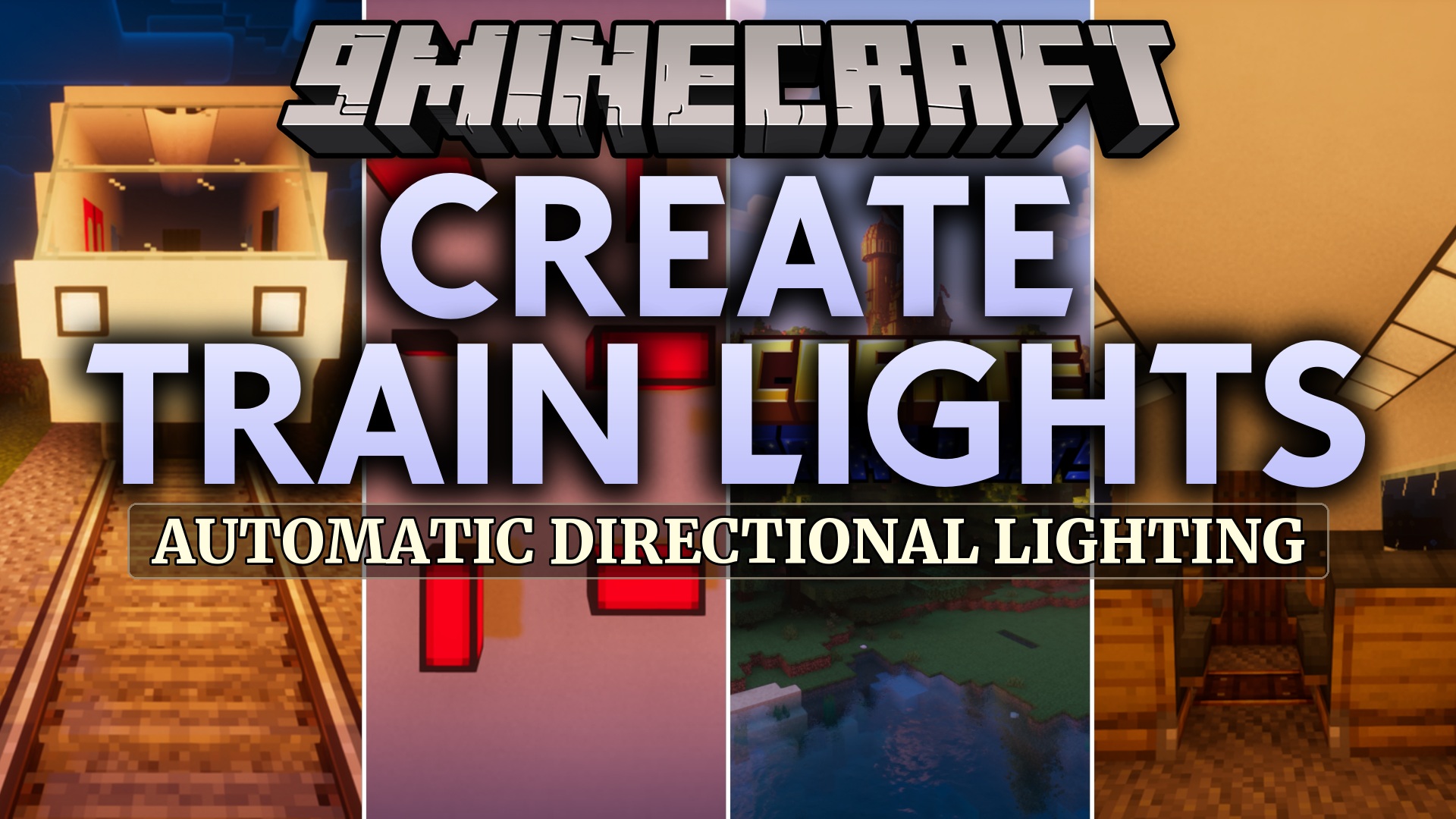
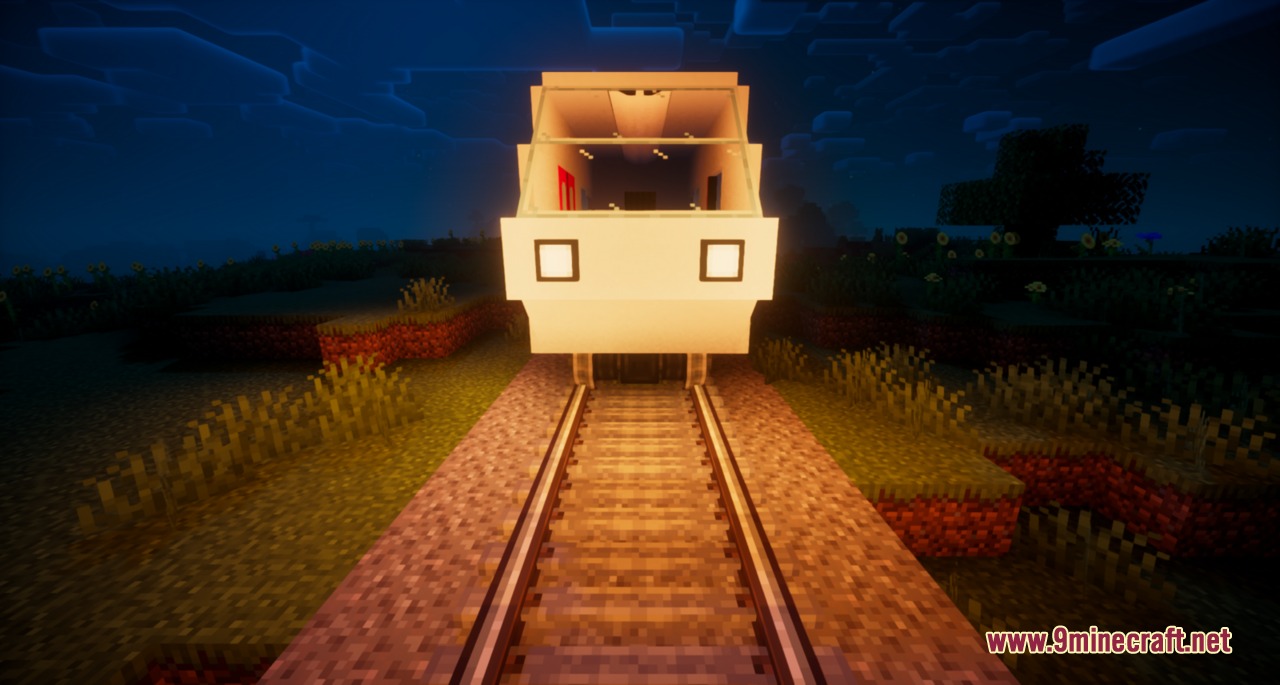
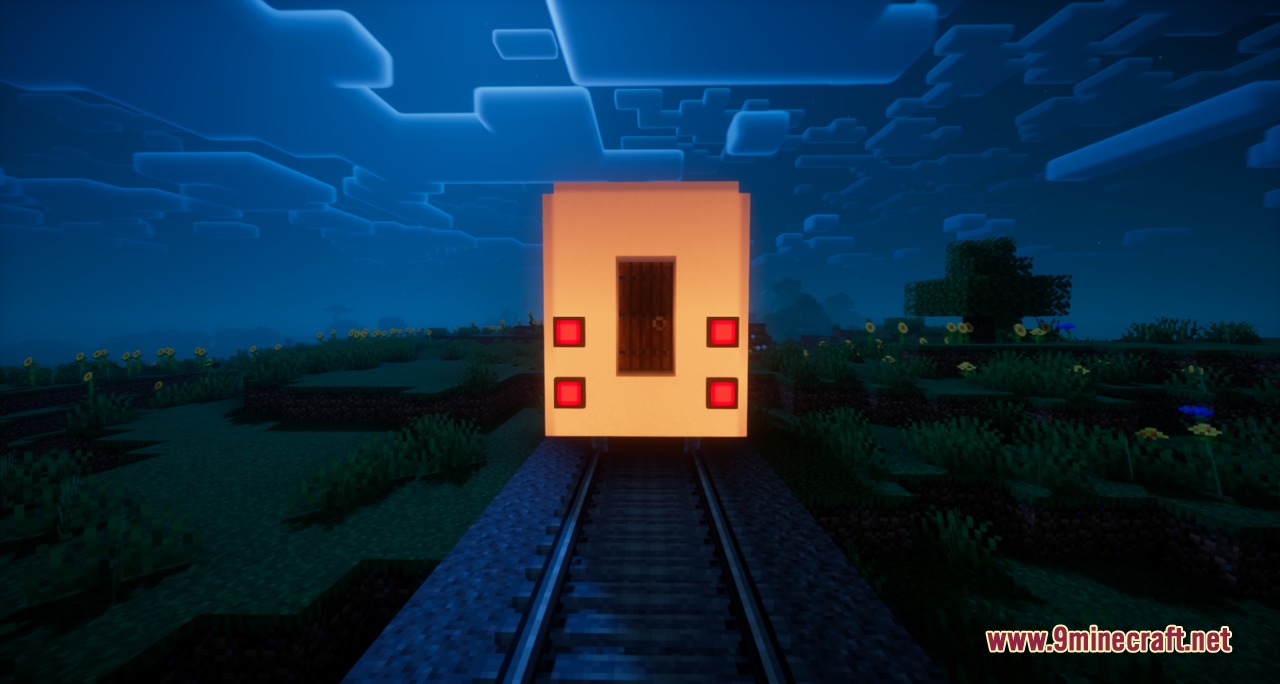
Create Train Lights Mod extends Create with directional headlights and interior lighting fixtures for trains. The mod makes night rides look realistic by switching between white headlights and red tail lights automatically as your train reverses direction. You can also illuminate passenger cabins with interior lamps that work on moving contraptions.
Features:
- Directional Lighting: Lights automatically switch between headlight and tail light modes based on the direction your train travels.
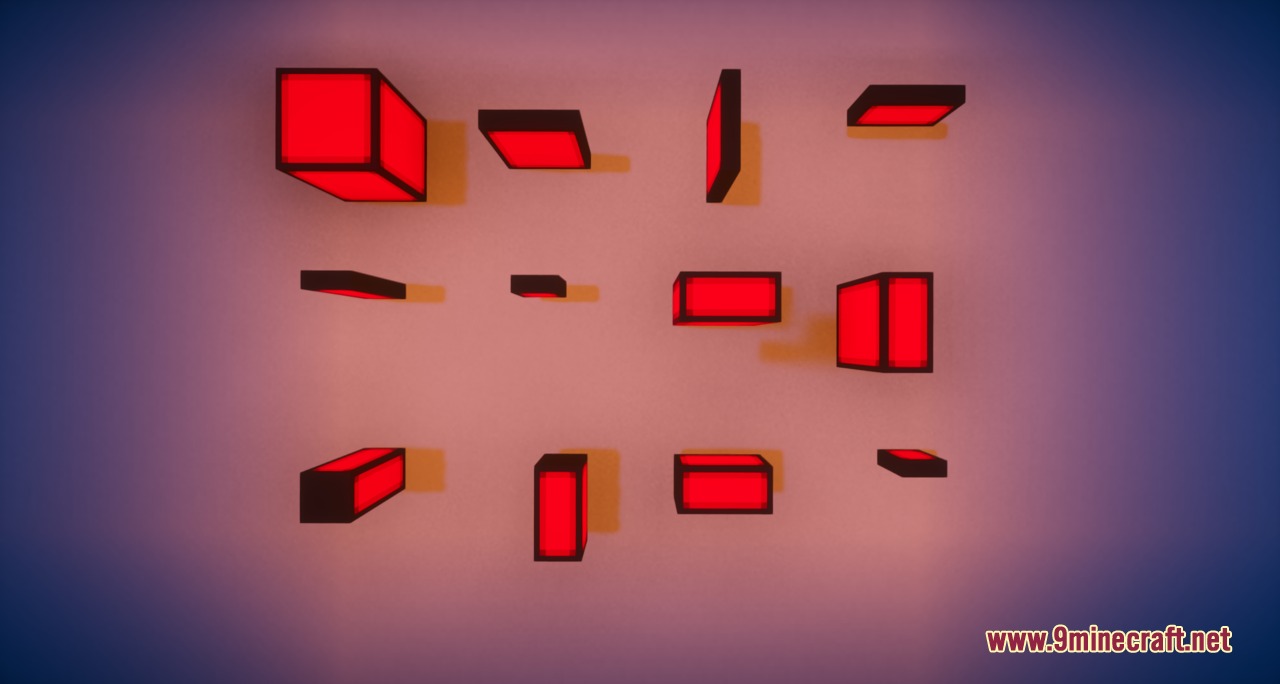
- Adds custom interior lamps built to fit passenger cars and locomotive cabins.
- Lets you turn individual lights on and off with a simple right-click.
- Works directly with contraption controls so you can manage train lighting from the conductor seat.
- Supports both English and Spanish language settings.
Head and Tail Lights:
- Front-facing fixtures project bright white beams along the railway tracks.
- Rear-facing fixtures switch to red markers to signal the back of the train.
Interior Lights:
- Fixtures illuminate dark train cars without breaking the aesthetic of your build.
- Lamps remain firmly attached and fully active while the train is in motion.
How to Use:
- Place the light blocks directly onto your train structure before assembling it.
- Assemble your train at a train station block.
- Drive the train along the tracks to watch the headlights swap directions automatically.
- Right-click the light blocks or use contraption controls to toggle the power on and off.
Screenshots:

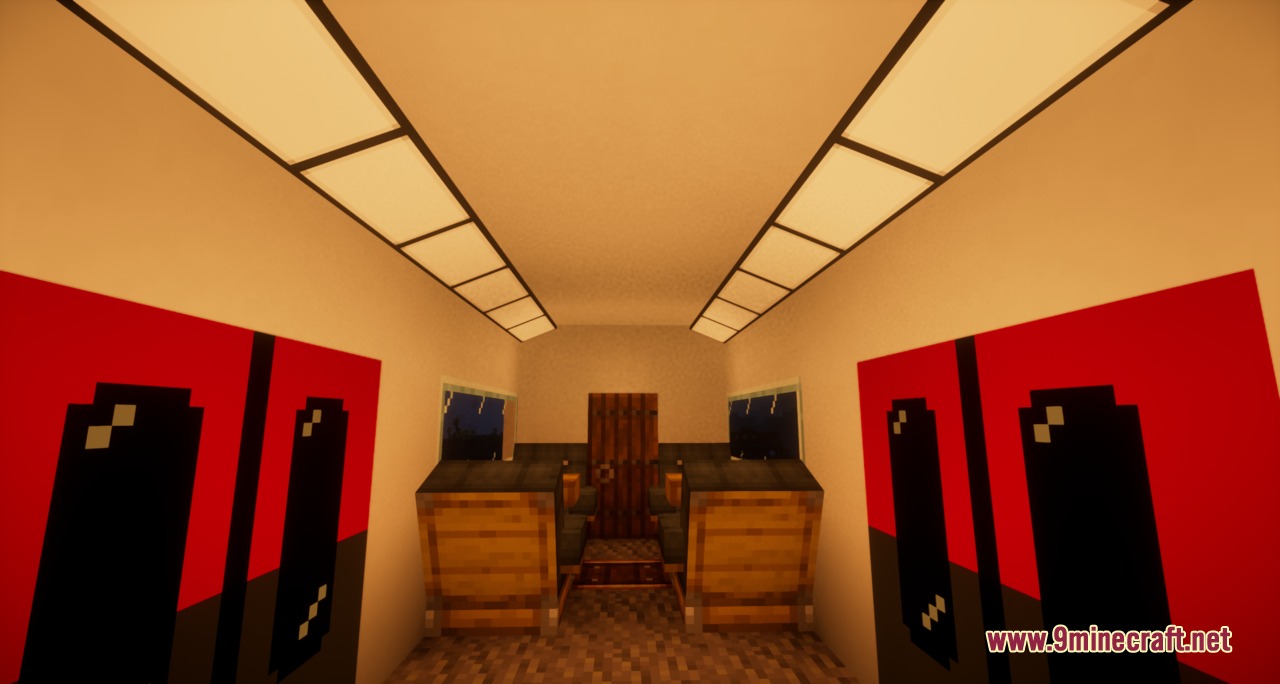
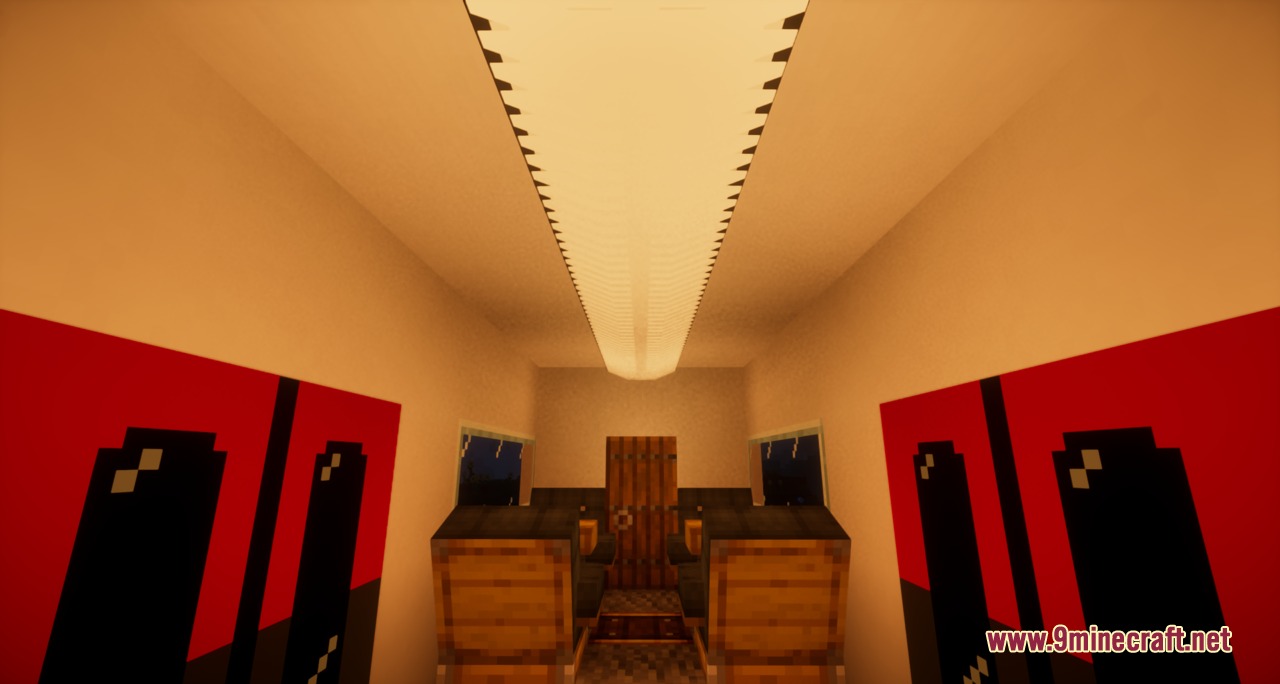
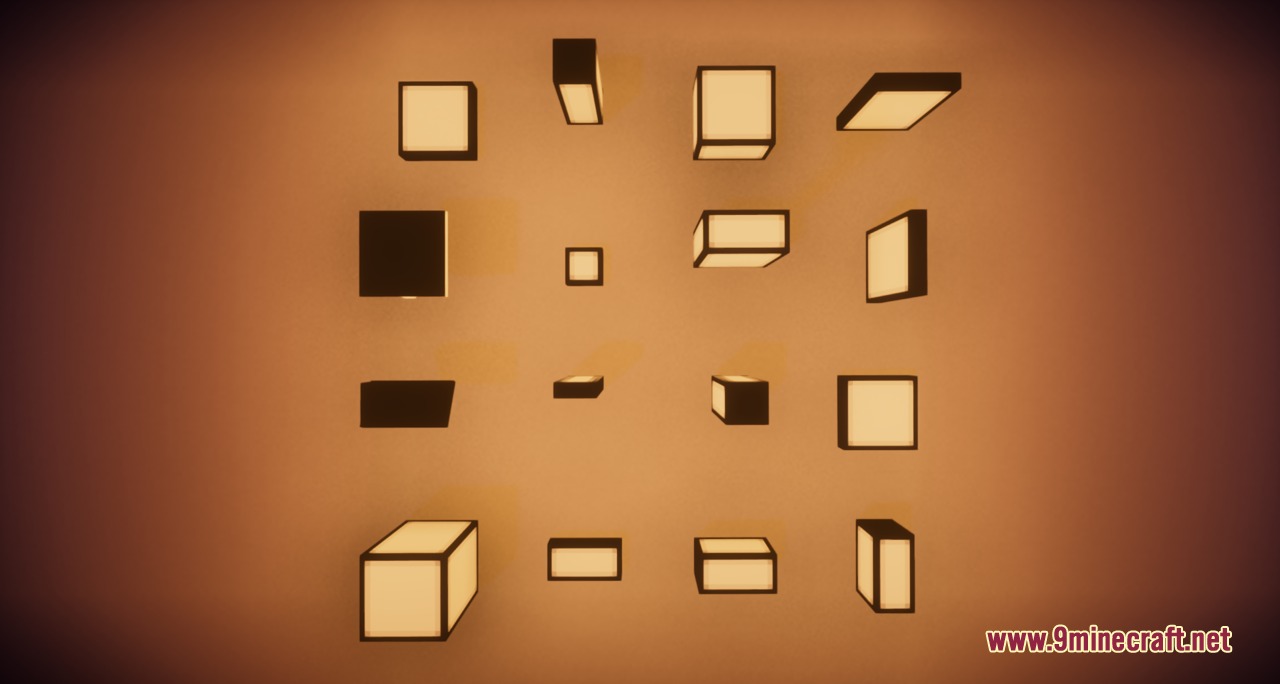
How to Install:
New to Minecraft? Follow our step-by-step guide to install Mods on your PC.View Guide
Requirements:
 NeoForge Required
 Minecraft Forge Required
 Fabric Loader Required
 Fabric API Required
Create Required
Create Fabric Required
Architectury API Required
Create Train Lights Mod Download Links
For Minecraft 1.21.1, 1.21
For Minecraft 1.20.1, 1.20
Click to rate this post!
[Total: 0 Average: 0]
You May Also Like








This post has no comments yet. Be the first — your comment will appear here.