


Capsule Mod (1.21.1, 1.20.1) – Move Your Base in One Item

 0
0 

🌐 Read this article in your language! Choose your preferred language below.
Or pick the one you like:
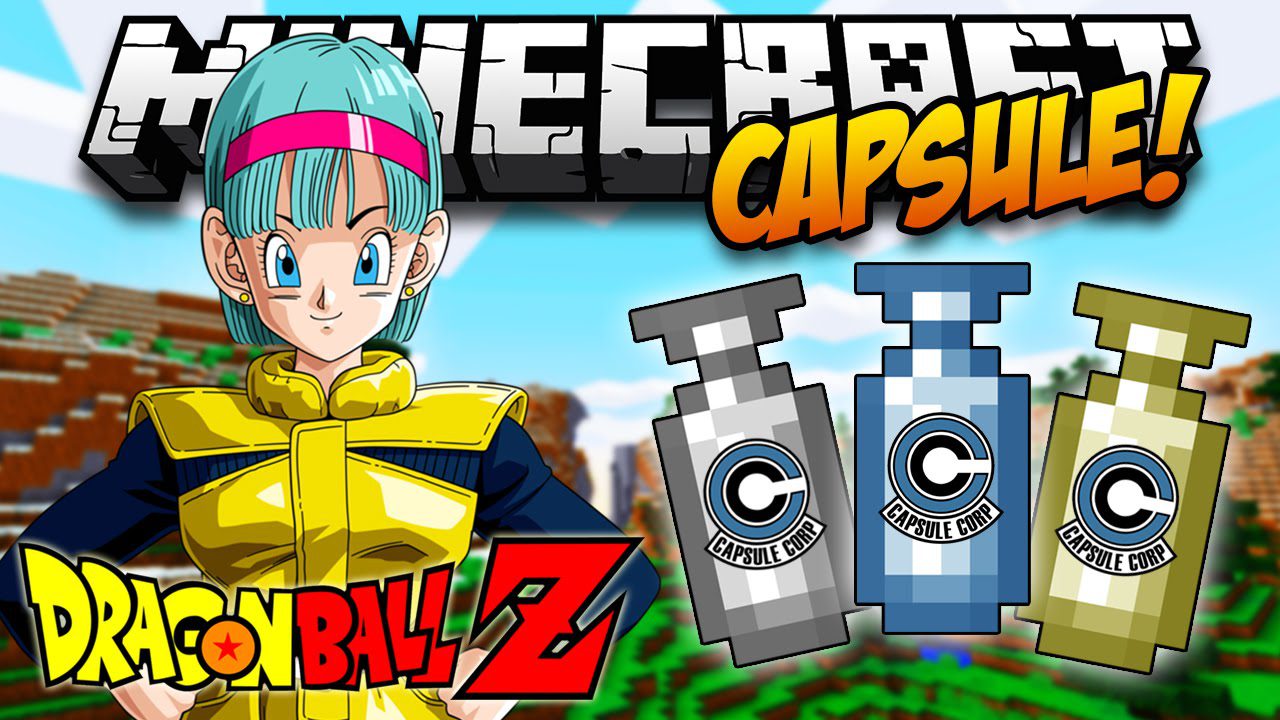
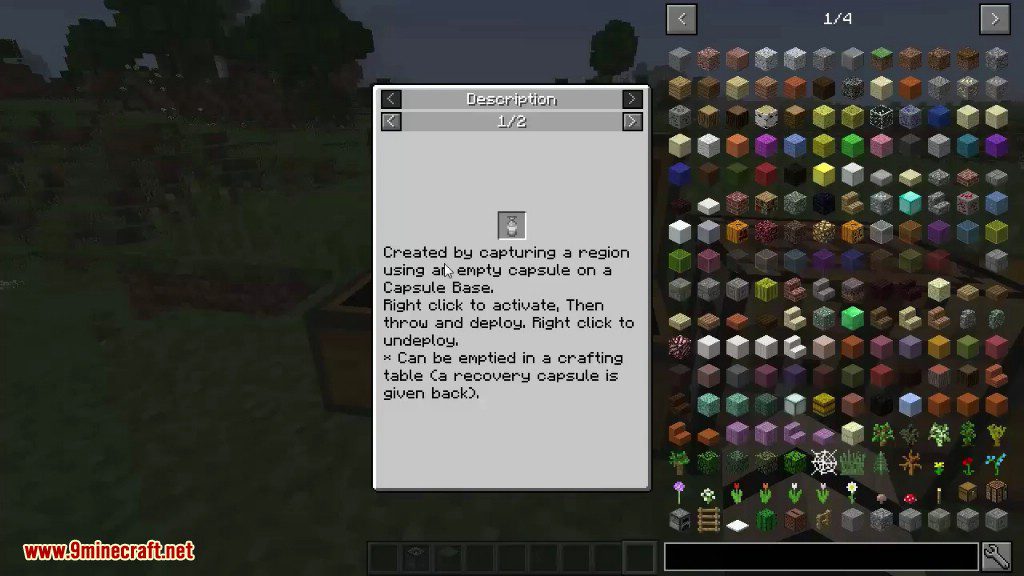
Capsule Mod lets you capture entire regions of your world, including blocks and machines, into a single, portable item. Inspired by the Dragon Ball series, you can throw these capsules to instantly deploy your structures anywhere you want. This makes moving your base, duplicating buildings, or setting up a temporary camp incredibly easy. The mod adds several tiers of capsules, from wood to diamond, with each tier able to hold a larger area.
Features:
- Capture and move your entire base or any large structure with ease.
- Use special blueprint capsules to automatically build structures using materials from nearby chests.
- Rotate and mirror your captured structures before placing them down.
- Craft different tiers of capsules, each with a larger capture size: Wood (1x1x1), Iron (3x3x3), Gold (5x5x5), Diamond (7x7x7), Obsidian (9x9x9), and Emerald (11x11x11).
- Dye capsules in different colors to help you stay organized.
- Give each capsule a custom name by sneaking and right-clicking it.
- Find the special “Recall” enchantment, which makes thrown capsules automatically return to your inventory.
How to Use:
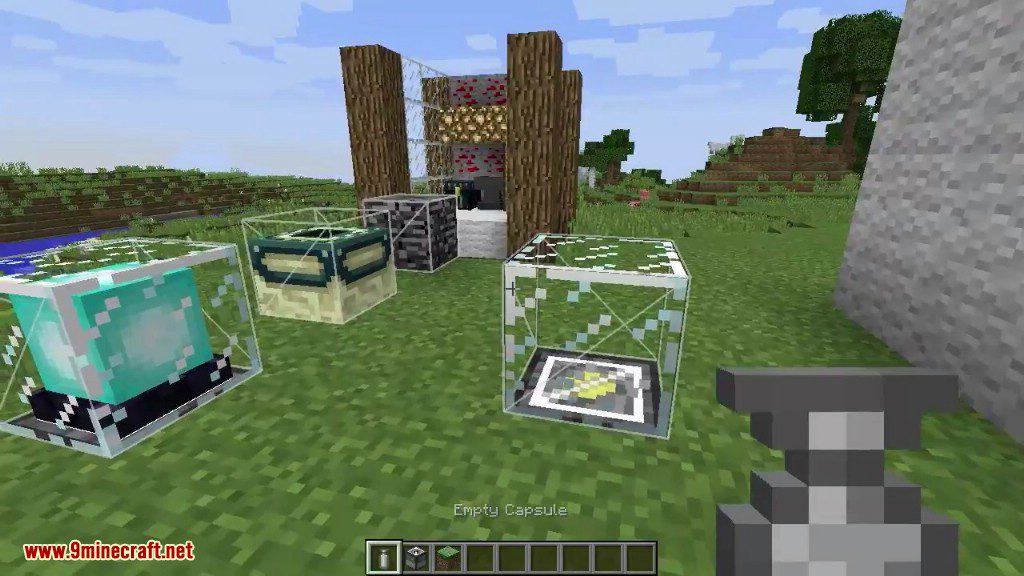
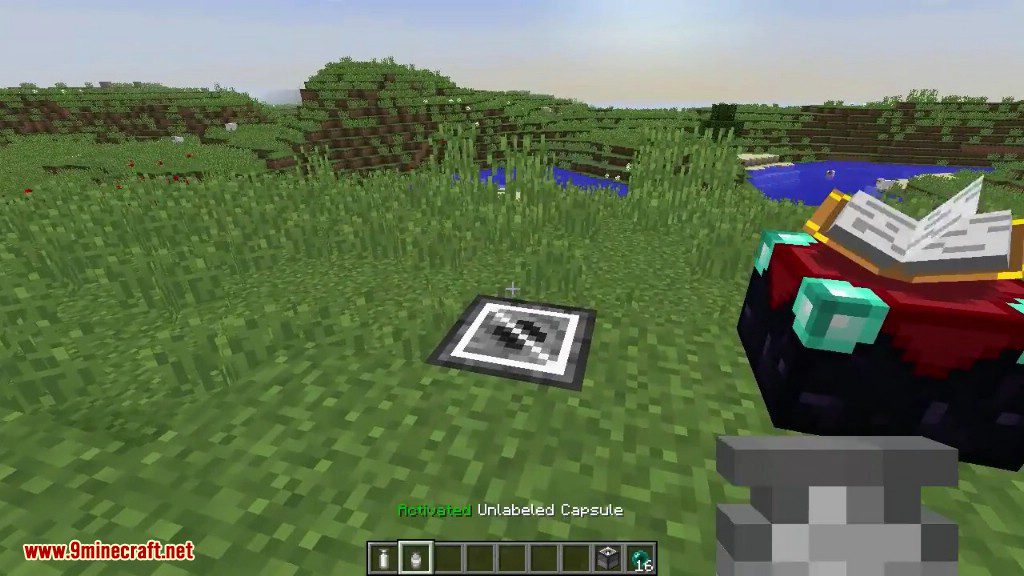
- First, craft a Capture Base block. Place this block on the ground in the center of the area you want to save.
- Build your structure on top of or around the Capture Base.
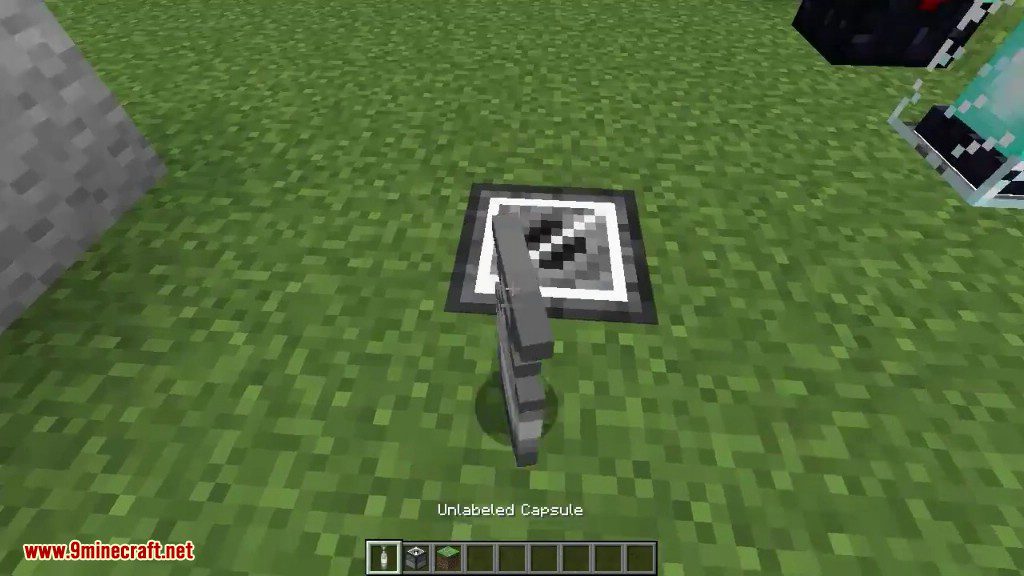
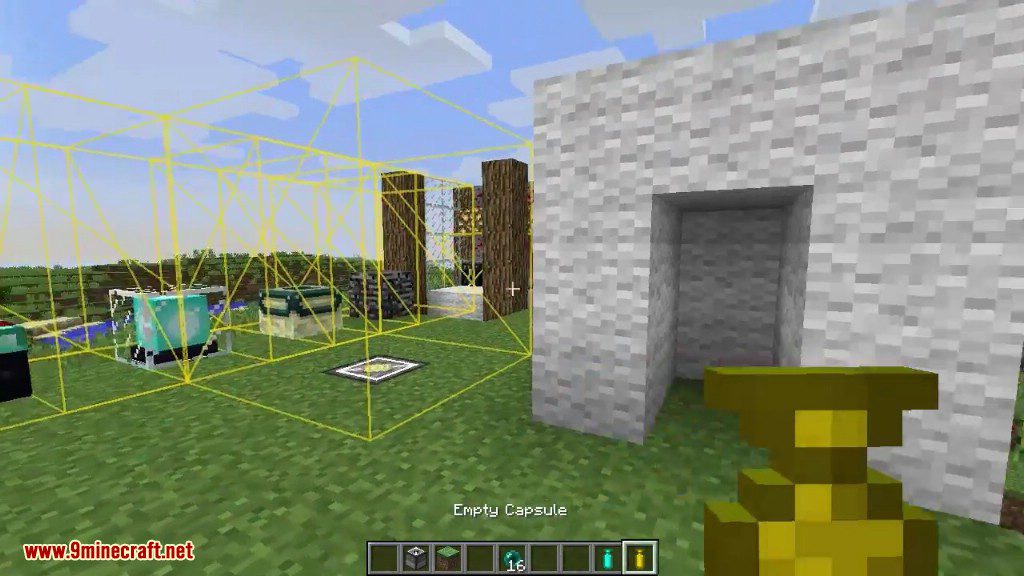
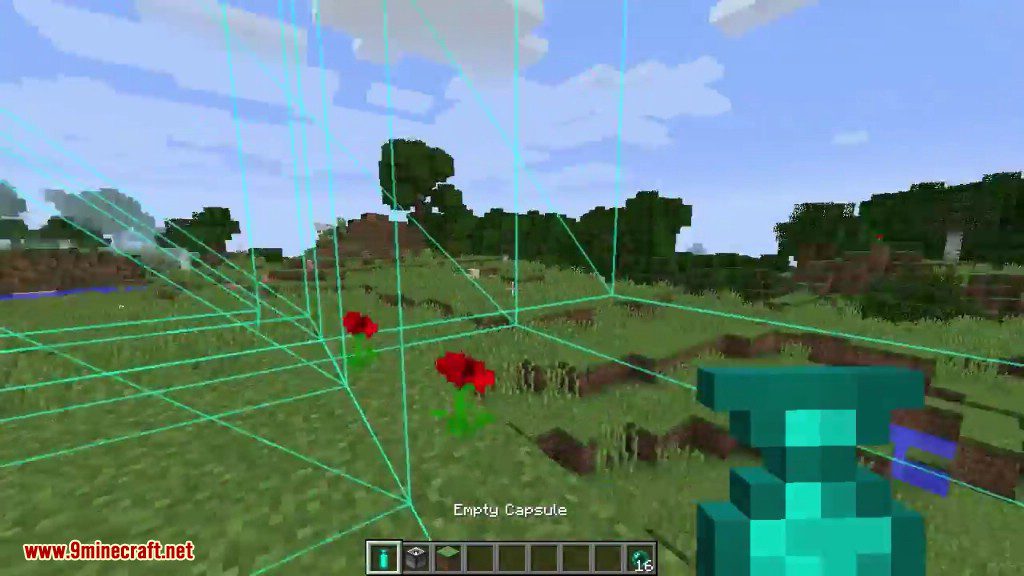
- Next, craft an empty capsule. The material you use (wood, iron, etc.) determines the size of the area it can capture.
- To capture the structure, throw the empty capsule near the Capture Base. It will absorb all the blocks within its range.
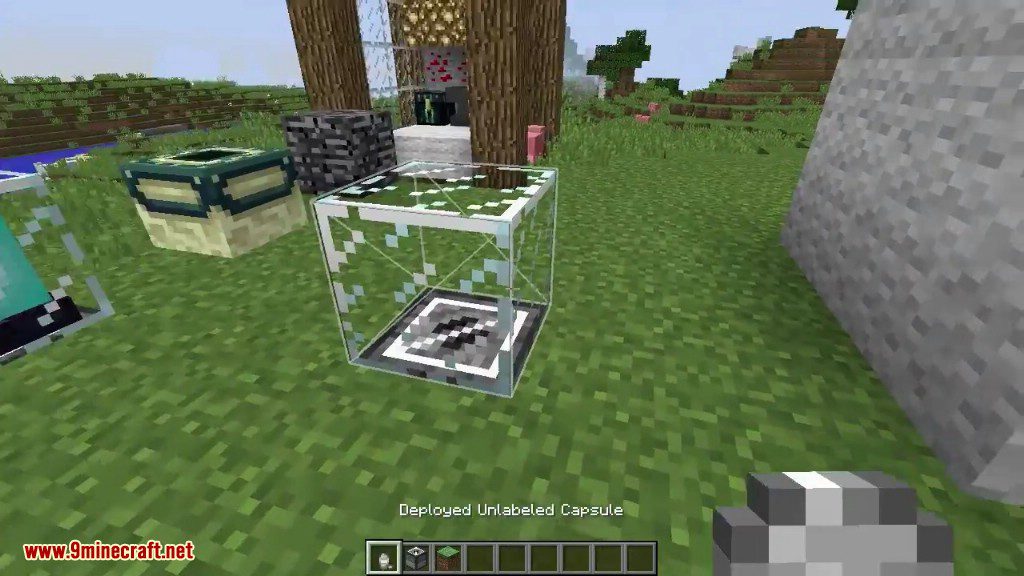
- To place your structure, hold the filled capsule, right-click to see a preview, and right-click again to throw it. The building will appear instantly.
- To pick the structure back up, find the deployed capsule block and right-click it. Everything will be stored back inside the capsule item.
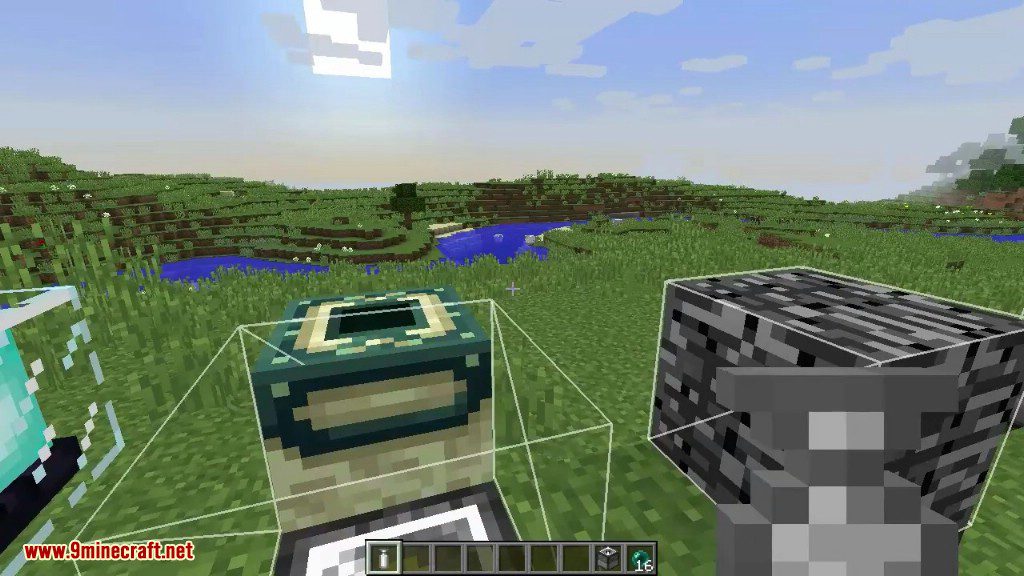
Screenshots:
How to Install:
New to Minecraft? Follow our step-by-step guide to install Mods on your PC.View Guide
Requirements:


Capsule Mod Download Links
For Minecraft 1.21.1, 1.21
For Minecraft 1.20.4
For Minecraft 1.20.1, 1.20
For Minecraft 1.19.2
For Minecraft 1.19
For Minecraft 1.18.2
For Minecraft 1.16.5
For Minecraft 1.15.2
For Minecraft 1.12.2
For Minecraft 1.8.9
Click to rate this post!
[Total: 2 Average: 5]
You May Also Like











This post has no comments yet. Be the first — your comment will appear here.