


Dungeons Perspective Mod (26.2, 1.20.1) – Play Minecraft Like an Isometric

 0
0 

🌐 Good news — we've translated this article into other languages!
Or pick the one you like:
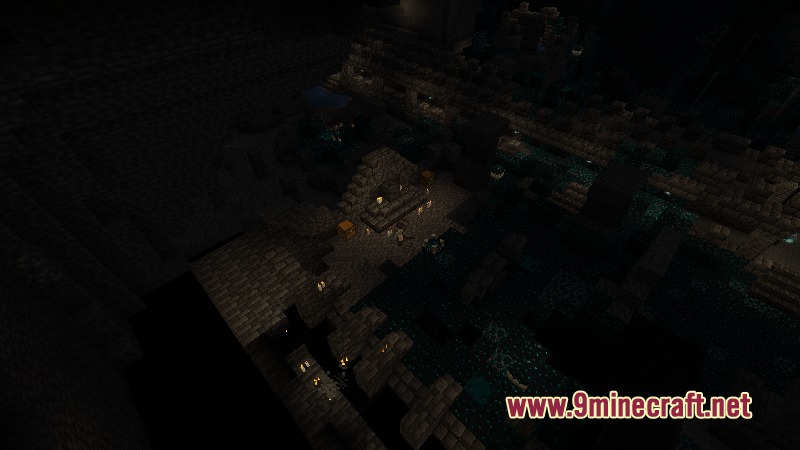
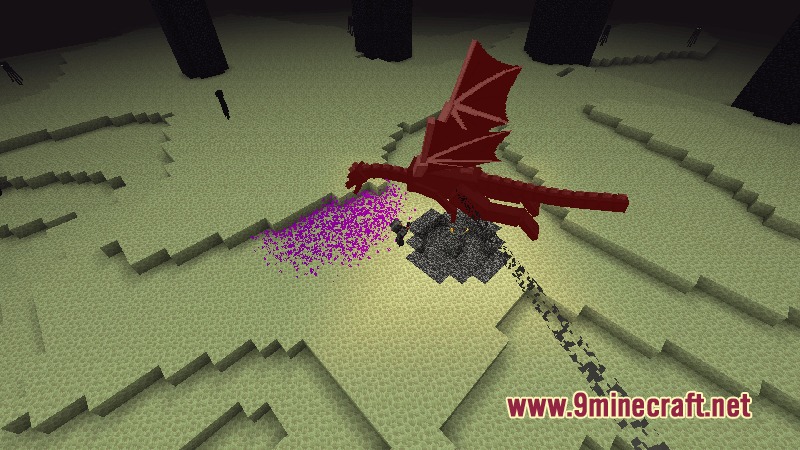
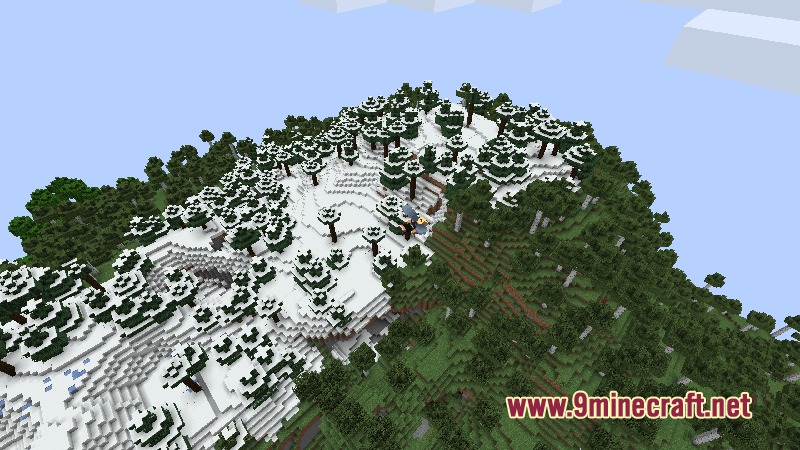
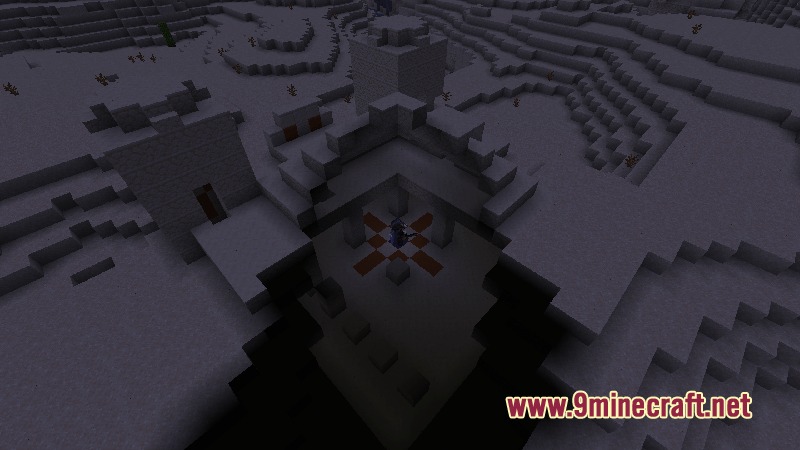
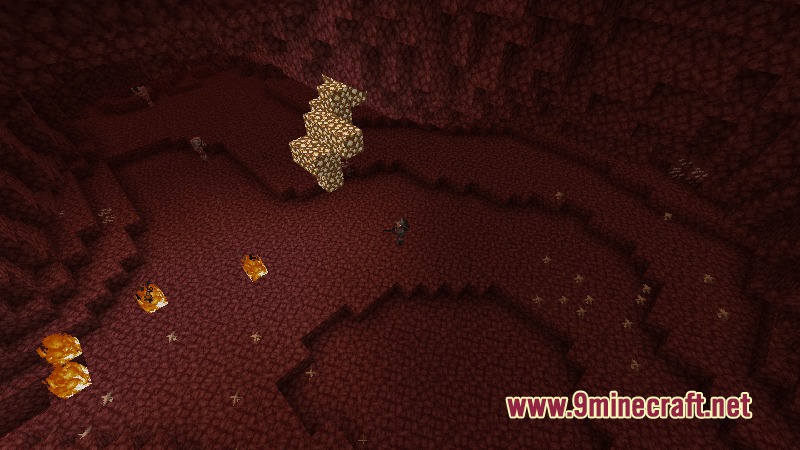
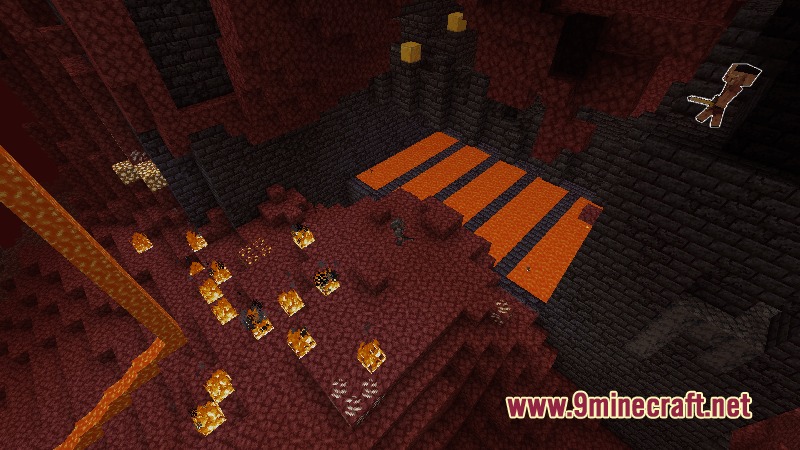
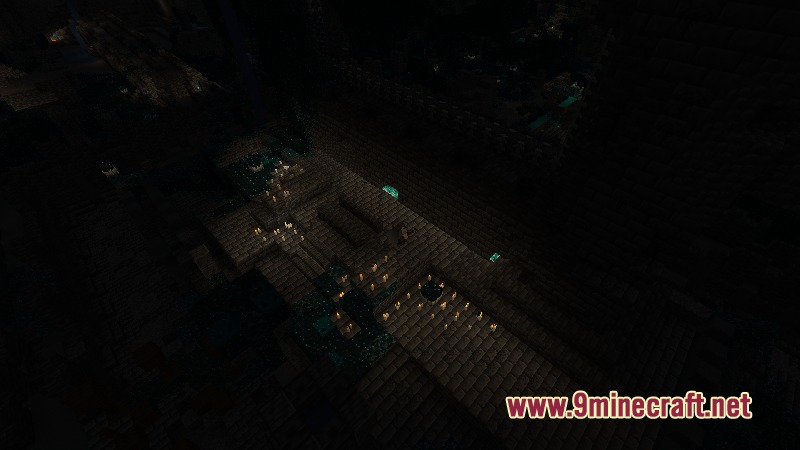
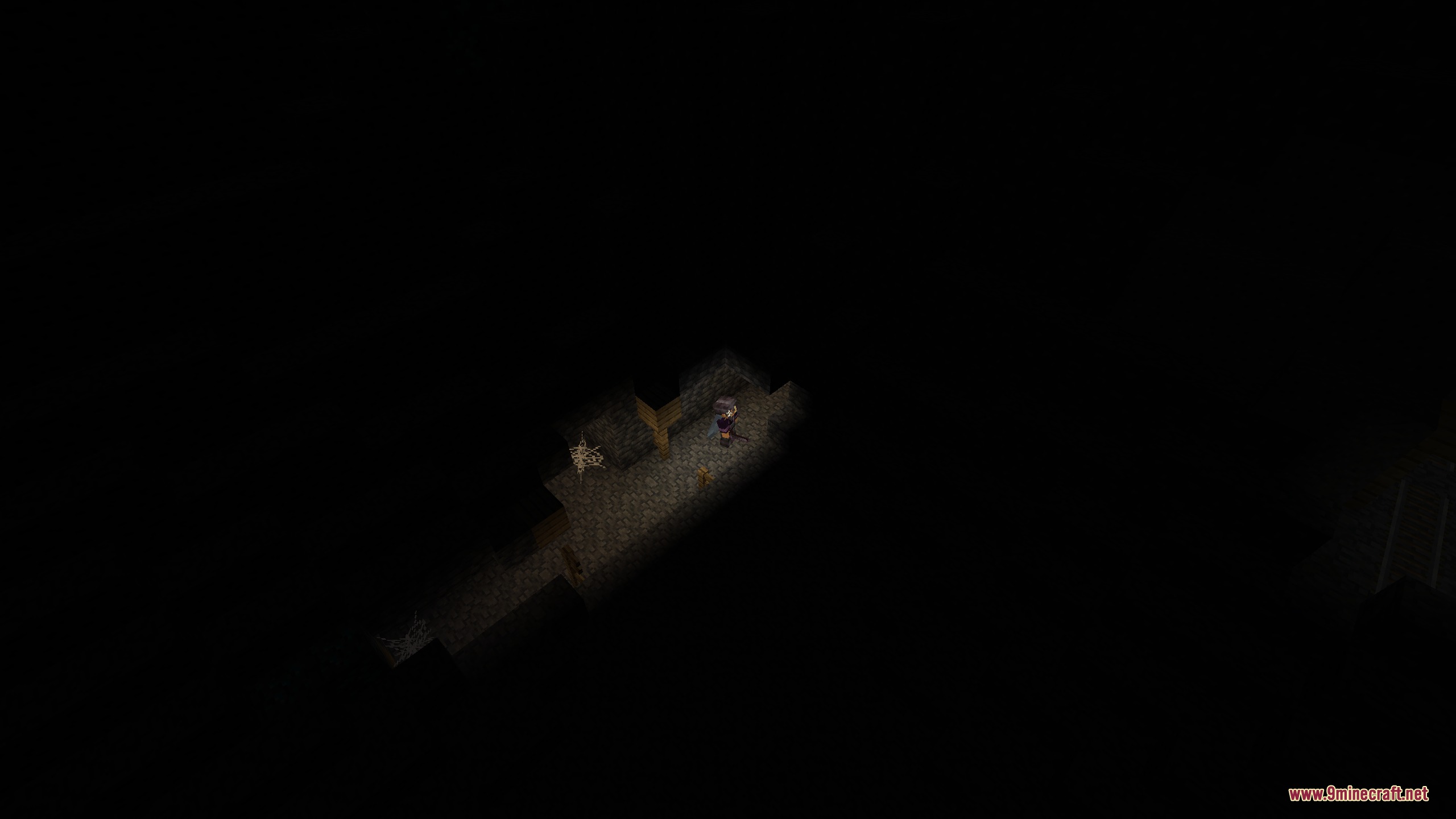
Dungeons Perspective Mod transforms your game camera into a top-down view inspired by classic action games. It helps you explore caves, fight monsters, and travel across the world from a high angle. The mod cuts away walls and ceilings so your character stays visible indoors. You can also customize camera angles, zoom levels, and gamepad controls for smooth combat.
Features:
- Isometric Camera: Changes your standard view into an overhead perspective similar to classic dungeon crawlers.
- Advanced Block Culling: Hides walls and roofs between your camera and character so you never lose sight of your hero.
- Controller Mode: Adds auto-targeting for nearby enemies and smooth analog movement during battles.
- Rooms stay visible with room detection so mobs cannot hide around blind corners.
- Allows full 360-degree rotation around your player character.
- Lets you zoom in close or pull back for a wider view of the battlefield.
- Highlights blocks and mobs under your mouse cursor for accurate targeting.
- Includes an orthogonal camera mode that removes depth from the world.
- Separates head and body movement so characters look around naturally.
- Lets you change camera pitch angles to match different classic game styles.
- Keeps horse controls smooth with decoupled steering mechanics.
- Works alongside visual and magic combat mods without camera glitches.
How to Use:
- Switch your camera mode to enter the overhead perspective.
- Use your mouse or analog stick to turn the camera around your character.
- Press G to interact with chests, doors, or villagers highlighted by the targeter.
- Adjust zoom distance in the settings to get a better view of incoming monster waves.
Screenshots:
How to Install:
New to Minecraft? Follow our step-by-step guide to install Mods on your PC.View Guide
Requirements:




Dungeons Perspective Mod Download Links
For Minecraft 26.2
For Minecraft 26.1.2, 26.1.1, 26.1
For Minecraft
1.21.11,
1.21.10,
1.21.9
All Versions Covered
1.21.11
1.21.10
1.21.9
1.21.8
1.21.7
1.21.6
1.21.5
1.21.4
1.21.1
1.21
All Versions Covered
1.21.11
1.21.10
1.21.9
1.21.8
1.21.7
1.21.6
1.21.5
1.21.4
1.21.1
1.21
For Minecraft 1.20.1, 1.20
Click to rate this post!
[Total: 0 Average: 0]
You May Also Like

This post has no comments yet. Be the first — your comment will appear here.