


Horizon XP Tracker Mod (26.2, 26.1.2) – Track Every Survival Day
 2
2
 0
0

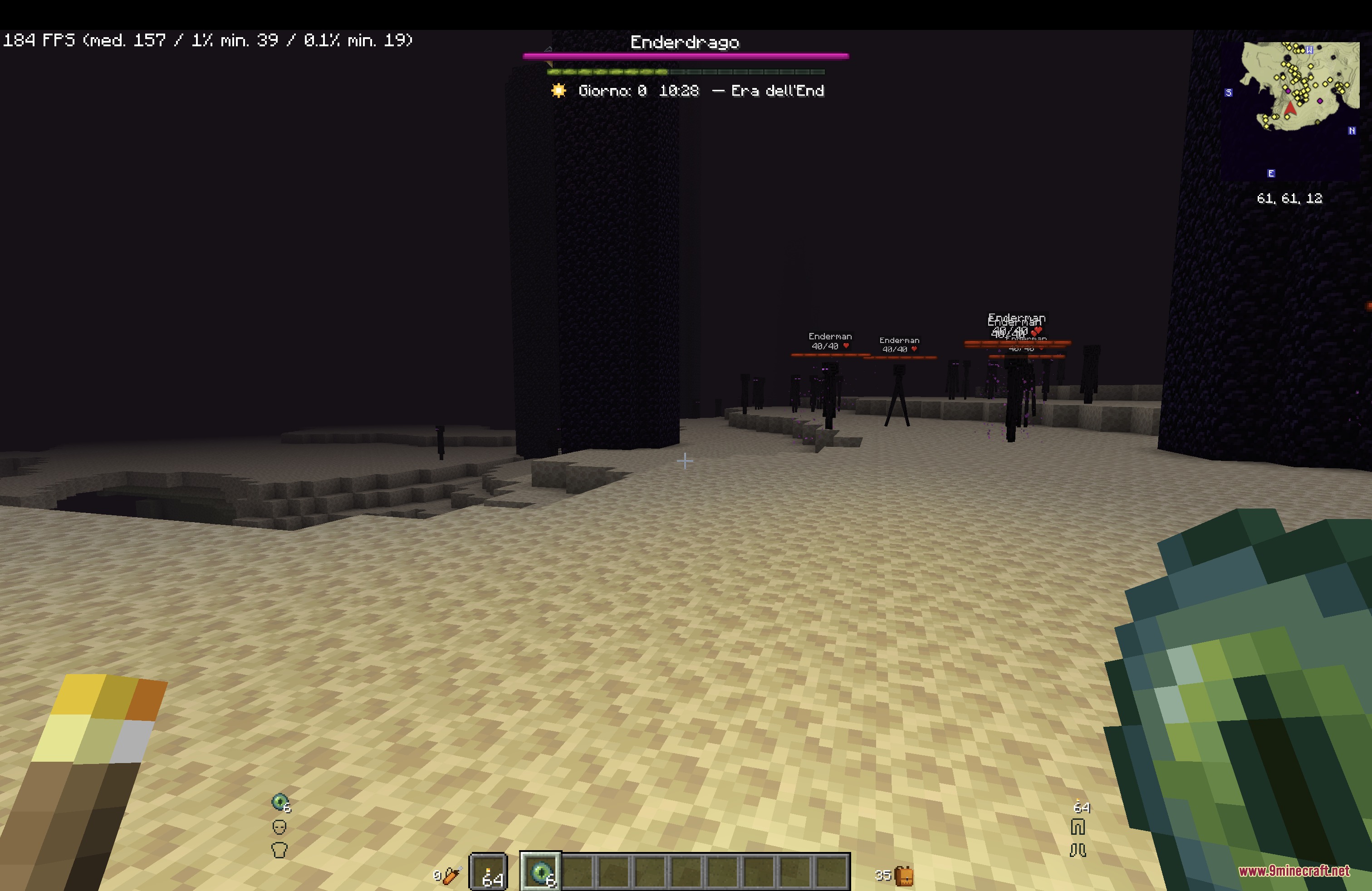
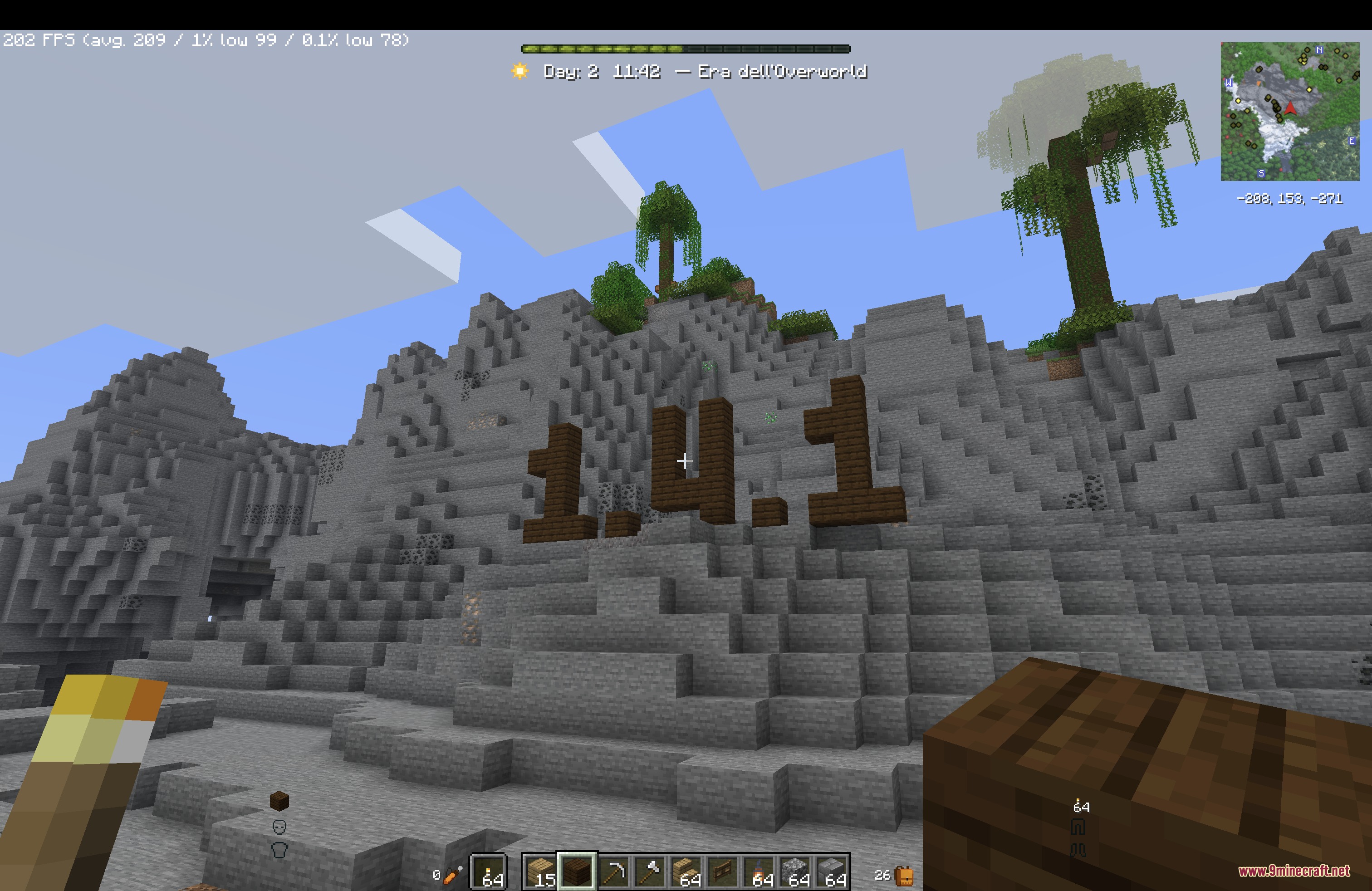
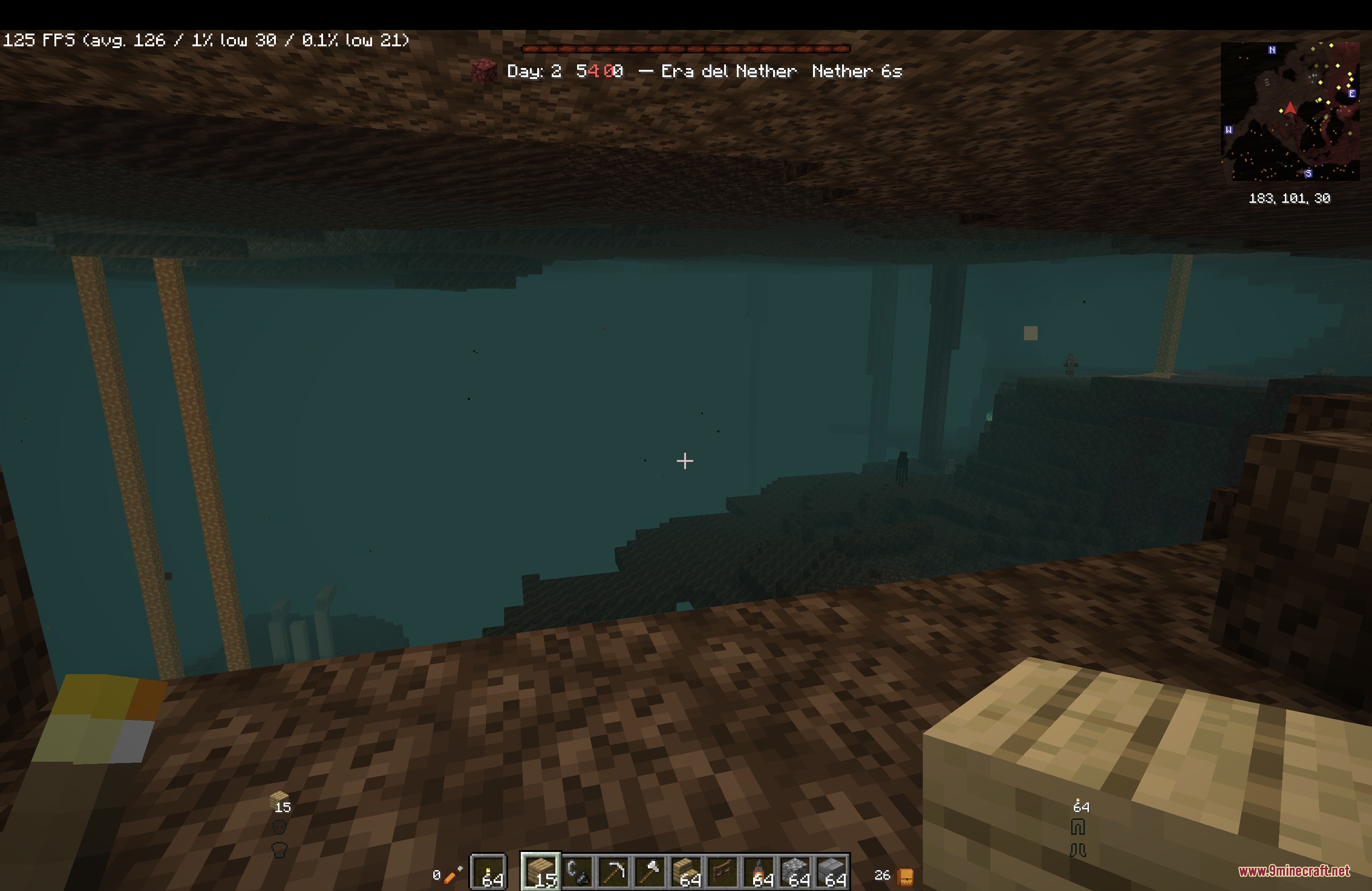
Horizon XP Tracker Mod adds a vanilla-style day and time counter directly to your screen overlay. It uses the true world clock to show the exact time, sun phases, and current day count without any desync in multiplayer. The display matches the standard Minecraft look by using experience bar textures for day progress and sends helpful reminders when night falls so you never forget to sleep. It also comes with an automatic journal that logs your milestones, deaths, trades, and photo memories.
Features:
- Shows the current world day count with an optional pulse effect when the day advances.
- Displays a 12-hour or 24-hour clock alongside custom icons for dawn, midday, sunset, dusk, and night.
- Uses vanilla experience bar graphics to show day progress, changing to red Netherrack styling when entering the Nether.
- Displays compass directions on the HUD label whenever you hold a compass.
- Pops up a reminder toast when it becomes late enough to sleep in a bed.
- Plays a small chime on major day milestones like day 50, 100, or 365.
- Offers nine screen placement presets and automatically moves out of the way when boss bars appear.
- Tracks your survival streak and current Nether trip time directly on the overlay.
- Works fully on the client side, making it safe to use on any multiplayer server.
World Journal:
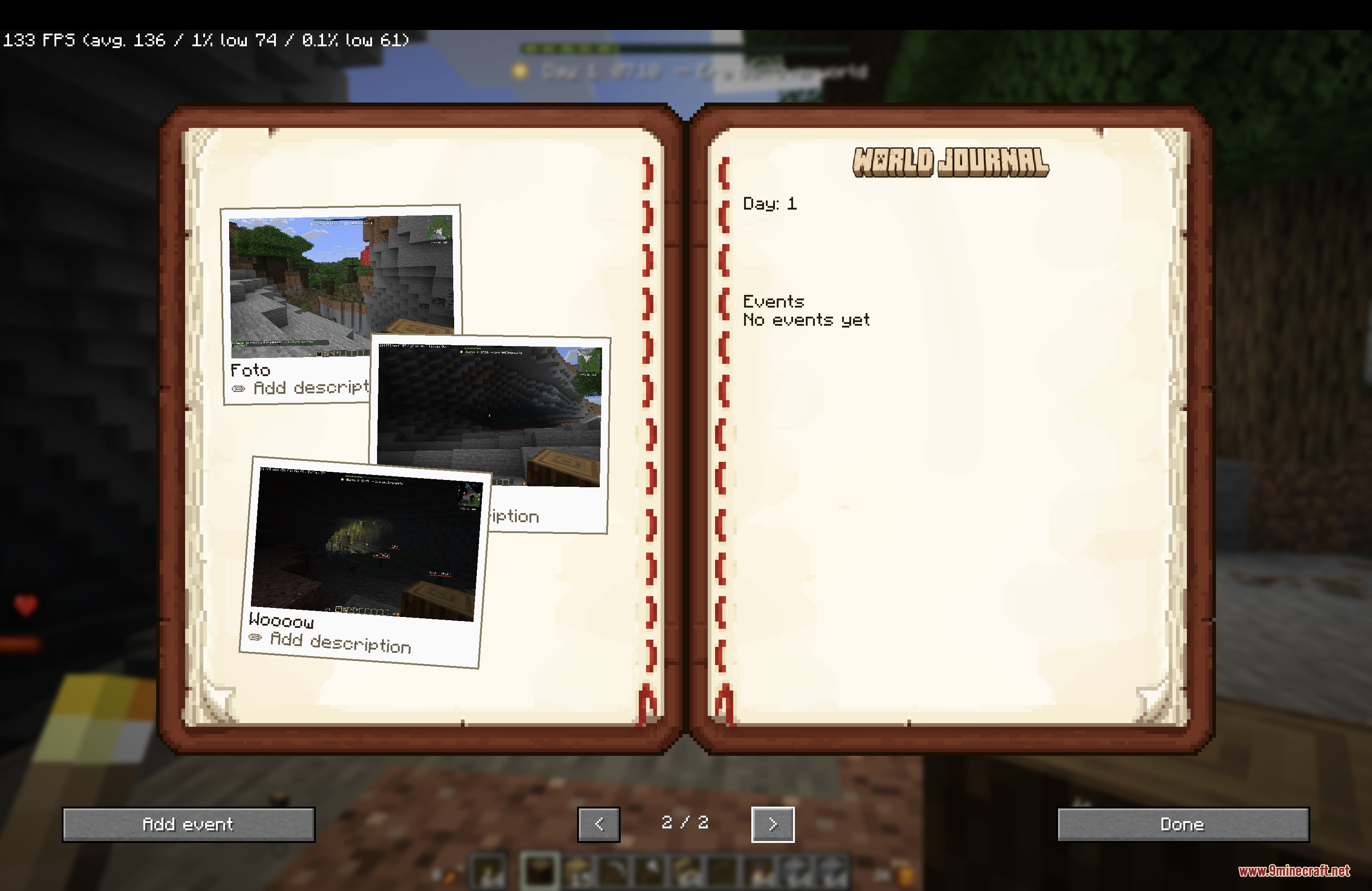
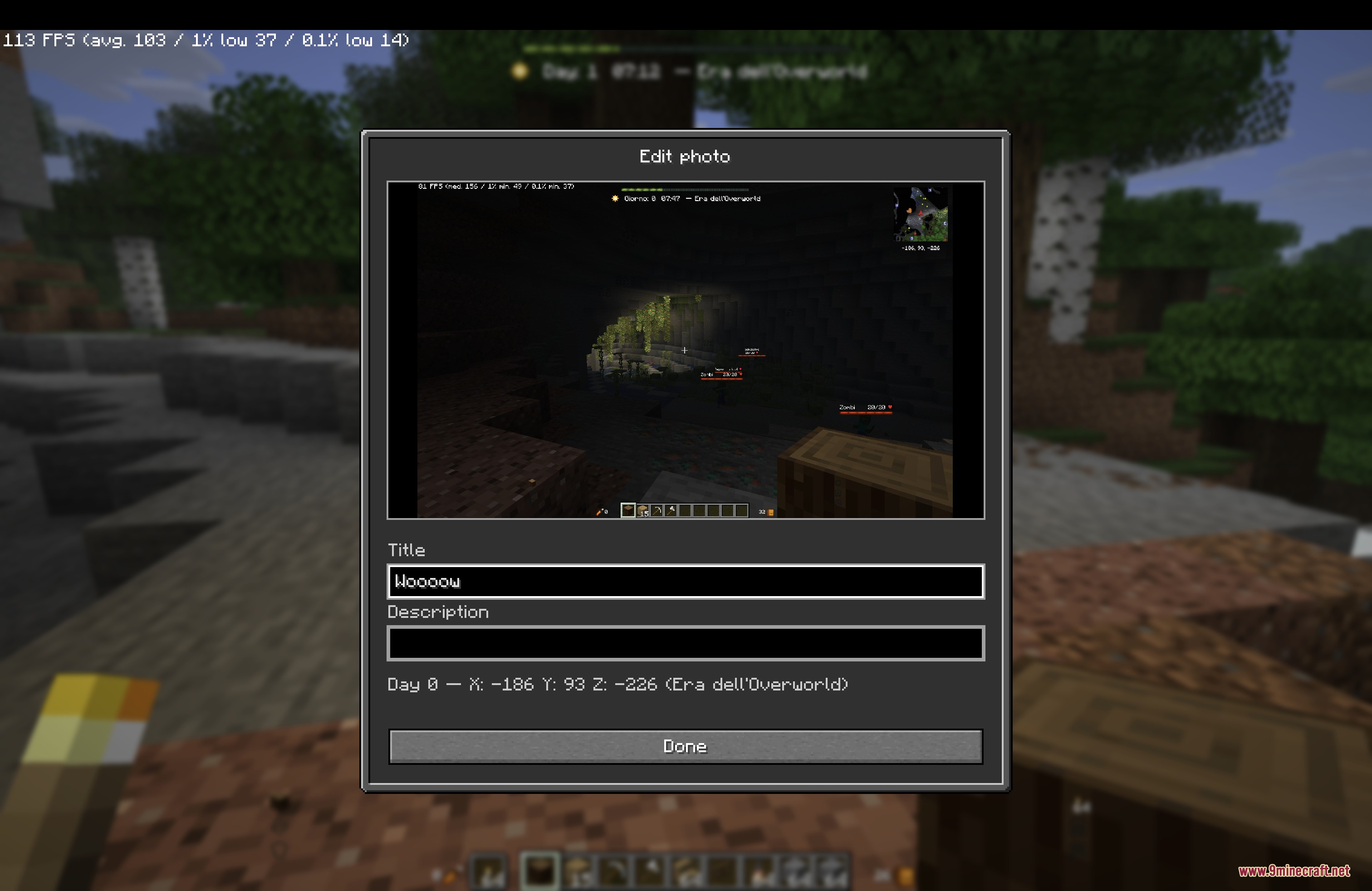
- Turns standard F2 screenshots into scrapbook photo cards labeled with coordinates, dates, and dimensions.
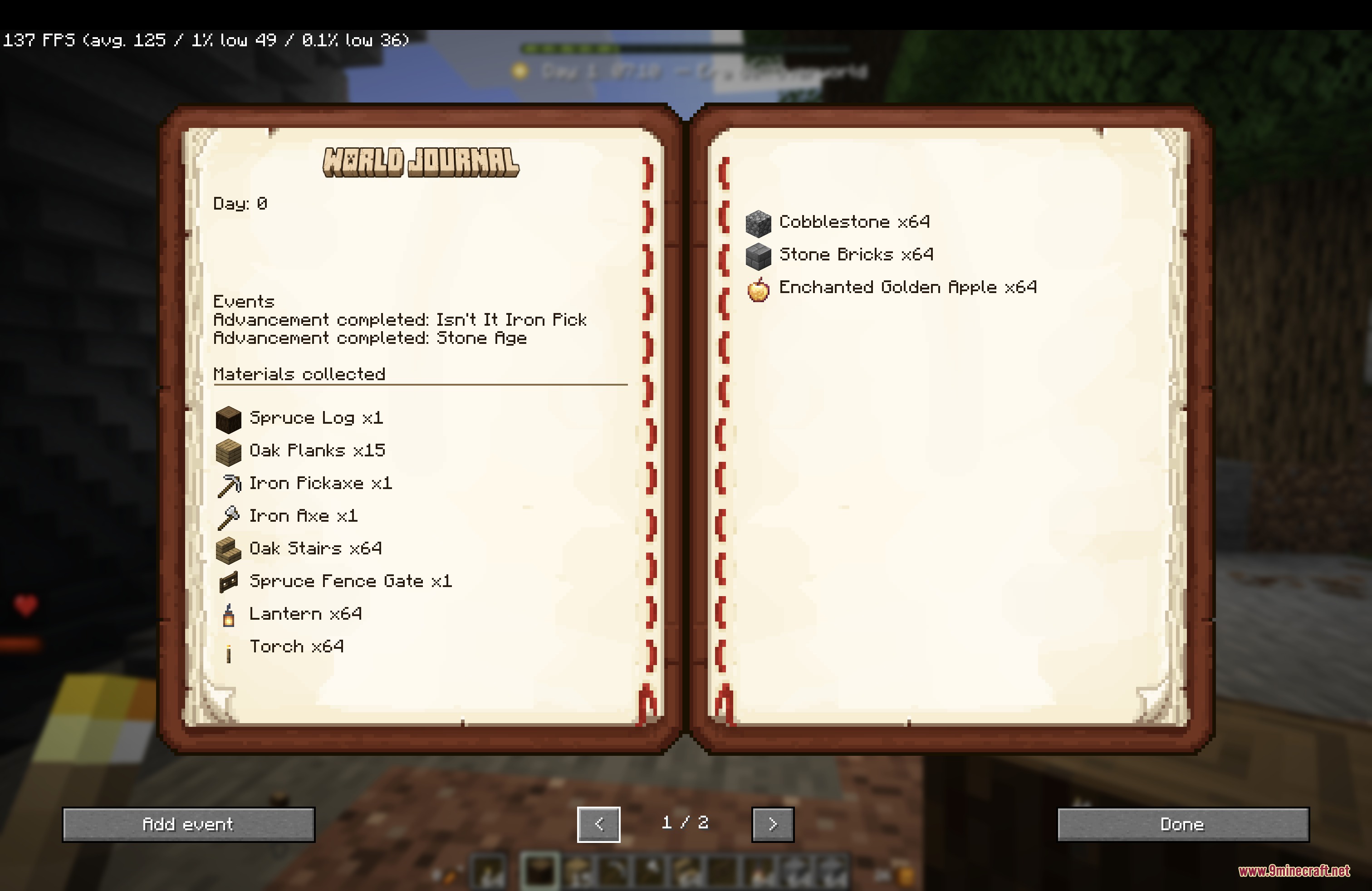
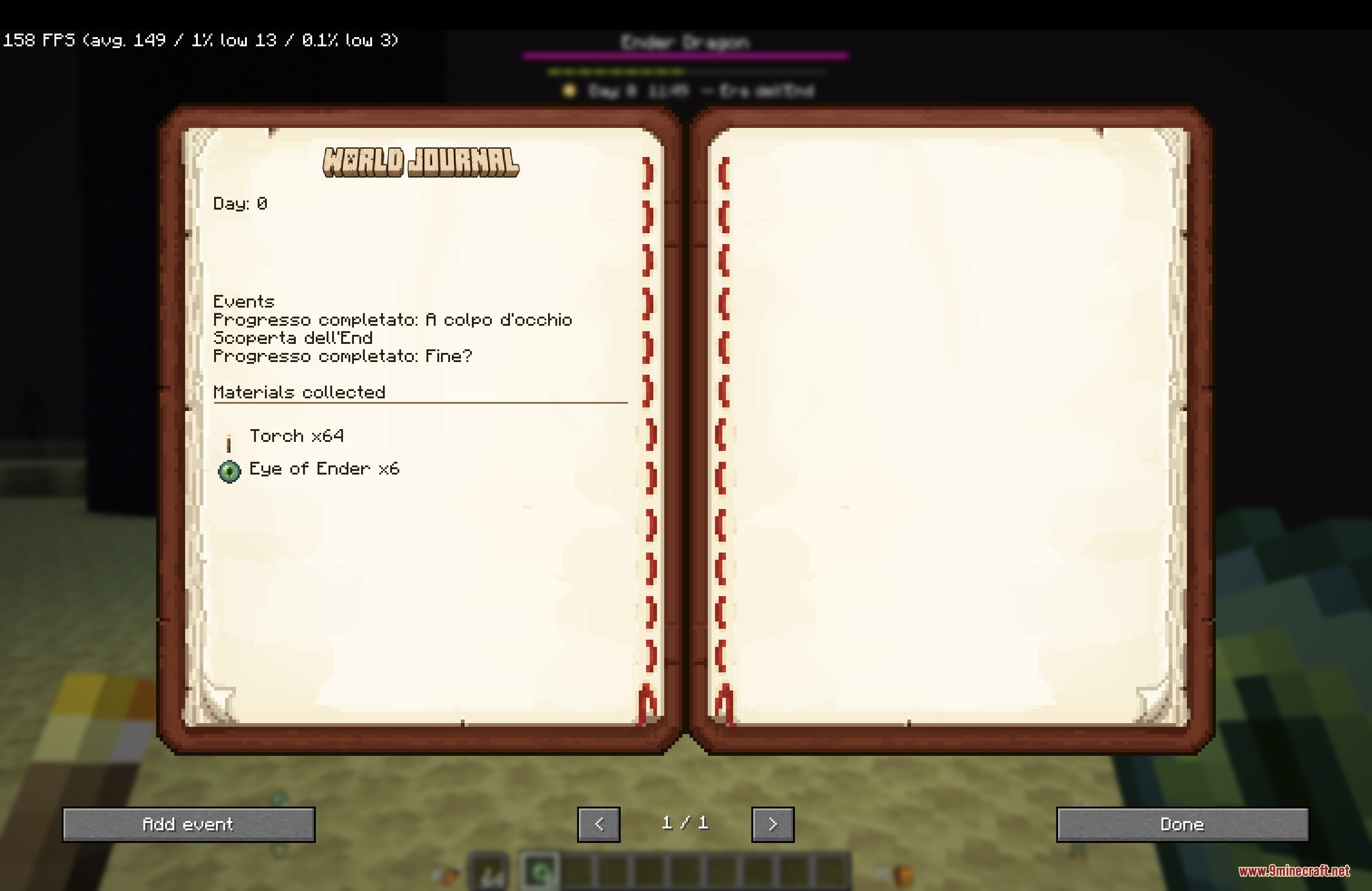
- Logs survival streaks, dimension milestones, villager trades, raids, advancements, and player deaths.
- Tracks daily weather conditions to show when rain and thunderstorms happen.
- Saves automatic backups of your journal history every time you enter a world.
Commands:
/journal add <text>: adds a custom note to your journal for the current day.
How to Use:
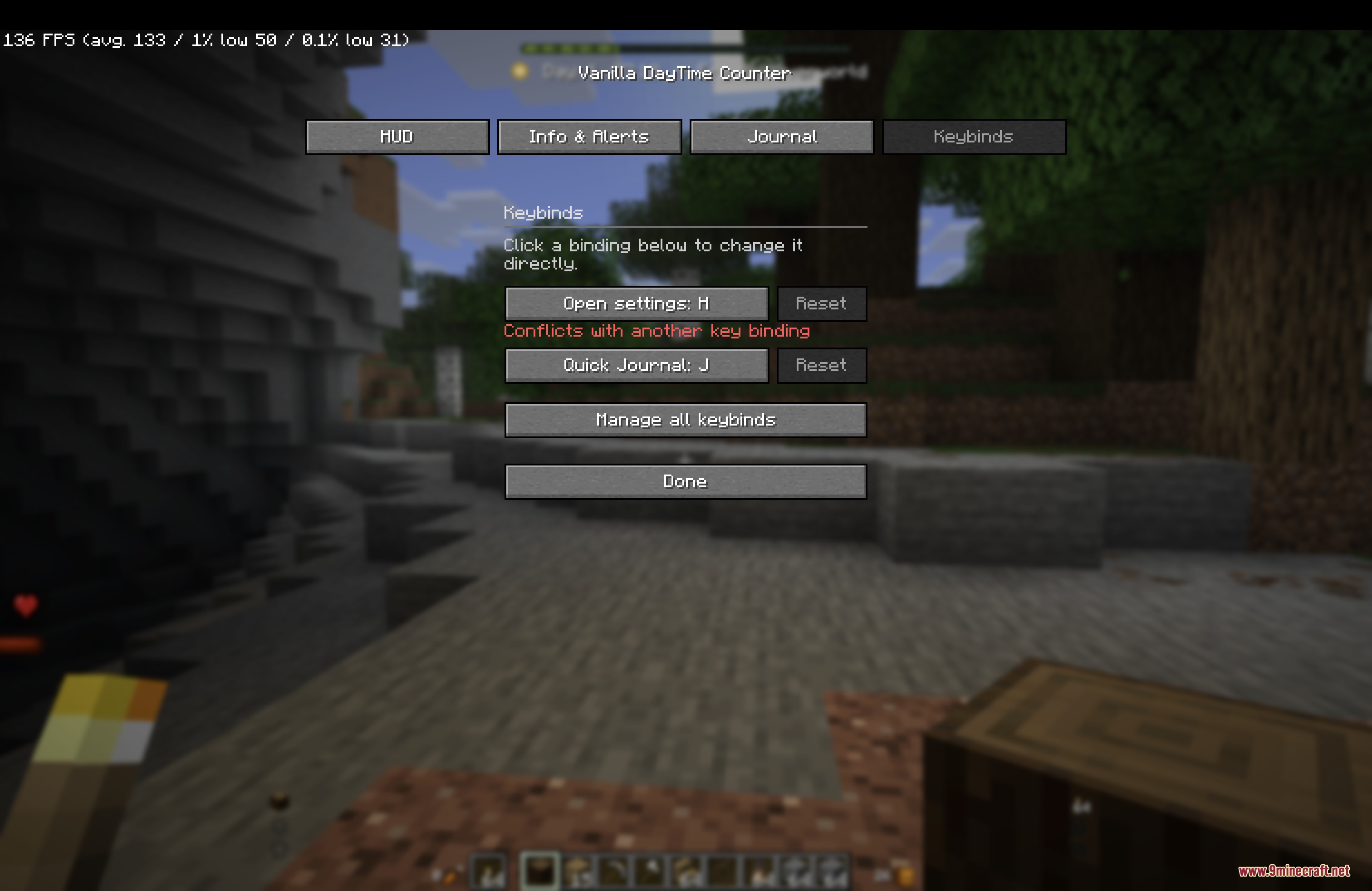
- Join a singleplayer world or server to see the day and time counter appear on your HUD.
- Press F2 to take a screenshot and save it directly into your scrapbook.
- Press the Quick Journal key to write a fast note without opening full menus.
- Open the pause menu to look through your World Journal or customize overlay presets in the settings screen.
Screenshots:
How to Install:
New to Minecraft? Follow our step-by-step guide to install Mods on your PC.View Guide
Requirements:


Horizon XP Tracker Mod Download Links
For Minecraft 26.2
For Minecraft 26.1.2, 26.1.1, 26.1
Click to rate this post!
[Total: 0 Average: 0]
You May Also Like




This post has no comments yet. Be the first — your comment will appear here.