


Disable Custom Worlds Advice 9minecraft Mod (26.2) – Load Custom Saves Without Prompts

 0
0 

Disable Custom Worlds Advice 9minecraft Mod removes the experimental world warning screen whenever you load custom saves. It stops the game from interrupting your launch with confirmation boxes for data packs and custom world settings. You get straight into your world without having to click through extra prompt screens every single time.

Features:
- Bypasses Warning Screens: Skips the experimental confirmation prompt directly upon opening a world.
- Loads saves faster by cutting out extra confirmation clicks.
- Works with custom world generation, data packs, and experimental game toggles.
- Operates purely as a client-side tweak without altering world save data.
- Lets you add or remove the mod at any time without risking your worlds.
How to Use:
- Open your Minecraft world selection screen.
- Select and launch any save with custom data packs or experimental settings.
- Enter the game directly without seeing the advice popup window.
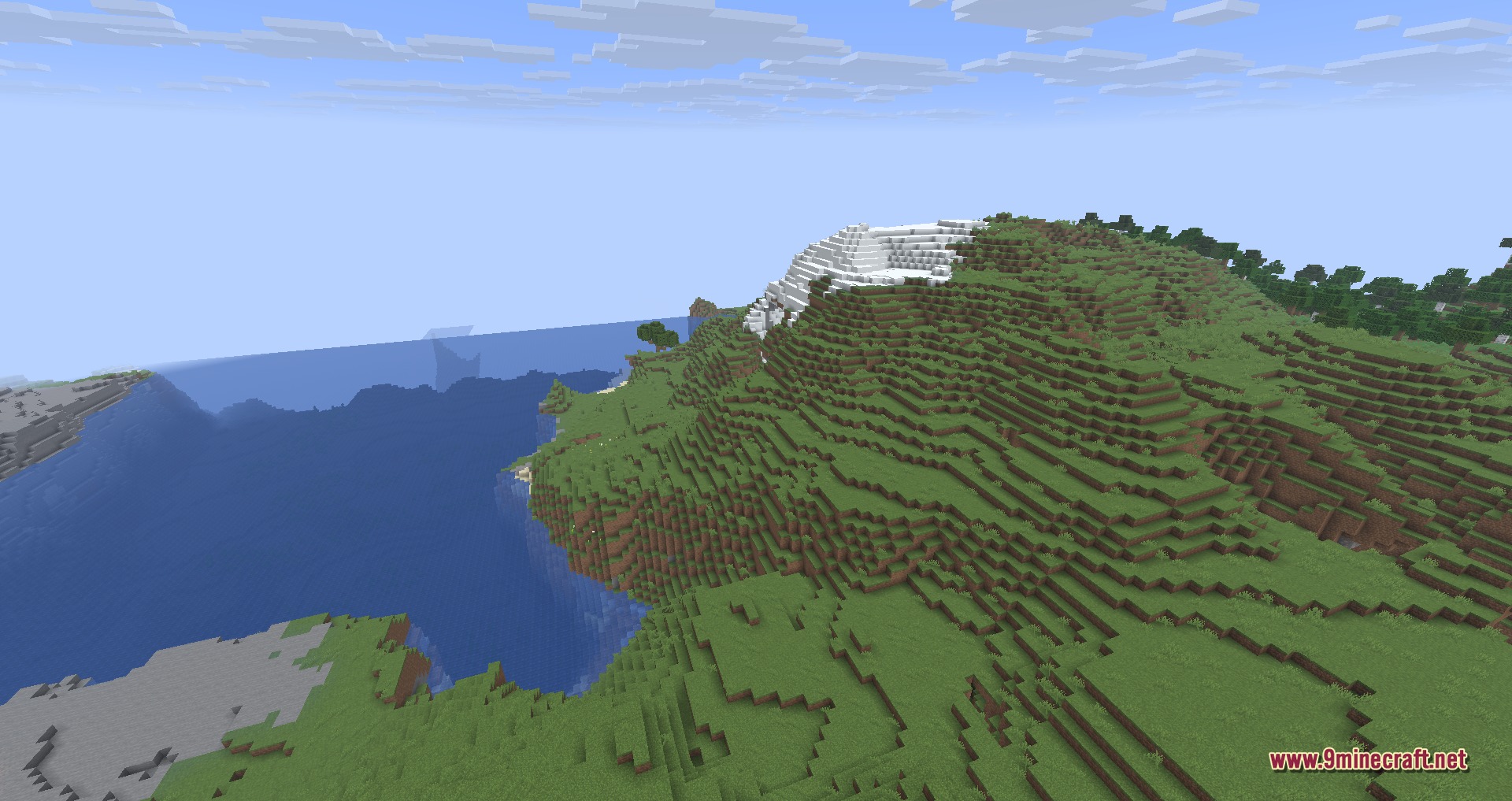
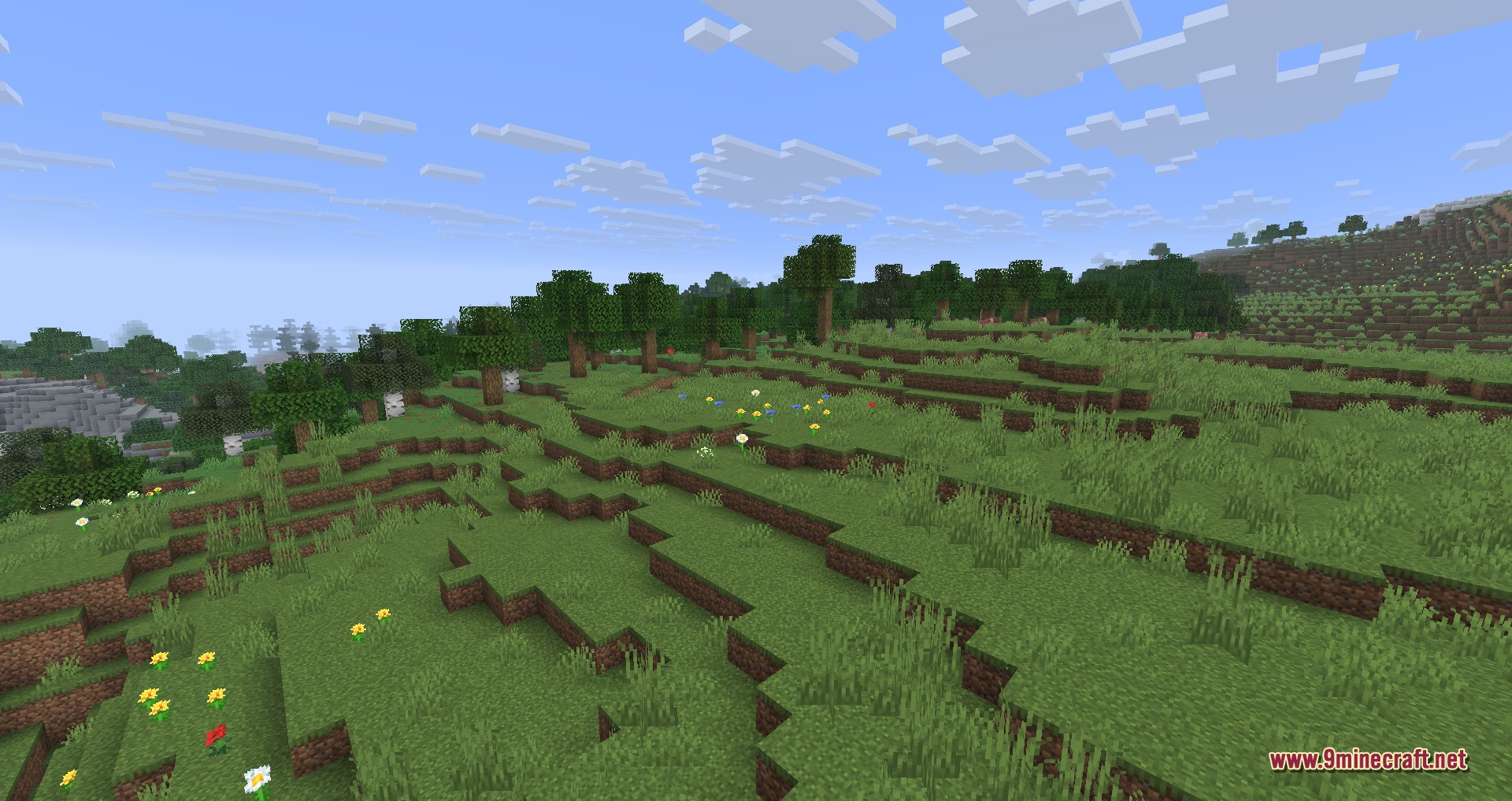
Screenshots:



How to Install:
New to Minecraft? Follow our step-by-step guide to install Mods on your PC.View Guide



Disable Custom Worlds Advice 9minecraft Mod Download Links
For Minecraft 26.2
Click to rate this post!
[Total: 0 Average: 0]
You May Also Like
















This post has no comments yet. Be the first — your comment will appear here.