


Magnetized Loot Harvest Mod (26.2, 1.20.1) – Never Lose Mined Ores
 3
3
 0
0

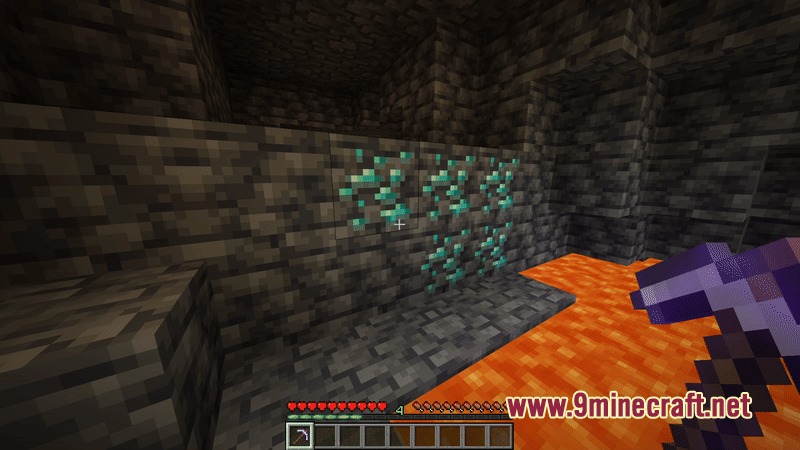
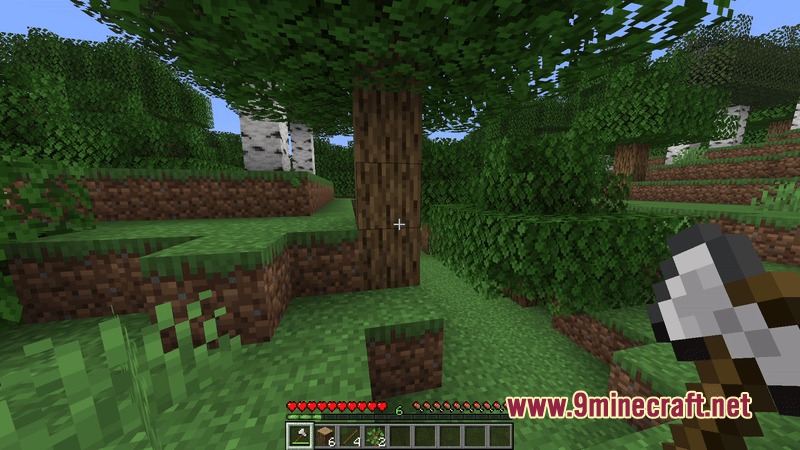
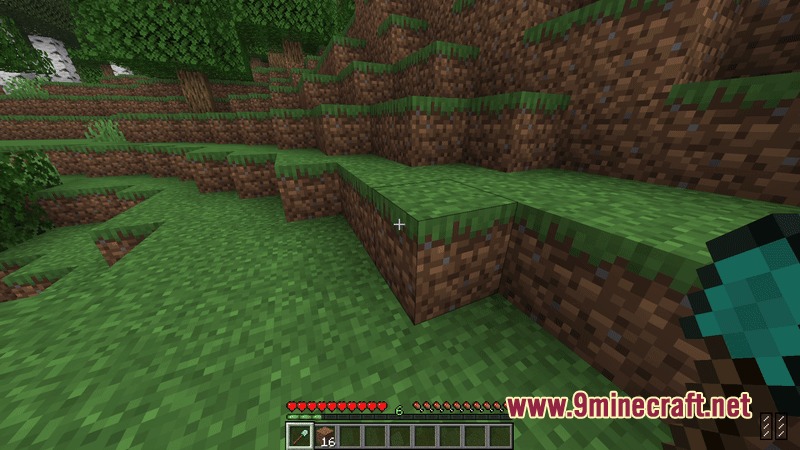
Magnetized Loot Harvest Mod puts broken blocks and defeated mob drops straight into your inventory. It prevents floating item drops and experience orbs from cluttering the ground or causing server lag. If your bags are full, extra items drop safely right at your feet so nothing gets lost. The mod also works with many popular mining and tree-chopping tools while keeping automated farms untouched.
Features:
- Items from broken blocks go straight into your player inventory.
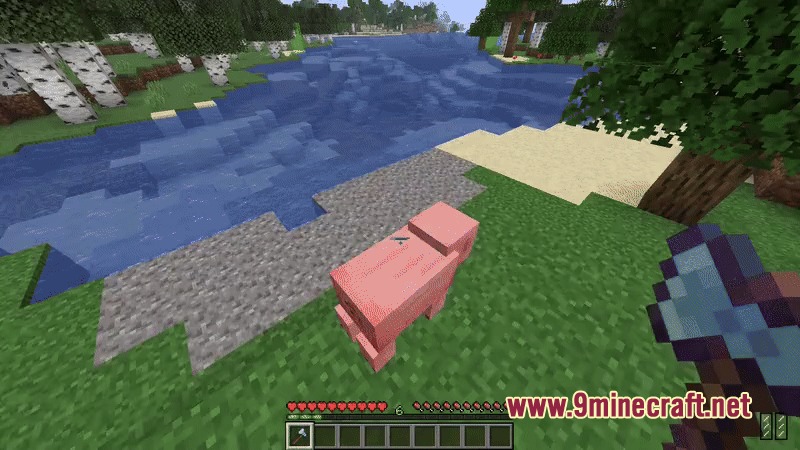
- Defeated mob drops and experience orbs can be collected instantly without walking over them.
- Experience gets processed with a slight delay so tools take damage before Mending repairs them.
- Stops floating entity drops from spawning to reduce game lag.
- Drops extra items at your feet whenever your inventory runs out of space.
- Lets you share mob loot and experience points with nearby friends who helped in a fight.
- Works alongside popular tree harvesting and vein mining mods.
- Leaves automated mob and crop farms alone so items stay in your machines.
- Gives server owners tools to set global rules or customize settings for single players.
Commands:
/autopickup gui: opens the in-game settings menu./autopickup: checks the current configuration settings./autopickup master: turns the whole mod on or off./autopickup blocks: toggles auto collection for mined blocks./autopickup blockxp: toggles auto collection for block experience./autopickup mobloot: toggles auto collection for mob drops./autopickup mobxp: toggles auto collection for mob experience./autopickup splitmobloot: shares mob drops with nearby attackers./autopickup splitmobxp: shares mob experience with nearby attackers./autopickup allow <feature>: allows or denies players from changing specific client settings./autopickup override <player> <setting>: sets a custom rule for a single player./autopickup override <player> clear: removes all custom rules set for a player.
Configuration:
config/AutoPickup/global_config.json: stores the global server default settings.config/AutoPickup/client_default.toml: stores your personal client preferences.config/AutoPickup/player_overrides.json: stores custom server rules for specific players.
How to Use:
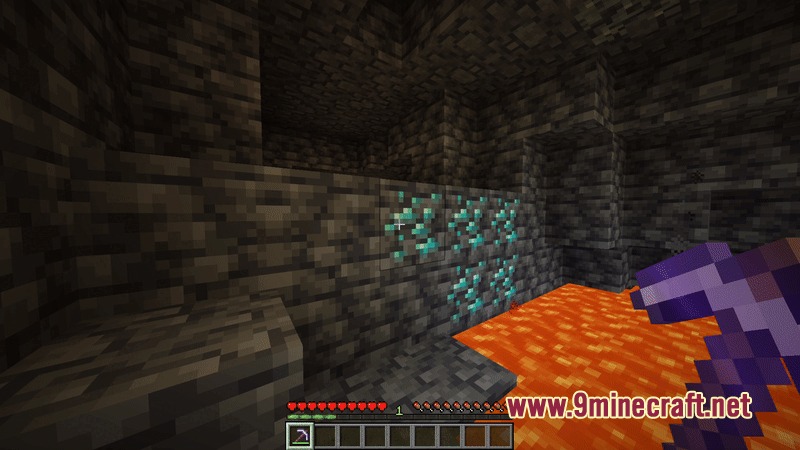
- Break any ore or block to receive the drops directly in your bag.
- Type
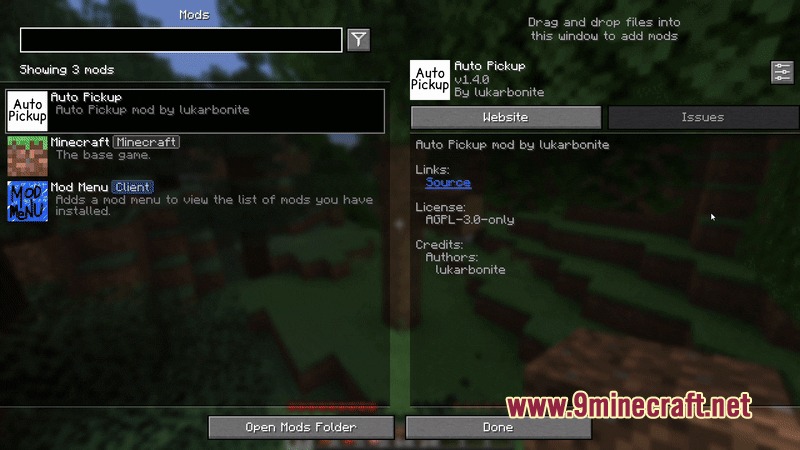
/autopickup guiin chat to open your personal options screen. - Toggle mob loot or experience sharing if you want to split battle rewards with teammates.
- Check your hotbar and inventory layout to make sure you have free slots for new items.
Screenshots:
How to Install:
New to Minecraft? Follow our step-by-step guide to install Mods on your PC.View Guide
Requirements:
 NeoForge Required
 Fabric Loader Required
 Fabric API Required
 Minecraft Forge Required
 Veinminer Data Pack Required
YetAnotherConfigLib (YACL) Required
 Fabric Kotlin Extensions Mod Required
 GameGeek-Saikel Silk API Mod Required
Architectury API Required

Magnetized Loot Harvest Mod Download Links
For Minecraft 26.2
For Minecraft 26.1.2, 26.1.1, 26.1
For Minecraft
1.21.11,
1.21.10,
1.21.9
All Versions Covered
1.21.11
1.21.10
1.21.9
1.21.8
1.21.7
1.21.6
1.21.5
1.21.4
1.21.1
1.21
All Versions Covered
1.21.11
1.21.10
1.21.9
1.21.8
1.21.7
1.21.6
1.21.5
1.21.4
1.21.1
1.21
For Minecraft 1.21.1, 1.21
For Minecraft 1.20.1, 1.20
Click to rate this post!
[Total: 0 Average: 0]
You May Also Like













This post has no comments yet. Be the first — your comment will appear here.