


Persona Swapper Mod (26.2, 1.21.1) – Switch Player Skins Instantly Without
 4
4
 0
0

🌐 Read this article in your language! Choose your preferred language below.
Or pick the one you like:
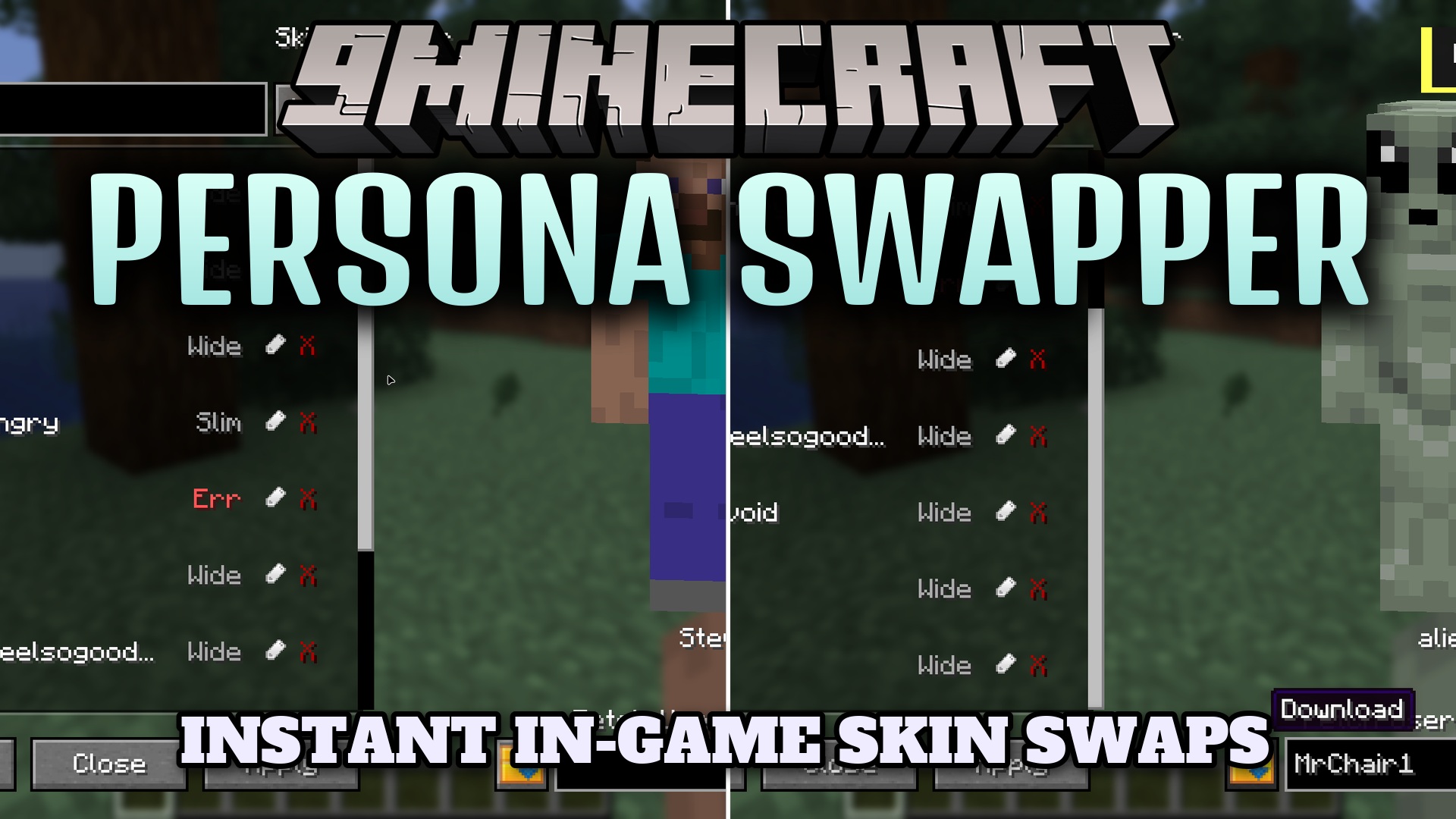
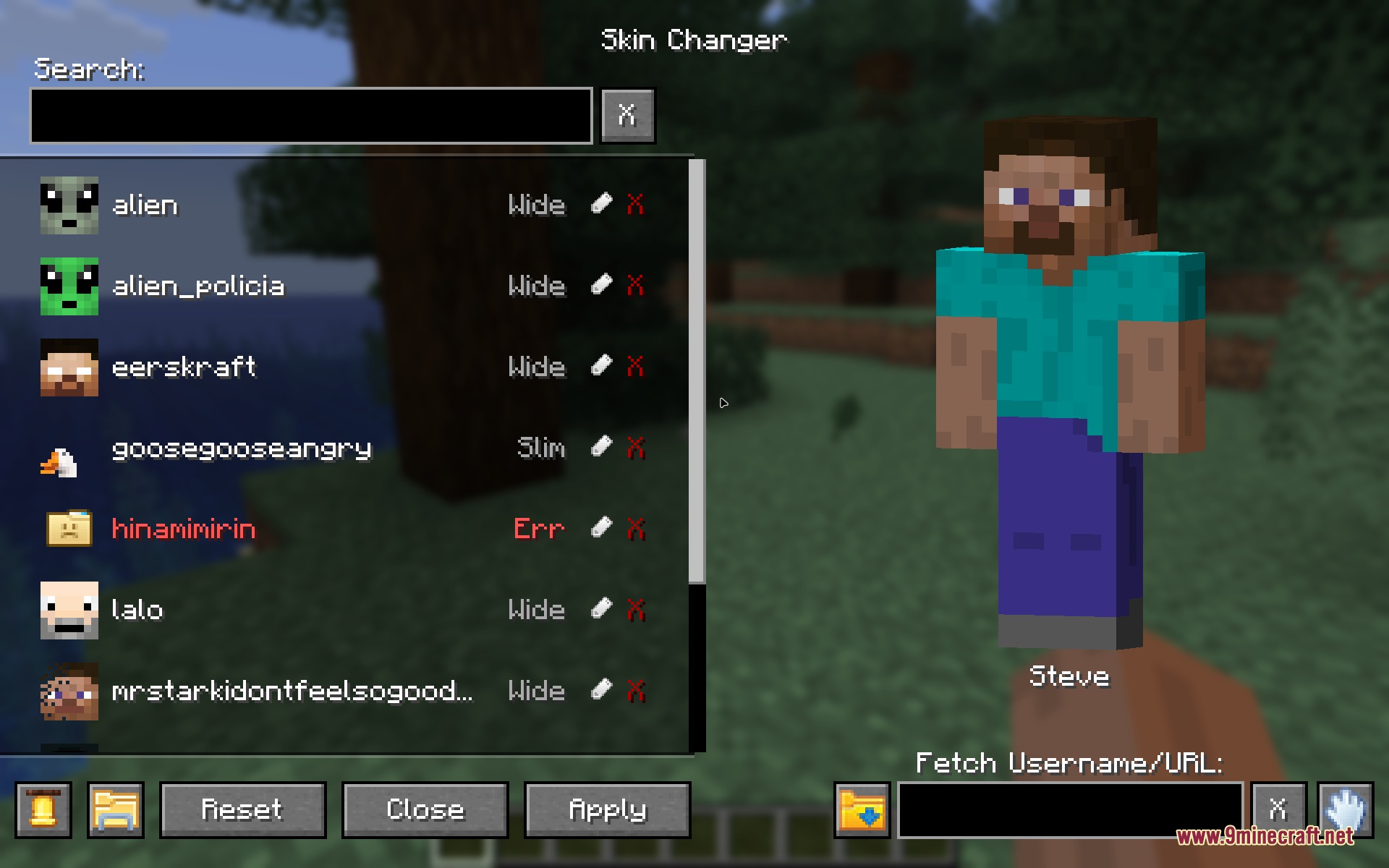
Persona Swapper Mod lets you change your player skin directly inside Minecraft without restarting the game. You can browse your saved skins, preview models, and switch looks in seconds. The mod also downloads skins from player names or web links and works in multiplayer when installed on the server.
Features:
- Changes your skin in real time without reloading the game.
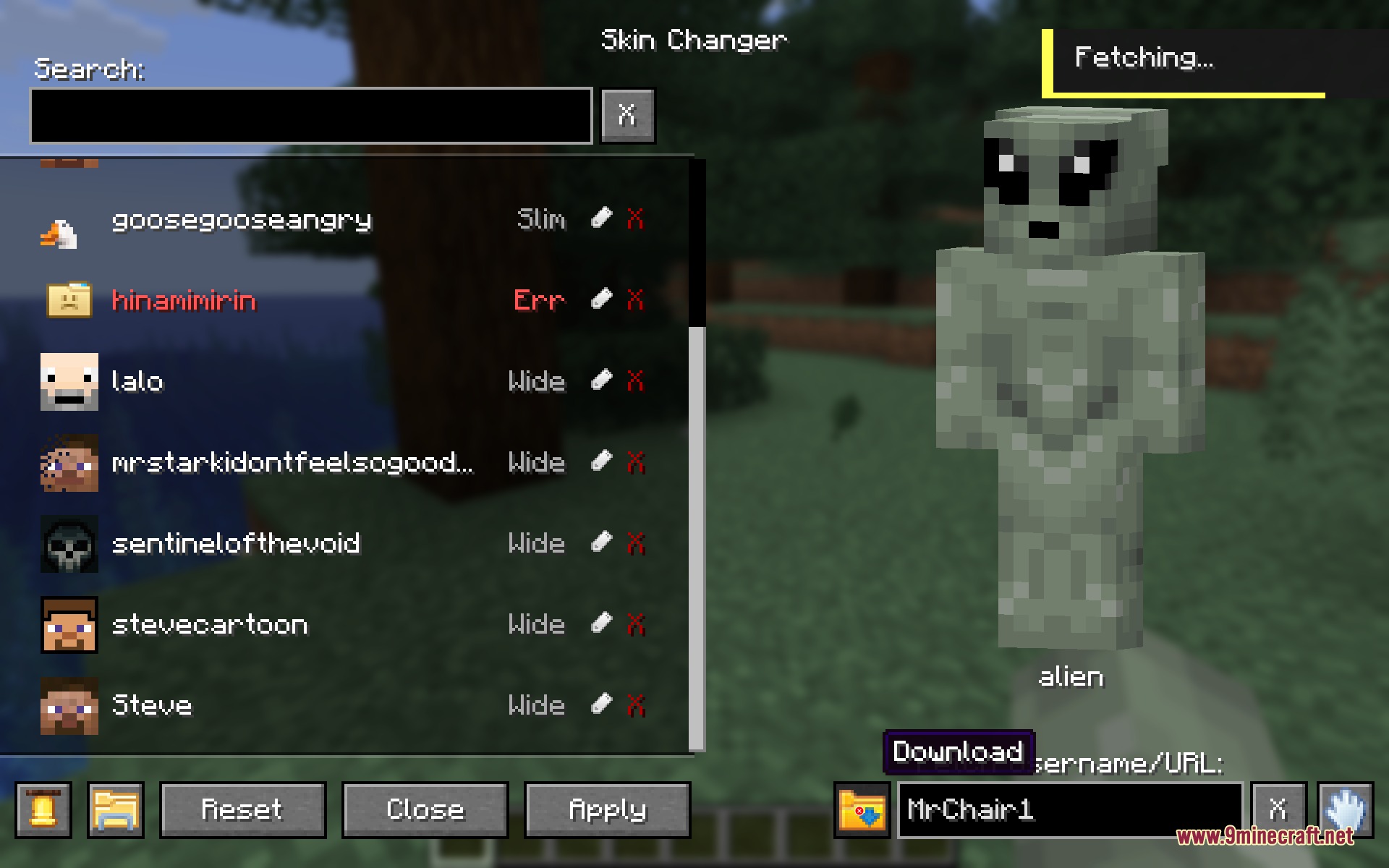
- Downloads skins directly in-game by typing a player username or pasting an image link.
- Automatically detects both Wide Steve and Slim Alex skin models.
- Supports standard 64×64 skins along with high-definition 128×128 textures.
- Converts older 64×32 legacy skins to the modern 64×64 format automatically.
- Syncs custom skins across multiplayer servers so other players can see your look.
- Lets you rename, preview, and safely delete skin files from the interface.
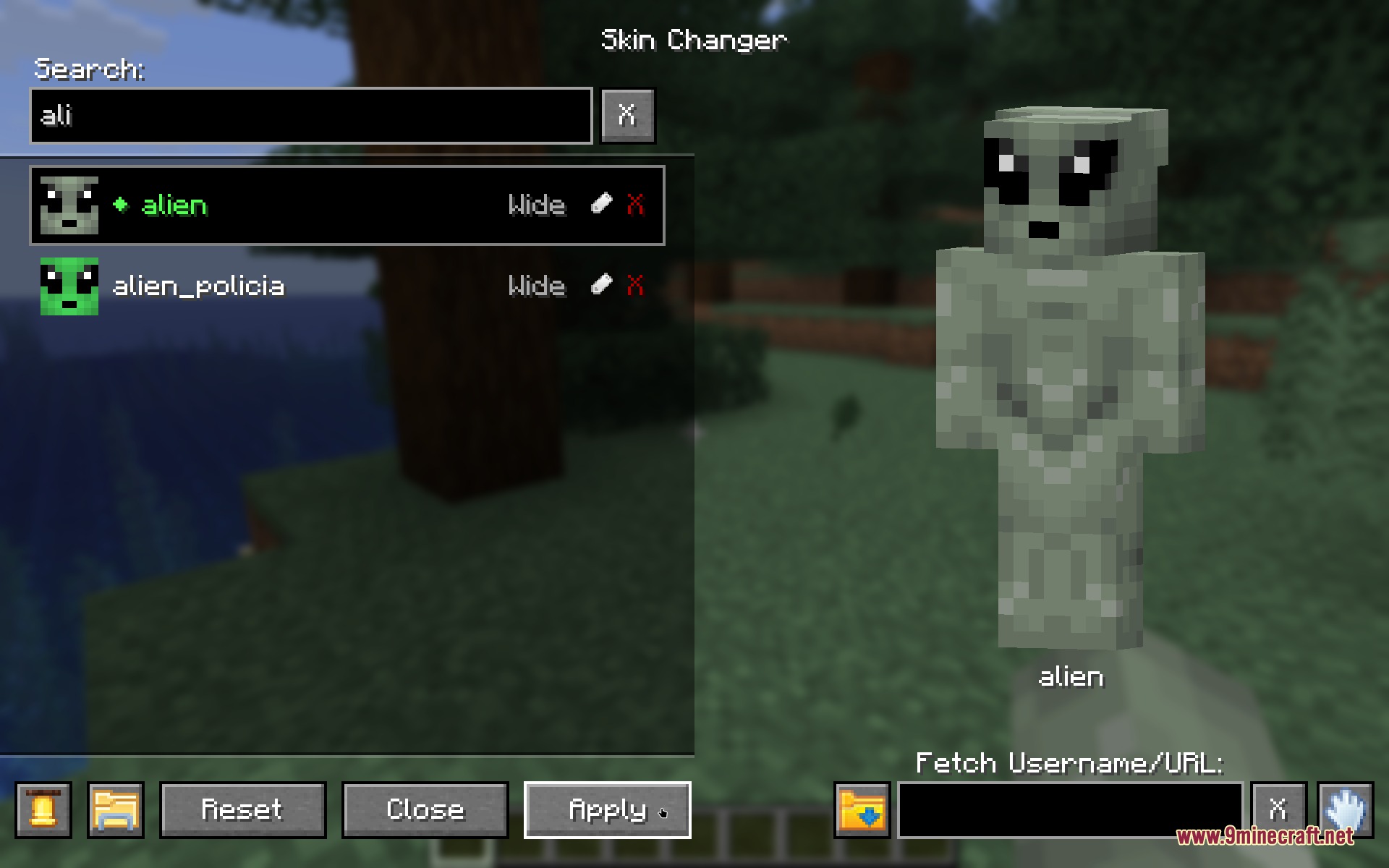
- Includes a search bar to find specific skins in your collection quickly.
- Shows error messages for broken or oversized image files to prevent crashes.
- Plays custom click sounds inside the menu interface.
How to Use:
- Press K in-game to open the skin menu.
- Click the folder icon to drop PNG files into your skins folder, or enter a username or URL in the fetch box to download one.
- Select your skin from the list to view the live preview.
- Click apply to equip your skin right away.
Screenshots:
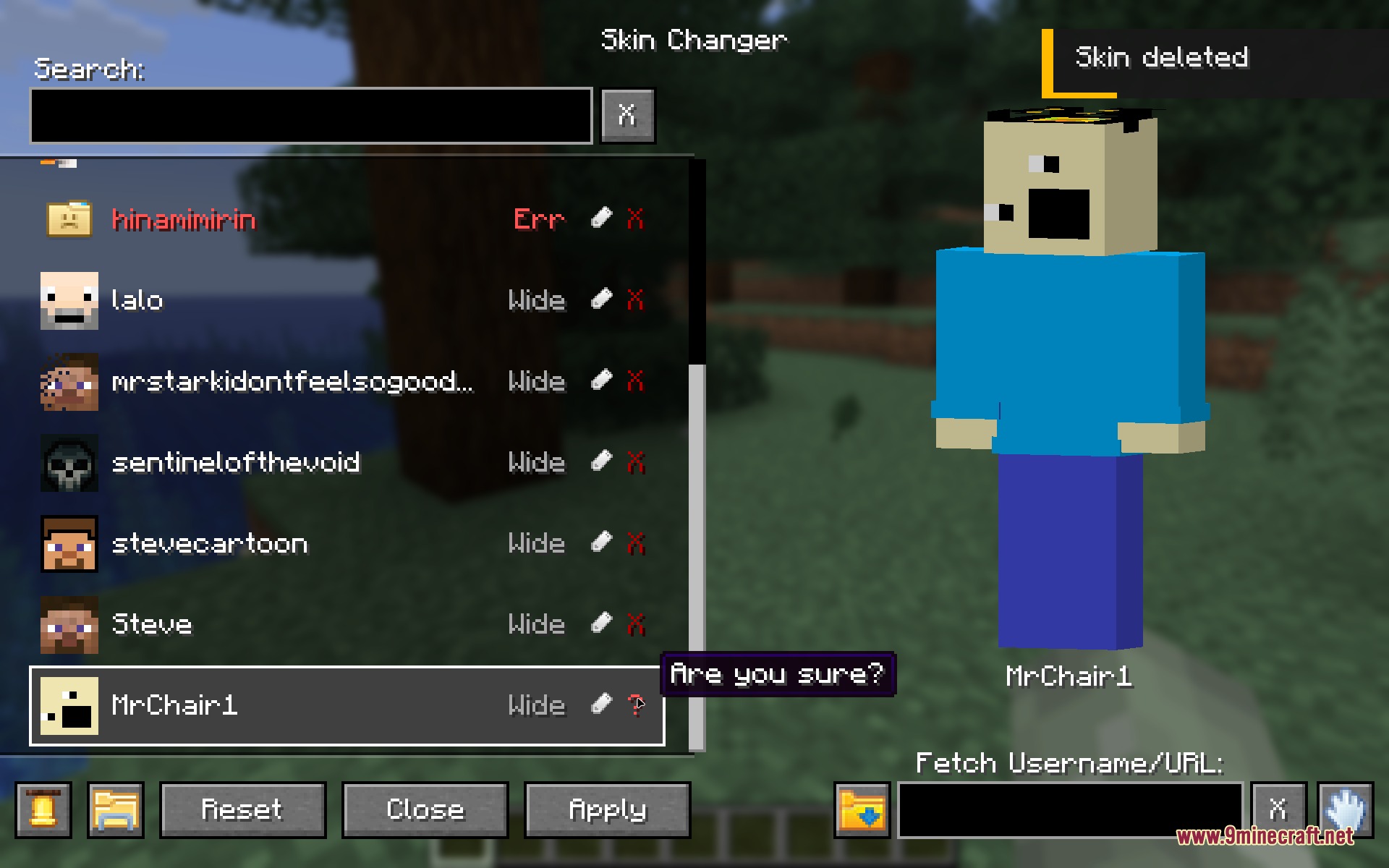
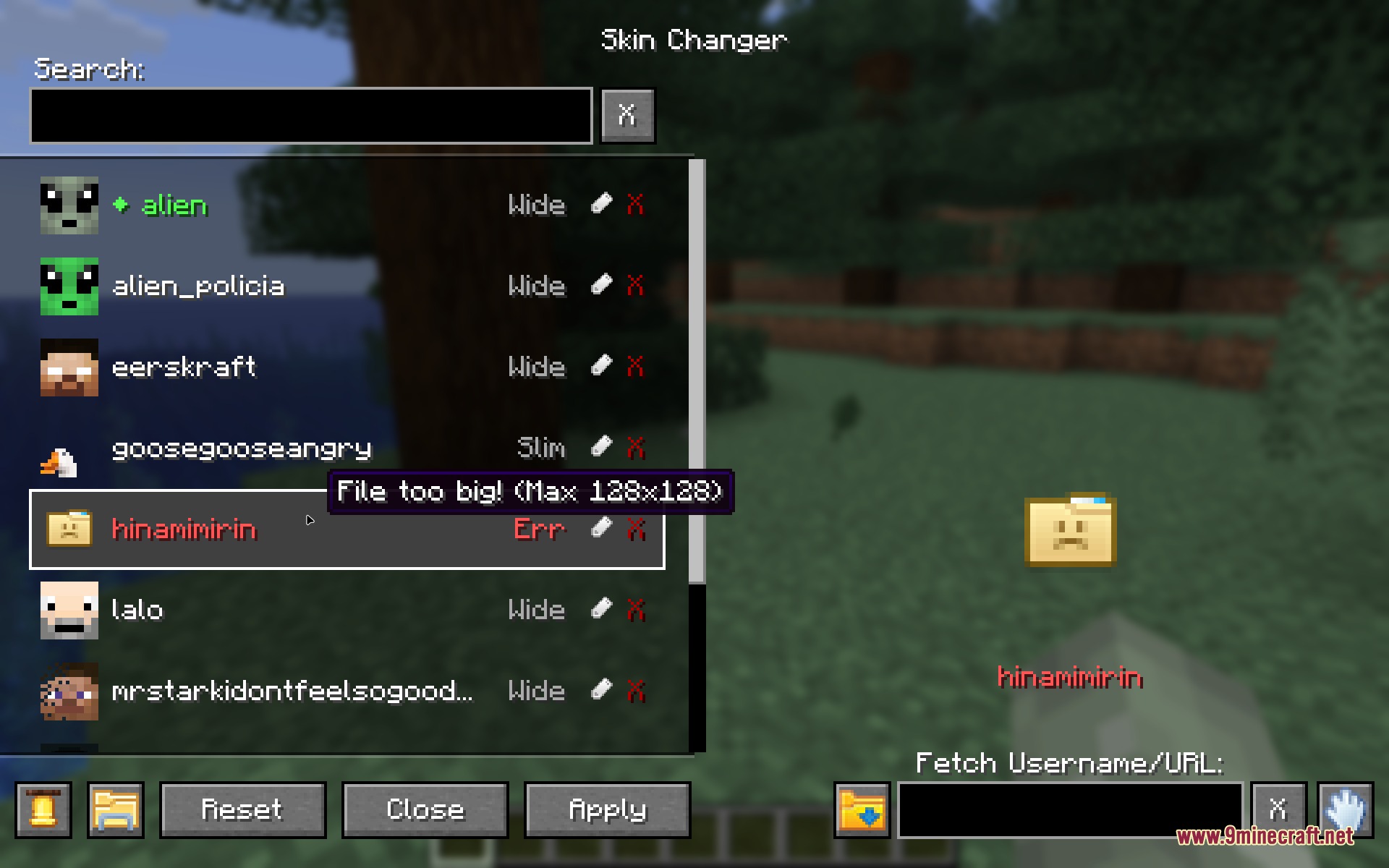
How to Install:
New to Minecraft? Follow our step-by-step guide to install Mods on your PC.View Guide
Requirements:


Persona Swapper Mod Download Links
For Minecraft 26.2
For Minecraft 1.21.1, 1.21
Click to rate this post!
[Total: 0 Average: 0]
You May Also Like





This post has no comments yet. Be the first — your comment will appear here.