


Chromatic Zenith Mod (26.2, 1.21.11) – Track Every Rare Dye Drop
 1
1
 0
0

Chromatic Zenith Mod tracks rare dye drops and collection statistics for Hypixel Skyblock. It adds custom in-game menus, drop calculators, and on-screen overlays so you always know your progress toward every dye. You can pull stats straight from the API and watch your drop numbers in real time while grinding.
Features:
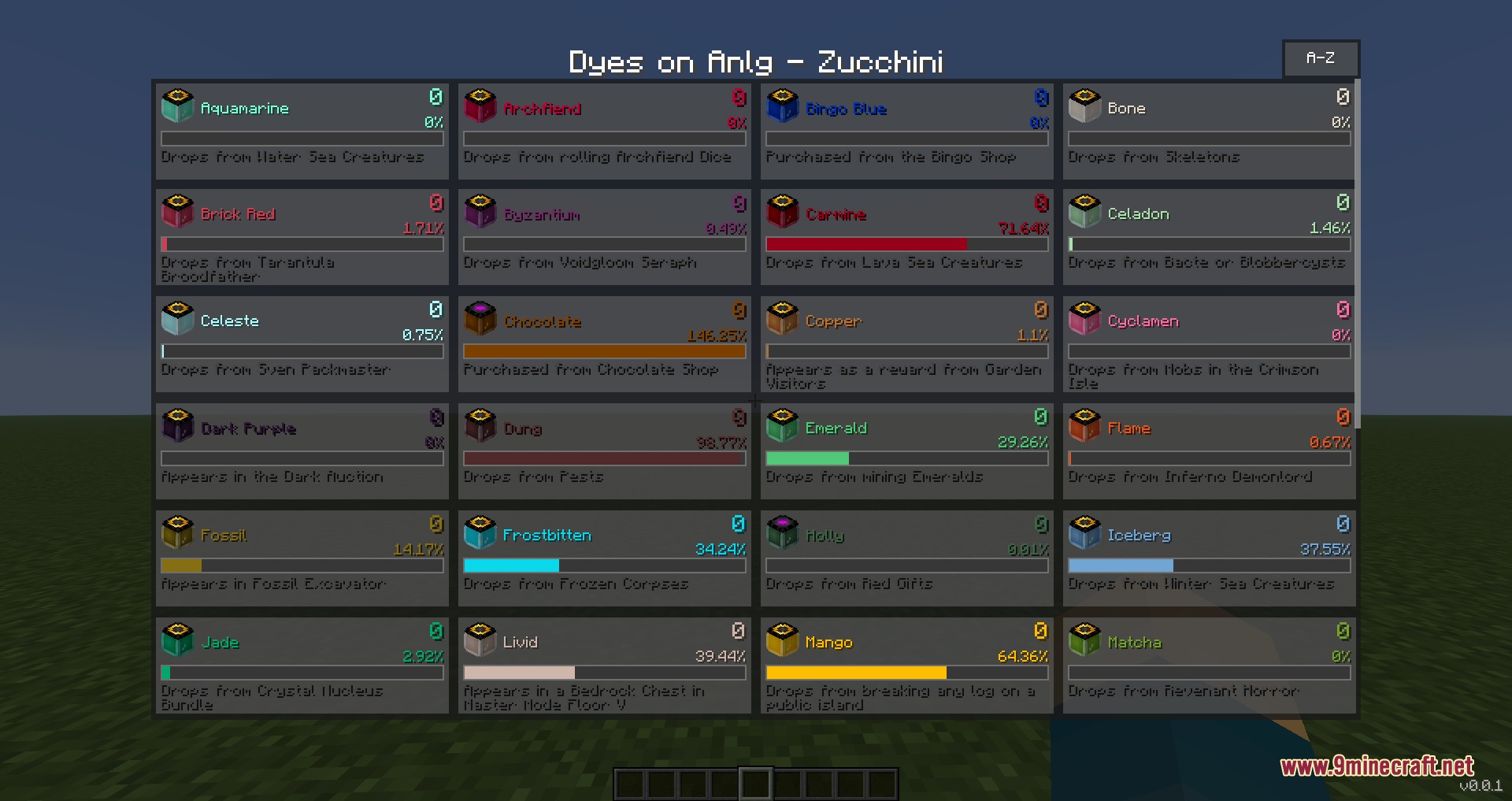
- Tracks drop history, collection counts, and individual progress for every Skyblock dye.
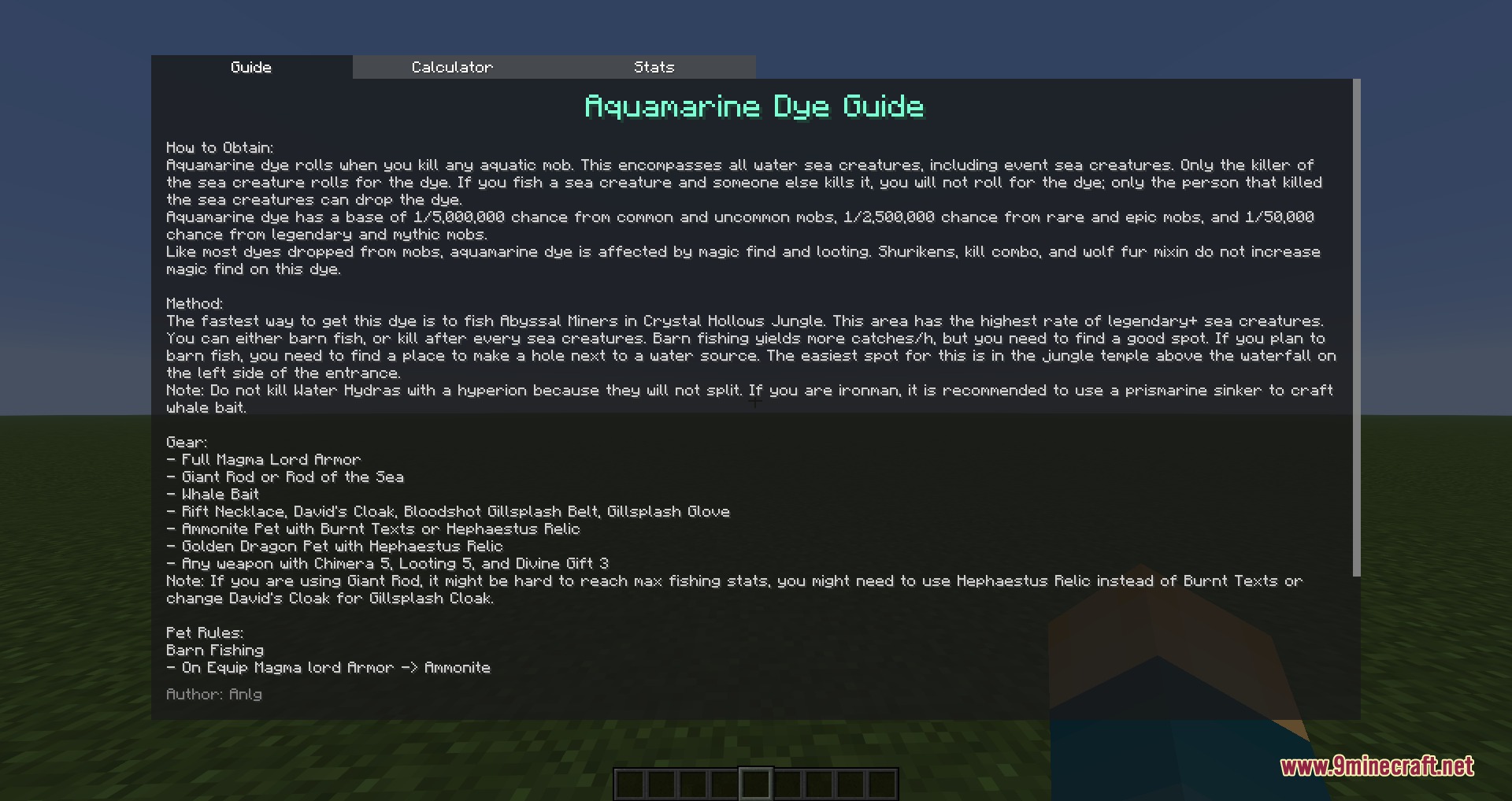
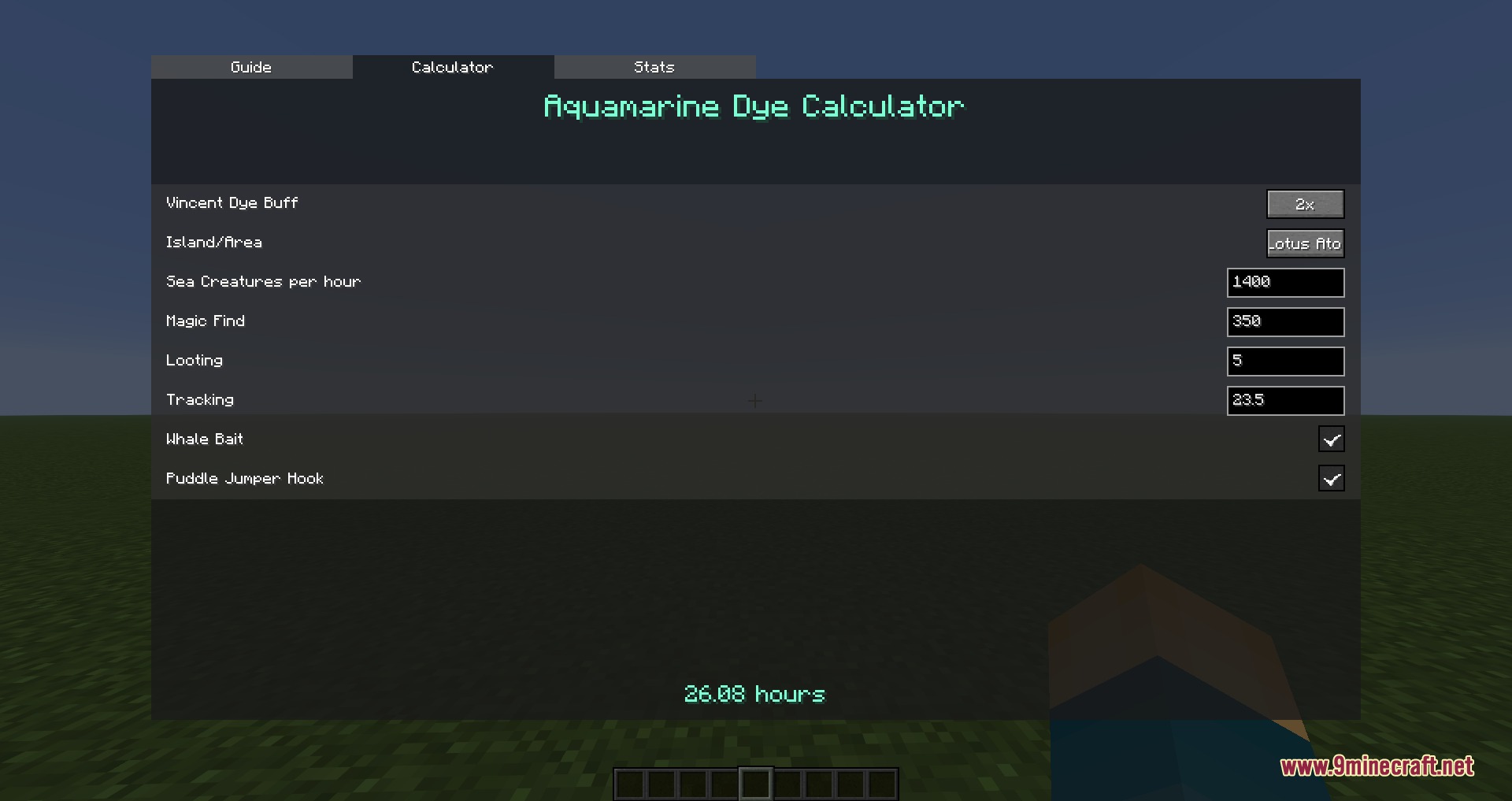
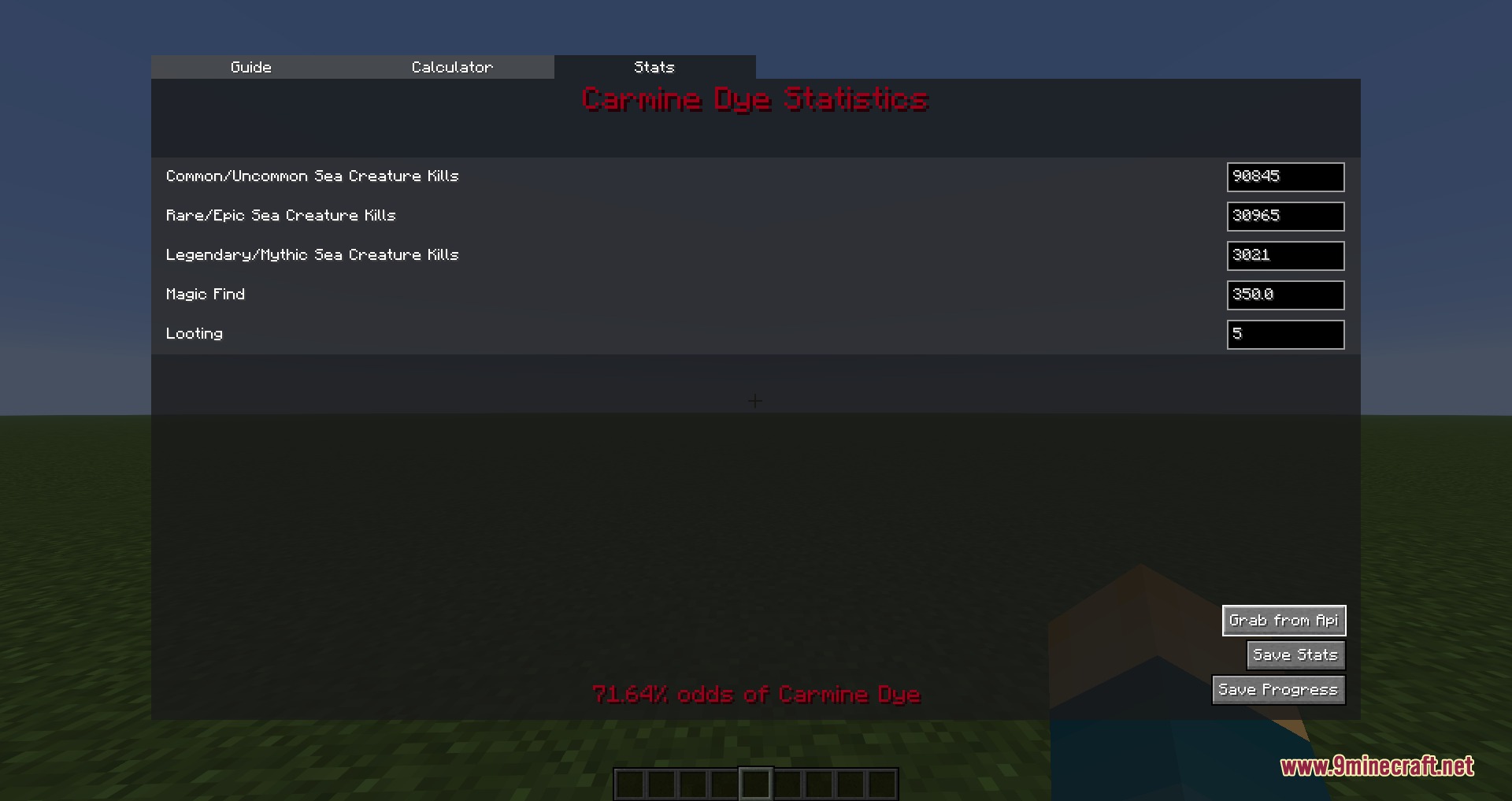
- Displays an in-game browser showing dye drop guides, mathematical calculators, and drop statistics.
- Adds customizable screen overlays to follow specific dyes while you play.
- Includes a dye rotation timer with easy start, stop, and reset controls.
- Fetches your live profile data directly through API integration to keep numbers accurate.
- Syncs dropped dye data when talking to the Vincent NPC.
Commands:
/dyeaddons: Opens the main dye collection and tracker menu./dyeaddons gui: Opens the interface editor to reposition on-screen dye overlays./dyeaddons toggleRotationOverlay: Toggles the dye rotation tracker on your screen./dyeaddons config: Opens the mod settings menu.
How to Use:
- Type
/dyeaddonsin chat to open your dye collection menu. - Left-click any dye to open its guide, drop rate calculator, and personal statistics.
- Click the Grab from Api button to update your numbers with your live profile stats.
- Right-click a dye to place a tracker overlay directly on your HUD.
- Type
/dyeaddons guito drag and place the overlay anywhere on your screen.
Screenshots:

How to Install:
New to Minecraft? Follow our step-by-step guide to install Mods on your PC.View Guide
Requirements:



Chromatic Zenith Mod Download Links
For Minecraft 26.2
For Minecraft 26.1.2, 26.1.1, 26.1
For Minecraft 1.21.11
Click to rate this post!
[Total: 0 Average: 0]
You May Also Like
















This post has no comments yet. Be the first — your comment will appear here.