


Frontier Command Redefined Mod (1.7.10) – Command Hired Armies Across
 3
3
 0
0

🌐 Read this article in your language! Choose your preferred language below.
Or pick the one you like:
Frontier Command Redefined Mod extends The Lord of The Rings Mod Legacy with army controls, new building blocks, and combat fixes. It gives players better tools to manage hired units and adjust guard behaviors. The mod also adds vertical slabs, fixes common bugs, and introduces helpful server commands.
Features:
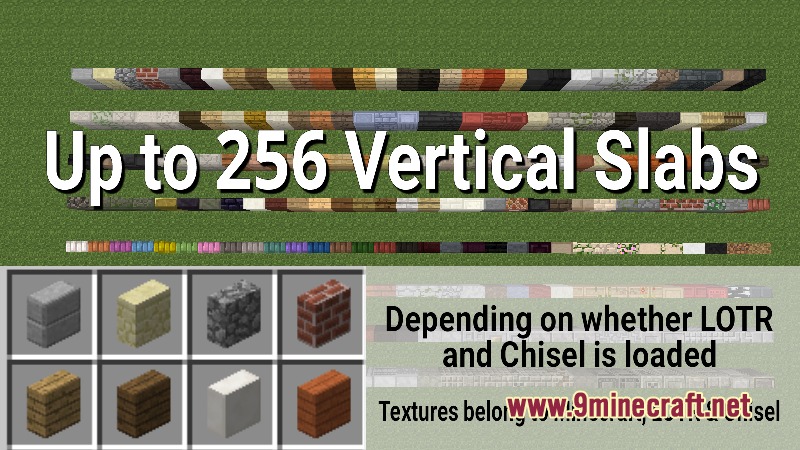
- Adds vertical slabs, wool slabs, bark slabs, and beam slabs for more building choices.
- Introduces bark walls, bark stairs, and dedicated bark blocks.
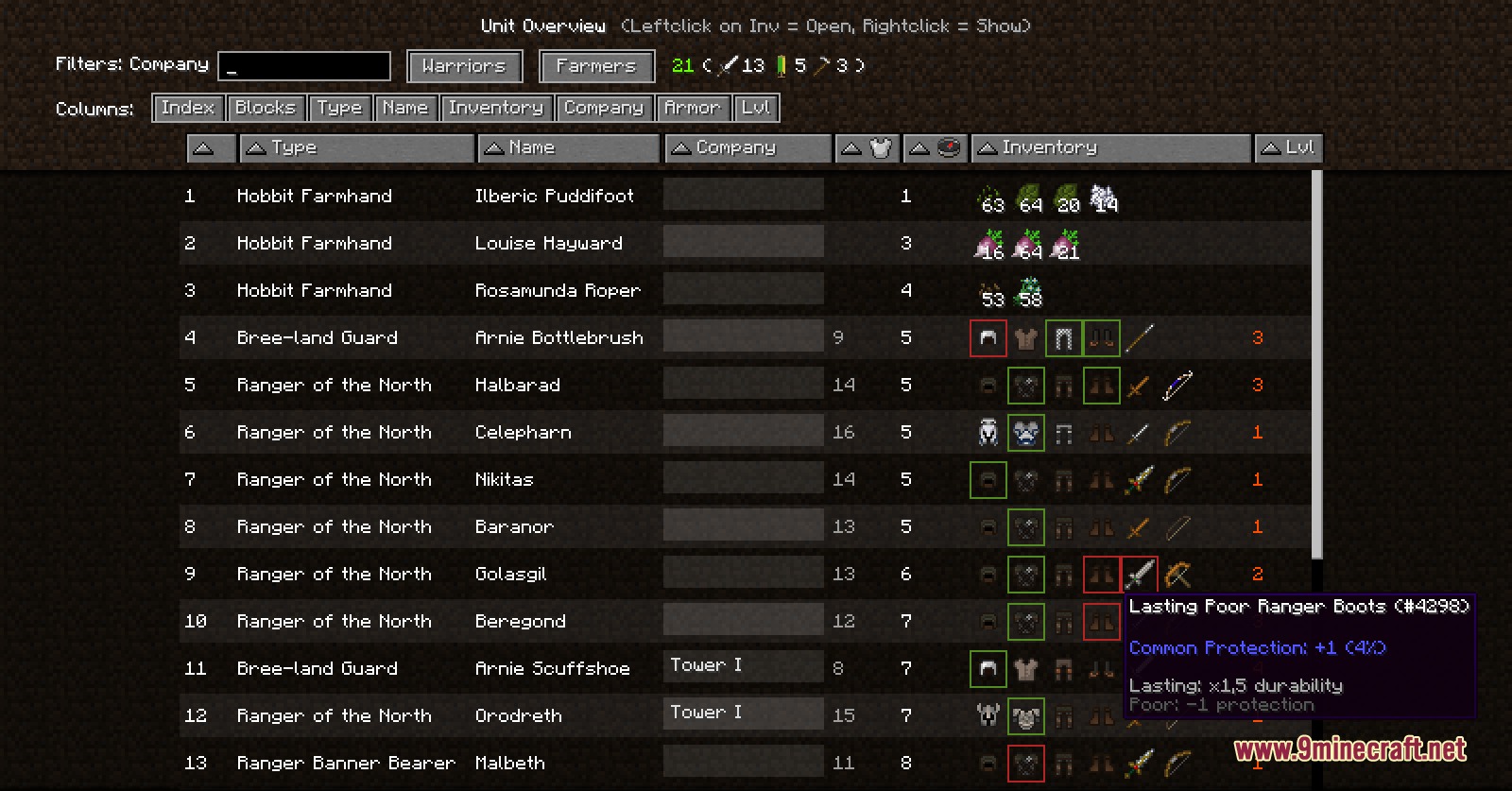
- Lets you open a full unit overview screen with the U key to manage assignments and unit inventories.
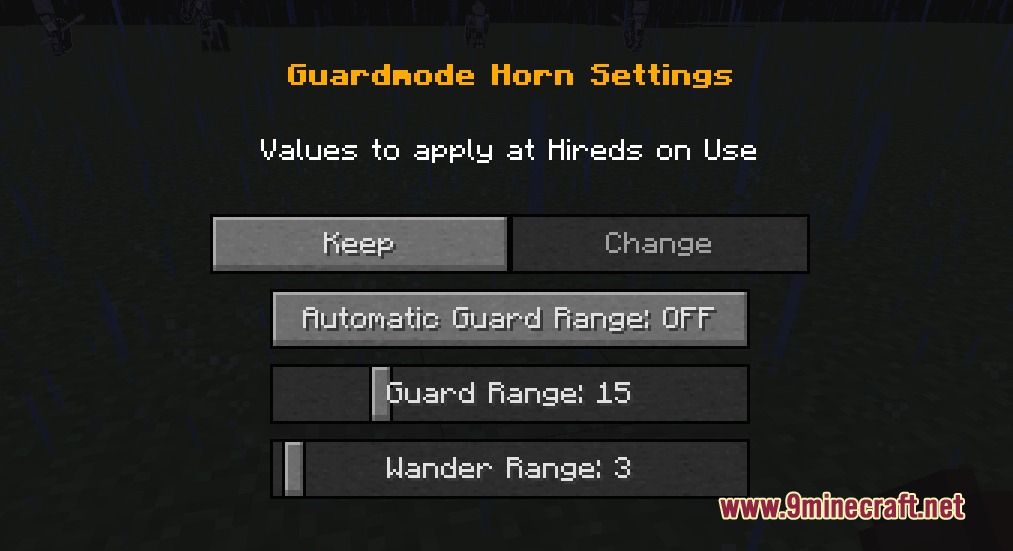
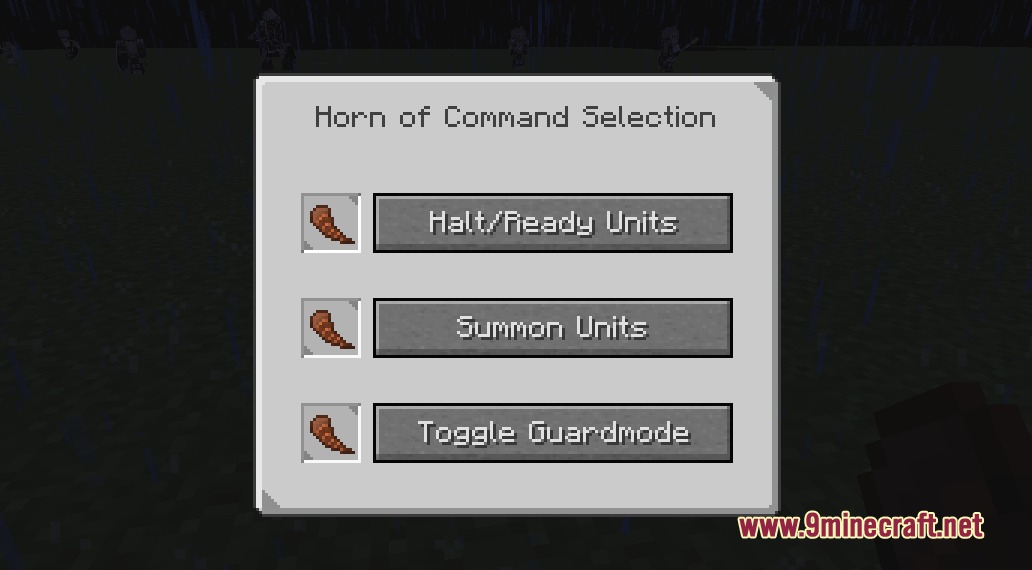
- Gives you a toggle guard horn to adjust guard modes on nearby hired fighters quickly.
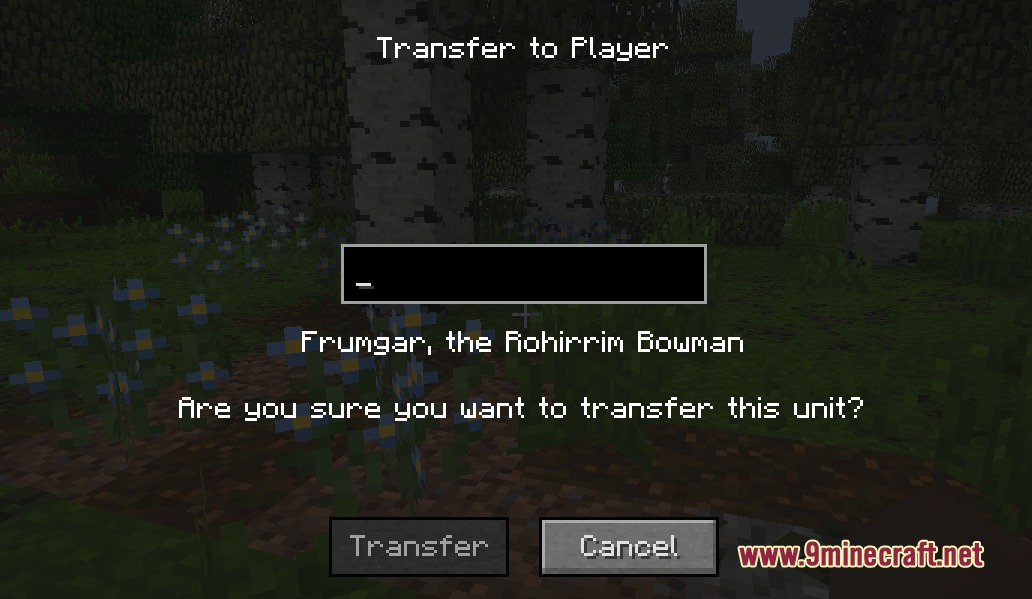
- Allows players to transfer hired squads and entire companies directly to other players.
- Prevents mounted riders and wargs from suffocating inside blocks or taking quick fall damage.
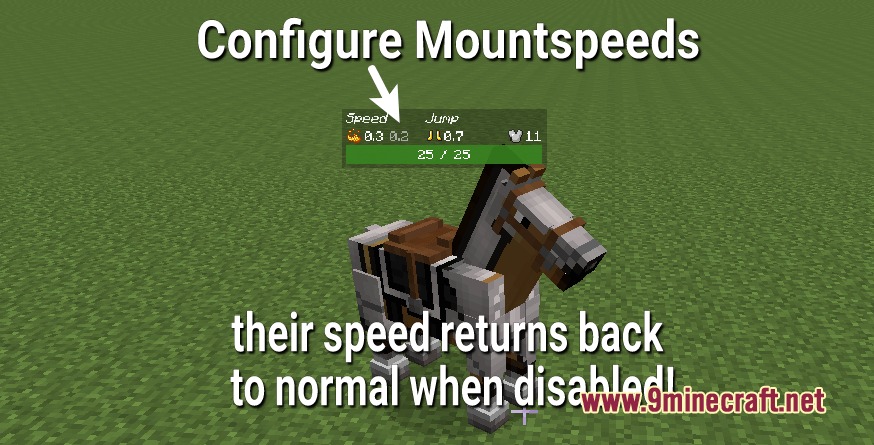
- Adds custom mount speed settings and clean health bar displays for mobs.
- Lets hired fighters use upgradeable ranged weapons and throw items like plates or spears.
- Allows allied arrows and projectiles to pass straight through friendly non-player characters.
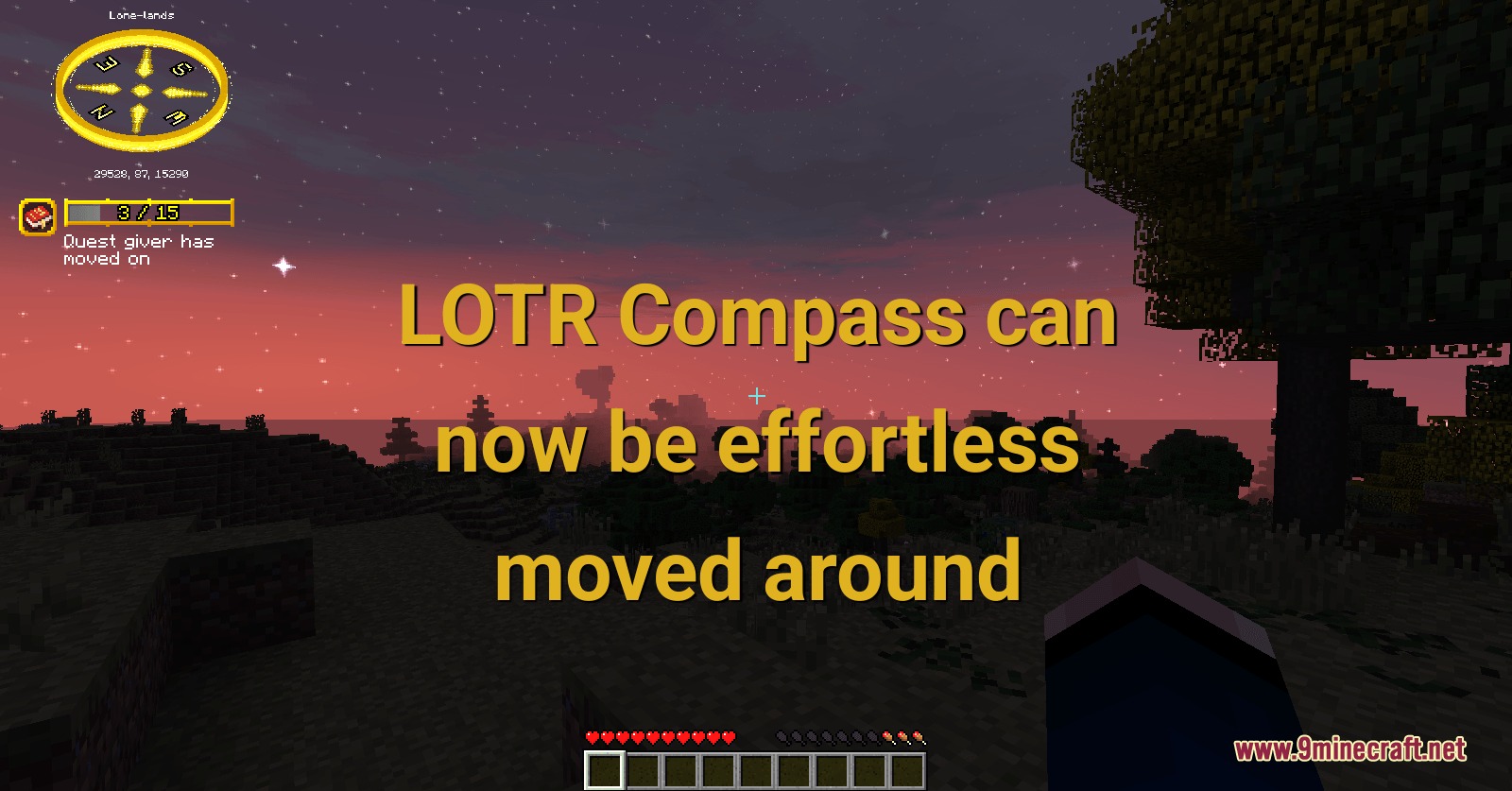
- Fixes missing quest marks on non-player characters and stops bombardiers from damaging protected areas.
- Lets you stack draughts and stew bowls into larger stacks for simpler inventory storage.
- Fixes server lag linked to spawners, horse chests, and weather updates.
Commands:
/conquestdecay: controls or stops conquest reduction over time./cfarview: lets you view chunks farther than the normal server view distance./conqClear: clears conquest points for a chosen faction./entitykill: removes targeted entities safely./entitytp: teleports entities across locations./entityeffect: gives custom status effects to specific entities./entitystack: stacks specific entities together.
How to Use:
- Press U to open the unit overview screen and manage your hired squad.
- Press F7 and U together to track traveling units and avoid losing them.
- Sneak and right-click with a guard active to set their home location.
- Use the guard horn item from your inventory to switch guard modes on surrounding units.
Screenshots:

How to Install:
New to Minecraft? Follow our step-by-step guide to install Mods on your PC.View Guide
Requirements:
 Minecraft Forge Required
The Lord of The Rings Mod Legacy Required
Frontier Command Redefined Mod Download Links
For Minecraft 1.7.10
Click to rate this post!
[Total: 0 Average: 0]
You May Also Like







This post has no comments yet. Be the first — your comment will appear here.