


EclipseUI Mod (26.2, 1.21.11) – Adjust Mod Settings in Game with Clean Custom
 1
1
 0
0

EclipseUI Mod provides a clean configuration screen library for Minecraft mods. It helps mods build in-game settings menus with custom visuals and simple controls. The mod works smoothly on both Fabric and NeoForge setups.
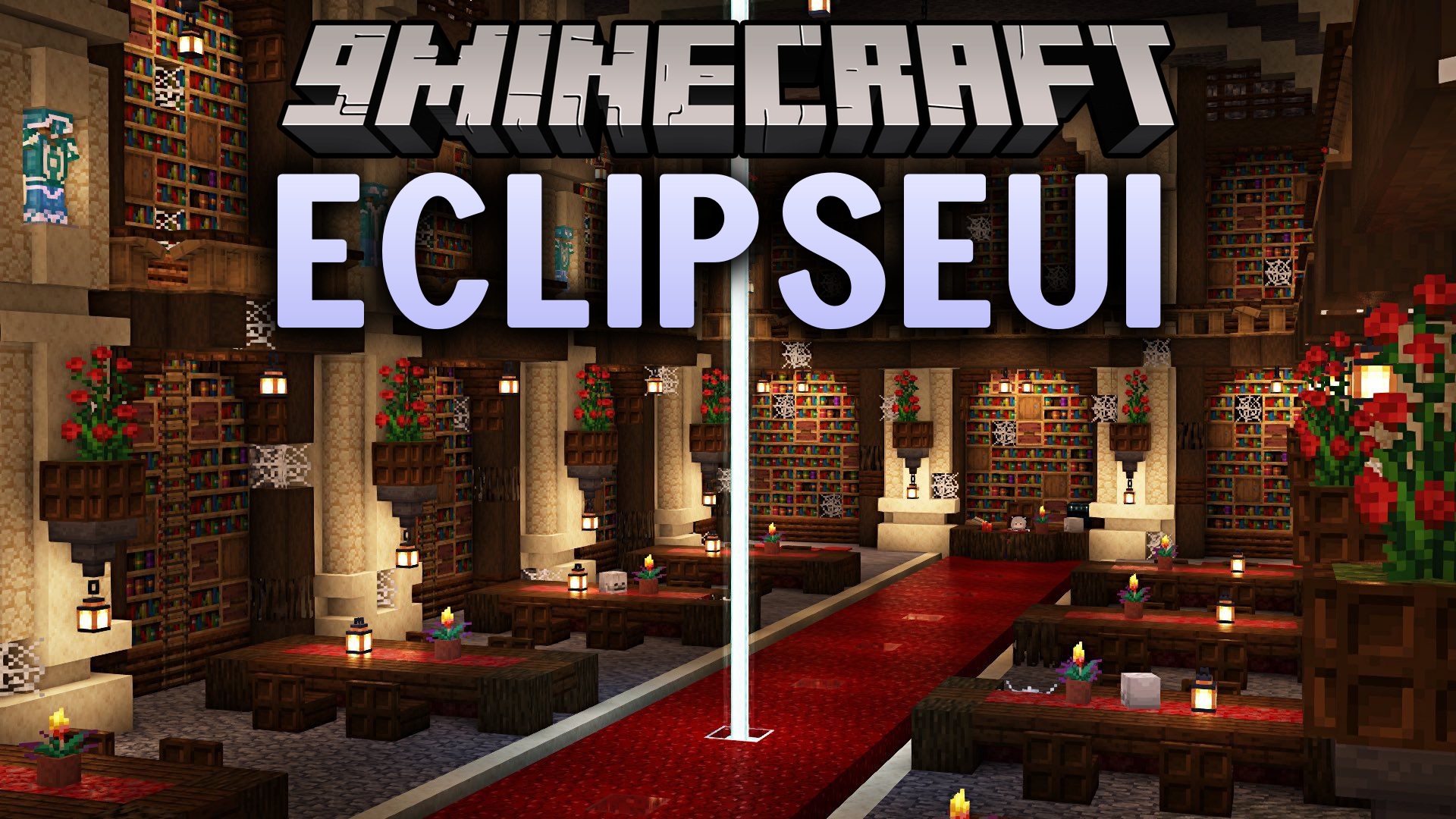
Features:
- Two Visual Themes: Switch between a Faithful vanilla layout and a sleek Modern flat layout.
- Includes interactive controls such as toggle switches, number sliders, dropdown lists, text input boxes, and color pickers.
- Connects directly with ModMenu to show settings buttons in standard mod lists.
- Runs on both Fabric and NeoForge loaders.
- Offers a lightweight setup that keeps menu screens fast and responsive.
How to Install:
New to Minecraft? Follow our step-by-step guide to install Mods on your PC.View Guide



EclipseUI Mod Download Links
For Minecraft 26.3-snapshot-8
For Minecraft 26.2
For Minecraft 26.1.2, 26.1.1, 26.1
For Minecraft 1.21.11
Click to rate this post!
[Total: 1 Average: 5]
You May Also Like





This post has no comments yet. Be the first — your comment will appear here.