


Rapid Rail Artisan Mod (1.21.4, 1.20.1) – Build Massive Train Stations
 2
2
 0
0

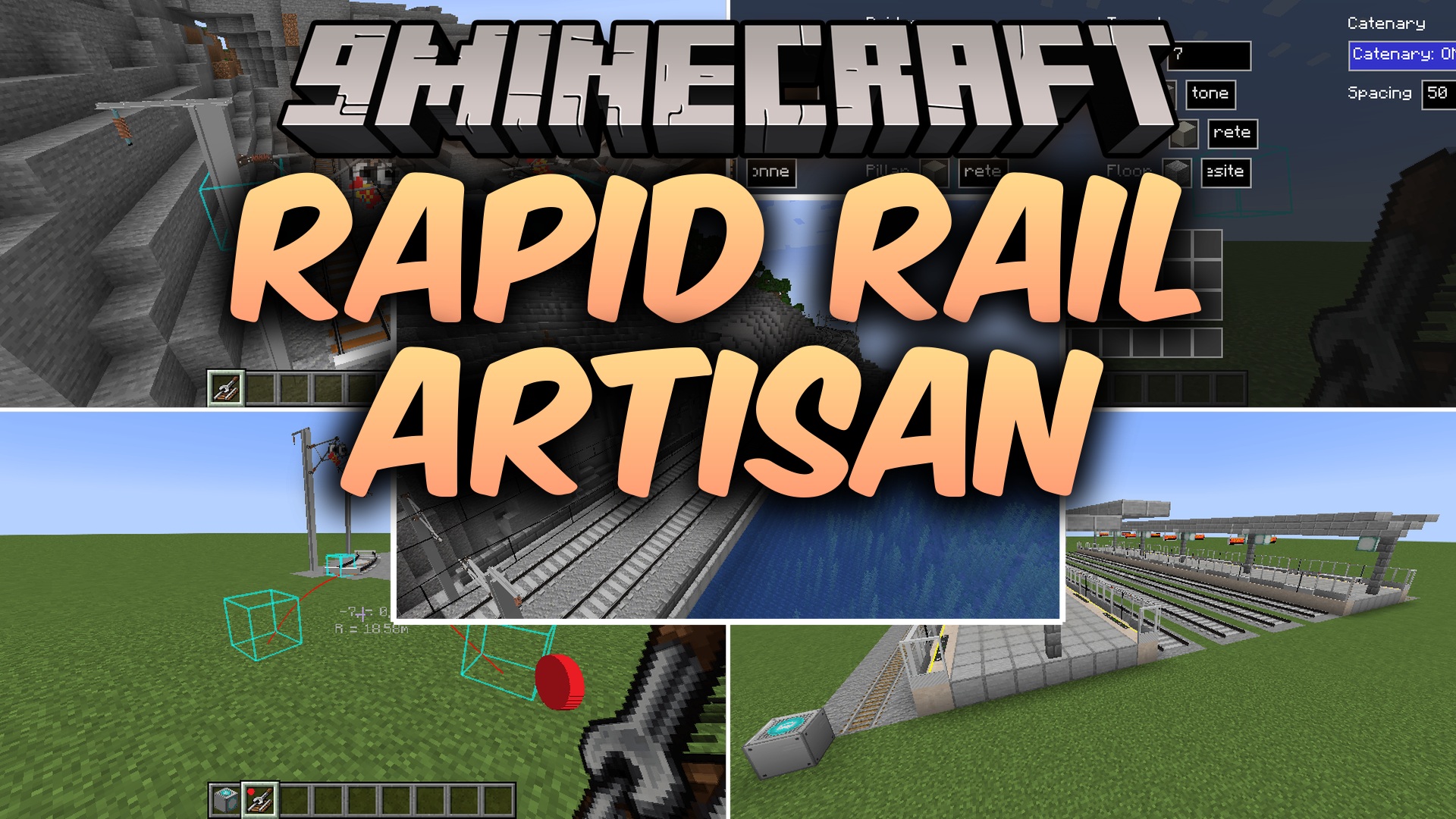
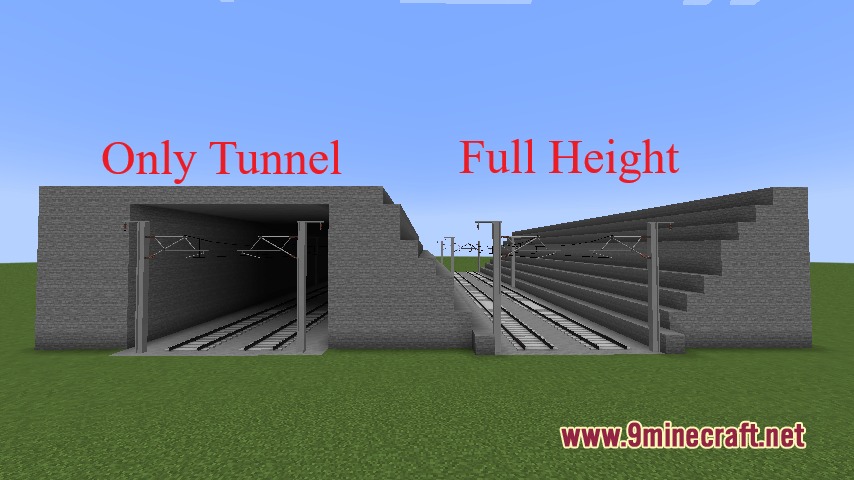
Rapid Rail Artisan Mod equips you with quick building tools to place decorated tracks and full train stations with just a few clicks. It automates the placement of platforms, bridges, tunnels, catenary lines, and track ballasts so you can set up transit lines without placing every single block by hand. This mod connects with the Minecraft Transit Railway mod to generate working station doors and passenger displays.
Features:
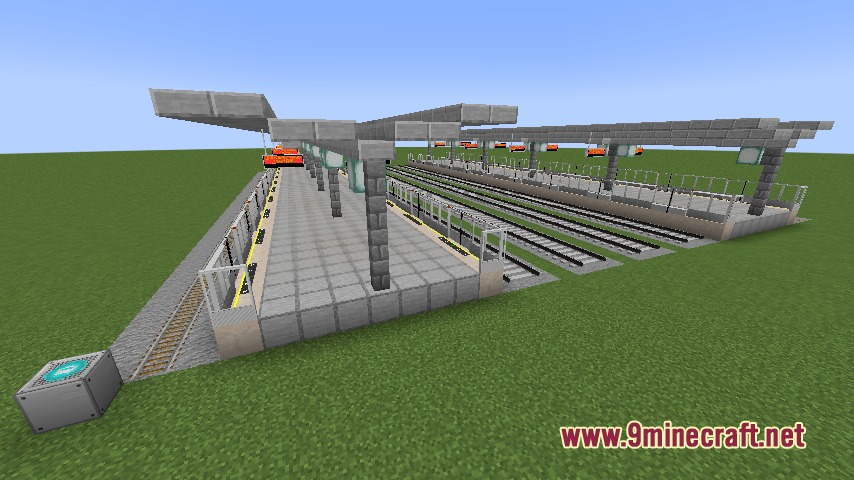
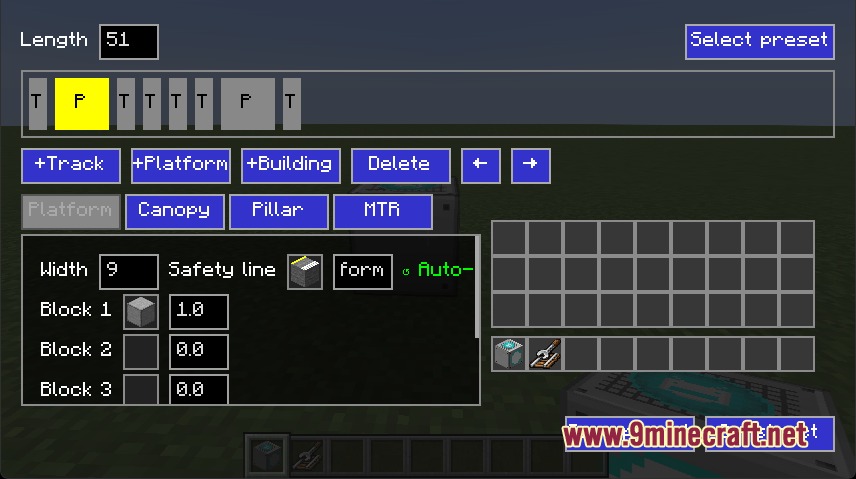
- Station Builder Block: Generates multi-track train stations with pillars, roofs, platforms, and ballast blocks instantly.
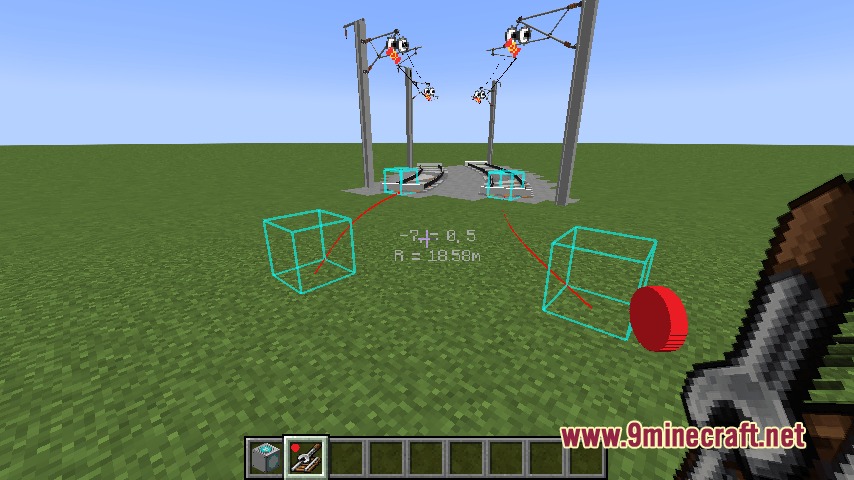
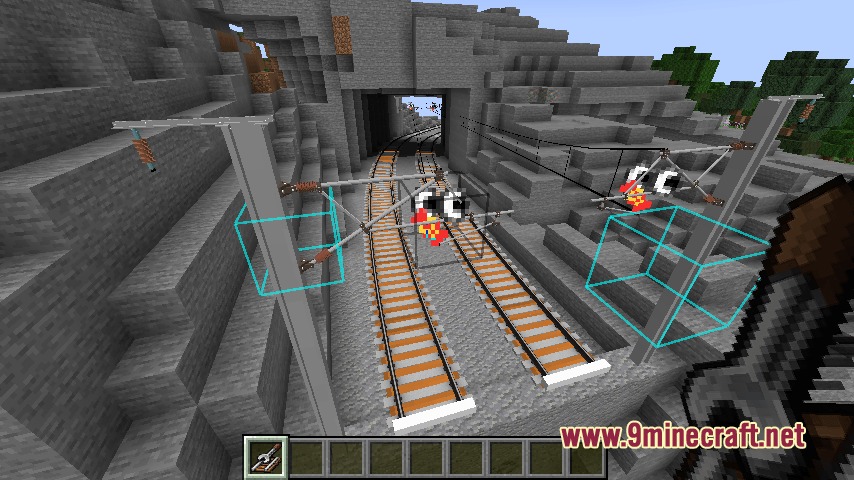
- Rail Builder Tool: Places continuous parallel tracks across open ground, bridges, and tunnels automatically.
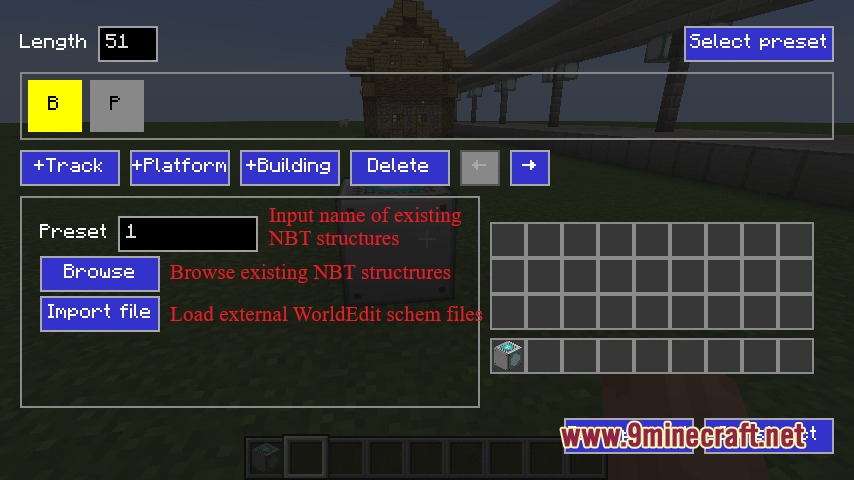
- Supports custom building templates saved as schematic files through WorldEdit.
- Creates overhead catenaries using standard blocks or Station Decoration addon parts.
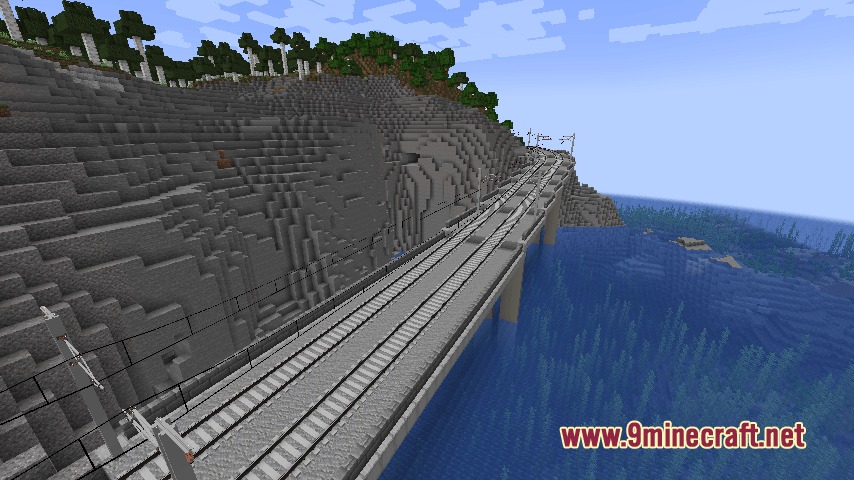
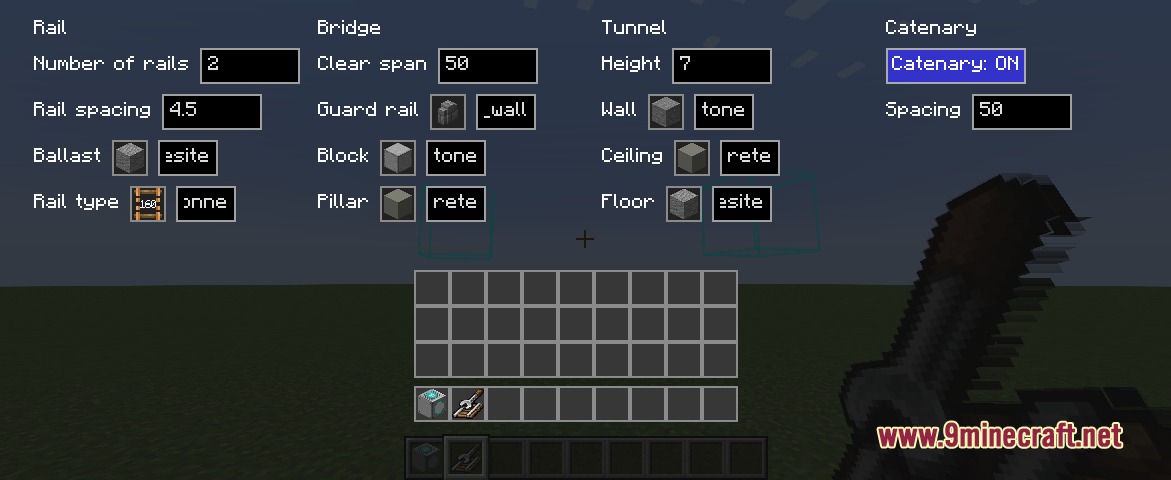
- Constructs bridge piers and underground tunnel walls while laying down new rails.
- Adds automatic safety doors and passenger information display system screens when paired with transit addons.
- Offers clear rail modes and directional settings to customize track layouts.
How to Use:
- Place the Station Builder block on the ground and right-click it to open the setup screen.
- Select your station layout or load a saved schematic file, then confirm to build.
- Hold the Rail Builder item and right-click on the ground to start laying down continuous tracks.
- Press Shift and right-click while holding the Rail Builder to customize track spacing, bridge styles, or tunnel options.
- Press V on your keyboard at any time to stop continuous track placement.
Screenshots:
How to Install:
New to Minecraft? Follow our step-by-step guide to install Mods on your PC.View Guide
Requirements:




Rapid Rail Artisan Mod Download Links
For Minecraft 1.21.4
For Minecraft 1.21.1, 1.21
For Minecraft 1.20.1, 1.20
Click to rate this post!
[Total: 0 Average: 0]
You May Also Like









This post has no comments yet. Be the first — your comment will appear here.