


Crouch Locked Open Mod (26.2, 1.21.11) – Stay Hidden While Managing Inventories
 0
0
 0
0

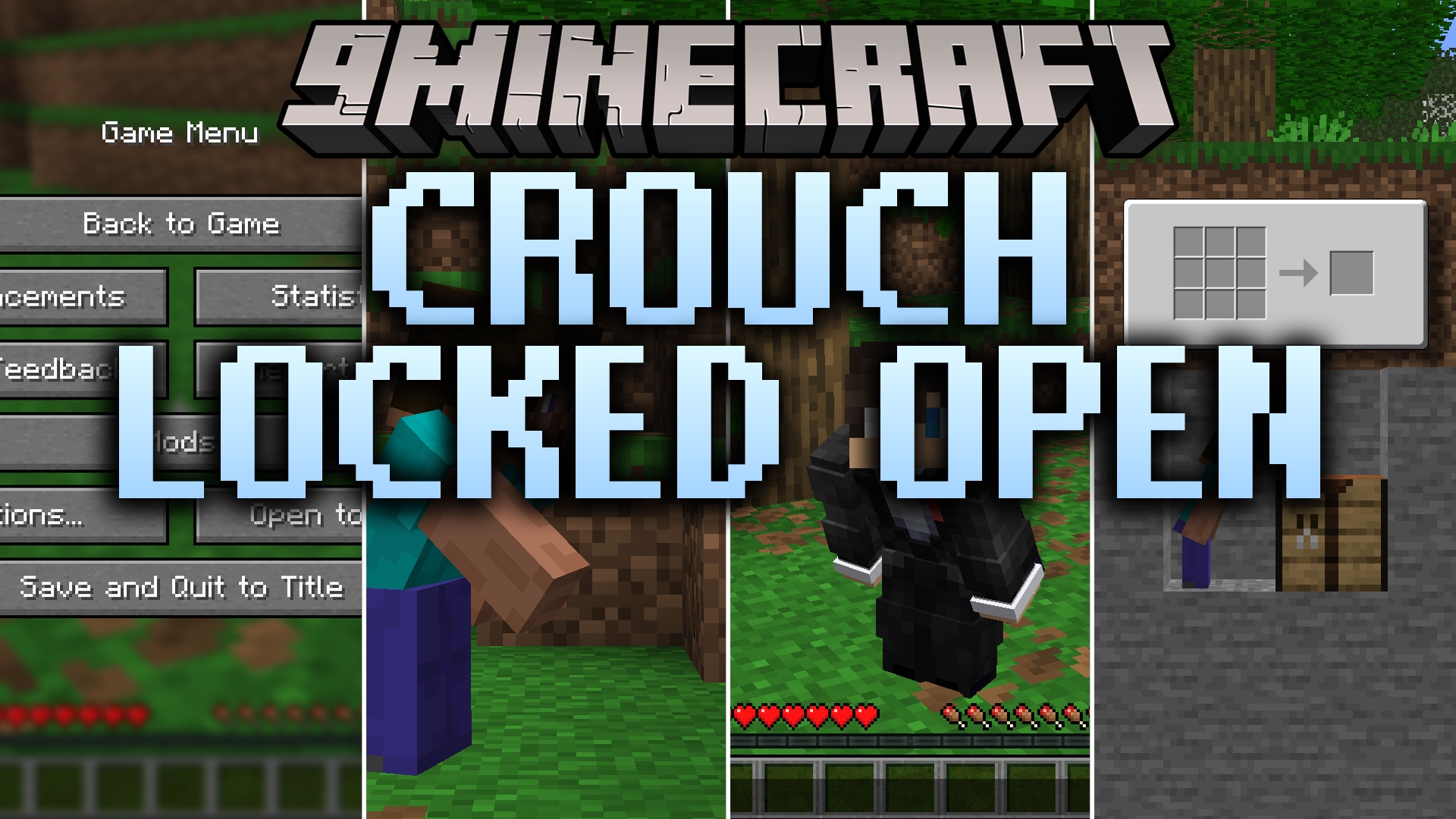
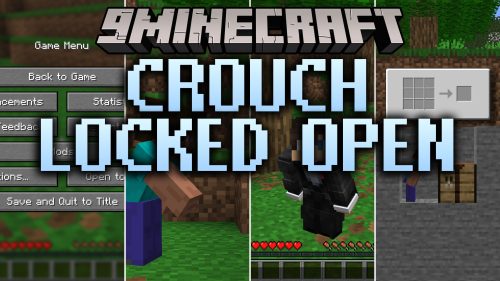
Crouch Locked Open Mod keeps your character sneaking even when you open menus, chat boxes, or containers. In regular gameplay, opening any screen forces your player to stand up and show your nametag to nearby players. This mod fixes that issue for both hold-to-sneak and toggle-sneak controls. You can safely stay hidden from enemies while managing items, crafting gear, or typing messages.
Features:
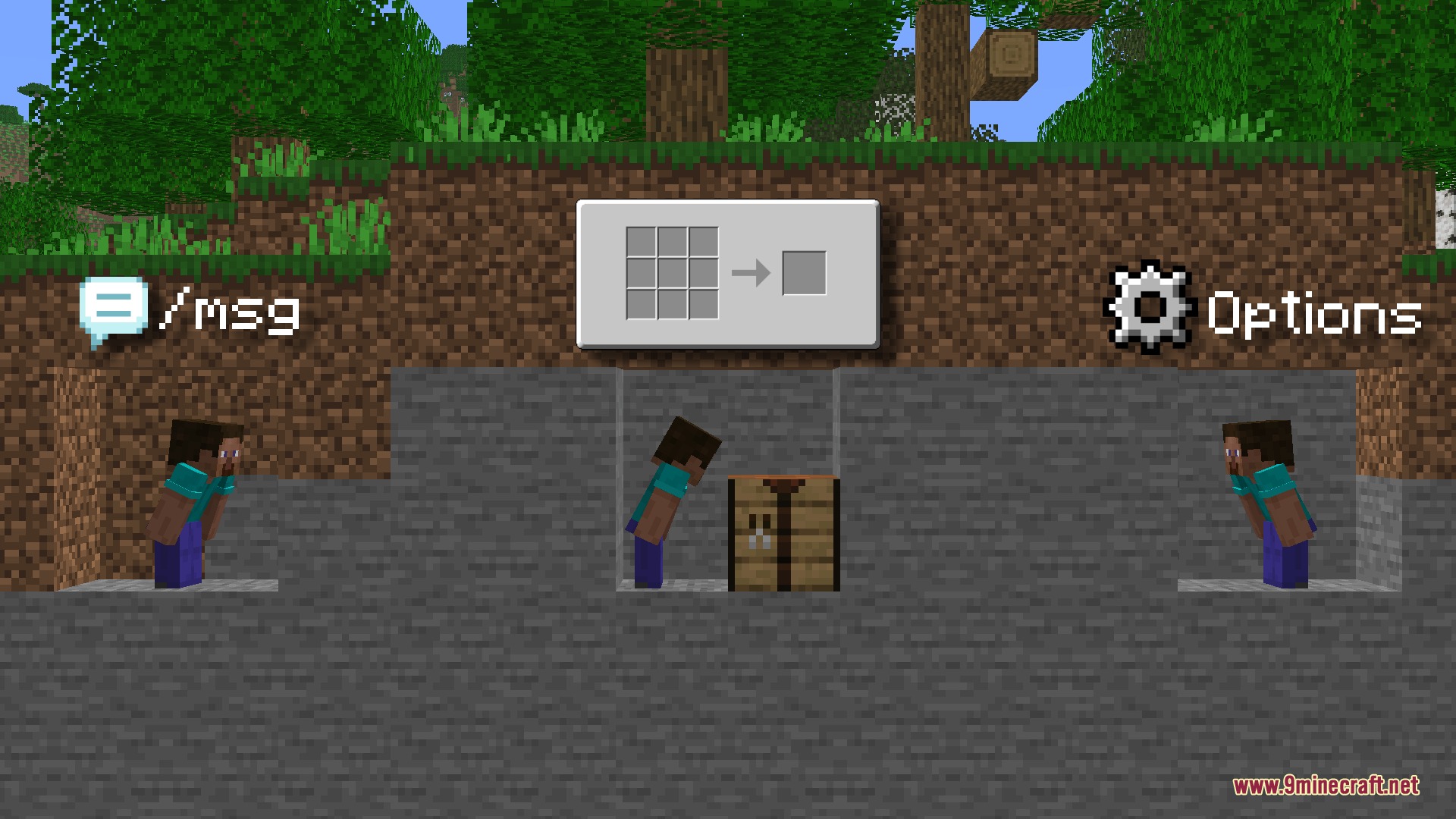
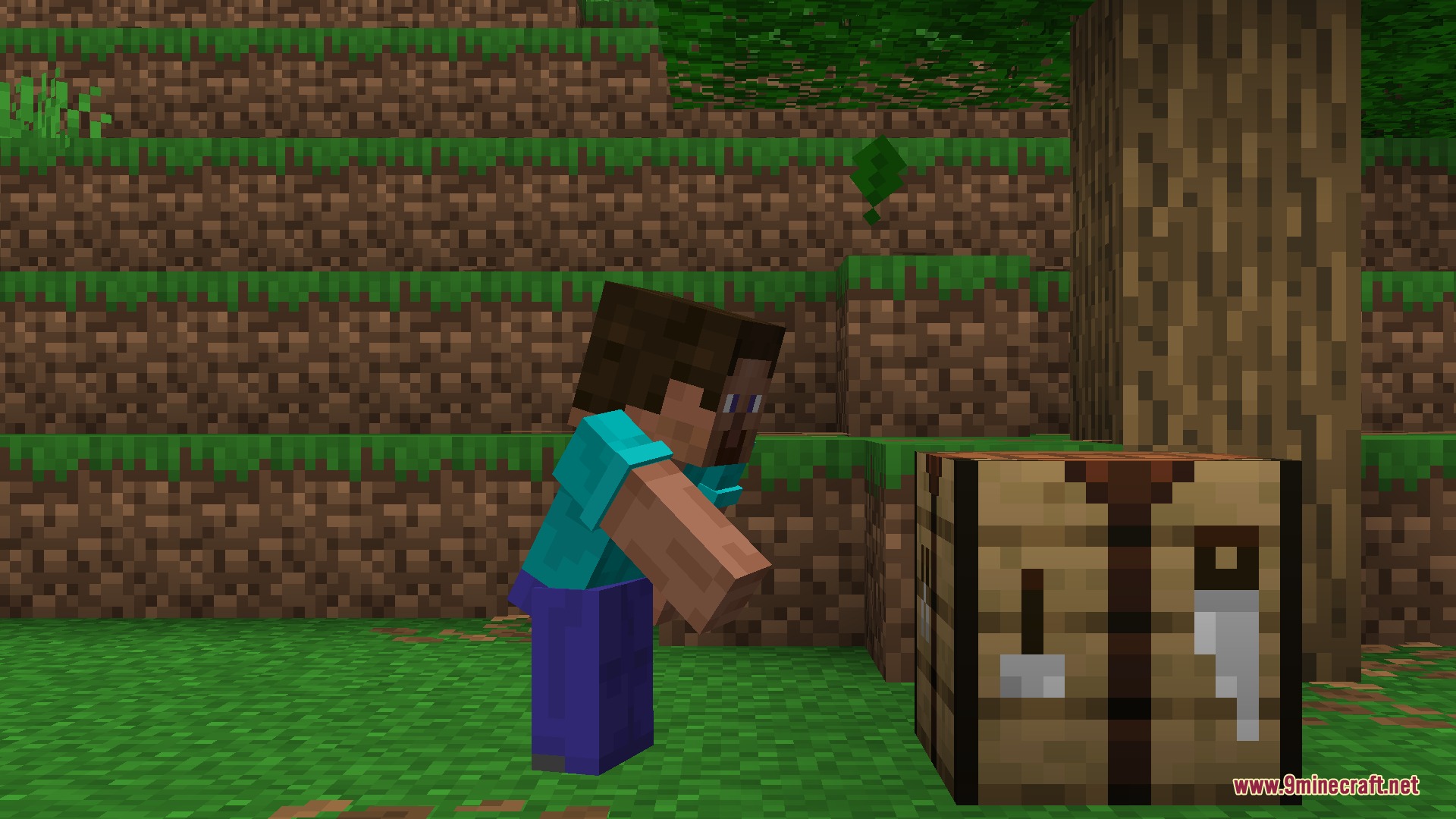
- Keeps your character crouched when opening crafting tables, chests, and furnaces.
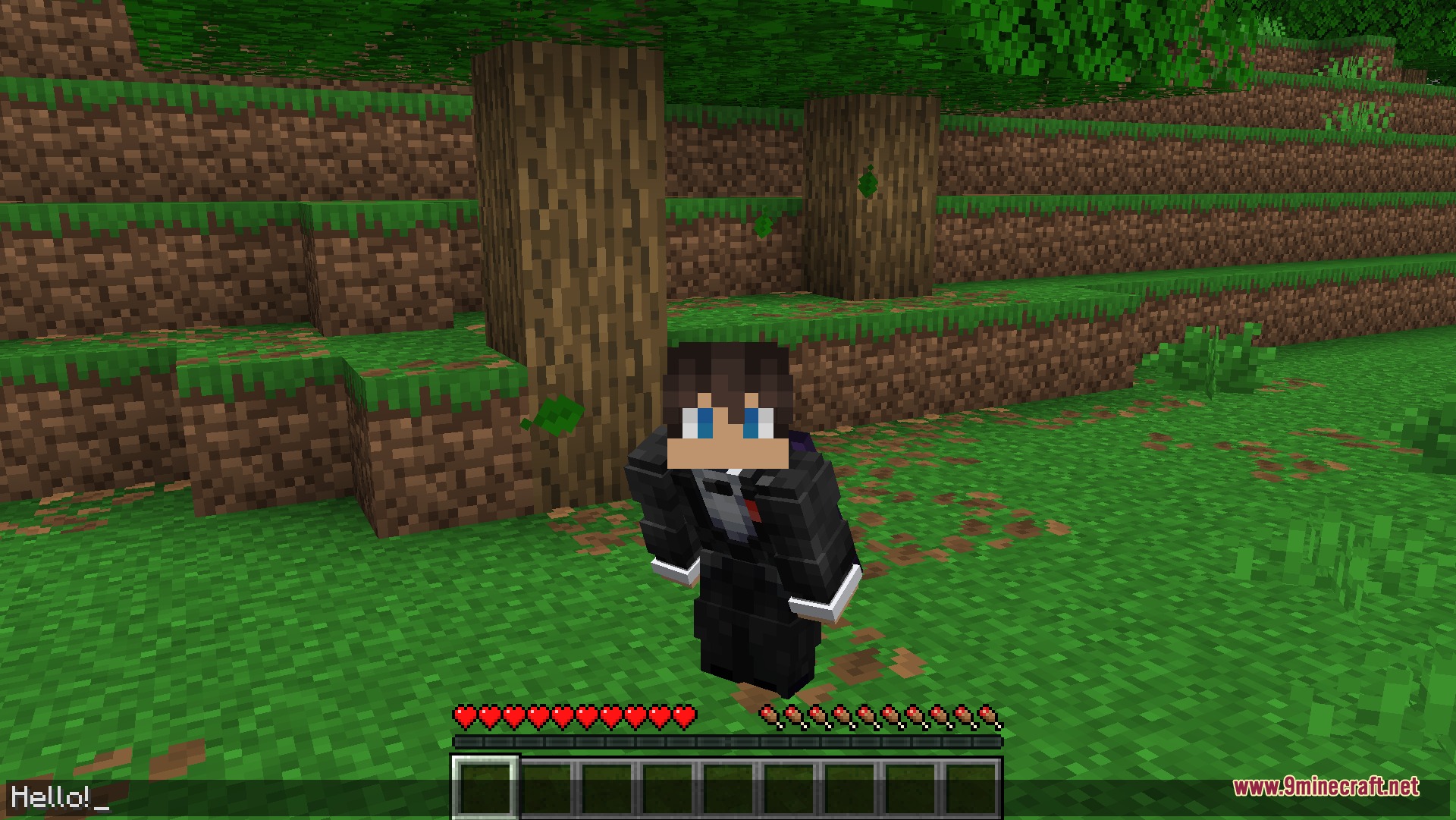
- Lets you type in chat or execute commands without revealing your nametag.
- Works for both hold-to-sneak and toggle-sneak control settings.
- Adds a dedicated toggle-sneak keybind to lock your sneaking state.
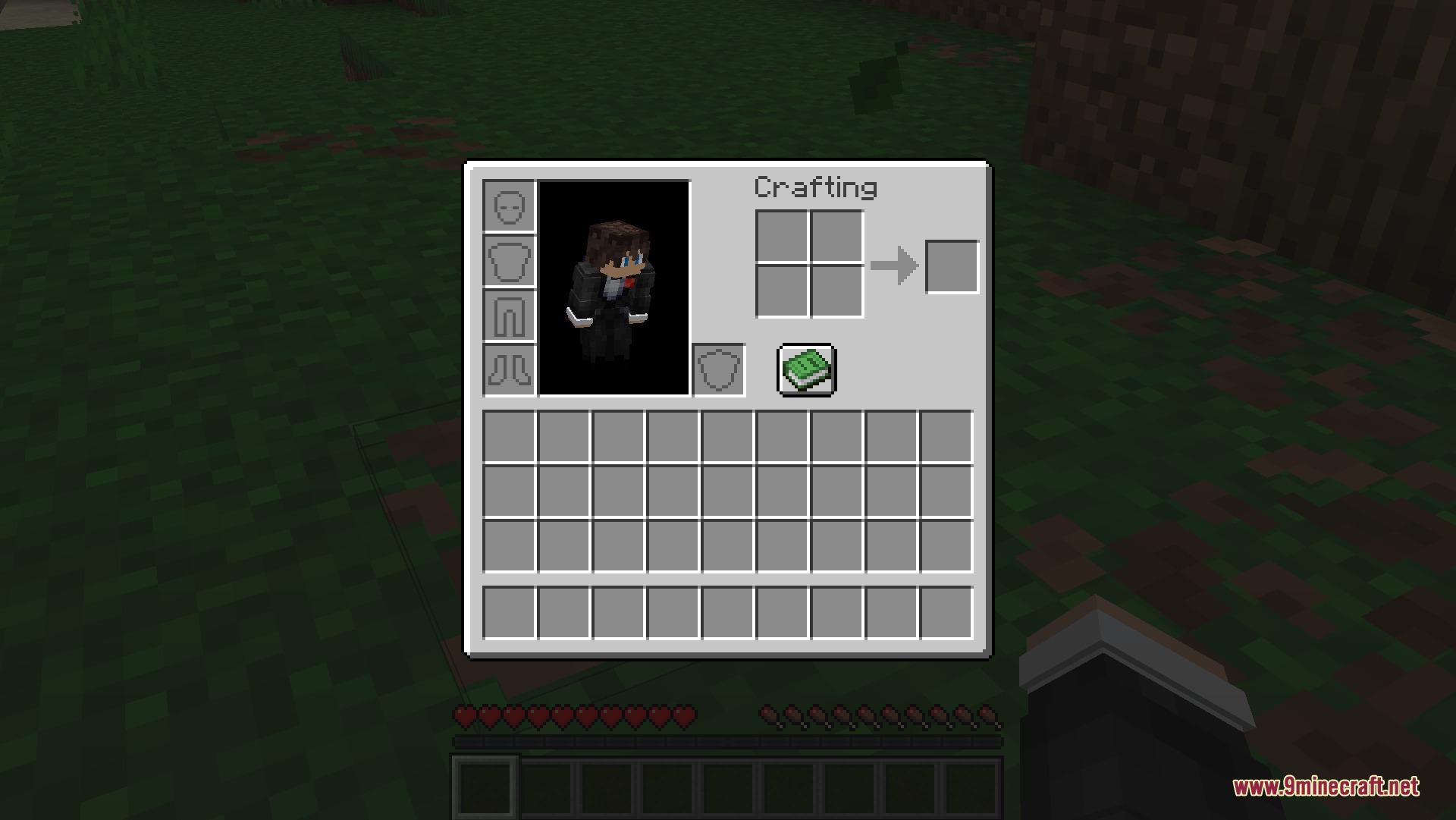
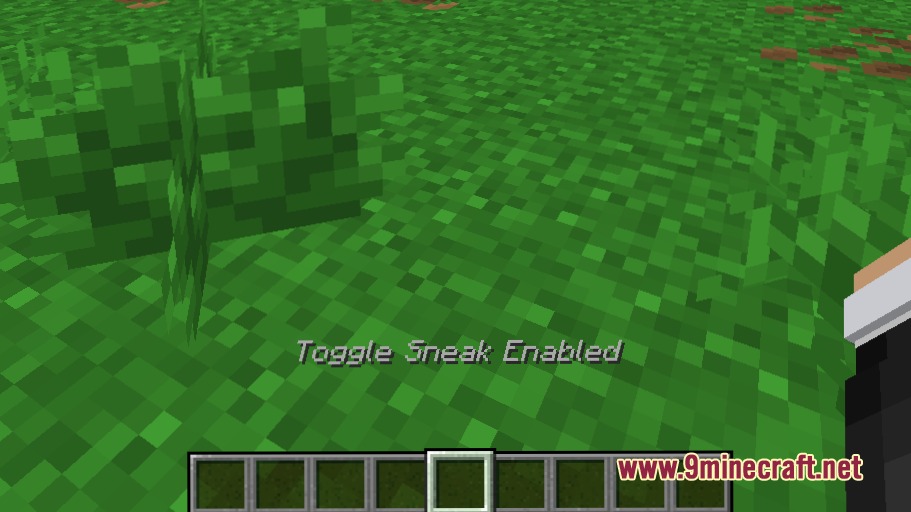
- Displays a clear status indicator above your hotbar when toggle-sneak is active.
- Lets you cancel the locked sneak state at any time by pressing your normal sneak key.
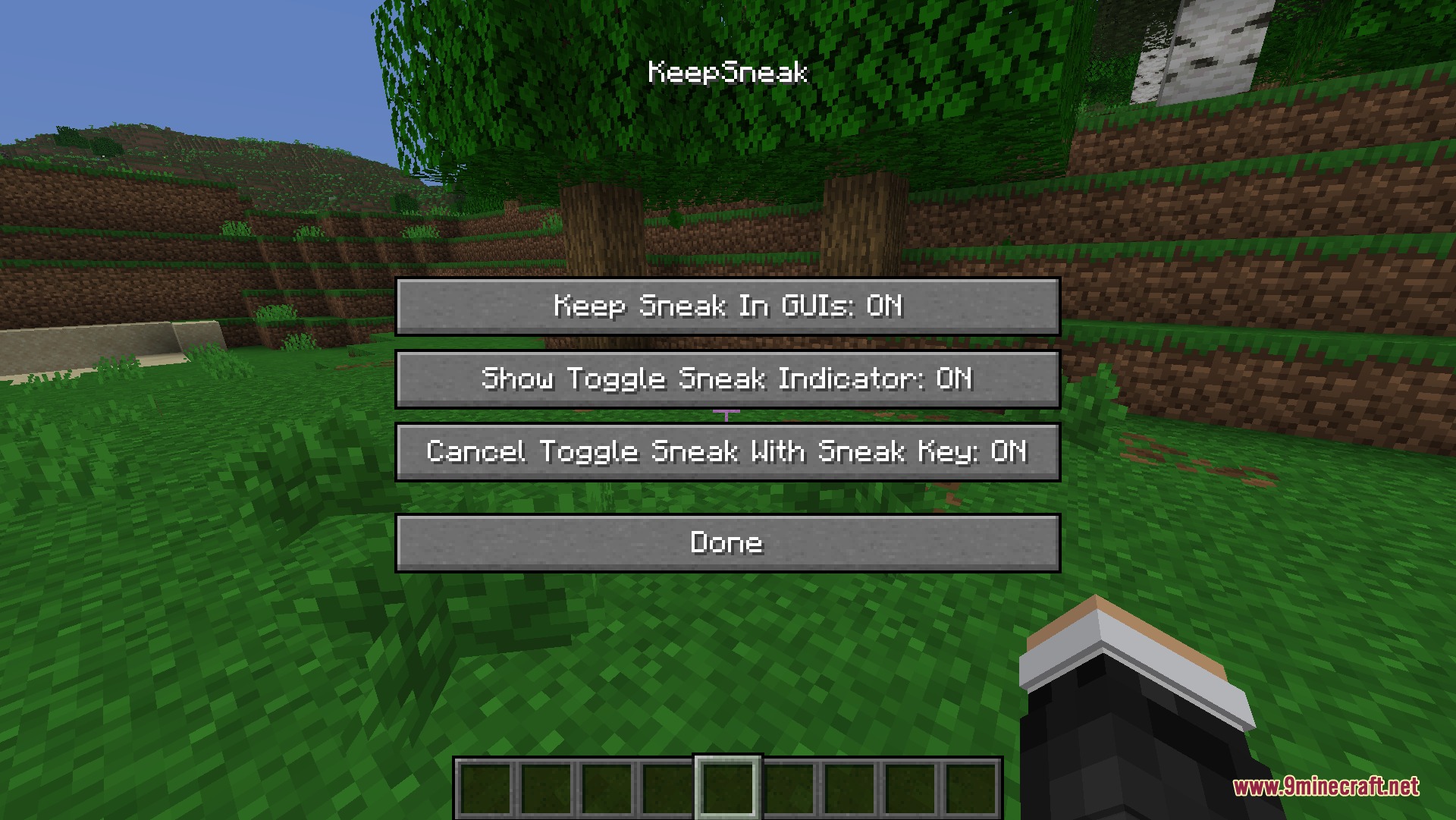
- Includes an in-game config screen to turn specific sneak features on or off.
How to Use:
- Crouch normally using your sneak key, or press your toggle-sneak keybind to stay crouched.
- Look for the text indicator above your hotbar to confirm sneaking is locked.
- Open your inventory, crafting table, or chat window without standing up.
- Press your standard sneak key again whenever you want to stand back up.
Screenshots:
How to Install:
New to Minecraft? Follow our step-by-step guide to install Mods on your PC.View Guide



Crouch Locked Open Mod Download Links
For Minecraft 26.2
For Minecraft 26.1.2, 26.1.1, 26.1
For Minecraft 1.21.11
Click to rate this post!
[Total: 0 Average: 0]
You May Also Like









This post has no comments yet. Be the first — your comment will appear here.