
Accents Mod (1.21.11, 1.20.1) – Look Great in Every Fight

 0


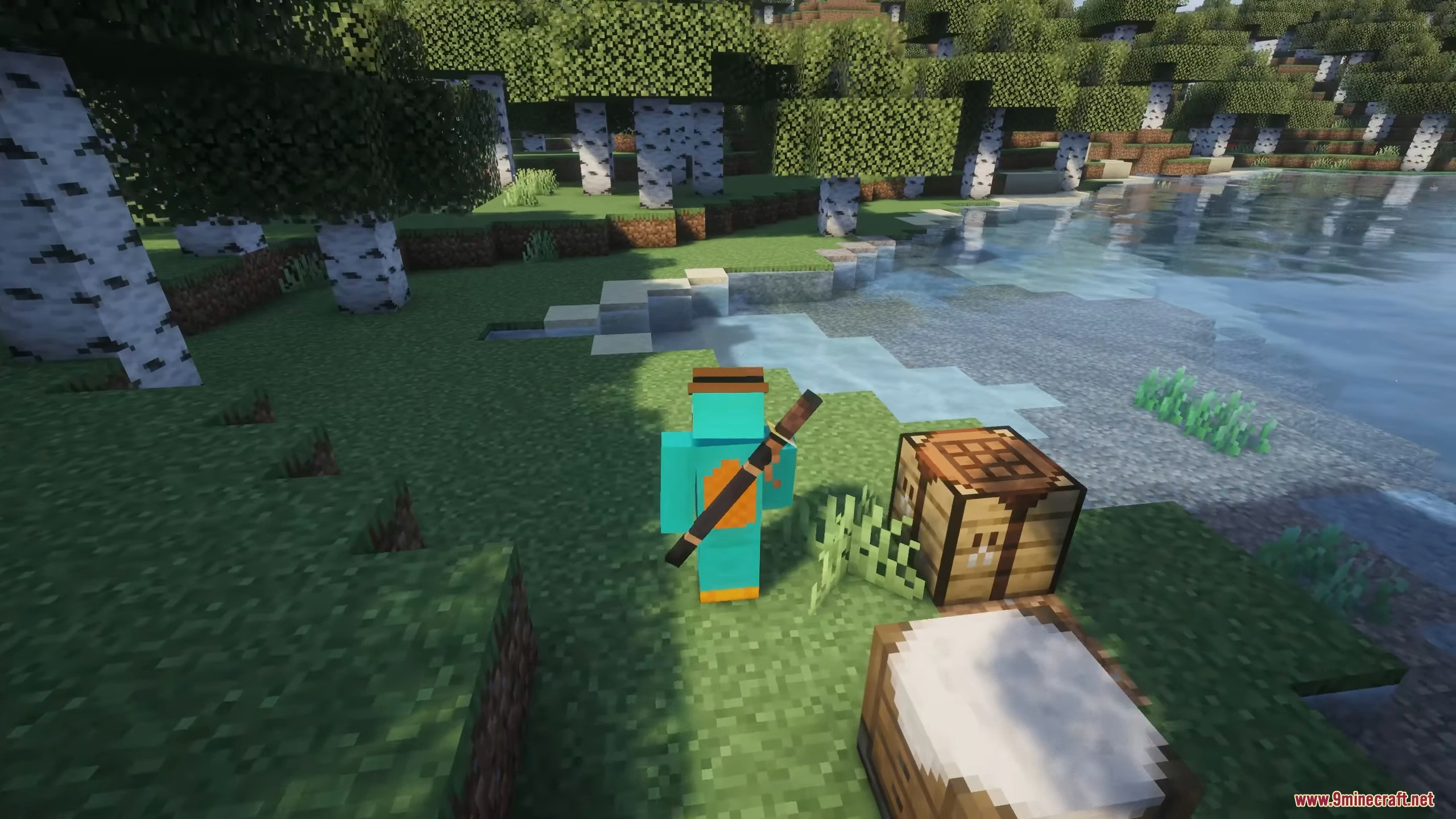
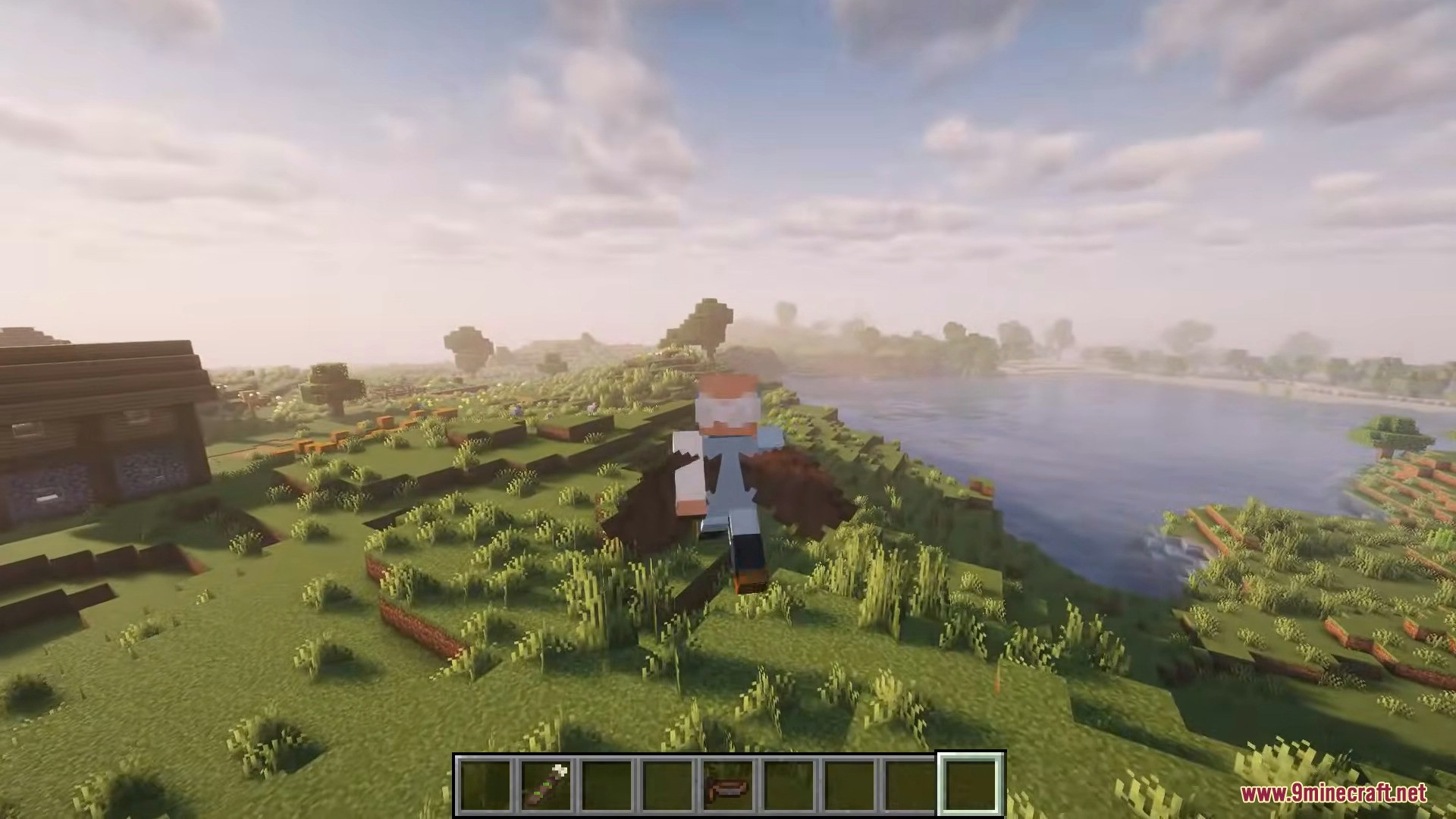
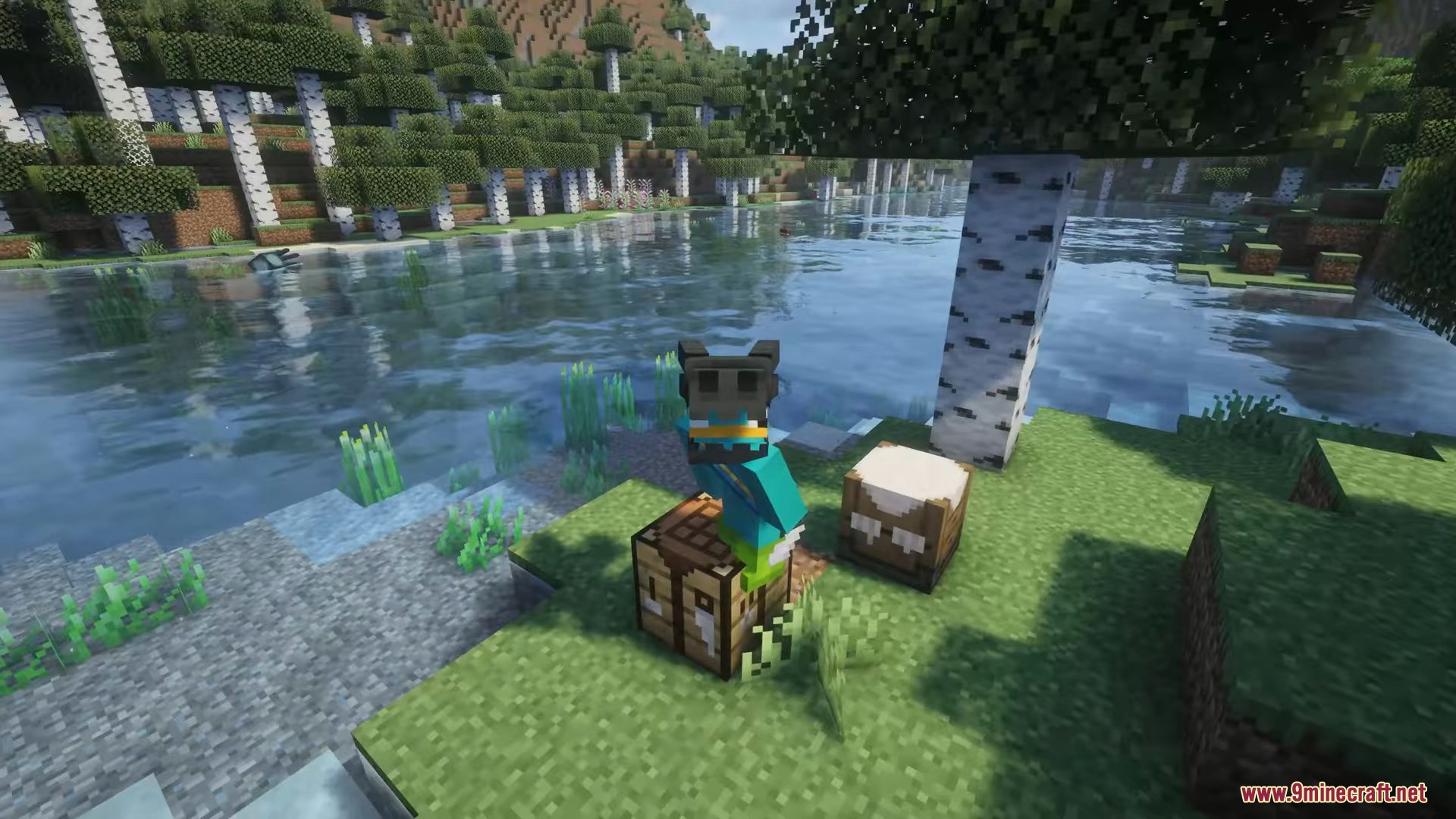
Accents Mod adds dyeable cosmetic accessories that improve your character’s look and give small gameplay bonuses. You can wear hats, wings, and back items like a Top Hat, Pirate Hat, or Sheathed Katana without replacing your main armor. Every piece can be dyed in full or in set spots, and each bonus stays light so your accessories remain optional. This mod works on its own, supports Curios API, Trinkets API, and Cosmetic Armor Reworked, and lets you change or turn off any bonus in the config.
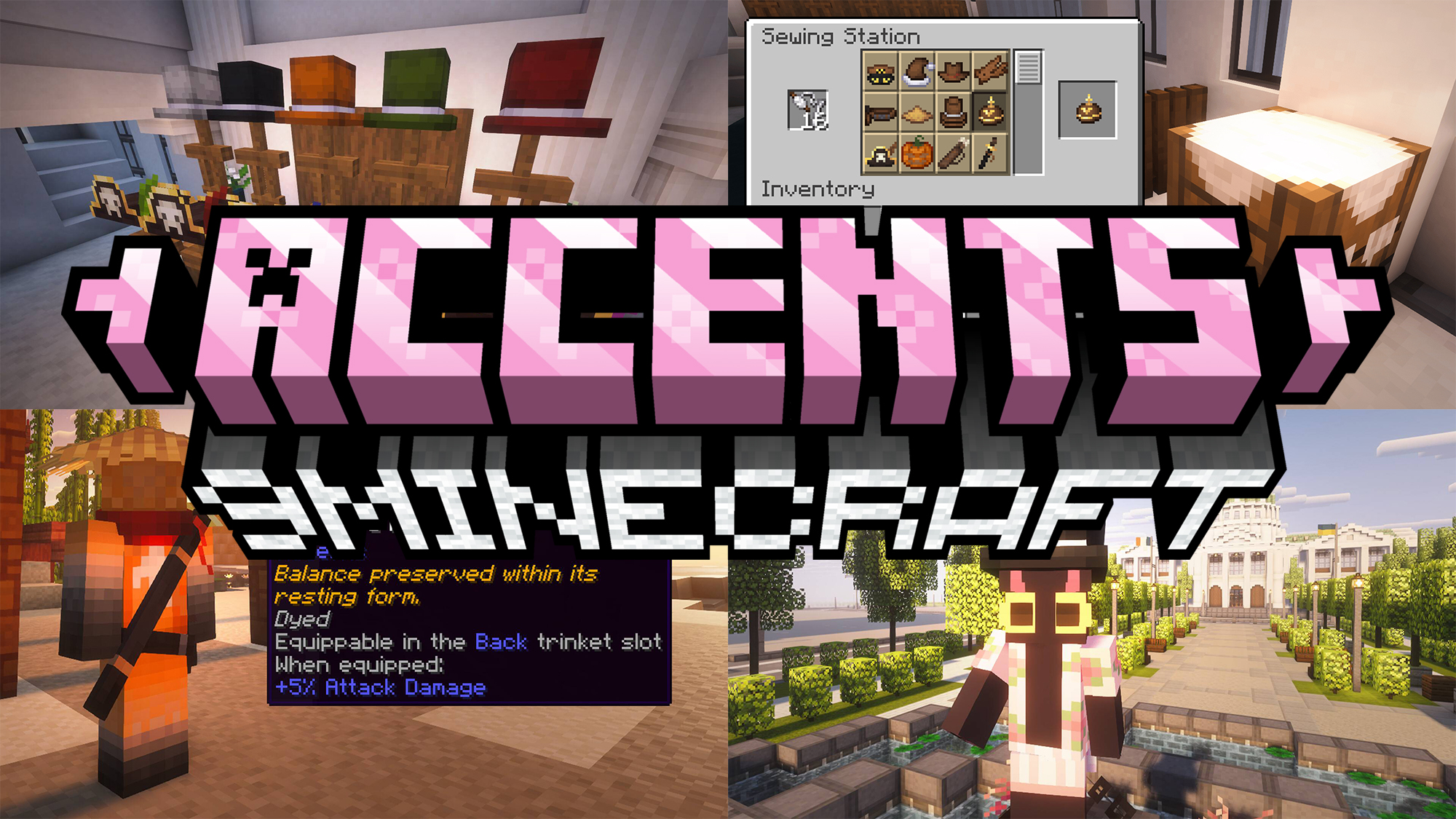
Accents Mod – Video Showcase
Features:
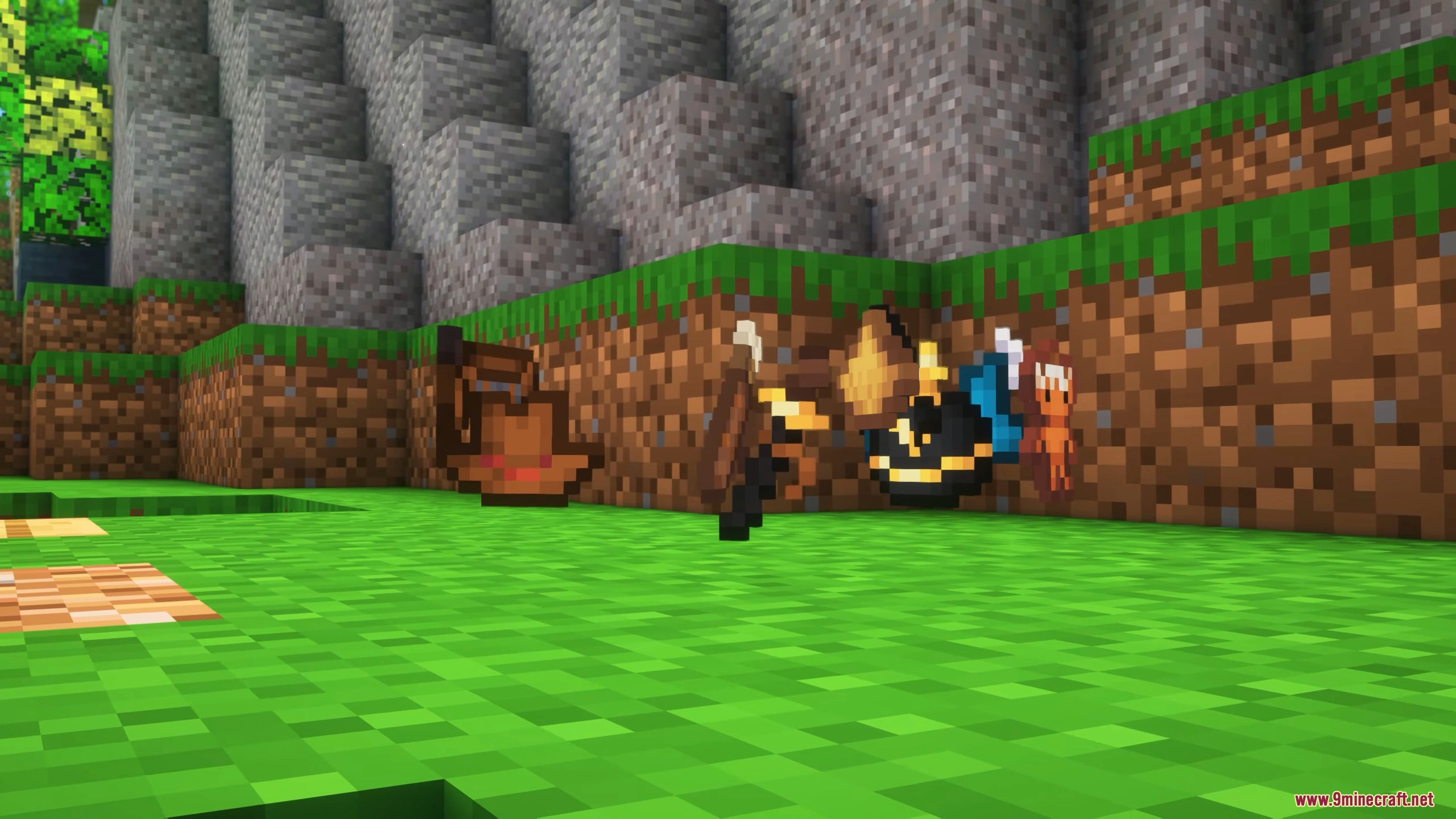
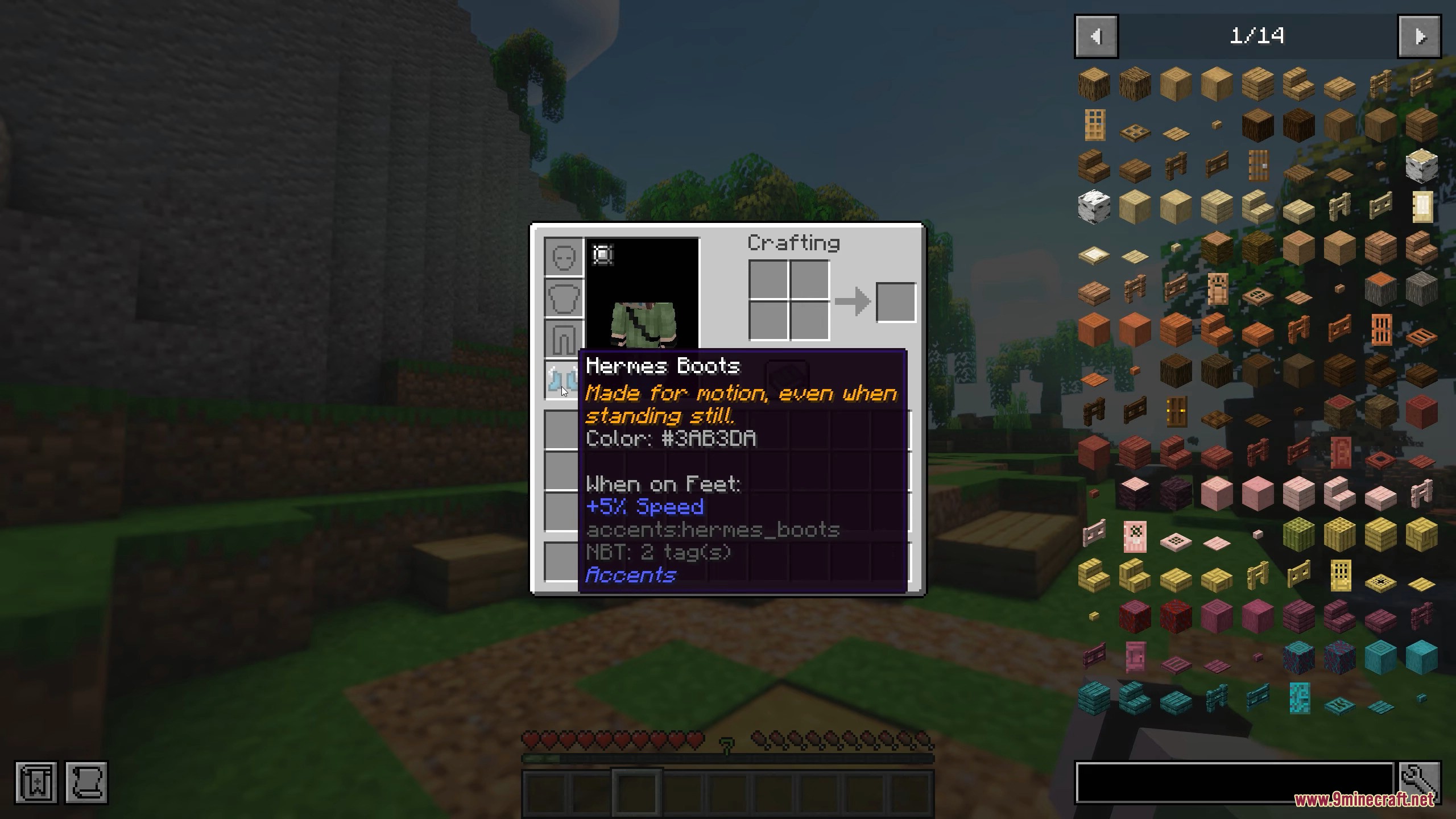
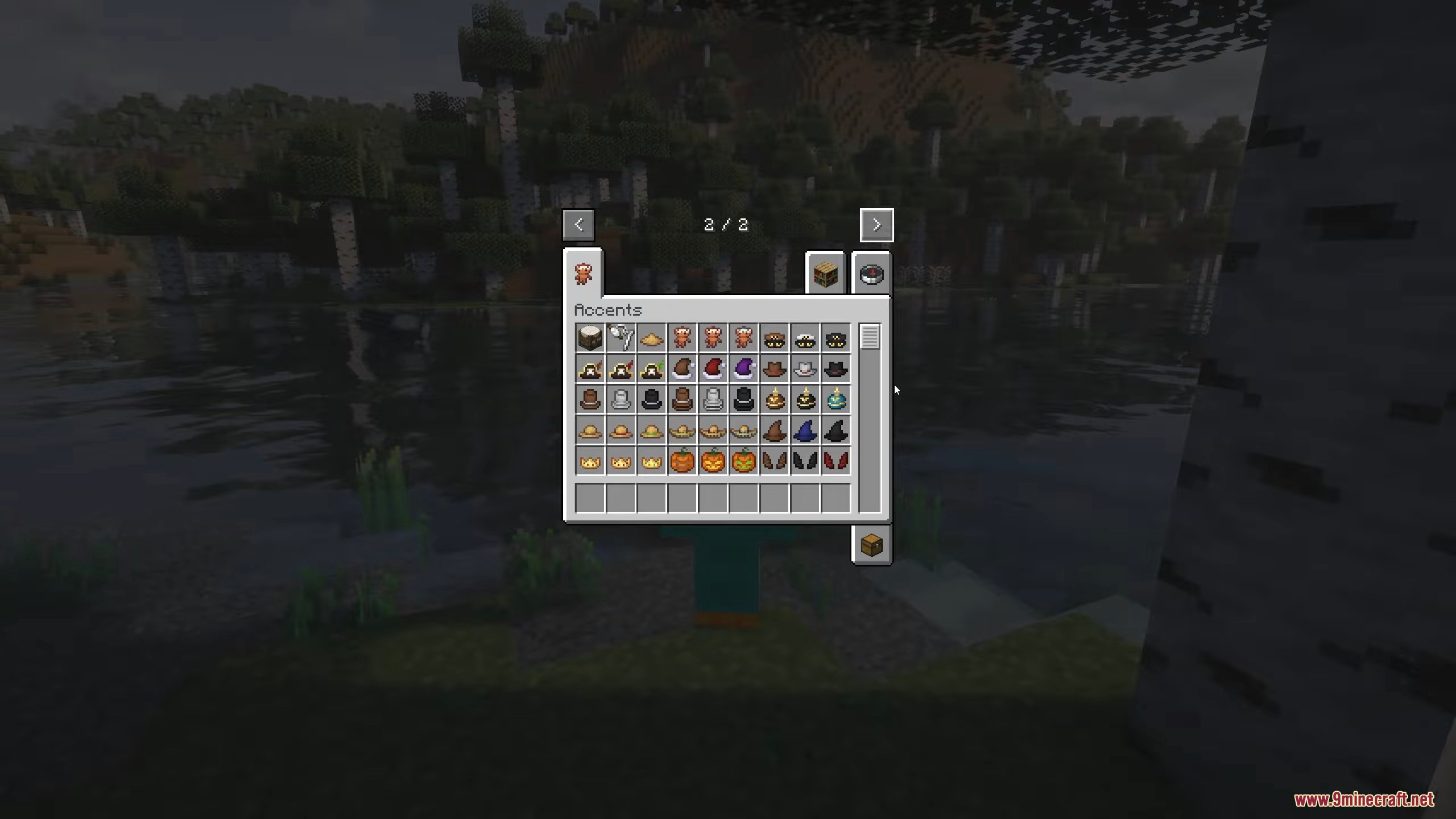
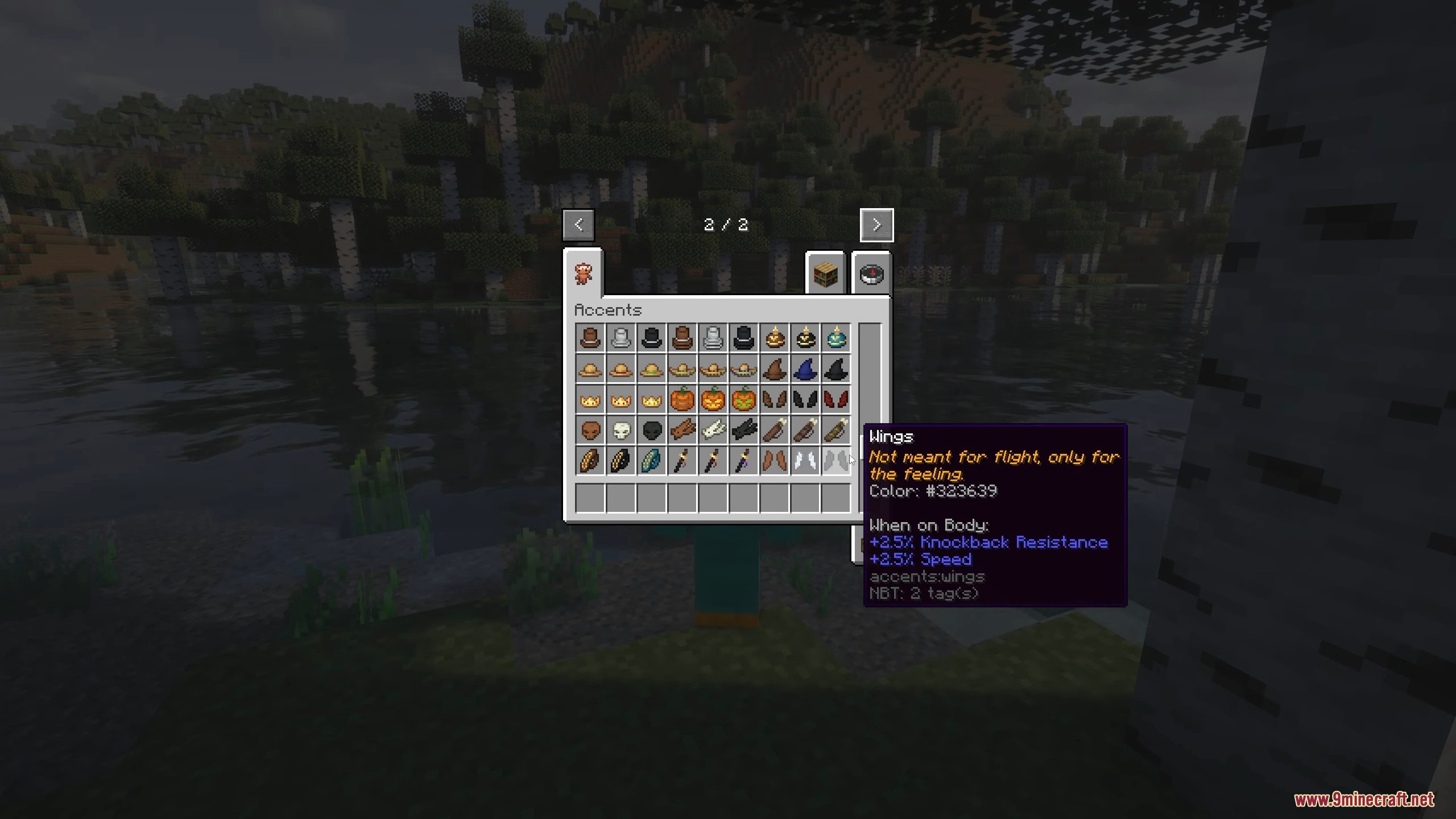
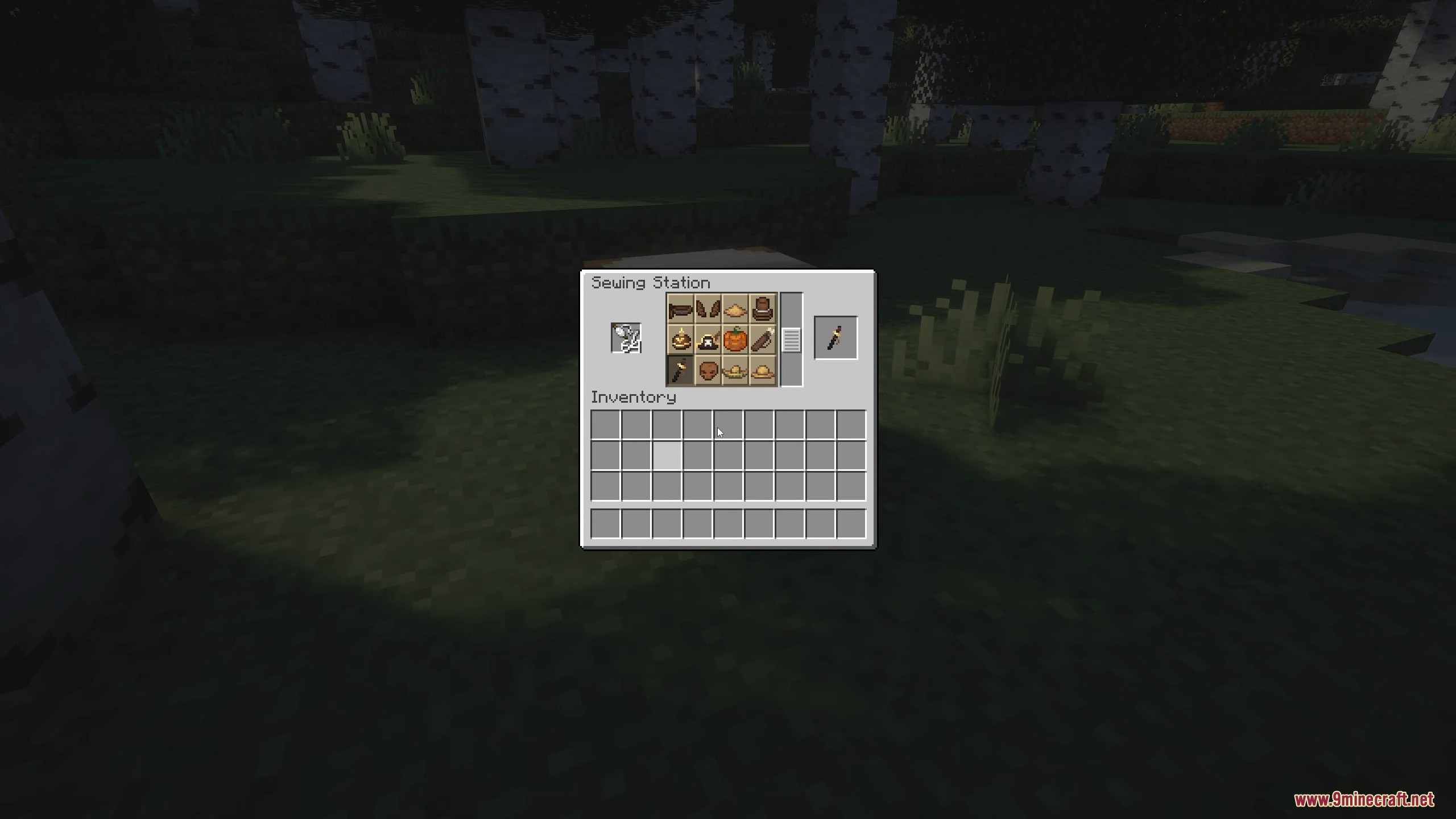
- Cosmetic Accessories: Adds hats, wings, and back items that fit your character’s style without taking up your main armor slots or replacing normal gear.
- Partial Dyeing: Lets you dye every item, with each piece having its own colorable spots so the design stays clear. For example, you can recolor a full Top Hat, while a Pirate Hat only lets you change its feather.
- Small Gameplay Bonuses: Gives your character light, situational buffs when worn without making accessories required for progression. For example, wearing a Sheathed Katana on your back adds +5% damage.
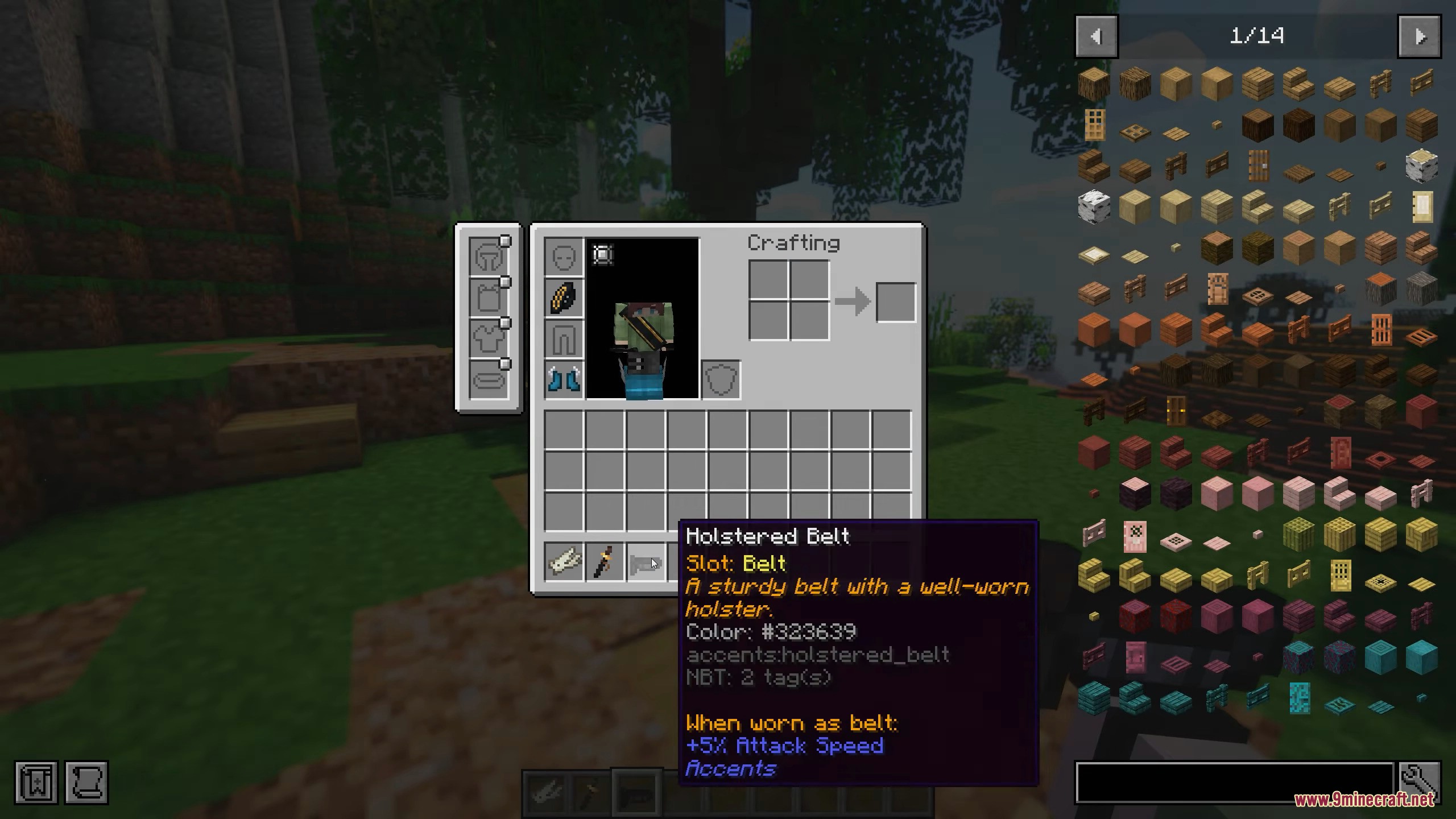
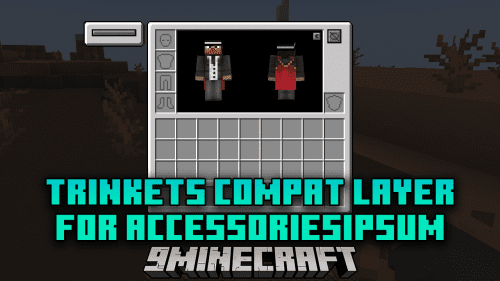
- Works with Curios API and Trinkets API so supported items automatically become trinkets that fit into dedicated slots, while every item still works normally without those mods.
- Pairs smoothly with appearance-only armor mods like Cosmetic Armor Reworked so you can hide or style your armor separately while still wearing these accessories.
- Lets you adjust bonus values, rebalance items for modpacks, or turn off specific effects completely in the config file while keeping all visual items.
Configuration:
config/obscuria/accents-common.toml: Main config file where you can change stat values, rebalance items for modpacks, or turn off item bonuses completely while keeping the visuals.- In-game config menus work right out of the box starting in Minecraft 1.21.1 with no extra mods needed, or on Minecraft 1.20.1 when using Forge Config Screens or Configured.
Screenshots:
How to Install:
New to Minecraft? Follow our step-by-step guide to install Mods on your PC.View Guide
Requirements:
Accents Mod Download Links
For Minecraft 1.21.11
NeoForge version: Download from Server 1 – Download from Server 2
Fabric version: Download from Server 1 – Download from Server 2
For Minecraft 1.21.1, 1.21
NeoForge version: Download from Server 1 – Download from Server 2
Fabric version: Download from Server 1 – Download from Server 2
For Minecraft 1.20.1, 1.20
Forge version: Download from Server 1 – Download from Server 2
Fabric version: Download from Server 1 – Download from Server 2
You May Also Like
Picked for this page
 I Am Music Player Mod (1.20.1, 1.19.4) – Play Your Own Music Directly Inside Minecraft
 AutoRun Mod (26.3, 1.20.1) – Hands-free Sprinting and Running
 MCDoom Mod (1.21.1, 1.20.1) – Doom-Themed Gear and Monsters
 More Babies Mod (26.3, 1.21.1) – Cuteness Appeared In The World
 Yggdrasils Mod (1.21.11, 1.21.1) – Dungeon Crawling Just Leveled Up
 Polytone Mod (26.3, 1.20.1) – Tweaking Via Resource Packs
 Flower Mimics Mod (26.3, 1.20.1) – From Blossoms To Beasts
 Better Hitreg Mod (26.3, 1.20.1) – PvP Utilities And Configurable Hit Rendering
 Lagless FPS Optimizer Mod (1.21.1, 1.20.1) – Play Without Lag on Low-End PCs
 Carpet AMS Addition Mod (26.3, 1.20.1) – More Control Over Minecraft
 Darkblade2017’s More Golems Mod (1.20.1) – Build A Golem Army
 Armored Foes Mod (26.3, 1.21.1) – Tougher Mobs With Visible Armor
Most viewed in Mods over the last 7 days
 Ala Industrial Mod (26.3) – Run Electric Power Grids and Automated Factories
 PleasureCraft Mod (26.3, 1.21.1) – Jenny Mod Remake for Fabric
 Jennycraft Mod (26.3, 1.20.1) – Virtual Girlfriend in Minecraft
 Fapcraft Mod (26.3, 1.12.2) – Comprehensive and Detailed Content
 Jenny Mod (Fapcraft) Official Complete Guide – How to use, Tutorial
 BangCraft Mod (1.20.1) – Jenny, Ellie and Elliot
 Fabric Loader (26.3, 1.20.1) – Fabric Installer for All Minecraft Versions
 The Shooting Star Demo Mod (26.3, 1.20.1) – Vaporize Terrain From Orbit
 Meteor Client Mod (26.3, 1.20.1) – Xray, HUD, Fly
 OptiFine HD (26.3, 1.20.1) – Run Faster, FPS Boost, Shaders Support
 Aristois Client Mod (1.21.4, 1.20.1) – World Class Minecraft Utility
 Prestige Client Mod (1.21.11, 1.21.4) – Powerful Ghost Features for Crystal & Sword PvP
More from Mods
 Morrowless Mod (1.21.1) – Defend Your Shelter From Nightmare Creatures
 THE SLOPSTROSITY Mod (1.21.1) – Battle a Ridiculous Slime Boss
 Decoween Mod (1.21.1, 1.20.1) – Transform Ordinary Survival Bases
 Simply Light 9minecraft Mod (26.3) – Decorate Builds Without Torches
 Alex’s Caves Continued Mod (26.3, 1.20.1) – Conquer Six Massive Underground
 Anvil Uses Mod (26.3, 1.20.1) – Track Item Anvil Usage
 Animal Info Mod (26.3, 1.21.11) – Quick Stats For Your Animals
 Timber Tales Dynamic Tree System Mod (26.3, 1.20.1) – Watch Entire Trees Topple
 Gabou’s Libs Mod (26.3, 1.20.1) – Keep Custom Weather and Survival Mods Stable
 /Sit Mod (26.3, 1.21.1) – Make The Player Sit Down
 Arcane Redstone Dial Mod (26.3, 1.20.1) – Trigger Commands and Shortcuts
 The Graveyard Mod (26.3, 1.20.1) – Cemeteries in Minecraft

This post has no comments yet. Be the first — your comment will appear here.