
Adaptive Performance Tweaks Items Mod (1.21.1, 1.20.1)

 0


Adaptive Performance Tweaks Items Mod extends Adaptive Performance Tweaks: Core to keep server TPS and FPS steady. This mod groups nearby dropped items and combines experience orbs in range so fewer loose items sit on the ground. It also clears out extra or old items on a timer and adjusts how long items stay to match server load, which cuts down lag from big farms, mining sessions, and large TNT blasts. Everything runs on the server side with no custom items, so players do not need to install anything on their game clients.
Features:
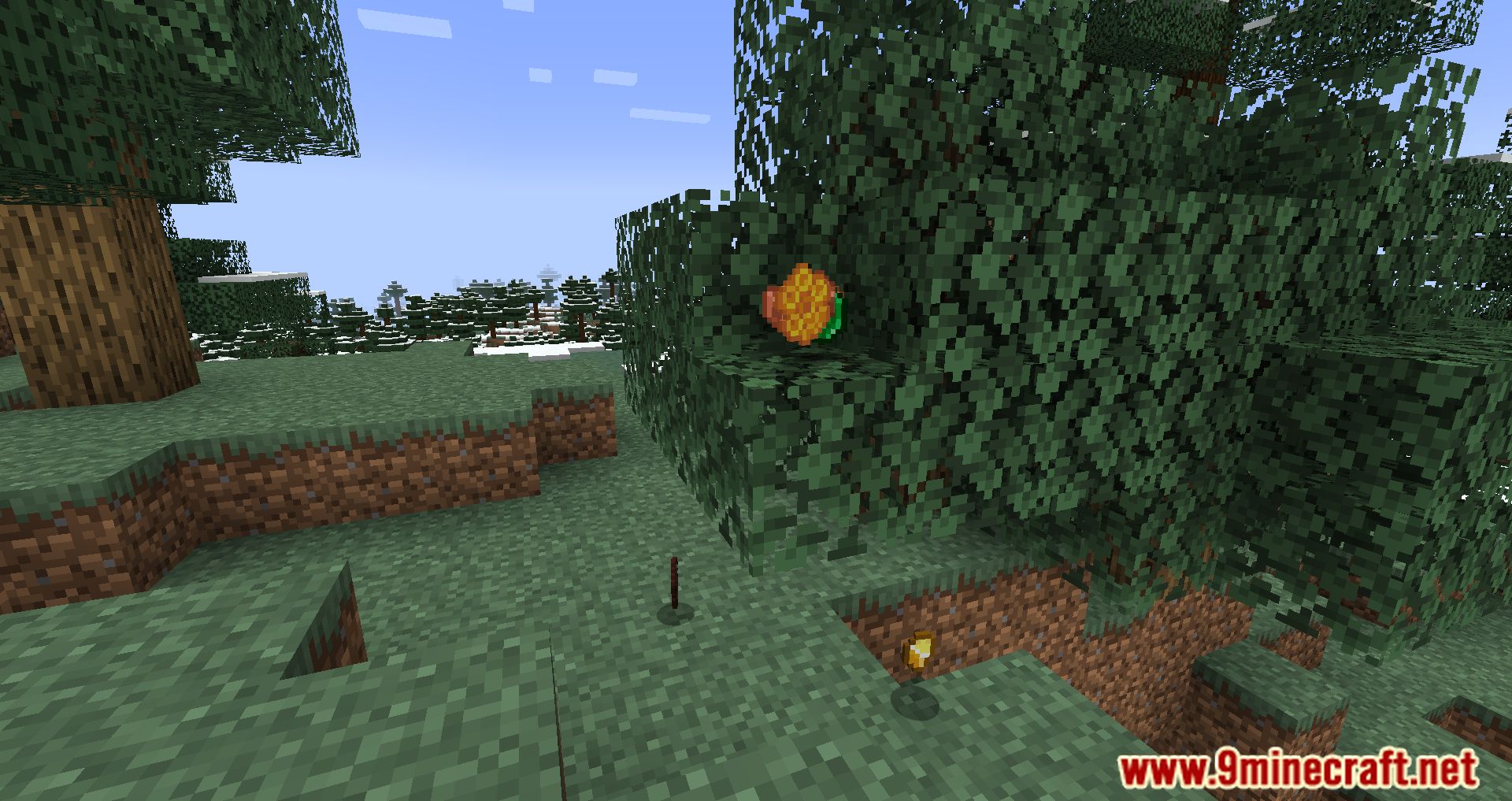
- Merges nearby dropped items together to cut down the number of loose items on the ground.
- Groups experience orbs within range and combines their values together.
- Clears out extra and oldest items on a timer and adjusts item lifespan to match server load.
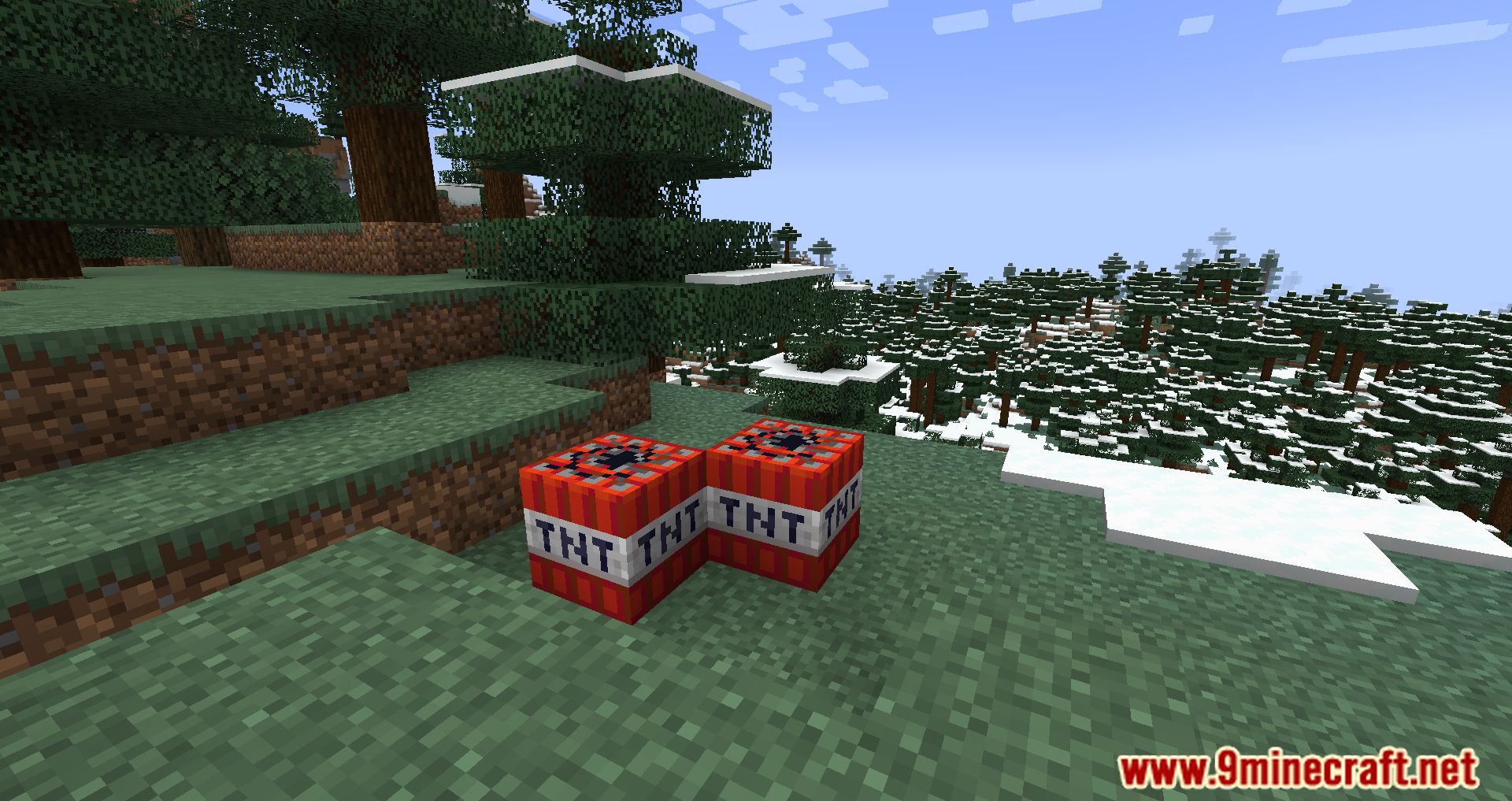
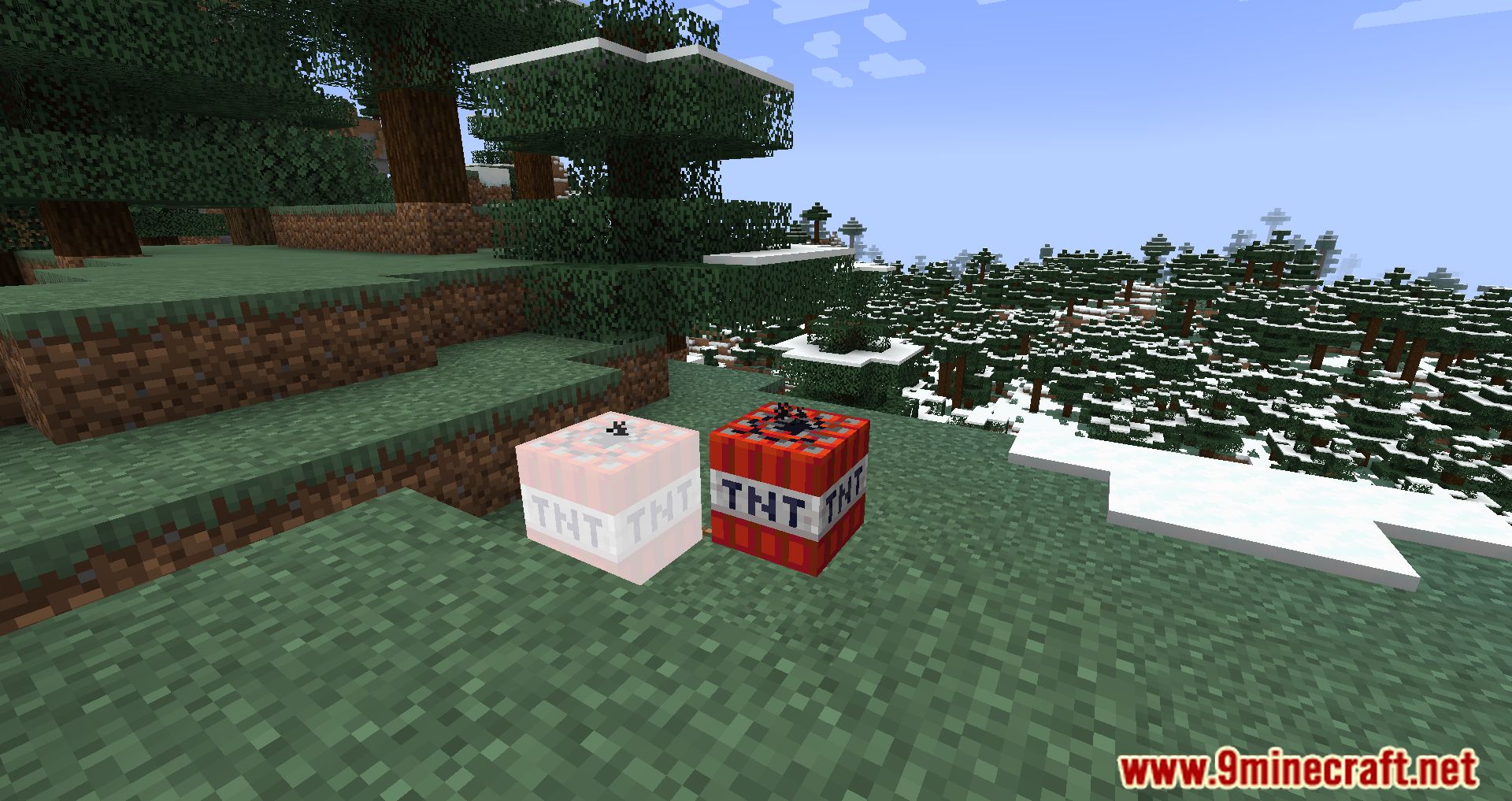
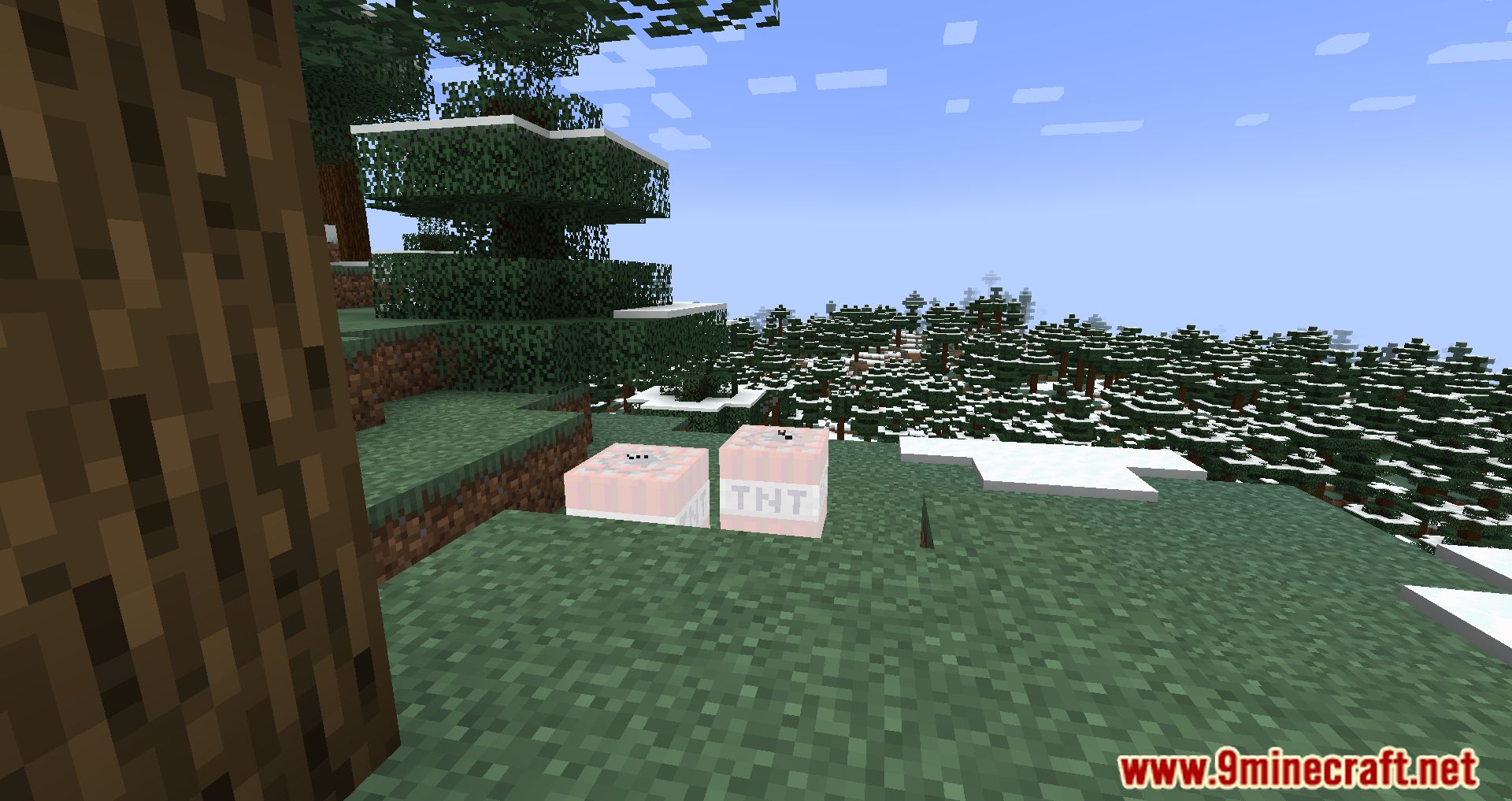
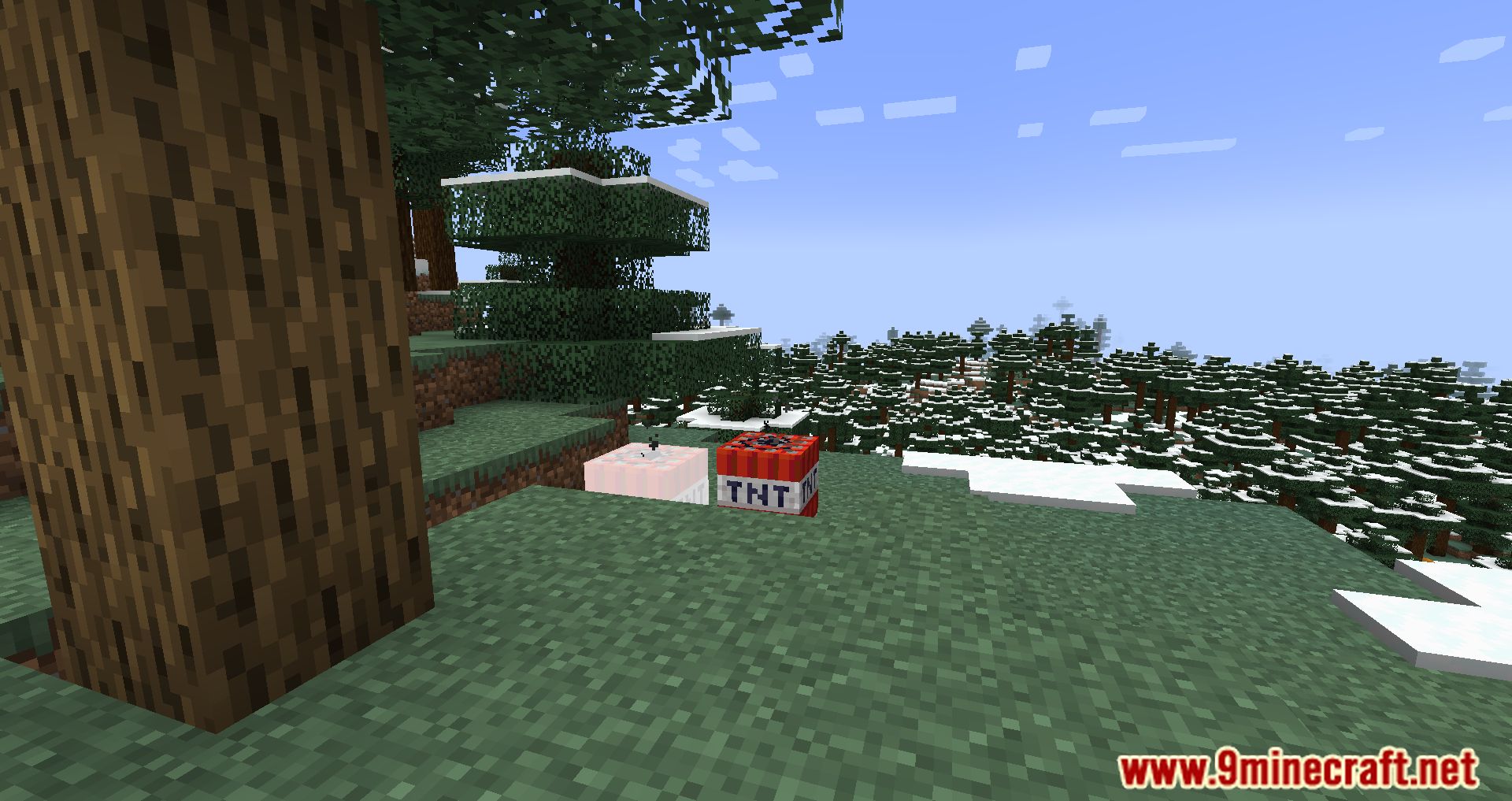
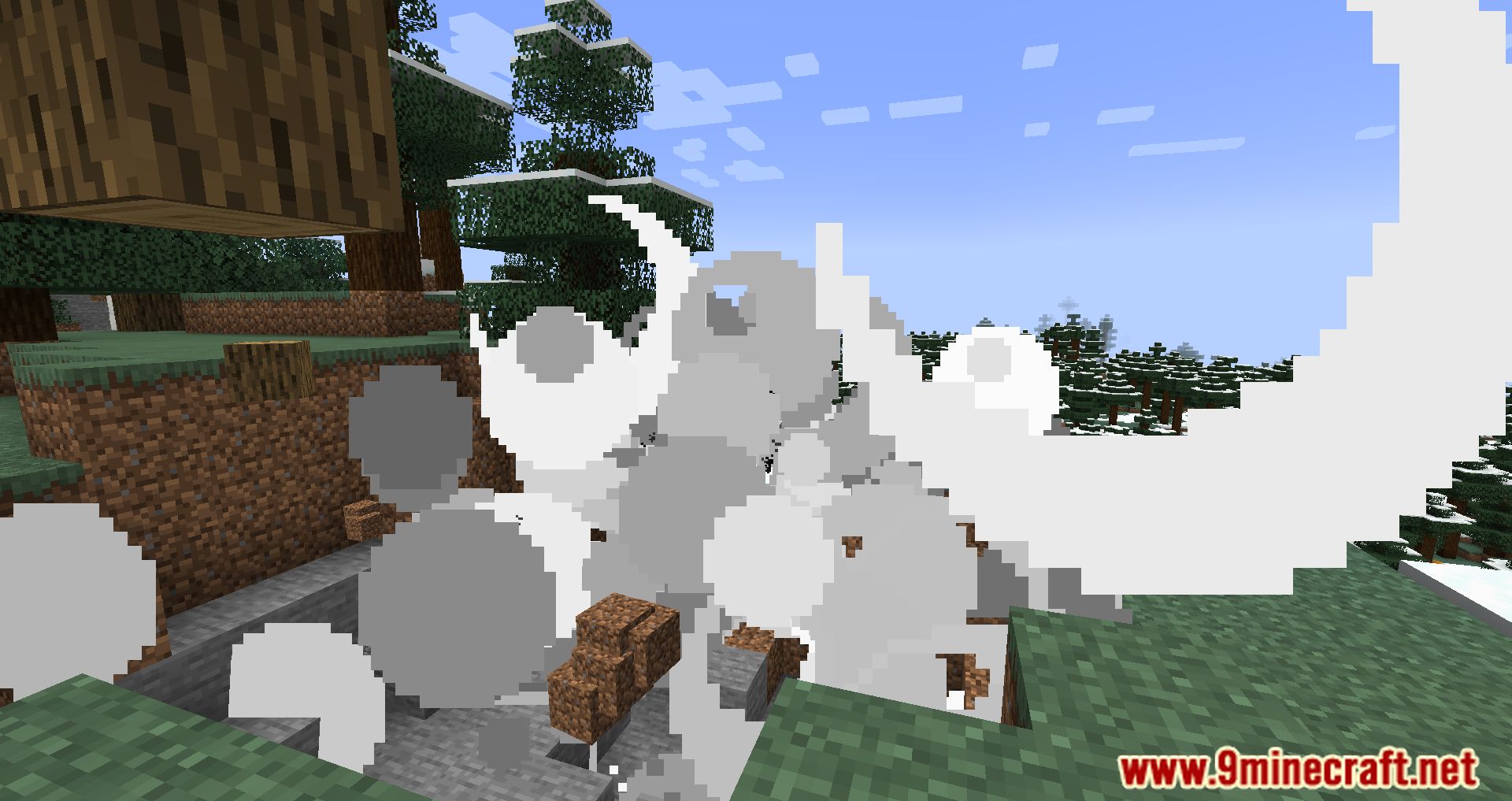
- Reduces lag spikes from large farms, mining sessions, and big TNT explosions.
- Uses pure server logic without adding any custom items to the game.
- Runs strictly on the server side, so players do not need to install it on their clients.
- Lets you pick only the modules you want and change settings through config files.
- Skips core and mixin patches to keep wide compatibility with other mods.
- Includes built-in debug info so you can see what the optimizer is doing.
How to Use:
- Make sure your server already has Adaptive Performance Tweaks: Core ready, and keep regular backups of your world.
- Run this module on the server side only; players do not need to add it on their clients to join.
- Edit the config files if you want to choose specific modules or adjust how item grouping and cleanup work.
- Check the built-in debug info whenever you want to see what the optimizer is doing.
Screenshots:
How to Install:
New to Minecraft? Follow our step-by-step guide to install Mods on your PC.View Guide
Requirements:

Adaptive Performance Tweaks Items Mod Download Links
For Minecraft 1.21.1, 1.21
Forge Version: Download from Server 1 – Download from Server 2
For Minecraft 1.20.6
Forge Version: Download from Server 1 – Download from Server 2
For Minecraft 1.20.4
Forge Version: Download from Server 1 – Download from Server 2
For Minecraft 1.20.2
Forge Version: Download from Server 1 – Download from Server 2
For Minecraft 1.20.1, 1.20
Forge Version: Download from Server 1 – Download from Server 2
For Minecraft 1.19.4
Forge Version: Download from Server 1 – Download from Server 2
For Minecraft 1.19.3
Forge Version: Download from Server 1 – Download from Server 2
For Minecraft 1.19.2
Forge Version: Download from Server 1 – Download from Server 2
For Minecraft 1.19.1
Forge Version: Download from Server 1 – Download from Server 2
For Minecraft 1.19
Forge Version: Download from Server 1 – Download from Server 2
For Minecraft 1.18.2
Forge Version: Download from Server 1 – Download from Server 2
For Minecraft 1.18.1
Forge Version: Download from Server 1 – Download from Server 2
How much RAM do you usually allocate to a modded Minecraft profile?
54 responses · See the full results →
You May Also Like
Picked for this page
 Re-Chiseled Mod (26.3, 1.20.1) – Treasure for Builders
 Third Person Mod (26.2, 1.20.1) – Dynamic Third Person Camera
 Coins JE Mod (26.3, 1.20.1) – New Exchange Currency System
 Ctrl Q Mod (26.1, 1.20.1) – Take Control Of Your Inventory
 Grindstone Sharper Tools Mod (26.3, 1.20.1) – Increase The Damage of Tools
 Fancy Block Particles Renewed Mod (26.1.2, 1.20.1) – 3D Digging Particles
 Endertech Infinity Mod (1.21.1, 1.20.1) – Adventure into a New End
 DarkStarter Mod (26.3, 1.20.1) – RPG Starter Login Item Rewards
 Boat Break Fix Mod (26.2, 1.20.1) – Hotfix to Prevent Accidental Deaths
 Project Red Expansion Mod (1.21.1, 1.20.1) – Project Red Mechanical
 Chat Tools Mod (26.3, 1.20.1) – Advanced Tools and Customization Chat Options
 Hide Item Frame Mod (26.3, 1.20.1) – Equipped Item Frames Turn Invisible
Most viewed in Mods over the last 7 days
 Ala Industrial Mod (26.3) – Run Electric Power Grids and Automated Factories
 PleasureCraft Mod (26.3, 1.21.1) – Jenny Mod Remake for Fabric
 Jennycraft Mod (26.3, 1.20.1) – Virtual Girlfriend in Minecraft
 Fapcraft Mod (26.3, 1.12.2) – Comprehensive and Detailed Content
 Jenny Mod (Fapcraft) Official Complete Guide – How to use, Tutorial
 BangCraft Mod (1.20.1) – Jenny, Ellie and Elliot
 Fabric Loader (26.3, 1.20.1) – Fabric Installer for All Minecraft Versions
 Meteor Client Mod (26.3, 1.20.1) – Xray, HUD, Fly
 The Shooting Star Demo Mod (26.3, 1.20.1) – Vaporize Terrain From Orbit
 OptiFine HD (26.3, 1.20.1) – Run Faster, FPS Boost, Shaders Support
 Aristois Client Mod (1.21.4, 1.20.1) – World Class Minecraft Utility
 SchnurriTV Mod (1.12.2) – Characters and Features
More from Mods
 Legacy Wavey Capes Mod (1.8.9) – Watch Your Cape Flow Naturally While Sprinting
 Warrior Cats Events Mod (1.21.1, 1.20.1) – Live As a Wild Clan Cat
 Apex Enchantment Freedom Mod (26.3) – Stack Conflicting Enchantments
 Tensura GUI Mod (1.21.1) – Track Your Fantasy Skills and Race Evolutions
 Remnants Roguelite Dungeons Mod (26.3, 1.20.1) – Risk It All in Procedural
 Lib Lib Lib Mod (26.3, 1.20.1) – Keep Your Favorite Modpacks Running Smooth
 Cinematic Interactions Mod (26.3, 1.20.1) – Watch Your Hands Work
 Macro Keybinds Mod (26.3, 1.20.1) – Macro Creation, Keybind Execution
 Better Enchantment Bookshelf Placement Mod (26.3, 1.20.1)
 RFTools Builder Mod (26.3, 1.20.1) – The Builder, Powerful Machine
 Block & Board Mod (26.3, 1.20.1) – Play Classic Tabletop Games with Friends
 Hammers 3×3 Mod (1.21.8, 1.20.1) – Carve Caves with One Swing

This post has no comments yet. Be the first — your comment will appear here.