
Advanced Networking Mod (1.21.8, 1.20.1) – Build Complex Factory Automation
 337
 0


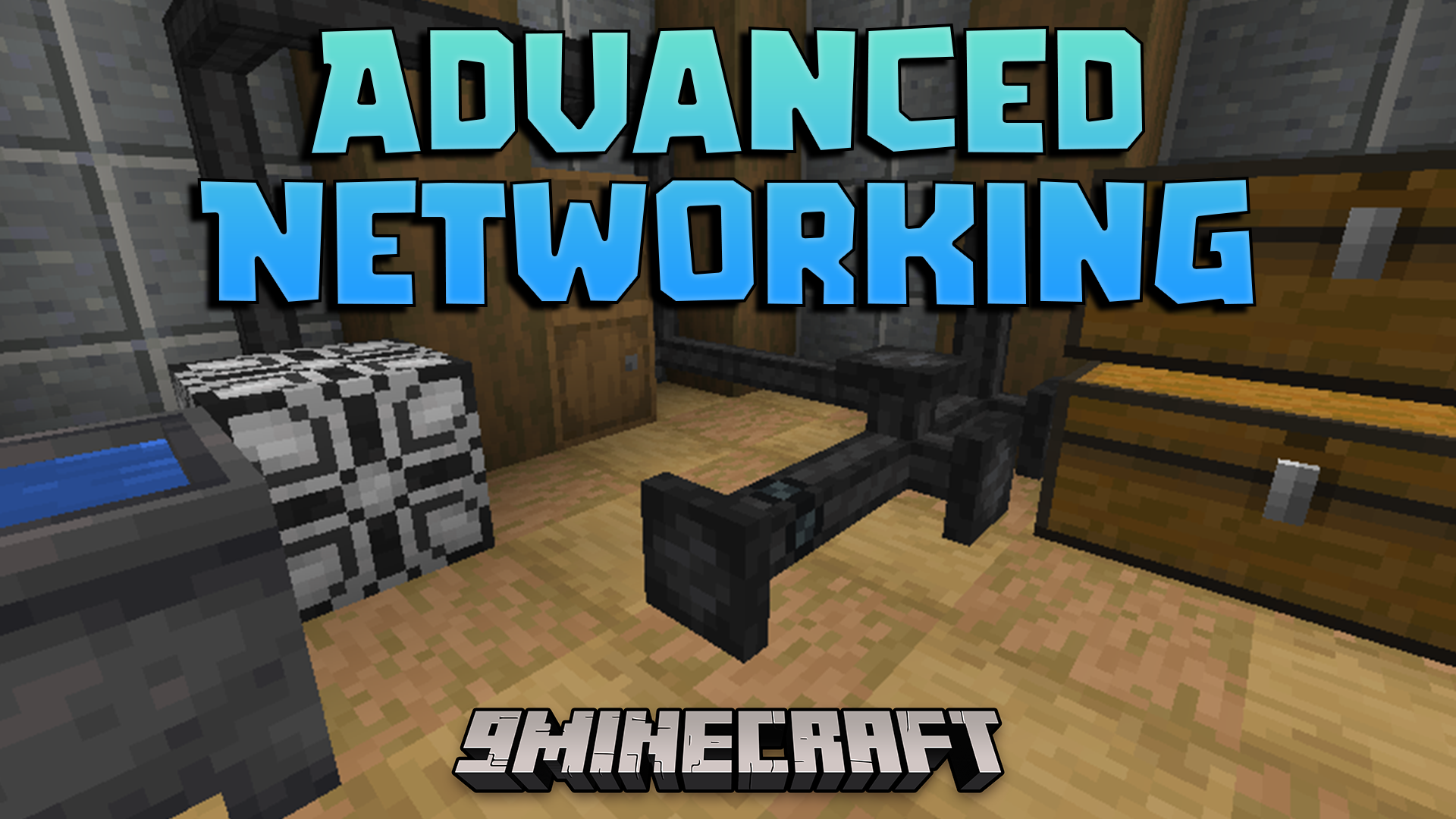
Advanced Networking Mod introduces a node-based programming system for transferring items, fluids, and energy in the game. It lets you set up logic-driven automation without dealing with complicated scripting. You can connect cables, interfaces, and controllers to build advanced resource networks.
Features:
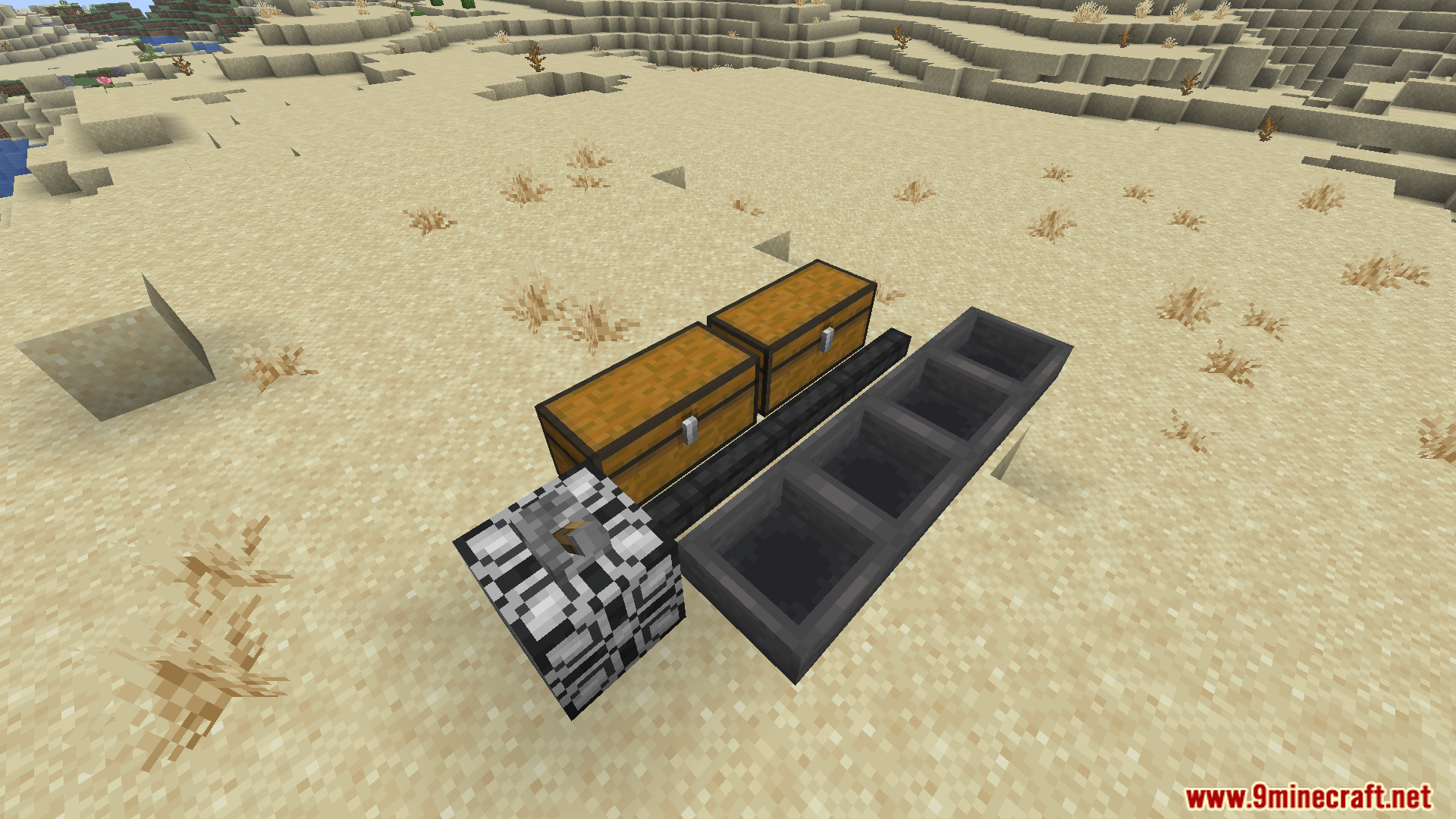
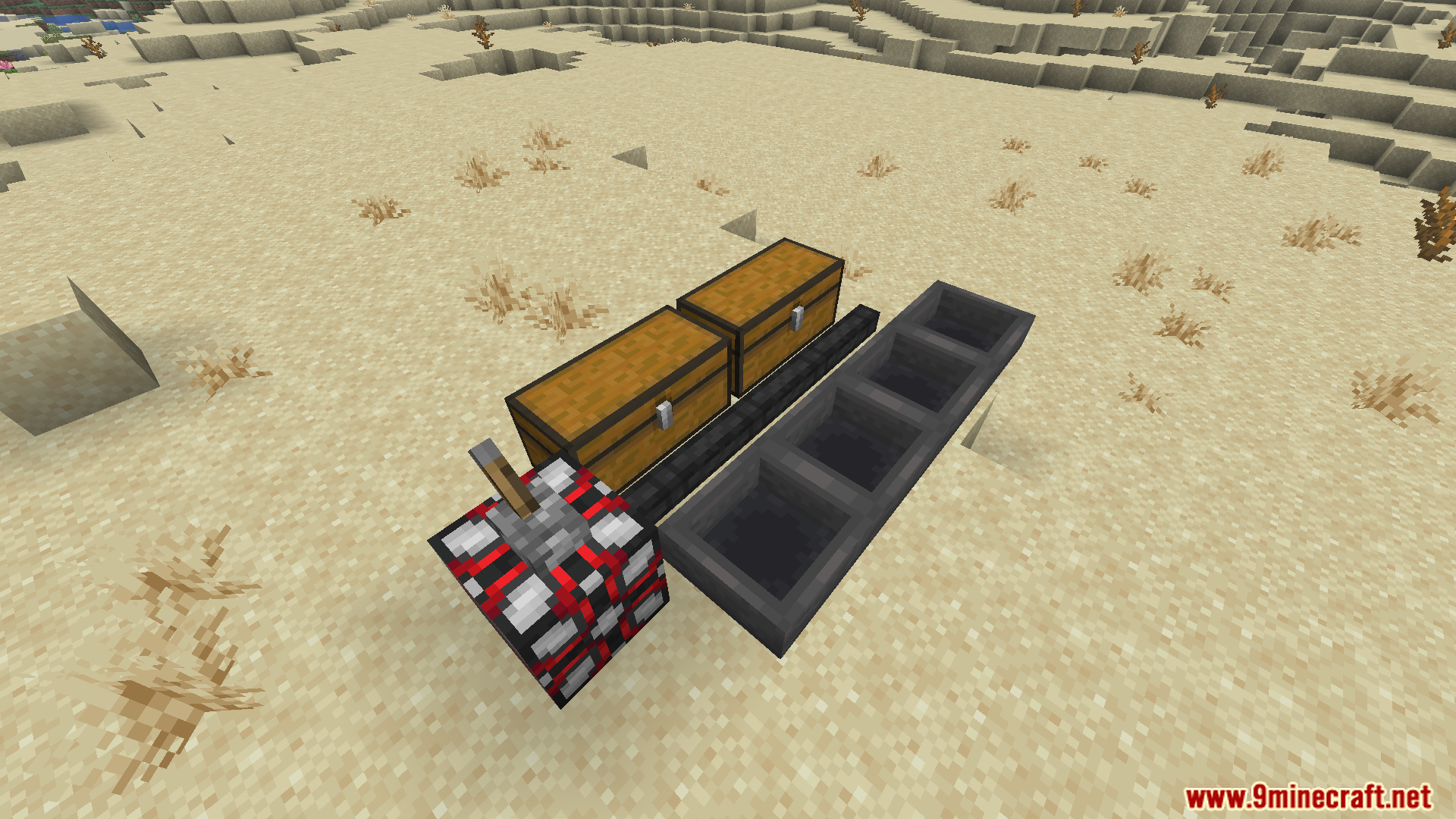
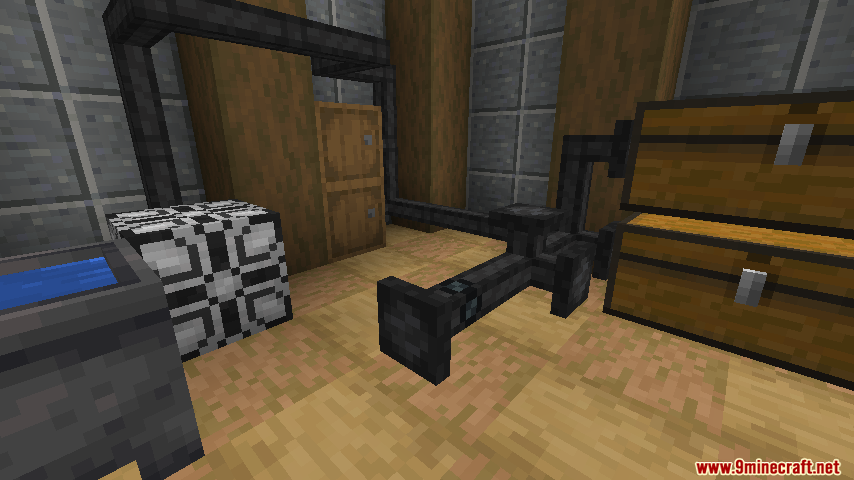
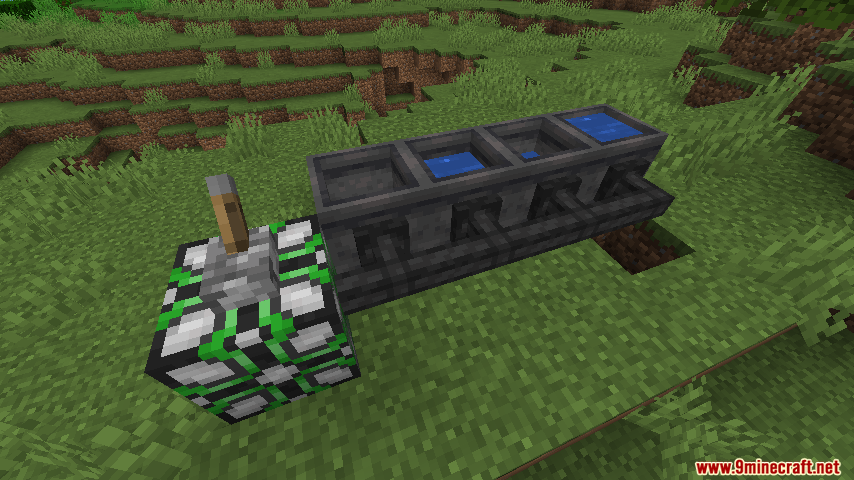
- Build networks using cables, interfaces, and controllers to connect your blocks and devices.
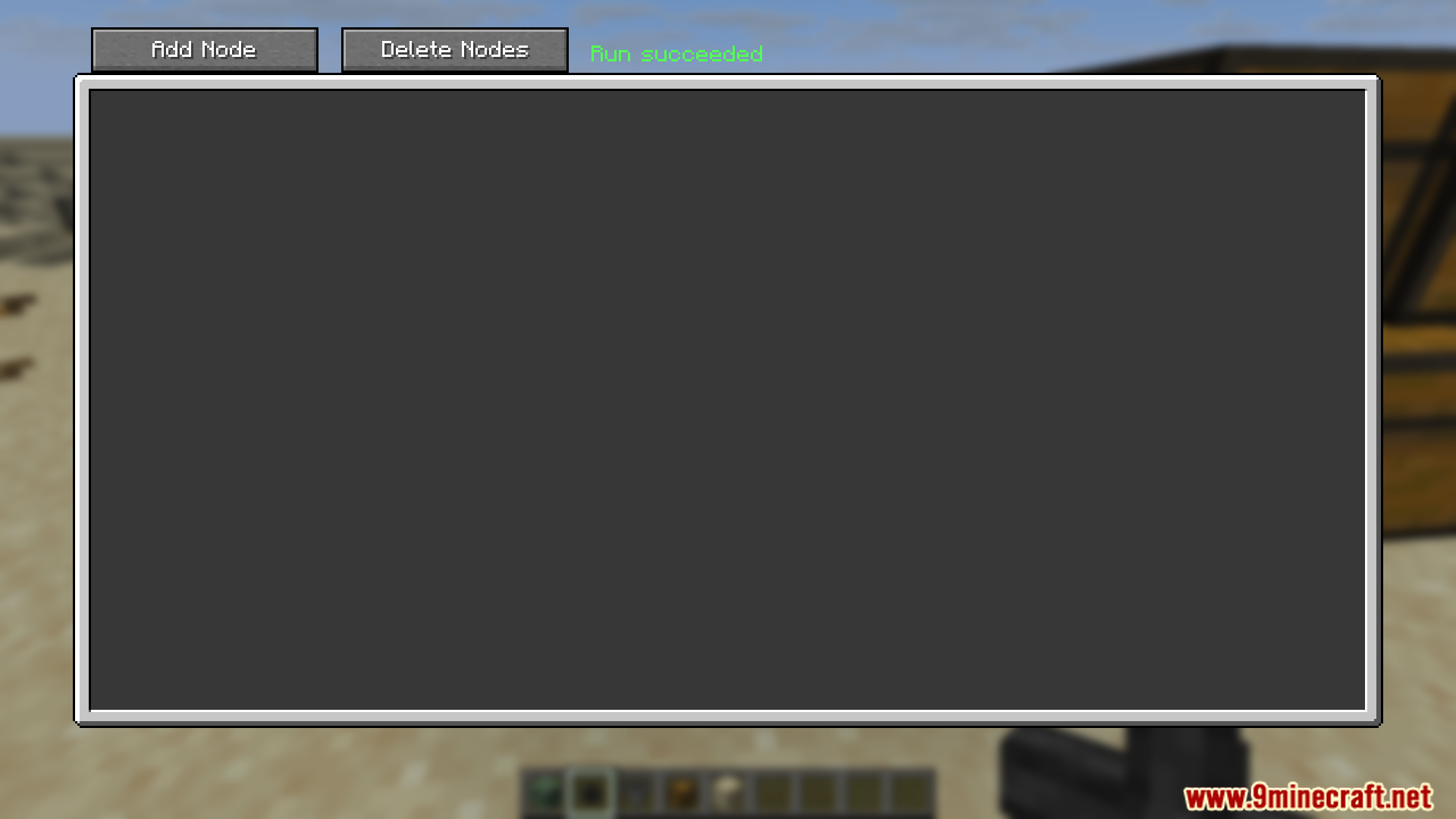
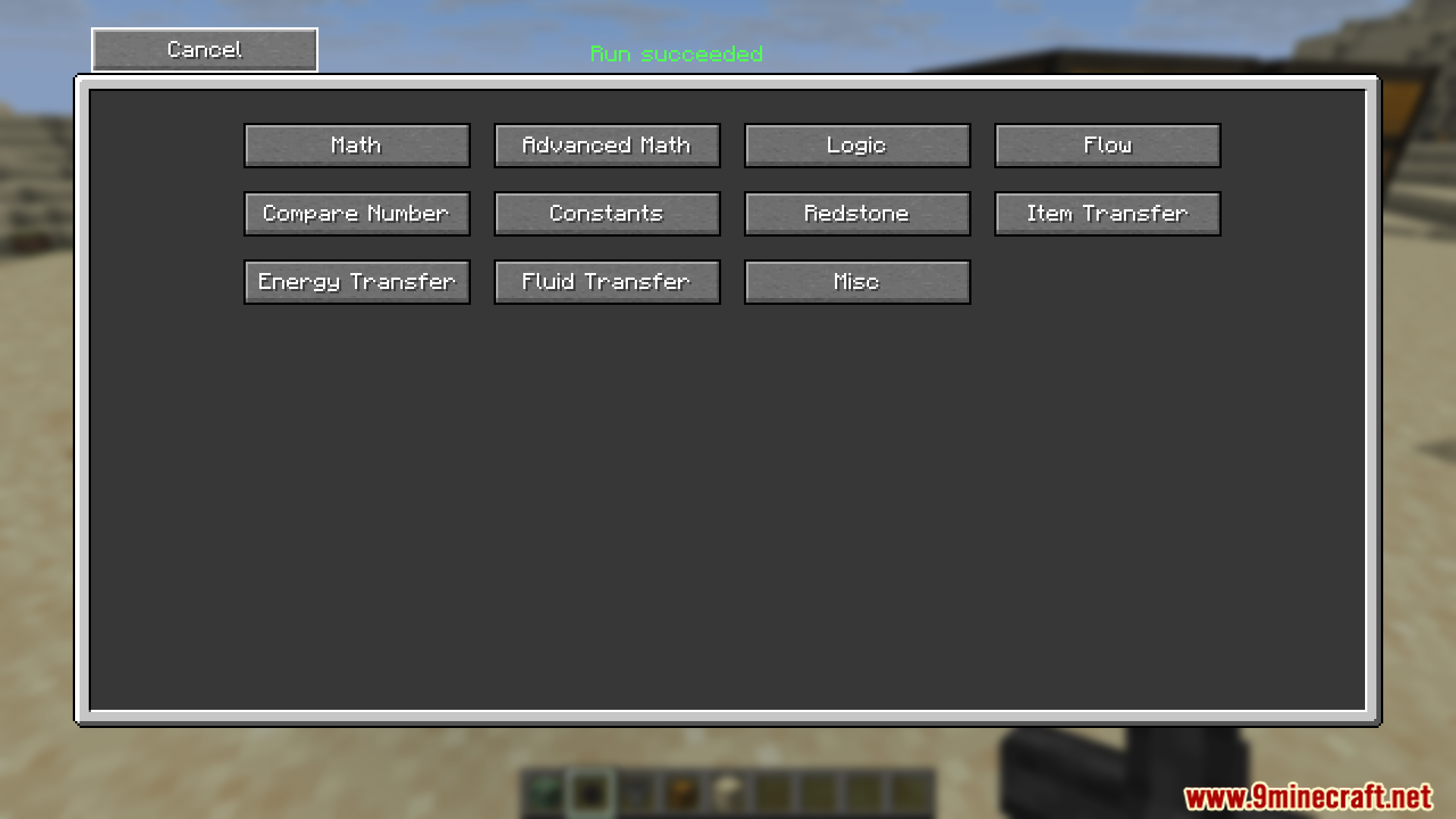
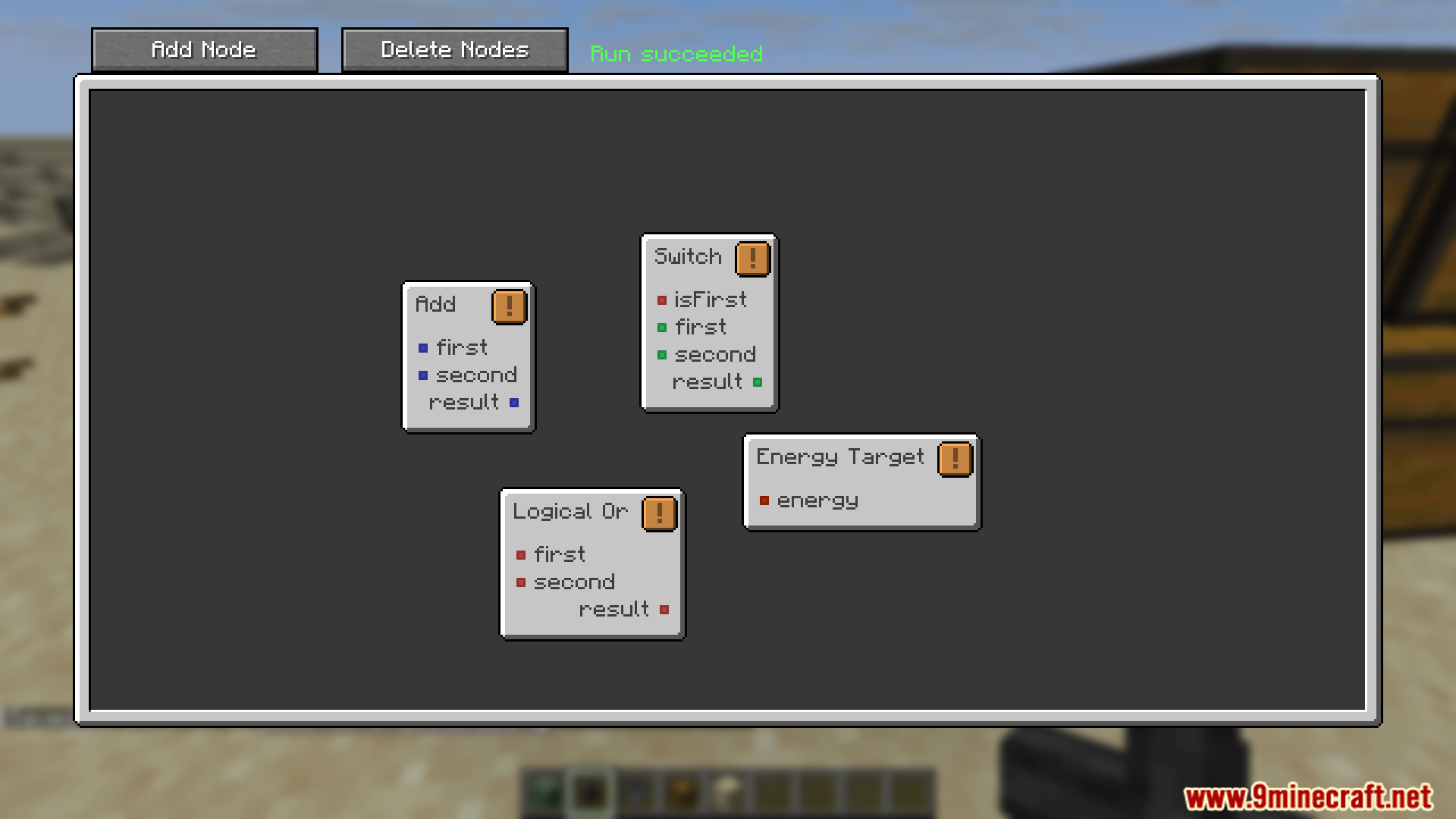
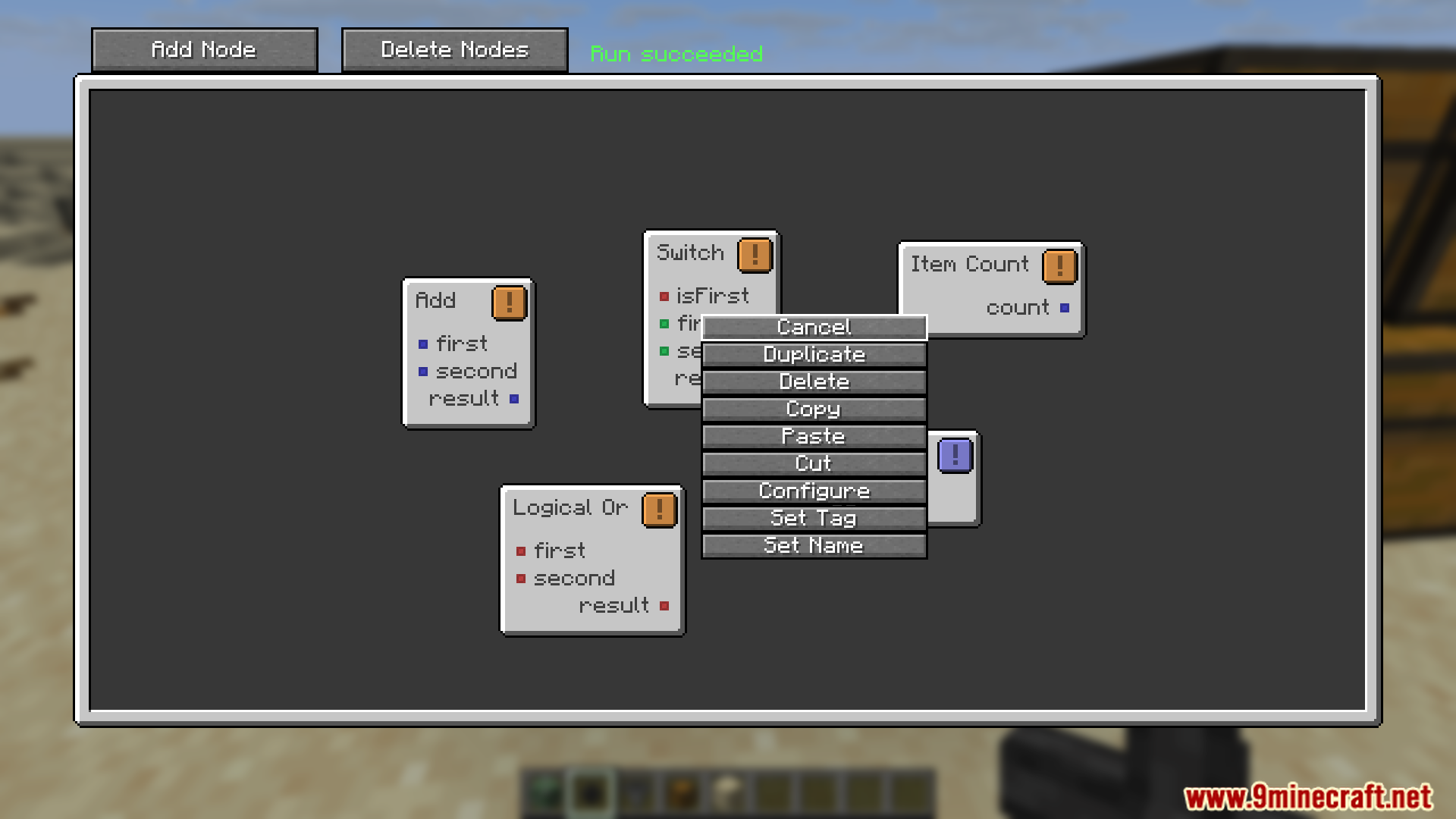
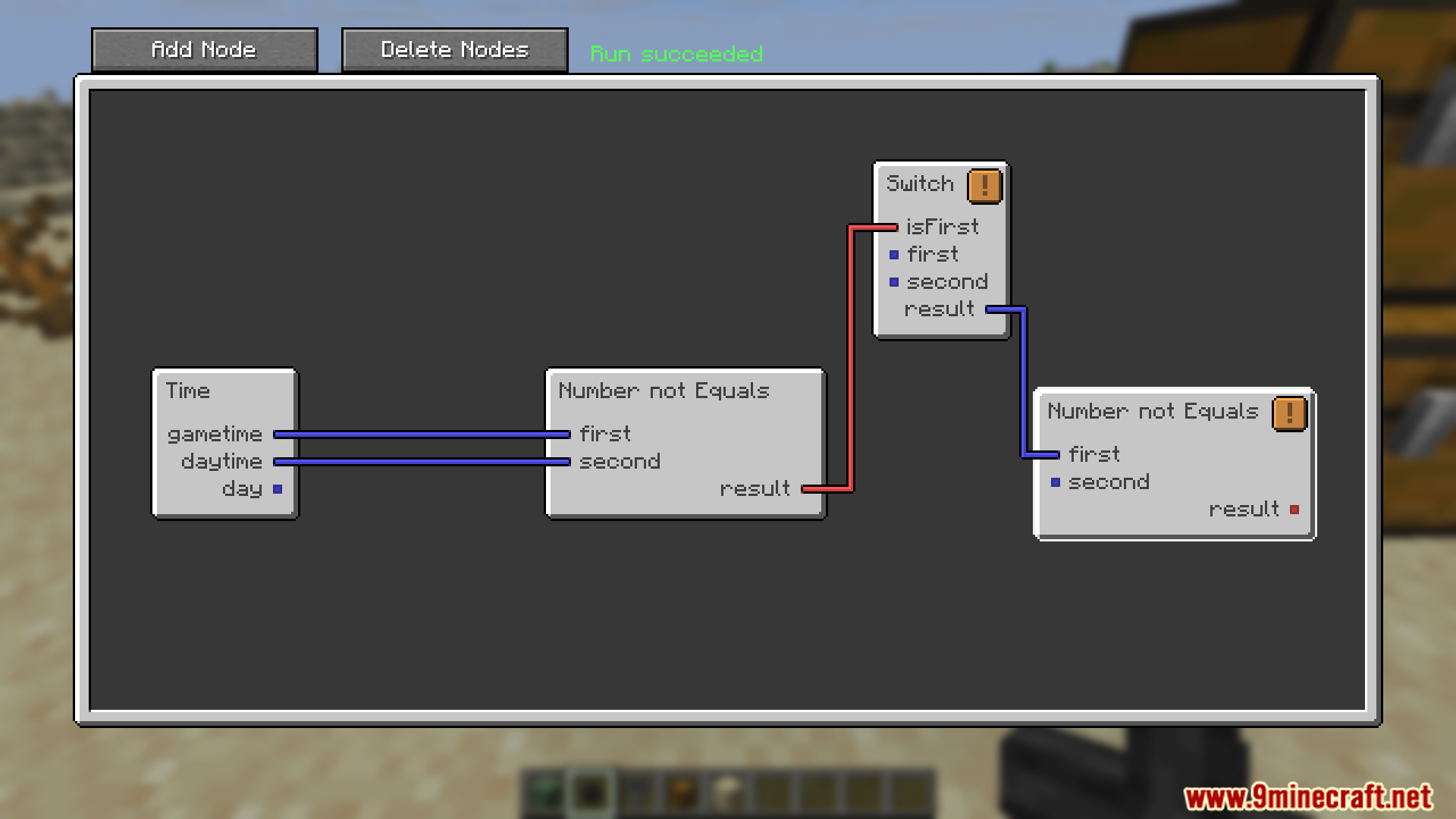
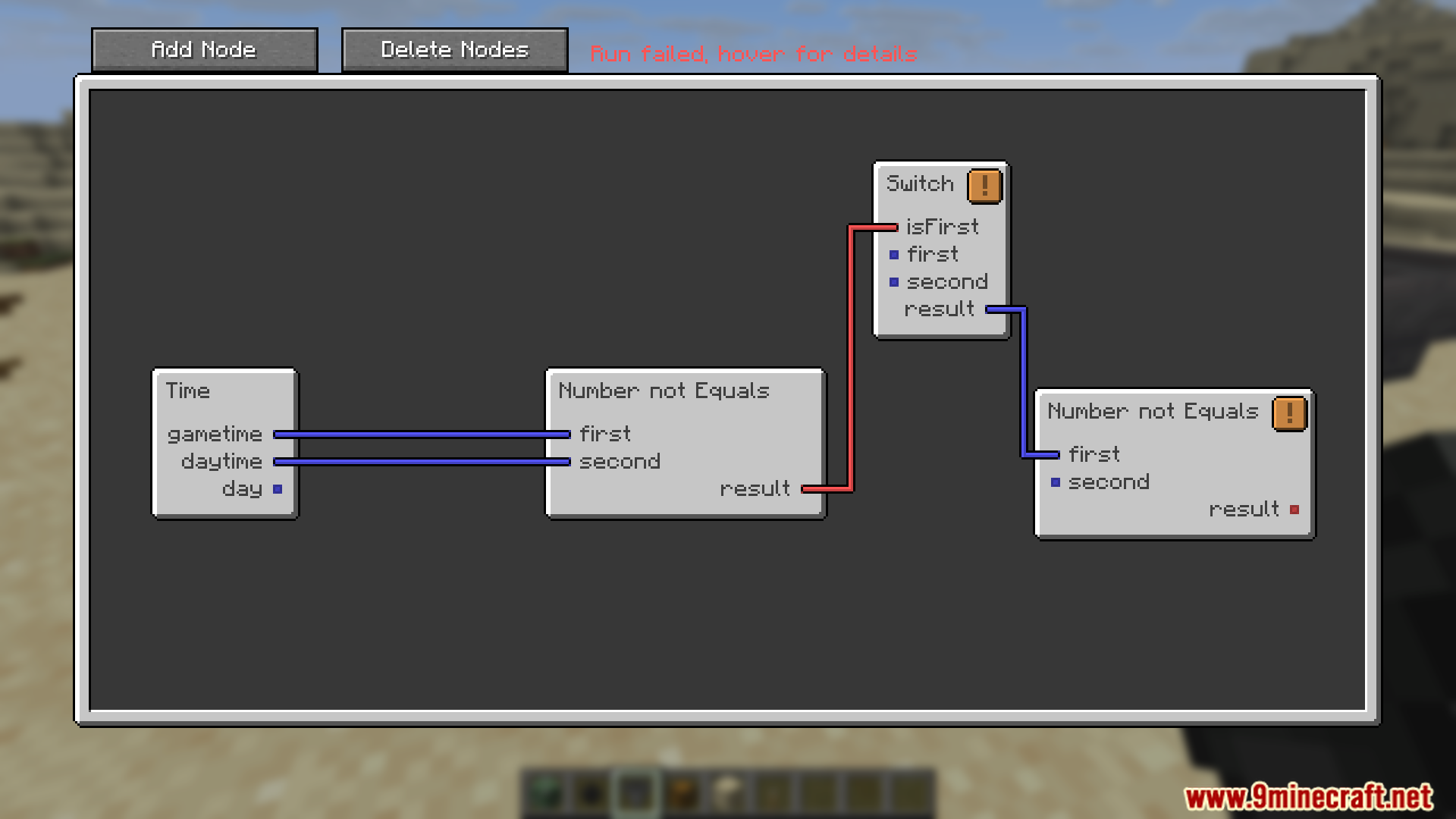
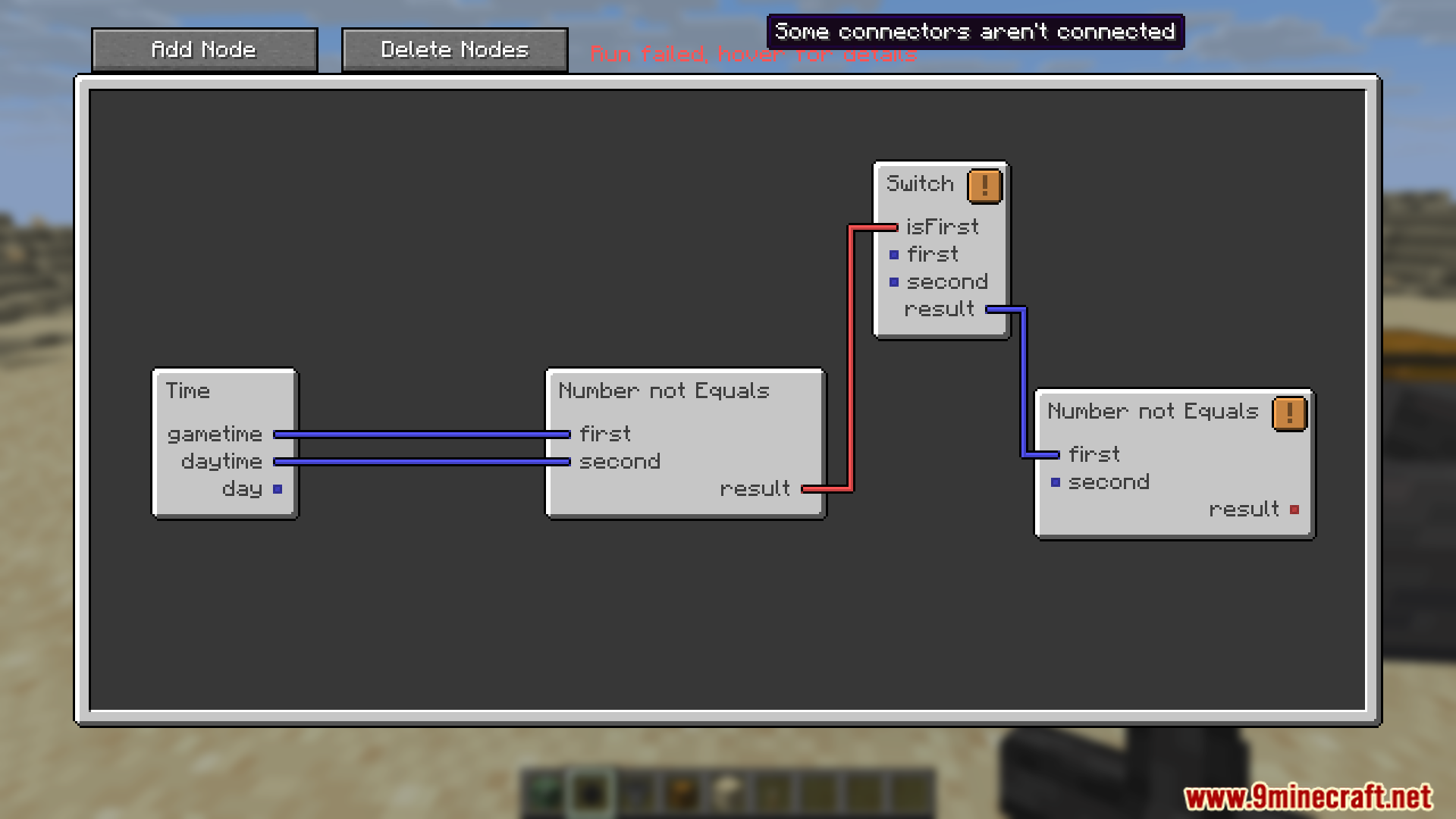
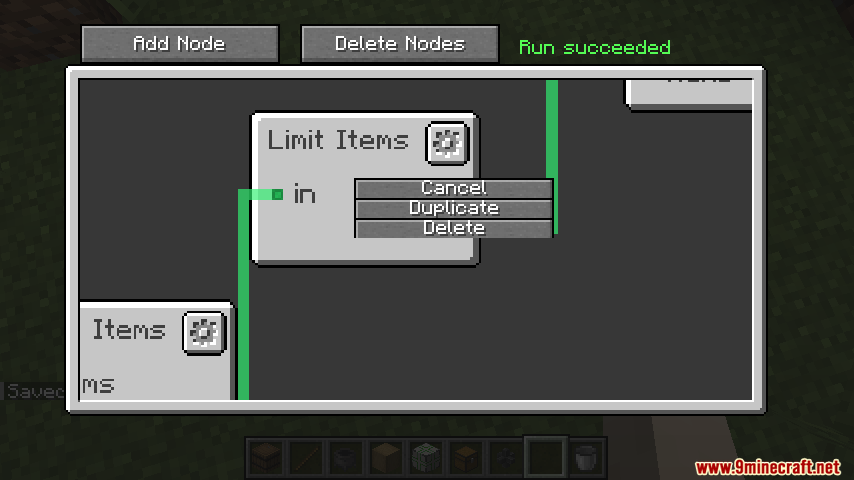
- Use a visual editor inside controllers to create logic flows with nodes, supporting dragging, zooming, duplication, and deletion.
- Transfer items, fluids, and energy precisely using a stream system where flows are evaluated after all nodes run.
- Filter and limit item transfers using dedicated nodes to control exact resource quantities.
- Check storage capacity and fill levels using special reading nodes.
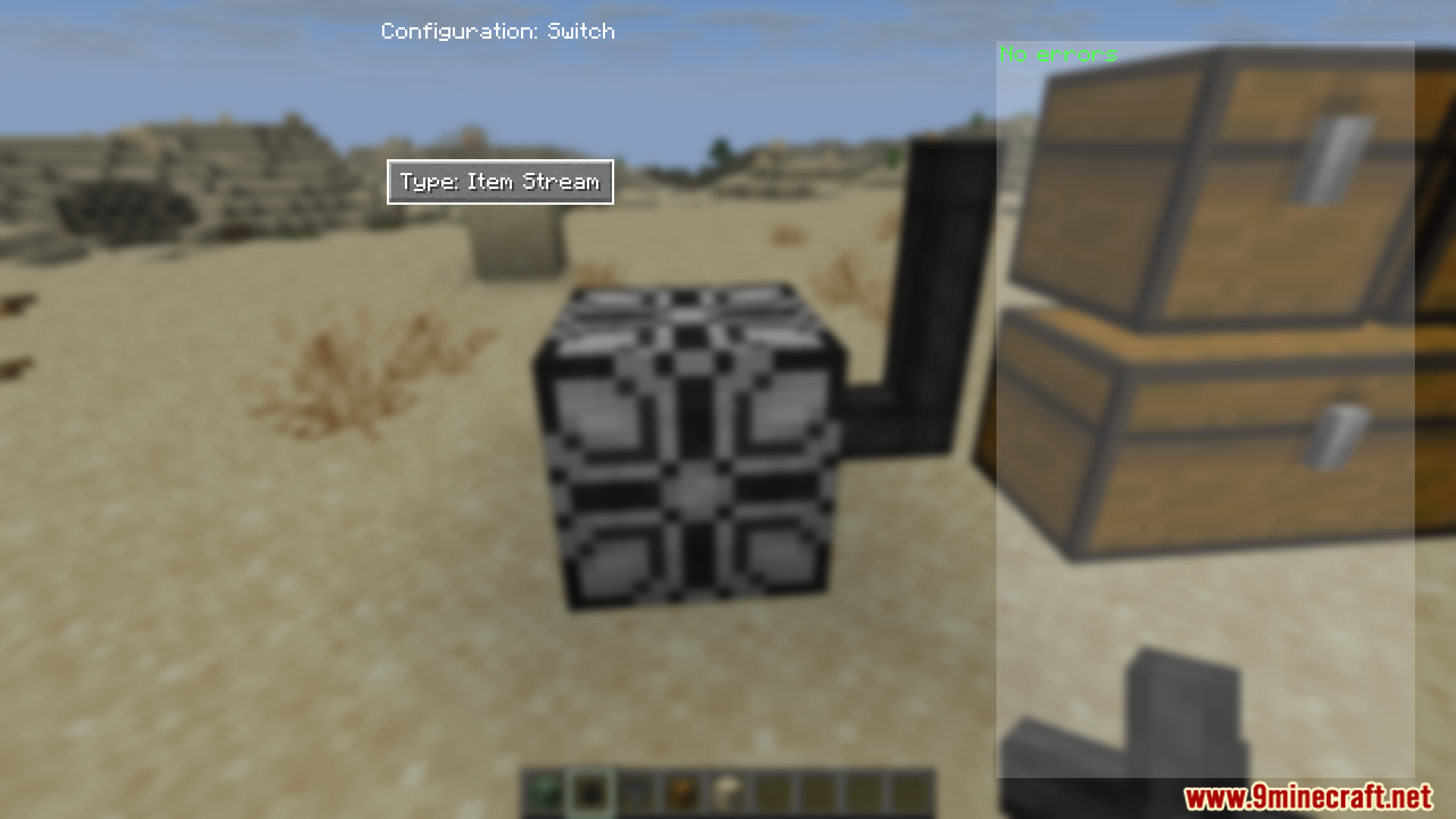
- Configure cable sides quickly by clicking with a stick or a wrench, or sneak-click to open detailed configuration menus.
How to Use:
- Craft crystalline compound using an amethyst shard, a clay ball, and a piece of coal.
- Craft network cables and controllers using your crafted materials.
- Sneak-click on a placed cable with an empty hand to open its configuration menu and set a side to interface mode with a name.
- Open the controller block, add and connect nodes in the visual editor, and select your interface to get the network working.
Screenshots:
How to Install:
New to Minecraft? Follow our step-by-step guide to install Mods on your PC.View Guide
Advanced Networking Mod Download Links
For Minecraft 1.21.8, 1.21.7, 1.21.6
Fabric/Quilt version: Download from Server 1 – Download from Server 2
For Minecraft 1.21.1, 1.21
Fabric/Quilt version: Download from Server 1 – Download from Server 2
For Minecraft 1.20.6
Fabric/Quilt version: Download from Server 1 – Download from Server 2
For Minecraft 1.20.4
Fabric/Quilt version: Download from Server 1 – Download from Server 2
For Minecraft 1.20.2
Fabric/Quilt version: Download from Server 1 – Download from Server 2
For Minecraft 1.20.1, 1.20
Fabric/Quilt version: Download from Server 1 – Download from Server 2
For Minecraft 1.19.4
Fabric/Quilt version: Download from Server 1 – Download from Server 2
For Minecraft 1.19.3
Fabric/Quilt version: Download from Server 1 – Download from Server 2
For Minecraft 1.19.2
Fabric/Quilt version: Download from Server 1 – Download from Server 2
Which item and recipe viewer mod do you prefer to have in your game?
28 responses · See the full results →
You May Also Like
Picked for this page
 Camera Mod (26.3, 1.20.1) – In-Game Photography
 Tweakeroo Mod (26.3, 1.20.1) – Hand Restock, Hotbar Swap
 Easy Magic Mod (26.3, 1.20.1) – Easier Enchant
 Pipez Mod (26.3, 1.20.1) – Transporting Things Is Easier
 Tschipcraft’s Dynamic Lights Mod (26.2, 1.20.1) – Server-Side Dynamic Lighting
 Tool Stats Mod (26.3, 1.20.1) – Harvest Level Display
 Starter Structure Mod (26.3, 1.20.1) – Automatic Starter Base Generator
 Monsters In The Closet Mod (1.21.11, 1.20.1) – No More Sleepless Nights
 Squaremap Mod (26.3, 1.20.1) – World Map Viewer
 Traveler’s Compass Mod (26.3, 1.20.1) – Item & Mob Tracker
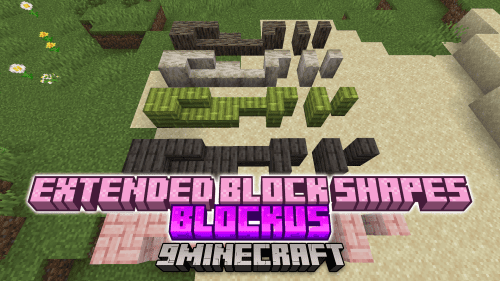 Extended Block Shapes Blockus Mod (26.2, 1.20.1) – More Shapes For Blockus Blocks
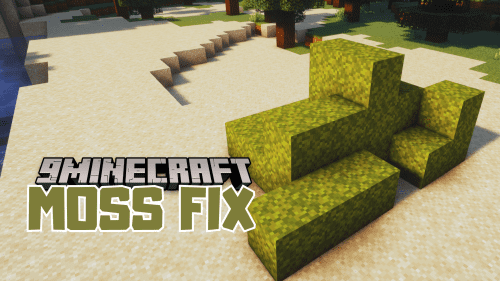 Moss Fix Mod (1.21.1, 1.20.1) – Enables Moss Growth Beneath Transparent Blocks
Most viewed in Mods over the last 7 days
 Ala Industrial Mod (26.3) – Run Electric Power Grids and Automated Factories
 PleasureCraft Mod (26.3, 1.21.1) – Jenny Mod Remake for Fabric
 Jennycraft Mod (26.3, 1.20.1) – Virtual Girlfriend in Minecraft
 Fapcraft Mod (26.3, 1.12.2) – Comprehensive and Detailed Content
 Jenny Mod (Fapcraft) Official Complete Guide – How to use, Tutorial
 BangCraft Mod (1.20.1) – Jenny, Ellie and Elliot
 Fabric Loader (26.3, 1.20.1) – Fabric Installer for All Minecraft Versions
 Meteor Client Mod (26.3, 1.20.1) – Xray, HUD, Fly
 The Shooting Star Demo Mod (26.3, 1.20.1) – Vaporize Terrain From Orbit
 OptiFine HD (26.3, 1.20.1) – Run Faster, FPS Boost, Shaders Support
 Aristois Client Mod (1.21.4, 1.20.1) – World Class Minecraft Utility
 SchnurriTV Mod (1.12.2) – Characters and Features
More from Mods
 Avali Nexus Mod (26.3) – Settle Frozen Frontiers with High-Tech Bird Tribes
 Orient’s Hotpot Chronicles Mod (1.20.1) – Boil Fresh Hotpot Meals Over Open Flames
 Far Lands Traveler Mod (26.1.2) – Survive the Long Trek to the Edge of the World
 Beli’s SkyLyrics Mod (1.21.11) – Sing Along to Desktop Tracks Projected in the Night Sky
 Explainstone and Songmelyn Mod (1.21.1) – Broadcast Custom Music Across Your Base
 Rockstar Shaders Mod (26.3) – Cast Ray-Traced Light Across Vast Distant Horizons
 ERYDON Mod (1.20.1) – Design Grand Courtyards with Carved Marble Pillars
 Infinity Bound Mod (1.21.1) – Snap Away Enemies with Legendary Superhero Gear
 Legacy Gecko Lib Fabric Mod (1.16.5) – Power Animated Creatures in Modpacks
 The Man from the Shadow Horror Mod (1.20.1) – Fight Hallucinations to Survive
 Shade & Saturation Slider Mod (26.2, 1.21.11) – Make Every Biome Vibrant
 Cataclysm X Yung’s Better Nether Fortresses Compat Mod (1.21.1, 1.20.1)

This post has no comments yet. Be the first — your comment will appear here.