
Extended Block Shapes Blockus Mod (26.2, 1.20.1)
 1,003
 0


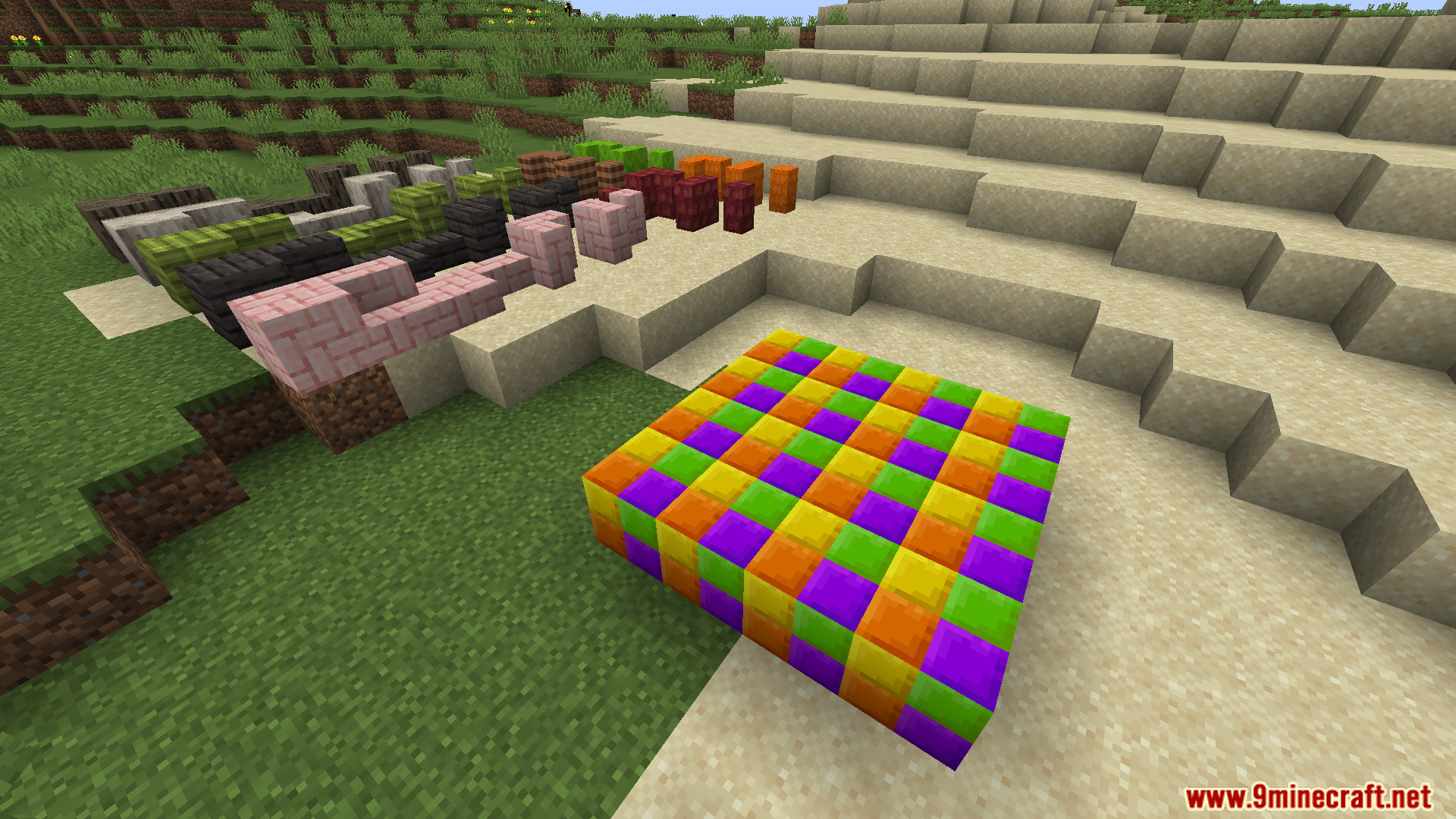
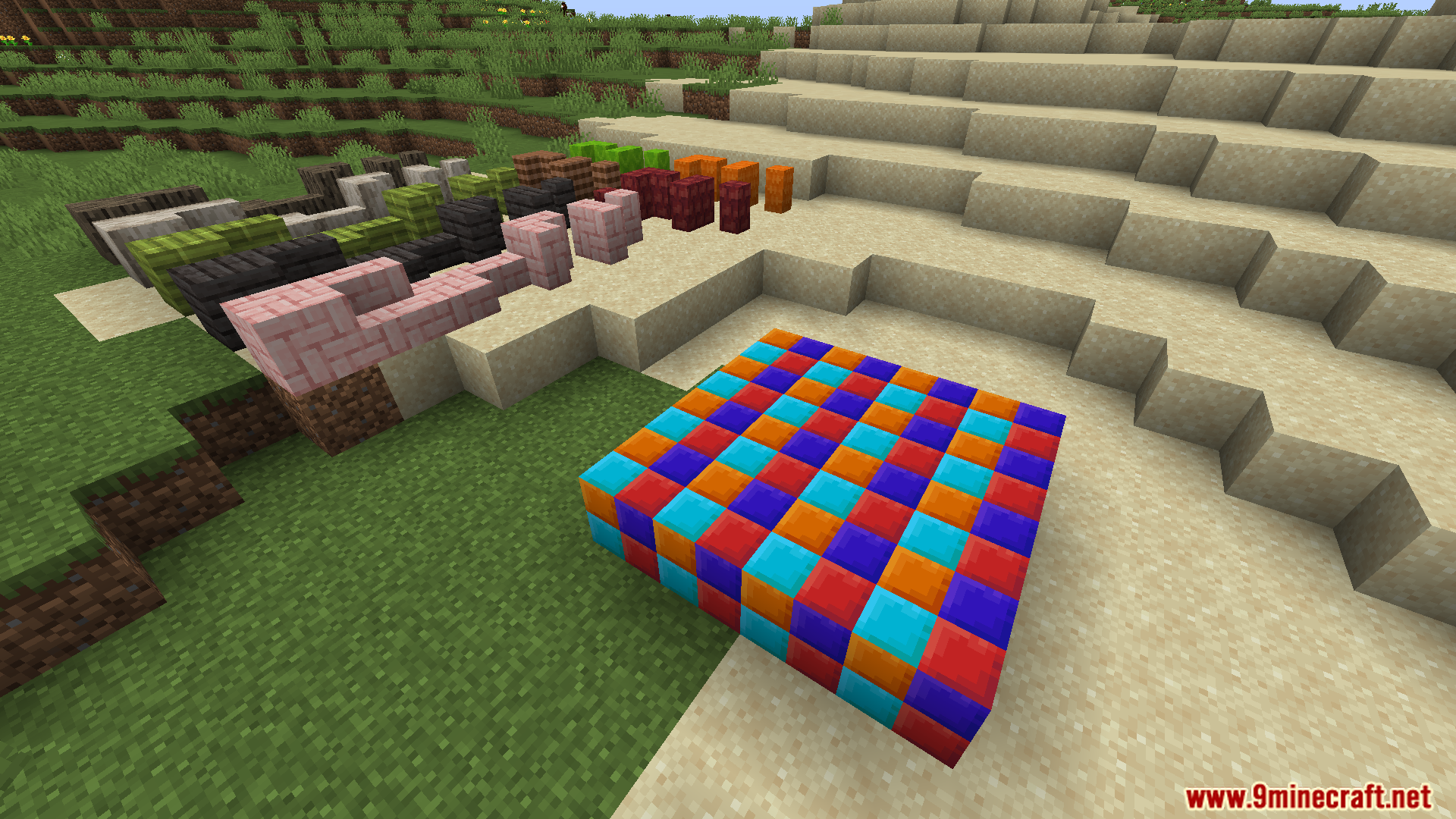
Extended Block Shapes Blockus Mod adds extended shape variants for blocks from the Blockus mod. It requires both Extended Block Shapes and Blockus to work properly.
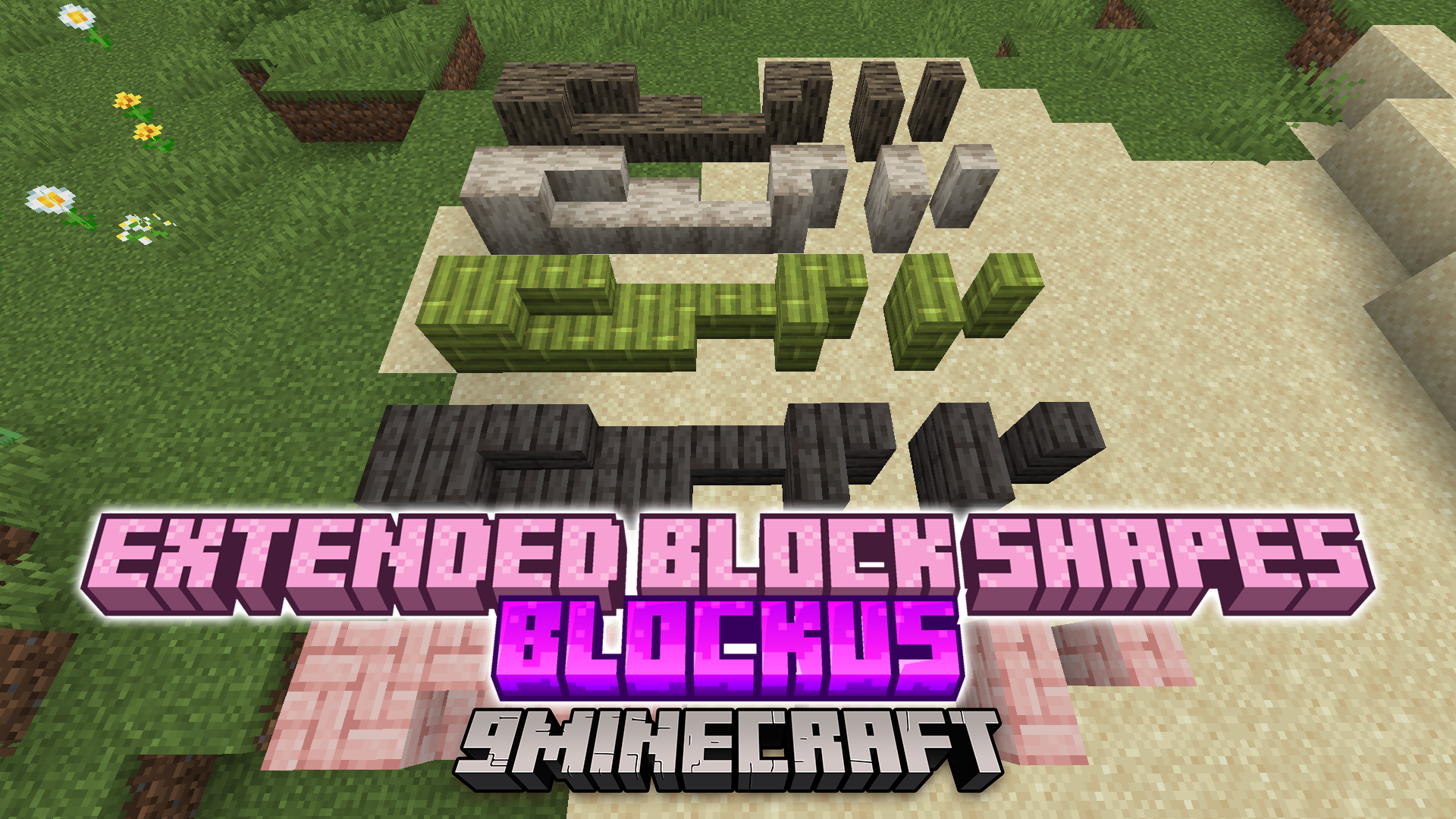
Features:
- Adds extra shape options for various Blockus blocks.
- Blends smoothly with standard Blockus building materials and themes.
- Gives builders more options for detailed structures.
How to Use:
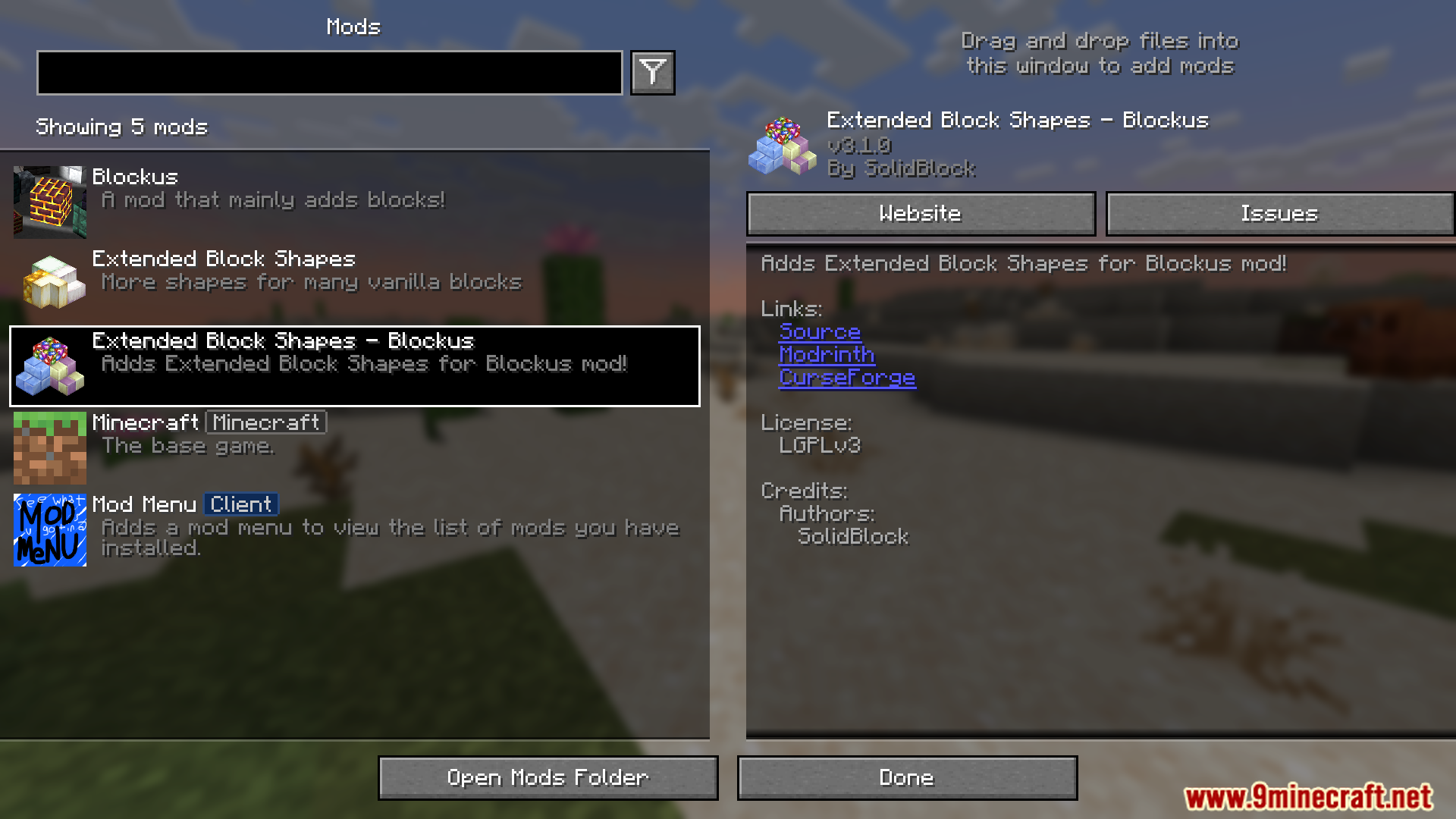
- Open the mod options for Extended Block Shapes in the menu.
- Turn on the “Add to vanilla groups” setting.
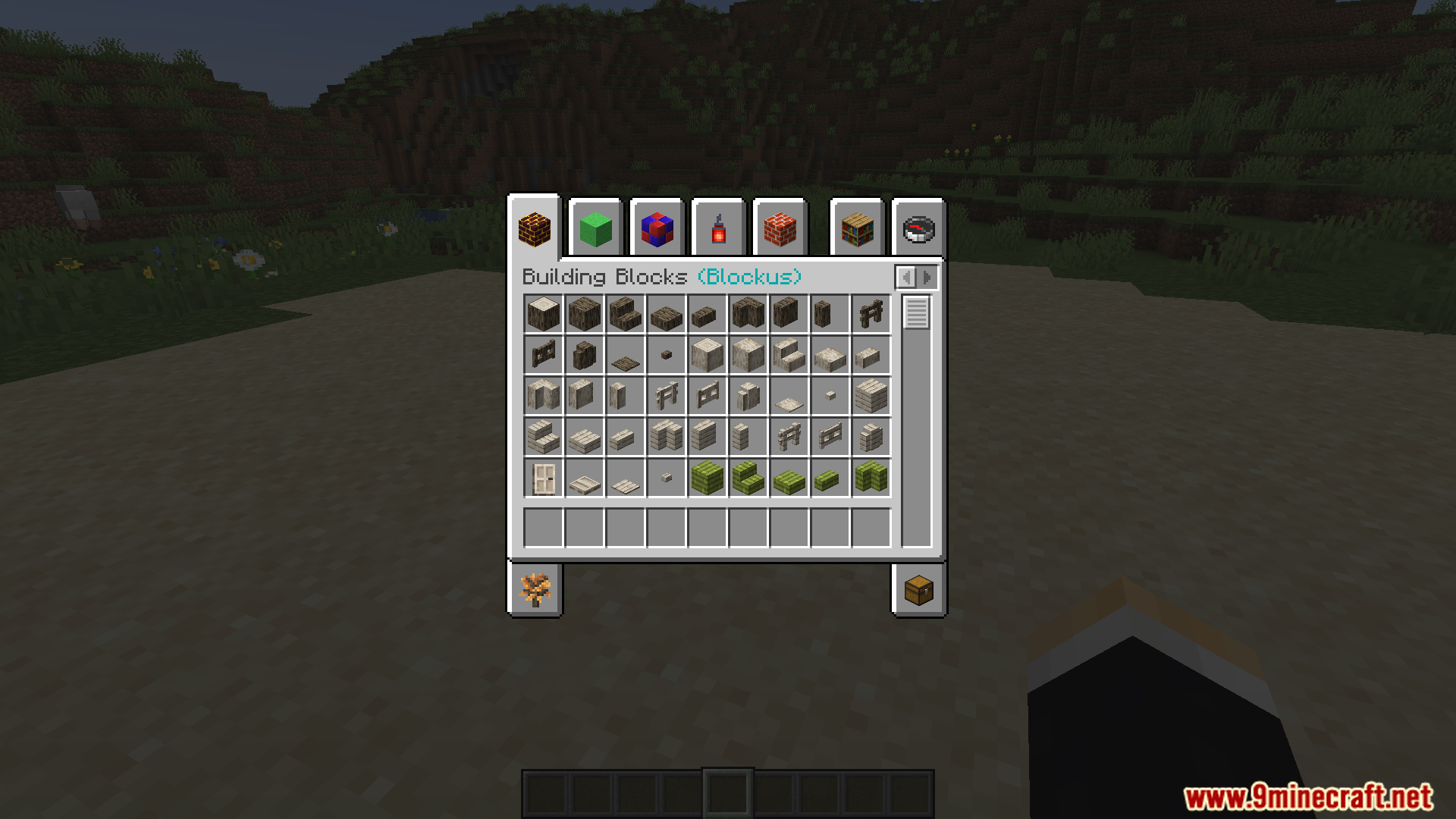
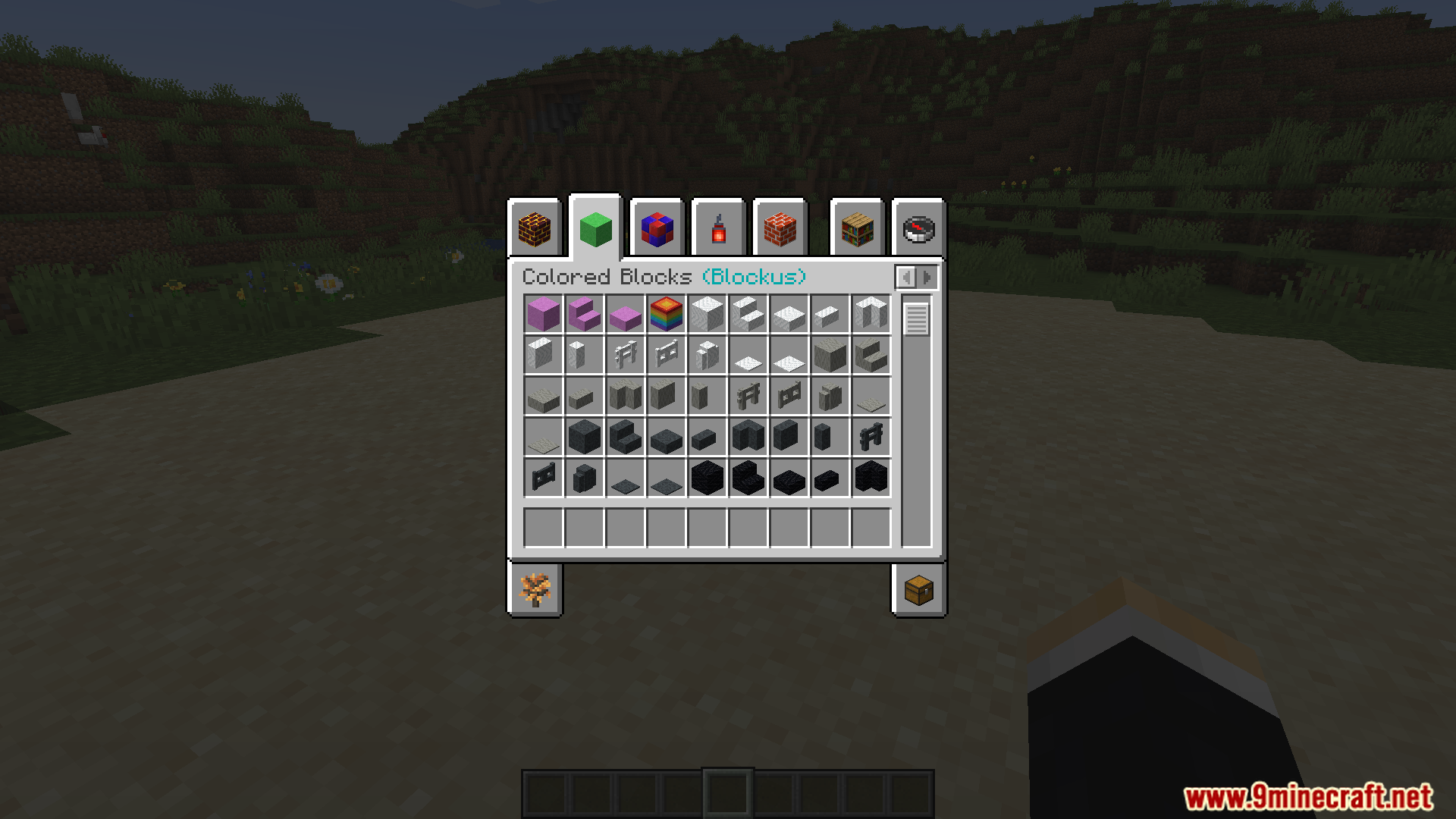
- Find the new shapes inside the Blockus item groups in your creative inventory.
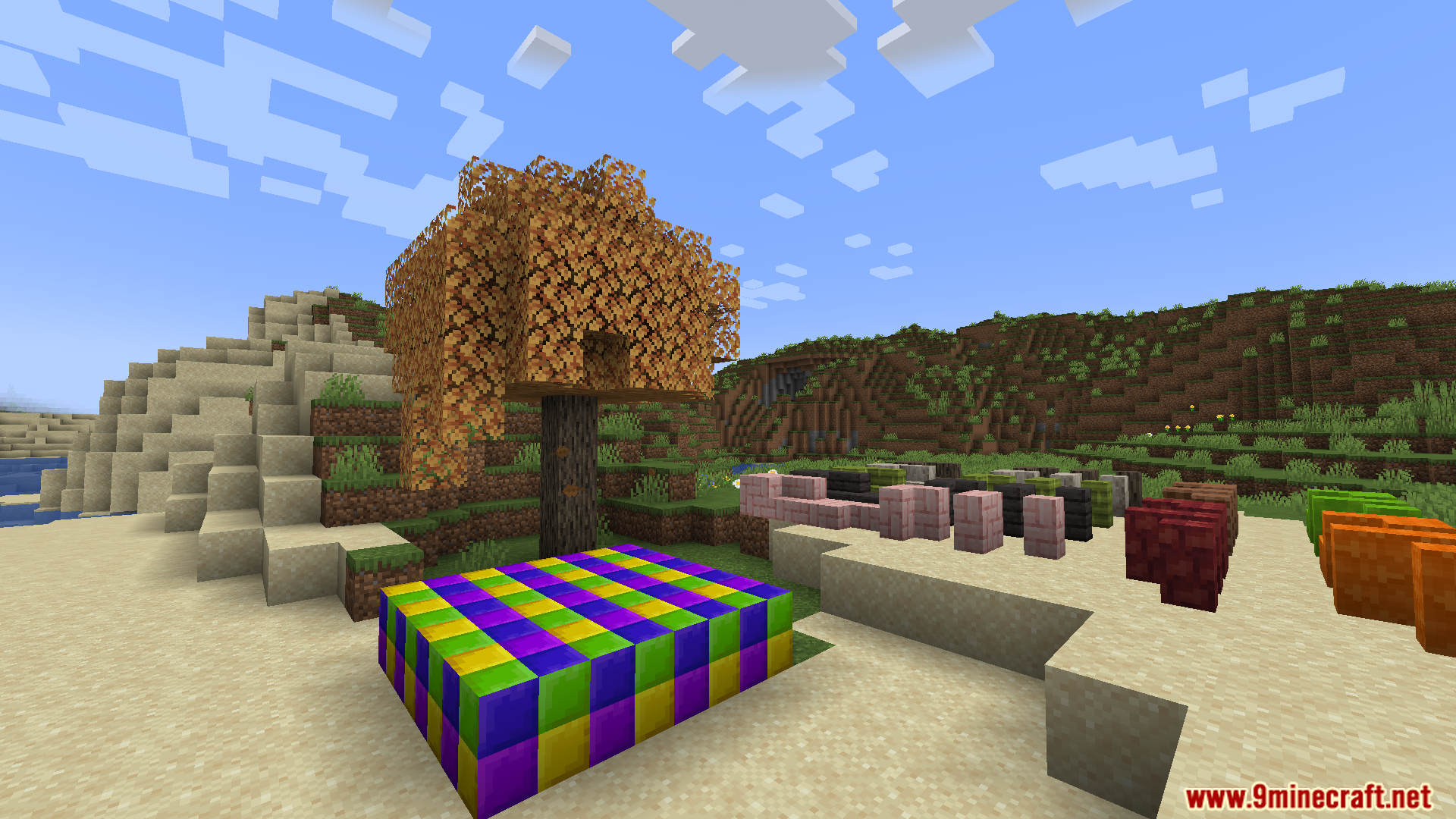
Screenshots:
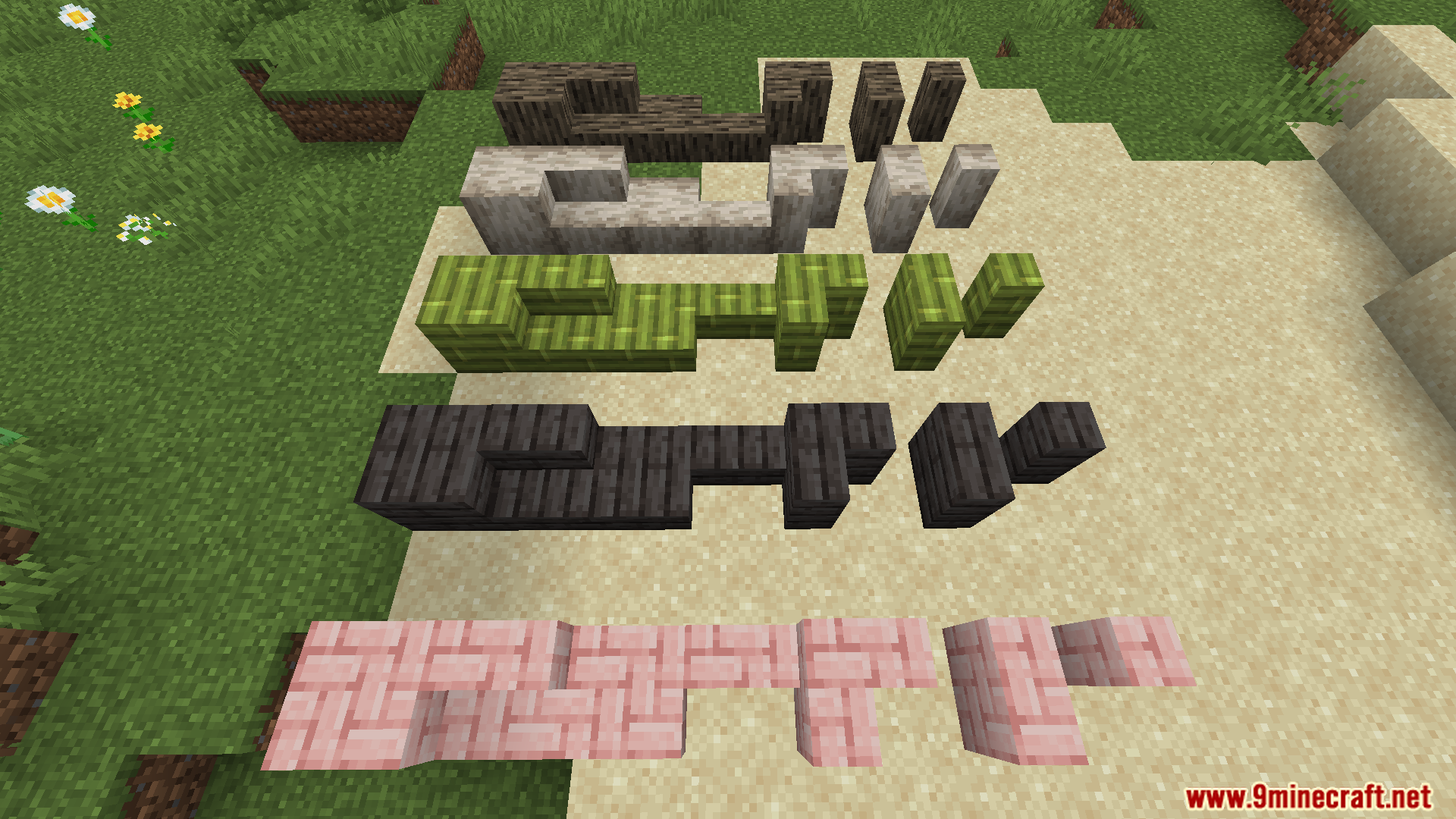
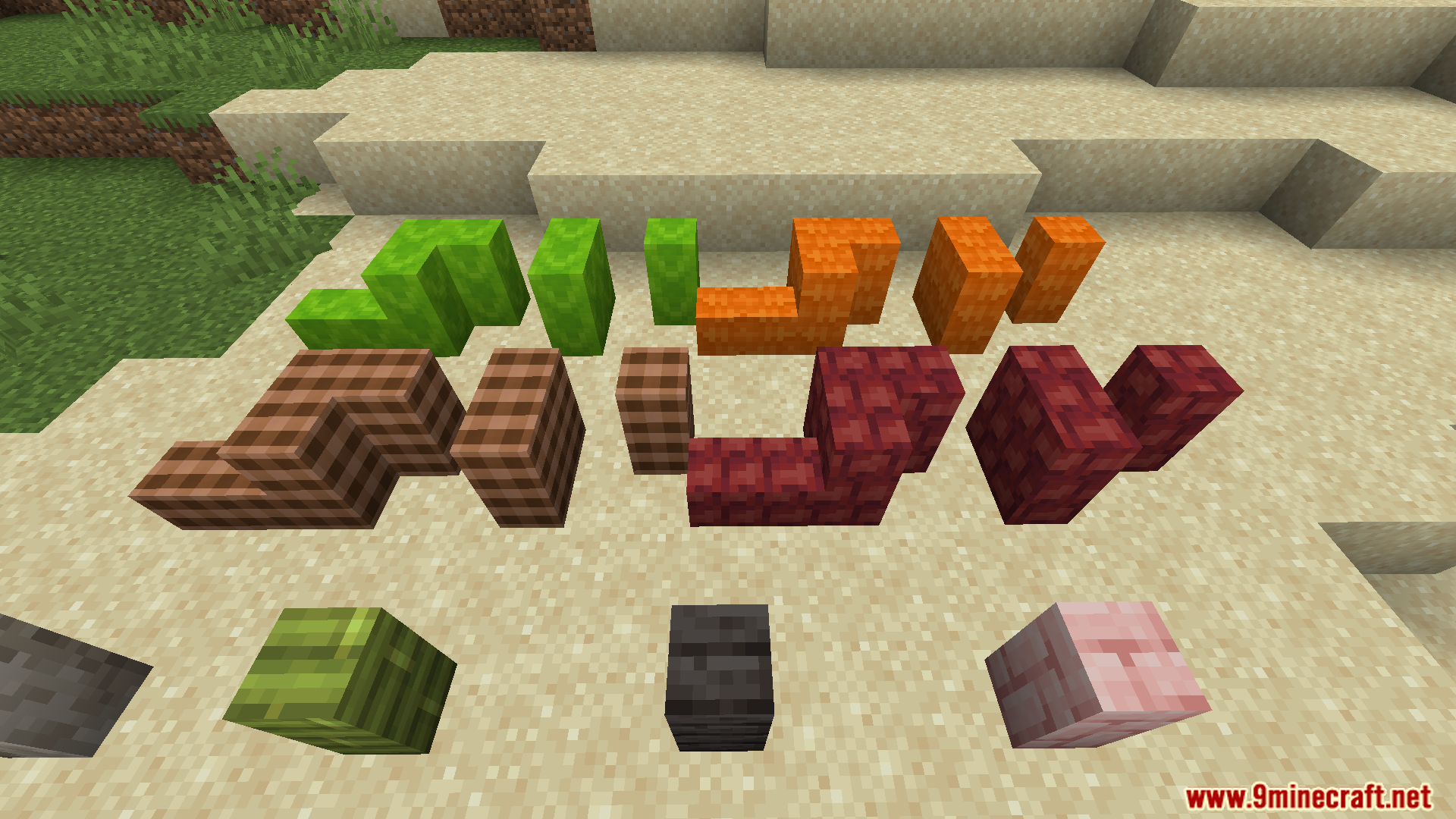
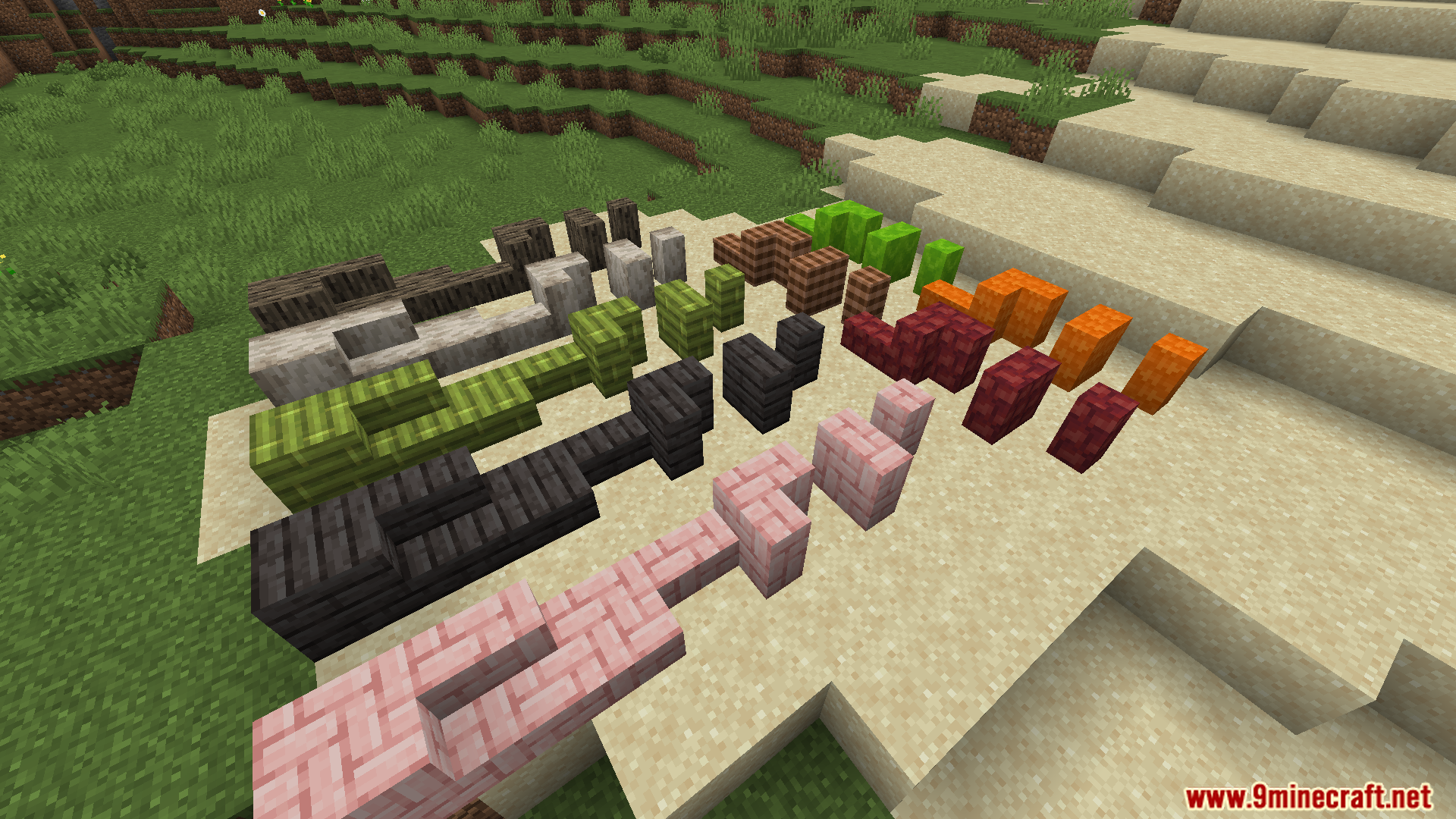
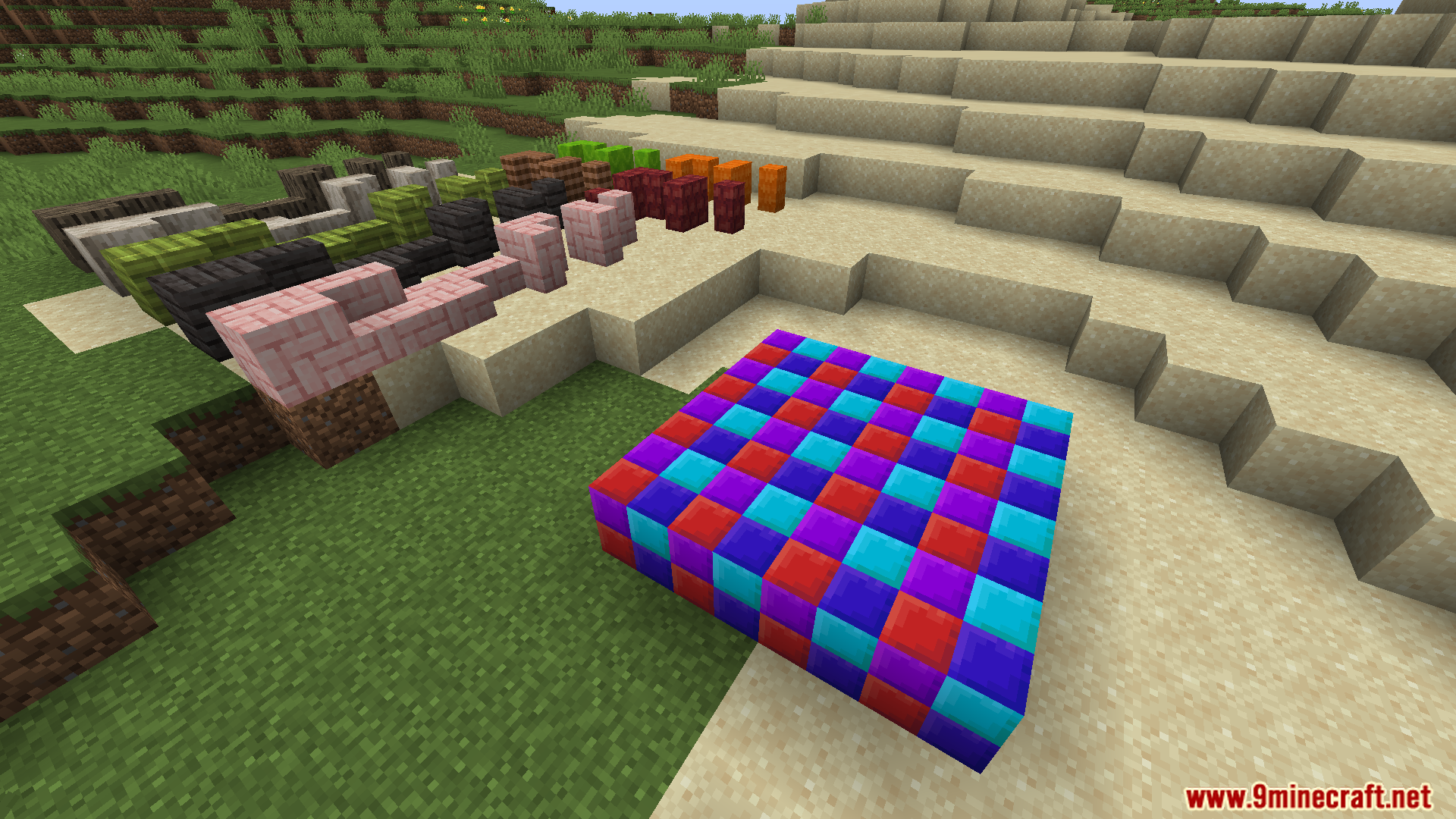
How to Install:
New to Minecraft? Follow our step-by-step guide to install Mods on your PC.View Guide
Requirements:

Extended Block Shapes Blockus Mod Download Links
For Minecraft 26.2
For Minecraft 26.1.2, 26.1.1, 26.1
For Minecraft 1.21.11
For Minecraft 1.21.10, 1.21.9
For Minecraft 1.21.8, 1.21.7, 1.21.6
For Minecraft 1.21.5
For Minecraft 1.21.4
For Minecraft 1.21.3, 1.21.2
For Minecraft 1.21.1, 1.21
For Minecraft 1.20.6, 1.20.5
For Minecraft 1.20.4, 1.20.3
For Minecraft 1.20.2
For Minecraft 1.20.1, 1.20
For Minecraft 1.19.4
For Minecraft 1.19.3
For Minecraft 1.19.2, 1.19.1, 1.19
For Minecraft 1.18.2
Click to rate this post!
[Total: 2 Average: 5]
QUICK MINECRAFT SURVEY · ONE TAP
Mods & Modpacks
Do you include client-side quality-of-life mods (like inventory tweaks or mini-maps) when playing on public servers?
12 responses · See the full results →
You May Also Like
Picked for this page
 Additional Enchanted Miner Mod (26.2, 1.20.1) – Advanced Machines
 Enchanting Commands Mod (26.3, 1.20.1) – Easy Creation of Enchanted Items via Commands
 CreativeCore (26.3, 1.20.1) – Library for CreativeMD’s Mods
 Shoulder Surfing Reloaded Mod (26.3, 1.20.1) – Configurable Third Person Camera
 More Axolotl Variants Mod (26.3, 1.20.1) – More Adorable Creatures
 Mystical Agriculture Mod (26.1.2, 1.20.1) – Grow Diamonds From a Seed
 Horse Statistics Mod (26.3, 1.20.1) – Attribute Display, Taming Assistance
 Chat Patches Mod (26.3, 1.20.1) – Experience Enhanced Chatting
 Flower Patch Mod (26.3, 1.20.1) – Bunch Together Flowers into A Single Blockspace
 Progressive Ender Eyes Mod (26.3, 1.20.1) – Eye of Ender Is Not Easy to Craft Anymore
 Adaptive Tooltips Mod (26.3, 1.20.1) – Highly Configurable Tooltip Rendering
 OneKeyMiner Mod (26.3, 1.20.1) – Automatic Chain Mining And Farming
Most viewed in Mods over the last 7 days
 Ala Industrial Mod (26.3) – Run Electric Power Grids and Automated Factories
 PleasureCraft Mod (26.3, 1.21.1) – Jenny Mod Remake for Fabric
 Jennycraft Mod (26.3, 1.20.1) – Virtual Girlfriend in Minecraft
 Fapcraft Mod (26.3, 1.12.2) – Comprehensive and Detailed Content
 Jenny Mod (Fapcraft) Official Complete Guide – How to use, Tutorial
 BangCraft Mod (1.20.1) – Jenny, Ellie and Elliot
 Fabric Loader (26.3, 1.20.1) – Fabric Installer for All Minecraft Versions
 Meteor Client Mod (26.3, 1.20.1) – Xray, HUD, Fly
 The Shooting Star Demo Mod (26.3, 1.20.1) – Vaporize Terrain From Orbit
 OptiFine HD (26.3, 1.20.1) – Run Faster, FPS Boost, Shaders Support
 Aristois Client Mod (1.21.4, 1.20.1) – World Class Minecraft Utility
 Prestige Client Mod (1.21.11, 1.21.4) – Powerful Ghost Features for Crystal & Sword PvP
More from Mods
 Alex’s Caves Continued Mod (26.3, 1.20.1) – Conquer Six Massive Underground
 Anvil Uses Mod (26.3, 1.20.1) – Track Item Anvil Usage
 Animal Info Mod (26.3, 1.21.11) – Quick Stats For Your Animals
 Timber Tales Dynamic Tree System Mod (26.3, 1.20.1) – Watch Entire Trees Topple
 Gabou’s Libs Mod (26.3, 1.20.1) – Keep Custom Weather and Survival Mods Stable
 /Sit Mod (26.3, 1.21.1) – Make The Player Sit Down
 Arcane Redstone Dial Mod (26.3, 1.20.1) – Trigger Commands and Shortcuts
 The Graveyard Mod (26.3, 1.20.1) – Cemeteries in Minecraft
 Enhanced Overlay Mod (26.3, 1.21.11) – Remove Screen Clutter
 Flint Mod (1.21.11) – Run DiamondFire Community Addons Without Crashing
 Not Just Sandwich Mod (26.3, 1.20.1) – Edibles, Sandwiches
 Waddles Mod (26.3, 1.20.1) – Make Icy Biomes Feel Alive

This post has no comments yet. Be the first — your comment will appear here.