AK Dark Mode Everywhere Mod (1.20.1, 1.19.2) – Configurable Dark GUI

 0
0  December 22, 2025
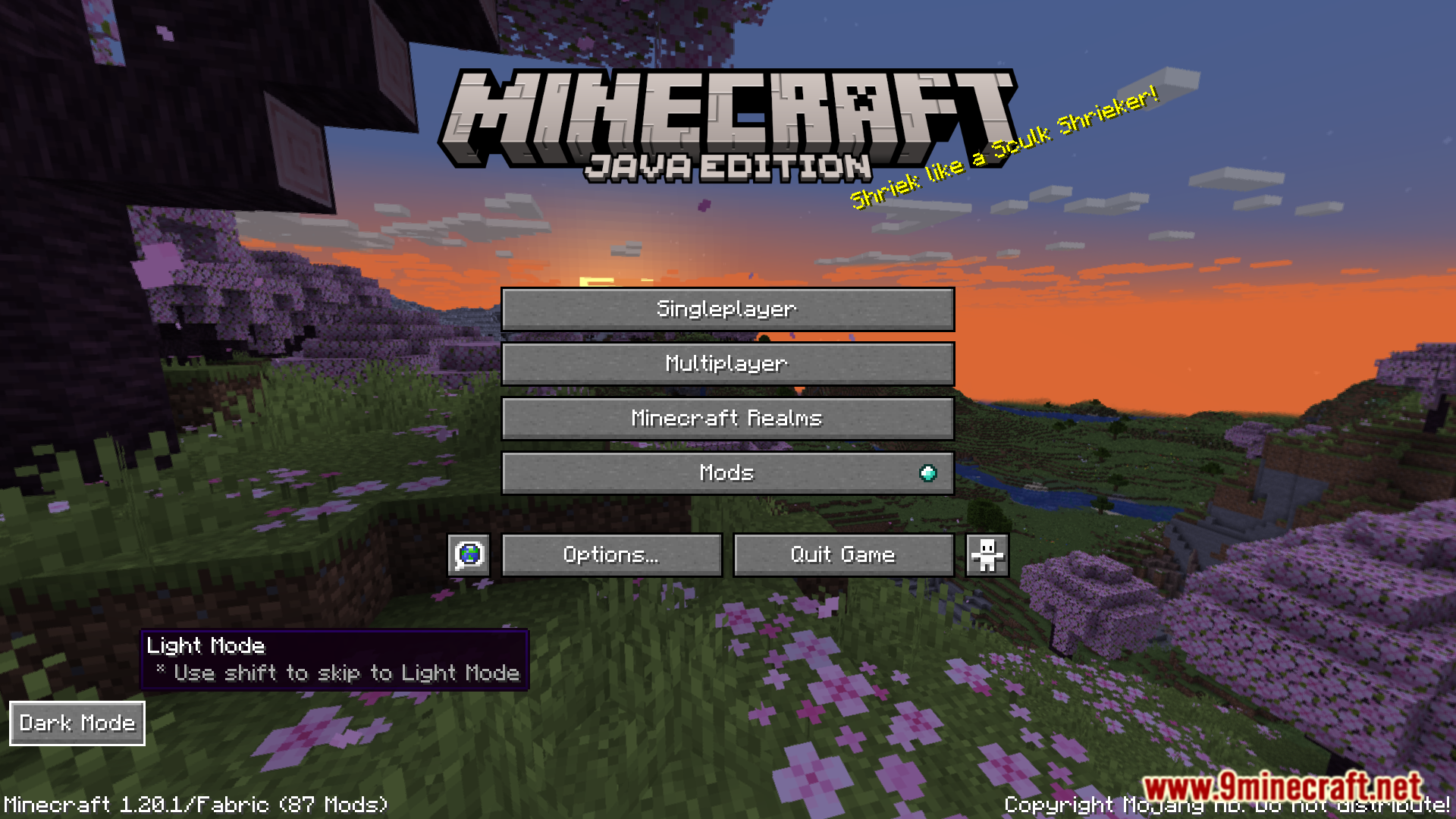
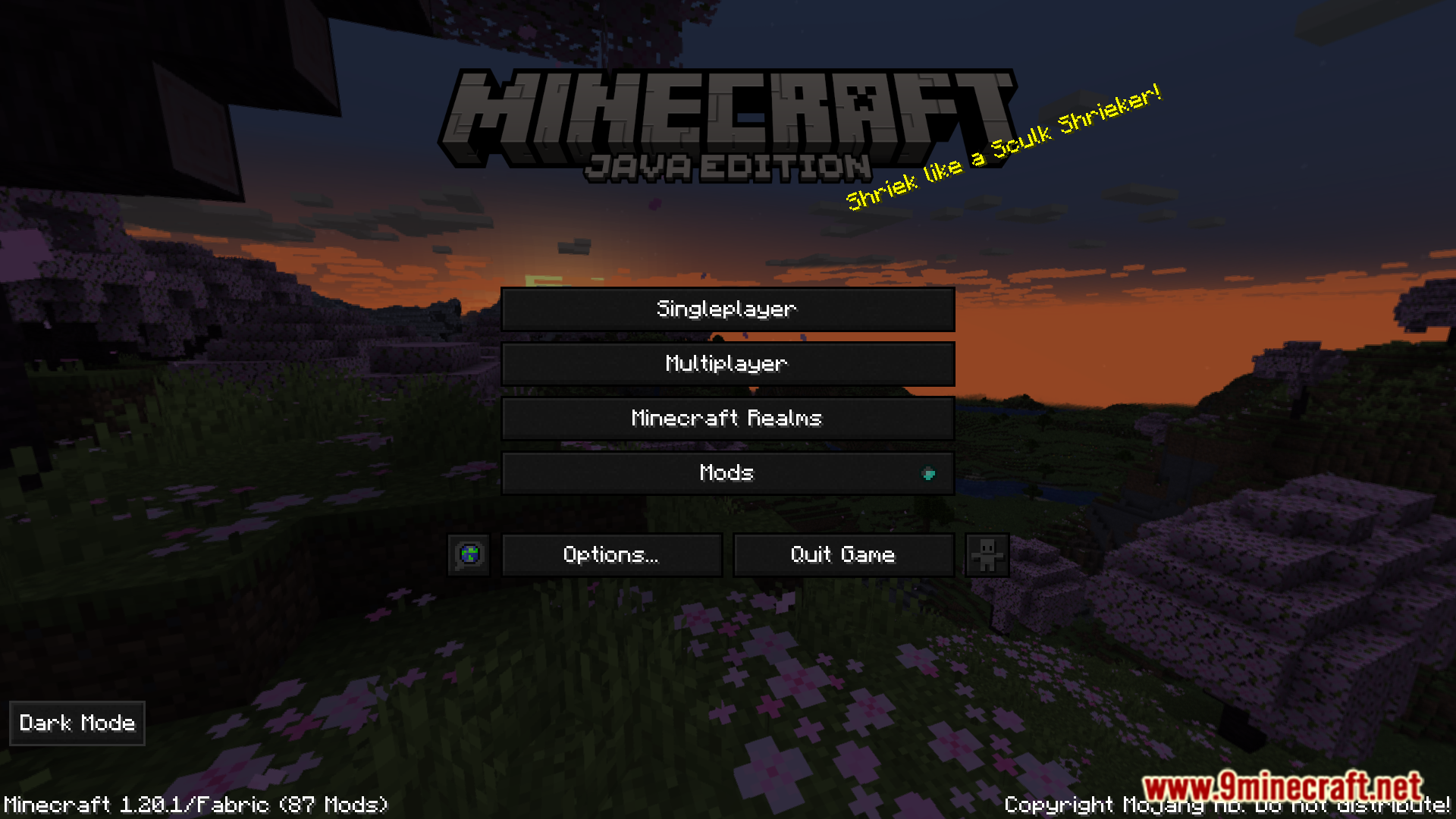
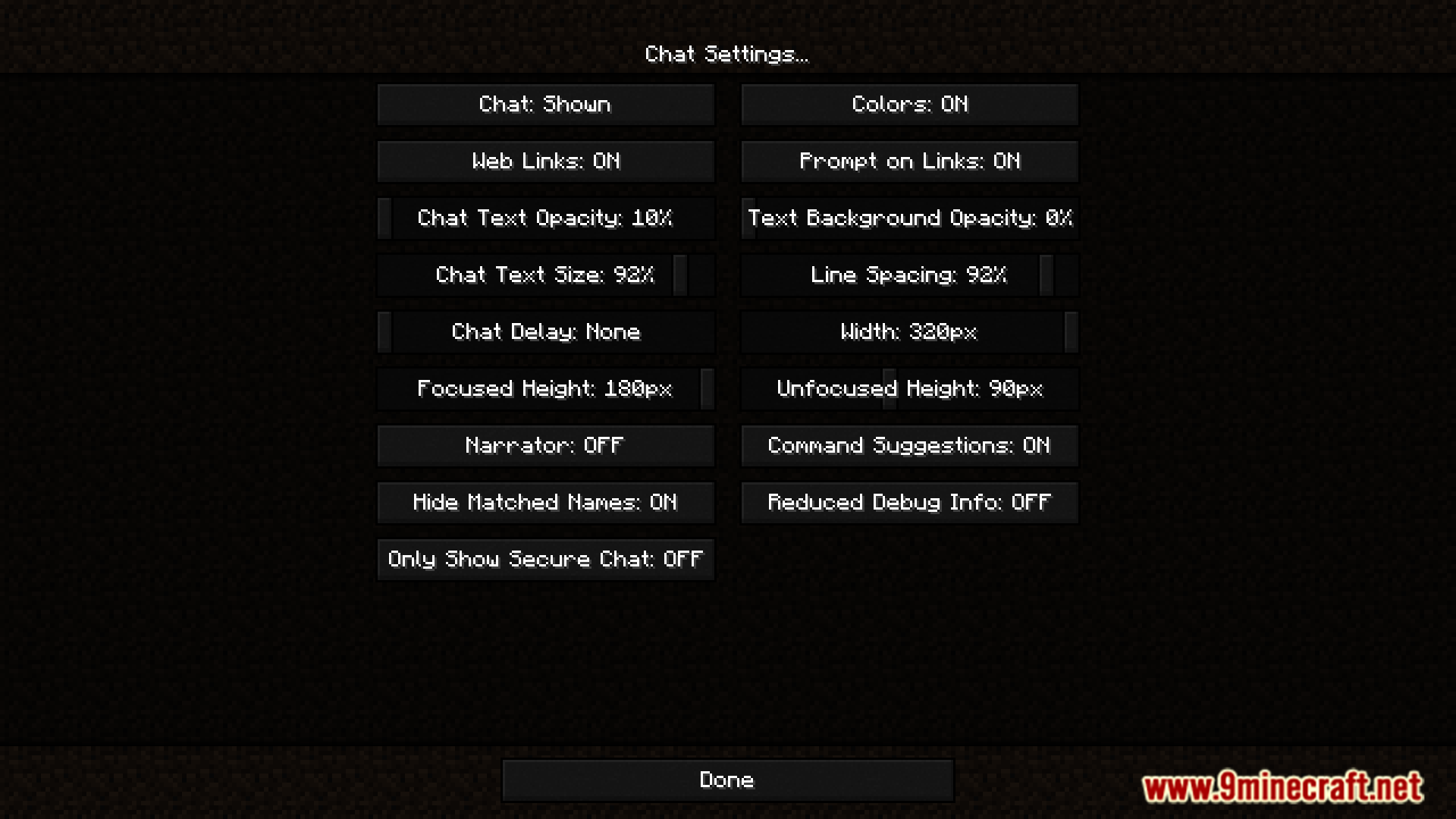
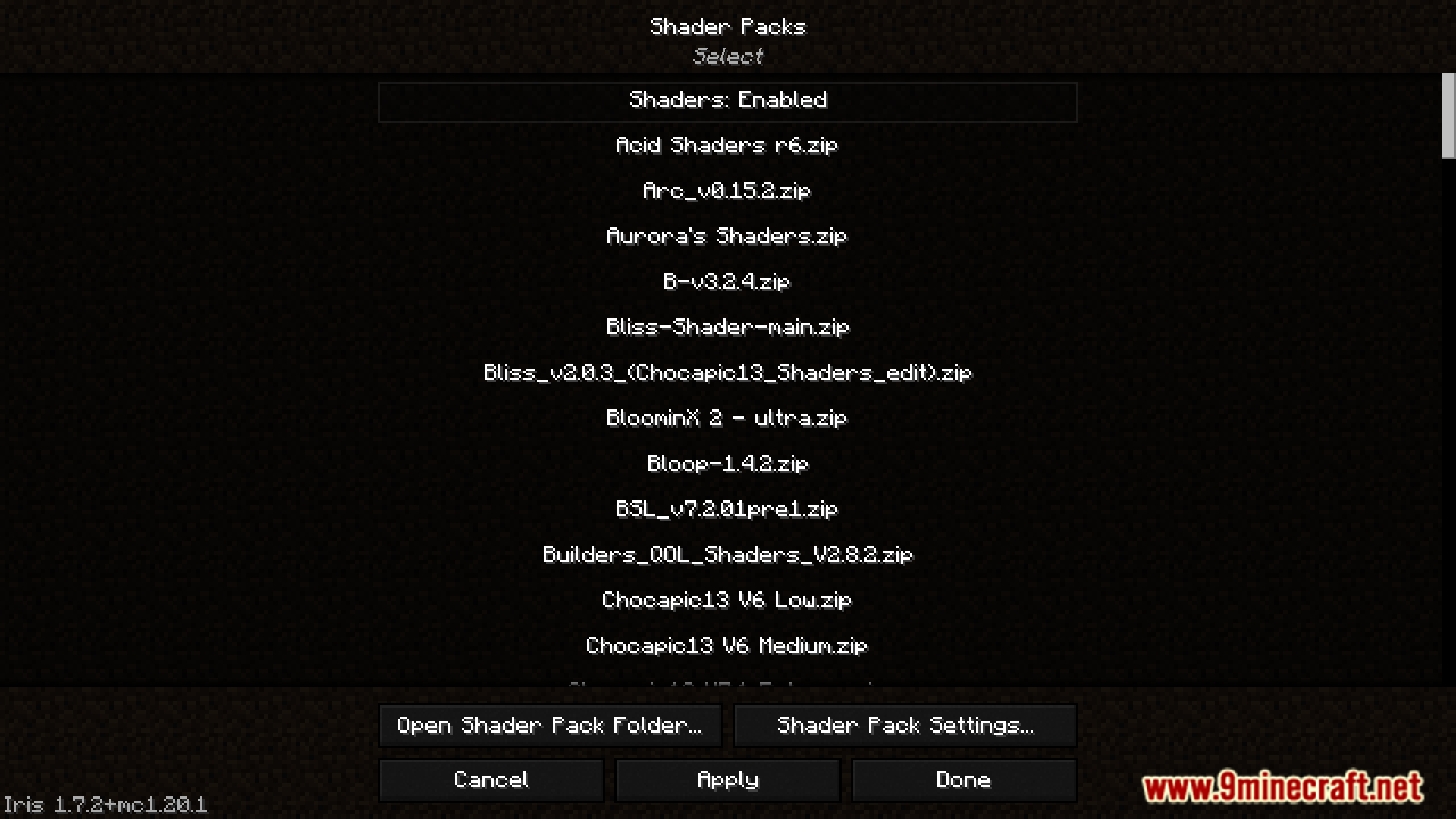
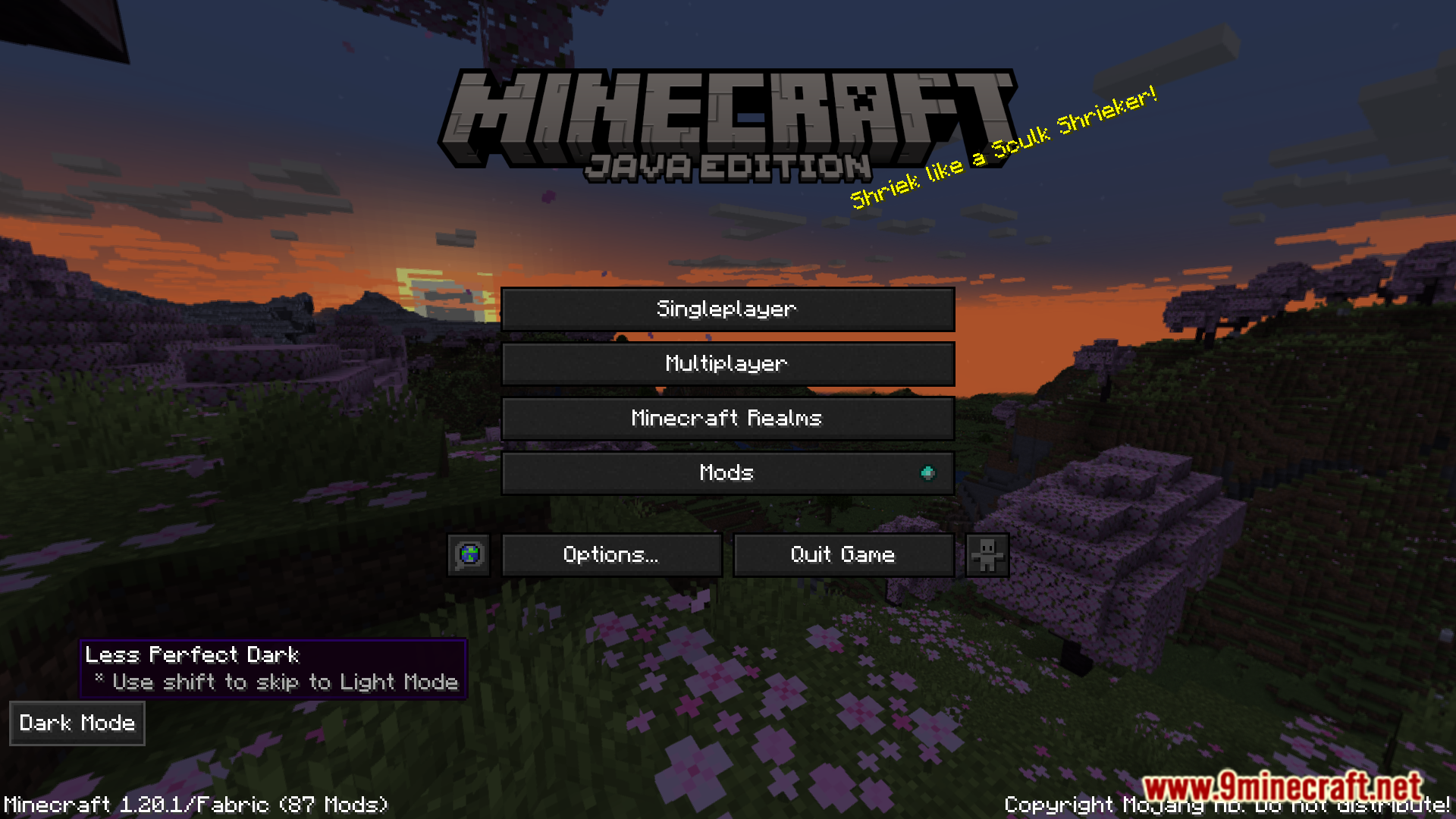
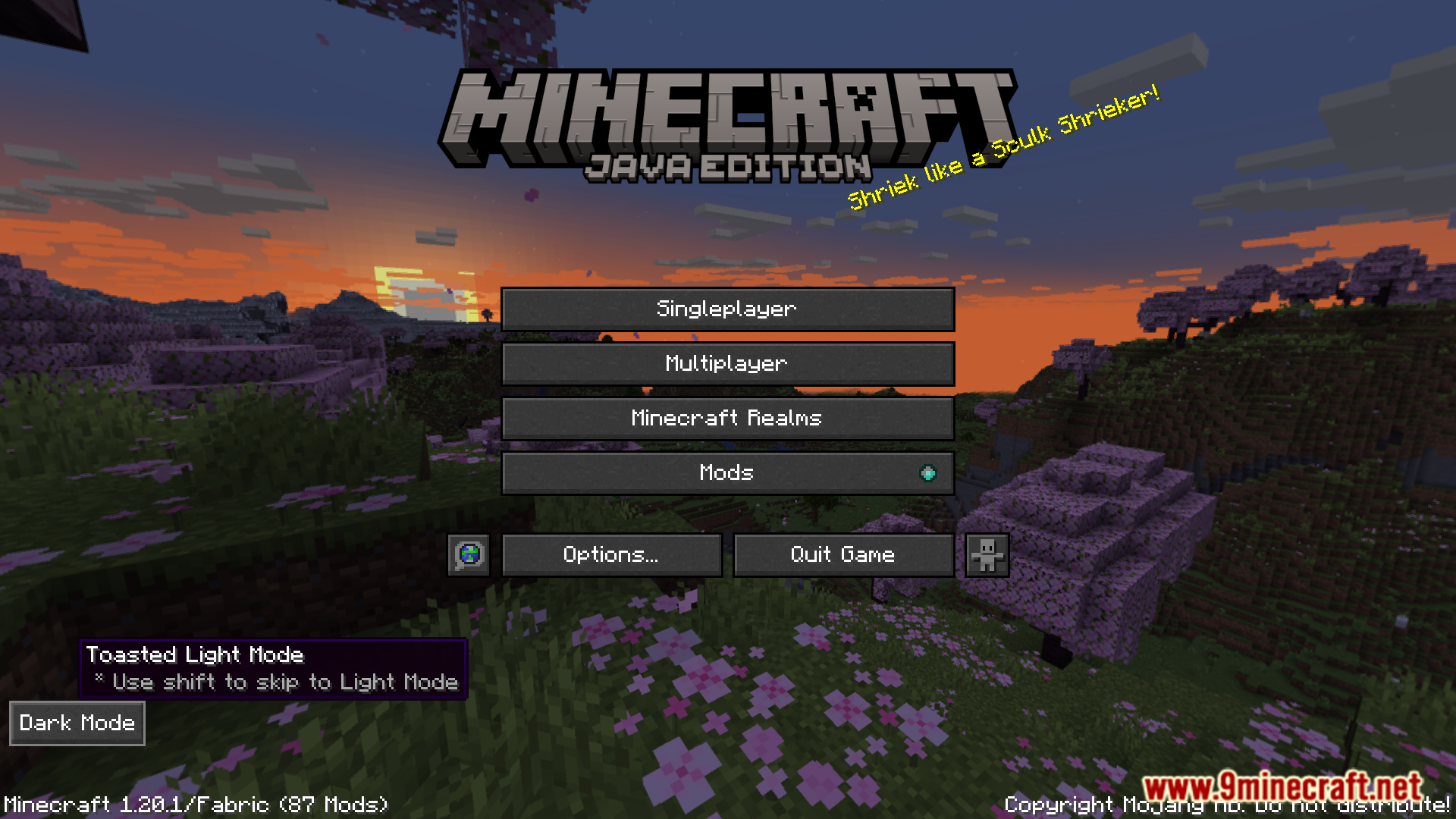
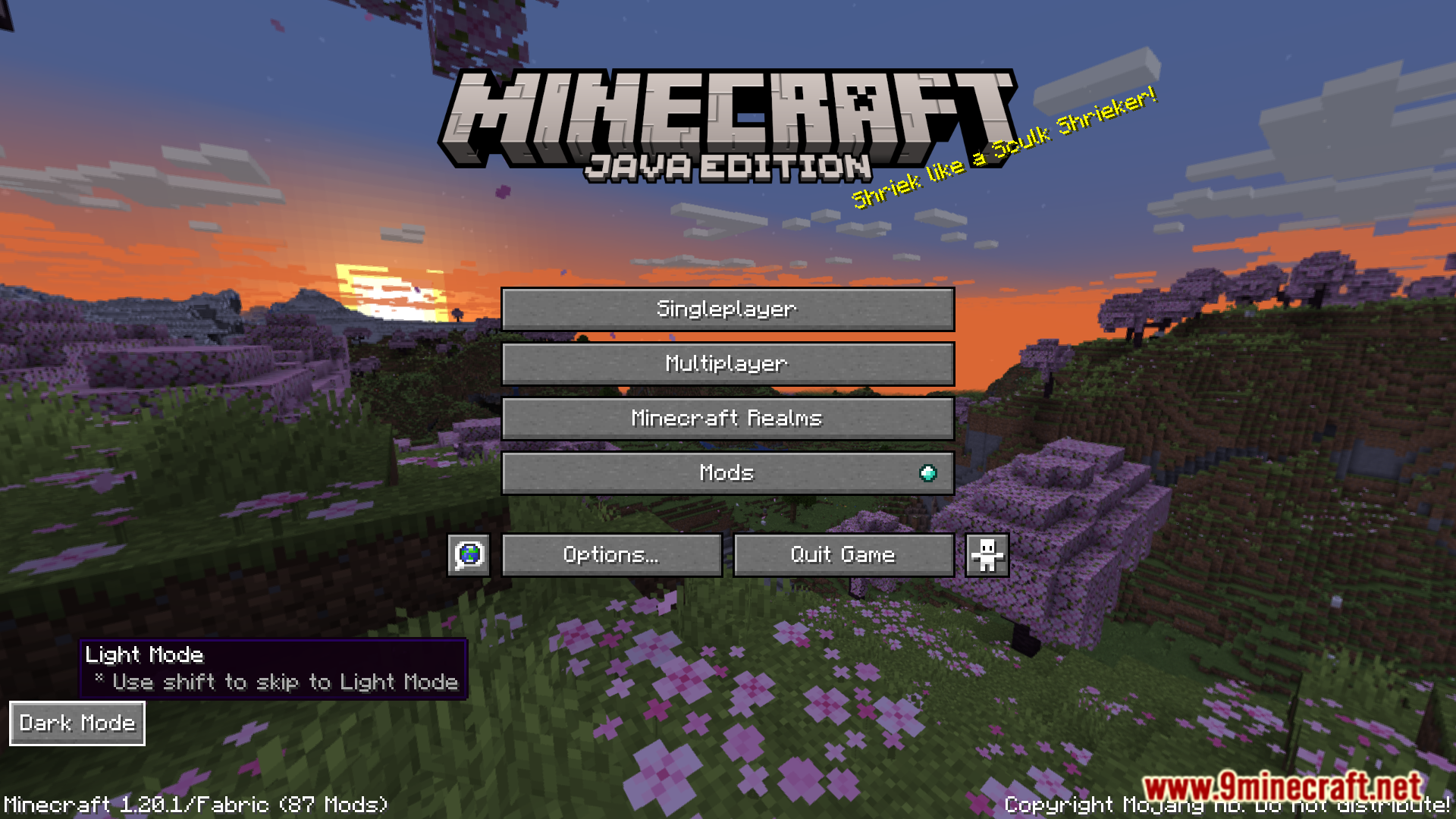
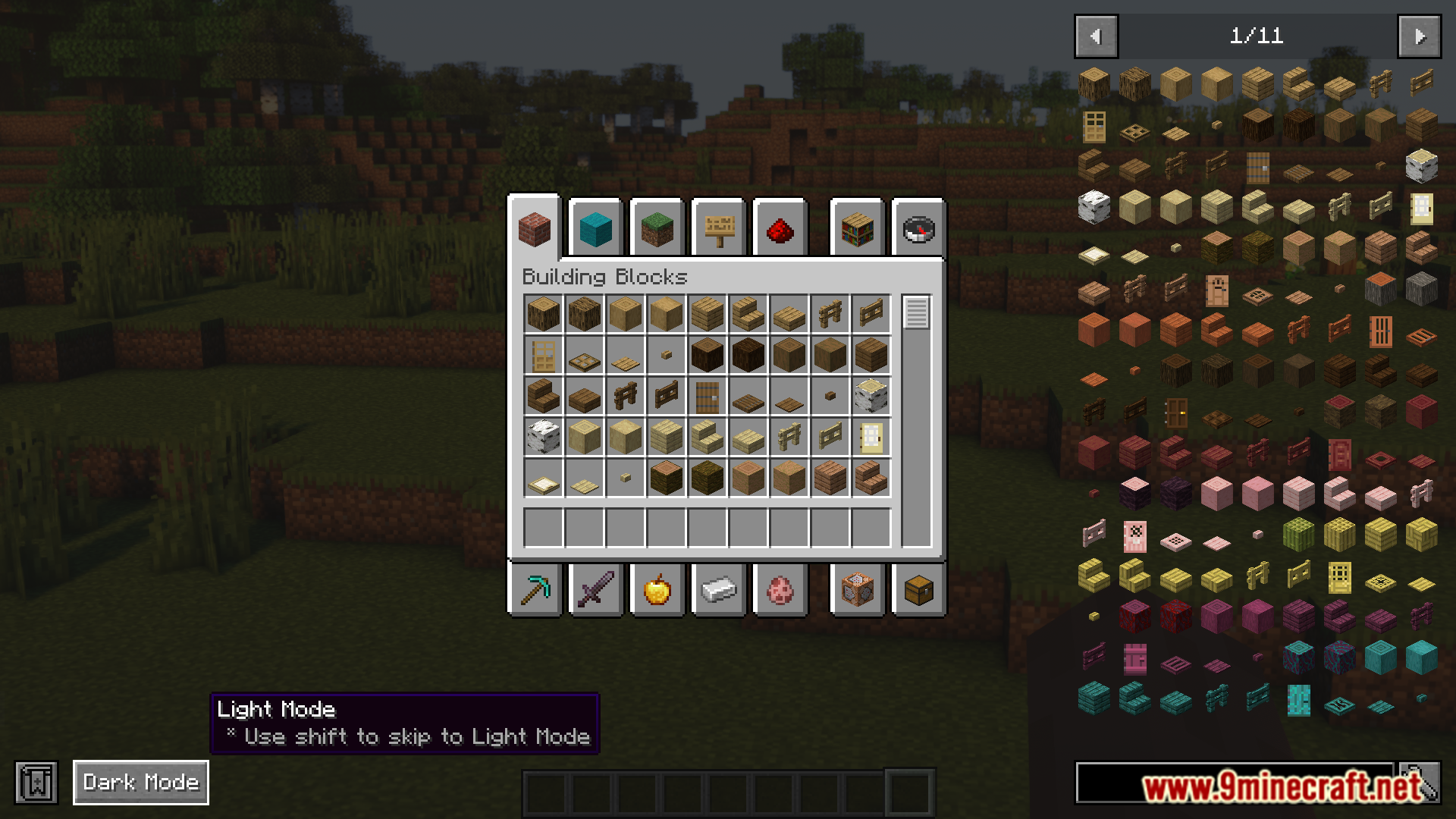
By default, Minecraft’s UI elements are all in light mode. There is no vanilla dark mode UI implemented by the game developers. There are certain texture packs that make the UI elements dark mode, but many of them do not look good or clash with mod GUIs. AK Dark Mode Everywhere Mod is here with the solution. This mod introduces a new button that appears at the bottom left corner of your screen in the main menu or in certain GUIs. By clicking on this button, you can cycle through different available dark modes introduced by the mod.
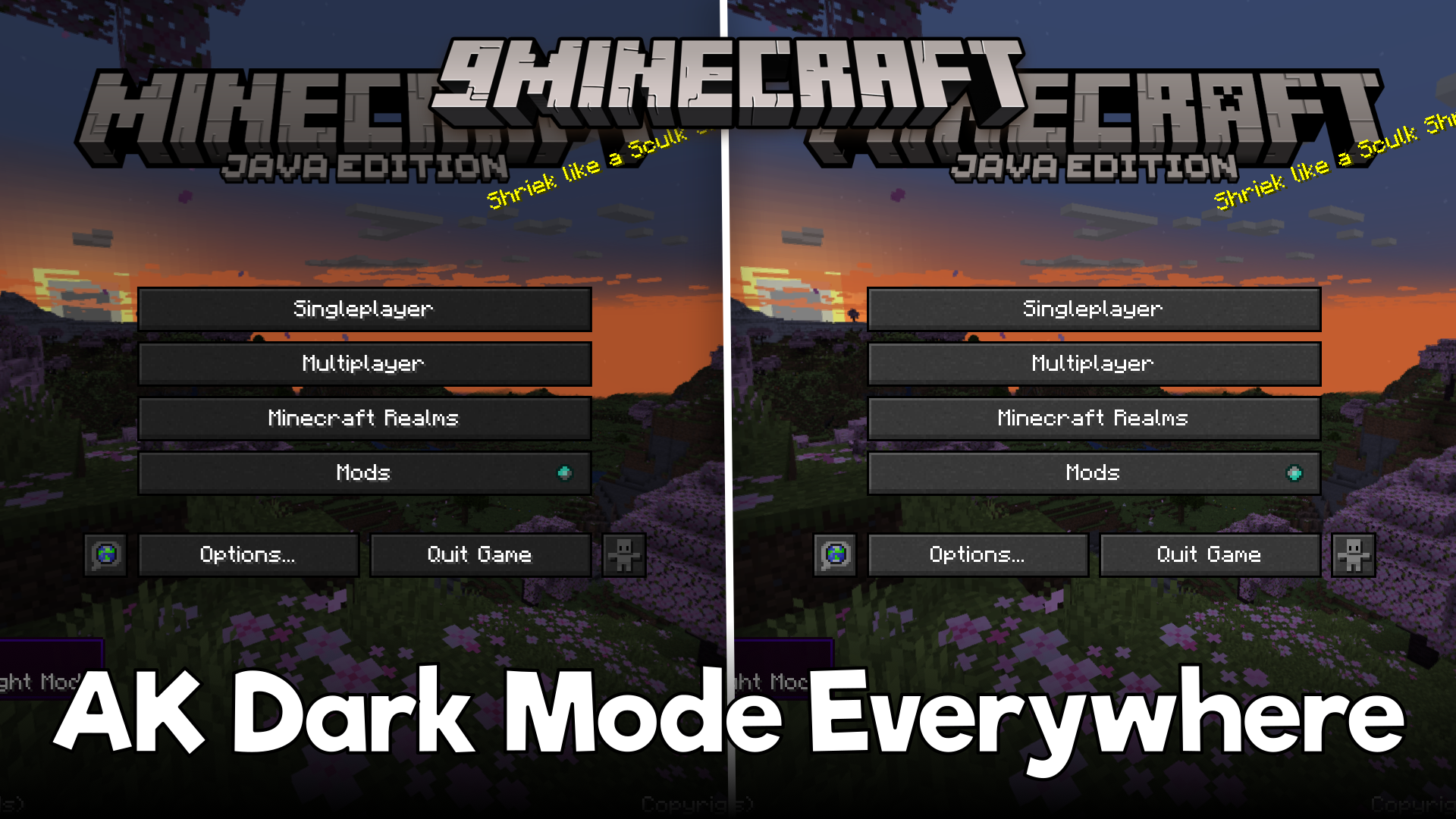
Features:
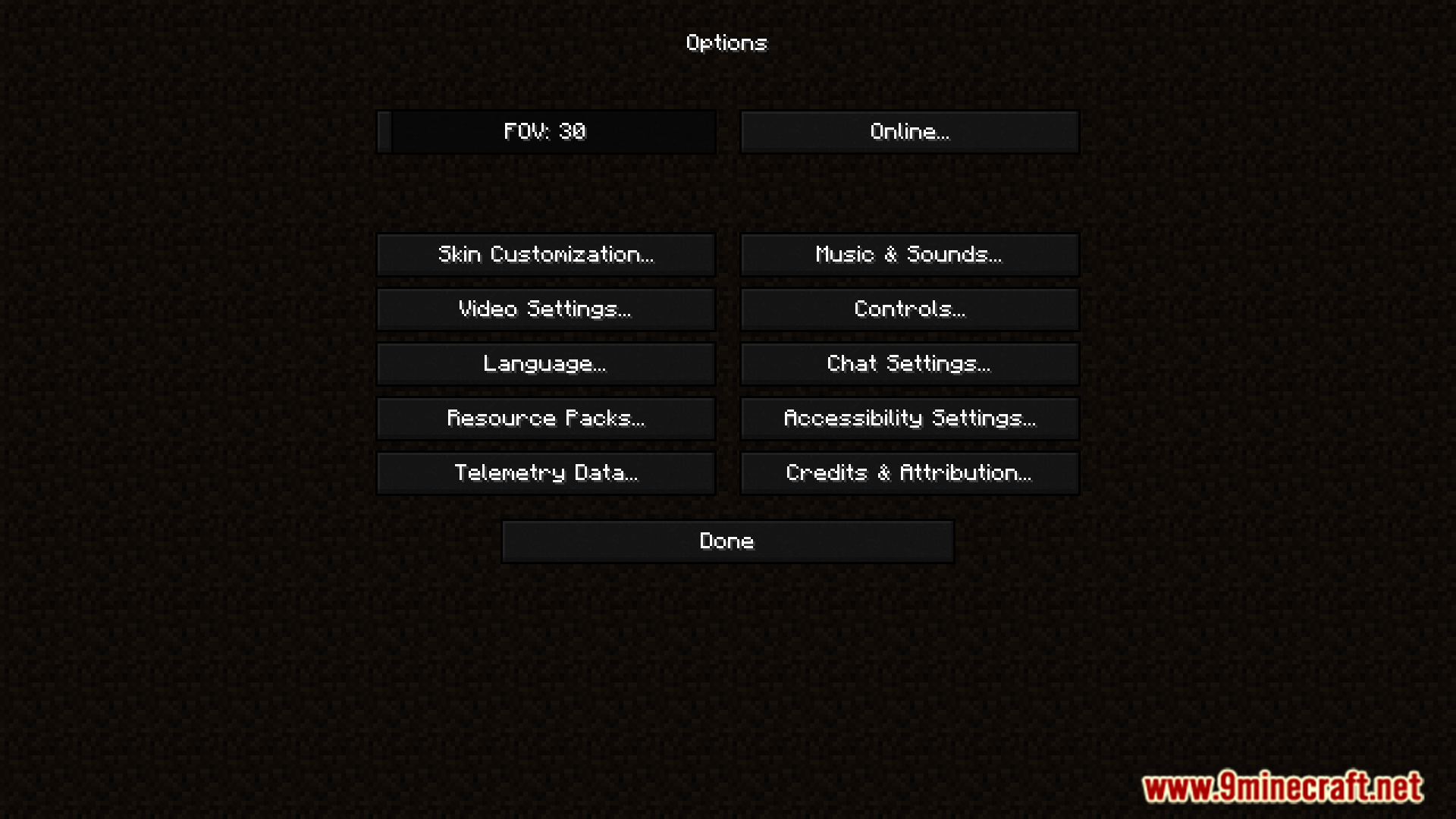
- Dark Mode Everywhere adds a toggle button in menus.
- Button appears in the main menu and supports GUIs.
- Click to cycle through multiple dark mode styles.
Screenshots:
Requires:
How to install:
Click the following link to view details: How to Install Mods for Minecraft Java Edition on PC: A Beginner Guide
AK Dark Mode Everywhere Mod Download Links
For Minecraft 1.19.2
Fabric version: Download from Server 1 – Download from Server 2
For Minecraft 1.20.1, 1.20
Fabric version: Download from Server 1 – Download from Server 2
You May Also Like