
AsteorBar Mod (26.3, 1.20.1) – Track Exact Enemy Health

 0


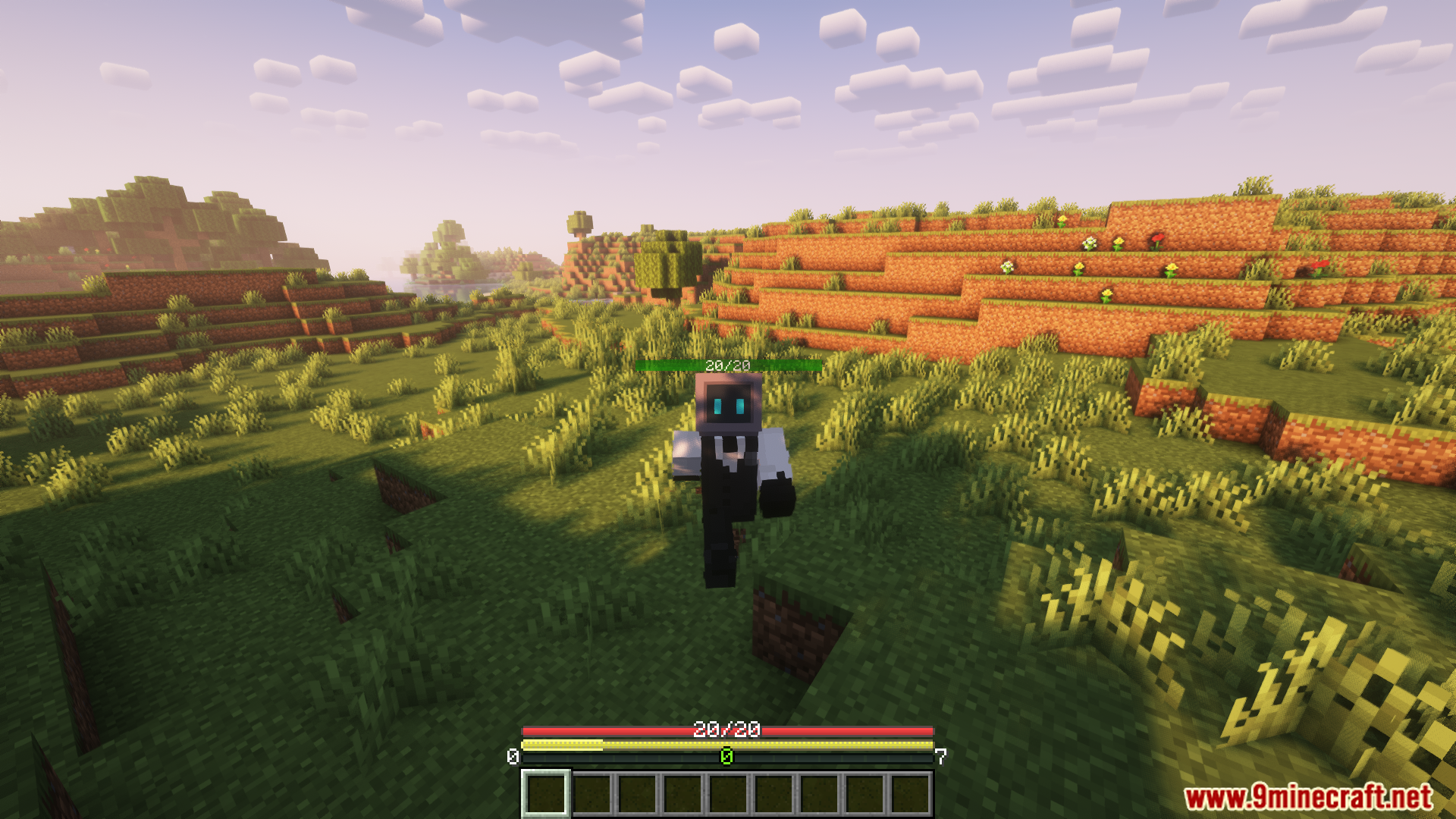
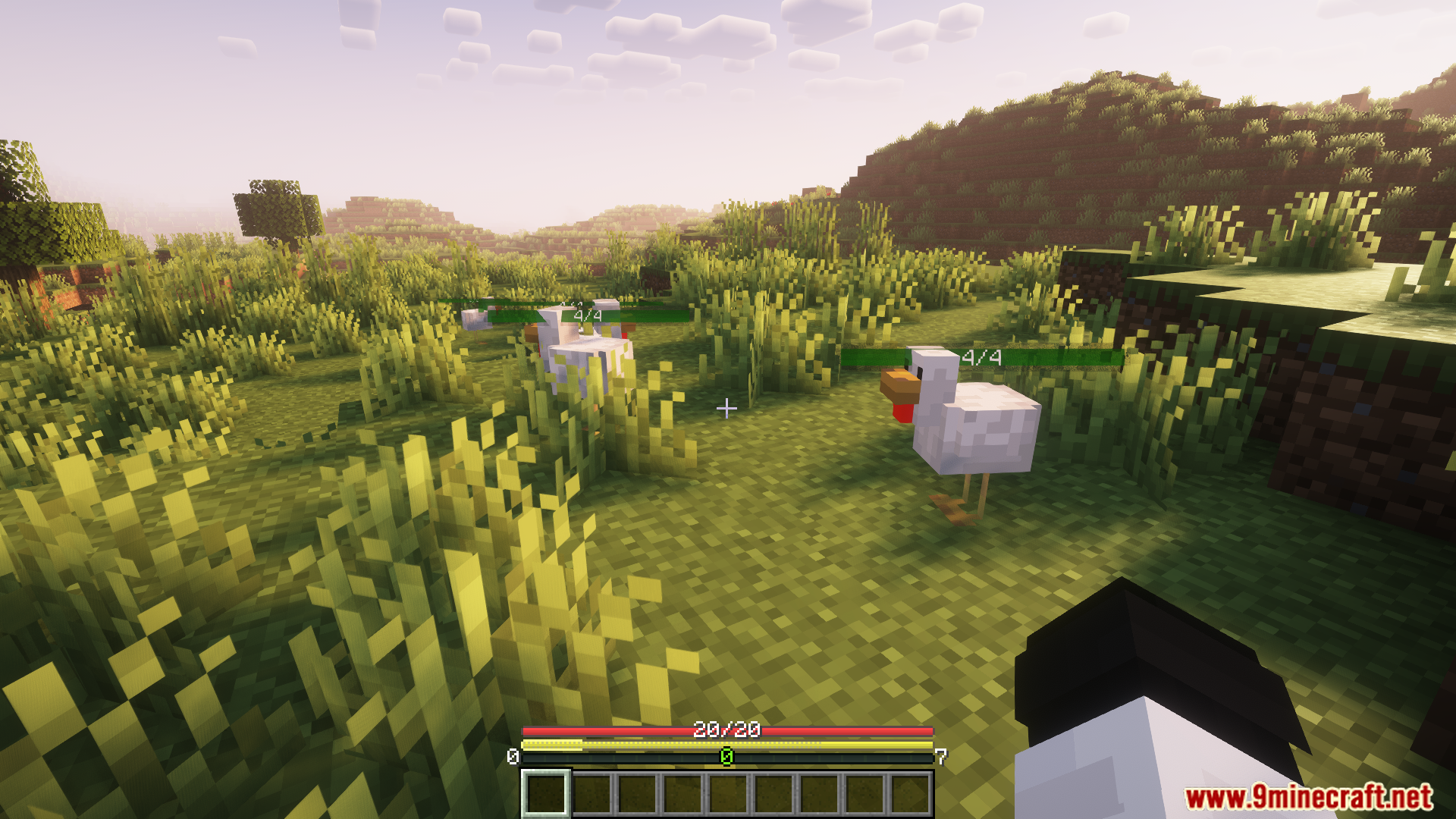
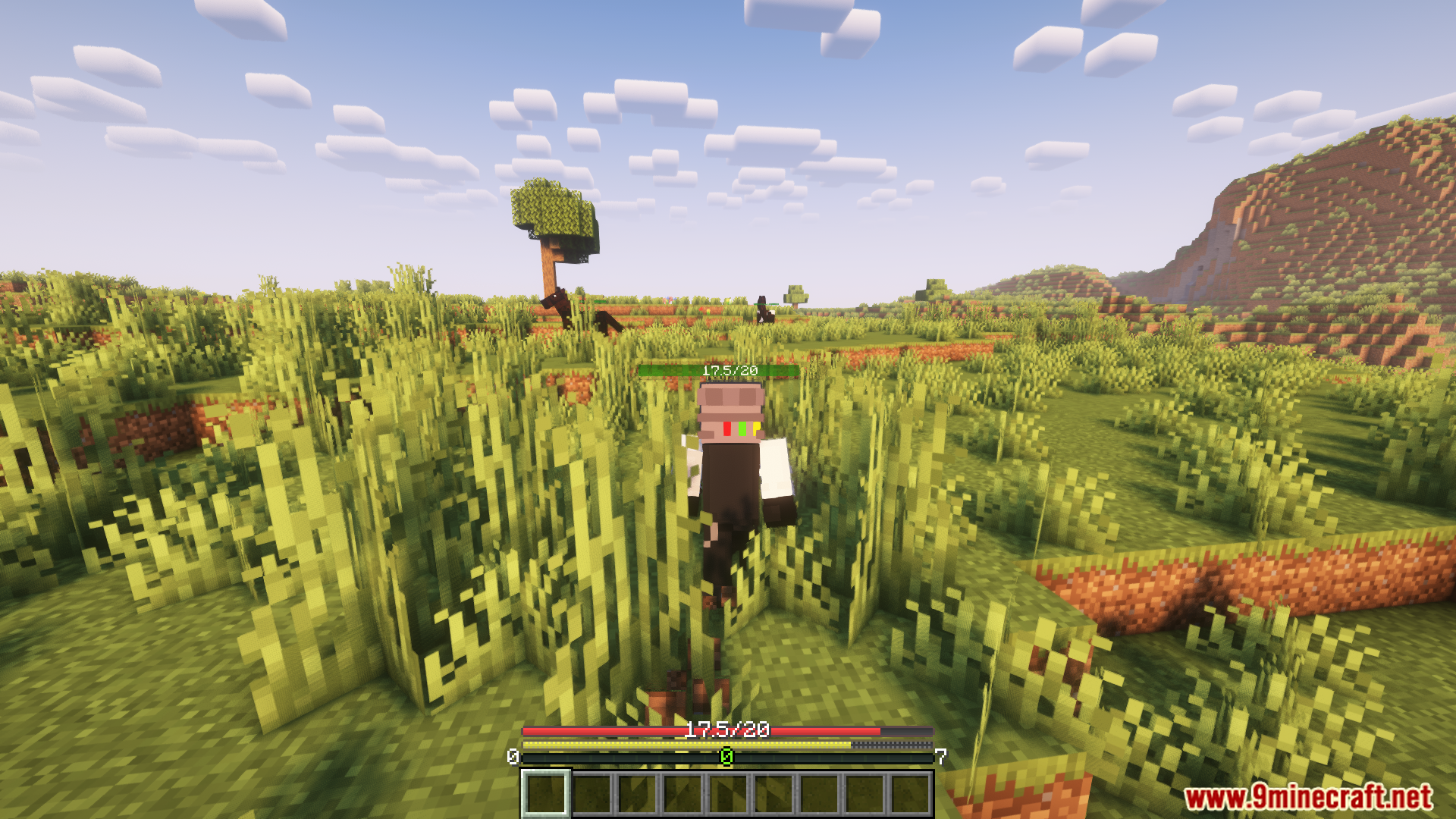
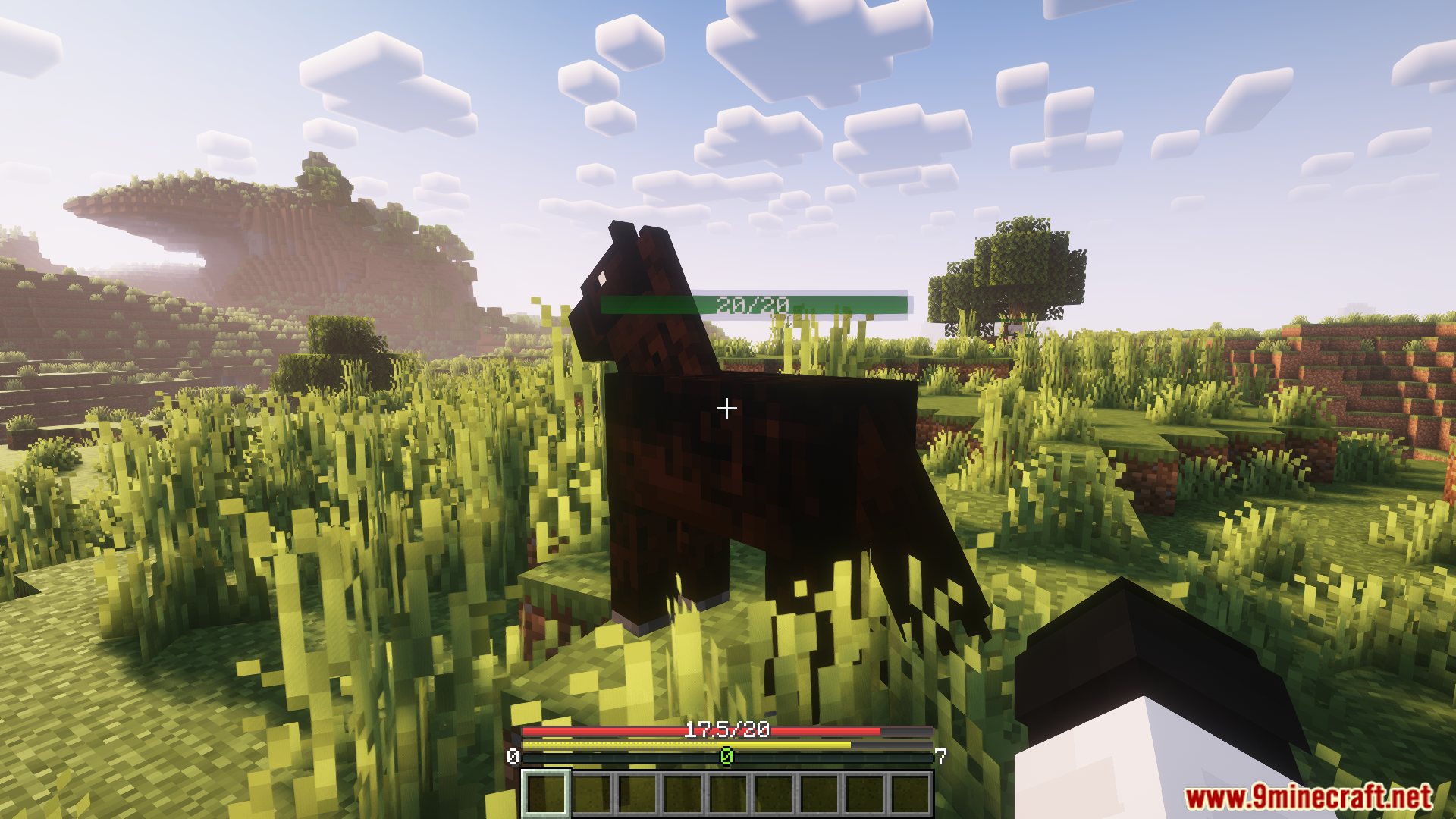
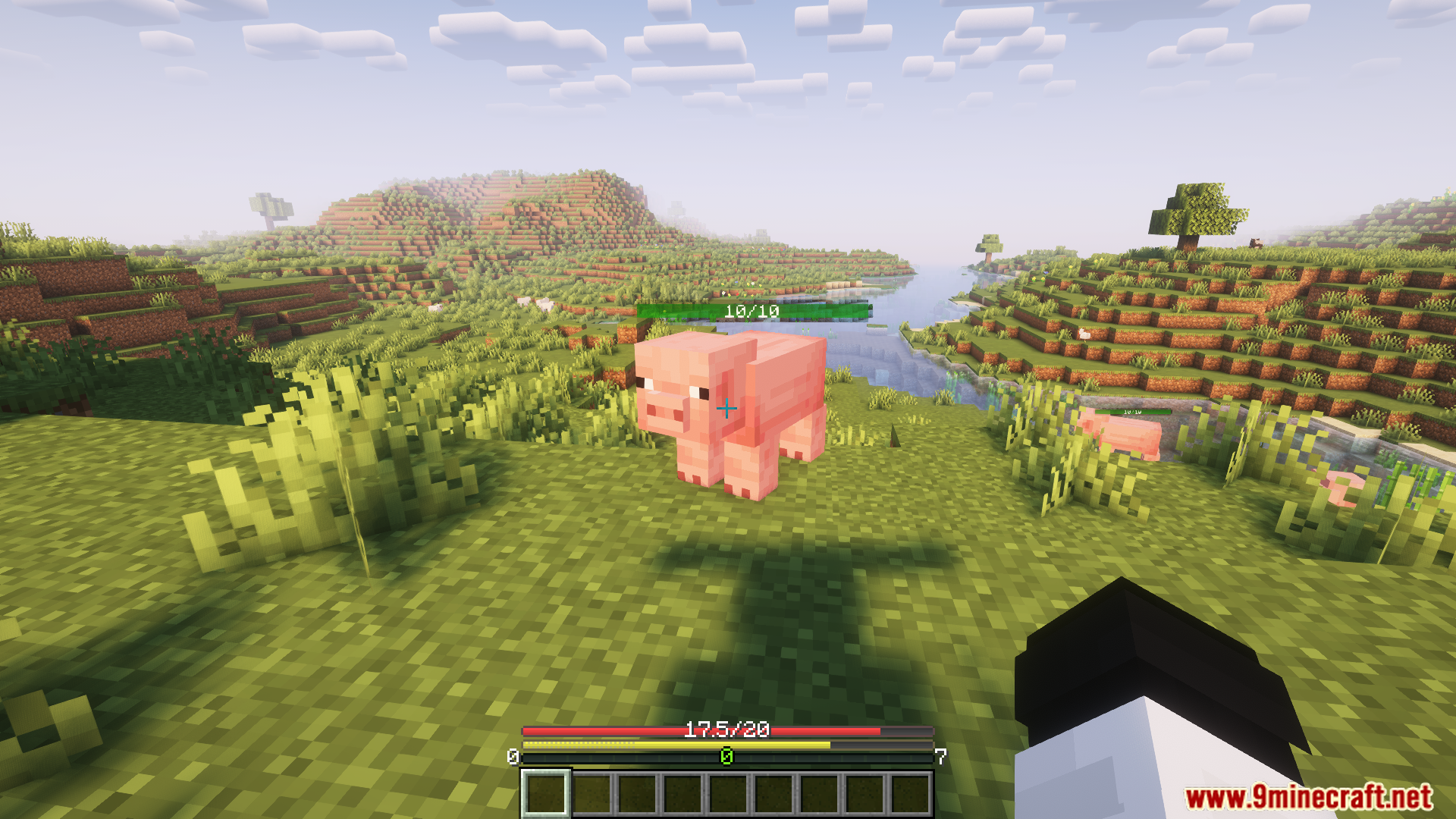
AsteorBar Mod replaces your default HUD icons with slim status bars and adds floating health bars above mobs. It tracks your health, absorption, hunger, saturation, exhaustion, mount health, and experience in one clean display. The bars blink when you heal or take damage, shake when your health or hunger drops low, and change color under effects like poison, wither, freezing, starvation, or regeneration. Stacked bars keep high max health tidy on screen, and you can switch between classic centered and corner layouts whenever you want. It also works with 15 popular mods such as Mekanism, Tough As Nails, Apple Skin, Botania, and Ars Nouveau, though saturation, exhaustion, and mob absorption do not sync on vanilla multiplayer servers without a server plugin.
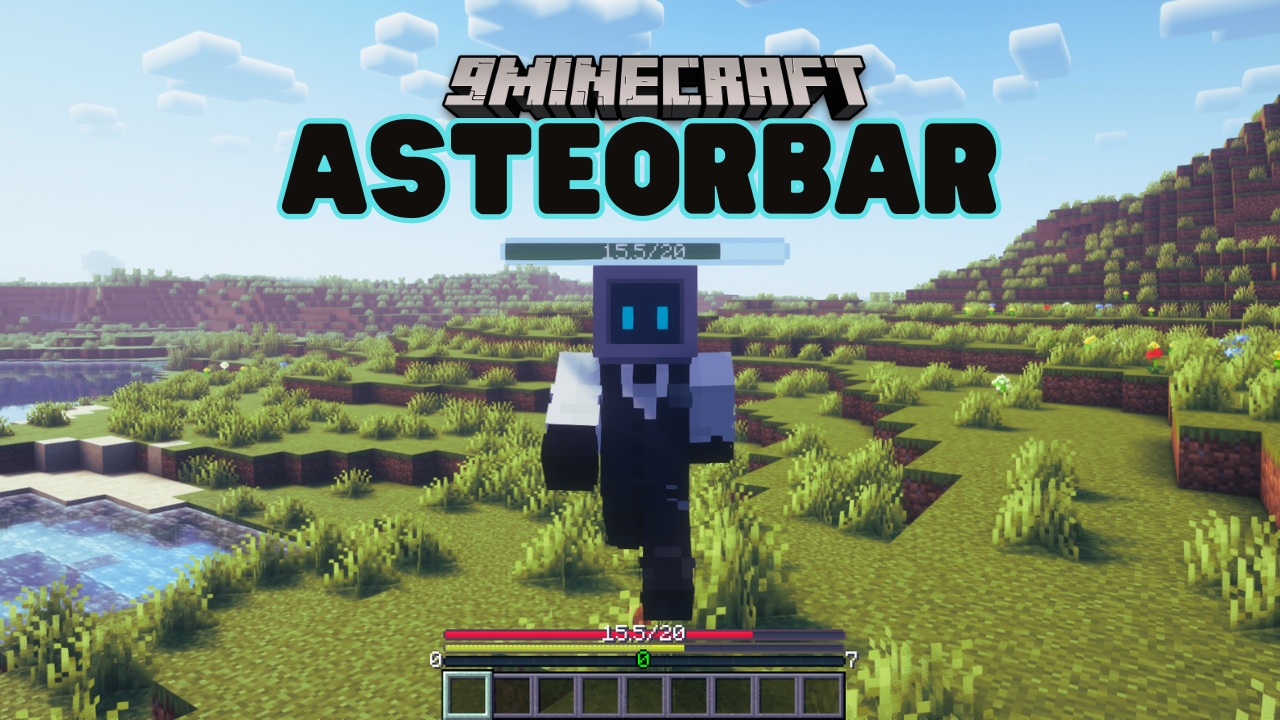
Features:
- Slim Status Bars: Replaces default player HUD icons and adds clean floating health bars above living mobs.
- Built-in Mod Compatibility: Works with 15 popular mods, including Mekanism, Tough As Nails, Thirst Was Taken, Dehydration, Iron’s Spells ‘n Spellbooks, Light Shield, Parcool, Feathers, Apple Skin, Vampirism, Superior Shields, Homeostatic, TerraFirmaCraft, Botania, and Ars Nouveau.
- Vanilla multiplayer servers do not sync saturation, exhaustion, or mob absorption, so those details do not show up unless a Spigot or Paper server uses the companion sync plugin for saturation and exhaustion.
- Mob health bars may not display right when you use shaders with Oculus.
Player HUD:
- Keeps a vanilla feel with bars that blink like classic hearts when you take damage or heal.
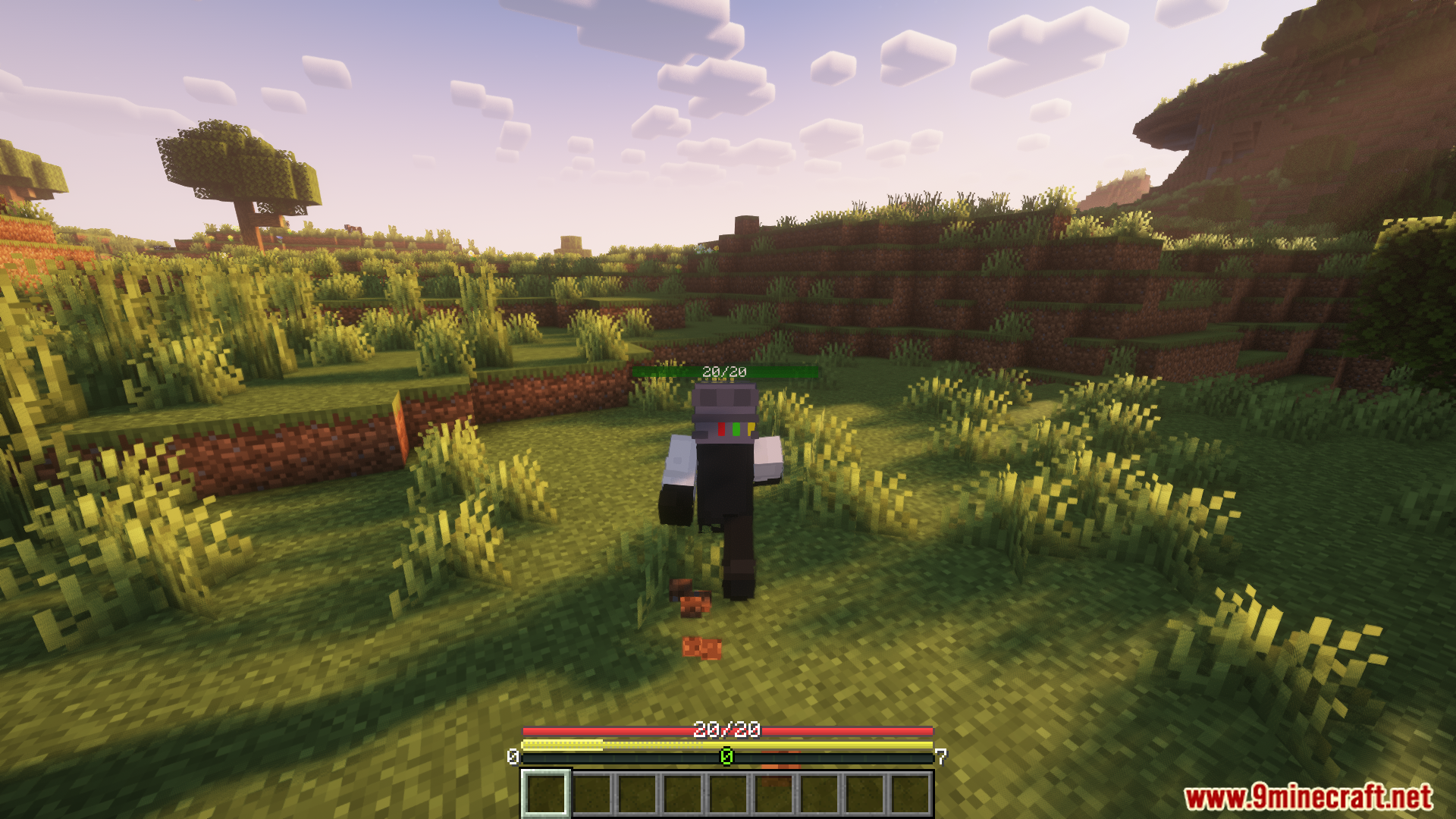
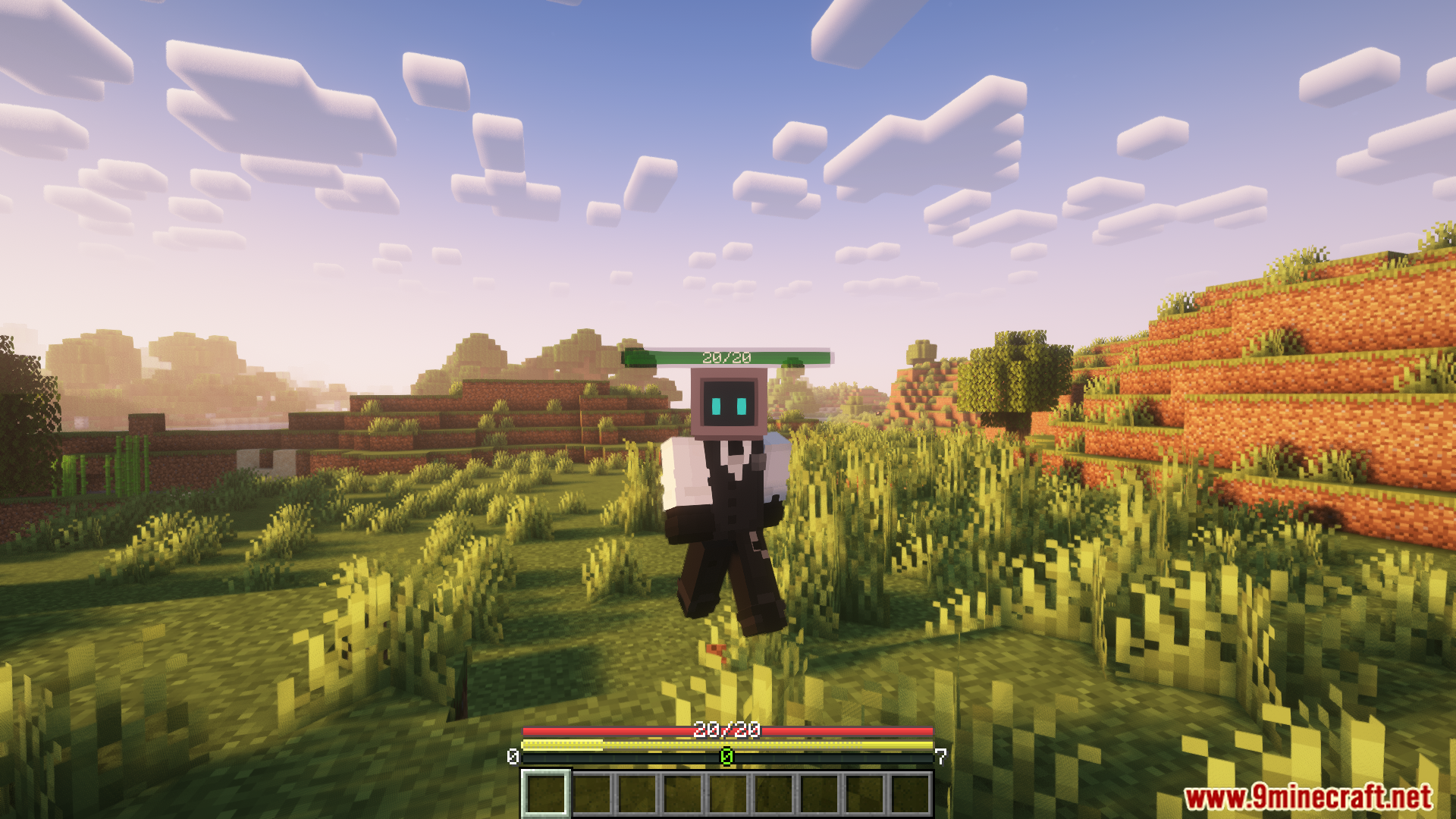
- Tracks health, hunger, mount health, and experience directly on your screen.
- Shows absorption together with health, and pairs saturation and exhaustion with your hunger bar.
- Changes bar colors when you have regeneration, poison, wither, starvation, or freezing effects.
- Flashes and shakes the bars to warn you when health or hunger drops low.
- Uses stacked bars to handle high max health neatly without crowding your screen.
- Includes multiple HUD layouts, such as the classic vanilla layout and corner views.
- Hides bars automatically when a stat stays the same for a while.
- Lets you choose which player bars to show or hide in the config.
Mob Health Bars:
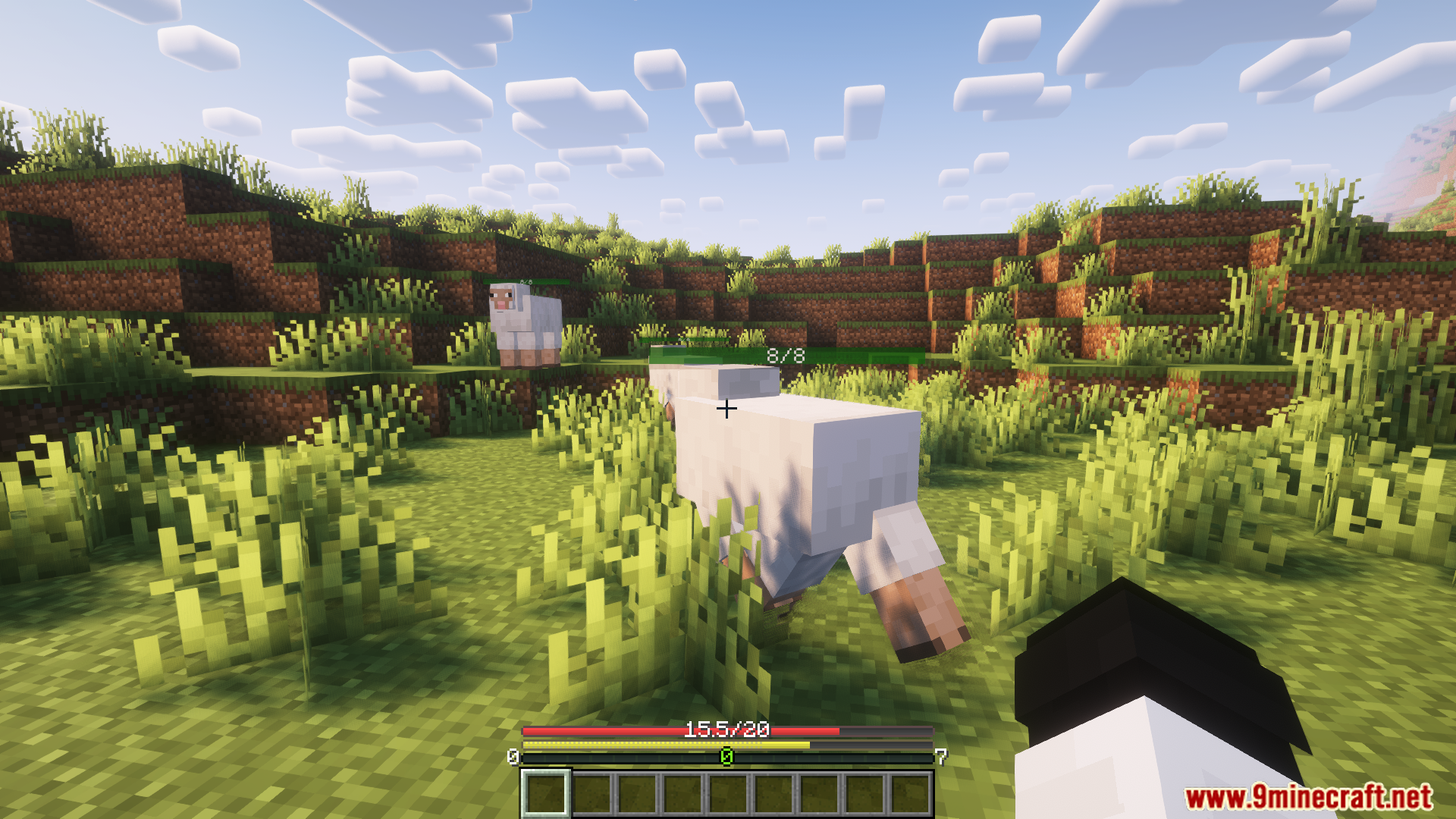
- Displays a simple, clean health bar above living mobs showing current health, max health, and absorption.
- Shifts the bar color dynamically as a mob’s health gets low.
- Lets you pick when mob health bars appear and adjust properties like color, scale, and offset.
How to Use:
- Press F8 in game to cycle through HUD layouts, including the vanilla style, or to turn off the player HUD completely.
- Press F10 to quickly turn the overhead mob health bars on or off.
- Open the in-game settings with Mod Menu on Fabric, or use an in-game config editor like Configured on other mod loaders, to toggle bars and edit their look. You can also turn off the HUD or mob health bars directly in the config file.
- Adjust the text scale option in the config if bars and text overlap on your screen: use
1.0with Force Unicode, or0.75with the default vanilla font. - Convert custom bar colors from ARGB hex to decimal numbers before entering them in the config. Open Windows Calculator in Programmer mode, click
QWORDuntil it switches toDWORD, clickHEX, type your ARGB color, and copy theDECvalue into the config. - Turn off overlapping HUDs from other supported mods manually if both appear at the same time. Set the
enableoption in that mod’s config file tofalse, or set itsoffsetorlocationvalue above1000to move the extra HUD off screen.
Screenshots:
How to Install:
New to Minecraft? Follow our step-by-step guide to install Mods on your PC.View Guide



AsteorBar Mod Download Links
For Minecraft 26.3
For Minecraft 26.2
For Minecraft 26.1.2, 26.1.1, 26.1
For Minecraft 1.21.11
For Minecraft 1.21.10, 1.21.9
For Minecraft 1.21.8, 1.21.7, 1.21.6
For Minecraft 1.21.5
For Minecraft 1.21.4
For Minecraft 1.21.1, 1.21
For Minecraft 1.20.6
For Minecraft 1.20.4
For Minecraft 1.20.2
For Minecraft 1.20.1, 1.20
For Minecraft 1.19.4
For Minecraft 1.19.3
For Minecraft 1.19.2
For Minecraft 1.18.2
You May Also Like
Picked for this page
 Carry On Mod (26.3, 1.20.1) – Pick Up Blocks, Mobs in Your Hand
 Macaw’s Windows Mod (26.3, 1.20.1) – Windows with All Logs Variations
 Architectury API Mod (26.3, 1.20.1) – Hooks, Game Features
 No Chat Reports Mod (26.3, 1.20.1) – How to Disable Chat Reporting
 GPU Tape Mod (26.2, 1.20.1) – Boosts Game Rendering Performance
 Tensura: Reincarnated Addon Mod (1.21.1) – Introduces 3 Unique Skills
 Cull Less Leaves Mod (1.21.11, 1.20.1) – Optimized Leaf Rendering
 Mixin Conflict Helper Mod (26.2, 1.20.1) – User-friendly Errors for Mixin Conflicts
 Sodium Shadowy Path Blocks Mod (26.3, 1.20.1) – Give Your Paths More Depth
 Client Kits Mod (26.3, 1.20.1) – Use Commands to Save, Load, and Delete Inventory Kits
 Perspective Enhancements Mod (26.3, 1.20.1) – Improved Perspective Keybind
 Forgetful Sniffer Mod (26.3, 1.20.1) – Sniffers Can Dig The Same Block
Most viewed in Mods over the last 7 days
 Ala Industrial Mod (26.3) – Run Electric Power Grids and Automated Factories
 PleasureCraft Mod (26.3, 1.21.1) – Jenny Mod Remake for Fabric
 Jennycraft Mod (26.3, 1.20.1) – Virtual Girlfriend in Minecraft
 Fapcraft Mod (26.3, 1.12.2) – Comprehensive and Detailed Content
 Jenny Mod (Fapcraft) Official Complete Guide – How to use, Tutorial
 BangCraft Mod (1.20.1) – Jenny, Ellie and Elliot
 Fabric Loader (26.3, 1.20.1) – Fabric Installer for All Minecraft Versions
 Meteor Client Mod (26.3, 1.20.1) – Xray, HUD, Fly
 The Shooting Star Demo Mod (26.3, 1.20.1) – Vaporize Terrain From Orbit
 OptiFine HD (26.3, 1.20.1) – Run Faster, FPS Boost, Shaders Support
 Aristois Client Mod (1.21.4, 1.20.1) – World Class Minecraft Utility
 Prestige Client Mod (1.21.11, 1.21.4) – Powerful Ghost Features for Crystal & Sword PvP
More from Mods
 /Sit Mod (26.3, 1.21.1) – Make The Player Sit Down
 Arcane Redstone Dial Mod (26.3, 1.20.1) – Trigger Commands and Shortcuts
 The Graveyard Mod (26.3, 1.20.1) – Cemeteries in Minecraft
 Enhanced Overlay Mod (26.3, 1.21.11) – Remove Screen Clutter
 Flint Mod (1.21.11) – Run DiamondFire Community Addons Without Crashing
 Not Just Sandwich Mod (26.3, 1.20.1) – Edibles, Sandwiches
 Waddles Mod (26.3, 1.20.1) – Make Icy Biomes Feel Alive
 Artemis’ Thin Logs Mod (26.3, 1.20.1) – Build Custom Trees and Detailed Wood
 Asterion Mod (26.3, 1.20.1) – Survive Ancient Mazes and Slay the Legendary Minotaur
 Passthrough Signs Mod (26.3, 1.20.1) – Right-Click Through Wall Signs
 Packing Tape Mod (26.3, 1.20.1) – Move Chests, Machines
 No XP Anvils Mod (26.3, 1.20.1) – Repair And Enchant Without XP

This post has no comments yet. Be the first — your comment will appear here.