


Autodrop Mod (26.2, 1.20.1) – Automatically Drops Blacklisted Items

 0
0 

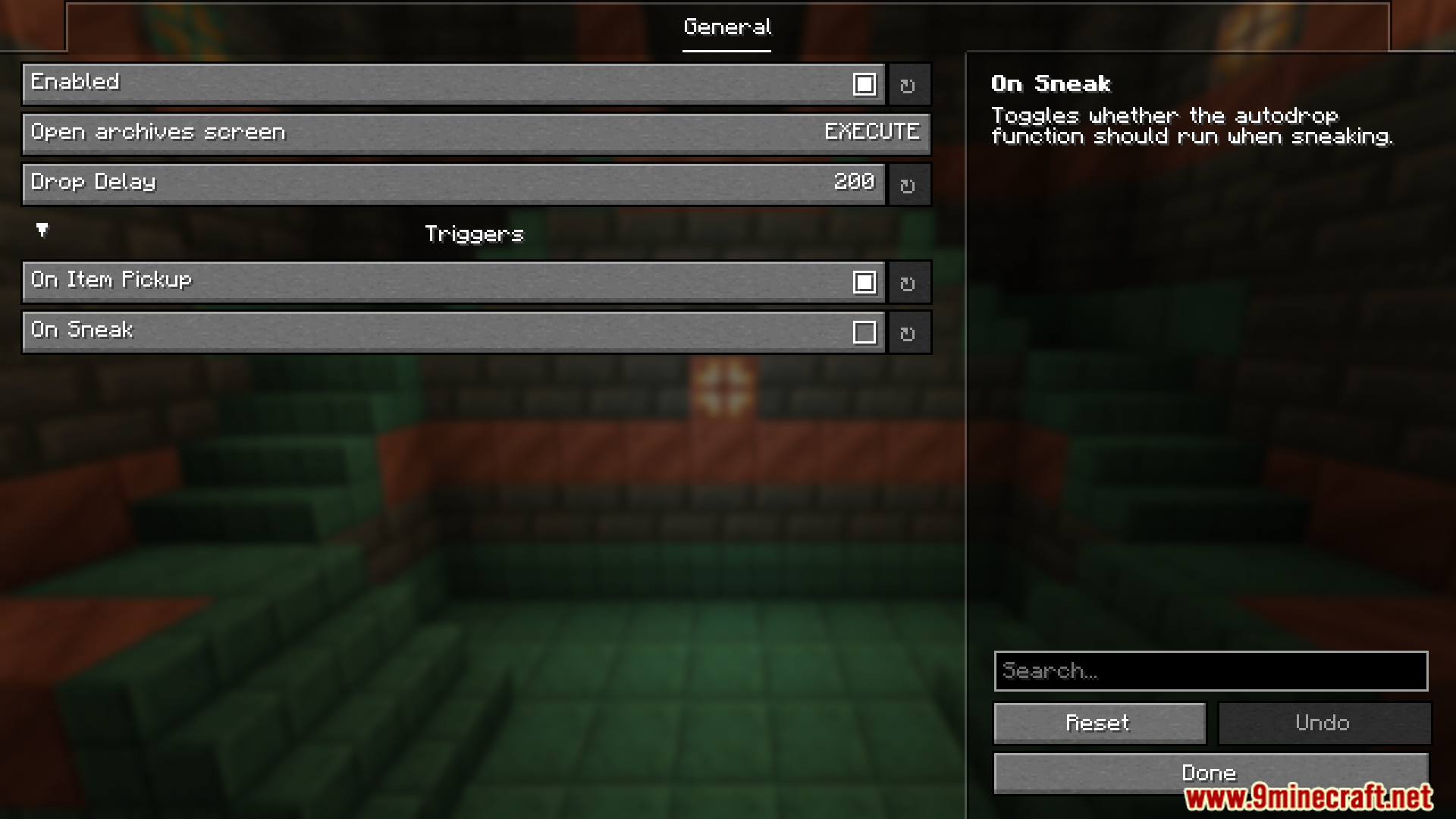
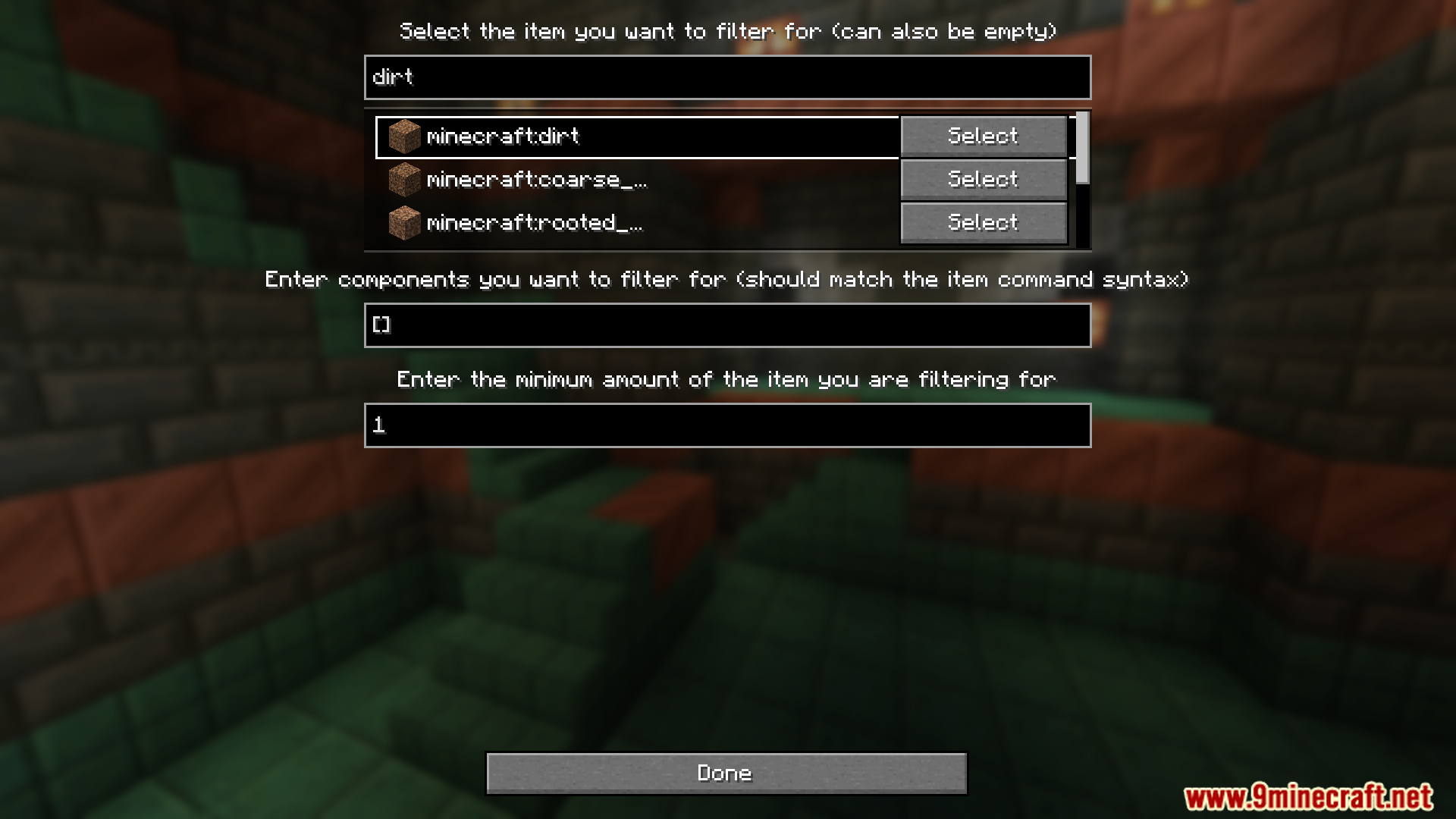
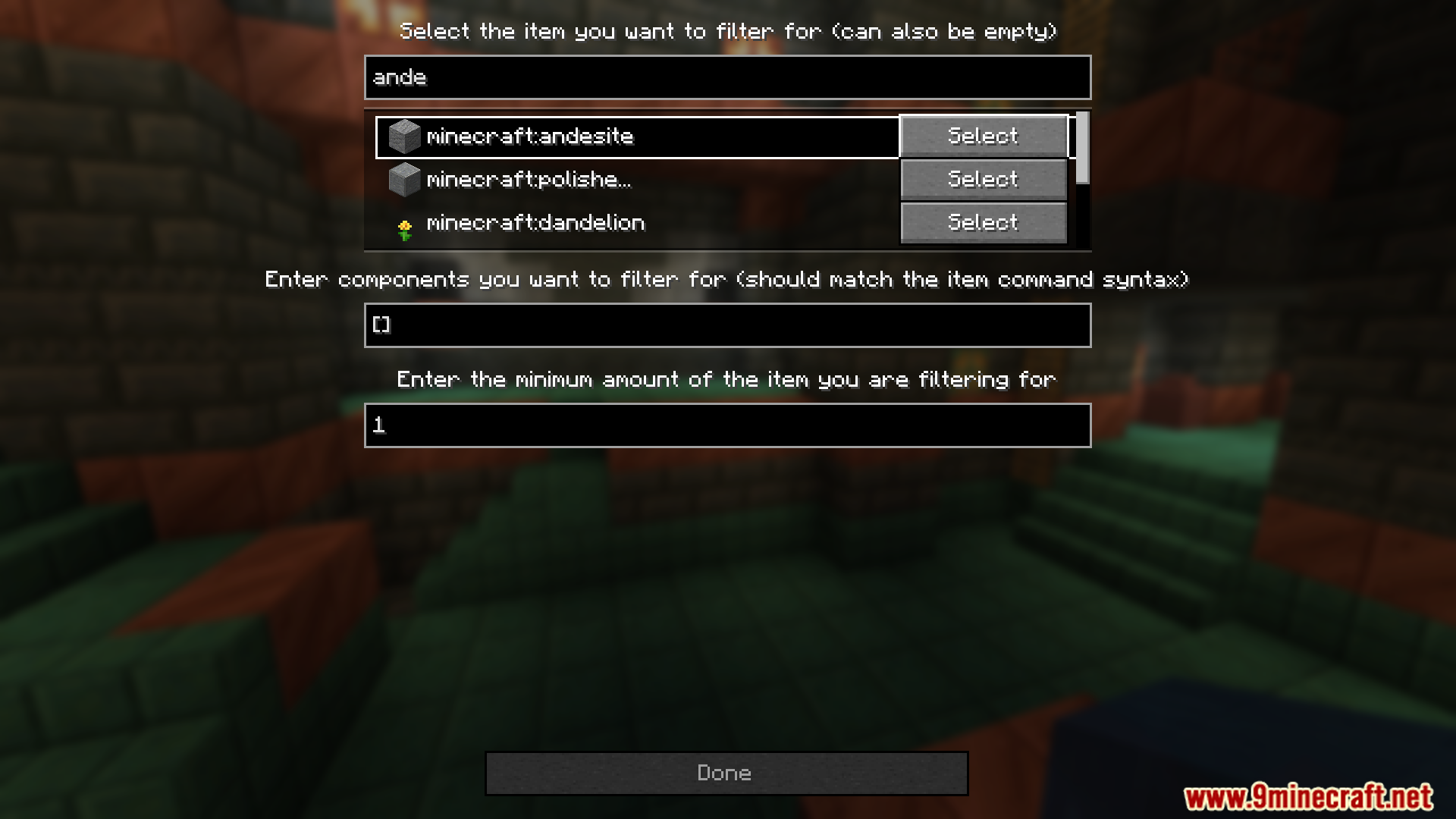
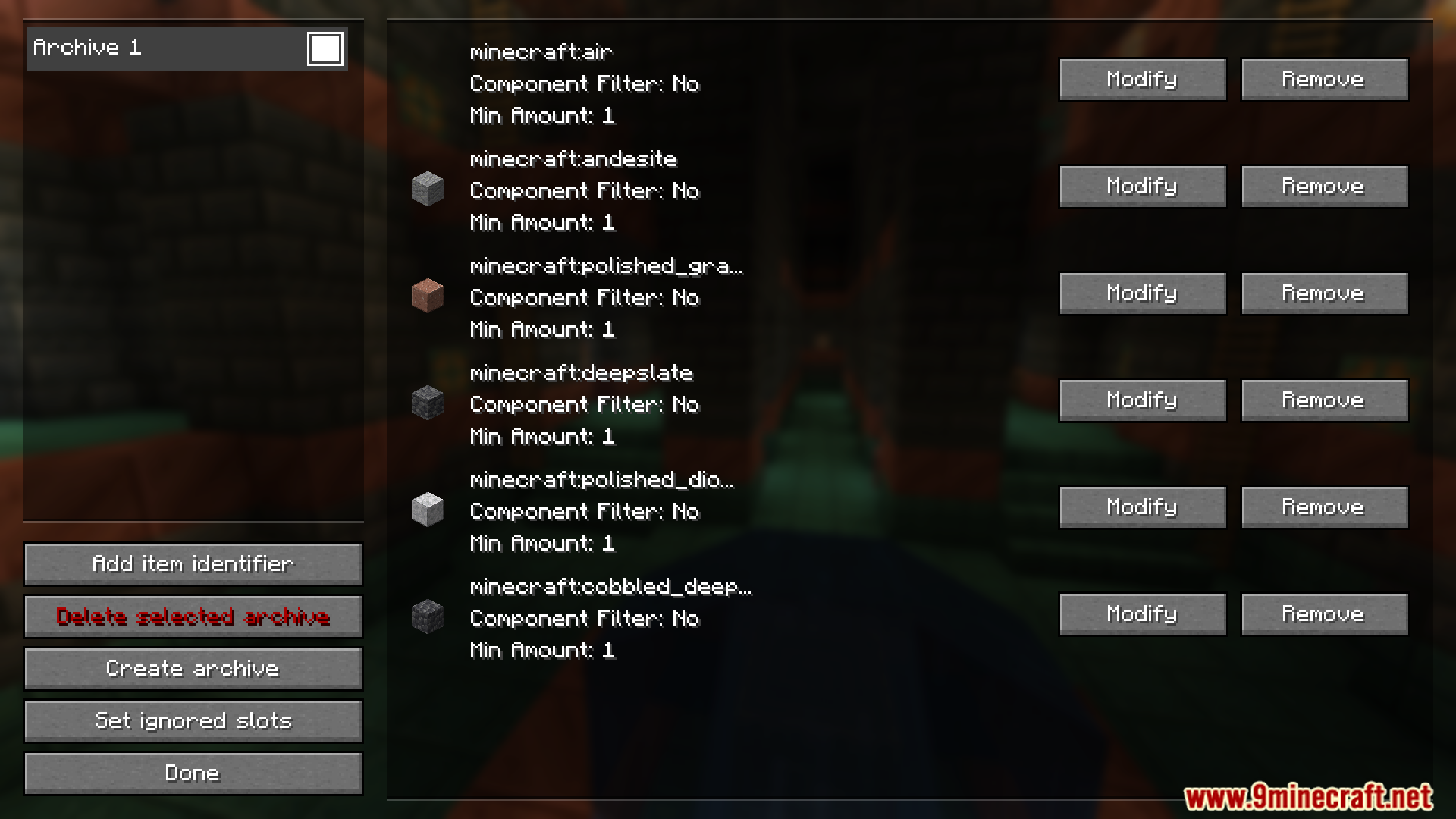
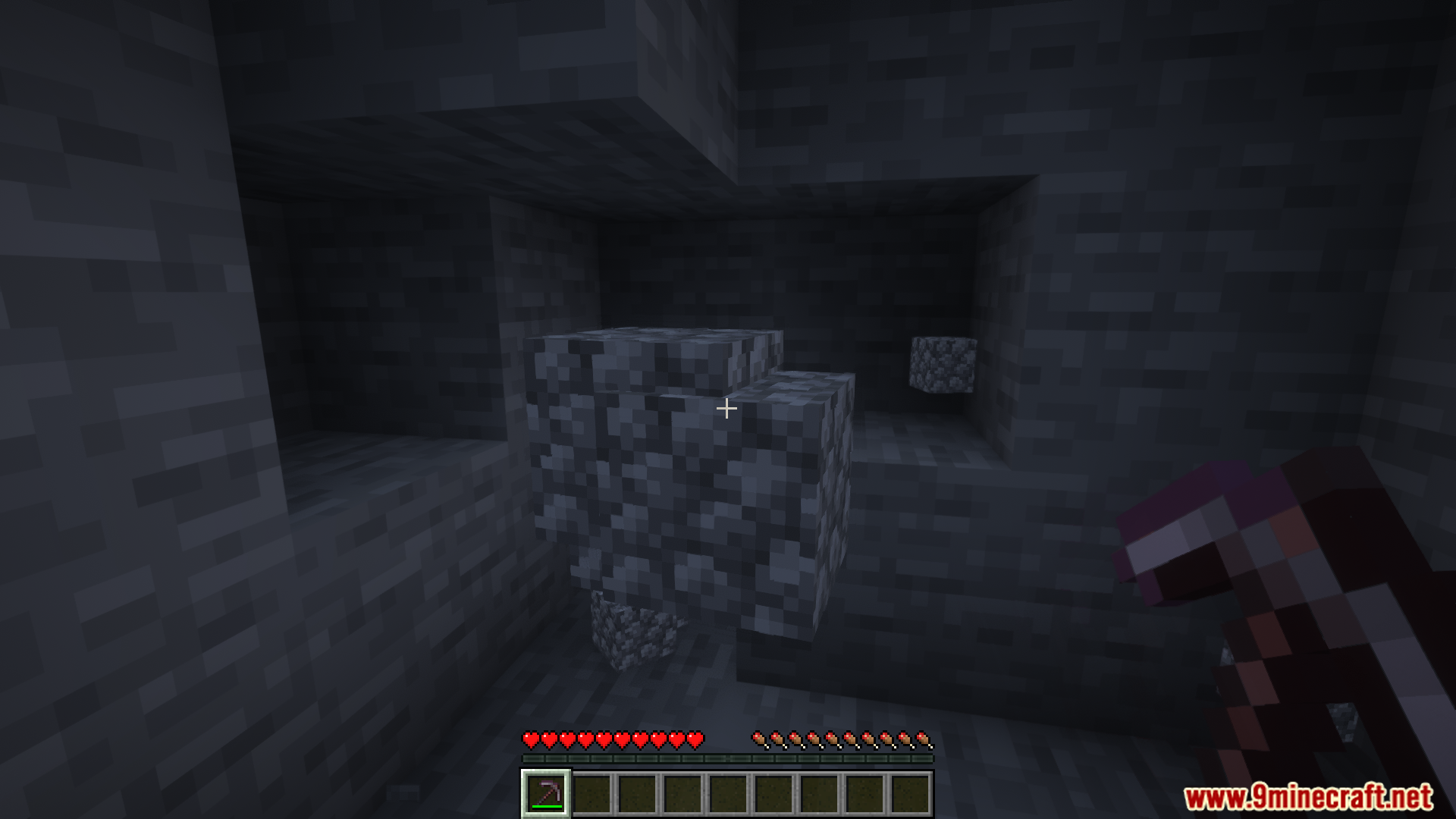
Autodrop Mod automatically removes unwanted items from your inventory by blacklisting them. Players can easily turn this feature on or off by pressing a hotkey (default: “j”). The mod also provides a simple configuration menu (default key: “o”) for managing the blacklist, and items can be organized or archived with a quick double-click in the GUI.
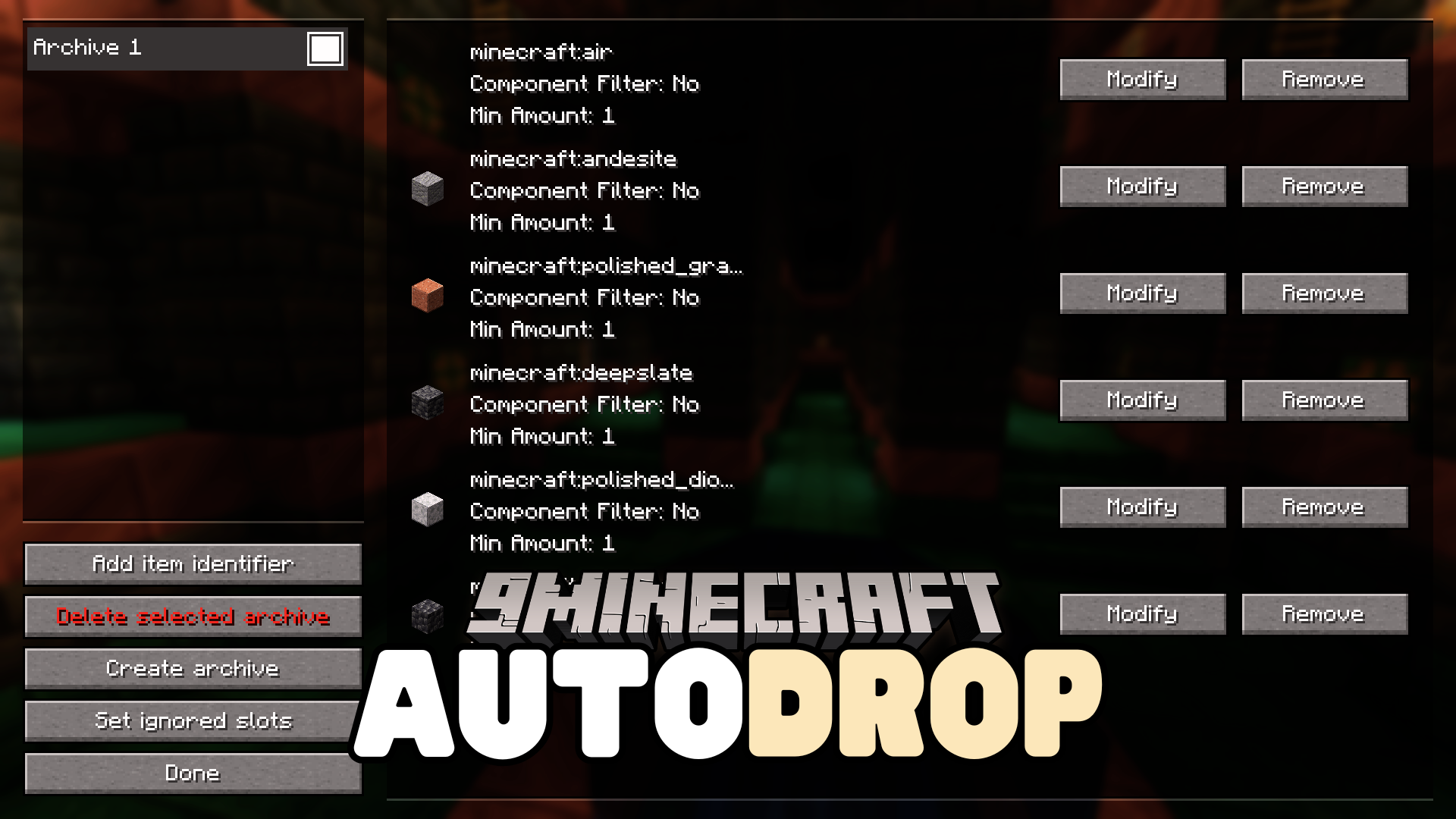
Features:
- Automatically drops blacklisted items from inventory.
- Hotkey to enable or disable the feature (default: “j”).
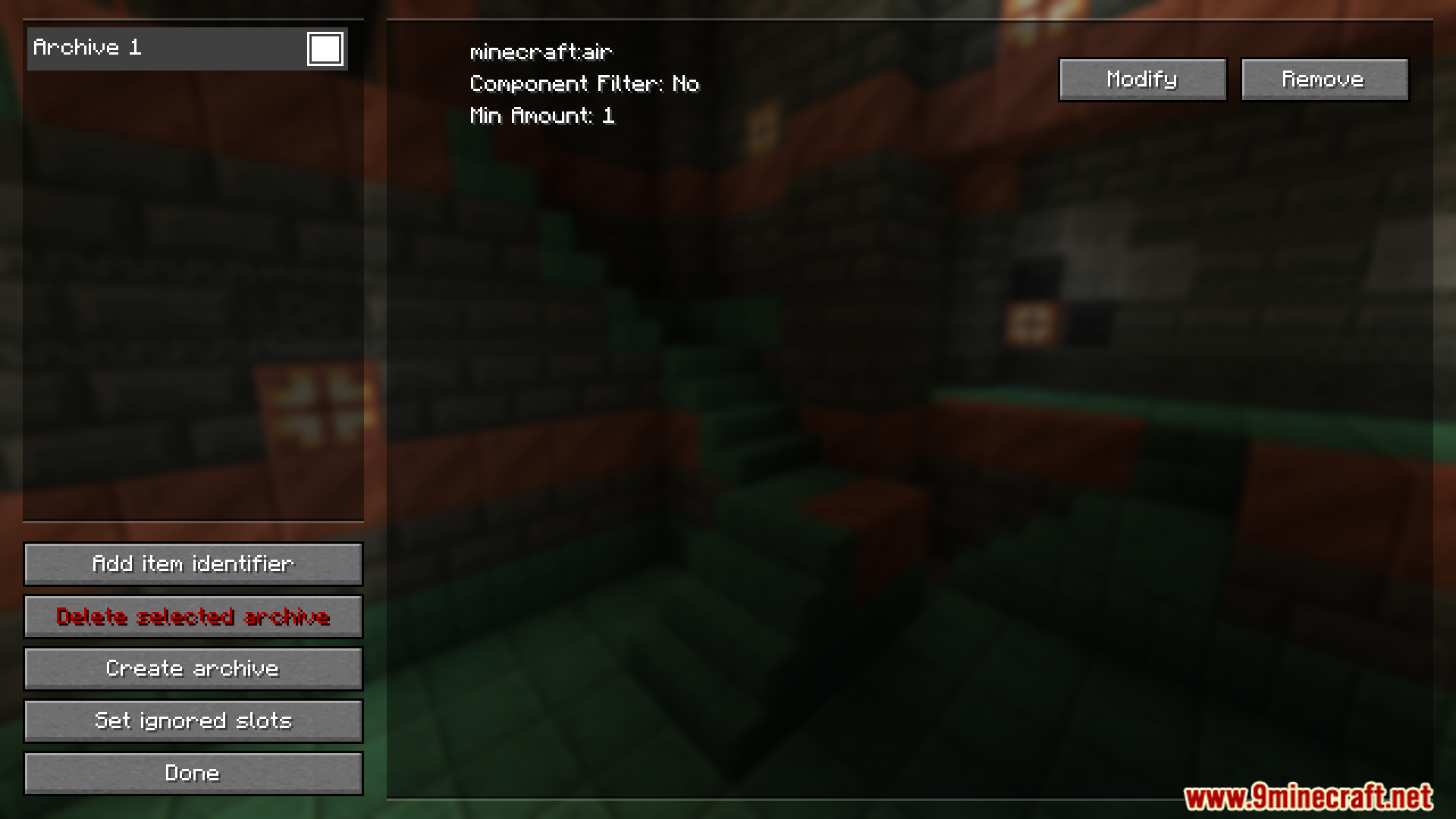
- Configuration menu for managing item blacklists (default key: “o”).
- Easy item archiving with double-click in the GUI.
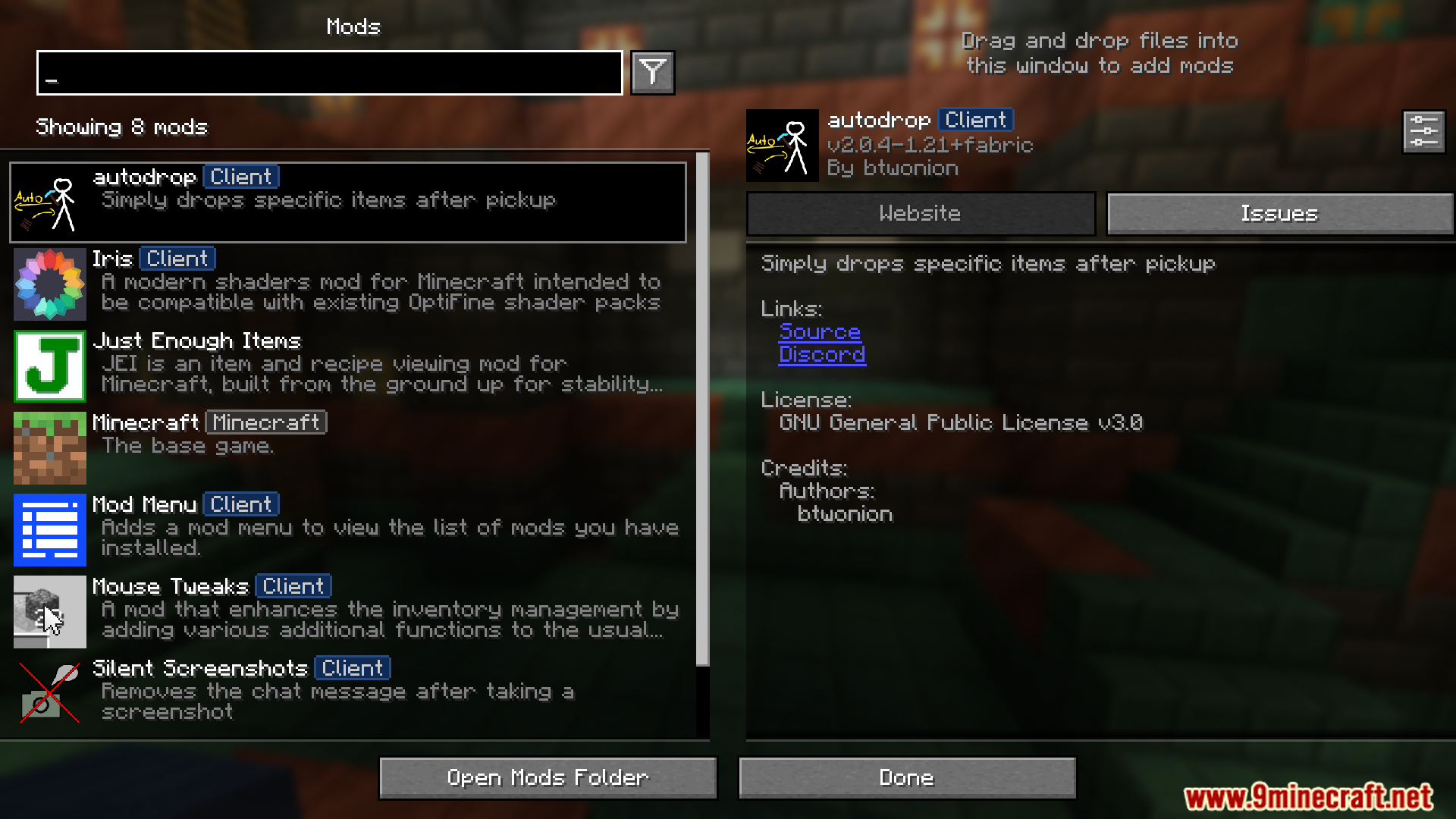
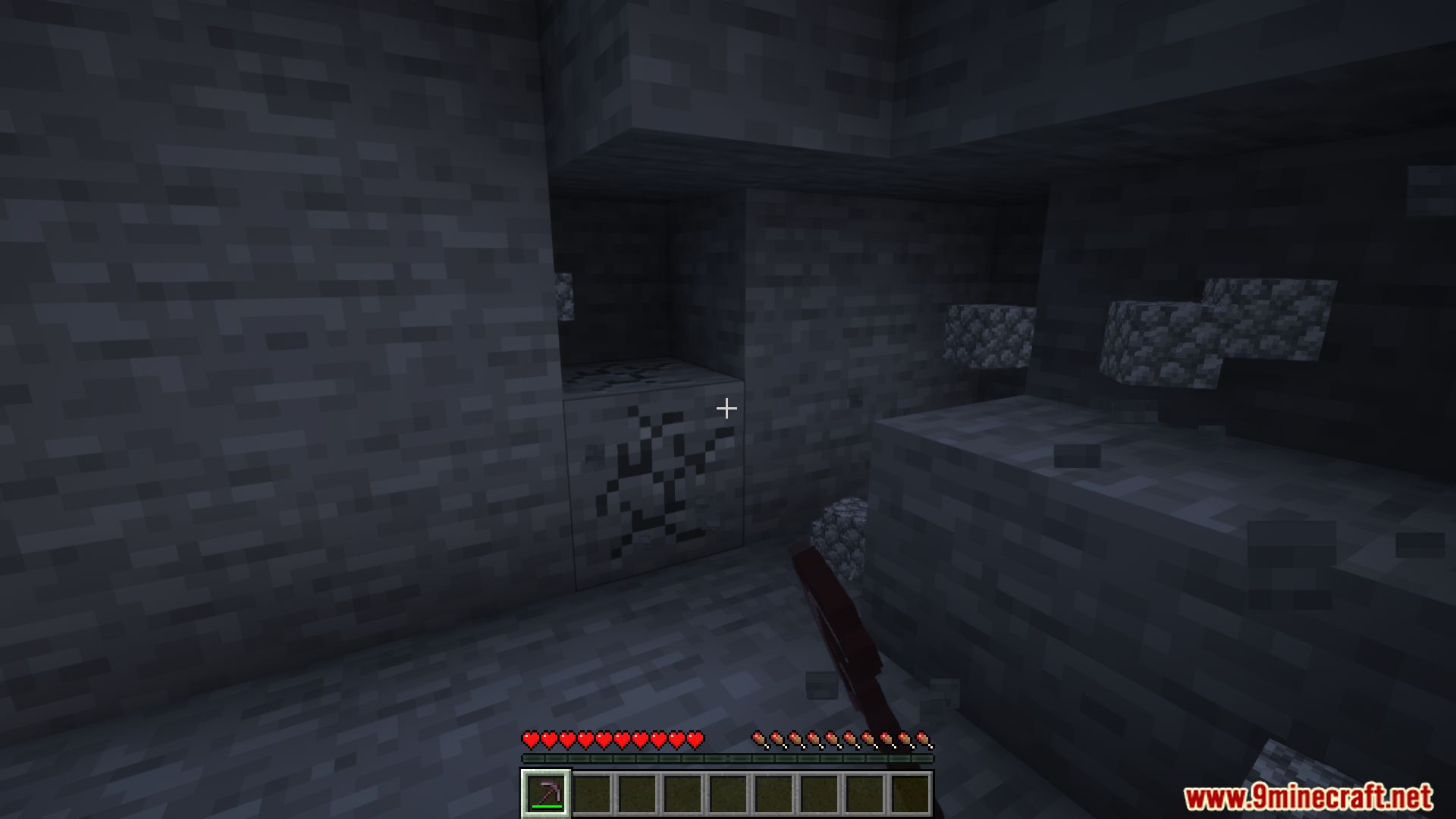
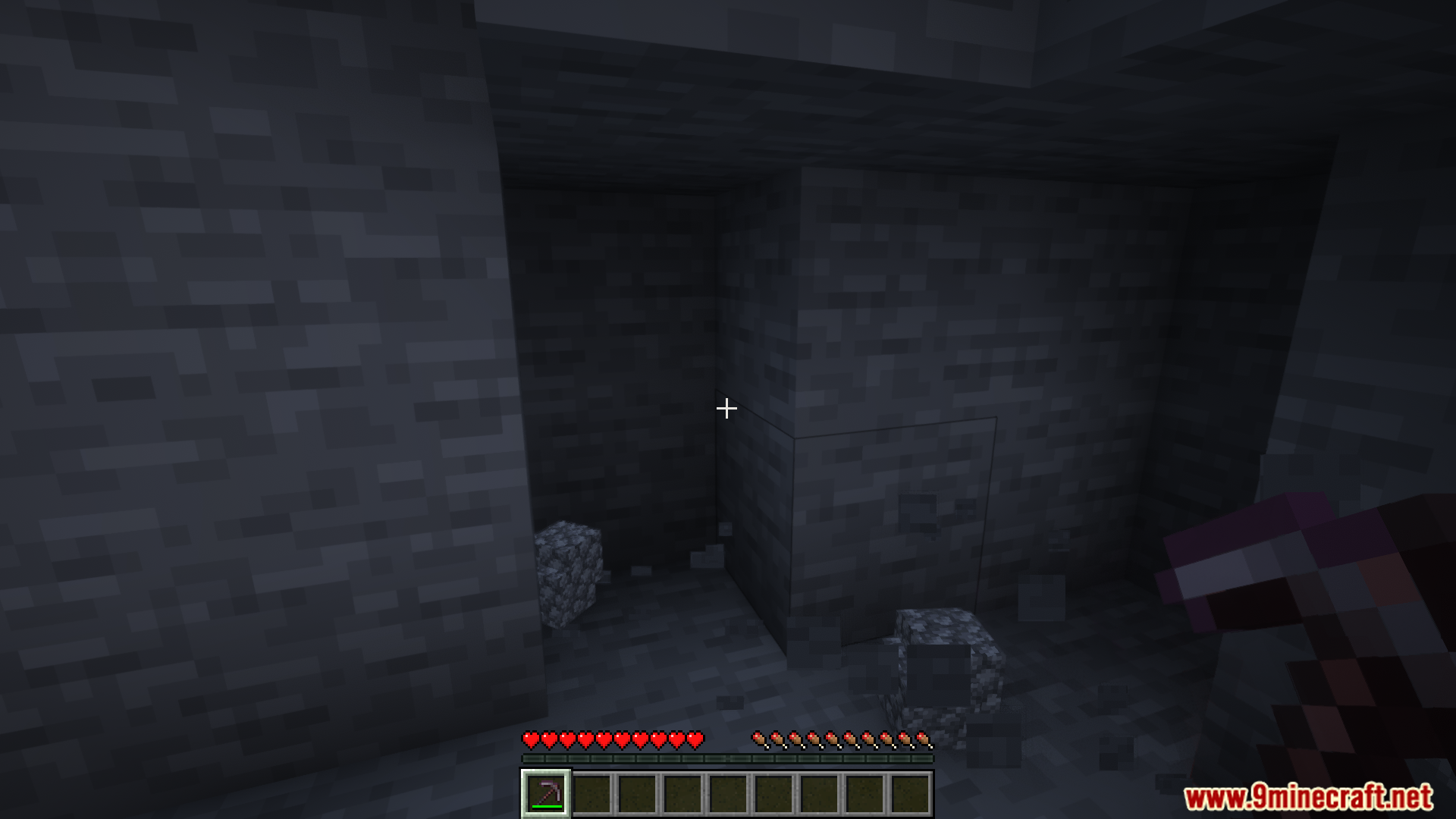
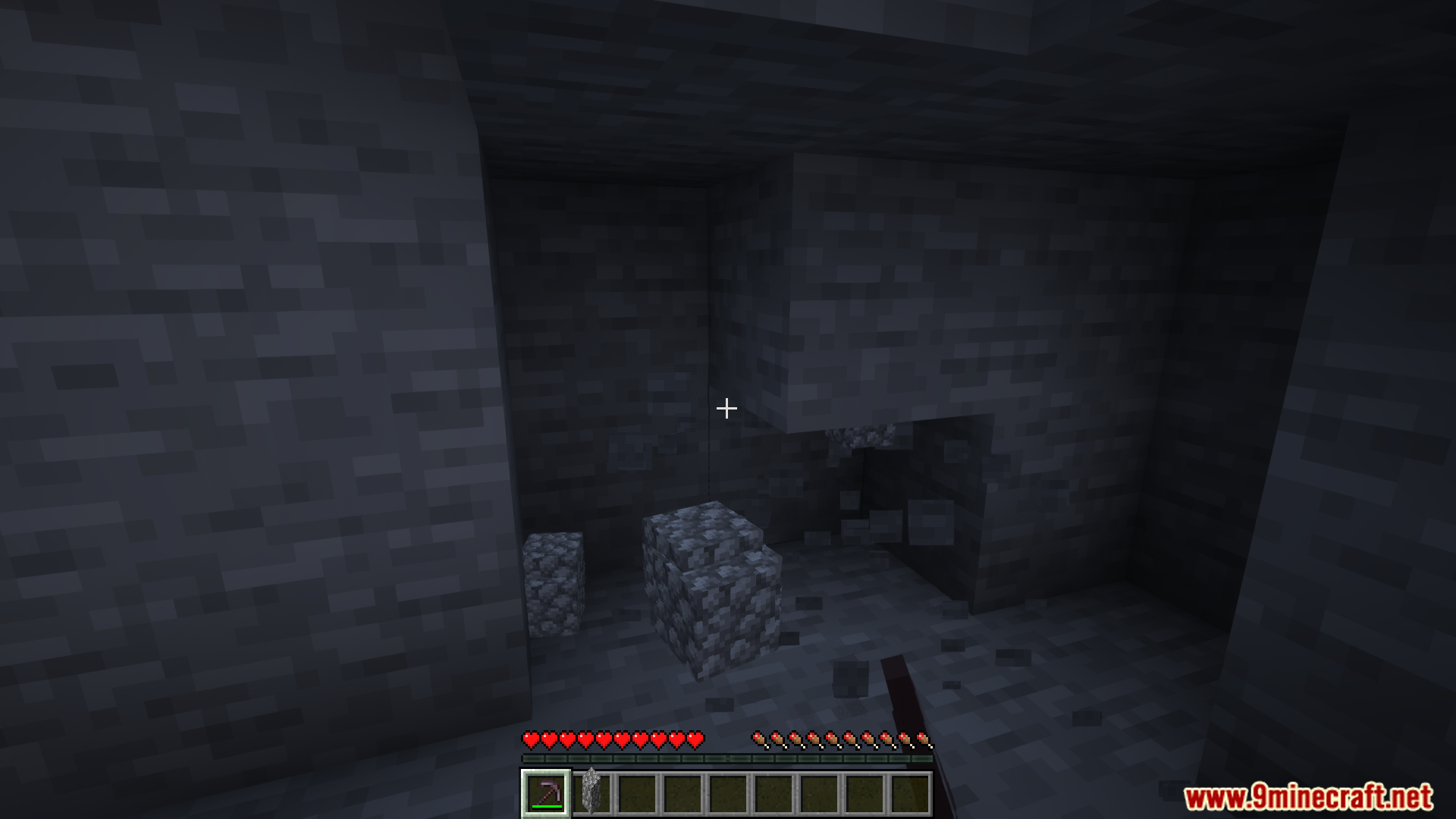
Screenshots:
How to Install:
New to Minecraft? Follow our step-by-step guide to install Mods on your PC.View Guide
Requirements:
 Fabric Loader Required
 Fabric API Required
Quilt Loader Required
 NeoForge Required
 Fabric Language Kotlin Mod Required
 KotlinLangForge Mod Required
YetAnotherConfigLib (YACL) Required
 GameGeek-Saikel Silk API Mod Required
 Kotlin for Forge Mod Required
 Mod Menu Mod Optional
Autodrop Mod Download Links
For Minecraft 26.2
For Minecraft 26.1.2, 26.1.1, 26.1
For Minecraft 1.21.11
For Minecraft 1.21.10, 1.21.9
For Minecraft 1.21.8, 1.21.7, 1.21.6
For Minecraft 1.21.5
For Minecraft 1.21.4
For Minecraft 1.21.3, 1.21.2
For Minecraft 1.21.1, 1.21
For Minecraft 1.20.6
For Minecraft 1.20.4
For Minecraft 1.20.2
For Minecraft 1.20.1, 1.20
For Minecraft 1.19.4
For Minecraft 1.19.3
For Minecraft 1.19.2
Click to rate this post!
[Total: 0 Average: 0]
You May Also Like

















This post has no comments yet. Be the first — your comment will appear here.