
Ballista Mod (1.21.1, 1.20.1) – Lay Siege to Enemy Forts
 269
 0


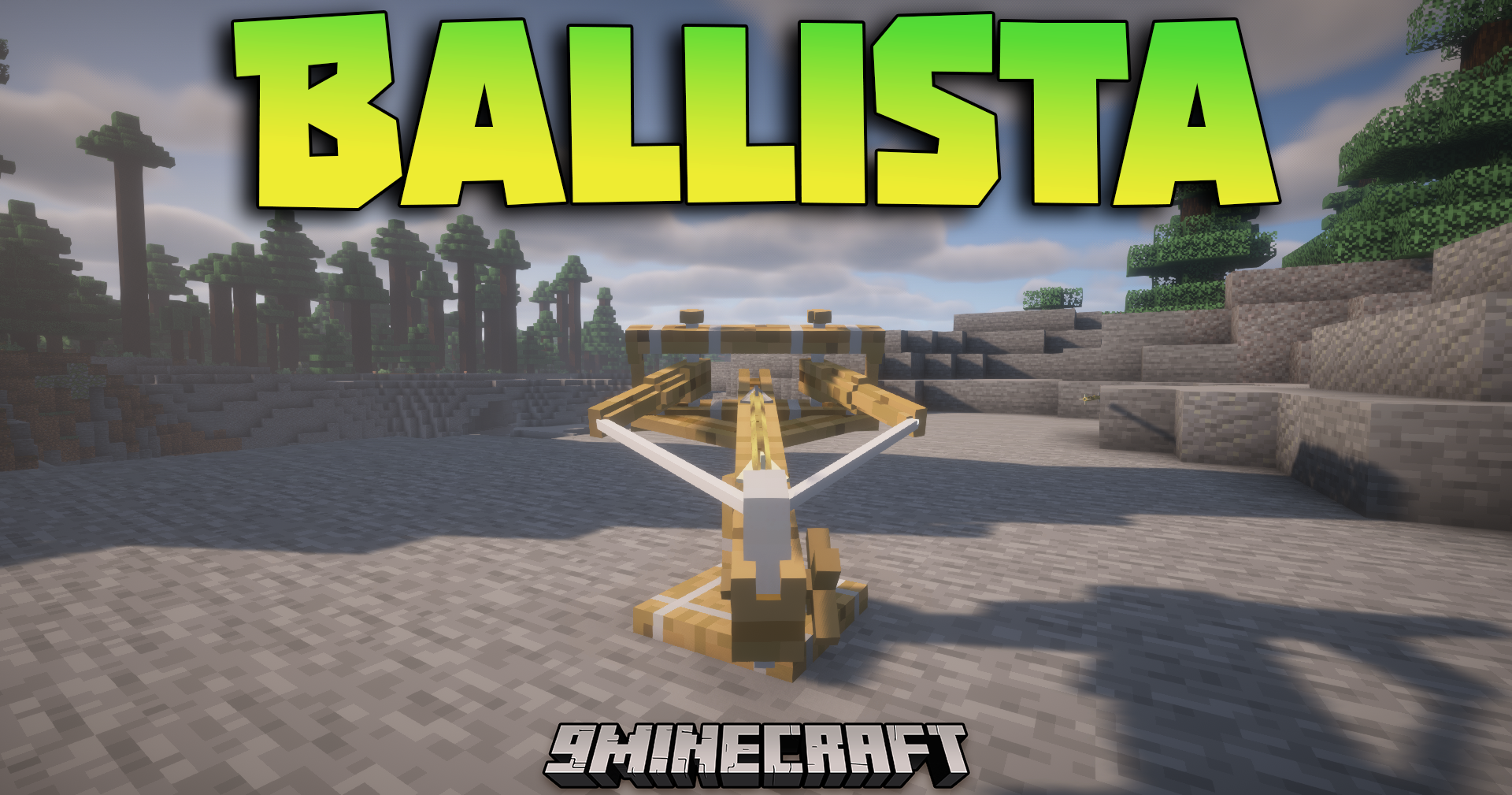
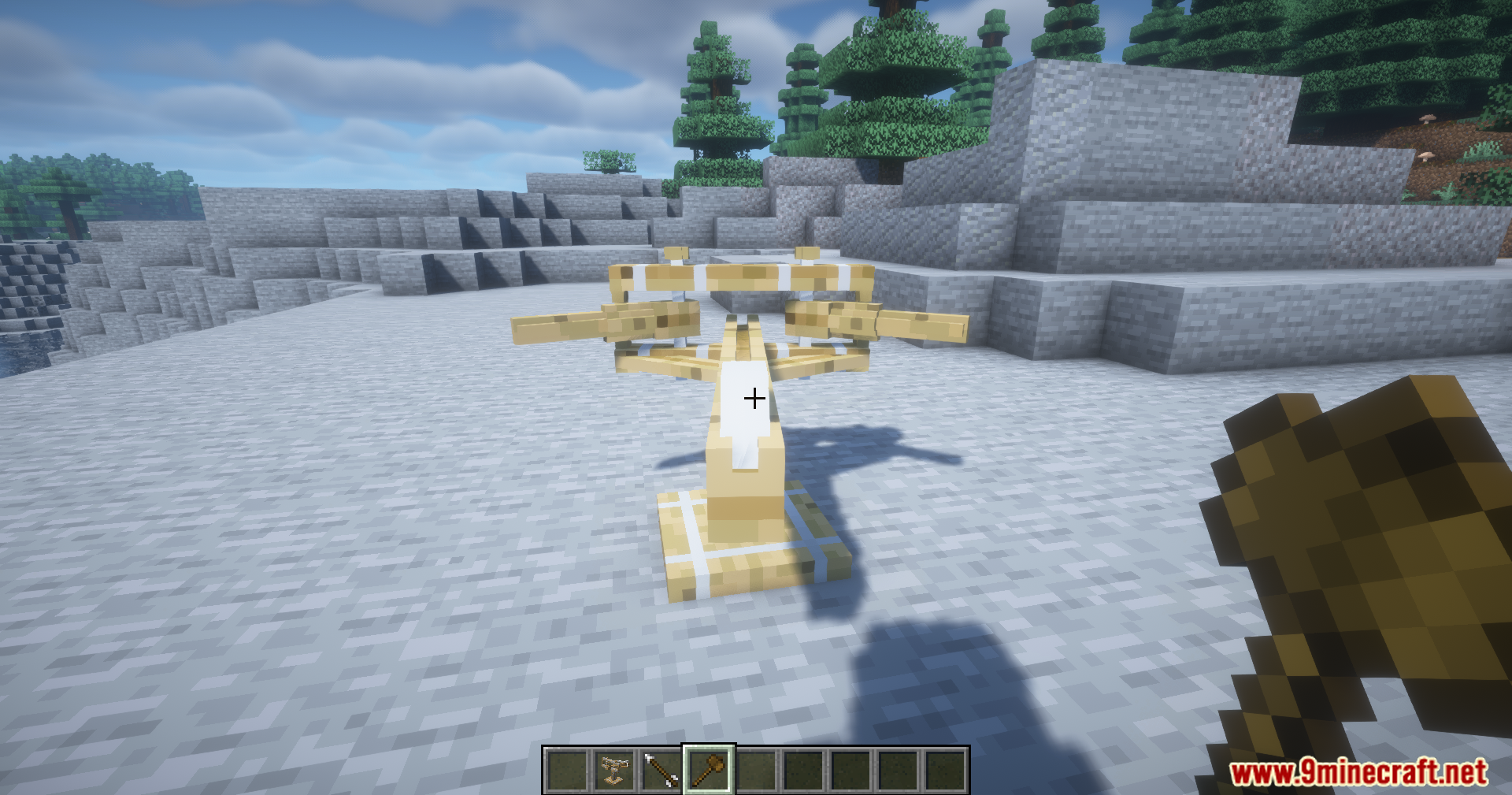
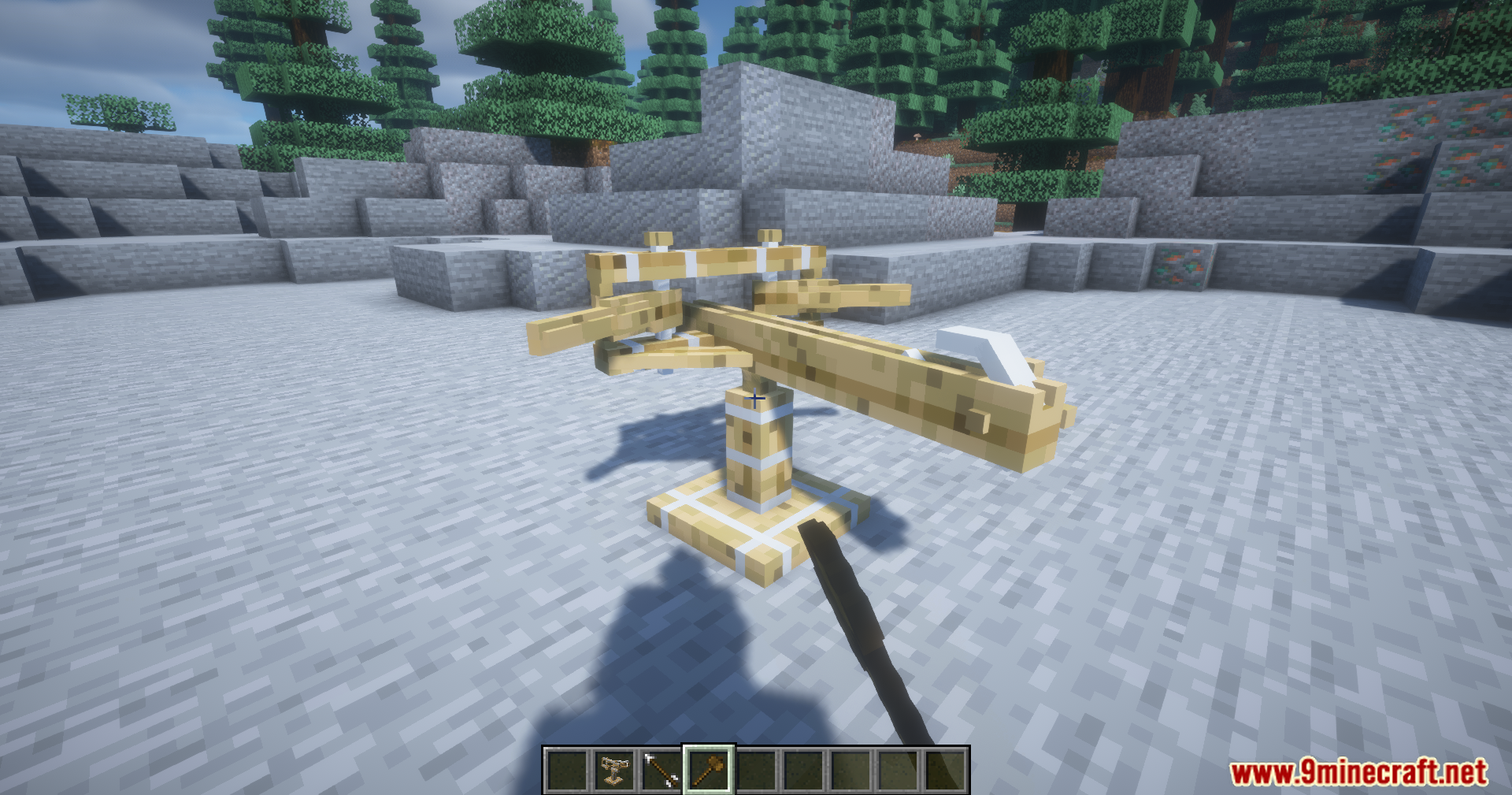
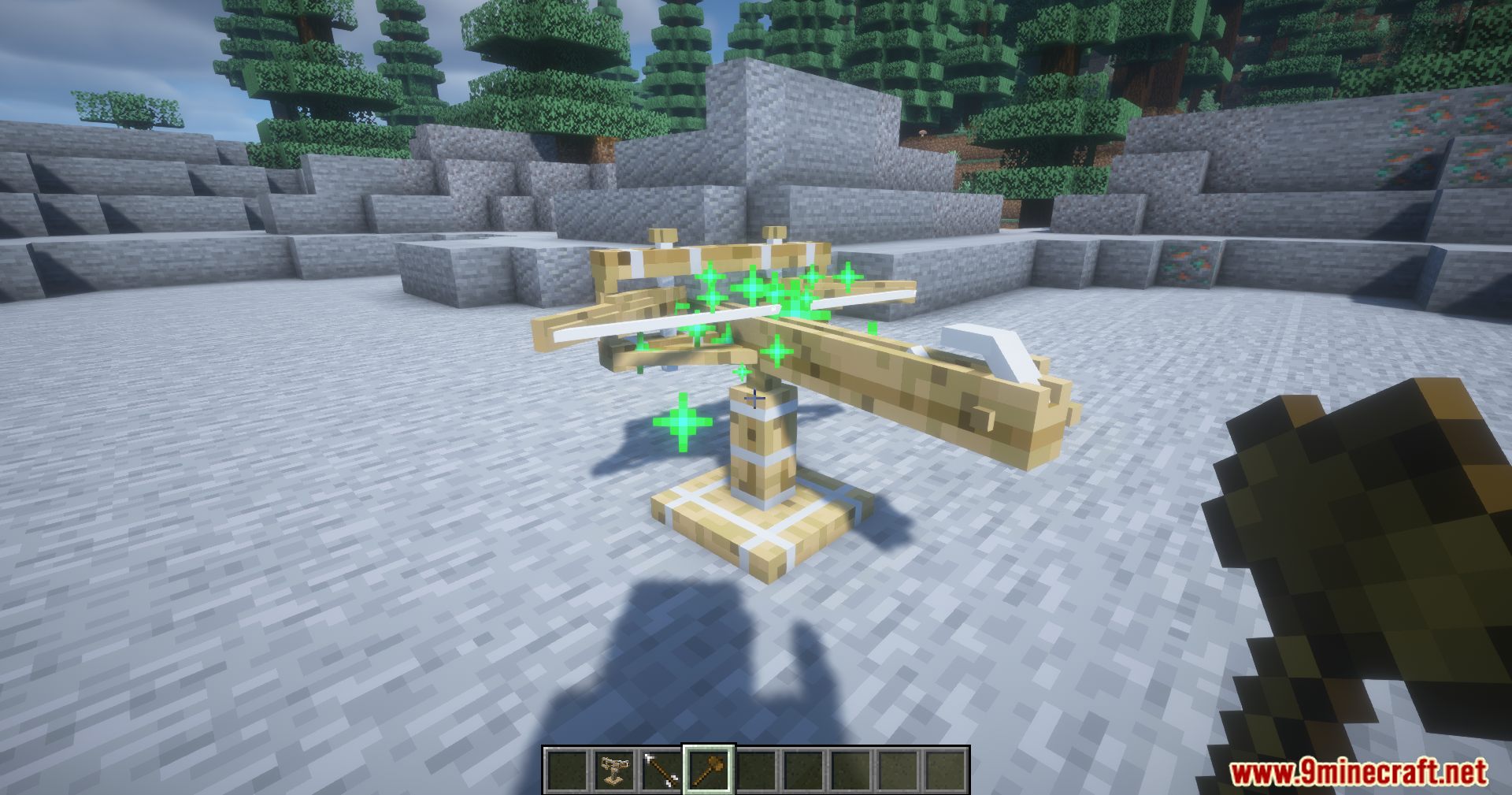
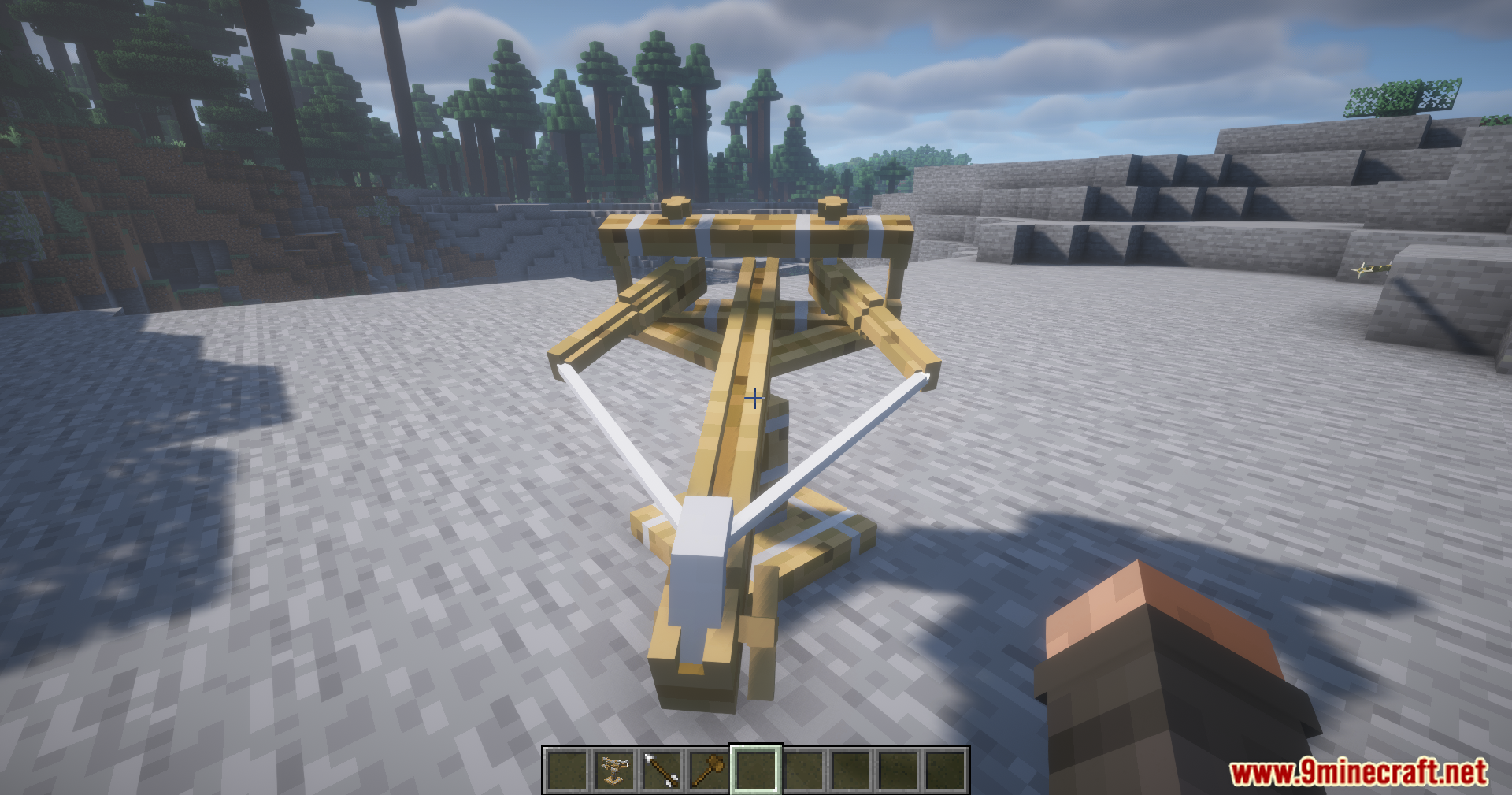
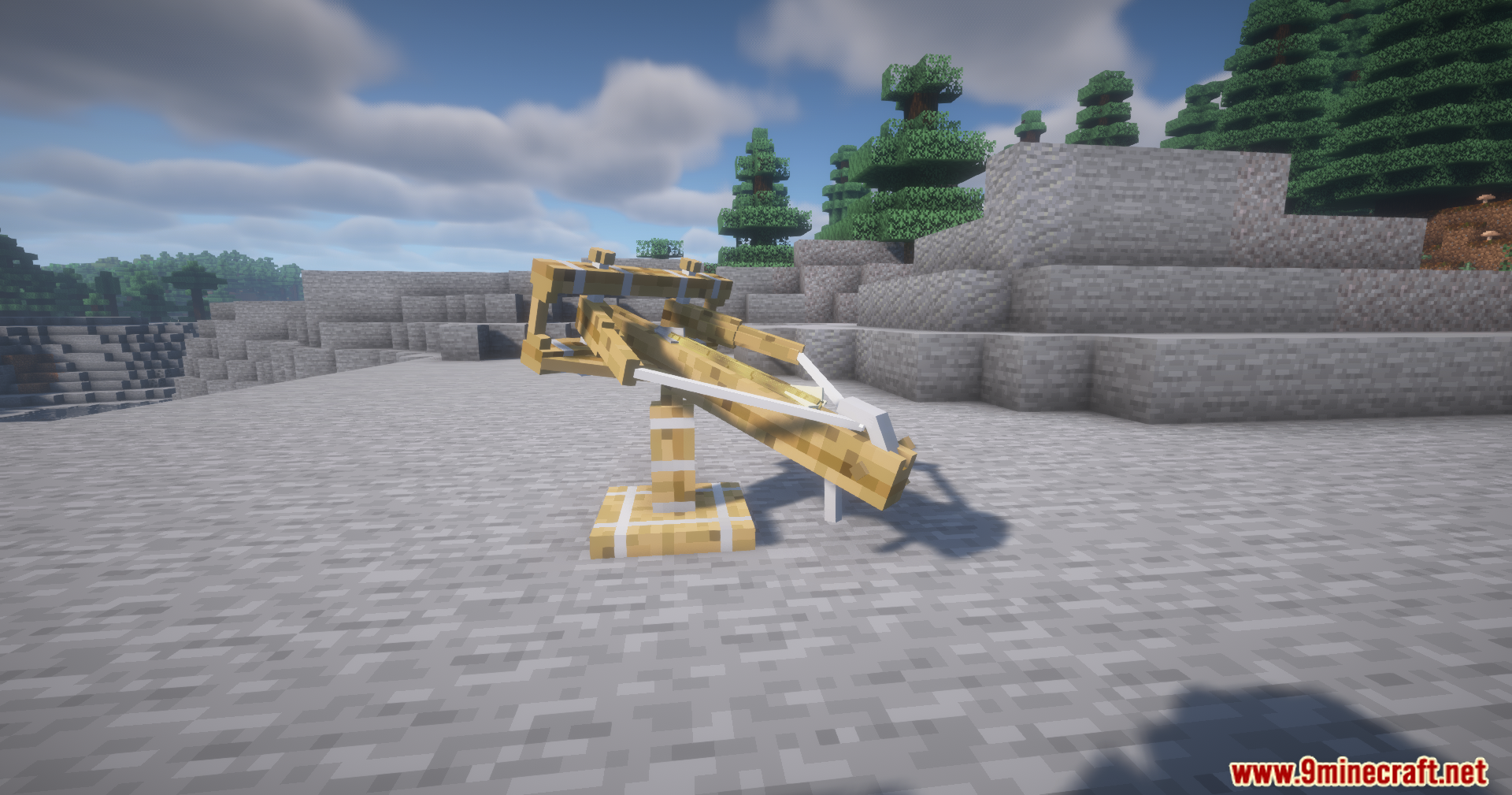
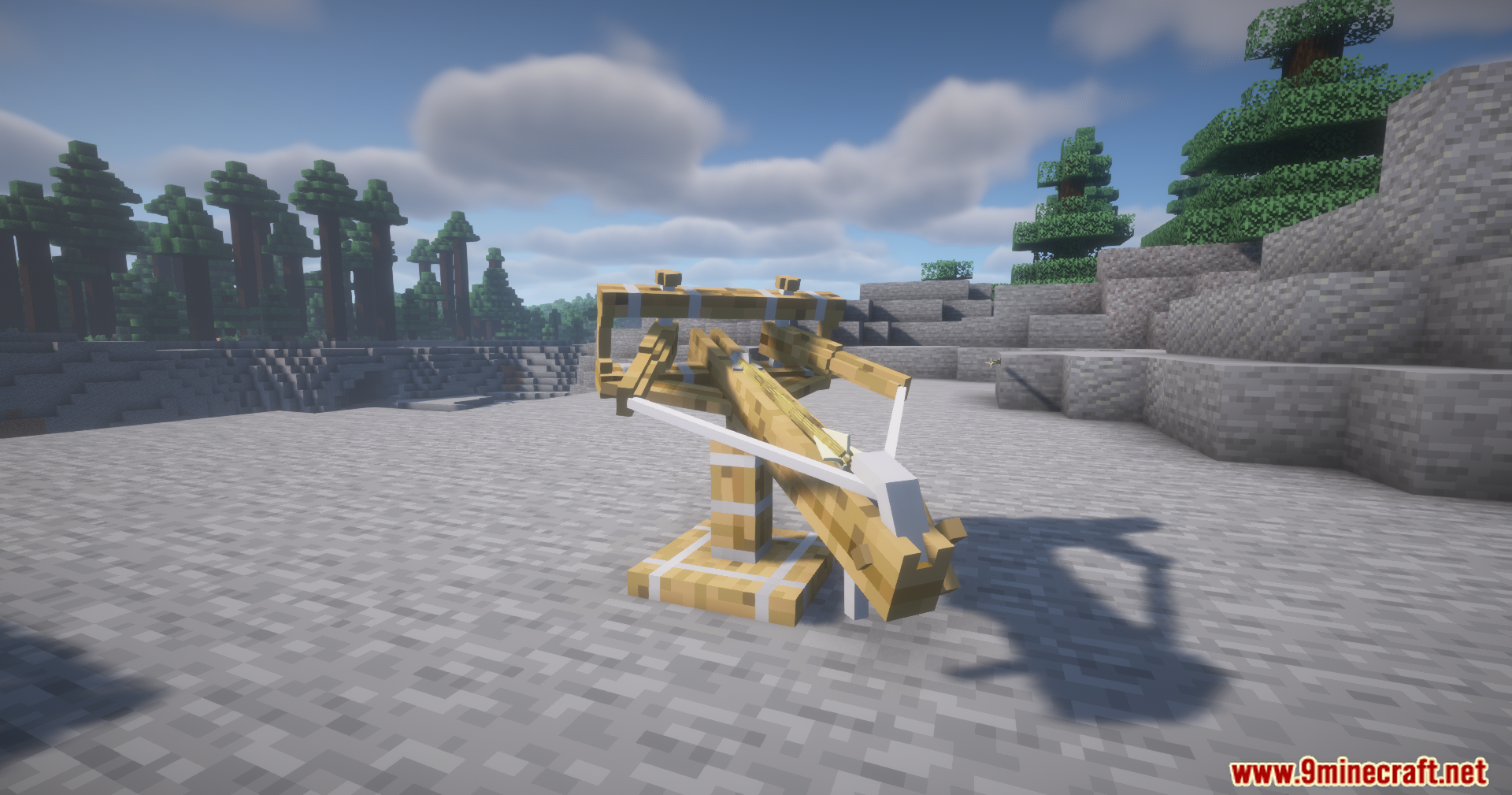
Ballista Mod adds siege engines to your Minecraft world, starting with the powerful ballista. You can build, control, and fire this large weapon to hit targets from a long distance. To manage your new war machine, you will need to use the Engineer’s Hammer.
Features:
- Adds a functional ballista, a siege engine for long-range combat.
- Use the Engineer’s Hammer to build or take apart the ballista.
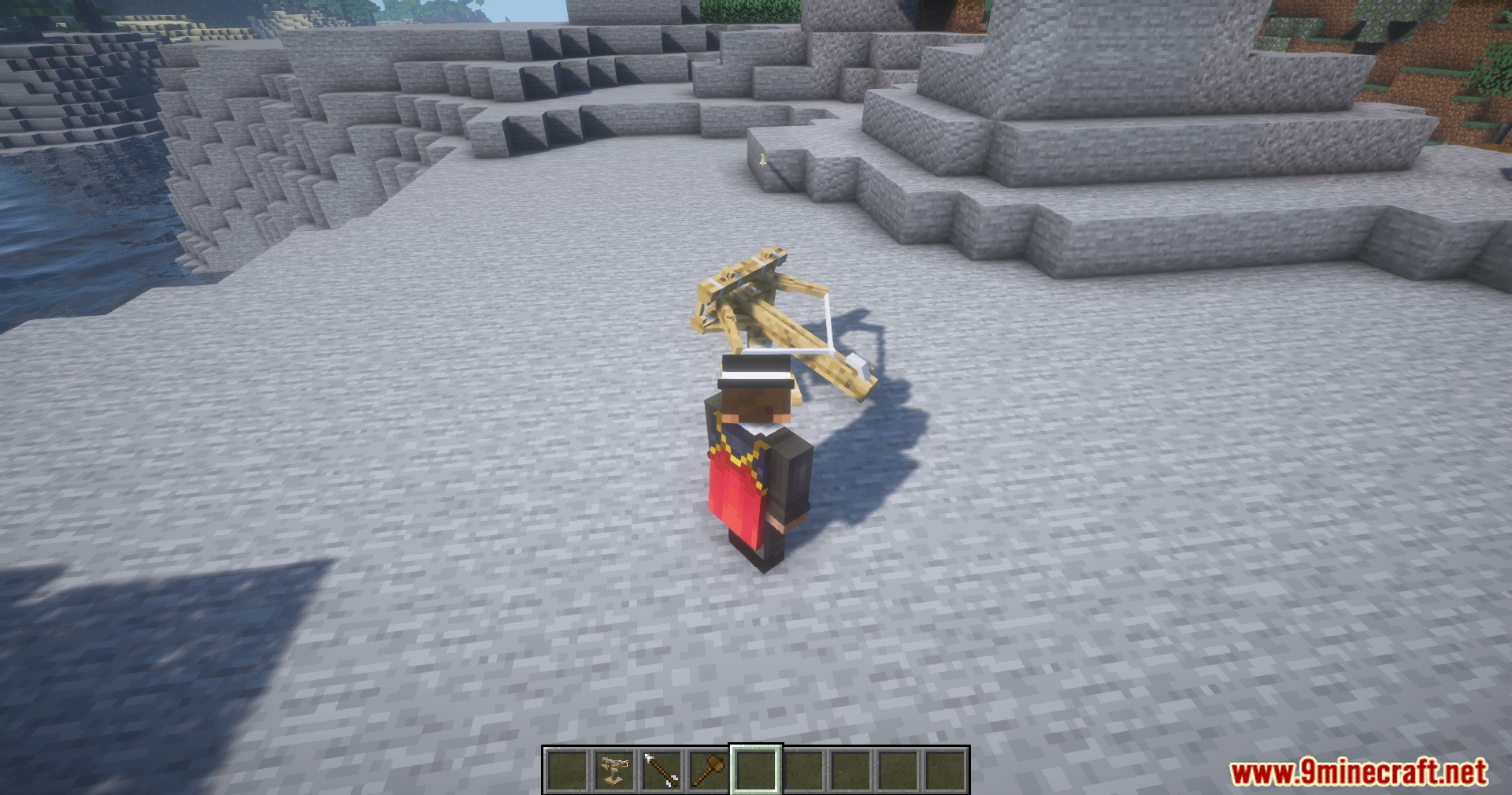
- Take direct control of the weapon to aim and fire.
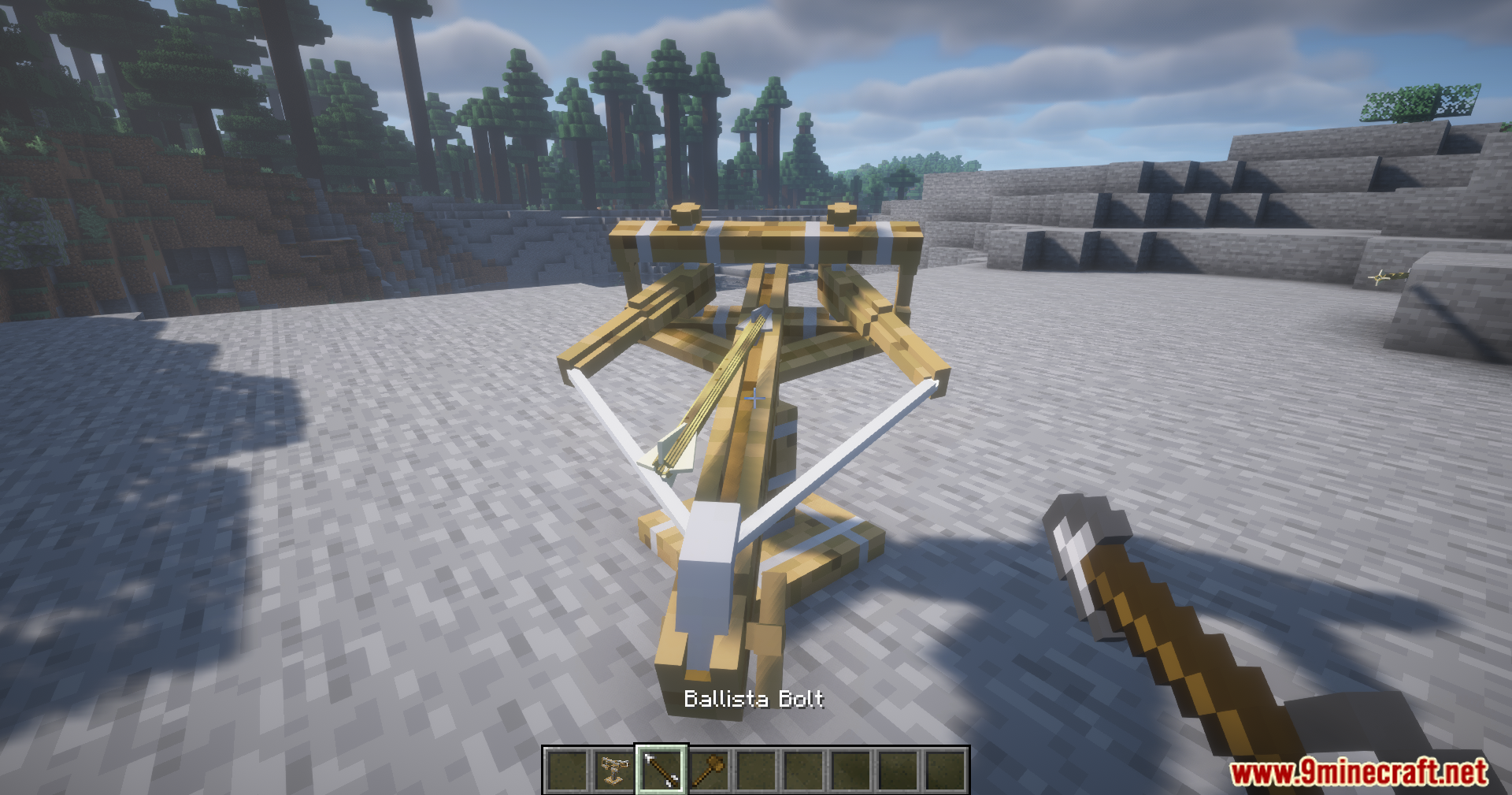
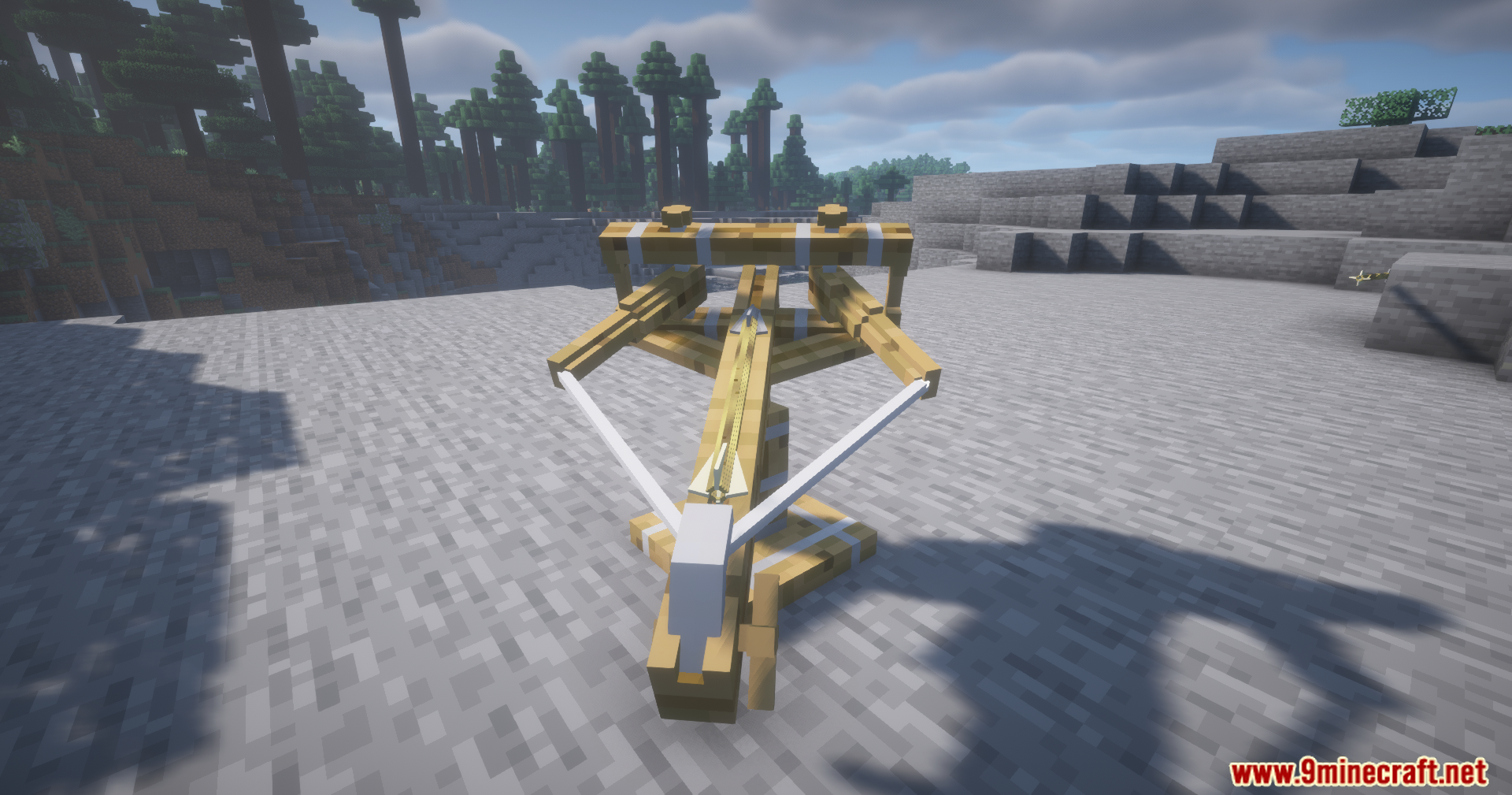
- Load the ballista with special arrows to shoot at targets.
- Repair a broken ballista using a dedicated repair item.
How to Use:
- Click with the Engineer’s Hammer to build a ballista. Shift-click with the hammer to deconstruct it.
- To operate the ballista, shift-click on it to take control. Shift-click again to release control.
- Once in control, click with an empty hand to draw the string back.
- Click with a ballista arrow in your hand to load the weapon.
- Click with an empty hand again to shoot the arrow.
- Use the ballista repair item on a broken ballista to fix it.
Crafting Recipes:
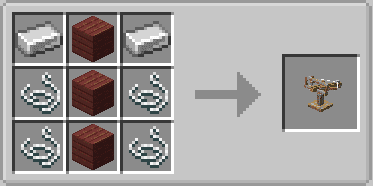
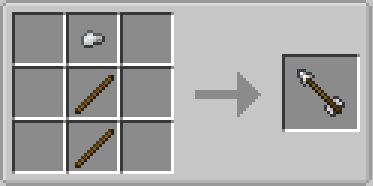
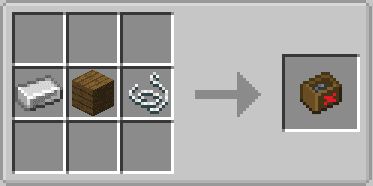
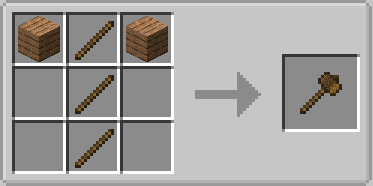
Screenshots:
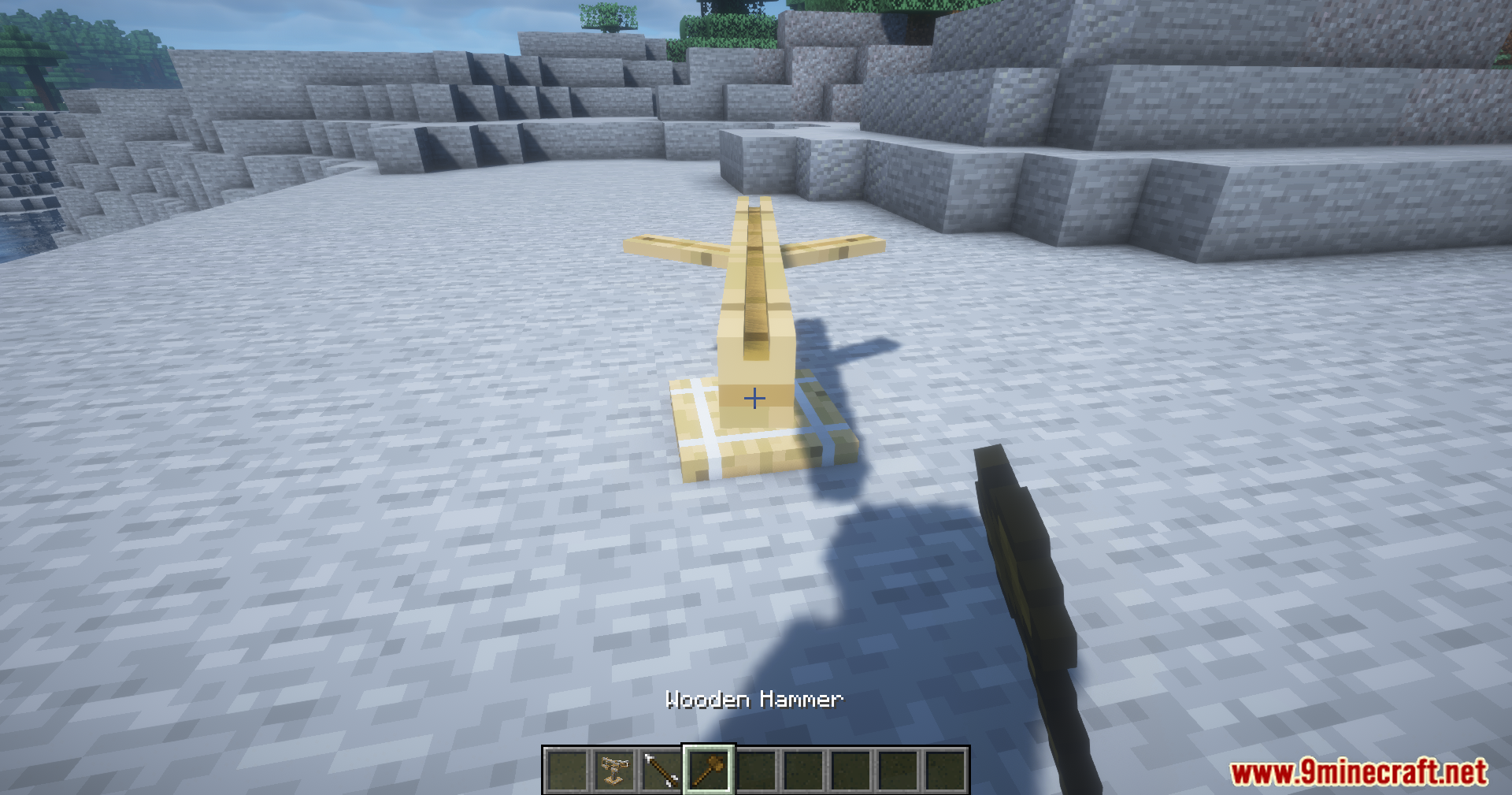
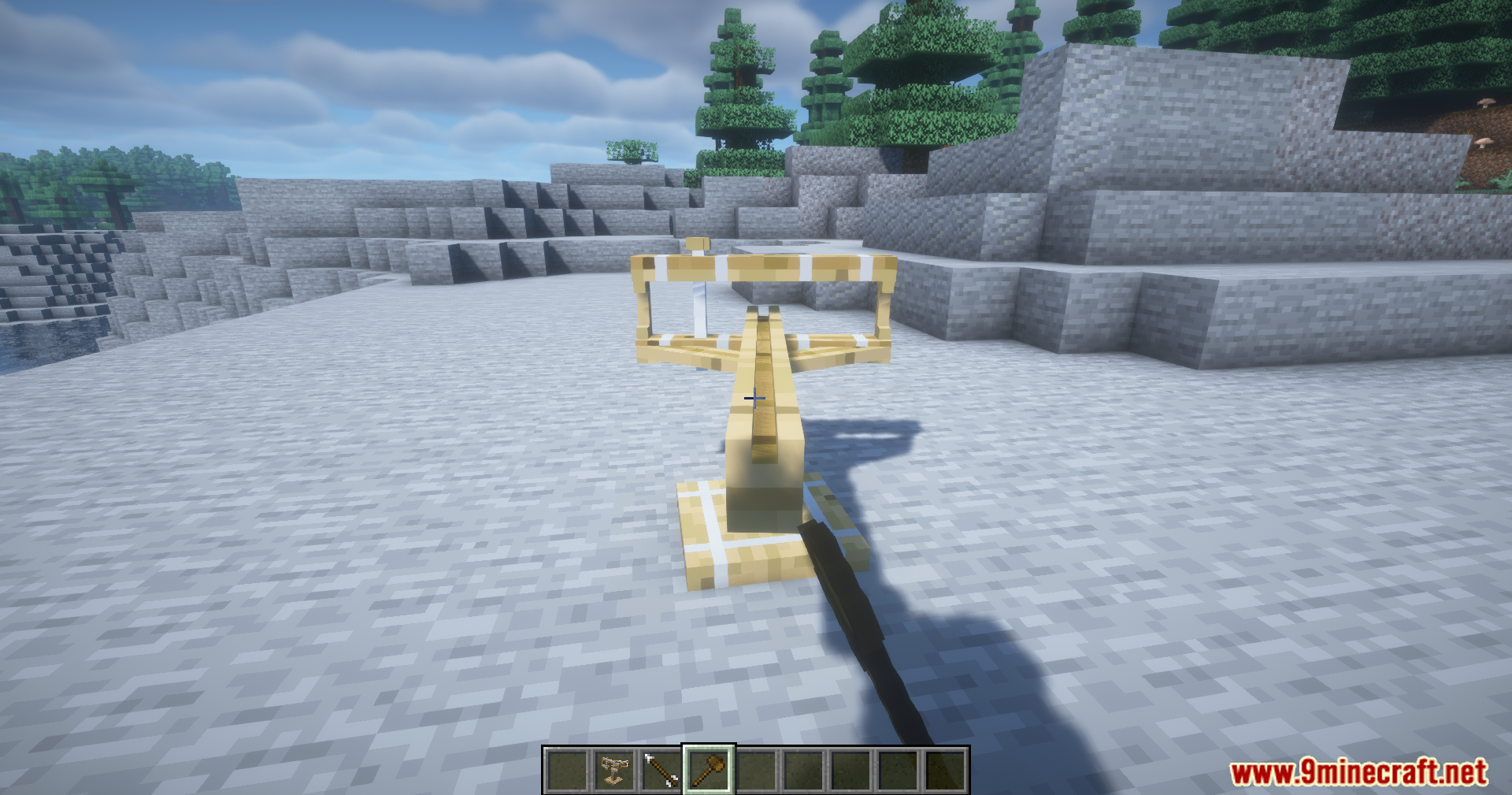
How to Install:
New to Minecraft? Follow our step-by-step guide to install Mods on your PC.View Guide
Ballista Mod Download Links
For Minecraft 1.21.1, 1.21
NeoForge Version: Download from Server 1 – Download from Server 2
For Minecraft 1.20.1, 1.20
Forge Version: Download from Server 1 – Download from Server 2
Click to rate this post!
[Total: 2 Average: 5]
QUICK MINECRAFT SURVEY · ONE TAP
Mods & Modpacks
Which performance or optimization mod do you rely on the most?
23 responses · See the full results →
You May Also Like
Picked for this page
 Corail Tombstone Mod (26.2, 1.20.1) – Never Lose Your Items Again
 NetherEx Mod (1.21.4, 1.21.1) – The Nether Is Now Your Home
 Guard Villagers Mod (26.3, 1.20.1) – Build Your Village an Army
 Tough As Nails Mod (26.3, 1.20.1) – Fight Against the Elements
 Draconic Evolution Mod (1.21.1, 1.20.1) – Wield Power Beyond Diamond
 Hunter’s Return Mod (26.3, 1.20.1) – Meet the Boomerang Illager
 Level Up Mod (1.21.11, 1.20.1) – Choose Your Class and Role
 Advanced Hook Launchers Mod (26.3, 1.20.1) – Climb, Abseil, Slay the Dragons
 Integrated Stronghold Mod (1.21.1, 1.20.1) – A Massive Dungeon Before the End
 Wan’s Ancient Beasts Mod (1.21.1, 1.20.1) – Hatch and Ride Your Own Prehistoric
 Create Mechanical Companion Mod (1.21.1, 1.20.1) – Your Own Upgradable Wolf
 Sleepy Hollows Mod (1.21.1, 1.20.1) – Fight a Headless Horseman
Most viewed in Mods over the last 7 days
 Ala Industrial Mod (26.3) – Run Electric Power Grids and Automated Factories
 PleasureCraft Mod (26.3, 1.21.1) – Jenny Mod Remake for Fabric
 Jennycraft Mod (26.3, 1.20.1) – Virtual Girlfriend in Minecraft
 Fapcraft Mod (26.3, 1.12.2) – Comprehensive and Detailed Content
 Jenny Mod (Fapcraft) Official Complete Guide – How to use, Tutorial
 BangCraft Mod (1.20.1) – Jenny, Ellie and Elliot
 Fabric Loader (26.3, 1.20.1) – Fabric Installer for All Minecraft Versions
 The Shooting Star Demo Mod (26.3, 1.20.1) – Vaporize Terrain From Orbit
 Meteor Client Mod (26.3, 1.20.1) – Xray, HUD, Fly
 OptiFine HD (26.3, 1.20.1) – Run Faster, FPS Boost, Shaders Support
 Aristois Client Mod (1.21.4, 1.20.1) – World Class Minecraft Utility
 Prestige Client Mod (1.21.11, 1.21.4) – Powerful Ghost Features for Crystal & Sword PvP
More from Mods
 Cuisine Craft Mod (1.21.11, 1.20.1) – Cook Restaurant Dishes with Fresh Farm
 XinexLib Mod (1.21.1) – Keep Your Ultreon Studios Mods Running
 Libvulpes – Fixed Mod (1.12.2) – Launch Rockets with Fewer Bugs
 Freelook Perspective Mod (26.3, 1.21.1) – Watch Your Back While Sprinting
 FAUNA Engine Mod (1.21.1, 1.20.1) – Powering Legendary Dragons
 Avali Nexus Mod (26.3) – Settle Frozen Frontiers with High-Tech Bird Tribes
 Orient’s Hotpot Chronicles Mod (1.20.1) – Boil Fresh Hotpot Meals Over Open Flames
 Far Lands Traveler Mod (26.1.2) – Survive the Long Trek to the Edge of the World
 Beli’s SkyLyrics Mod (1.21.11) – Sing Along to Desktop Tracks Projected in the Night Sky
 Explainstone and Songmelyn Mod (1.21.1) – Broadcast Custom Music Across Your Base
 Rockstar Shaders Mod (26.3) – Cast Ray-Traced Light Across Vast Distant Horizons
 ERYDON Mod (1.20.1) – Design Grand Courtyards with Carved Marble Pillars

This post has no comments yet. Be the first — your comment will appear here.