
Beacon Guard Plugin (1.21.11) – Turn Beacons Into Safe Havens for Player Bases
 2
 0

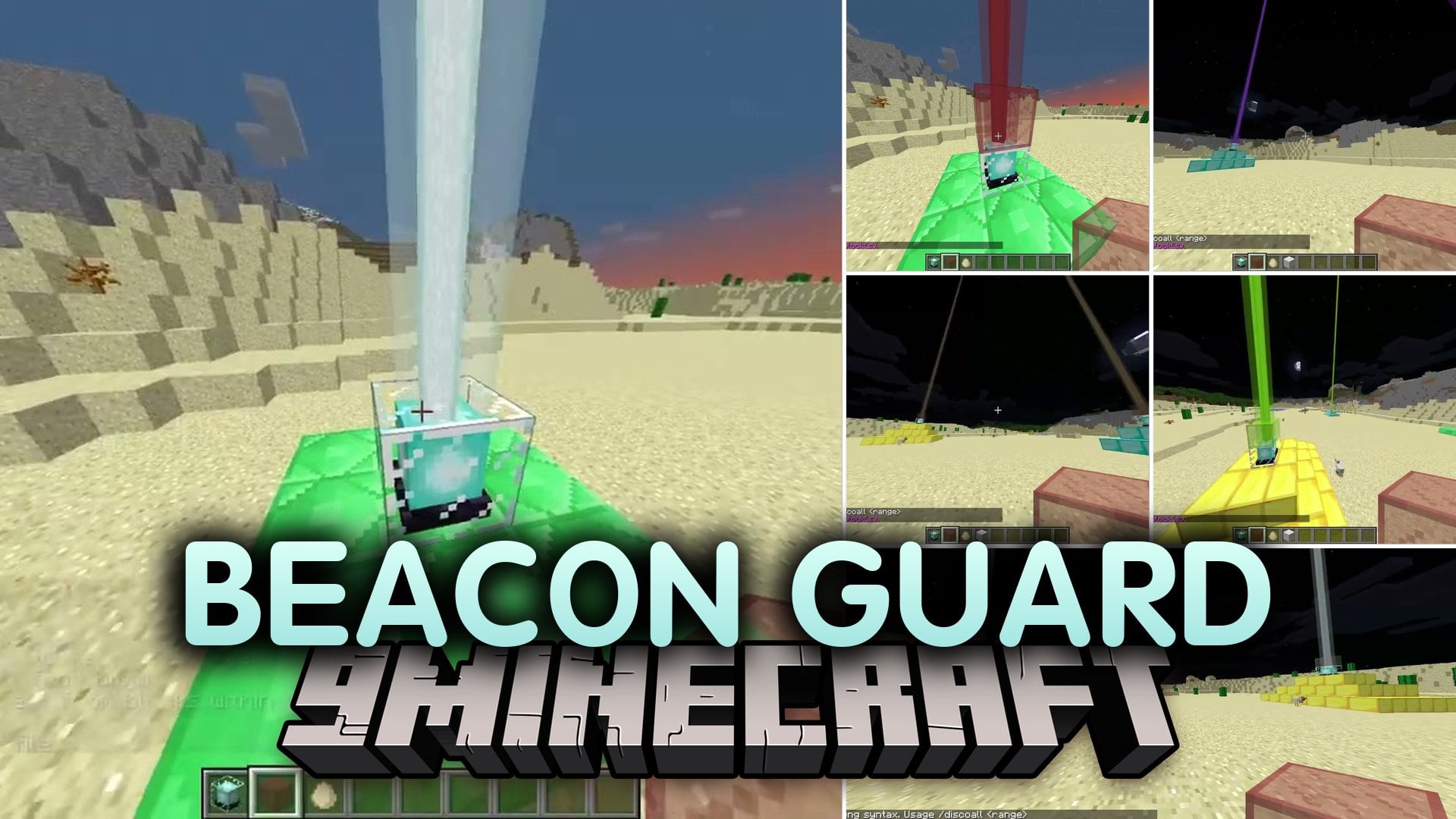
Beacon Guard Plugin protects player bases by turning every placed beacon into a personal claim. It creates a safe zone around the block where only the owner and trusted friends can build or break blocks. The plugin also tracks block changes near each beacon and gives staff tools to punish rule breakers. Everything saves directly into a local file on the server without extra setup.
Features:
- Beacon Protection: Lets every player claim their own beacon to secure their home territory.
- 9×9 Protected Zone: Creates a safe 9×9 block area centered on the claimed beacon.
- Vertical Protection: Secures the beacon block itself along with the four blocks directly underneath it.
- Owner Control: Gives full control over the protected zone to the player who locked the beacon.
- Trust System: Allows owners to add or remove friends so they can build and break blocks together.
- Activity Logging: Records whenever someone breaks blocks near a protected beacon.
- Players can check who owns a beacon and inspect recent block-breaking logs.
- Server staff can temporarily ban troublemakers using easy time formats like minutes, hours, days, or weeks.
- Includes bypass access so staff members can manage builds inside protected zones.
- Stores all ownership details, trusted lists, logs, and temporary bans in a single local YAML file.
Commands:
/beaconlock: Claims an untamed beacon or unlocks an existing one./beaconallow <player>: Grants a player permission to build and break blocks inside the zone./beaconremove <player>: Removes a trusted player from the beacon zone./info: Shows beacon status and recent block-breaking activity./tempban <player> <duration> [reason]: Issues a temporary ban to a player.
Configuration:
beaconguard.manage: Allows players to manage beacons.beaconguard.info: Allows players to view beacon status and logs.beaconguard.bypass: Allows staff members to bypass beacon protection.beaconguard.tempban: Gives access to the temporary ban command.plugins/BeaconGuard/data.yml: Stores beacon owners, trusted members, activity logs, and ban data.
How to Use:
- Place down a beacon in your base.
- Type
/beaconlockwhile targeting the beacon to claim the 9×9 area around it. - Type
/beaconallow <player>to let your teammates build and mine inside your territory. - Type
/infoto check the beacon ownership and review recent block logs. - Type
/beaconremove <player>if you want to revoke building access from someone. - Type
/beaconlockagain if you want to unlock the beacon and remove the zone protection.
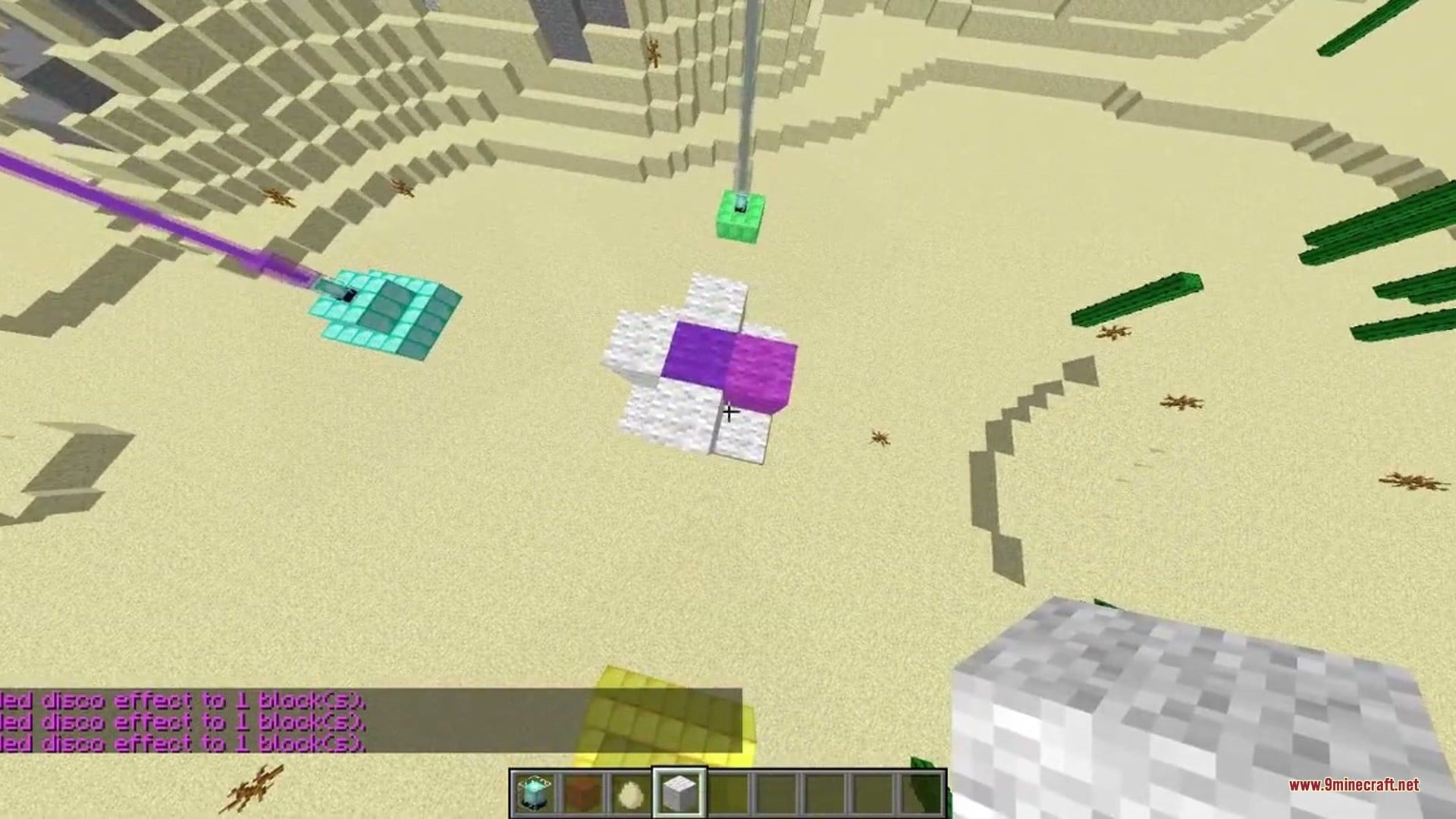
Screenshots:


How to Install:
New to Minecraft? Follow our step-by-step guide to install Plugins on your PC.View Guide
Requirements:
Standalone Required
Beacon Guard Plugin Download Links
For Minecraft 1.21.11
Click to rate this post!
[Total: 0 Average: 0]
You May Also Like
Picked for this page
 DiSky Plugin (26.1.2, 1.20.1) – Bring Discord Bots Directly to Chat
 Ultimate Donut SMP Plugin (26.2, 1.21.11) – Everything Players Need to Trade
 Physics Toggle Plugin (1.12.2) – Build Floating Maps Without Block Lag
 Ultimate Bliss SMP Plugin (1.21.11, 1.21.1) – Turn Your SMP Into a Superpowered
 Grief Prevention3 D Plugin (26.2, 1.20.1) – Protect Tall Builds Without Waiting
 Donut Orders Plugin (26.2, 1.20.1) – Trade Items Safely Without Building Chest
 Set Homes Two Plugin (26.2, 1.20.1) – Give Players a Safe Way Back
 Channel Chat Plugin (1.21.11, 1.21.1) – Stop Screen Spam with Clan Rooms
 BirdMessenger Plugin (1.21.10) – Carrier Birds Deliver Mail Across Roleplay Towns
 InteractibleFurniture Plugin (1.21.10) – Give Players Cozy Homes to Show Off Loot
 Crafters Staff Plugin (1.21.11, 1.21.1) – Catch Rule Breakers Without Ruining
 MarketBlock Plugin (1.21.10) – A Fair Trade Market That Rewards Fresh Harvests
Most viewed in Plugins over the last 7 days
 WorldEdit Plugin (1.21.11, 1.20.1) – Easy In-Game Minecraft Map Editor
 Lightning on Death Plugin (26.3, 1.21.1) – Every Death Gets a Dramatic Thunder
 Genius Shop Plugin (26.2, 1.21.1) – A Busy Marketplace Where Players Trade
- Ultimate Donut SMP Plugin (26.2, 1.21.11) – Everything Players Need to Trade
 Citizens Plugin (1.21.10, 1.20.1) – Talk to Living Characters
 Astro Powers Plugin (26.3, 1.21.1) – Unlockable Superpowers Spark Intense
 Dynmap 9minecraft Plugin (26.3) – A Live Google-Maps-Style View of Your Whole Server
 Oraxen Plugin (1.21.11, 1.20.1) – Transform Your Ideas into Custom Items And Blocks
 Casino Core Plugin (26.2, 1.21.1) – Turn Your Spawn Into a Casino Players Love
 Swift Survival Teleports Plugin (1.21.11, 1.21.1) – Instant Travel That Keeps
 Multiverse Netherportals Plugin (26.3, 1.20.1) – Fixes Portal Links Across Worlds
 Dox Chat Plugin (26.3, 1.21.1) – Local Chat Where Players Only Hear Nearby
More from Plugins
 Servidor Prest Plugin (1.21.11) – Active Minigame Hubs with BedWars
 Souverainete Plugin (26.2, 1.21.1) – Bring Towns Alive with Smart AI Villagers
 Crystal Practice Bot Plugin (26.2, 1.21.11) – Train Crystal Combos
 Server Wrapped Plugin (26.2) – Season Recaps Your Whole Community Will Share
 Raknetify2 Plugin (26.3) – Smoother Multiplayer Even When Packets Go Missing
 Terranite Plugin (1.21.11, 1.21.1) – Shape Huge Builds in Seconds on Folia
 Score Smp V Plugin (26.3, 1.21.1) – Earn Points From Tasks or Face the BanBox
 Christmas Season Plugin (26.3, 1.21.11) – Turn Worlds Into Snowy Wonderlands
 CustomAliases Plugin (1.20) – Turn Long Server Commands Into Quick Chat Shortcuts
 Totem of Keeping Plugin (1.21) – Keep Gear and XP After PvP Deaths Without Abuse
 MCStat Plugin (1.20.4, 1.13) – Track Active Playtime and Spot Lag Before Players Quit
 Psycho1v1Rtp Plugin (1.21) – Queue Up for Instant 1v1 Duels Out in the Wild

This post has no comments yet. Be the first — your comment will appear here.