Better Bunnies Resource Pack (1.20.1) – Adds Random Rabbit Color Variants
 0
0
 0
0
 2 hours ago
 creepermax123
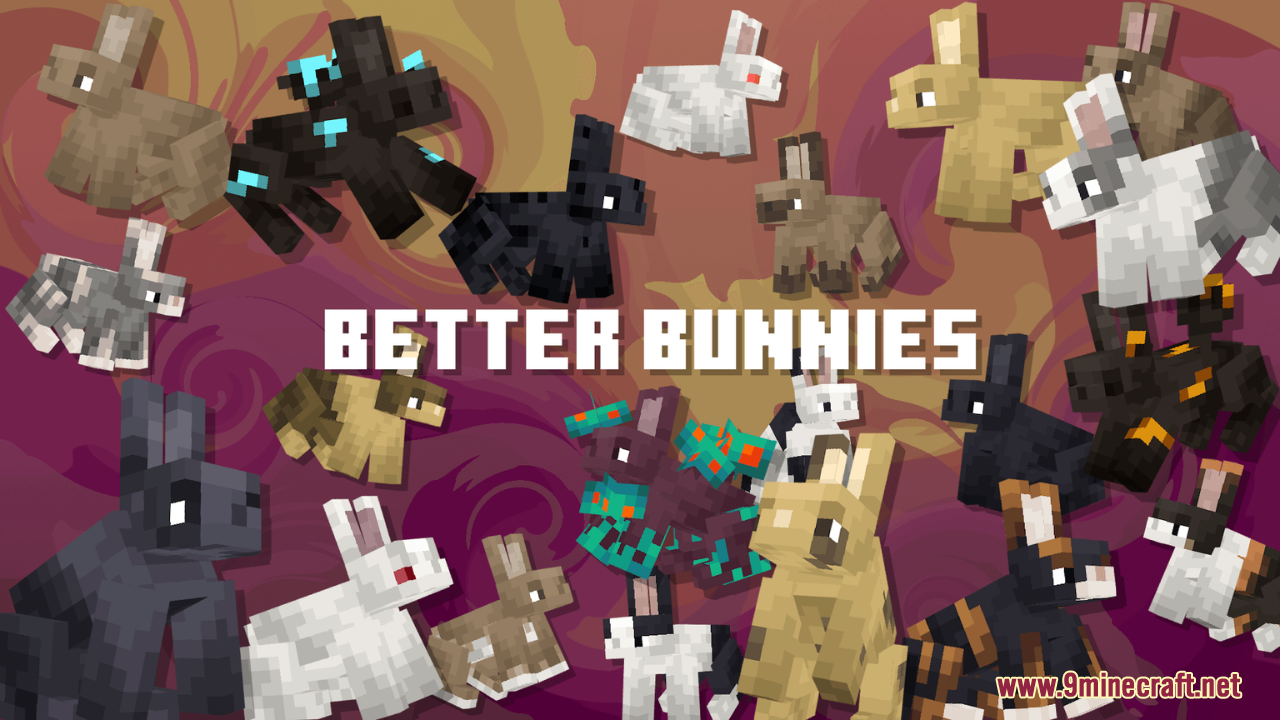
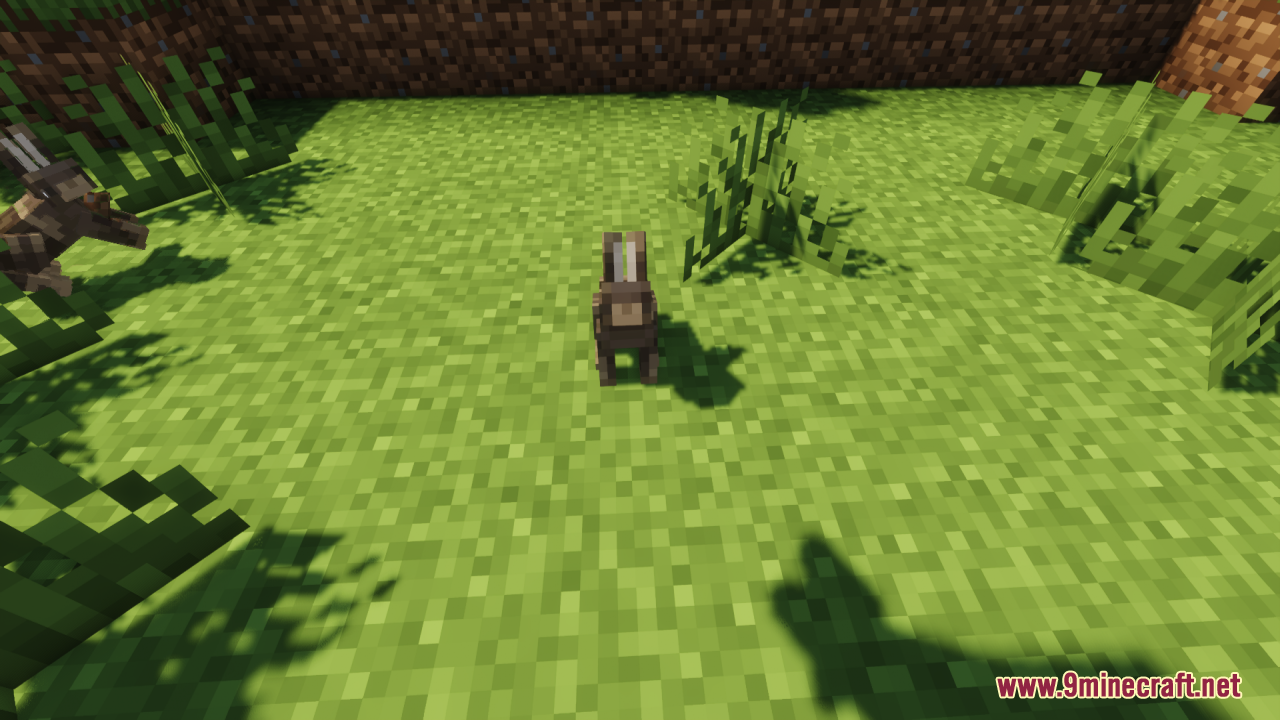
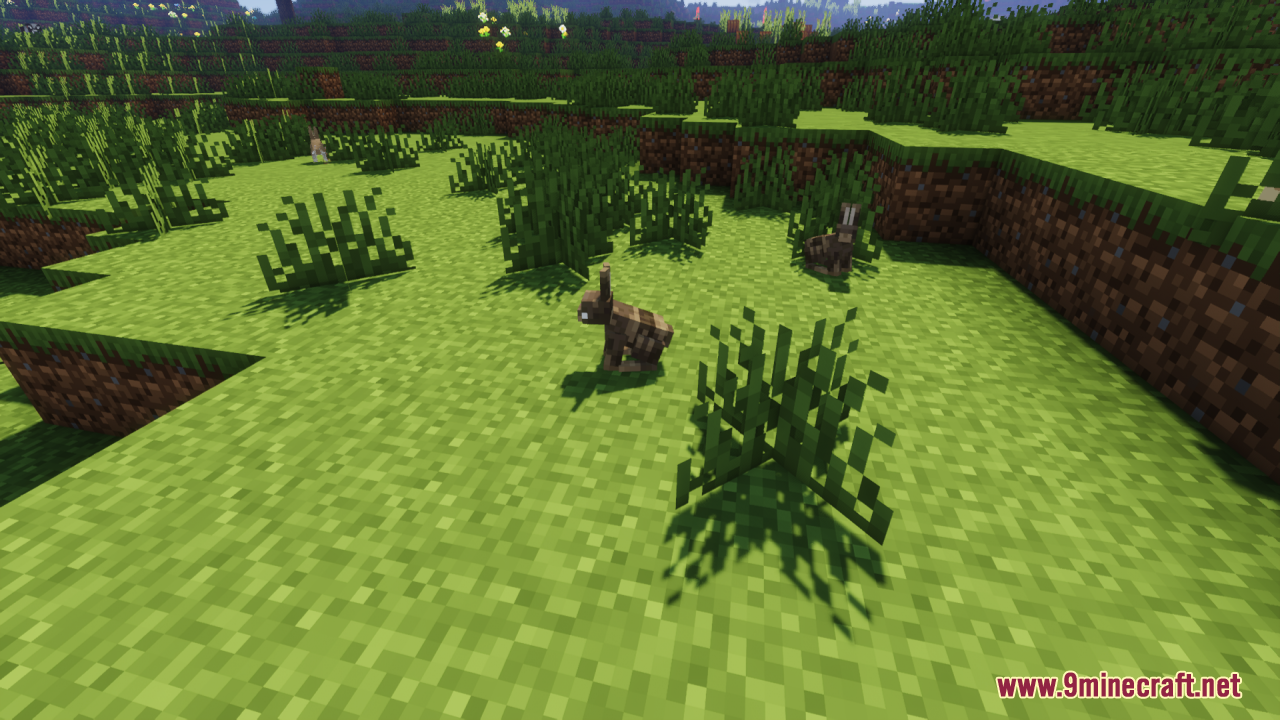
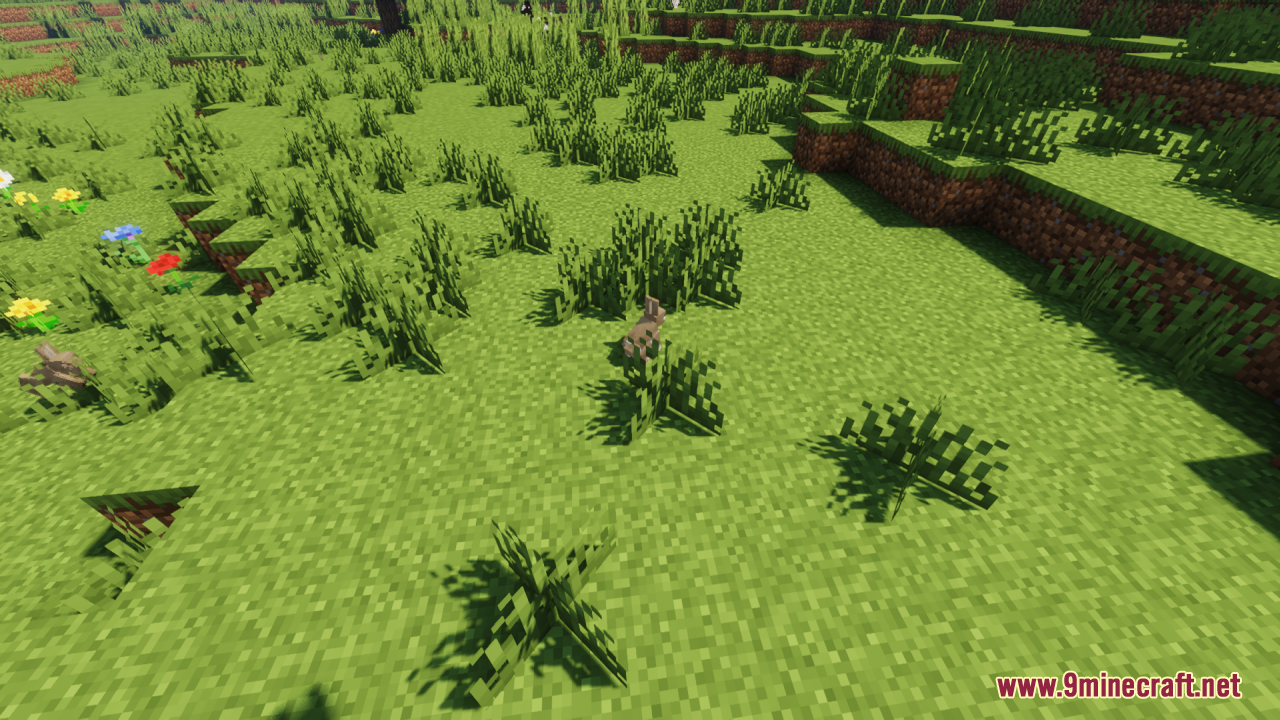
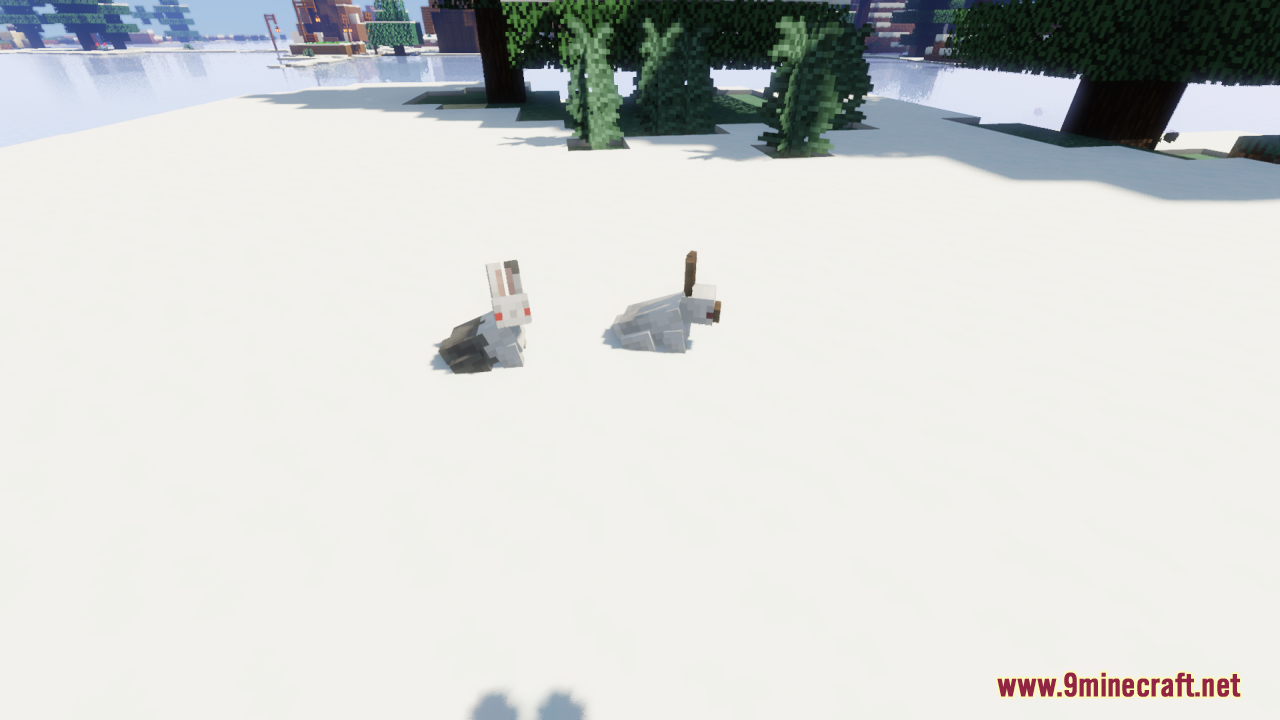
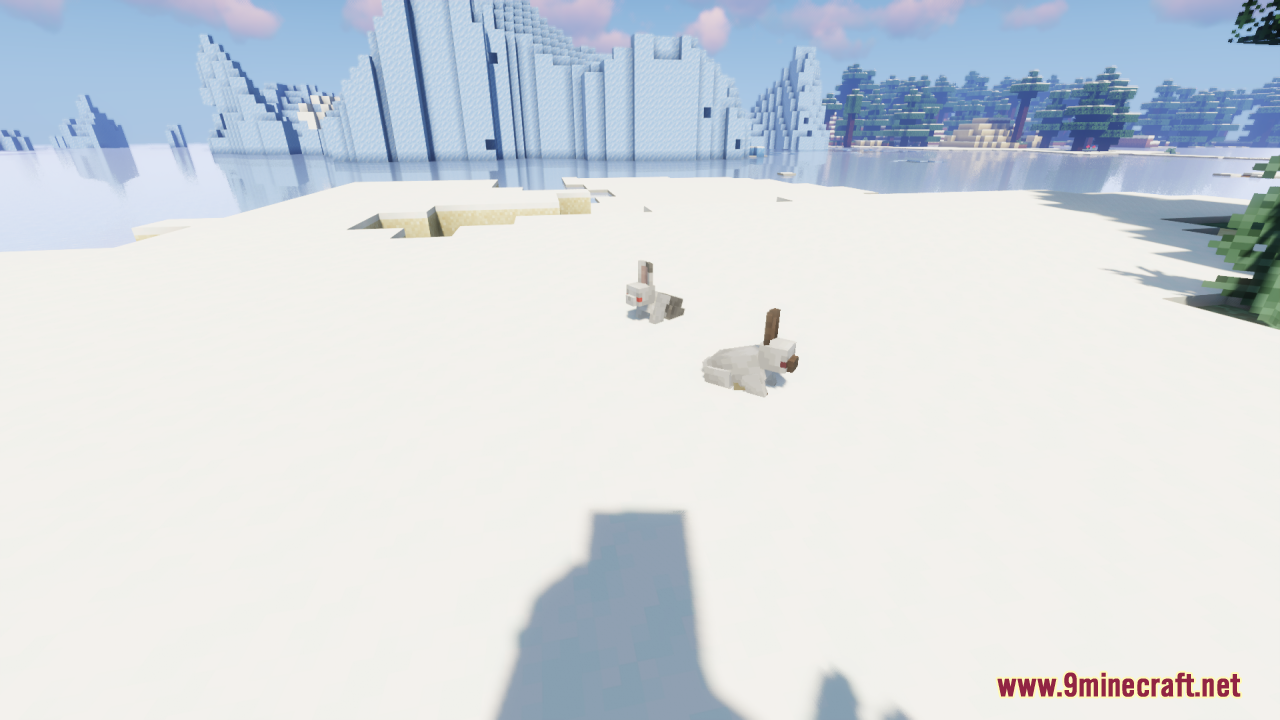
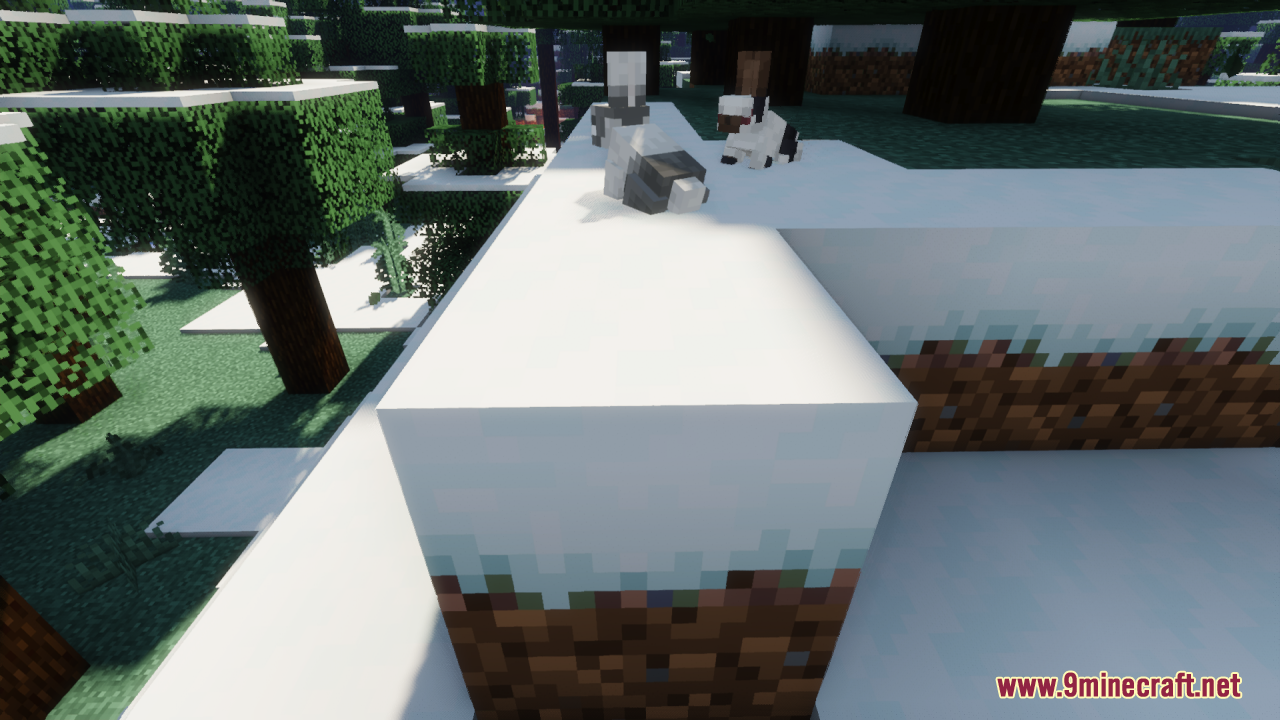
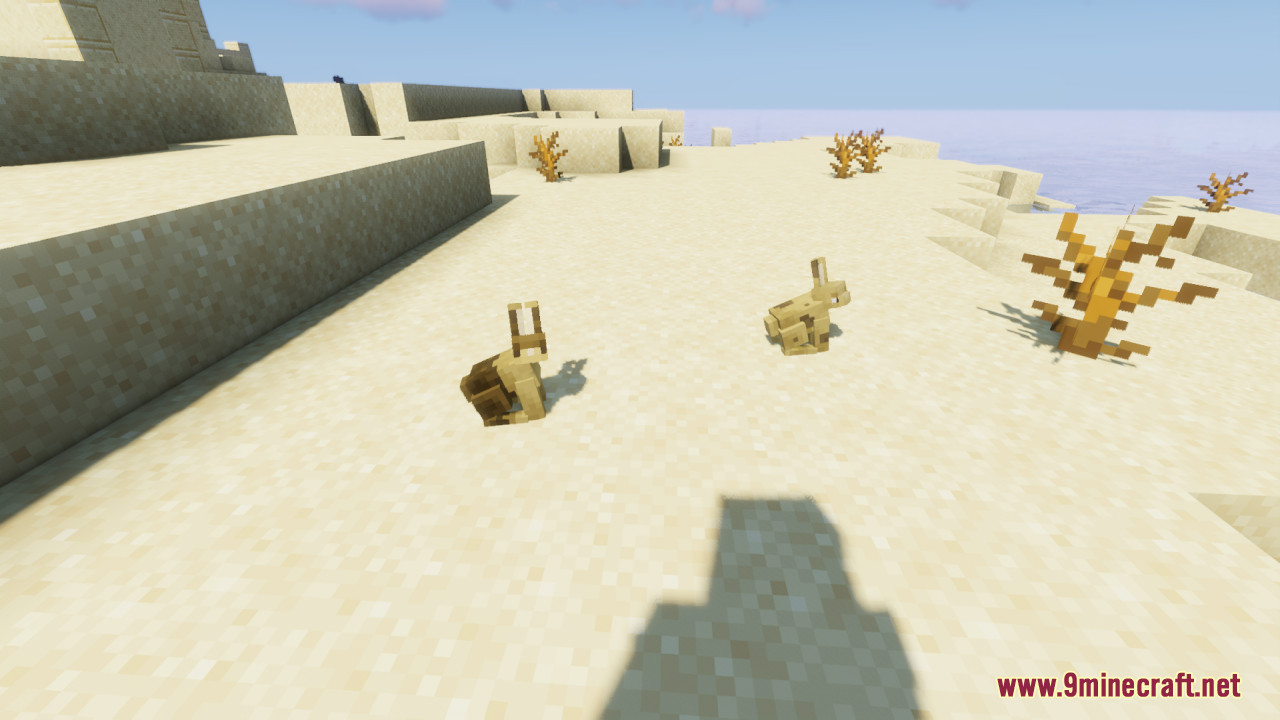
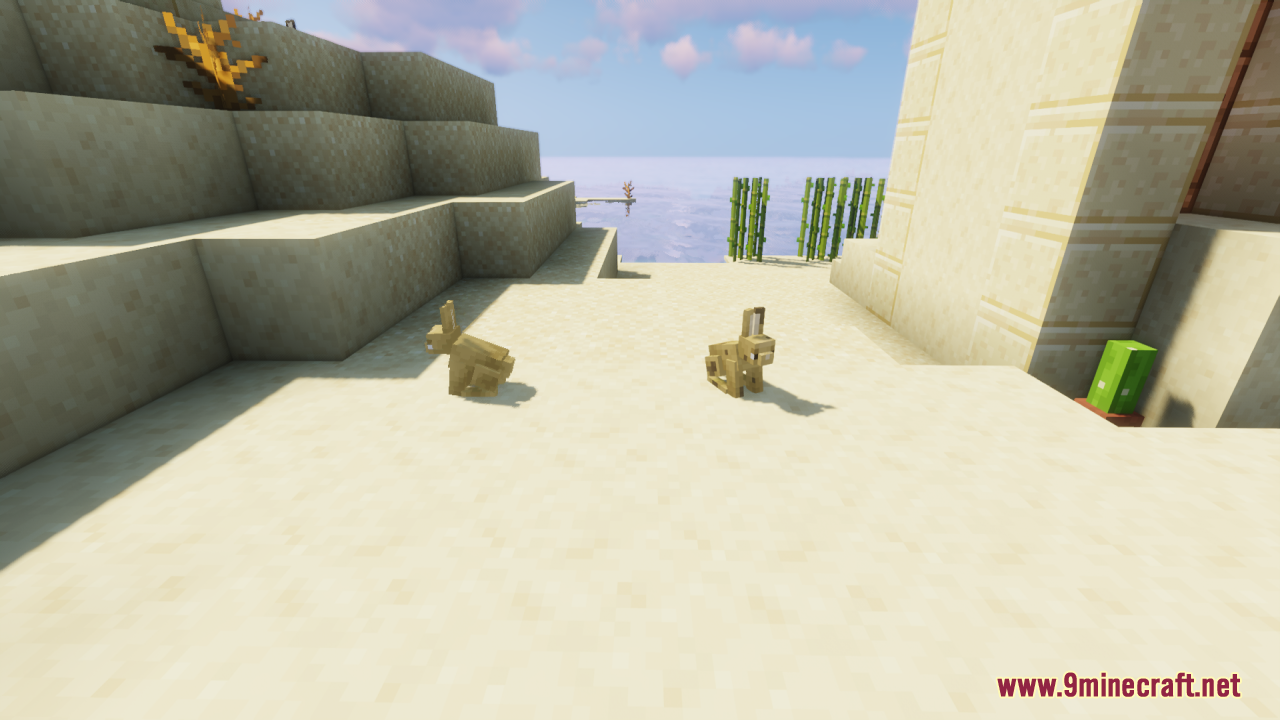
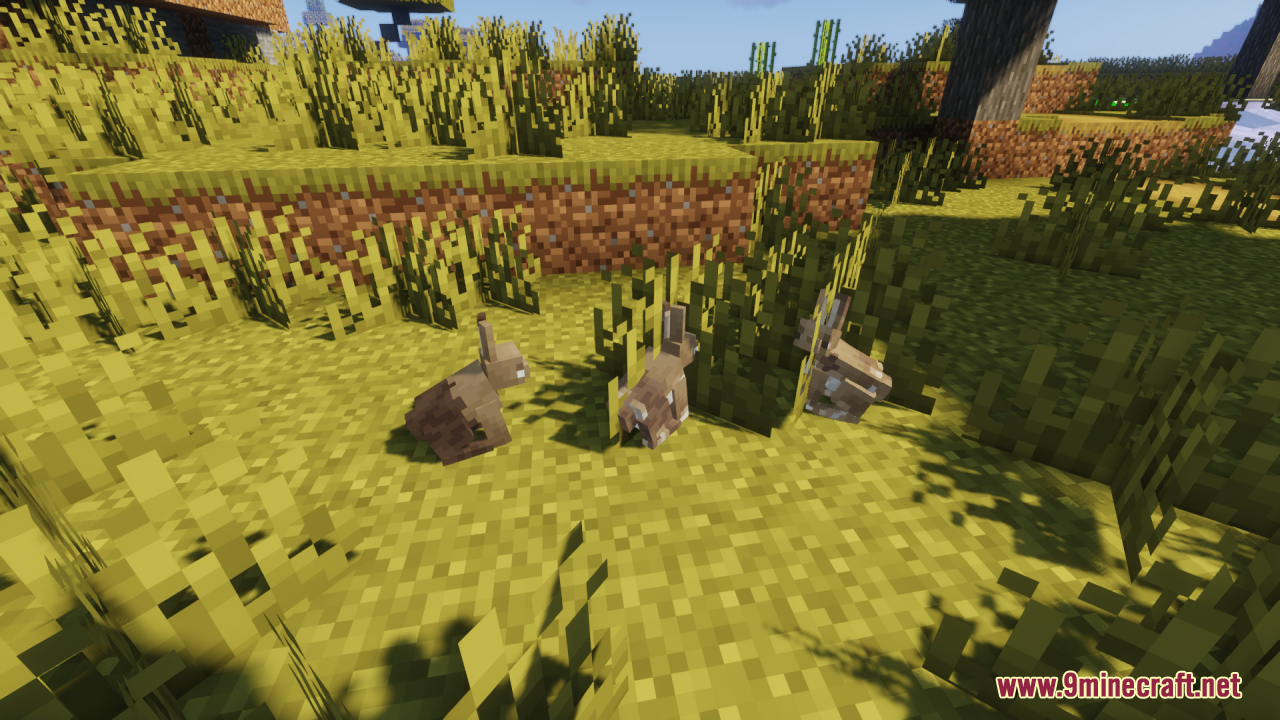
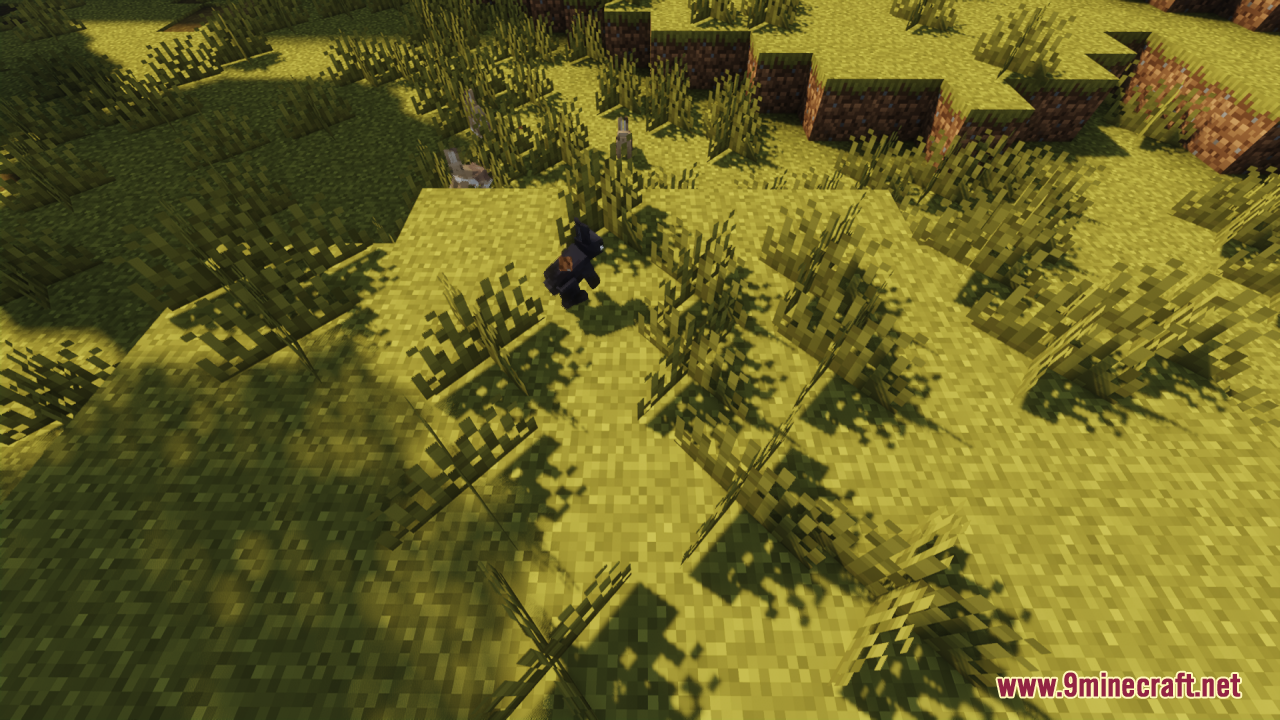
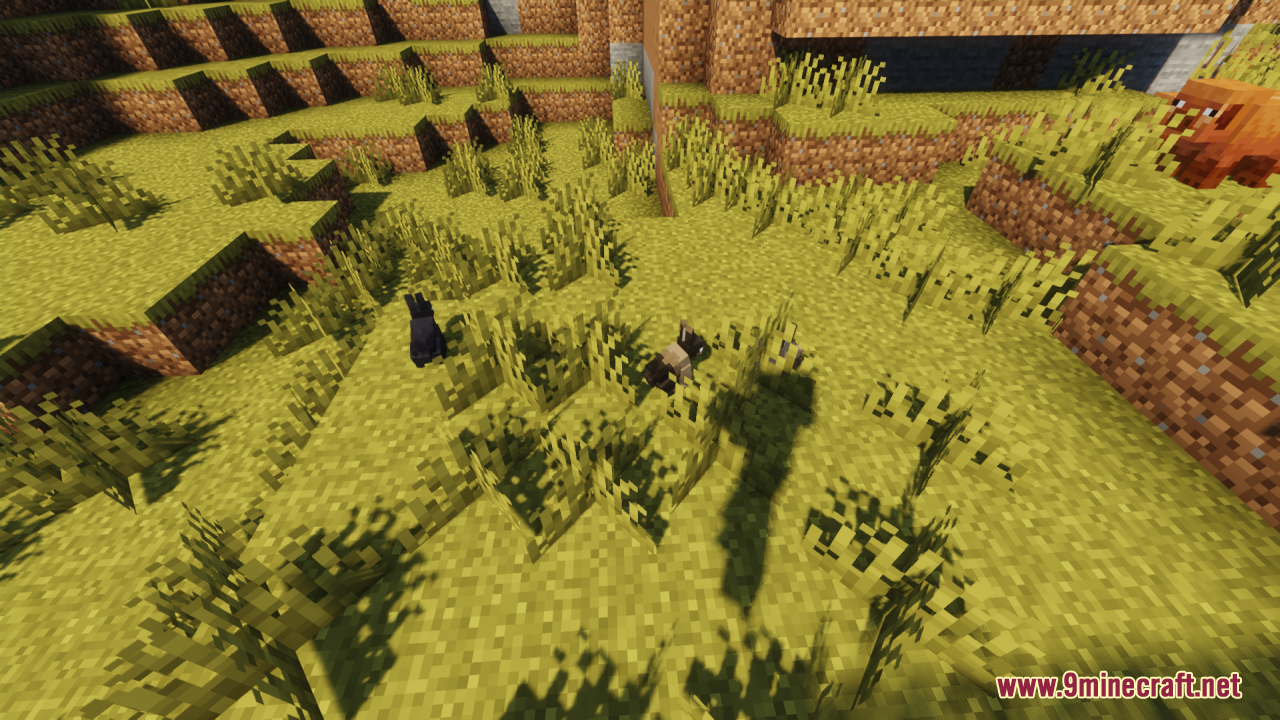
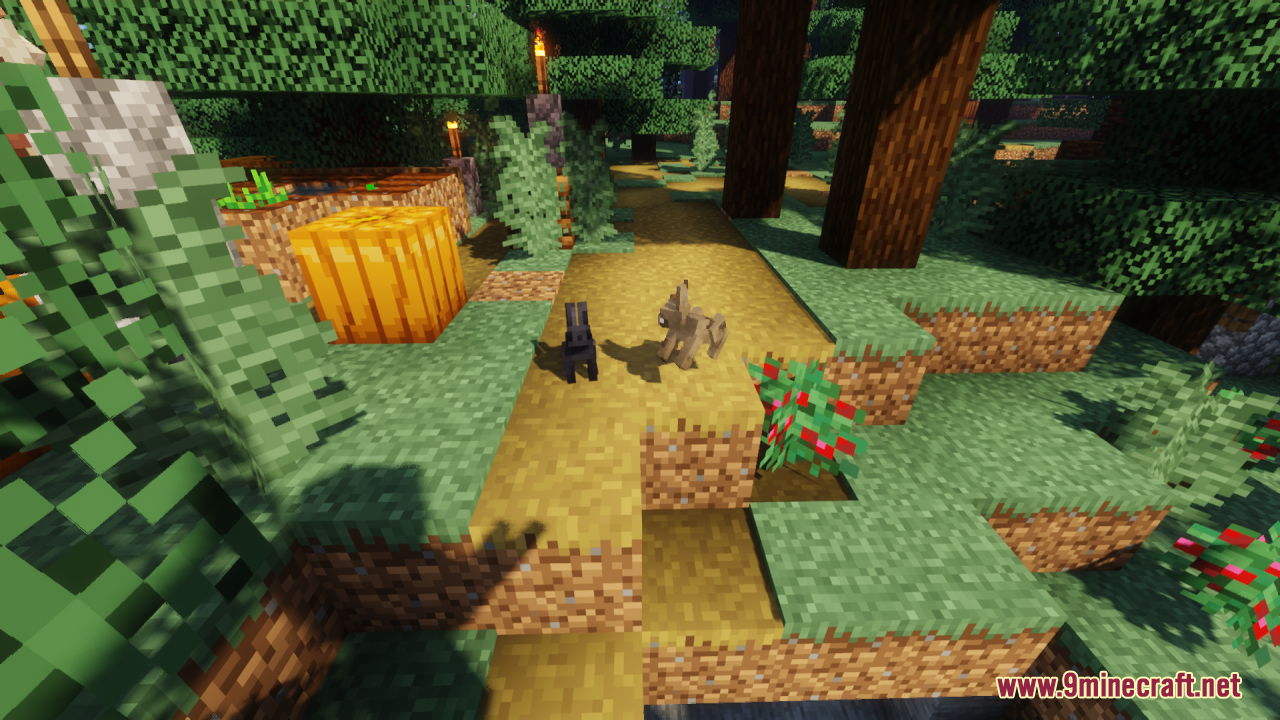
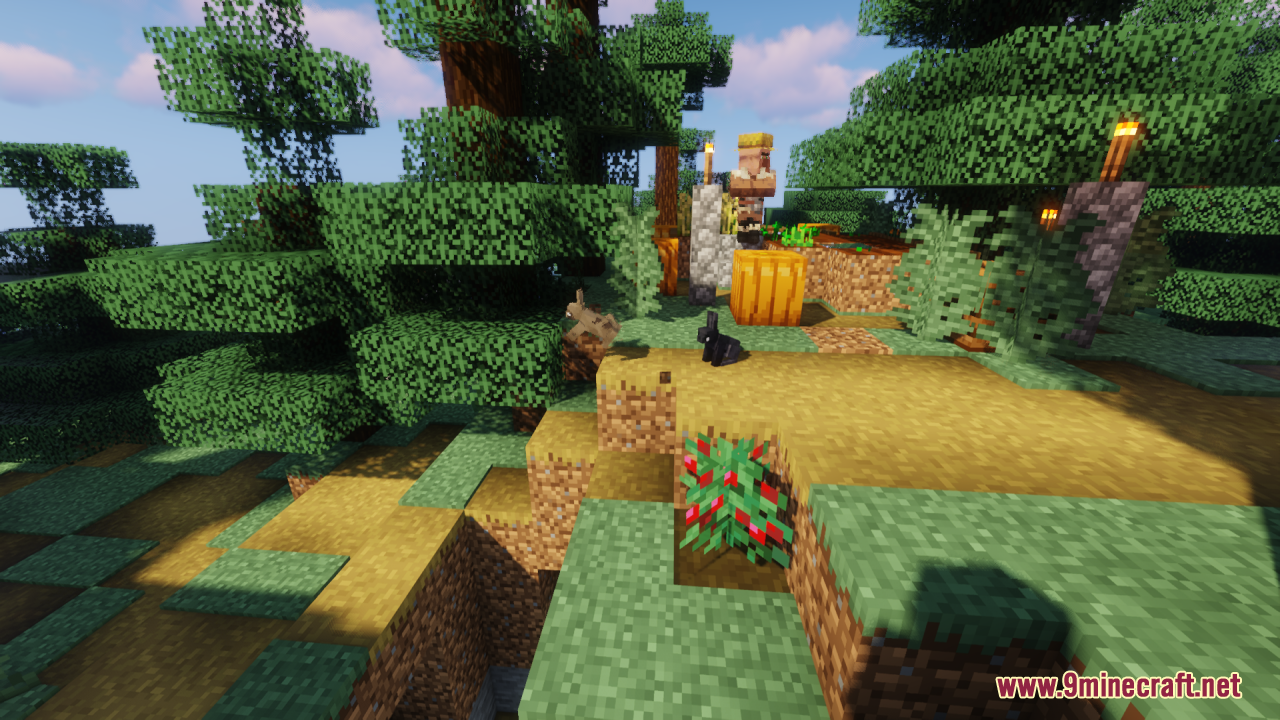
Better Bunnies Resource Pack changes the way rabbits look in your game. It gives them a new 3D shape and adds lots of new colors. You will see different types of rabbits hopping around your world. You can also use name tags to find secret rabbit designs.
Features:
- 10 Random Variants: Each normal rabbit color in the game now has 10 different random looks that spawn naturally.
- New Shape: Changes the basic blocky rabbit into a nicer 3D model.
- Secret Name Tags: Use an anvil to put specific names on a name tag, then use it on a rabbit to see secret looks.
- “Buzzy”: Name a rabbit this to see a special design.
- “Carrot”: Name a rabbit this for a fun carrot theme.
- “Golden”: Turns your rabbit into a shiny gold version.
- “Zombie”: Makes your rabbit look like an undead monster.
- “Soul” Types: Name them “Soul”, “Escaping Soul”, “Gilded Soul”, or “Sludge Soul” for spooky ghost themes.
- Nether Types: Name them “Warped” or “Crimson” to get rabbits that match the Nether forests.
How to Use:
- Open your game menu and click on Options.
- Click on Video Settings, then click on Quality.
- Turn on “Custom Entity Models”.
- Turn on “Emissive Textures”.
- Turn on “Random Entities”.
Screenshots:
How to Install:
New to Minecraft? Follow our step-by-step guide to install Resource Packs on your PC.View Guide
Requirements:
OptiFine Required
Entity Model Features Required
Entity Texture Features Required
Better Bunnies Resource Pack Download Links
| Version | Resolution | File Name | Size | Date | Download |
|---|---|---|---|---|---|
| 1.20.1 | 16X | Better-Bunnies-Resource-Pack-16x-1.20.1.zip | 462 KB | Apr 20, 2026 |
1 file available
Click to rate this post!
[Total: 0 Average: 0]
You May Also Like