
Better Grassify Mod (26.3, 1.20.1) – Transform Every Landscape
 2,316
 0


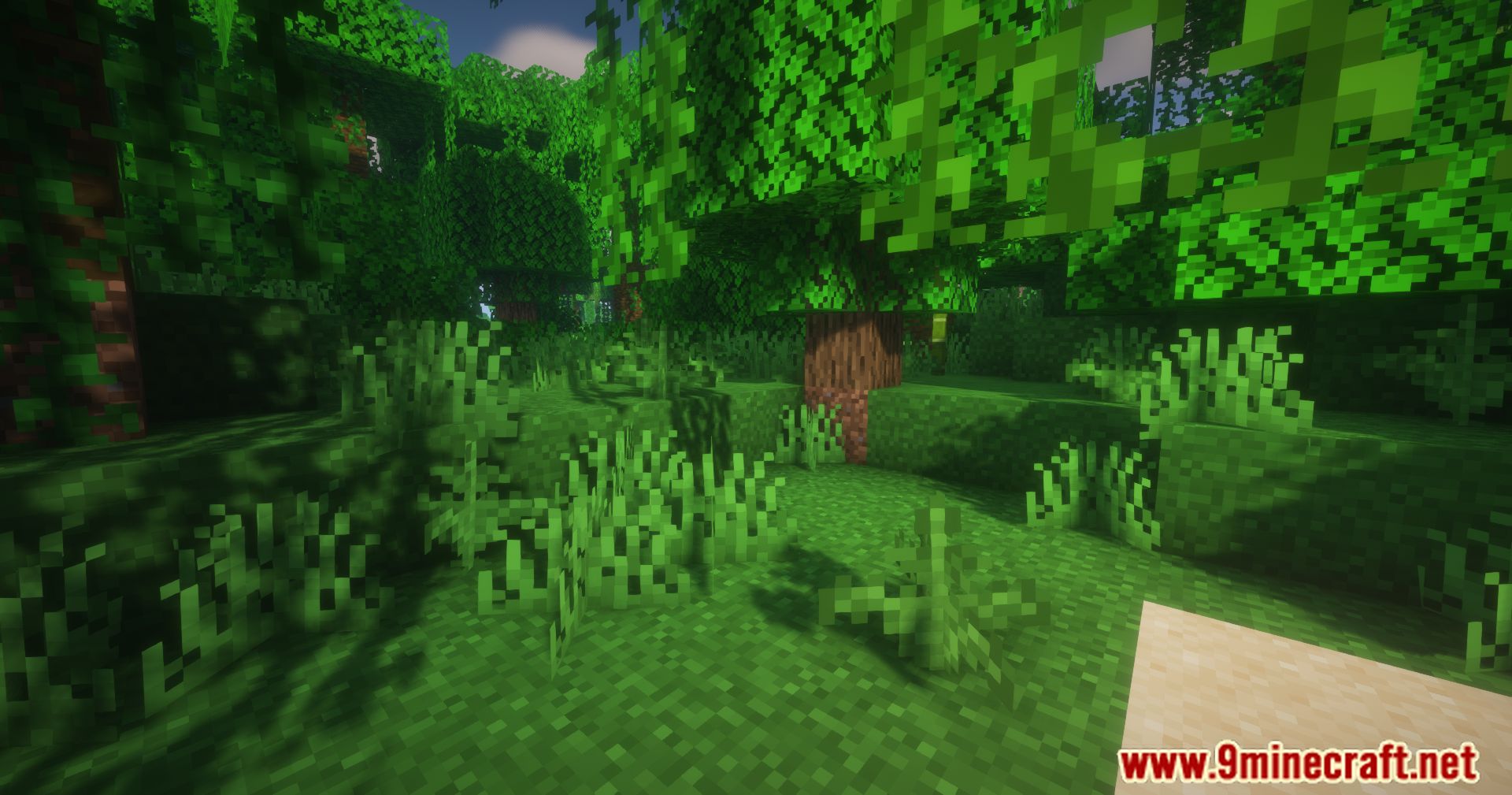
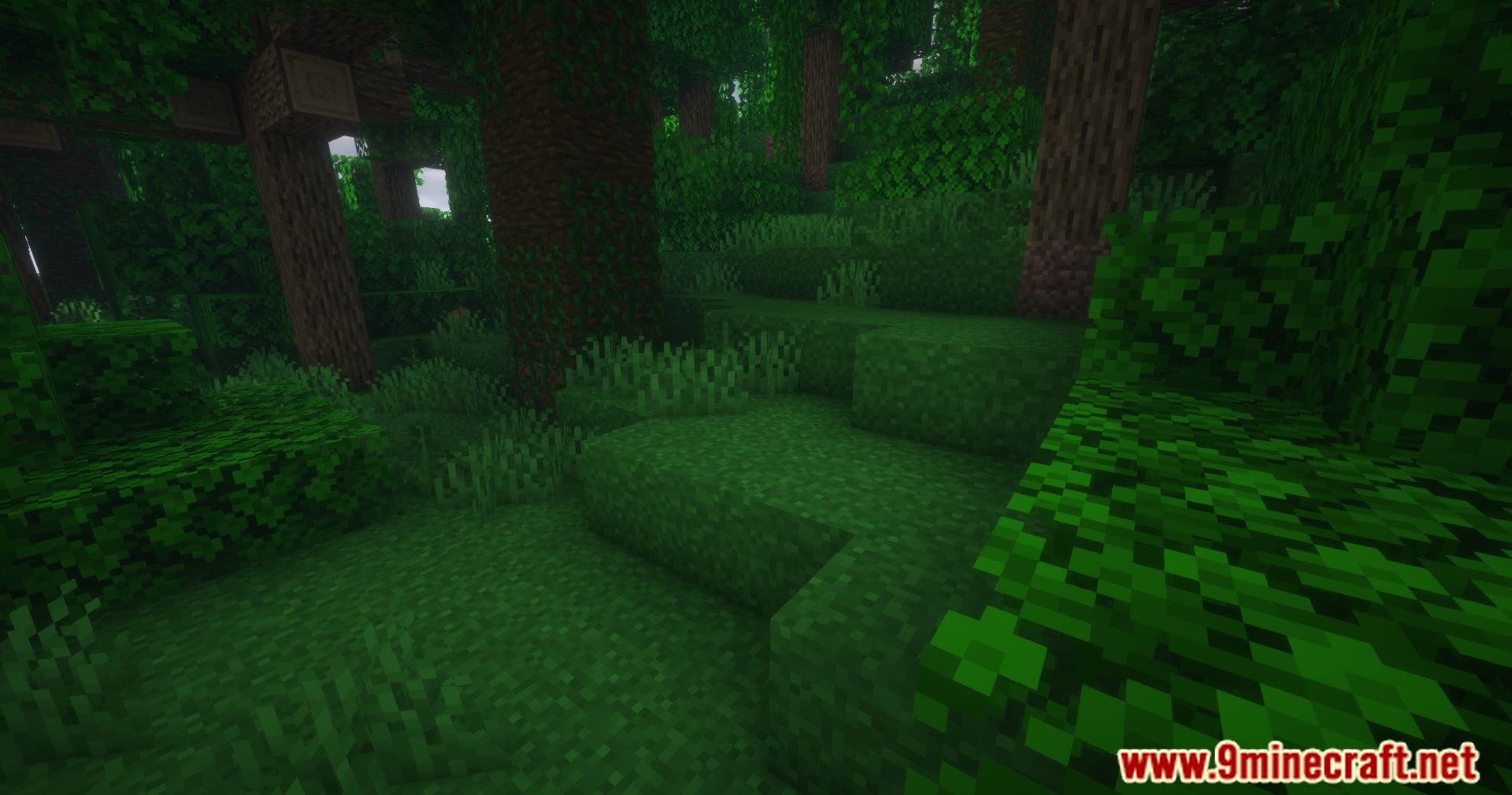
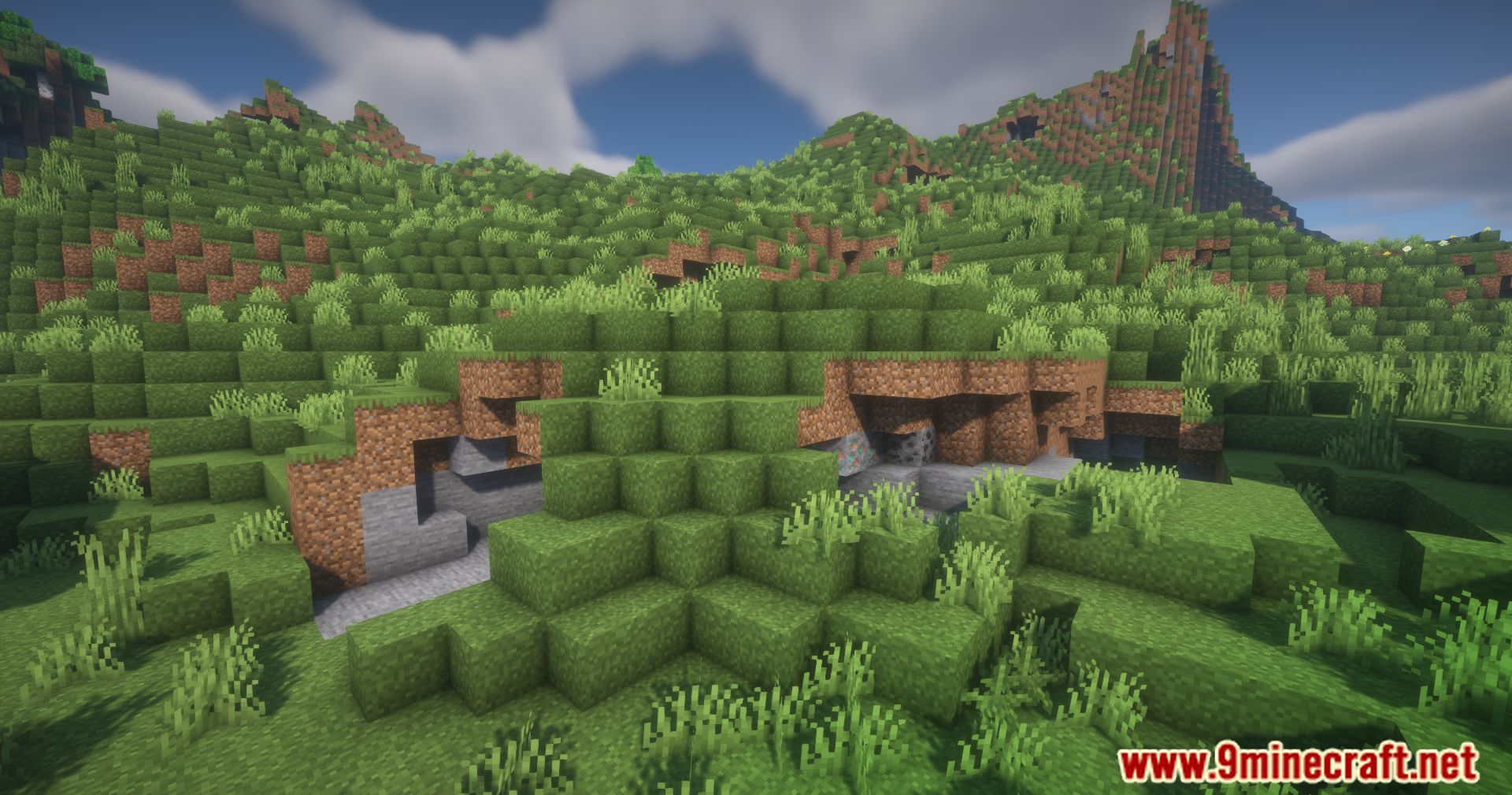
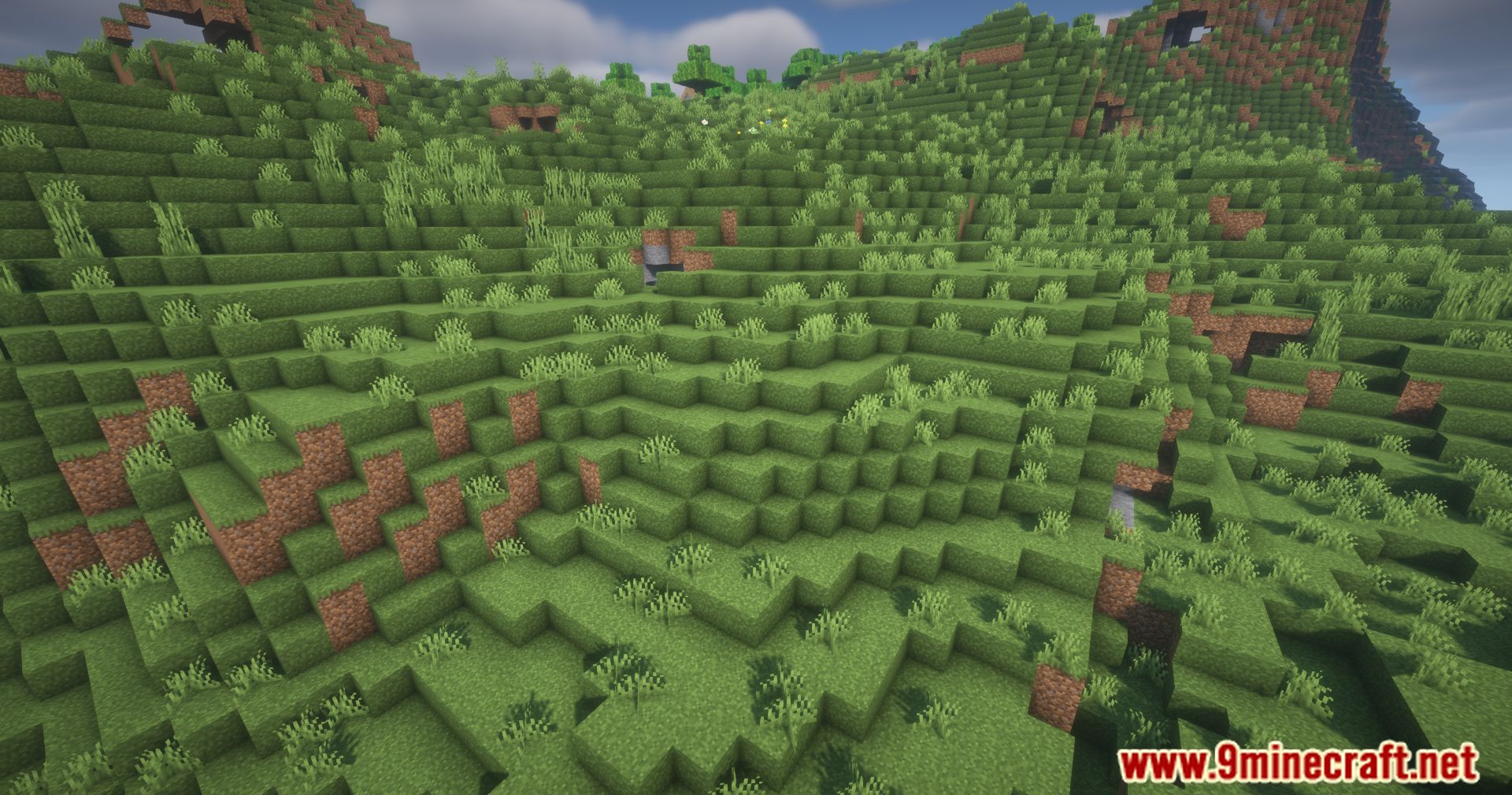
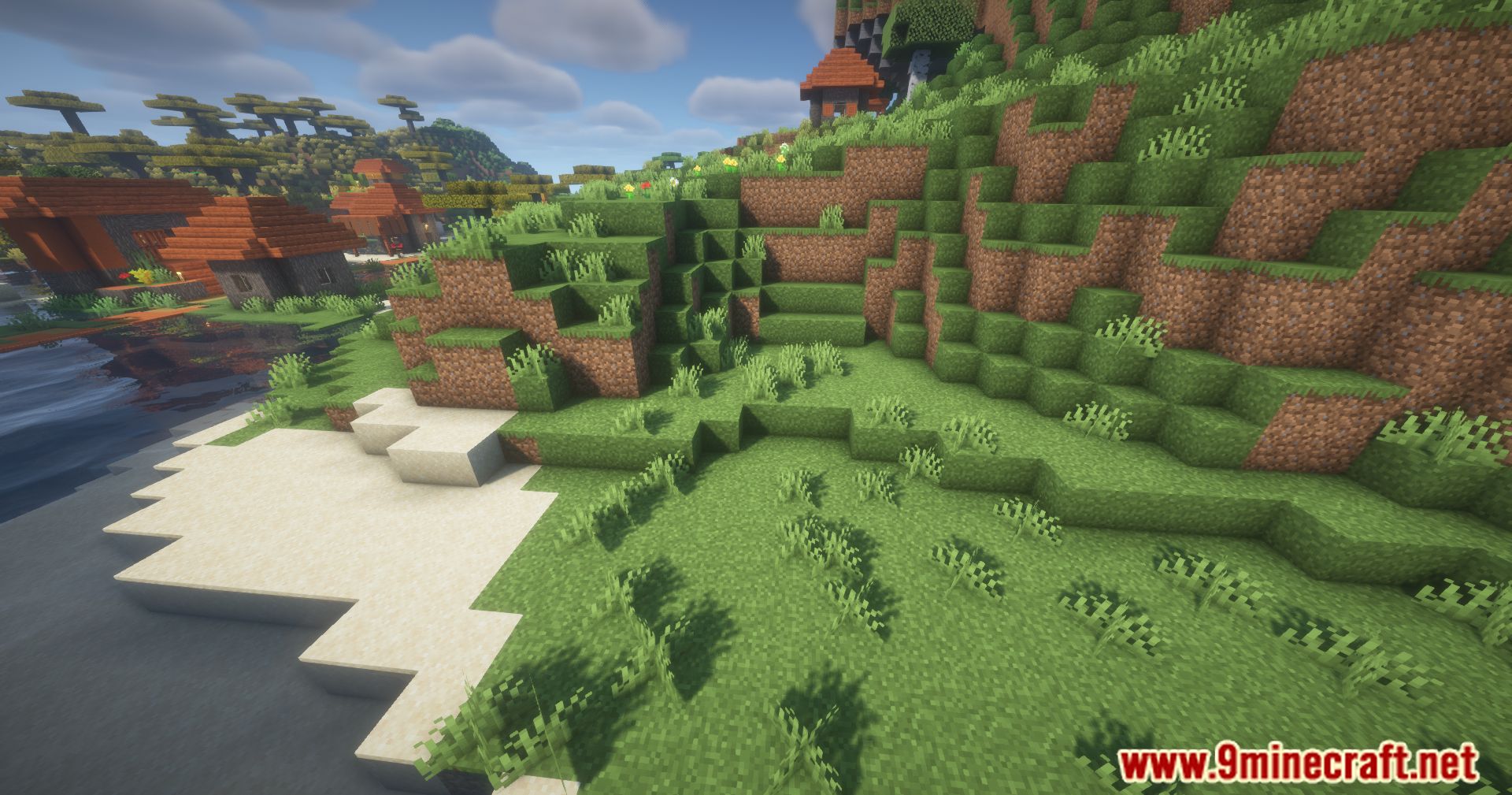
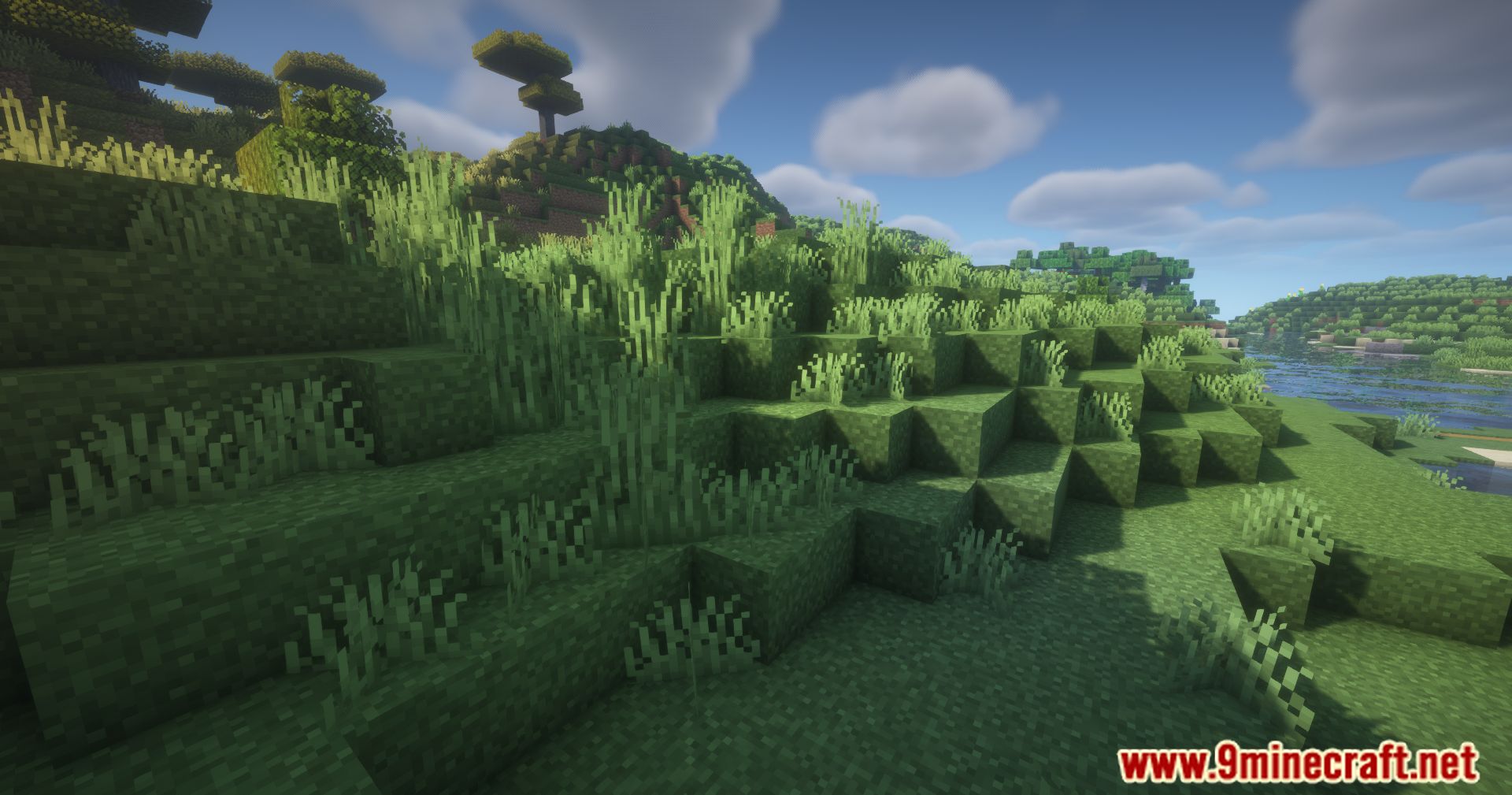
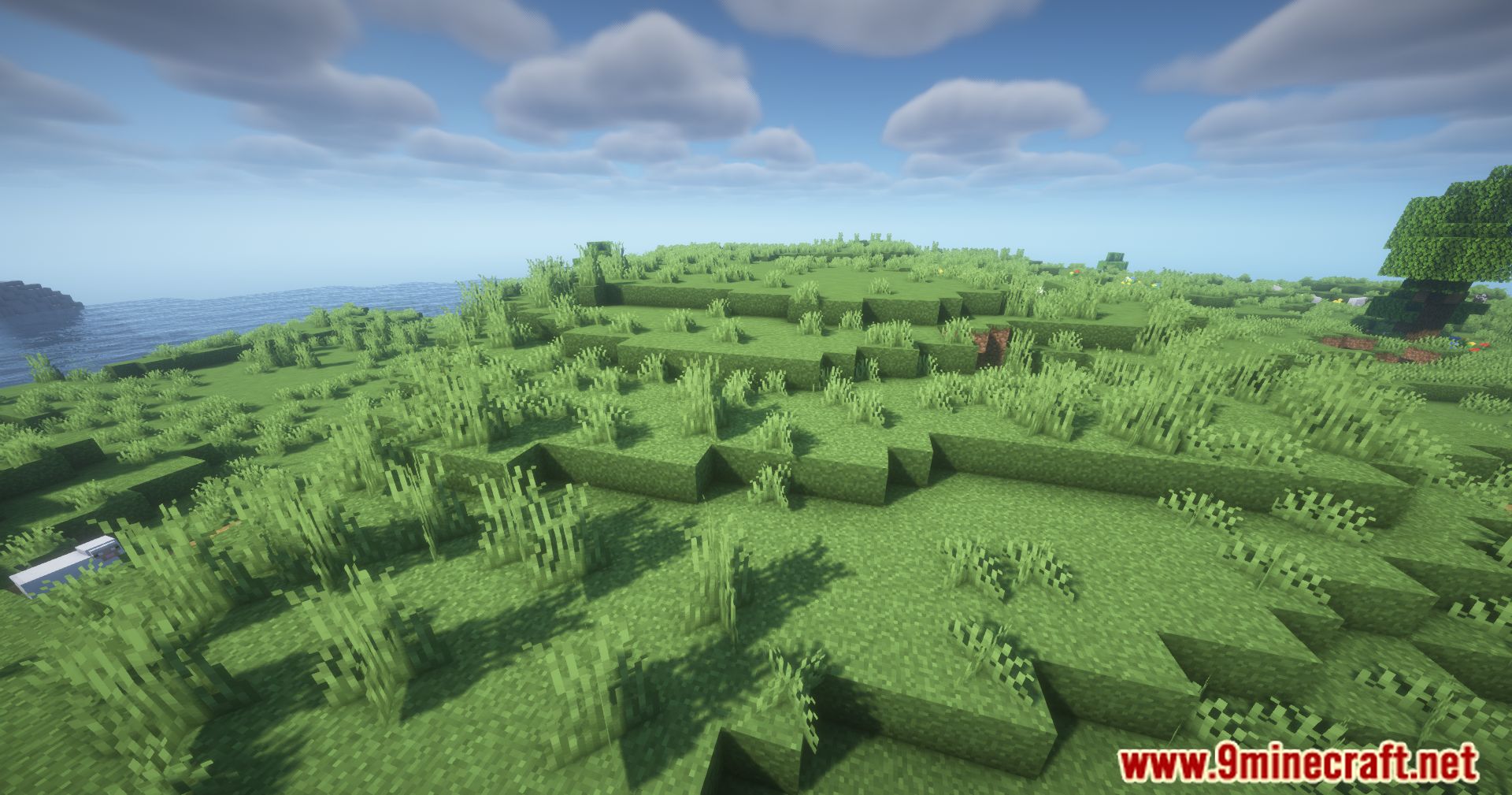
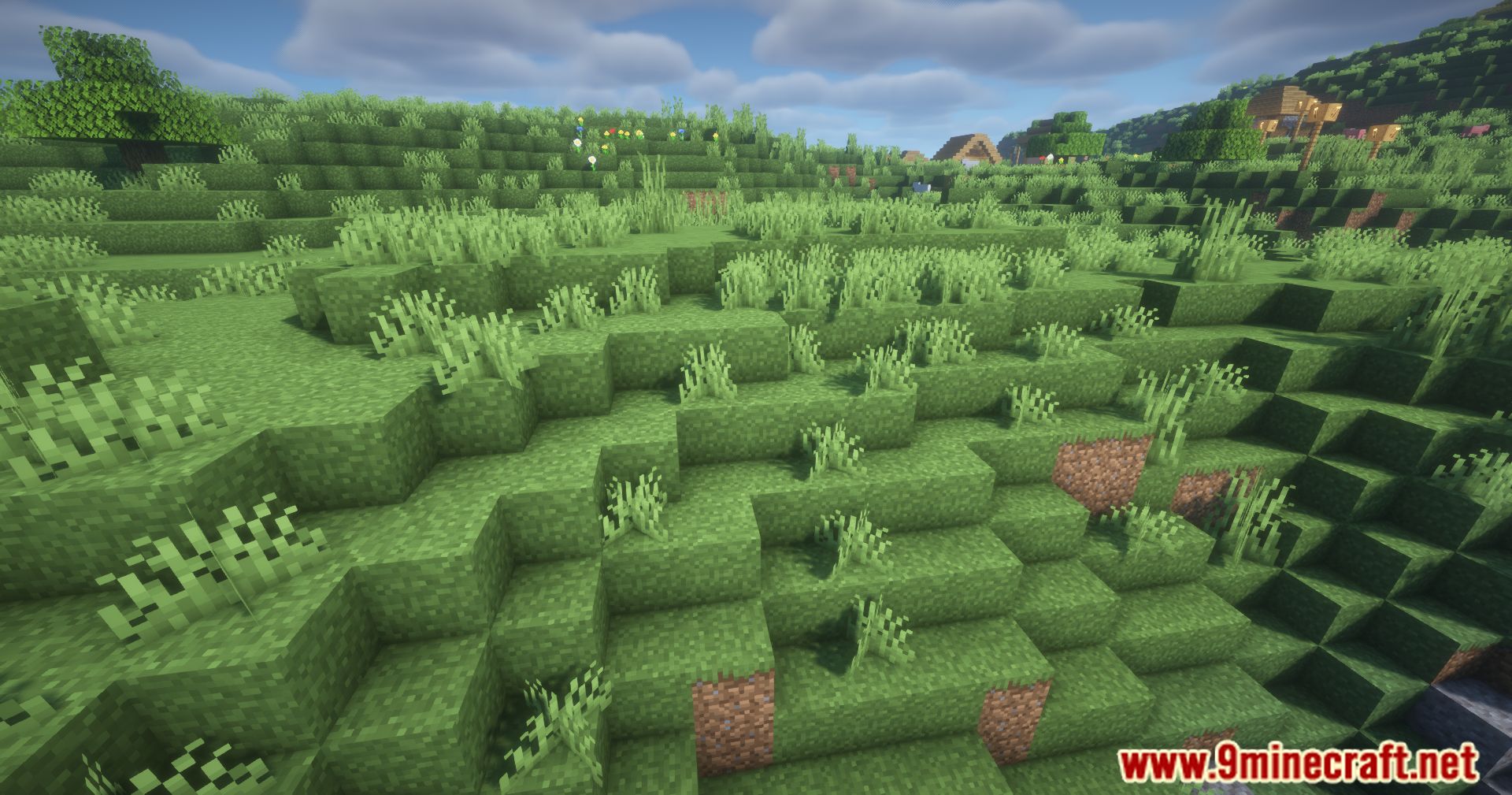
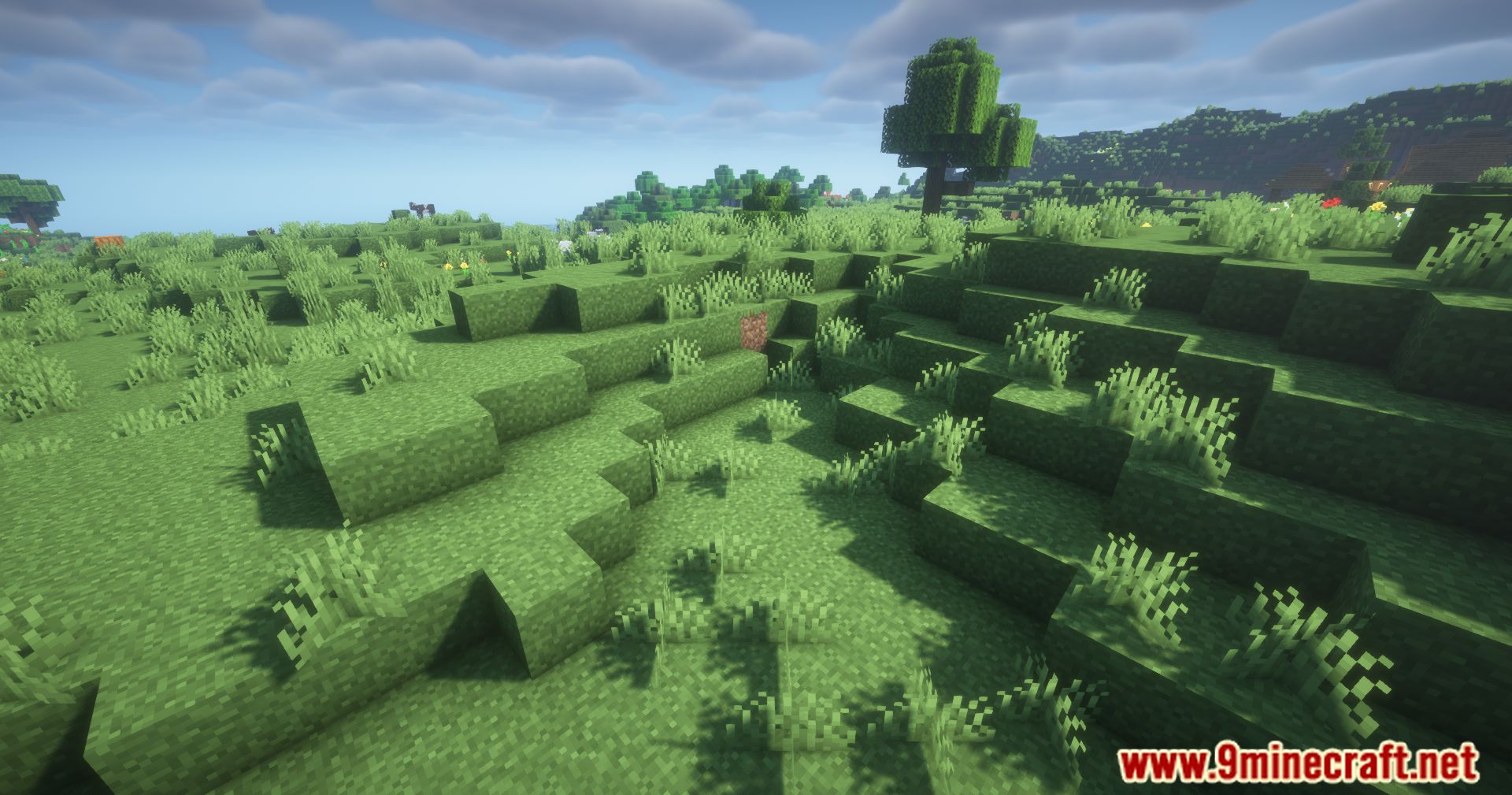
Better Grassify Mod brings OptiFine’s popular Fancy and Fast better grass styles to Fabric and NeoForge. It updates how grass textures render in the world, creating a smoother and more natural look across landscapes. Players get visual improvements without losing game performance.
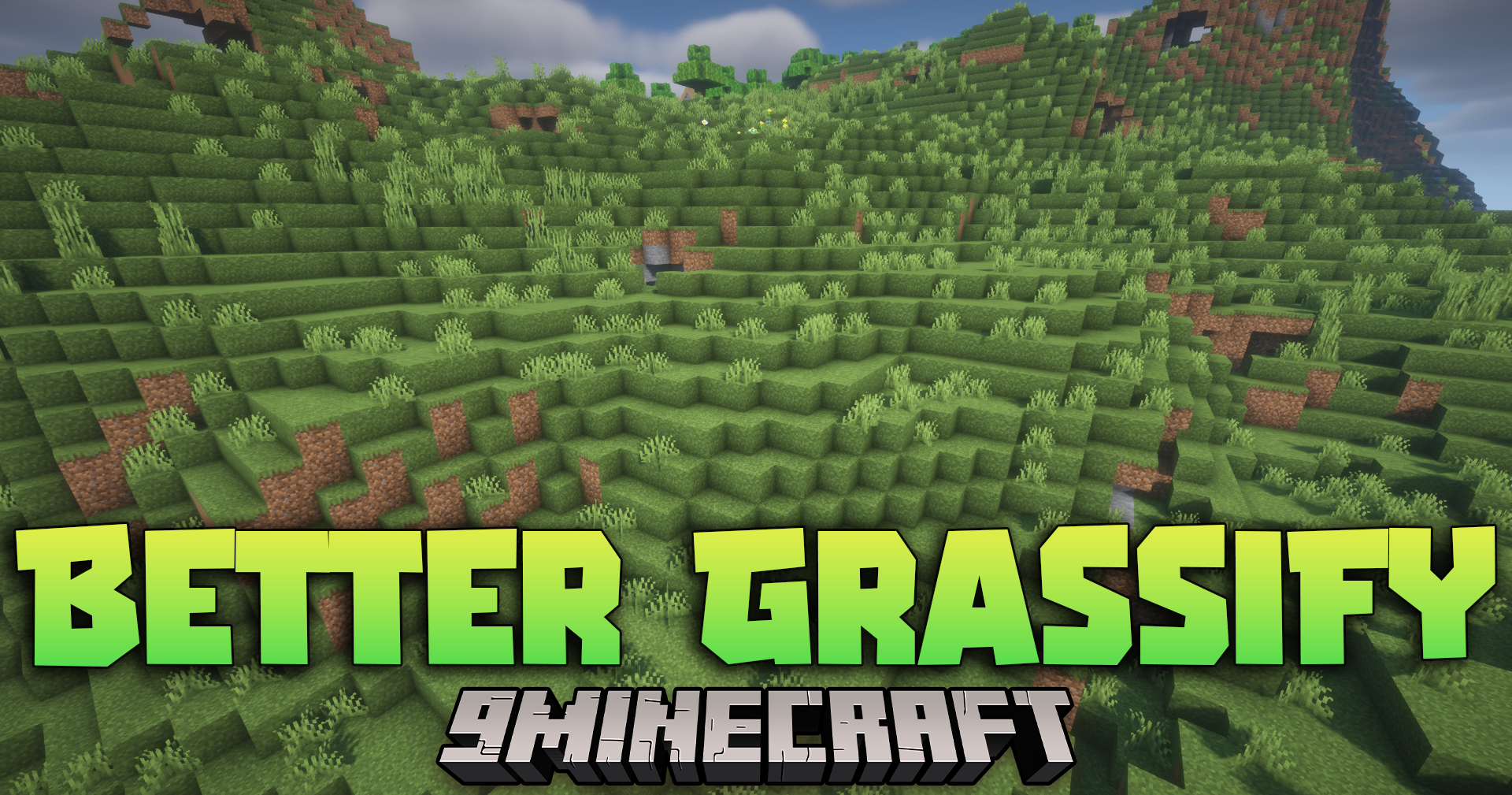
Features:
- Fast Better Grass: Renders grass blocks quickly with lightweight code to keep your frame rates high.
- Fancy Better Grass: Applies smooth side textures to grass blocks for a polished visual style.
- Better Snowy Grass: Updates snowy grass blocks to match classic visual styles with proper snow layering.
- Better Snow: Improves how snow layers interact with various blocks and items placed on the ground.
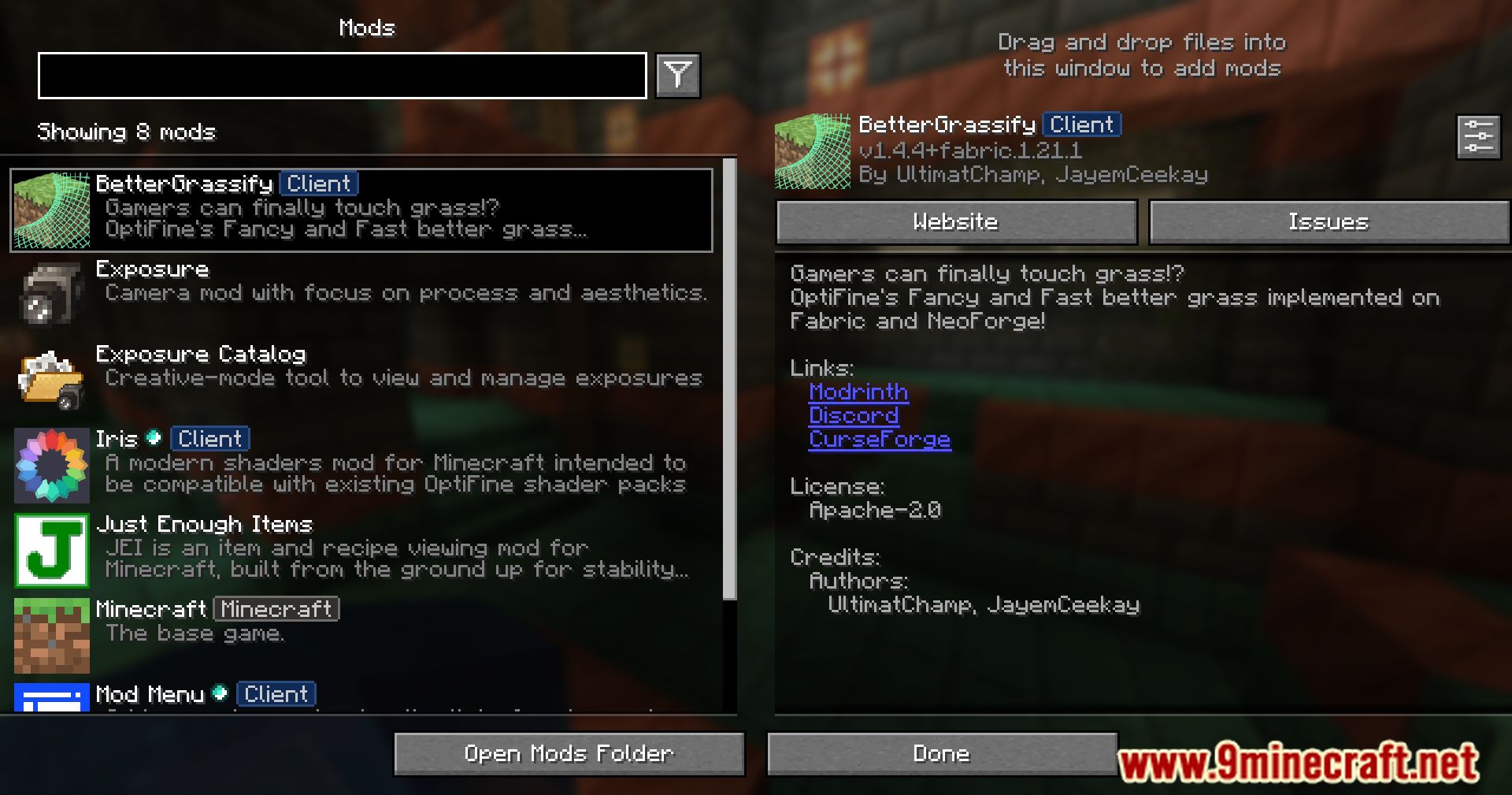
- Fully Configurable: Lets you adjust settings easily through menu configurations.
- Modded grass blocks can be added manually for custom modpack setups.
How to Use:
- Install Fabric or NeoForge along with this mod.
- Launch Minecraft and open your video or mod settings menu.
- Adjust the grass rendering style between Fast, Fancy, or default options.
Screenshots:
How to Install:
New to Minecraft? Follow our step-by-step guide to install Mods on your PC.View Guide
Requirements:




Better Grassify Mod Download Links
For Minecraft 26.3
For Minecraft 26.2
For Minecraft 26.1.2, 26.1.1, 26.1
For Minecraft
1.21.11,
1.21.10,
1.21.9
All Versions Covered
1.21.11
1.21.10
1.21.9
1.21.8
1.21.7
1.21.6
1.21.5
1.21.4
1.21.1
1.21
All Versions Covered
1.21.11
1.21.10
1.21.9
1.21.8
1.21.7
1.21.6
1.21.5
1.21.4
1.21.1
1.21
For Minecraft 1.21.10, 1.21.9
For Minecraft 1.21.8, 1.21.7, 1.21.6
For Minecraft 1.21.5
For Minecraft 1.21.4
For Minecraft 1.21.3, 1.21.2
For Minecraft 1.20.6, 1.20.4, 1.20.2
For Minecraft
1.20.4,
1.20.3,
1.20.2
All Versions Covered
1.20.4
1.20.3
1.20.2
1.20.1
1.20
All Versions Covered
1.20.4
1.20.3
1.20.2
1.20.1
1.20
For Minecraft 1.20.1
For Minecraft 1.19.4, 1.19.3
Click to rate this post!
[Total: 1 Average: 5]
You May Also Like
Picked for this page
 Enderman Overhaul Mod (1.21.11, 1.20.1) – Hunt Endermen for New Loot
 All Loot Drops Mod (26.3, 1.20.1) – Never Be Afraid Of Missing Items
 TierTagger Mod (26.3, 1.20.1) – View Other Tiers
 Custom Portals Mod (26.2, 1.20.1) – Fast Travel Between Locations
 Tax Free Levels Mod (26.3, 1.20.1) – Make Enchanting & Repairing Gear
 Boat Item View Mod (26.3, 1.20.1) – Show Items in Moving Boat
 CobbleGen Mod (26.2, 1.20.1) – Customize Cobblestone Generators
 Better Boat Movement Mod (26.3, 1.20.1) – Allows Boats to Step Up Blocks During Travel
 Respawn Delay Mod (26.3, 1.20.1) – Spectate Your Death Scene
 Pickup Notifications Mod (26.3, 1.20.1) – Pickup Alerts For Items
 Craftable Notch Apple Mod (26.3, 1.20.1) – Makes Enchanted Golden Apple Craftable
 Omega Config Mod (1.21.11, 1.20.1) – Ultimate Configuration Library
Most viewed in Mods over the last 7 days
 Ala Industrial Mod (26.3) – Run Electric Power Grids and Automated Factories
 PleasureCraft Mod (26.3, 1.21.1) – Jenny Mod Remake for Fabric
 Jennycraft Mod (26.3, 1.20.1) – Virtual Girlfriend in Minecraft
 Fapcraft Mod (26.3, 1.12.2) – Comprehensive and Detailed Content
 Jenny Mod (Fapcraft) Official Complete Guide – How to use, Tutorial
 BangCraft Mod (1.20.1) – Jenny, Ellie and Elliot
 Fabric Loader (26.3, 1.20.1) – Fabric Installer for All Minecraft Versions
 The Shooting Star Demo Mod (26.3, 1.20.1) – Vaporize Terrain From Orbit
 Meteor Client Mod (26.3, 1.20.1) – Xray, HUD, Fly
 OptiFine HD (26.3, 1.20.1) – Run Faster, FPS Boost, Shaders Support
 Aristois Client Mod (1.21.4, 1.20.1) – World Class Minecraft Utility
 Prestige Client Mod (1.21.11, 1.21.4) – Powerful Ghost Features for Crystal & Sword PvP
More from Mods
 CinematicInteractions Mod (1.21.1) – Watch Your Hands Work at Every Crafting Table
 Earth Platform Mod (1.21.1) – Travel Across Real Continents in a True Scale World
 Taunahi Mod (26.1.2) – Automate Daily Farming and Slayers in Hypixel Skyblock
 HORROR Fake Join Leave Messages Mod (1.20.1) – Trigger Creepy Chat Scares
 Bons Voyage Mod (1.20.1) – Teleport Across Biomes Through Hidden Waystones
 Orbital Railgun UPDATED Mod (26.3) – Flatten Giant Landscapes From Space
 Automobility Autoradio Mod (26.3, 26.1.2) – Trade Custom Mixtapes with Friends
 Towers of the Wild 9minecraft Mod (26.3, 26.2) – Climb Tall Towers for Loot
 Ender Storage 9minecraft Mod (26.3, 26.2) – Send Loot Back Home From Any Dimension
 Snad 9minecraft Mod (26.3, 26.2) – Build Faster Sugar Cane and Nether Wart Farms
 Together Forever Unofficial Mod (1.12.2) – Share Team Advancements
 GroovyDuvet Mod (1.21.11, 1.20.1) – Run Groovy Scripted Addons Without Game

This post has no comments yet. Be the first — your comment will appear here.