
Big End Portal Schematic (1.21.x) – Giant End Portal Build For Your World

 0


Big End Portal Schematic brings a giant version of the Minecraft end portal to your world. You can build it in your own world or just look at it. This build uses only vanilla blocks, so you need no mods.
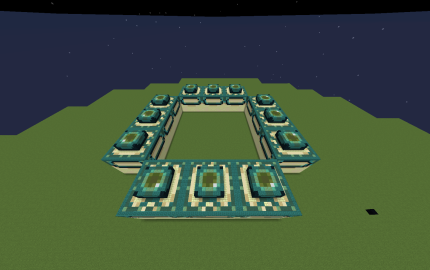
3D Preview & Editor:
How to place this schematic
.litematic This is a Litematica schematic. You place it with the Litematica mod, which shows the build as a ghost overlay you fill in.
| 1 | Install Litematica (plus MaLiLib) for your Minecraft version. |
| 2 | Put the .litematic file in .minecraft/schematics. |
| 3 | In game press M → Load Schematics, pick the file, then Load. |
| 4 | Position the ghost preview, then build it by hand — or turn on Easy Place to place blocks straight from your hotbar. |
Features:
- Giant End Portal: Shows the end portal in a much bigger size than the normal one.
- Vanilla Build: Uses only regular Minecraft blocks, so no mods are needed.
- Lets you place it in your personal world as a big build.
- Works as a display piece if you just want to look at it.
- Measures 80×16×80 blocks across X, Y and Z.
- Uses 13,154 blocks in total.
- Has a medium build size.
- Comes as a LITEMATIC schematic file.
Schematic Specs:
 Minecraft1.21.x
 Dimensions80×16×80
 Total Blocks13,154
 Top Blocks Used
End Stone 2,448Sculk 2,268Smooth Sandstone 1,824Warped Planks 1,632Dark Prismarine 1,320
Big End Portal Schematic Download Links
For Minecraft 1.21.x
Click to rate this post!
[Total: 0 Average: 0]
You May Also Like
Picked for this page
 Fastest Kelp Farm Donut Smp Schematic (1.21.x) – Compact Redstone Kelp Farm Design
 A Single Module of Cobble Farm Schematic (1.21.x) – Compact Vanilla Cobblestone Generator
 Cactus Farm Schematic (1.21.x) – Compact Vertical Automatic Cactus Farm
 Bone Farm Schematic (1.21.x) – Quick And Easy Redstone Bone Farm
 Cobblestone Generator Farm Schematic (1.21.x) – Small Vanilla Redstone Farm Build
 Large Tower on a Floating Island Schematic (1.21.x) – Giant Medieval Base With Five Useful Floors
 Crazy Bone Meal Crafter V4 Schematic (1.21.x) – Automated Bone Meal Production System
 Trash Can Schematic (1.21.x) – Compact Redstone Build For Junk Items
 Zombie Statue Schematic (1.20.x) – Giant Vanilla Zombie Build Blueprint
 F 117 Nighthawk Schematic (1.21.x) – Redstone Flying Machine With TNT Cannons
 Tamed Wolf Schematic (1.20.x) – Cute Tamed Wolf Statue Build
 Sequential Double Dabble Schematic (1.21.x) – Binary To BCD Redstone Converter
Most viewed in Schematics over the last 7 days
 Gold Farm Schematic (1.21.x) – Automatic Nether Roof Gold Farm
 64 Module Cobblestone Farm Schematic (1.21.x) – Massive Automated Stone Gathering Build
 Bamboo Farm Schematic (1.21.x) – Small Automated Redstone Bamboo Farm
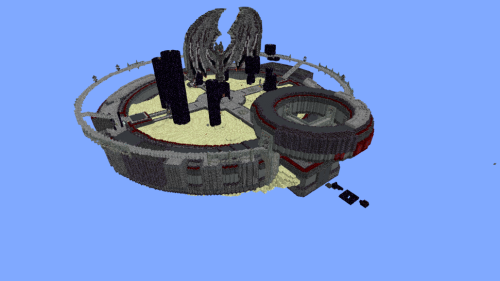 Minutes End Base Before Spoke Null End Video Schematic (1.21.x) – Giant Unstable SMP End Base Schema
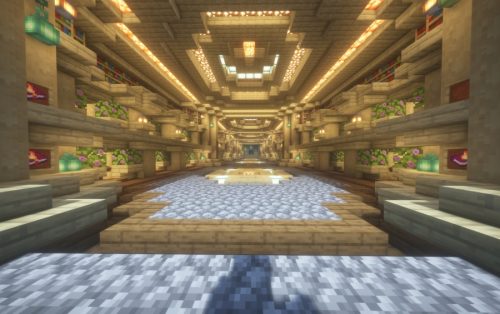 Villager Trading Hall Schematic (1.21.x) – Modern Shop Build For 48 Villagers
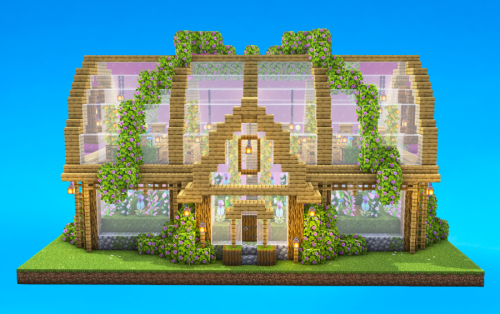 Greenhouse Schematic (1.21.x) – Beautiful Two Story Botanical Glass House
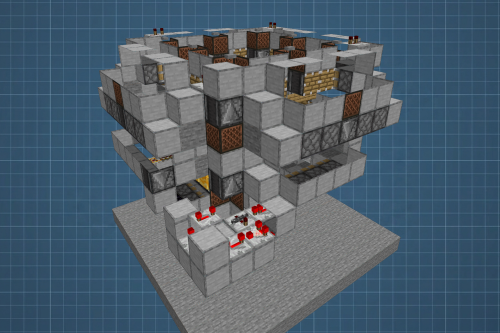 Fastest Bonemeal Farm Donut Smp Schematic (1.21.x) – Fast Redstone Bonemeal Farm Build
 Kelp Farm 2.0 Schematic (1.21.x) – Efficient Automatic Kelp Farming System For Survival
 4k Bonemeal Farm Made by Basicredstone Schematic (1.21.x) – Compact Redstone Bonemeal Farm Build
 Unstable SMP S Bomer Schematic (1.21.x) – Large Bomber Machine Build For Worlds
 Hilversum Broadcasting Tower 1 1.5 Scale Replica Schematic (1.21.x) – Realistic Modern Dutch Radio T
 Rail Gun Wind Chagre Schematic (1.21.x) – Compact Rail Gun Wind Charge Build
More from Schematics
 The Heartbeat of Red Stone Schematic (1.21.x) – A Glowing Pulsing Redstone Heart Build
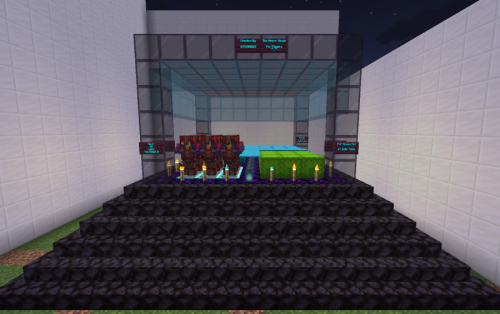 PVP Station Schematic (1.21.x) – A Ready-to-Use Battle Hub for Multiplayer Combat
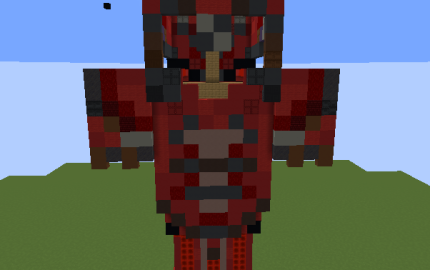 Netherite Armor with Redstone Silence Trim Schematic (1.21.x) – Giant Netherite Armor Build For Your
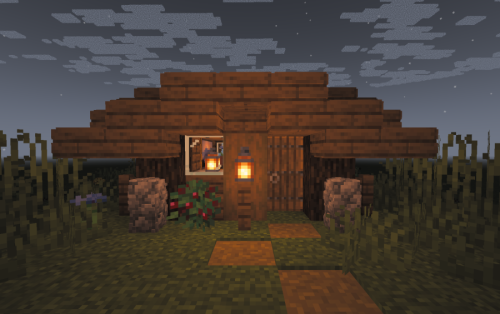 Spruce Starter House Schematic (1.21.x) – Simple Small Spruce House For Early Game
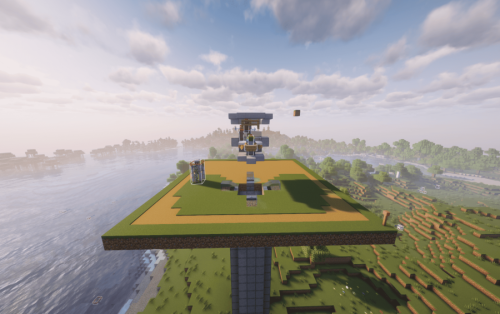 Easy and Compact Iron Farm Schematic (1.21.x) – Small Villager Iron Farm for Java Survival
 Bulbasaur Gen 2 Sprite Schematic (1.21.x) – Pokémon Silver Battle Sprite in Concrete Blocks
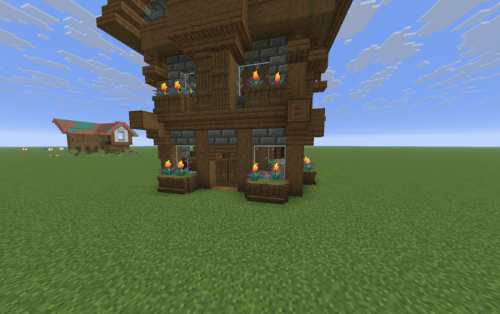 Mediaval House by BnTost Schematic (1.21.x) – Three Floor Medieval House For Survival
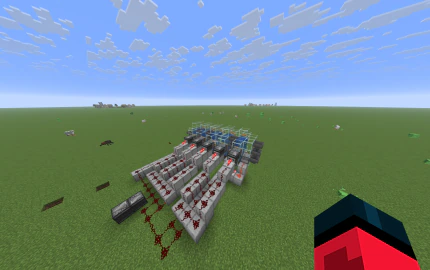 Easy Donut SMP Kelp Farm No Lever Schematic (1.21.x) – Five-Chamber Observer Kelp Farm for Survival
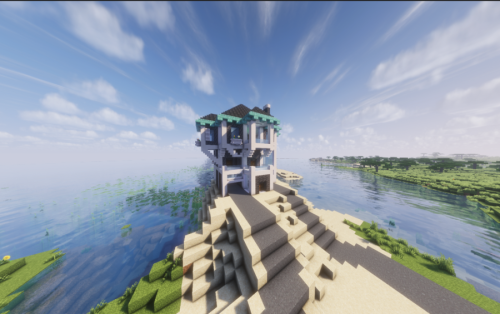 Beach House Schematic (1.21.x) – Modern Beach House With Finished Interior
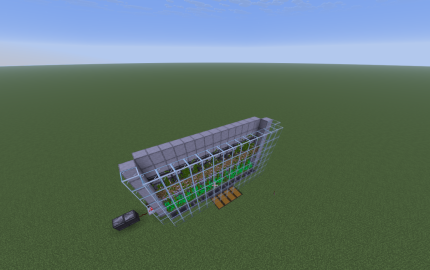 Easy Bamboo Farm No Lever Schematic (1.21.x) – Self-Running Bamboo Farm With Observers
 Billy the TNT Player Launcher Schematic (1.21.x) – Launch Yourself 950 Blocks High With TNT
 Arkham Asylum Lego Set Schematic (1.21.x) – Iconic LEGO Asylum Build For Minecraft

This post has no comments yet. Be the first — your comment will appear here.