


EssentialClient Mod (26.2, 1.20.1) – Many Client Utilities
 446
446
 0
0


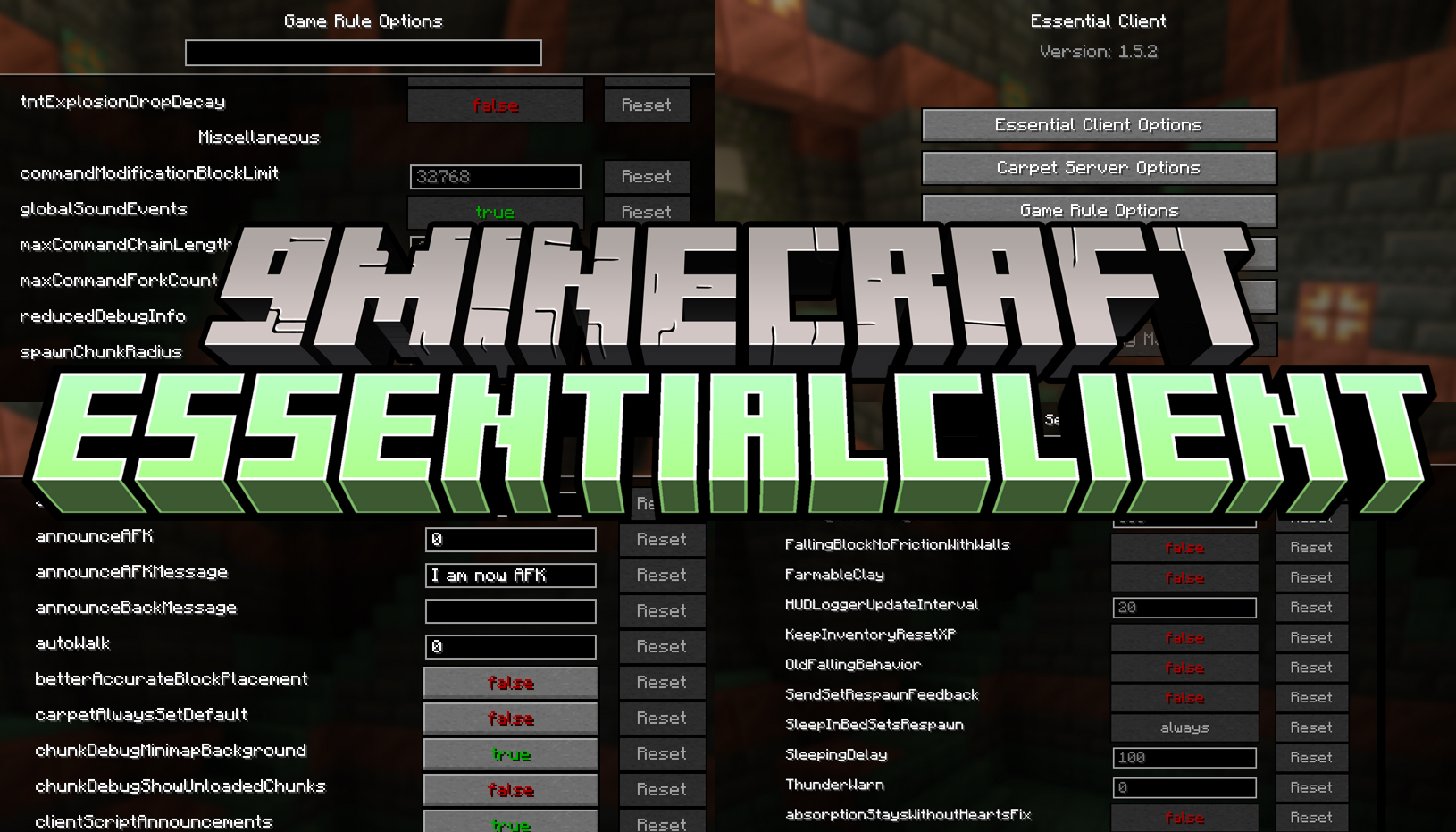
EssentialClient Mod provides a collection of client-side rules designed to improve quality of life, visuals, and utility without affecting server gameplay. All features run locally on your client.
Features:
- AFK & Automation
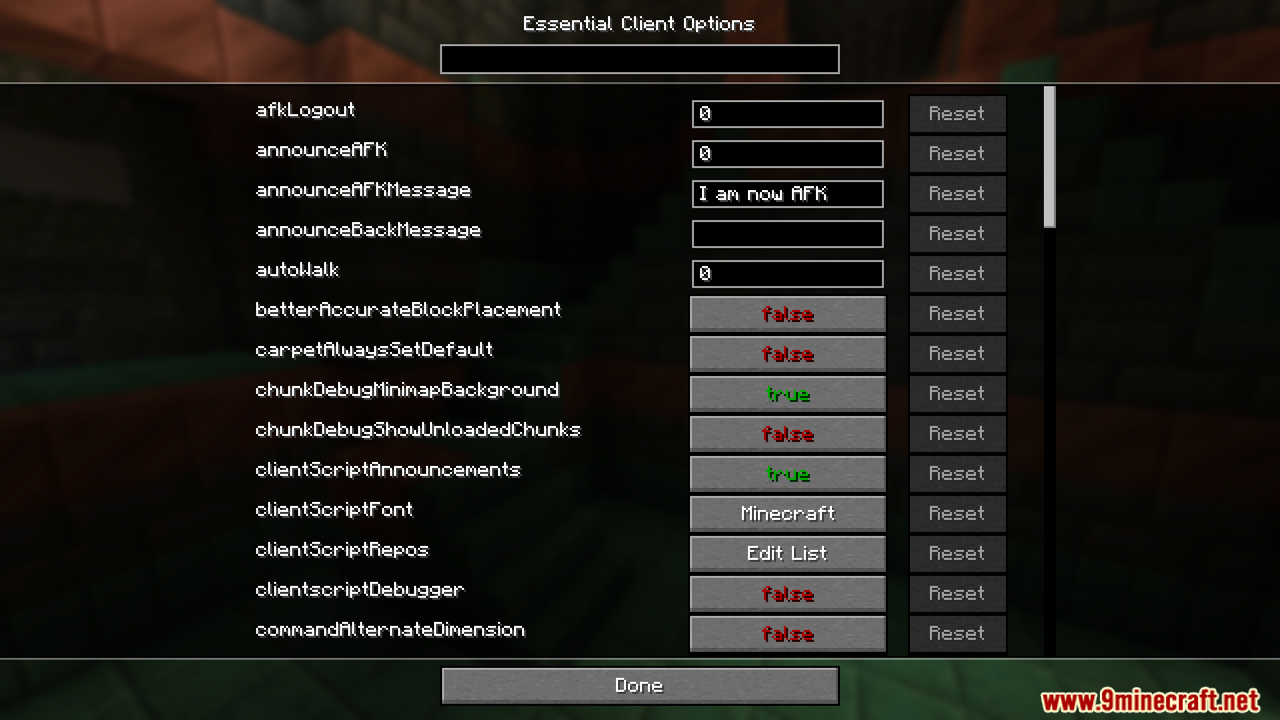
afkLogout: Disconnects you after being AFK for a set number of ticks (must be ≥ 200).announceAFK: Announces in chat when you become AFK.announceAFKMessage: Message sent when you go AFK.announceBackMessage: Message sent when you return from AFK.autoWalk: Automatically keeps walking after holding a movement key long enough.switchToTotem: Switches to a totem when your health drops below a set value.
- Gameplay & Inventory
betterAccurateBlockPlacement: Client-side accurate block placement.craftingHax: Craft items using the mouse.quickLockRecipe: Middle-click a recipe to lock it in the search bar.survivalInventoryInCreative: Open survival inventory while in creative mode.unlockAllRecipesOnJoin: Unlocks all crafting recipes on world join.stackableShulkersInPlayerInventories: Allows shulker boxes to stack in your inventory.stackableShulkersWithItems: Allows stacked shulkers even when they contain items.
- Commands
commandAlternateDimension: Calculates coordinates for alternate dimensions.commandClientNick: Rename player names locally.commandPlayerClient: Save and reuse/playercommands.commandPlayerList: Execute multiple/playercommands at once.commandRegion: Displays the region of your current or chosen coordinates.
- Rendering & Visual Tweaks
- Disable boss bars, name tags, armor rendering, maps in frames, and join/leave messages.
- Remove visual effects such as hurt camera bobbing and night vision flashing.
permanentTime: Forces a fixed client-side time of day.highlightLavaSourcesandhighlightWaterSources: Highlights source blocks.customClientCape: Choose a client-only cape.titleTextToTop: Moves version and Mojang text to the top of the screen.
- Interface & Chat
permanentChatHud: Prevents chat from being cleared.disableScreenshotMessage: Hides screenshot notifications.disableRecipeNotifications: Disables recipe popups.openScreenshotDirectory: Opens the screenshot folder instead of the image.toggleTab: Toggles the player list instead of holding the key.
- Movement & Camera
overrideCreativeWalkSpeed: Custom walk speed in creative mode.increaseSpectatorScrollSpeed: Faster movement while spectating.waterFovMultiplier: Adjusts FOV when underwater.soulSpeedFovMultiplier: Adjusts FOV on soul sand or soul soil.
- Client Scripts & Miscellaneous
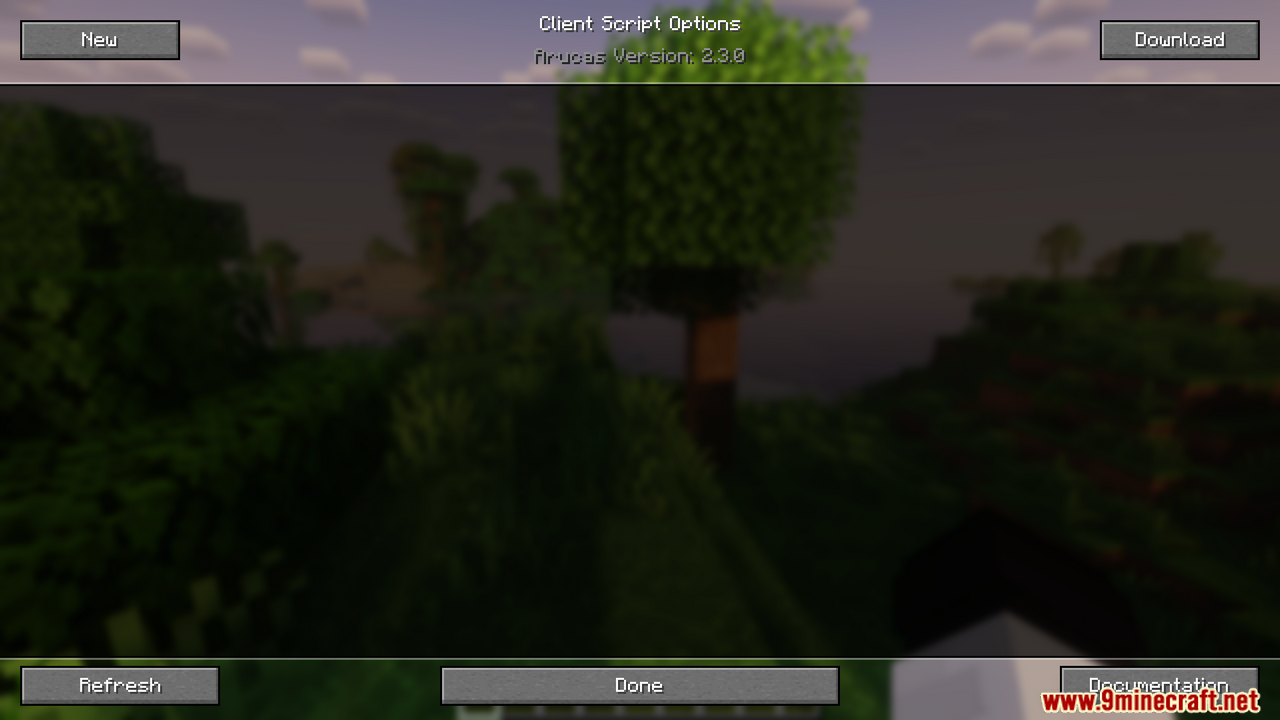
startSelectedScriptsOnJoin: Automatically enables scripts when joining a world.clientScriptAnnouncements: Chat messages when scripts start or stop.clientScriptRepos: Custom script download sources.clientScriptFont: Change font used for script errors.removeWarnReceivedPassengers: Removes unnecessary client warnings.
Note: All rules are optional and configurable. By default, most features are disabled and only activate when you enable them manually.
How to use:
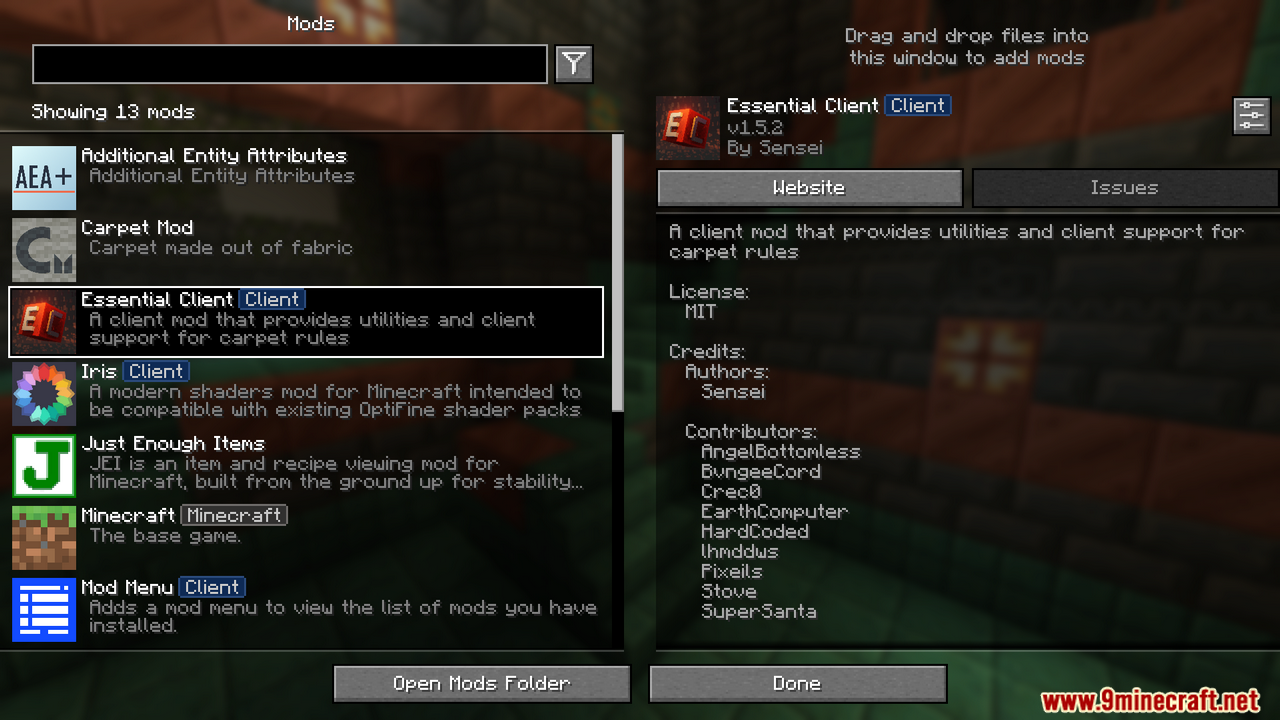
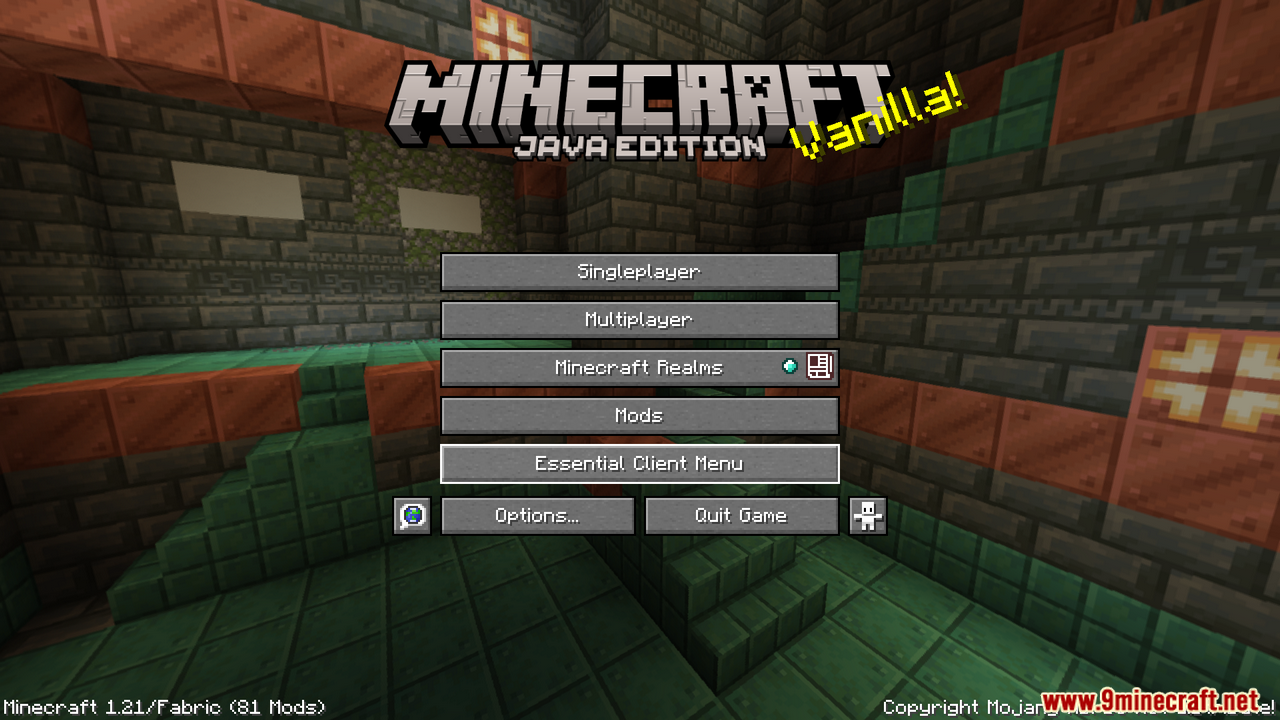
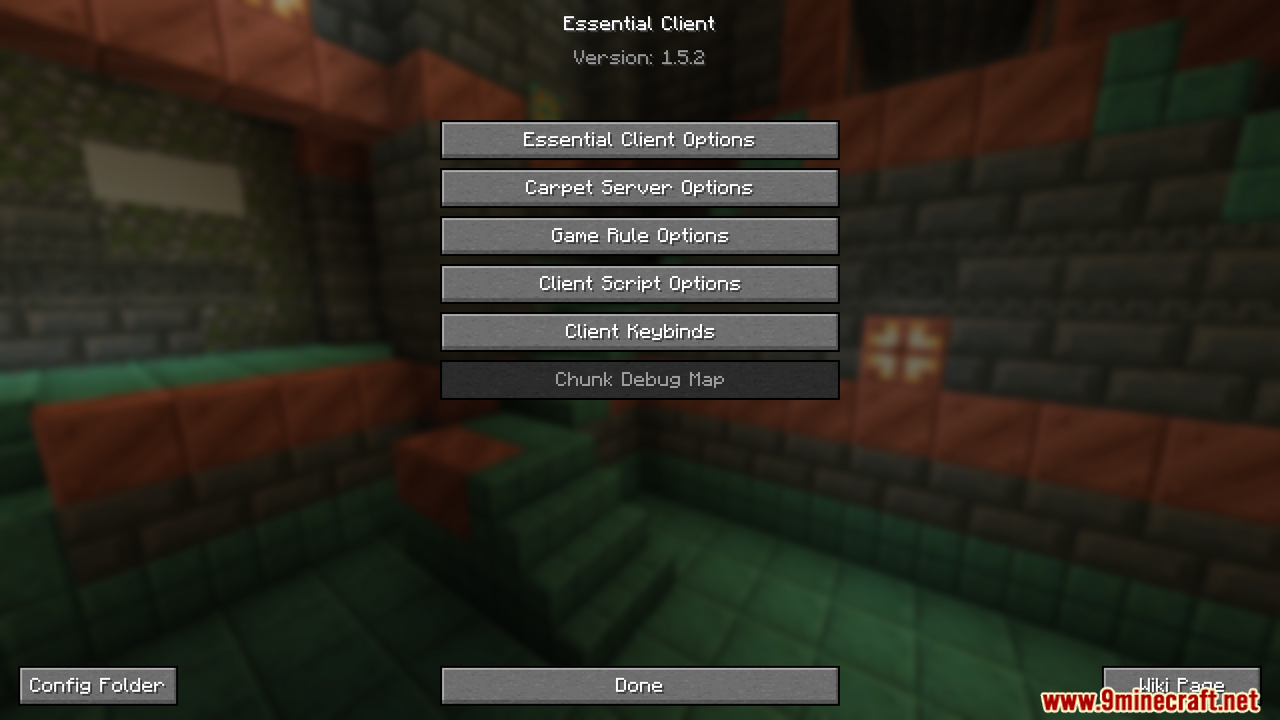
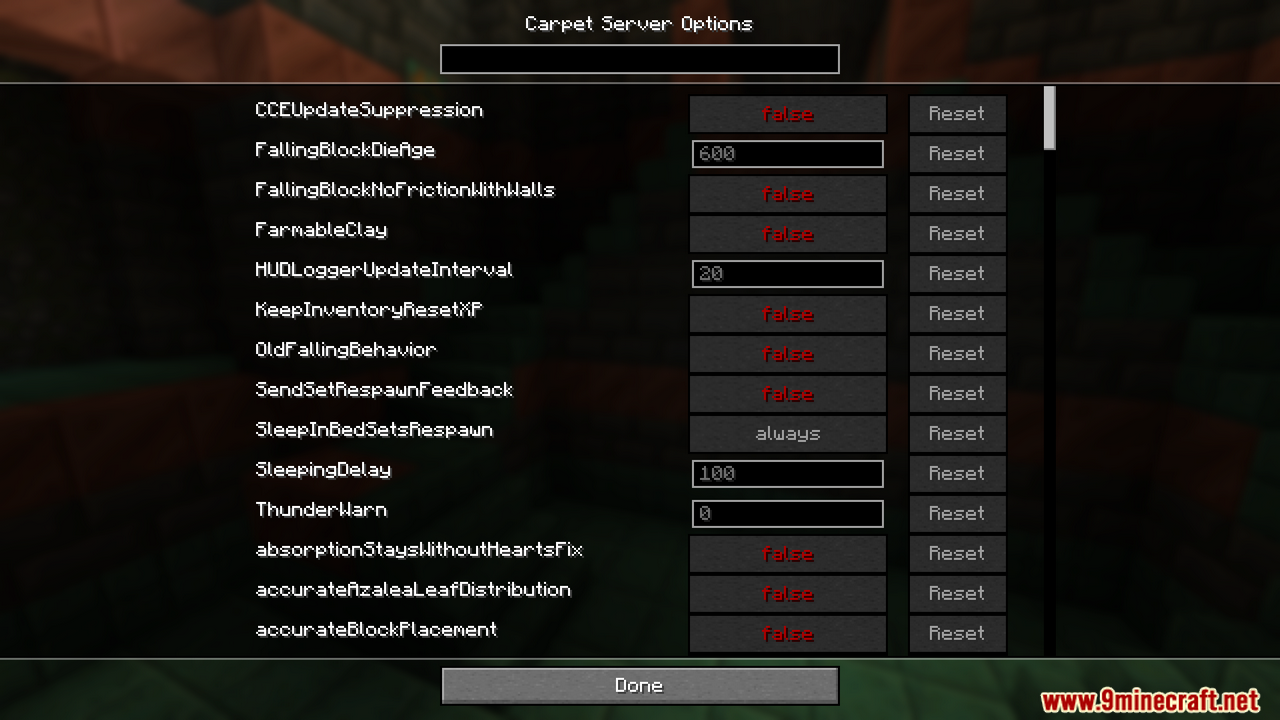
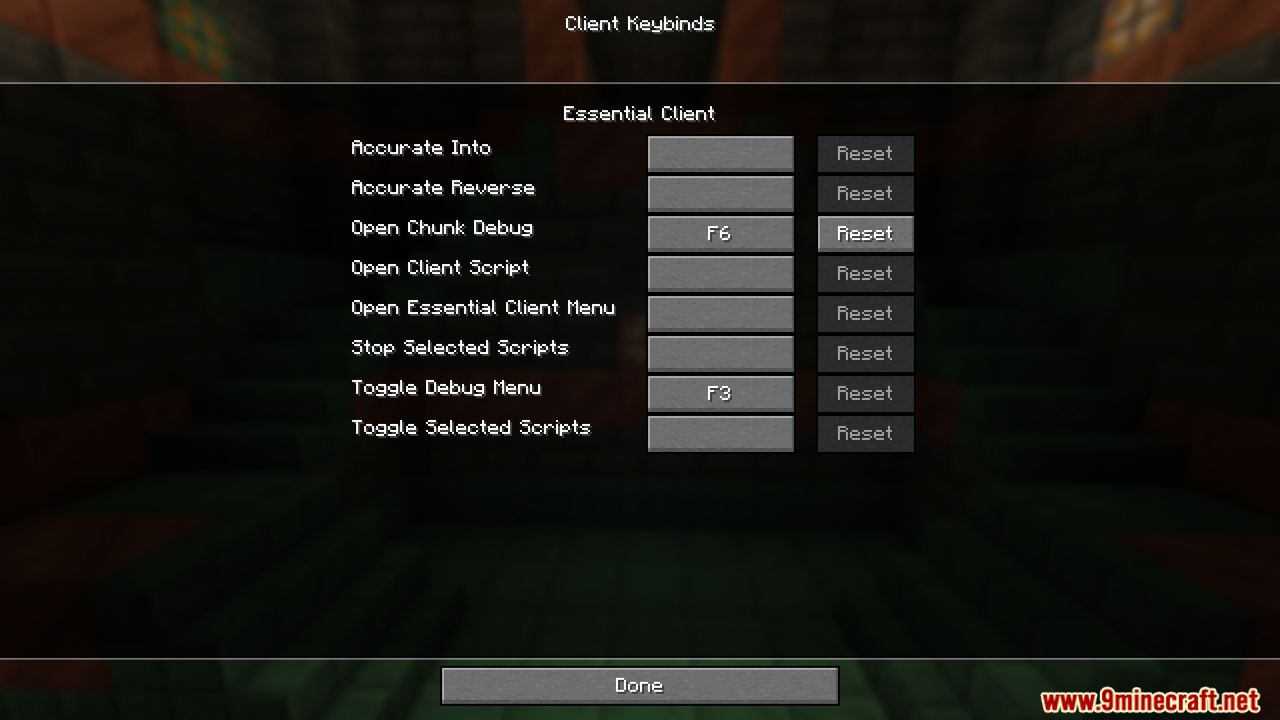
- Once installed, you can access the configuration menu through mod-menu, or by pressing the EssentialClient Menu keybind (which can be changed in options).
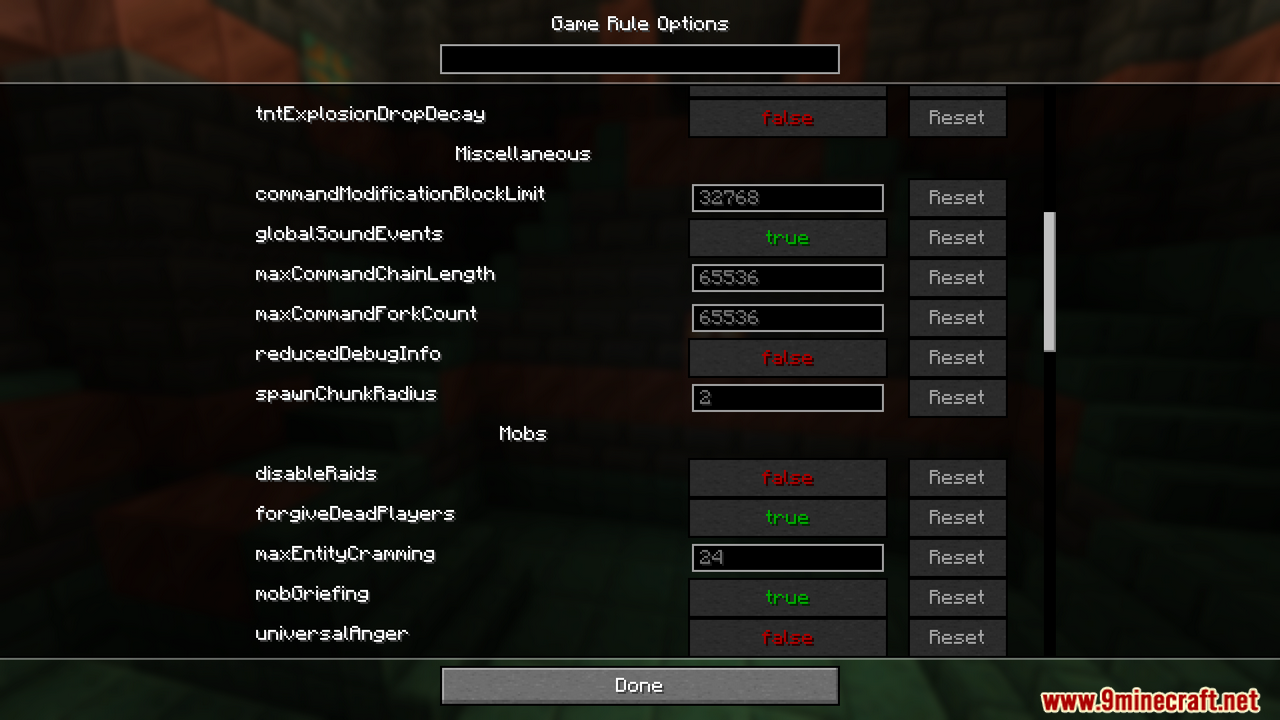
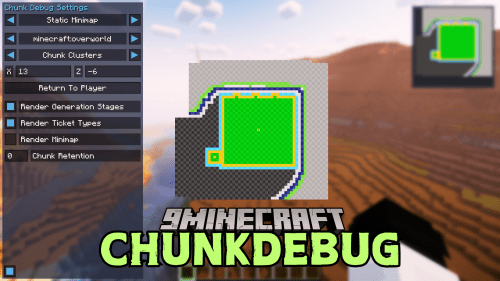
- From here you can view and modify the EssentialClient settings, Carpet server settings, or open the ChunkDebug map (provided you have ChunkDebug installed).
Screenshots:
How to Install:
New to Minecraft? Follow our step-by-step guide to install Mods on your PC.View Guide
Requirements:





EssentialClient Mod Download Links
For Minecraft 26.2
For Minecraft 26.1.2, 26.1.1, 26.1
For Minecraft 1.21.11
For Minecraft 1.21.10, 1.21.9
For Minecraft 1.21.8, 1.21.7, 1.21.6
For Minecraft 1.21.5
For Minecraft 1.21.4
For Minecraft 1.21.3, 1.21.2
For Minecraft 1.21.1, 1.21
For Minecraft 1.20.6
For Minecraft 1.20.4
For Minecraft 1.20.2
For Minecraft 1.20.1
For Minecraft 1.19.4
For Minecraft 1.19.2
For Minecraft 1.18.2
For Minecraft 1.17.1
For Minecraft 1.16.5
Click to rate this post!
[Total: 1 Average: 5]
You May Also Like







This post has no comments yet. Be the first — your comment will appear here.