


Boundless Realm Lockdown Data Pack (26.2, 1.21.1) – Lock Dimension Travel Until
 0
0
 0
0

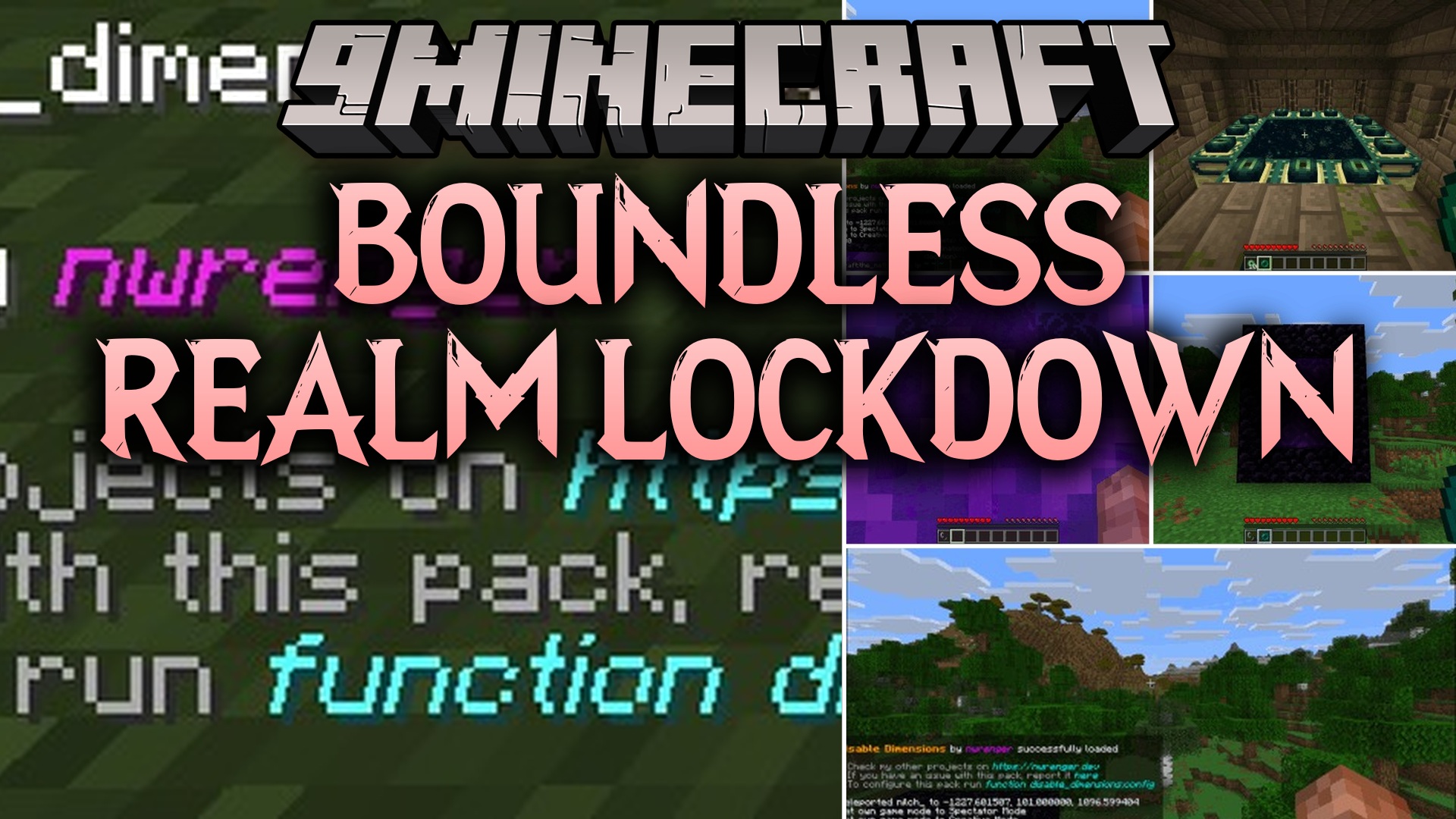
Boundless Realm Lockdown Data Pack prevents players from traveling to the Nether, the End, and modded realms until specific goals are met. When anyone steps into a portal or tries to teleport across worlds, the pack sends them right back to their spawn point. Players still get their normal realm entry advancements as a small reward for their attempt. You can manage each world lock through an interactive chat menu without restarting your world.
Features:
- Blocks realm travel from Nether portals, End portals, commands, minecarts, and ender pearls.
- Sends players straight back to their entry location or world spawn if they try to cross worlds.
- Plays a quiet sound cue, shows an action bar note, and adds a brief slowness effect upon return.
- Grants standard realm achievements so players still get credit for reaching portals.
- Offers an interactive in-game menu to turn locks on or off for individual worlds.
- Lets you set unlock rules based on in-game days, player items, teams, scores, or gamemodes.
- Includes options to add custom modded dimensions and pick custom return messages with colors.
- Runs passively without tick overhead to maintain fast server performance.
Commands:
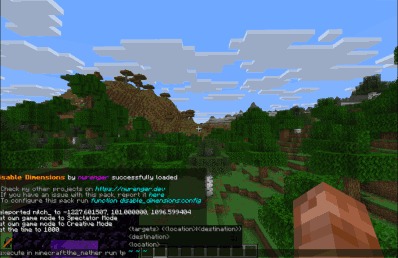
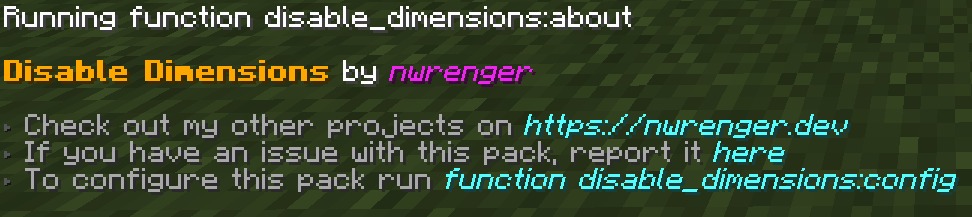
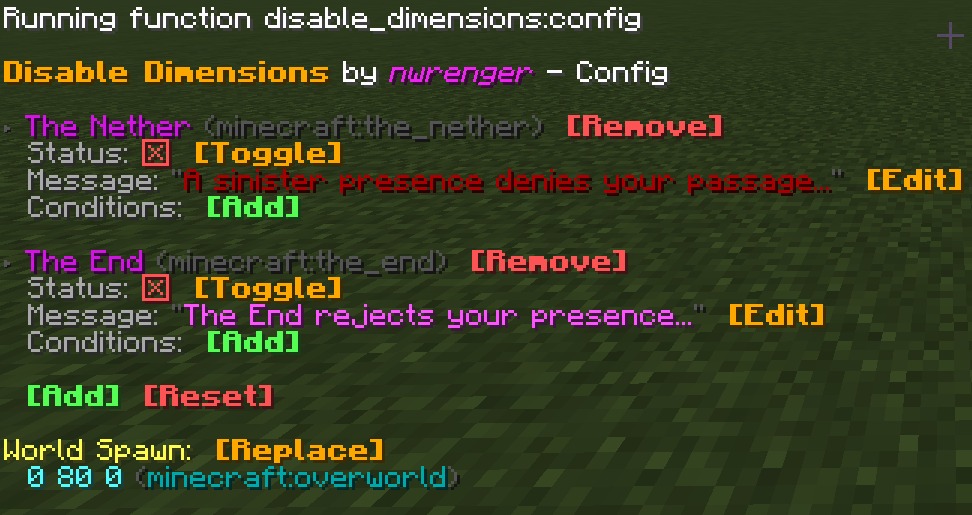
/function disable_dimensions:about: opens the interactive information panel./function disable_dimensions:config: opens the main settings menu to adjust dimension locks and rules.
How to Use:
- Type
/function disable_dimensions:configin chat to open the settings panel. - Stand at your preferred spawn location and select Replace to update the world spawn point.
- Click on individual dimensions to turn their travel locks on or off.
- Add custom conditions like day counts, gamemodes, or items to automate when portals unlock.
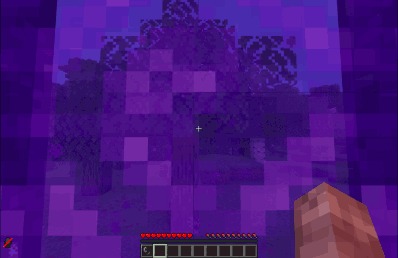
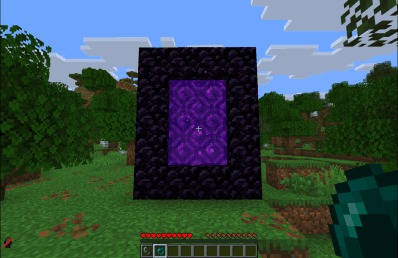
Screenshots:
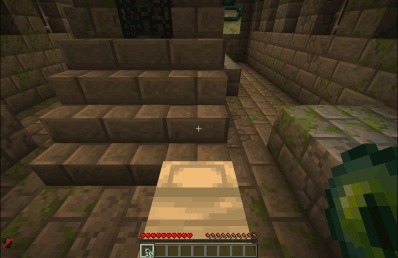
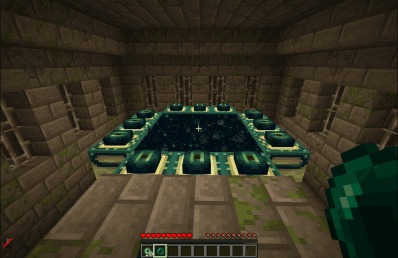
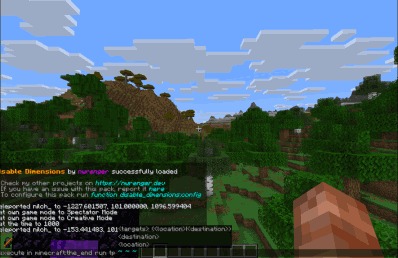
How to Install:
New to Minecraft? Follow our step-by-step guide to install Data Packs on your PC.View Guide
Requirements:
Translations for Disable Dimensions Required
Boundless Realm Lockdown Data Pack Download Links
For Minecraft
26.2,
26.1.2,
26.1.1
All Versions Covered
26.2
26.1.2
26.1.1
26.1
1.21.11
1.21.10
1.21.9
1.21.8
1.21.7
1.21.6
1.21.5
1.21.4
1.21.3
1.21.2
1.21.1
1.21
All Versions Covered
26.2
26.1.2
26.1.1
26.1
1.21.11
1.21.10
1.21.9
1.21.8
1.21.7
1.21.6
1.21.5
1.21.4
1.21.3
1.21.2
1.21.1
1.21
Click to rate this post!
[Total: 0 Average: 0]
You May Also Like

This post has no comments yet. Be the first — your comment will appear here.