Camera Motion Blur Mod (1.21.11, 1.21.10) – Smooth Camera Visuals

 0
0  3 days ago
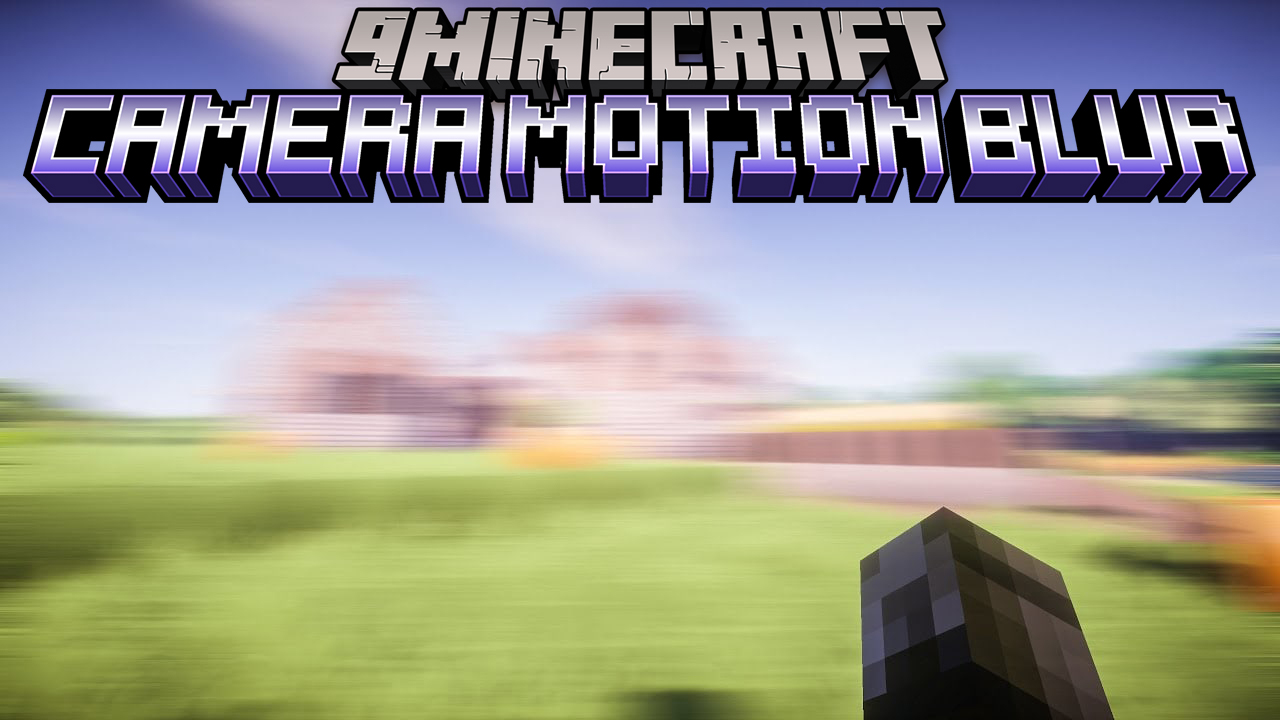
Camera Motion Blur Mod (1.21.11, 1.21.10) is a simple mod that adds a motion blur effect to your camera, making movement look smoother and more cinematic. It is easy to use and designed for both casual players and content creators who want better visual quality without complicated setup.
Features:
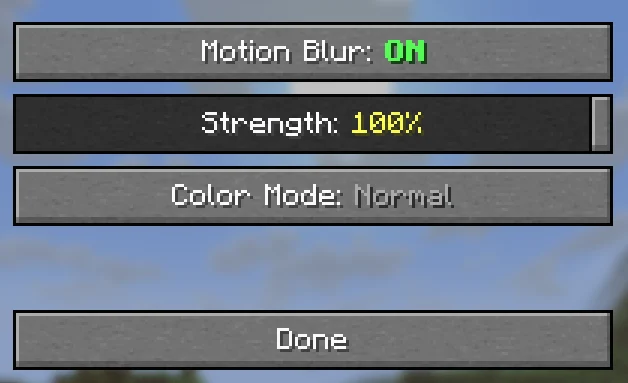
- Adjustable Blur Strength
- Control how strong the motion blur appears
- Use subtle blur for normal gameplay or stronger blur for cinematic effects
- Color Effects
- Add custom color overlays to the blur
- Includes a
rainbow modethat cycles through colors automatically
- Easy In-Game Control
- Change settings through a built-in menu
- No need to edit config files
- Supports commands for quick adjustments using
/in chat
- Auto Save
- All settings are saved automatically
- No need to reconfigure after restarting the game
Commands:
/camerablur– Open settings GUI/camerablur toggle– Toggle motion blur on/off/camerablur strength 0.5– Set blur strength (0.0 – 1.0)/camerablur mode tinted– Set color mode (normal / tinted / rainbow)/camerablur color 1 0 0– Set tint color RGB (0.0 – 1.0 each)/camerablur tint 0.5– Set tint intensity (0.0 – 1.0)
Screenshots:
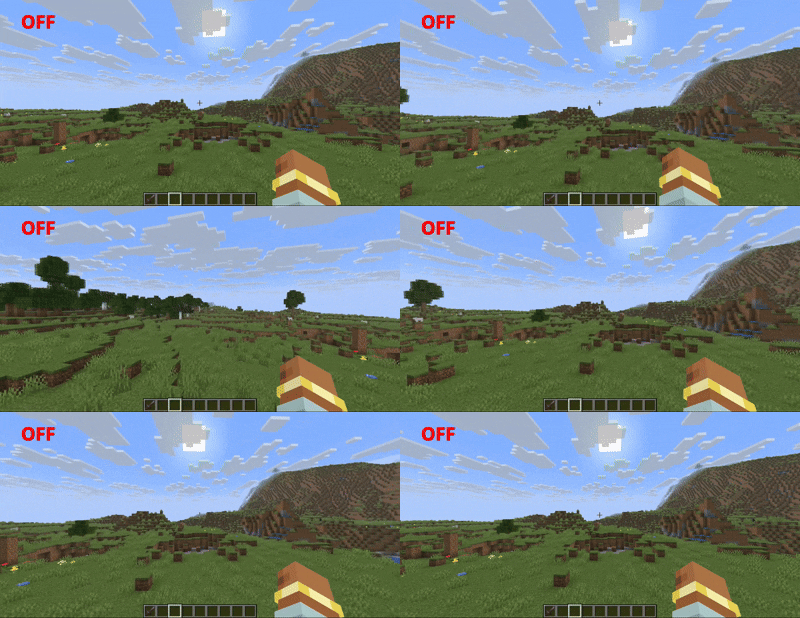
Before
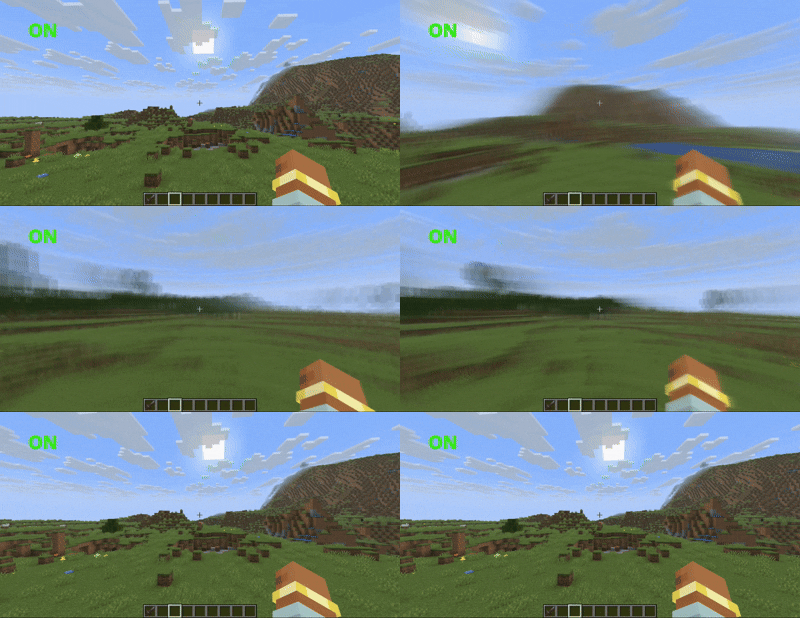
After
Requires:
How to install:
Click the following link to view details: How to Install Mods for Minecraft Java Edition on PC: A Beginner Guide
Camera Motion Blur Mod (1.21.11, 1.21.10) Download Links
For Minecraft 1.21.10, 1.21.9
Fabric version: Download from Server 1
For Minecraft 1.21.11
Forge version: Download from Server 1 – Download from Server 2
Fabric version: Download from Server 1 – Download from Server 2
NeoForge version: Download from Server 1 – Download from Server 2
Click to rate this post!
[Total: 0 Average: 0]
You May Also Like