
Chat Tweaks Mod (1.12.2, 1.11.2) – Never Miss Messages in Busy Server Chat
 988
 0


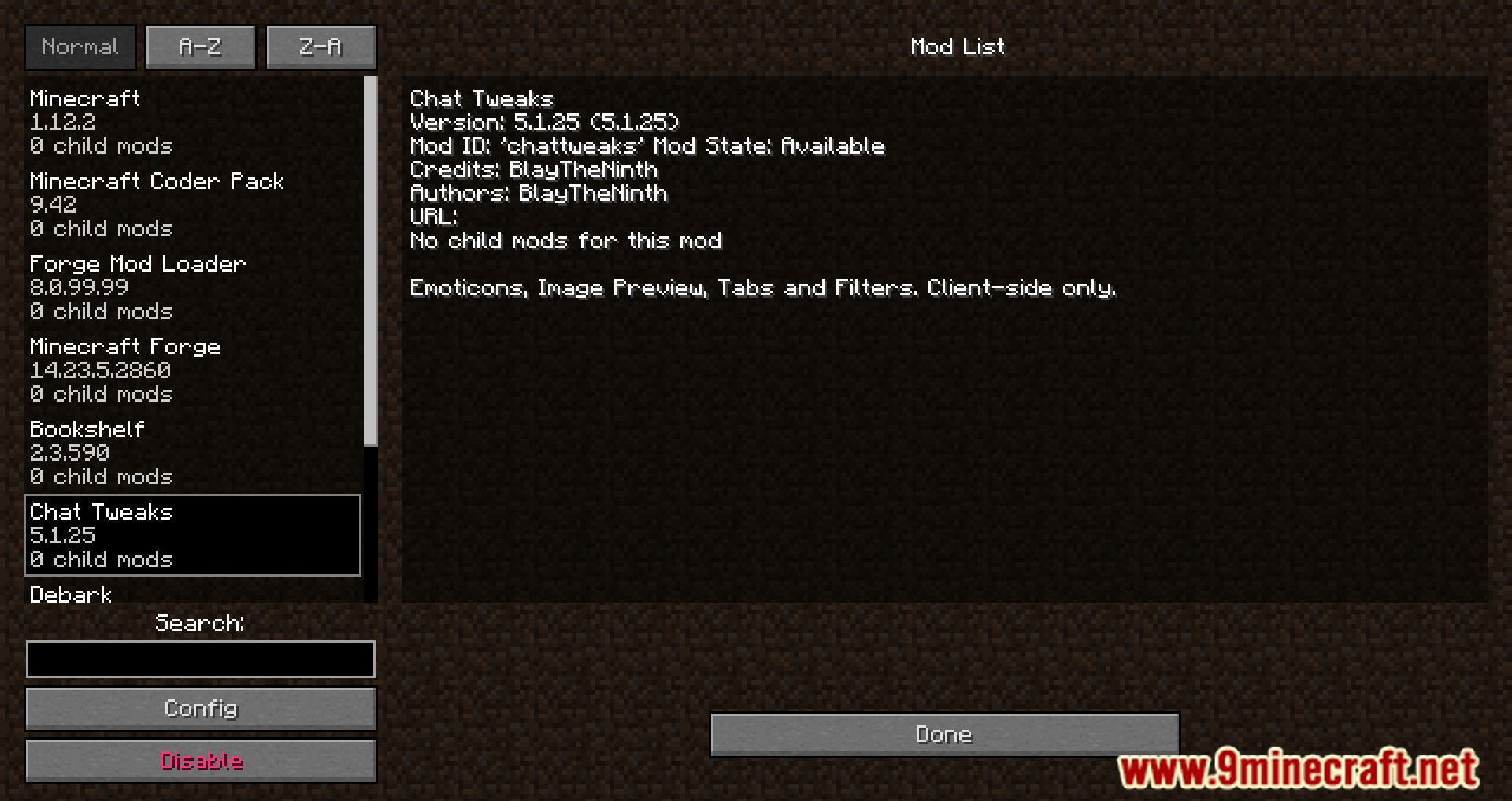
Chat Tweaks Mod improves Minecraft’s in-game chat while keeping the classic vanilla look and feel. This mod adds an emote menu for Twitch, BetterTTV, and FrankerFaceZ emotes and lets you view image links right inside the game without opening a browser. It also helps you keep your chat tidy with custom tabs, message filters, highlights, timestamps, and easy-to-read backgrounds. It installs only on the client side and does not work with MineTogether because MineTogether adds its own chat replacement.
Features:
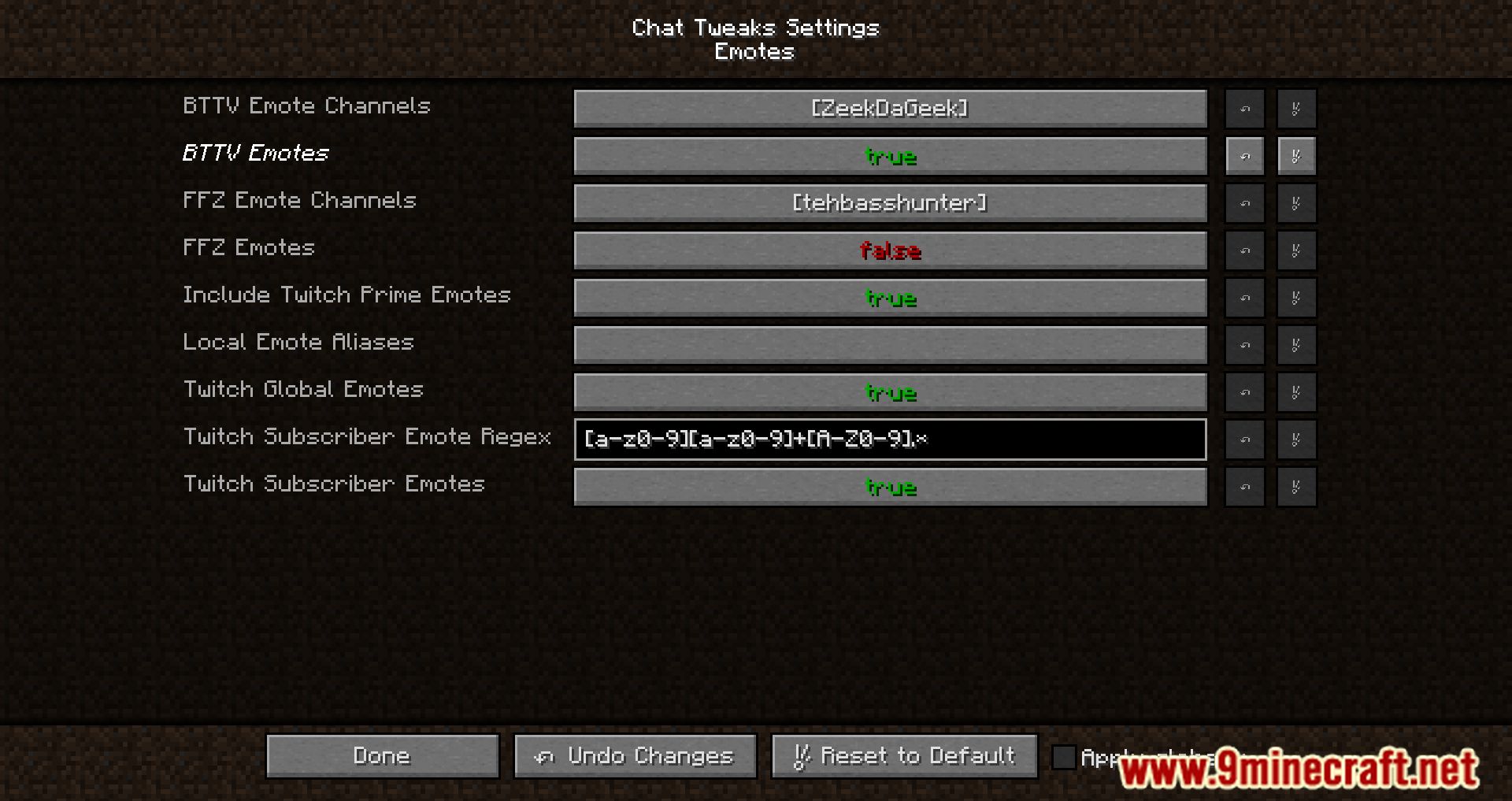
- Emote Menu: Adds Twitch, BetterTTV (BTTV), and FrankerFaceZ (FFZ) emotes with a built-in menu.
- Image Link Preview: Lets you look at posted image links right inside Minecraft without opening a web browser.
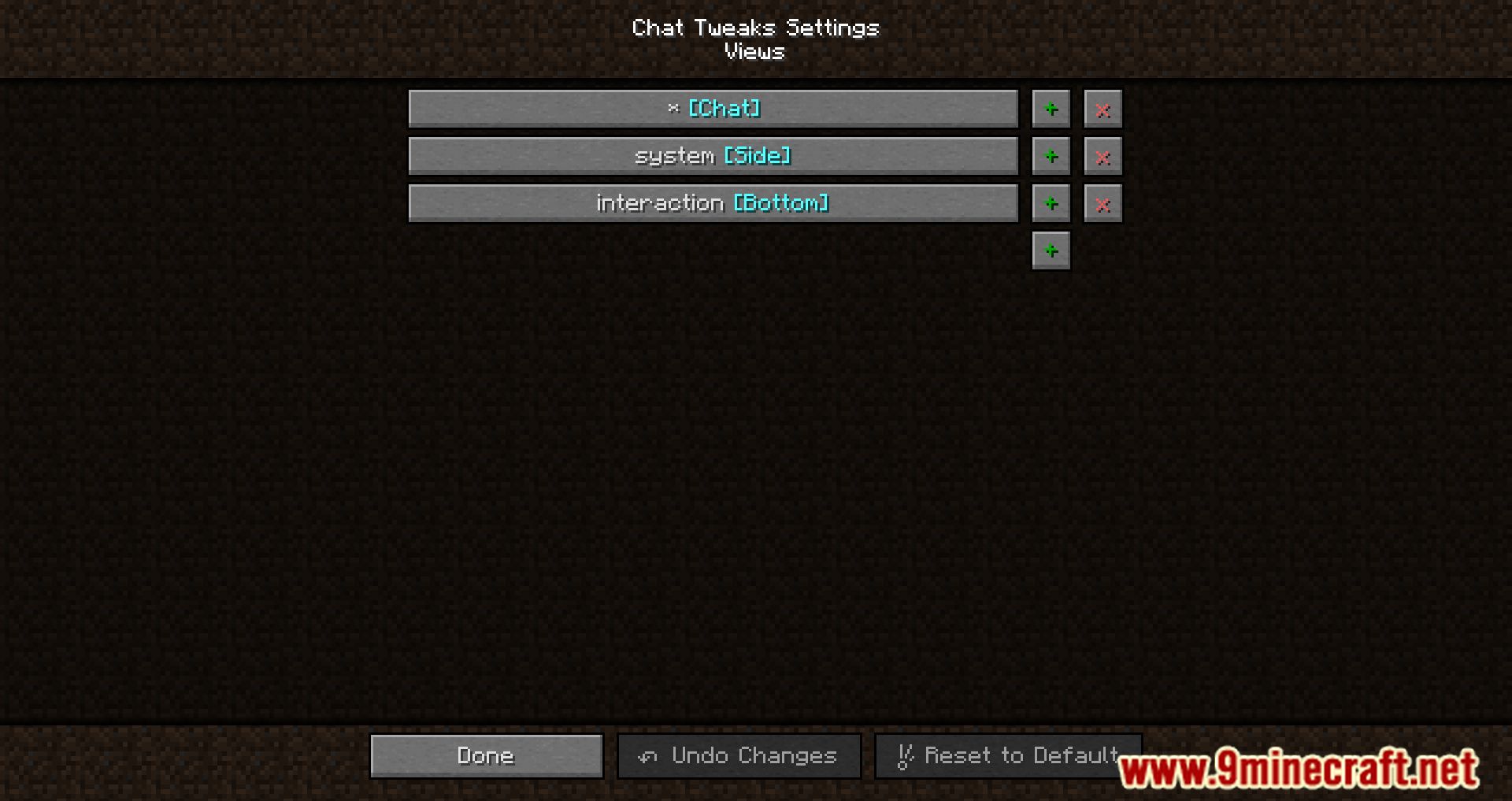
- Chat Tabs: Groups your messages into separate tabs using RegEx patterns.
- Message Filters: Moves chosen messages to show up in the sidebar or at the bottom of your screen.
- Hides certain messages completely so unwanted text stays out of your chat.
- Reformats how messages look by using the sender, the message text, and custom RegEx groups.
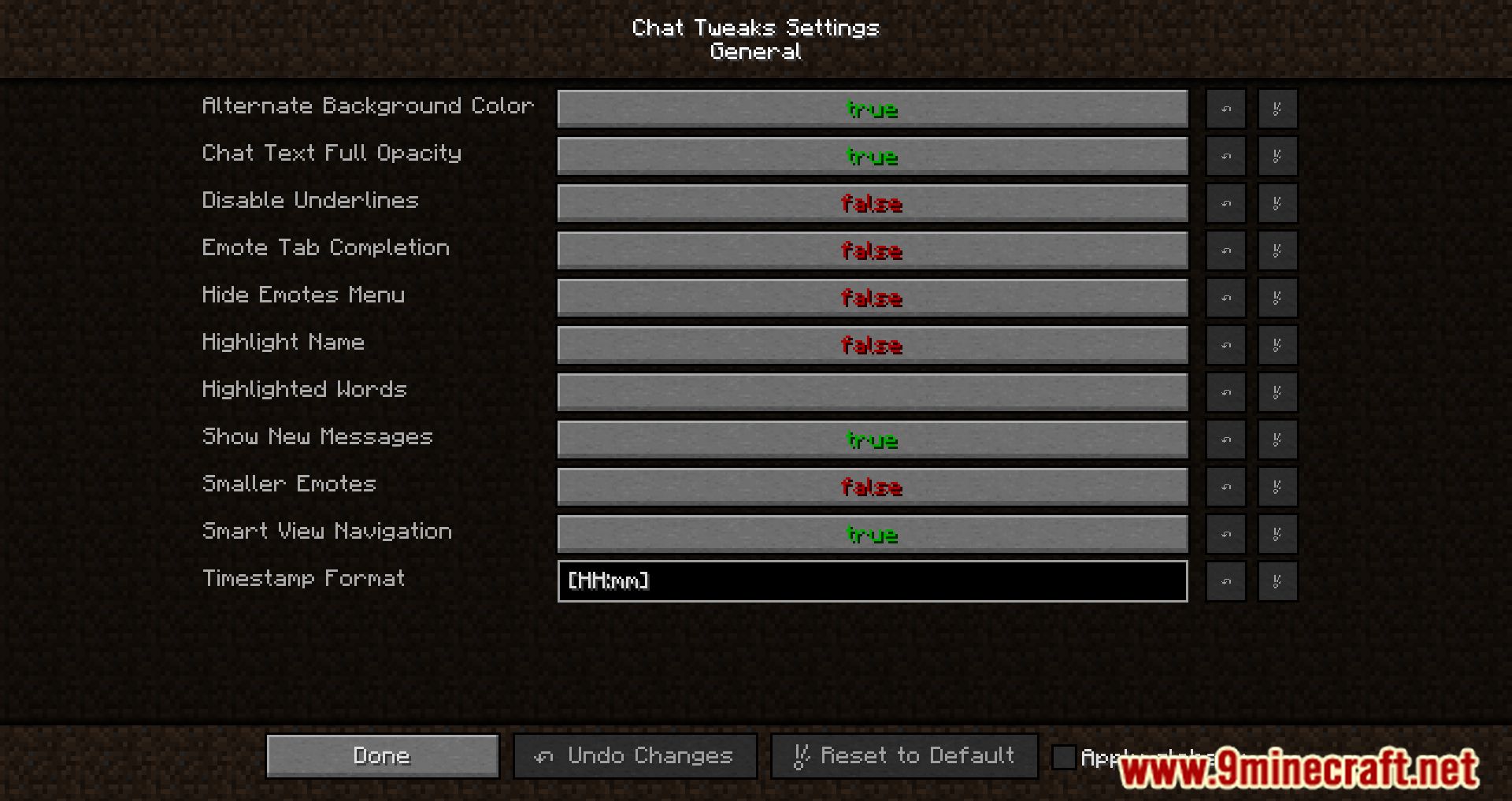
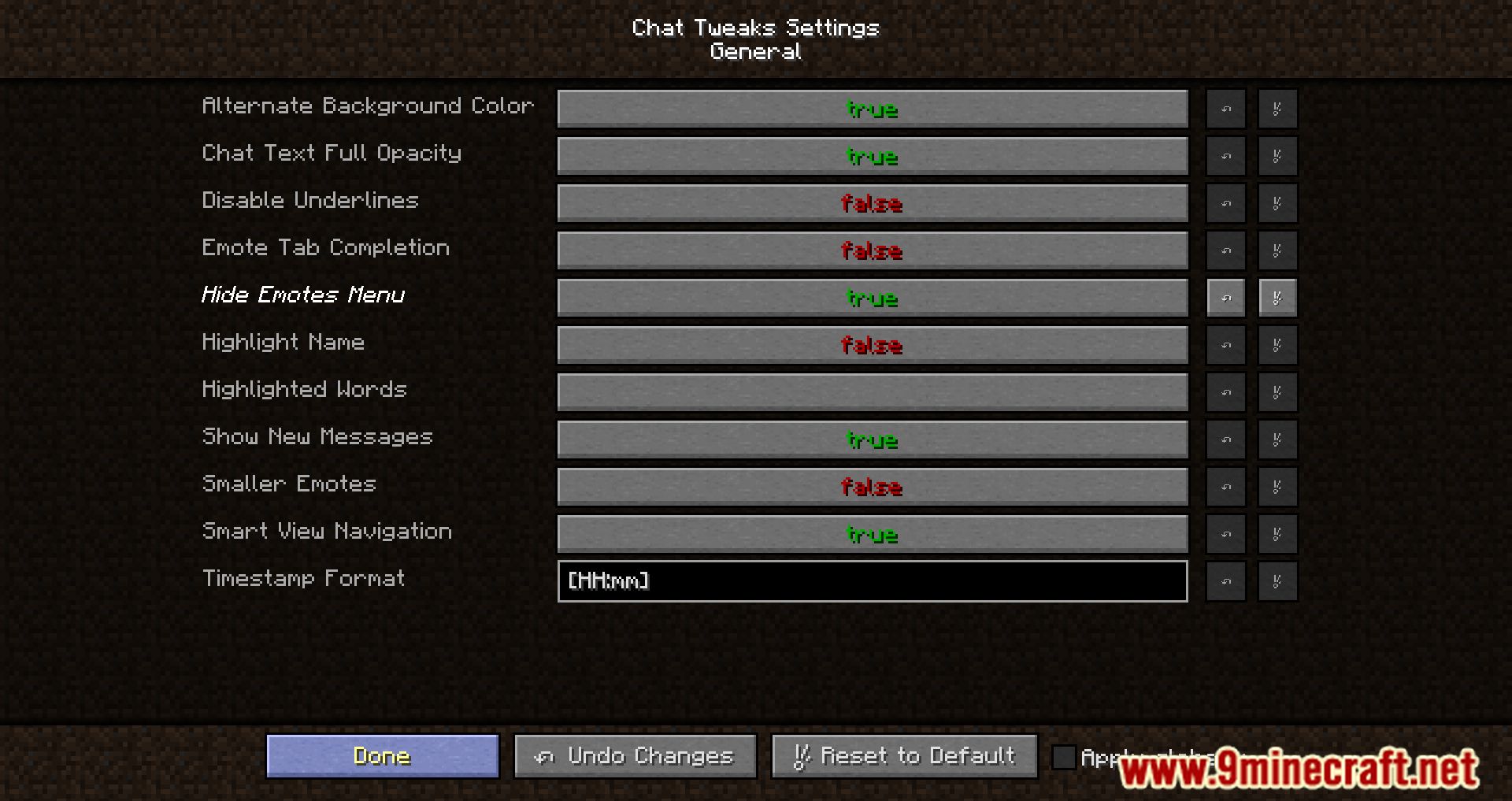
- Highlights messages whenever someone mentions your username or a custom word you set.
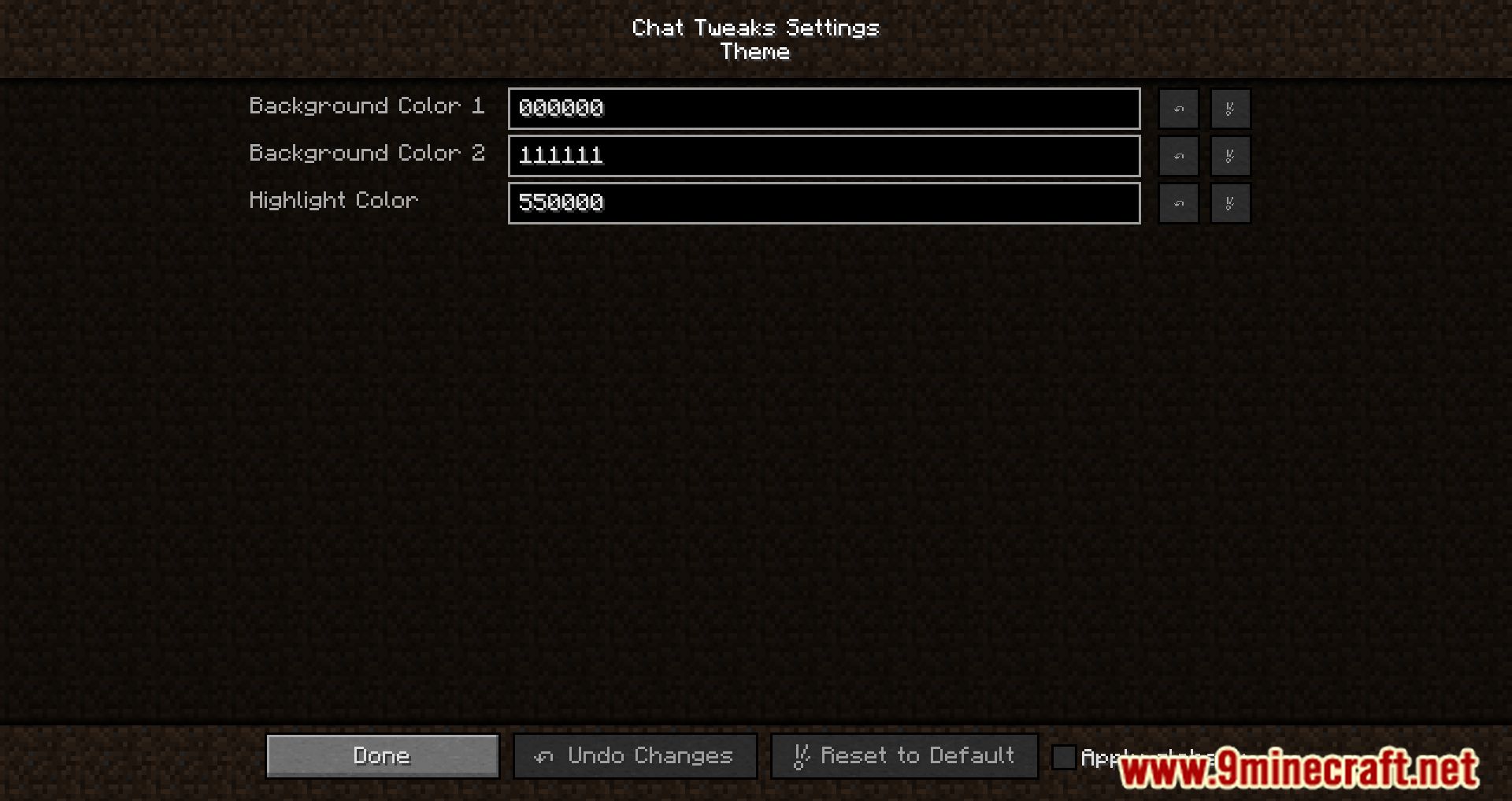
- Uses alternating background colors behind messages so the chat is easier to read.
- Adds timestamps to messages so you know when each one was sent.
- Runs only on the client side while staying close to the vanilla chat look and feel.
- Does not work alongside MineTogether, so you can remove MineTogether if you prefer this mod’s chat features.
Screenshots:
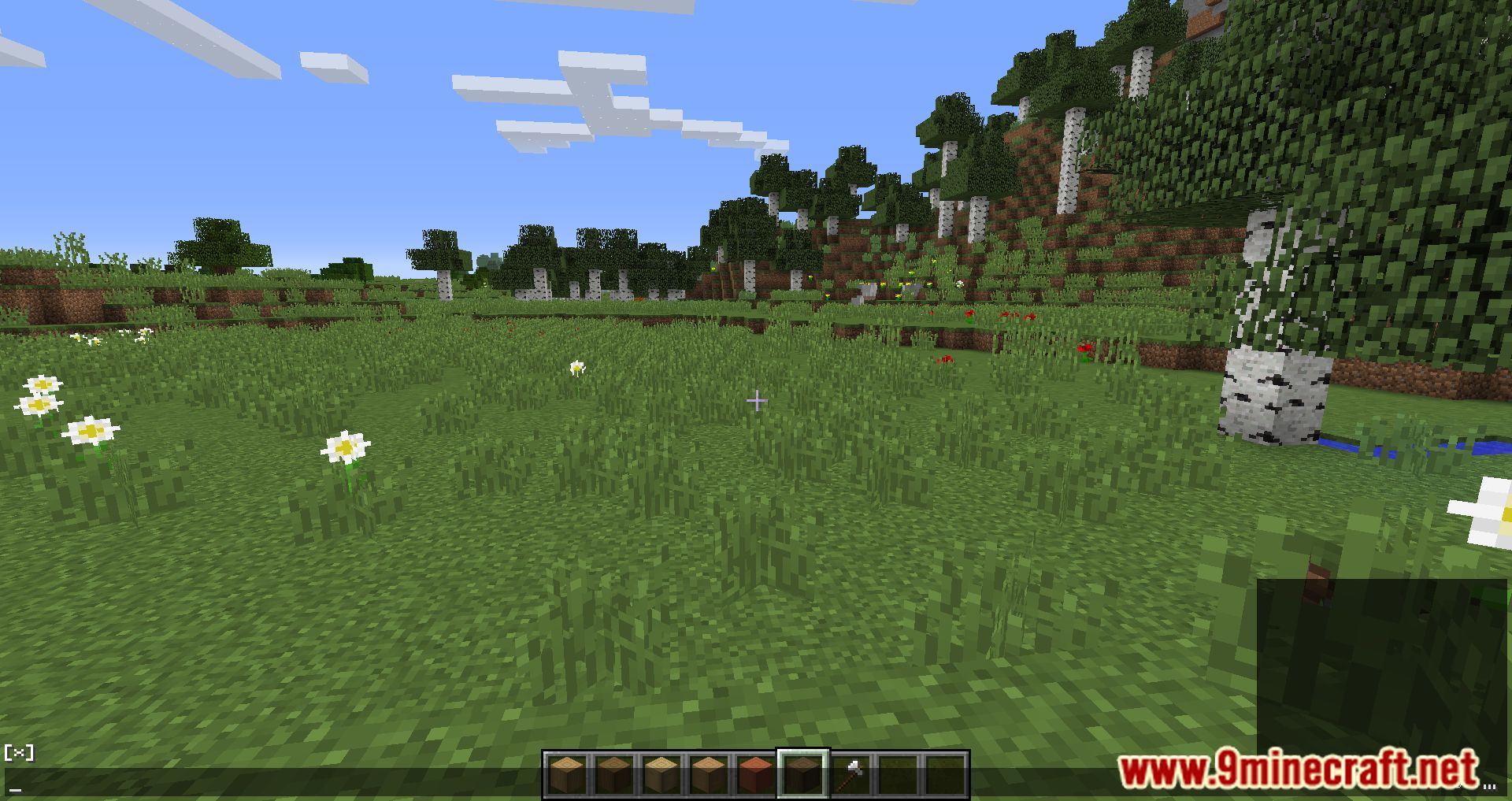
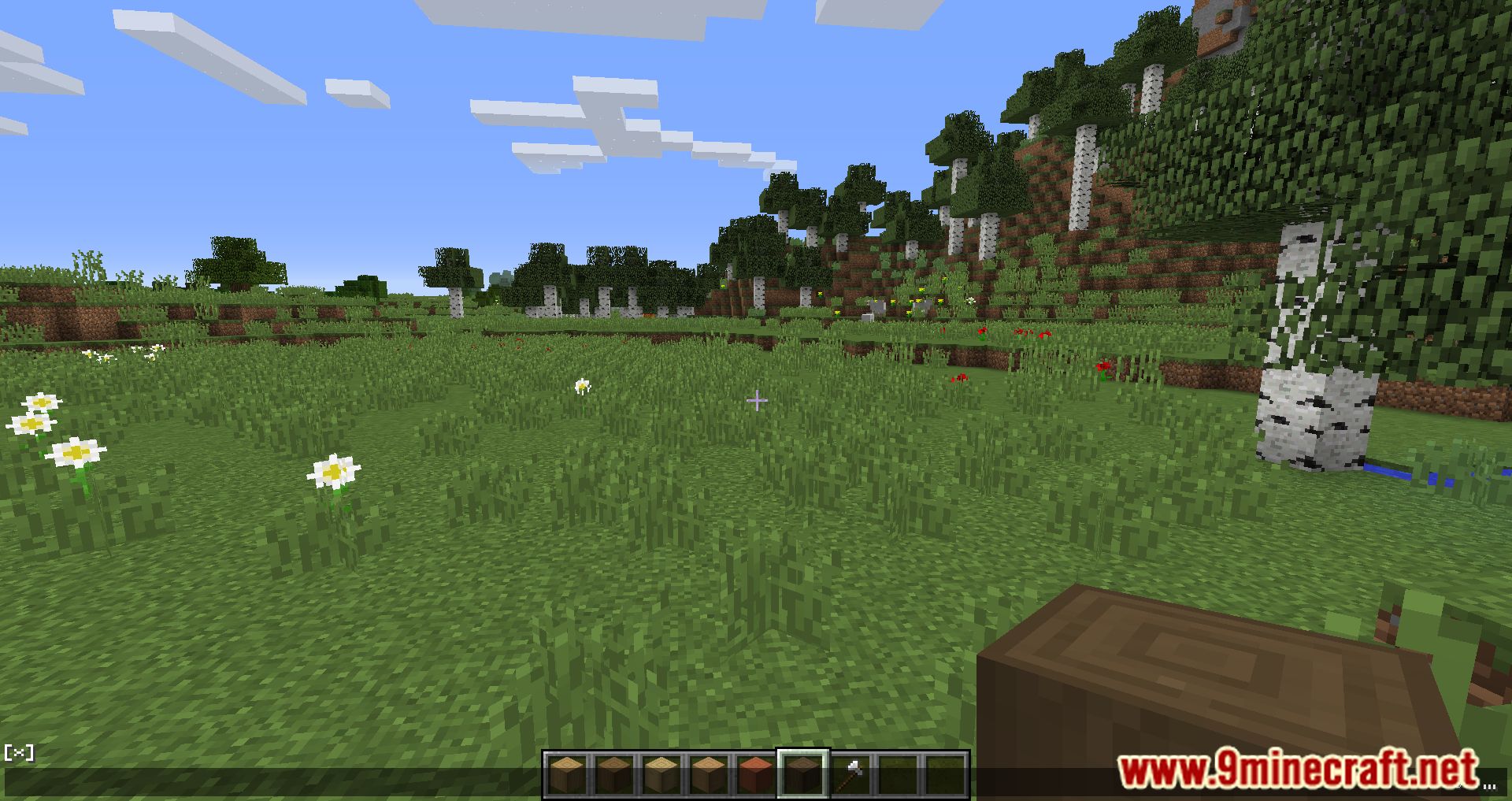
How to Install:
New to Minecraft? Follow our step-by-step guide to install Mods on your PC.View Guide
Chat Tweaks Mod Download Links
For Minecraft 1.12.2
Forge Version: Download from Server 1 – Download from Server 2
For Minecraft 1.11.2
Forge Version: Download from Server 1 – Download from Server 2
For Minecraft 1.10.2
Forge Version: Download from Server 1 – Download from Server 2
What is your stance on mods that feel 'overpowered' or break vanilla balance?
20 responses · See the full results →
You May Also Like
Picked for this page
 Elytra Chestplate Swapper Mod (26.3, 1.20.1) – Functionality to Keystroke
 Easier Sleeping Mod (26.3, 1.20.1) – Server-Sided Sleeping
 More Crafting Tables Mod (1.21.11, 1.20.1) – Made from All Types of Wood
 Smooth Gui Mod (26.3, 1.20.1) – Smooth Animation When Opening GUI
 Noxesium Mod (26.3, 1.20.1) – Elevate Your Minecraft Experience
 Rotted Mod (1.20.2, 1.20.1) – A Zombie-Themed Modification
 Mob Filter Mod (26.3, 1.20.1) – Managing Mob Populations
 Cardboard Mod (26.1.2, 1.20.1) – Implements Plugins API as a Fabric Mod
 Camera Enhancements Mod (26.2, 1.21.1) – Take Control Of Your Perspective
 Arc Lib Mod (26.2, 1.20.1) – Data Driven Action, Reward Library
 Clover Mod (1.21.10, 1.20.1) – View Pronouns & Name Colors
 Chisel Modern Mod (26.1.2, 1.20.1) – Iron Chisel And Accessing New Blocks
Most viewed in Mods over the last 7 days
 Ala Industrial Mod (26.3) – Run Electric Power Grids and Automated Factories
 PleasureCraft Mod (26.3, 1.21.1) – Jenny Mod Remake for Fabric
 Jennycraft Mod (26.3, 1.20.1) – Virtual Girlfriend in Minecraft
 Fapcraft Mod (26.3, 1.12.2) – Comprehensive and Detailed Content
 Jenny Mod (Fapcraft) Official Complete Guide – How to use, Tutorial
 BangCraft Mod (1.20.1) – Jenny, Ellie and Elliot
 Fabric Loader (26.3, 1.20.1) – Fabric Installer for All Minecraft Versions
 The Shooting Star Demo Mod (26.3, 1.20.1) – Vaporize Terrain From Orbit
 Meteor Client Mod (26.3, 1.20.1) – Xray, HUD, Fly
 OptiFine HD (26.3, 1.20.1) – Run Faster, FPS Boost, Shaders Support
 Aristois Client Mod (1.21.4, 1.20.1) – World Class Minecraft Utility
 Prestige Client Mod (1.21.11, 1.21.4) – Powerful Ghost Features for Crystal & Sword PvP
More from Mods
 Orbital Railgun UPDATED Mod (26.3) – Flatten Giant Landscapes From Space
 Automobility Autoradio Mod (26.3, 26.1.2) – Trade Custom Mixtapes with Friends
 Towers of the Wild 9minecraft Mod (26.3, 26.2) – Climb Tall Towers for Loot
 Ender Storage 9minecraft Mod (26.3, 26.2) – Send Loot Back Home From Any Dimension
 Snad 9minecraft Mod (26.3, 26.2) – Build Faster Sugar Cane and Nether Wart Farms
 Together Forever Unofficial Mod (1.12.2) – Share Team Advancements
 GroovyDuvet Mod (1.21.11, 1.20.1) – Run Groovy Scripted Addons Without Game
 Swing Through Grass 9minecraft Mod (26.3, 26.2) – Fight Mobs Without Breaking Tall Grass
 Improved Boss Bars 9minecraft Mod (26.3) – Unique Health Bars for Every Boss Fight
 Cozy’s Improved Wolves Mod (26.3, 1.20.1) – Bond with Loyal Dogs That Never Die
 Cuisine Craft Mod (1.21.11, 1.20.1) – Cook Restaurant Dishes with Fresh Farm
 Nekoro Coins Mod (1.21.1, 1.20.1) – Trade Physical Currency Across Player

This post has no comments yet. Be the first — your comment will appear here.