


CIS Tier Tagger Mod (26.2, 1.20.1) – Spot Player Skill Tiers and Combat Ranks
 0
0
 0
0

🌐 Good news — we've translated this article into other languages!
Or pick the one you like:
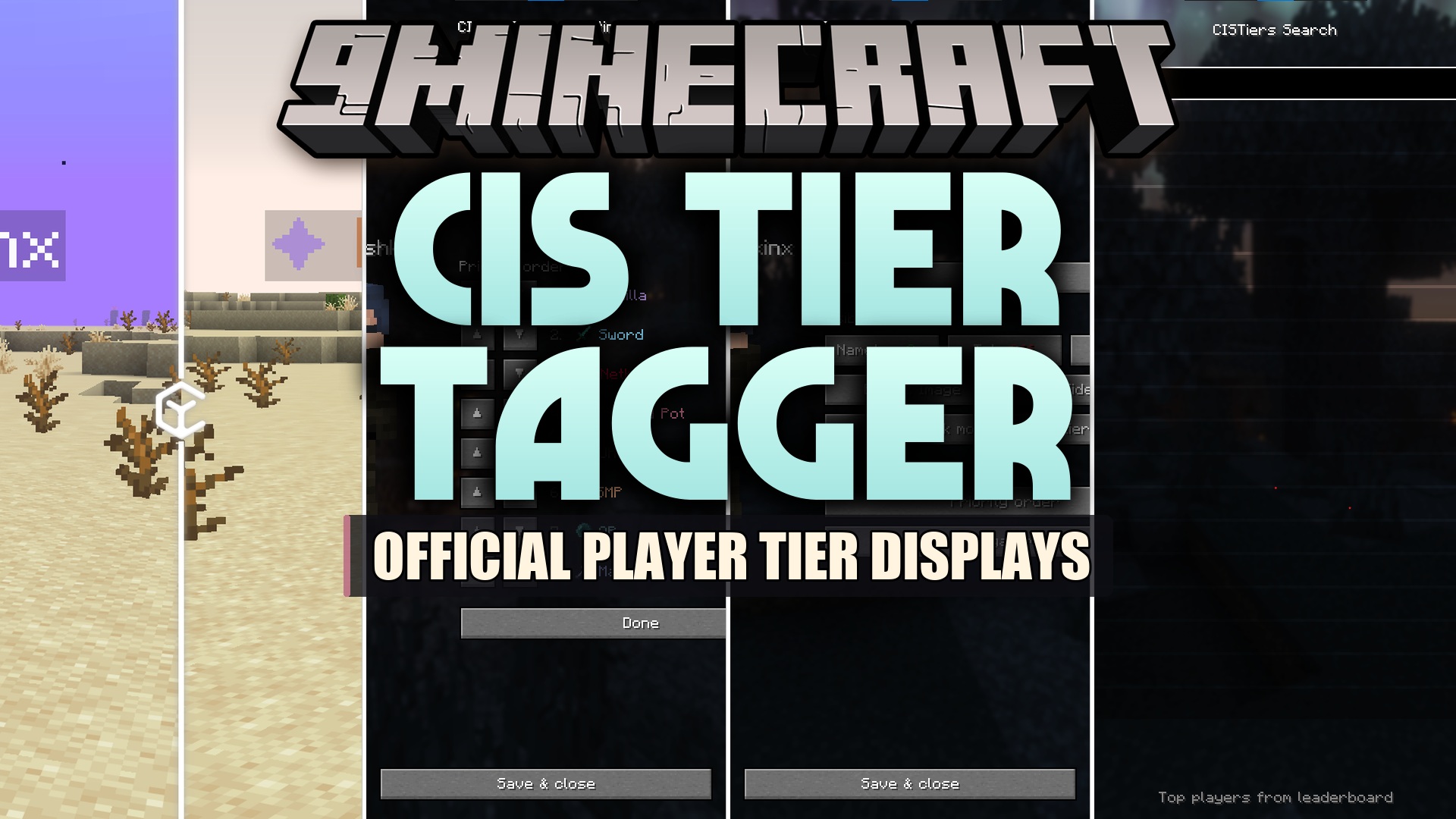
CIS Tier Tagger Mod displays competitive rankings and skill tiers directly on player name tags, player lists, and chat. It connects with ranking data to show player tier status across different combat game modes. You can inspect player stats, check leaderboards, and adjust badge placements right inside your game.
Features:
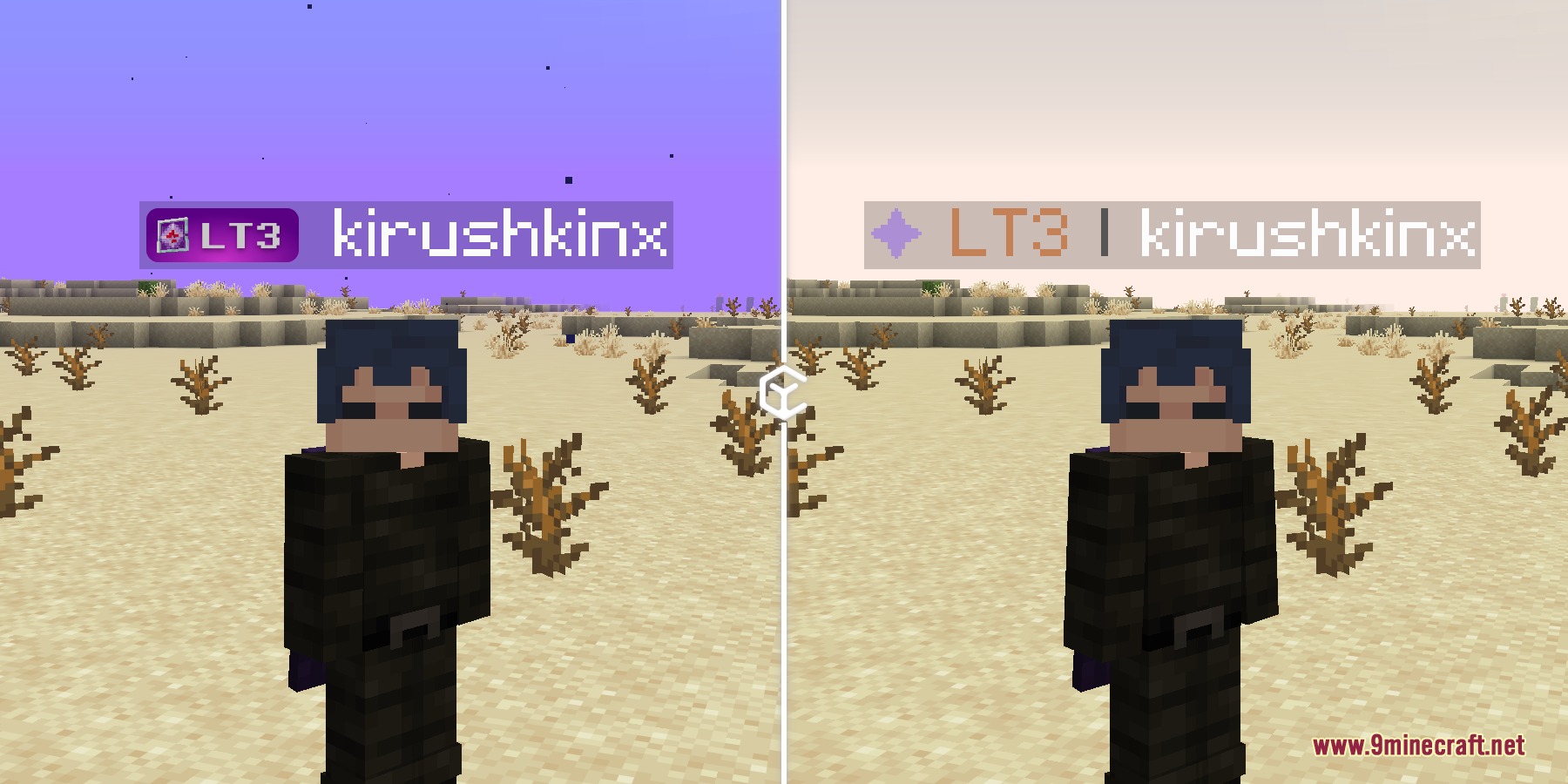
- Displays tier badges next to names above heads, on the player tab list, and in chat.
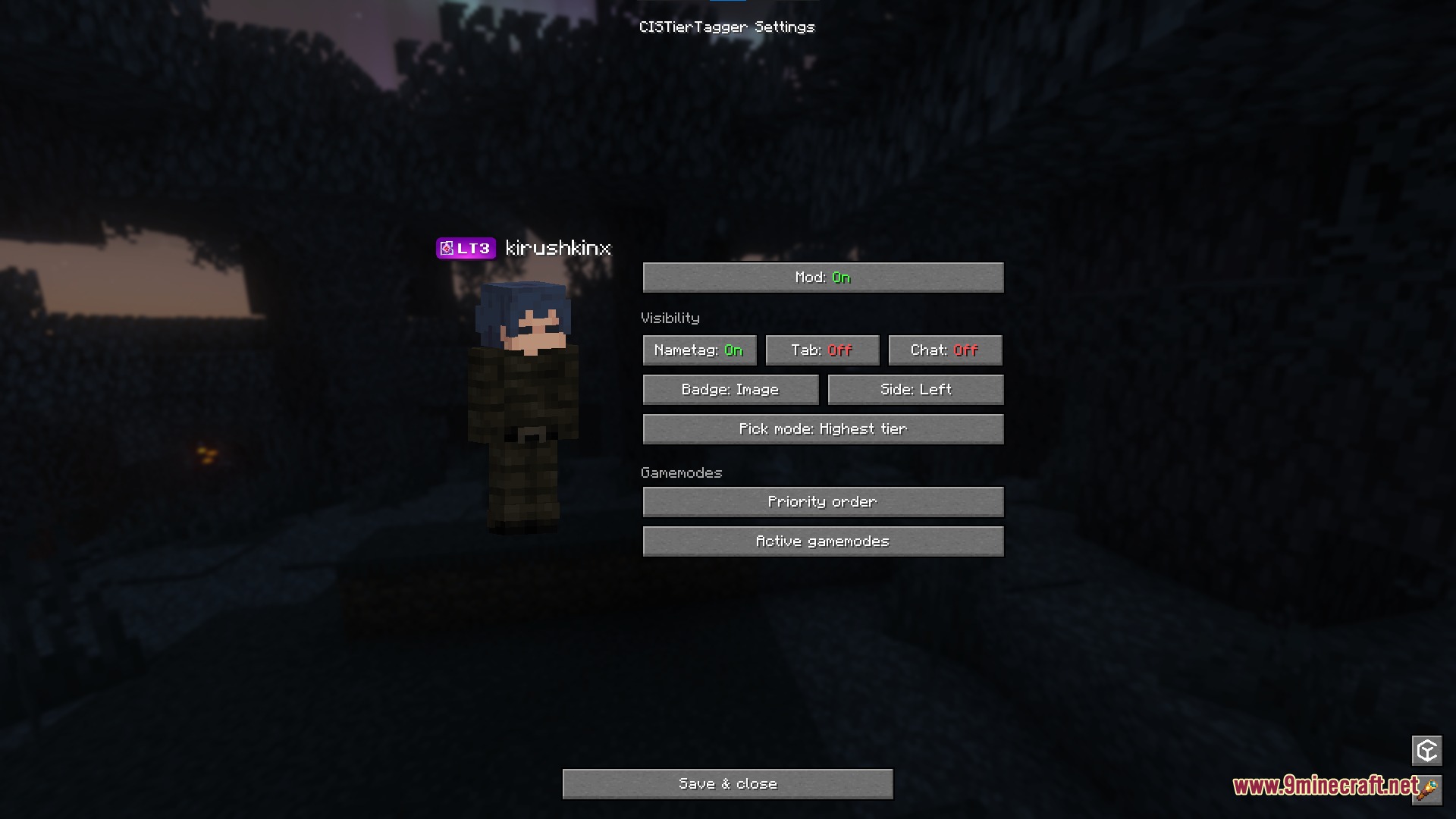
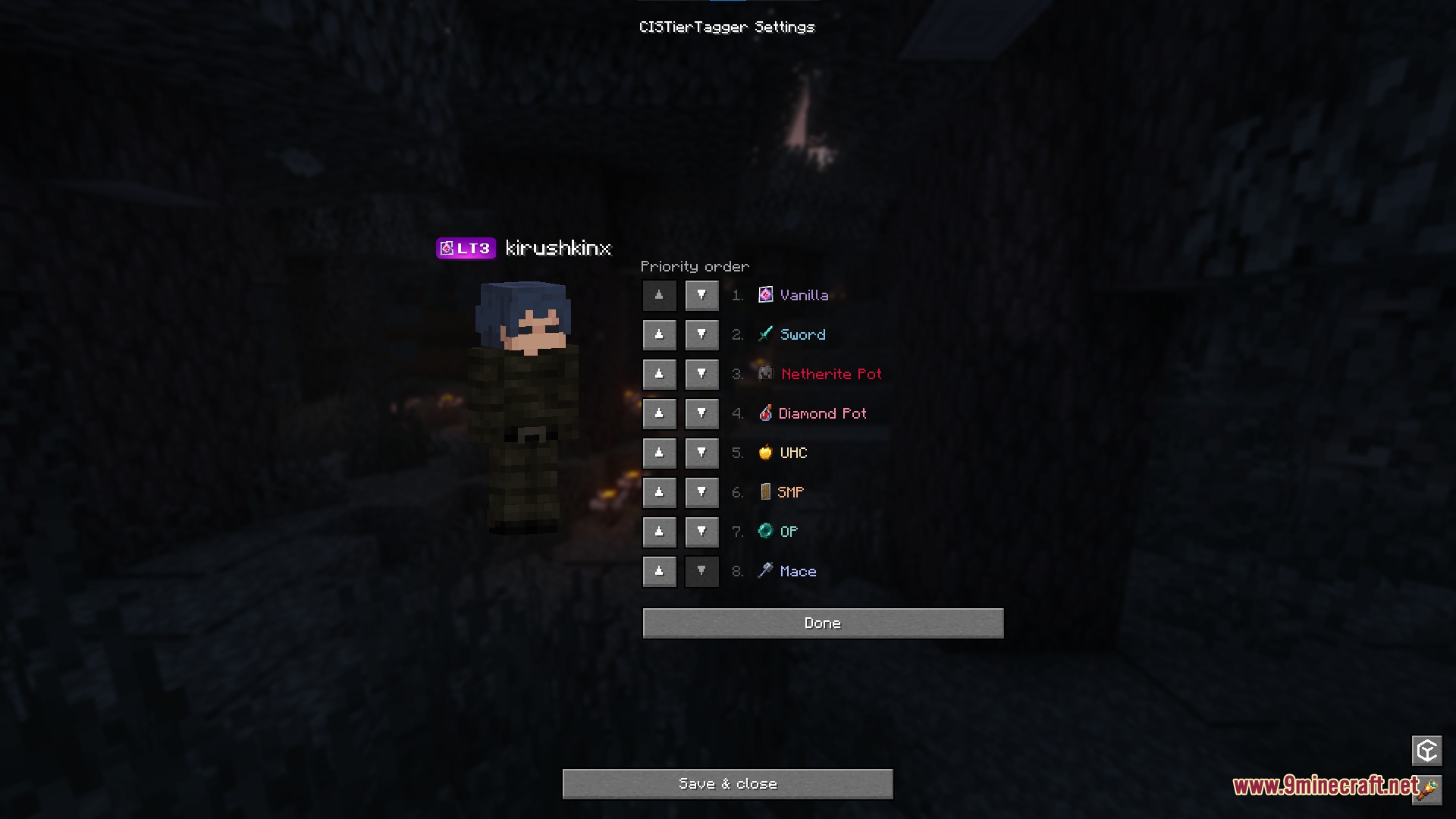
- Lets you turn badges on or off separately for nametags, chat lines, and the tab screen.
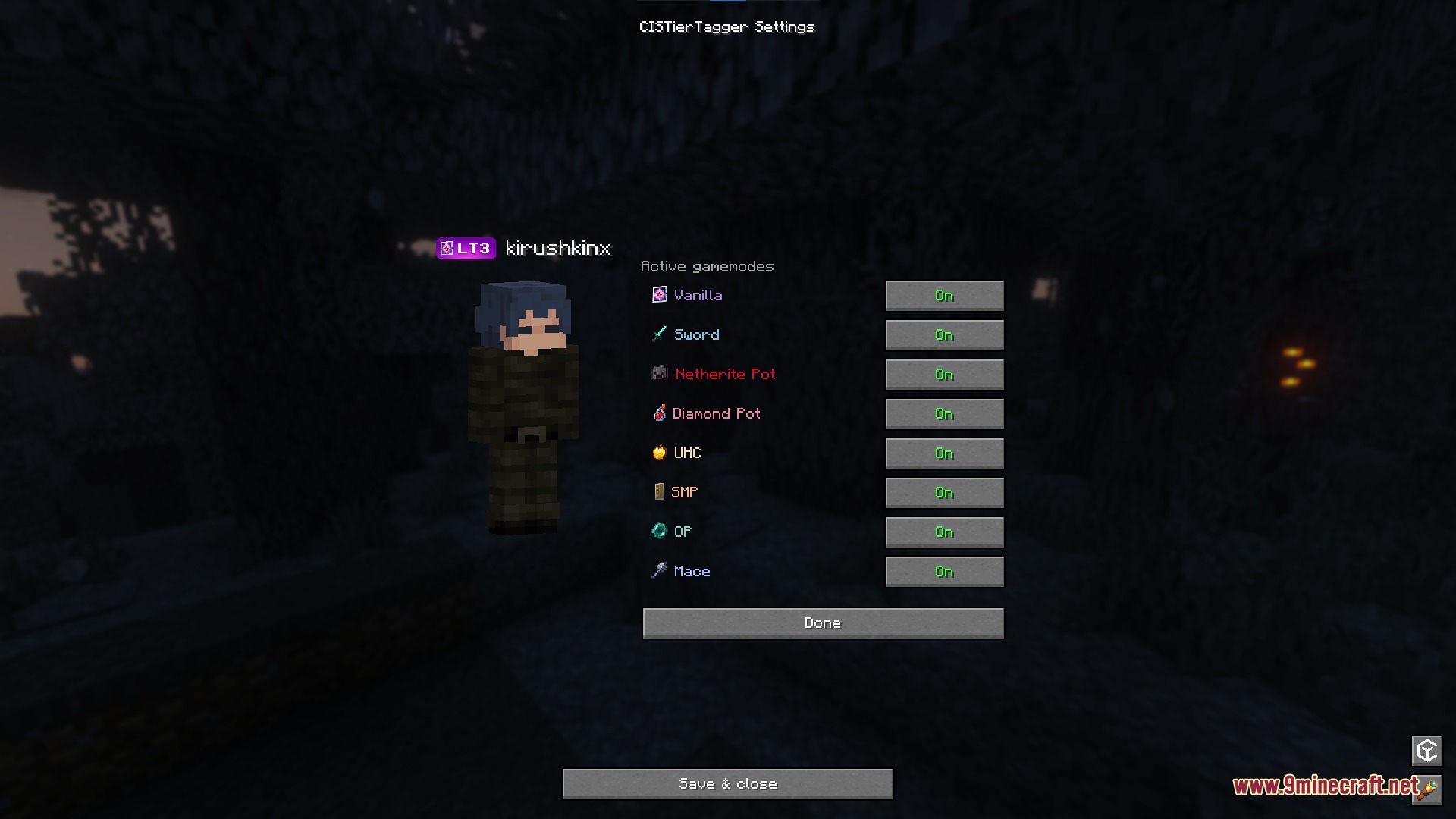
- Picks which tier to display based on your chosen game mode priority or your highest rank across all modes.
- Includes individual toggles for every supported game mode from the ranking system.
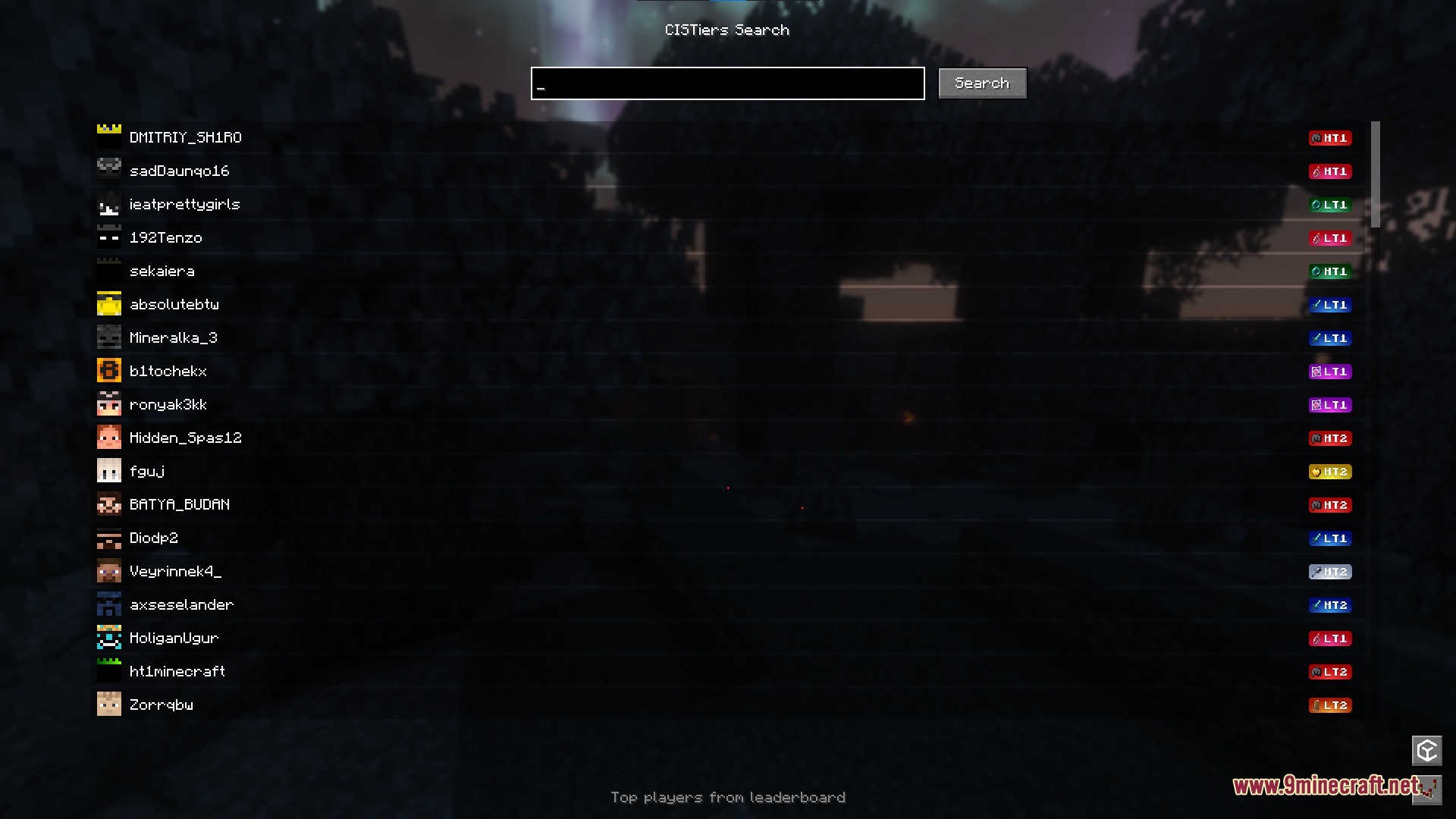
- Features an in-game search tool to look up leaderboard rankings and detailed player stats.
- Allows servers to hide tier badges when needed using custom server messages.
Commands:
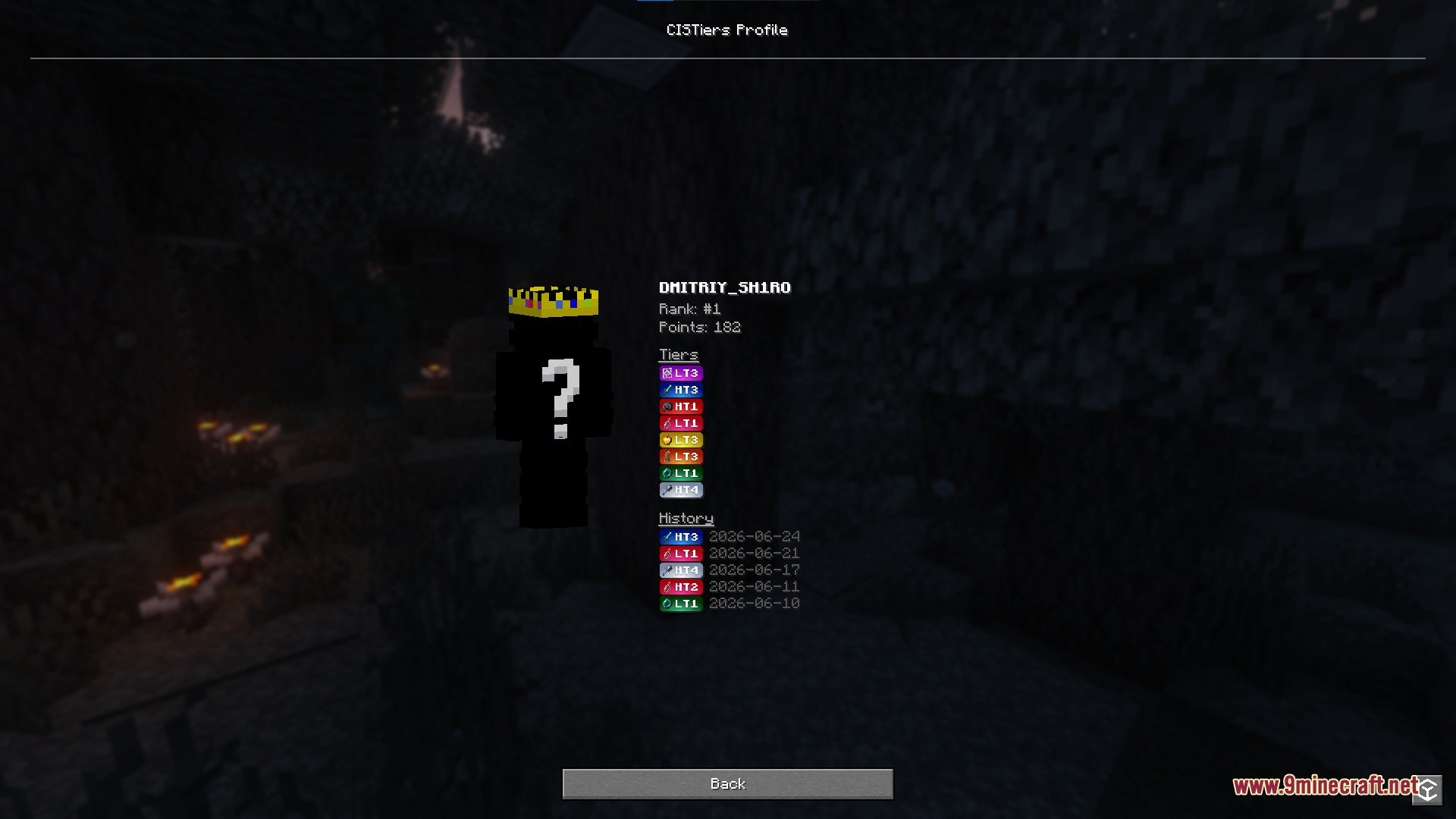
/cistier: Opens the mod settings and leaderboard search menu./cistier <nickname>: Opens the full profile screen for the specified player showing rank, points, levels, and history.
How to Use:
- Open the settings menu by typing
/cistierin chat or through Mod Menu. - Select where you want tier badges to show up, such as chat, name tags, or the tab list.
- Set your game mode priority order to decide which tier rank displays first.
- Type
/cistier <nickname>to view detailed PvP stats and rank history for any player.
Screenshots:
How to Install:
New to Minecraft? Follow our step-by-step guide to install Mods on your PC.View Guide
Requirements:



CIS Tier Tagger Mod Download Links
For Minecraft 26.2
For Minecraft 26.1.2, 26.1.1, 26.1
For Minecraft 1.21.11
For Minecraft 1.21.10, 1.21.9
For Minecraft 1.21.8, 1.21.7, 1.21.6
For Minecraft 1.21.5
For Minecraft 1.21.4
For Minecraft 1.21.1, 1.21
For Minecraft 1.20.1, 1.20
Click to rate this post!
[Total: 0 Average: 0]
You May Also Like














This post has no comments yet. Be the first — your comment will appear here.