


CMC Furniture Addon (1.20, 1.19) – MCPE/Bedrock Mod
 22,247
 2
2
 April 21, 2024
 TEAM CUBITOS MC
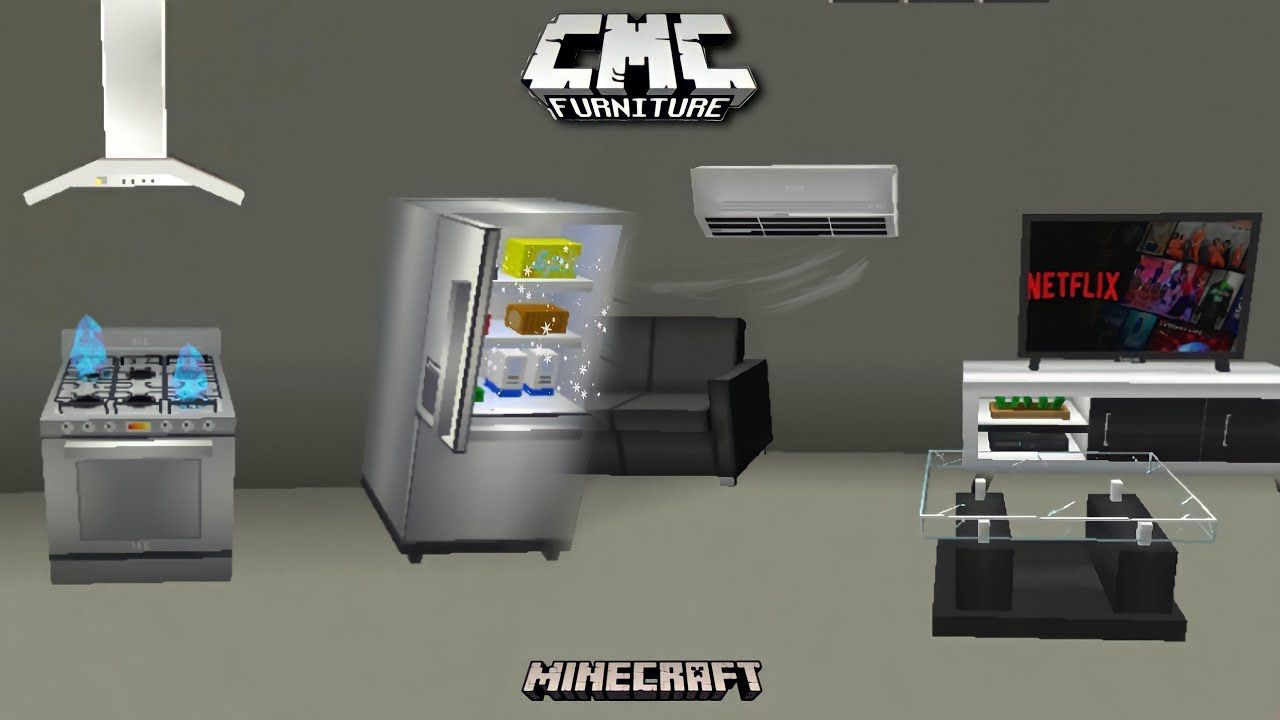
CMC Furniture Addon adds various pieces of furniture that you can use to decorate your worlds or builds. You can also find various interactive furniture to have a better experience. Download this addon and start decorating your worlds!
Features:
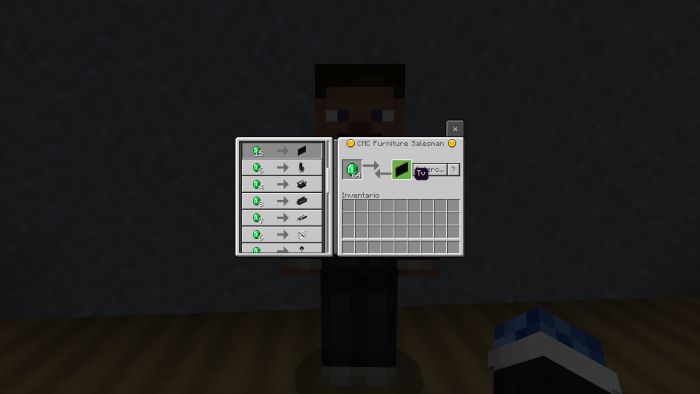
You can get the furniture in 2 different ways, either by invoking the seller with the command: /summon cmc:seller so he can sell you the different furniture or with this command: /function cmc_furniture To get all the furniture.
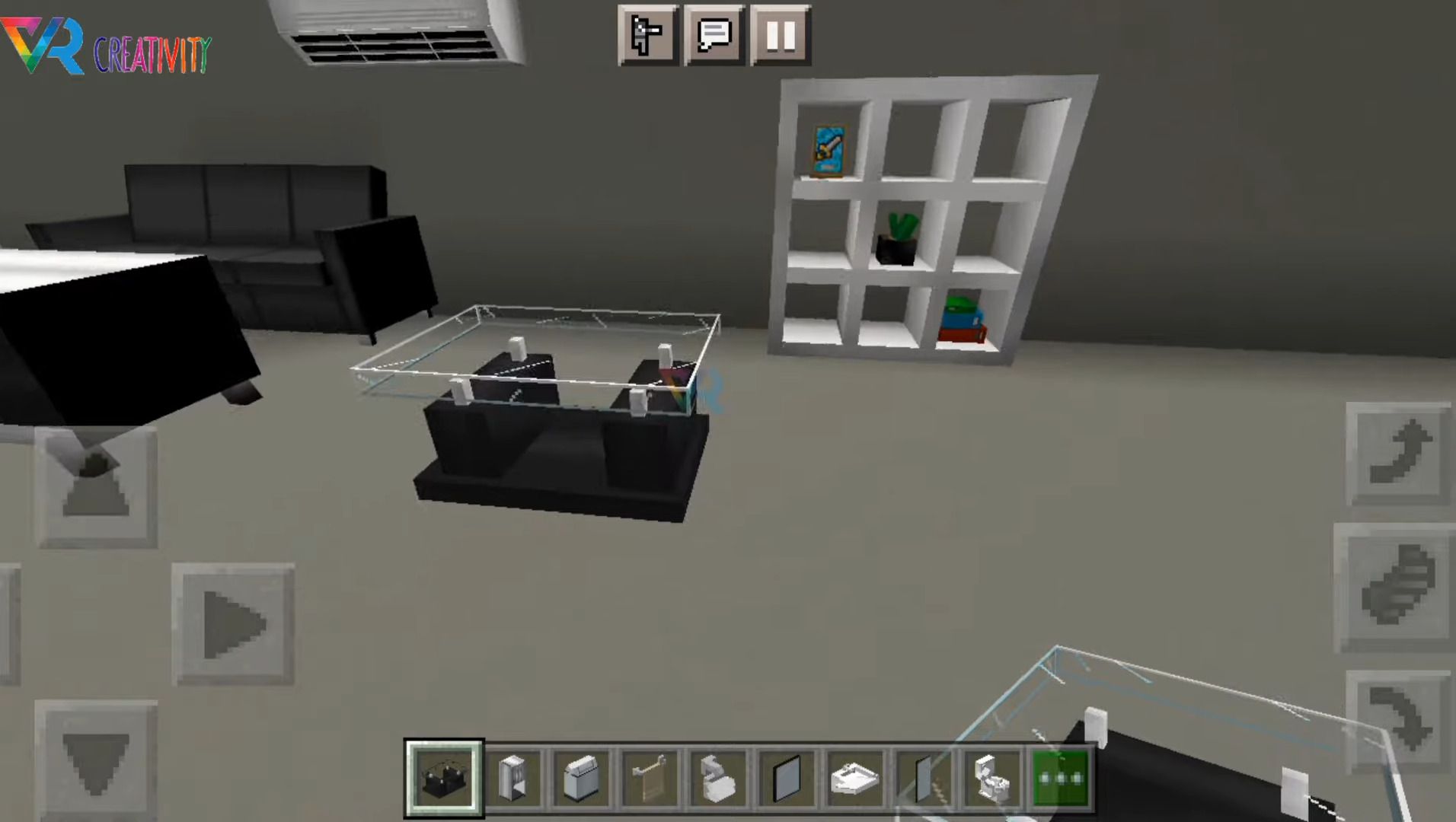
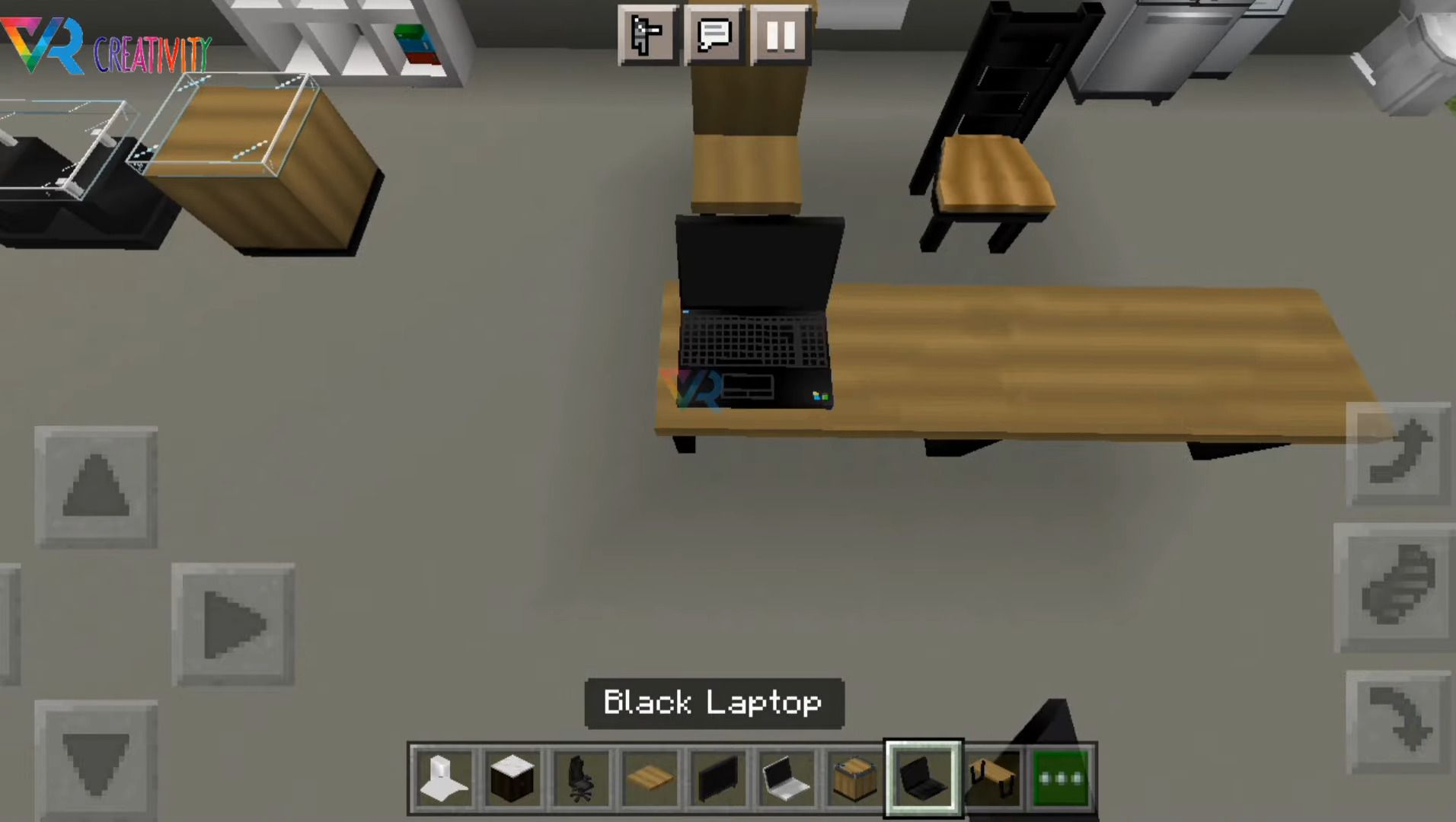
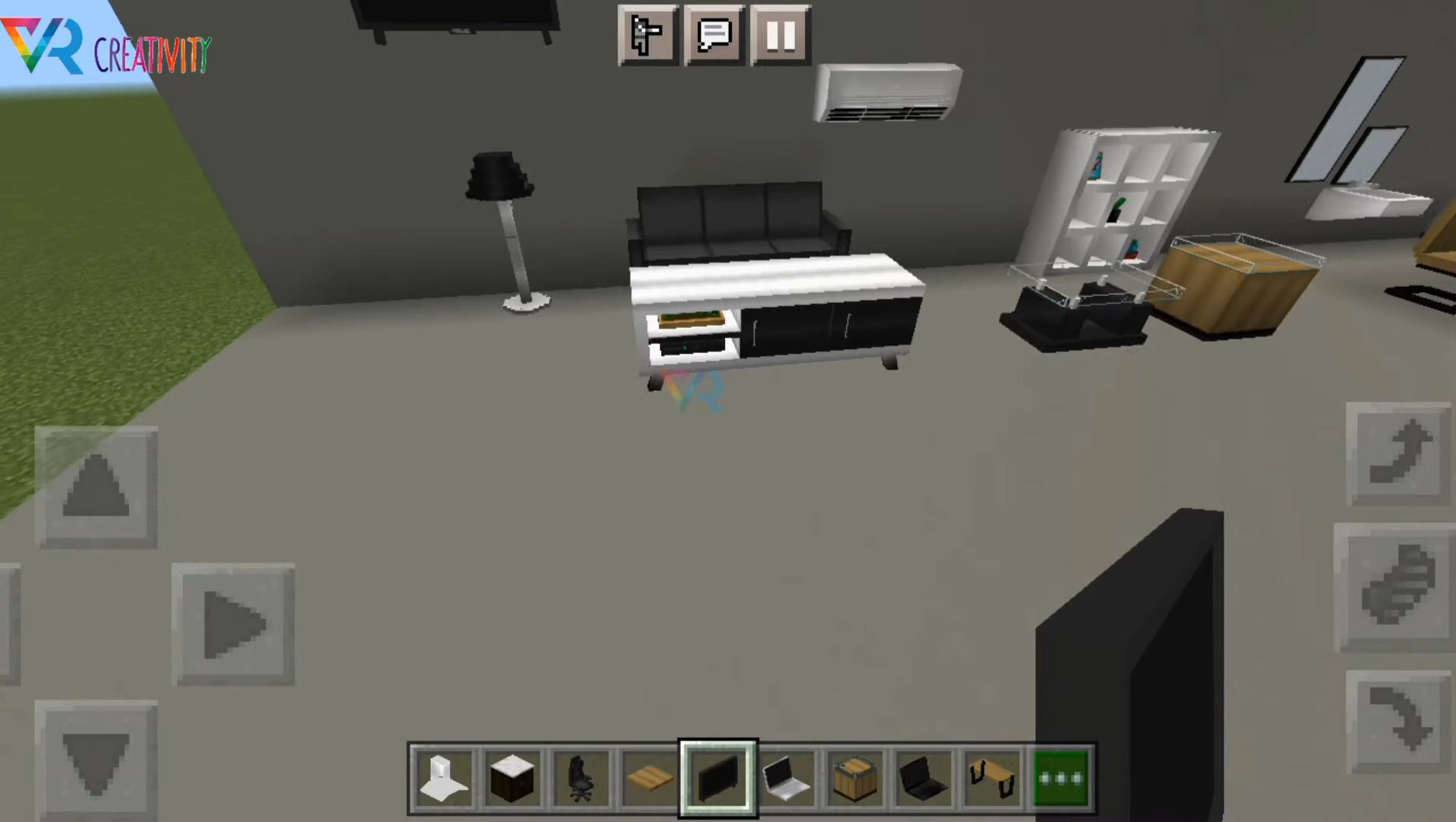
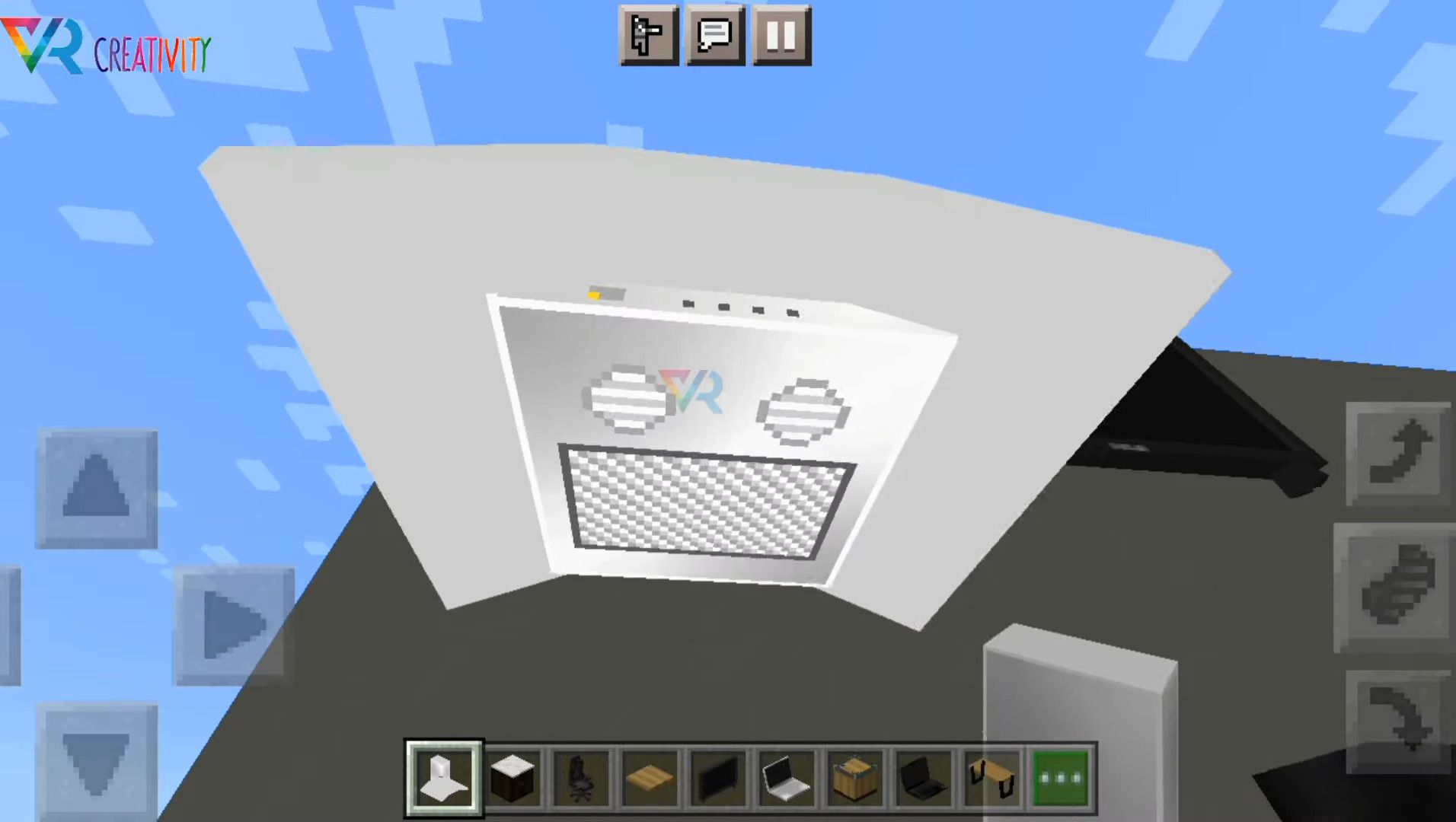
This is the list of furniture included in this addon and its specifications:
- Black Laptop (Interactive: “You can turn it on and off”)
- White laptop (Interactive: “You can turn it on and off”)
- Wooden desk
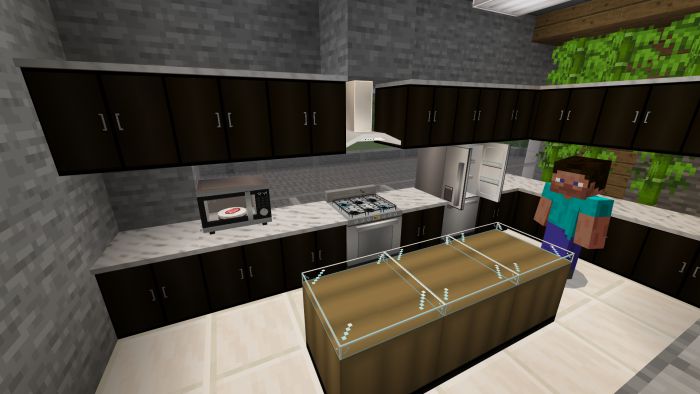
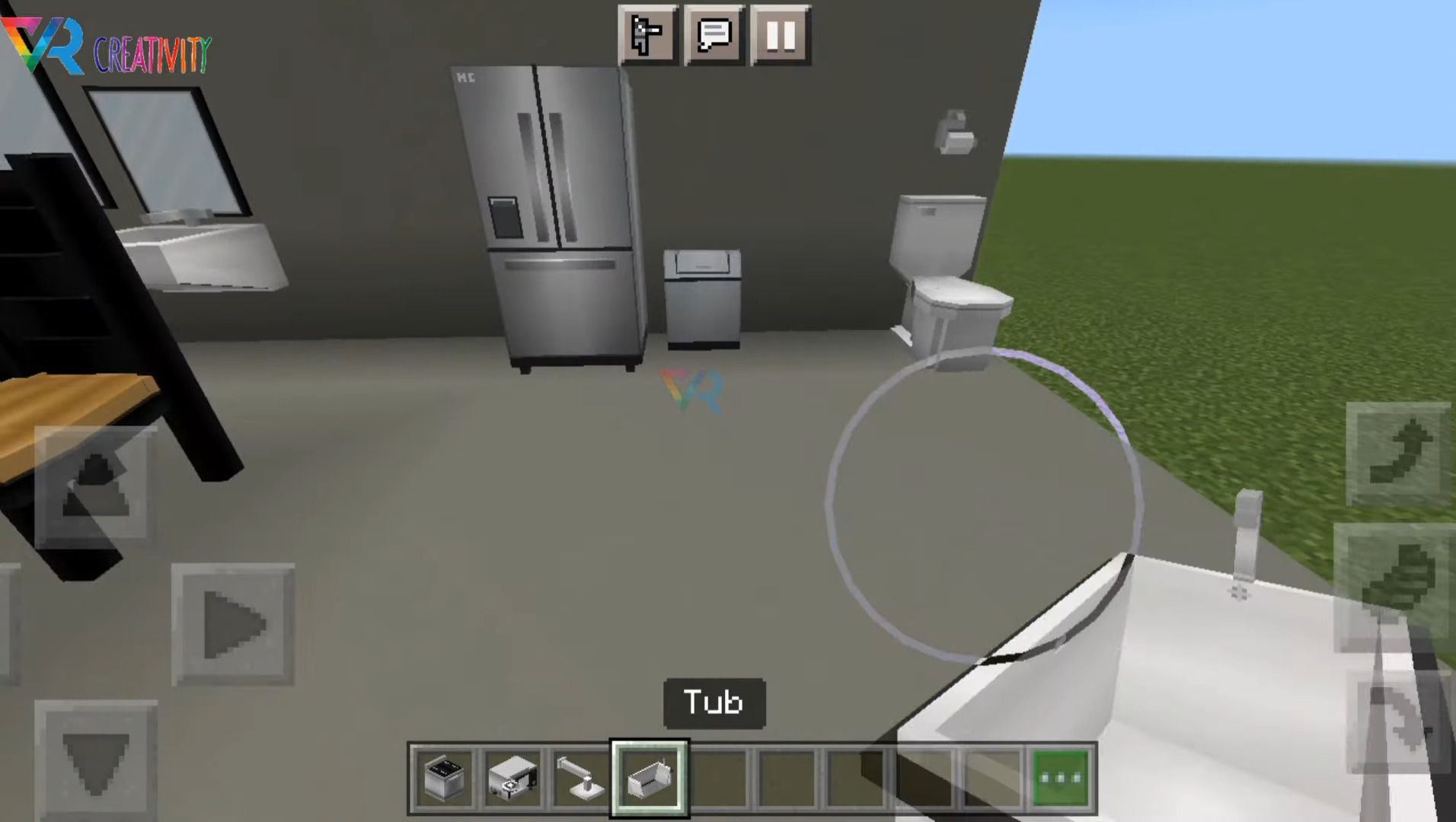
- Refrigerator (Interactive: “You can open, close, and store items”)
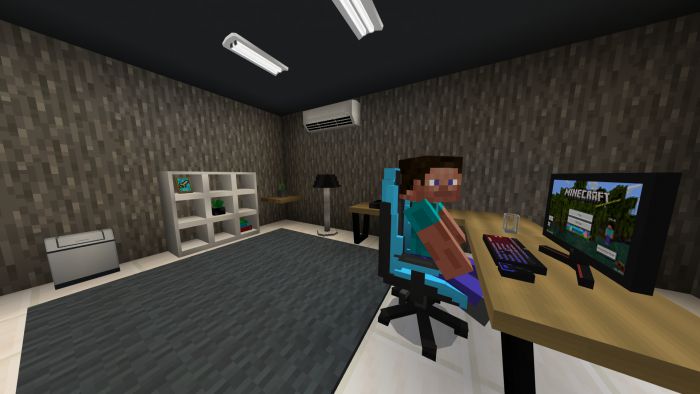
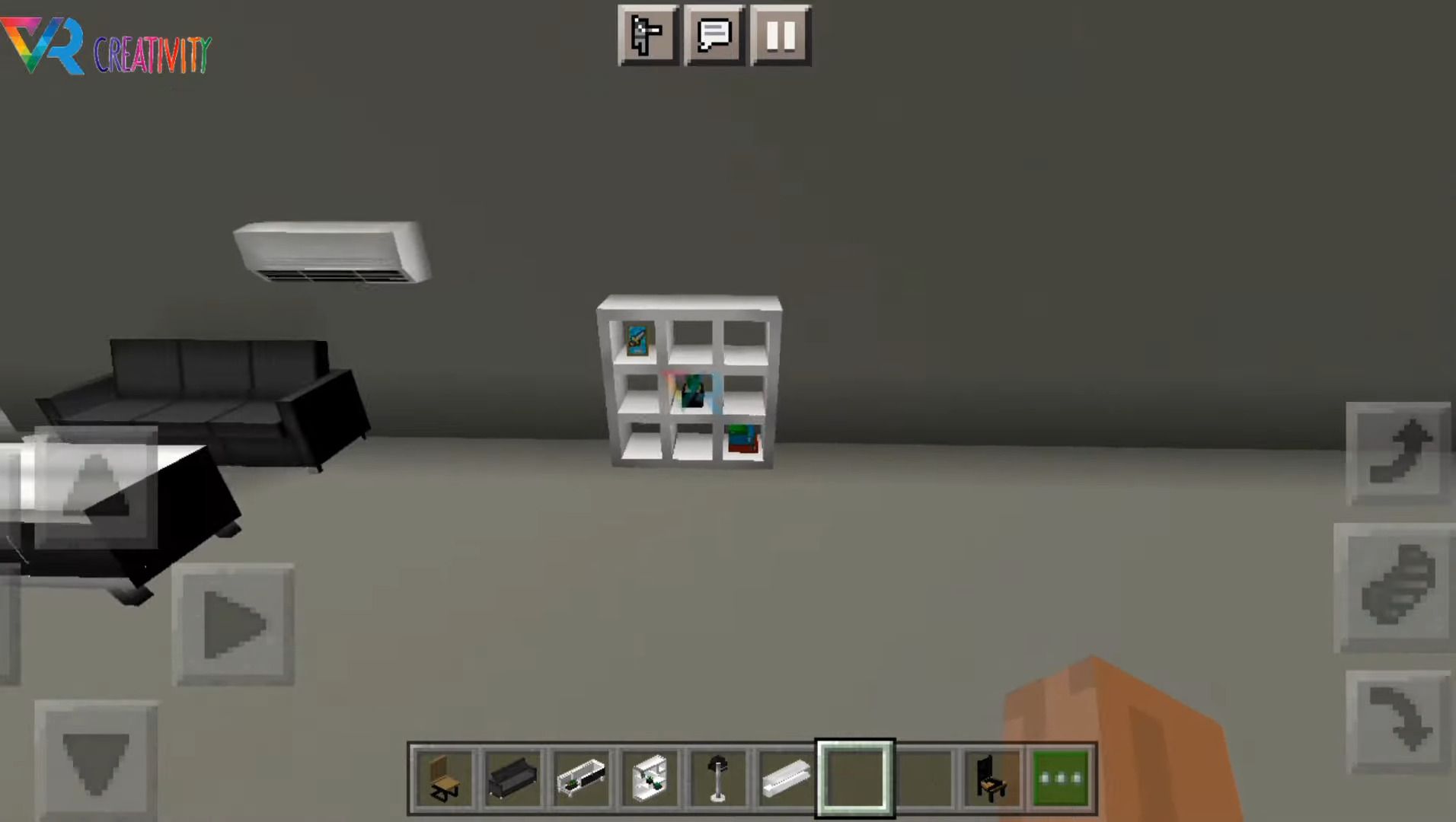
- Air conditioner
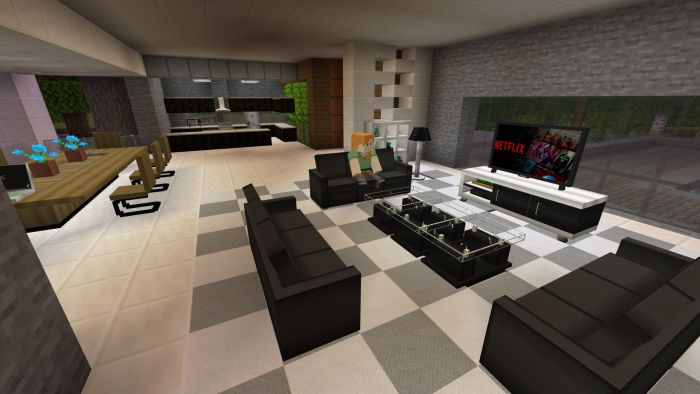
- Television (Interactive: “Watch 3 different channels”)
- Wooden table
- Table
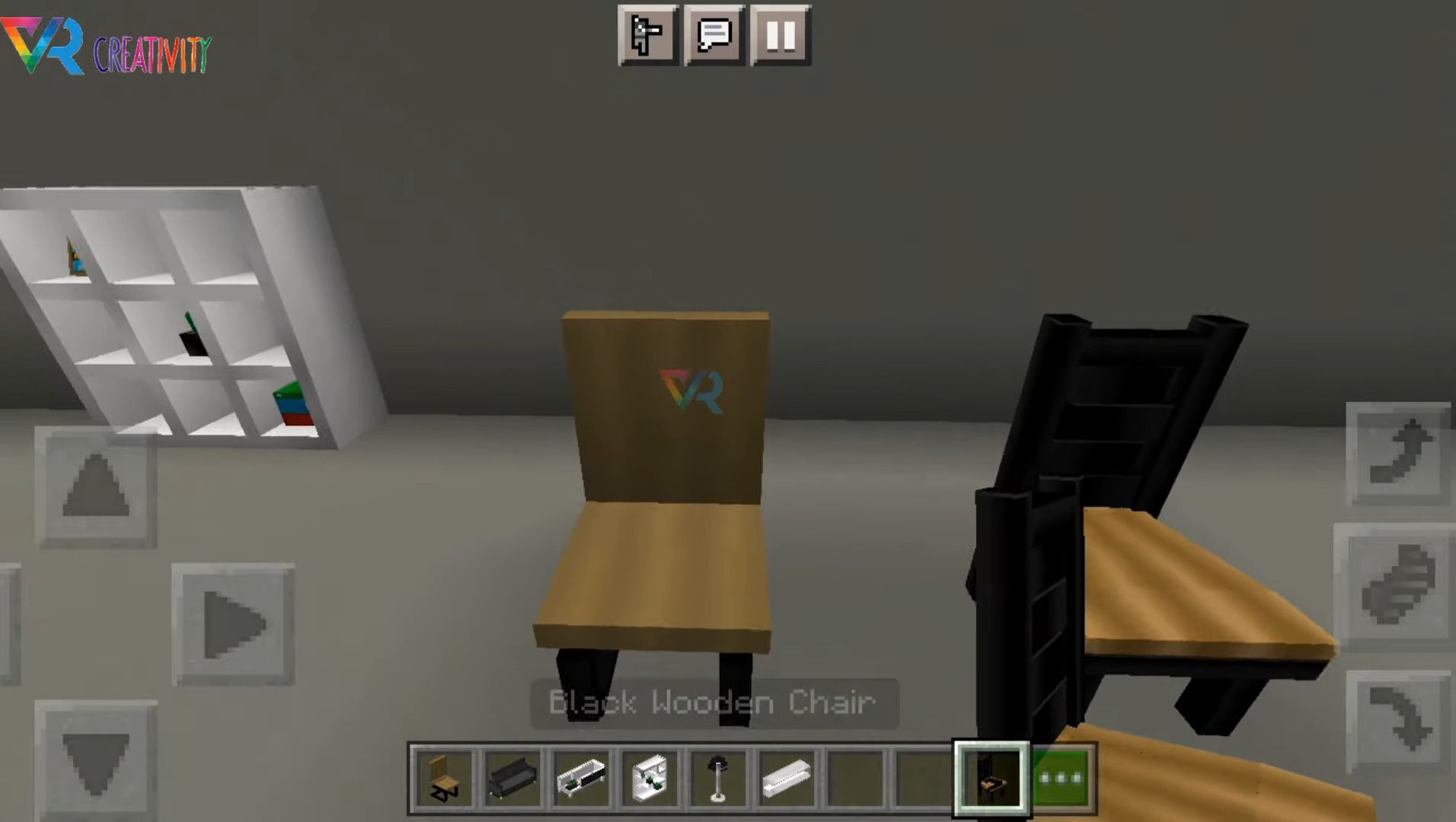
- Wooden chair (Interactive: “You can sit down”)
- Black wooden chair (Interactive: “You can sit down”)
- Sofa (Interactive: “You can paint it in 3 different colors: red, blue, black, gray, and white”)
- Lamp (Interactive: “Turn it on or off”)
- Organizer
- Coffee table
- Room table
- Gamer chair (Interactive: “You can sit down and you can paint it in any color”)
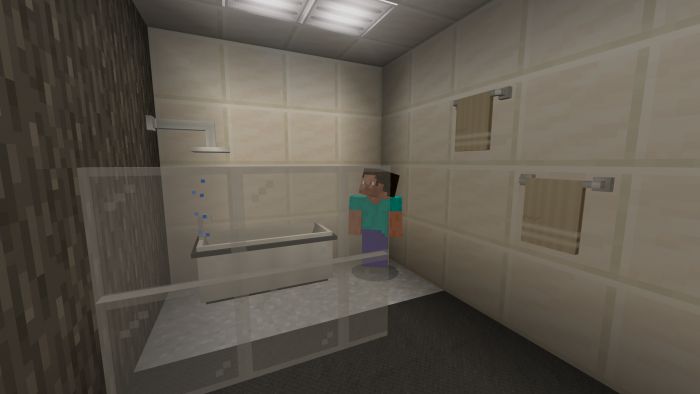
- Sink (Interactive: “Turn the faucet on or off”)
- Tub
- Towel
- Toilet paper
- Short mirror
- Long mirror
- Shower (Interactive: “Open or close”)
- Toilet
- Trash can
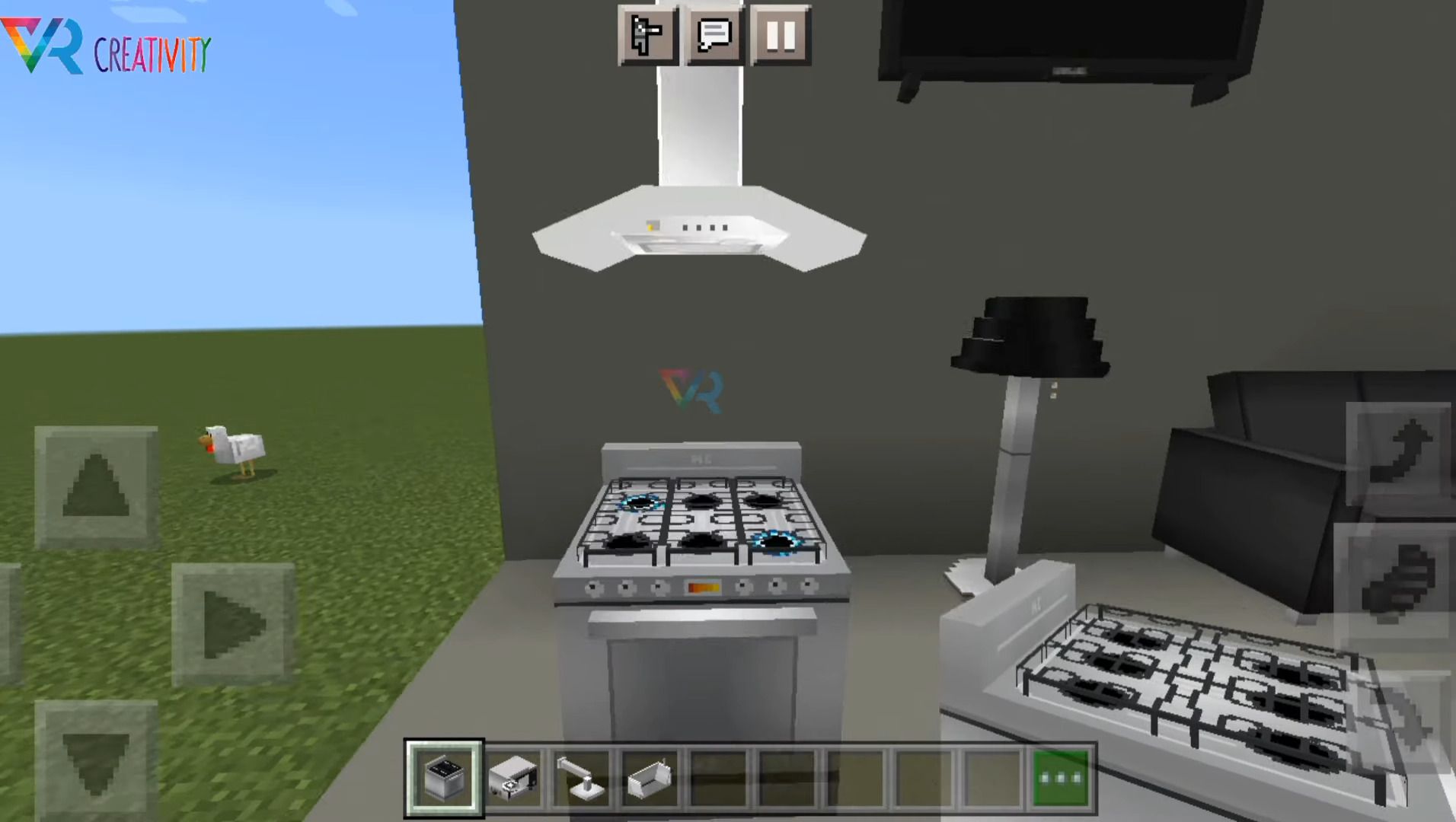
- Stove (Interactive: “Turn it on or off”)
- Microwave (Cooks raw foods such as chicken, fish, salmon, veal, steak, lamb, and rabbit. “just click on the microwave with the food in your hand and wait” )
- Brown kitchen cabinet
- Stove hood
- Brown kitchen cabinet 2
- White kitchen cabinet 2
- Brown sink (Interactive: “Turn the faucet on or off”)
- White sink (Interactive: “Turn the faucet on or off”)
- Bar stool (Interactive: “You can sit down”)
- Ceiling lamp (Interactive: “Turn it on or off”)
- Ceiling lamp 2 (Interactive: “Turn it on or off”)
- White kitchen cabinet
- Floor
- Toaster
- Plate (Can place: cooked food, cookie or bread”)
- Glass tumbler (Can hold: Water, Lava, Milk, or cocoa)
- Wall-mounted TV (Interactive: “View 3 different channels”)
- Computer (Interactive: “Display 3 images with RGB light on keyboard”)
Screenshots:
Installation Note:
- Make sure you activated the “Holiday Creator Features”.
How to install:
How To Install Mod / Addon on Minecraft PE
How To Install Texture Packs on Minecraft PE
How To Install Map on Minecraft PE
CMC Furniture Addon Download Links
For Minecraft PE/Bedrock 1.19
mcaddon: Download from server 1 – Download from server 2
For Minecraft PE/Bedrock 1.20
mcaddon: Download from server 1 – Download from server 2
2 Comments
What do you think? Your opinion means a lot — we'd love to hear from you.
You May Also Like

















Mincraft java Editon indirmək isdiyorum Amma olmuyor Emirhan ctnın oynunan oynamaq mümkün olmoyur
Xd enserio que me funciono