
Cobblemon Fixed Starter IVs Mod (1.21.1, 1.20.1) – Skip the Reset Grind
 1,224
 0


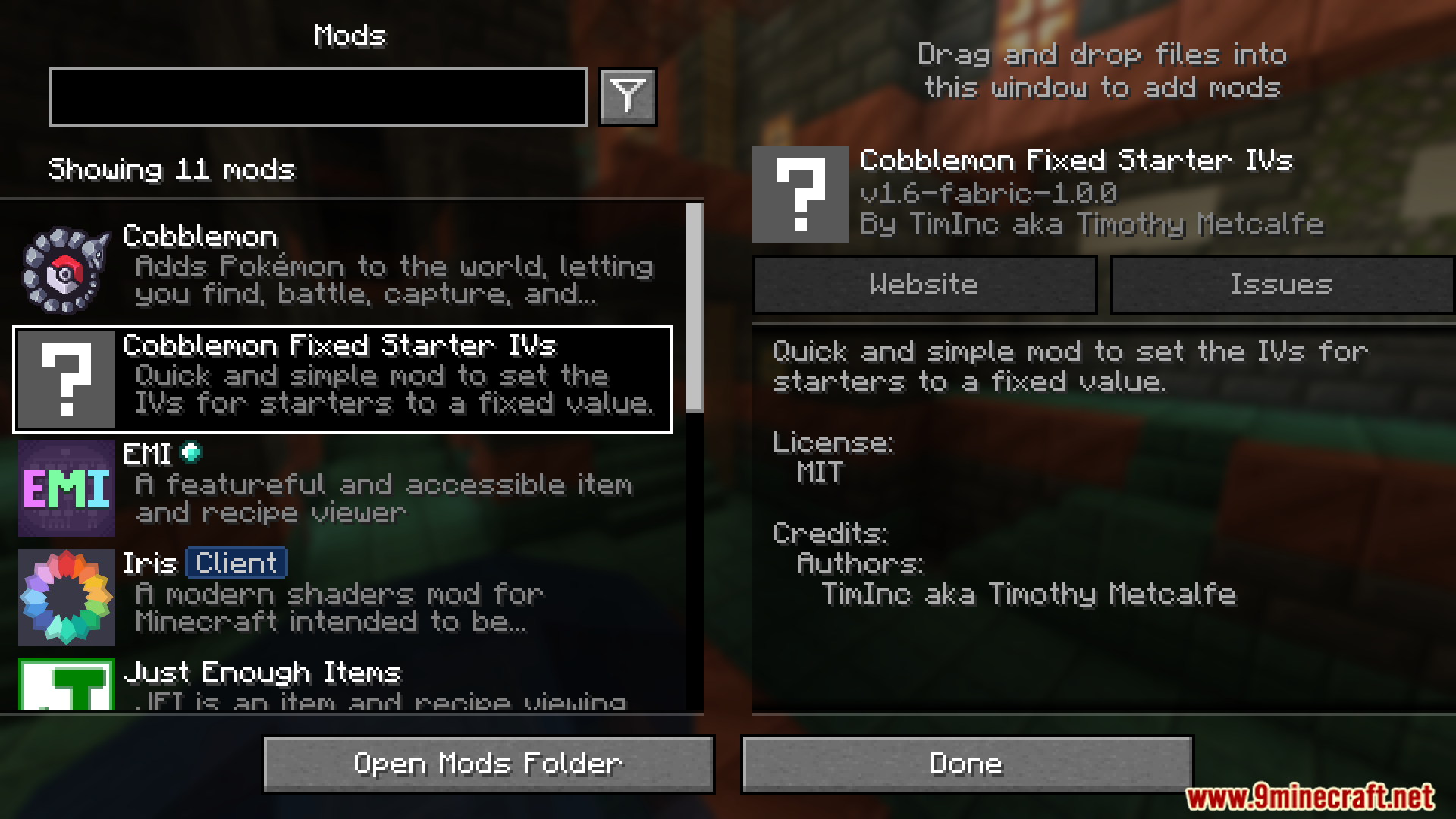
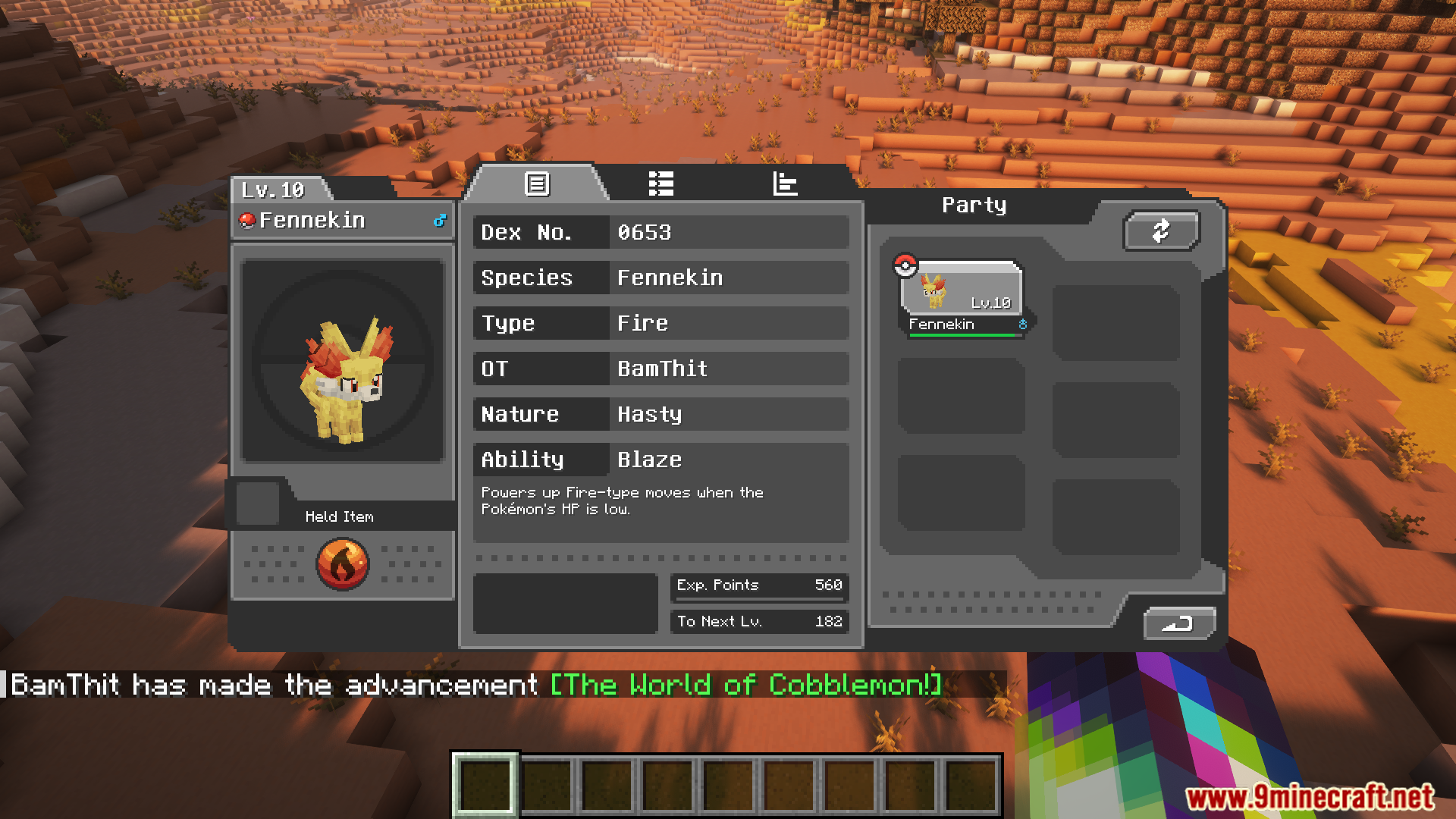
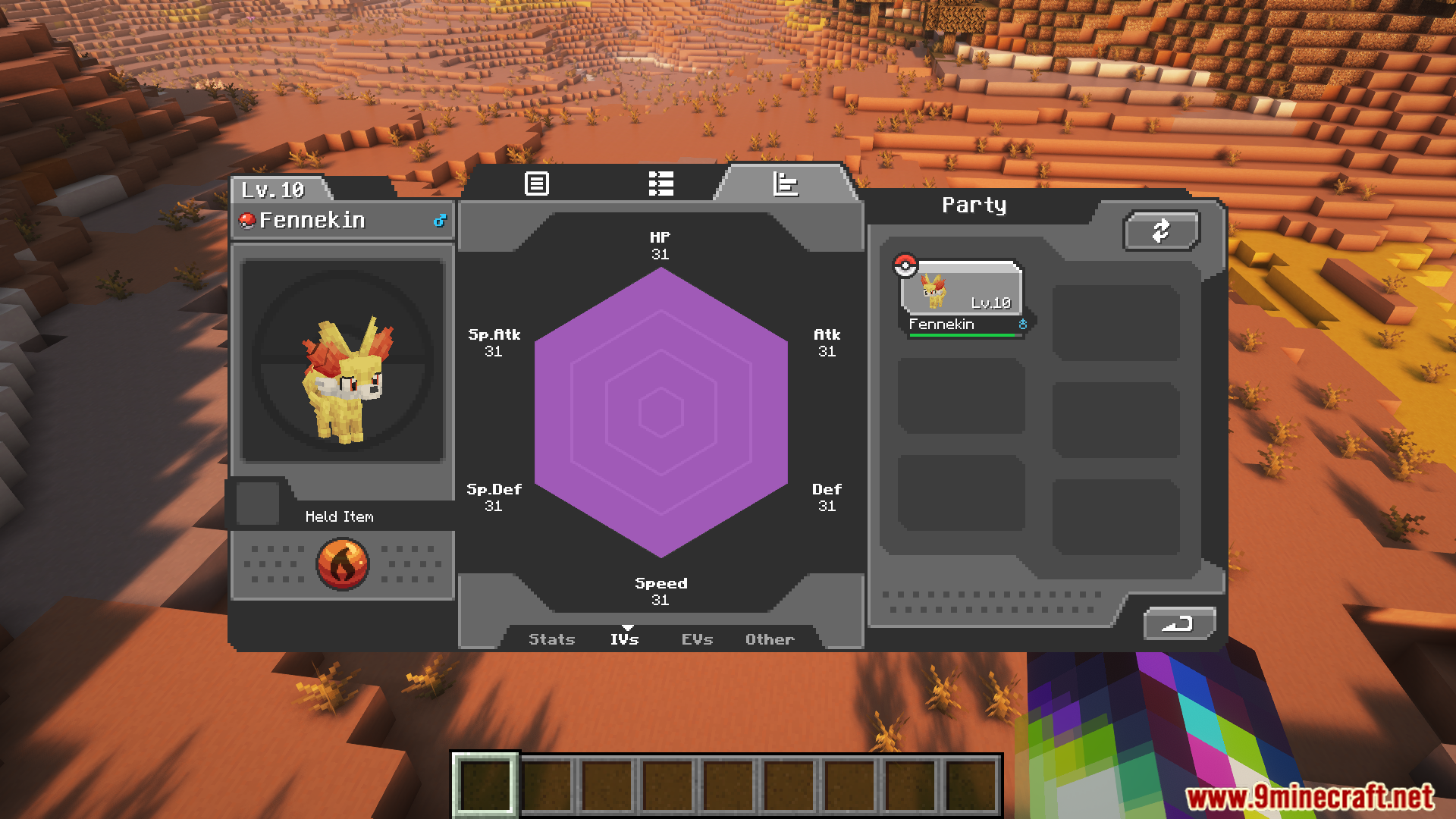
Cobblemon Fixed Starter IVs Mod adds a config system for starter Pokémon IVs in Cobblemon. It replaces random starter stats with five flexible modes, so you can pick exact numbers, roll within a range, or max out selected stats. With the default settings, your first Pokémon starts with perfect IVs right away. This mod requires Cobblemon and Cobblemon Tim Core to work.
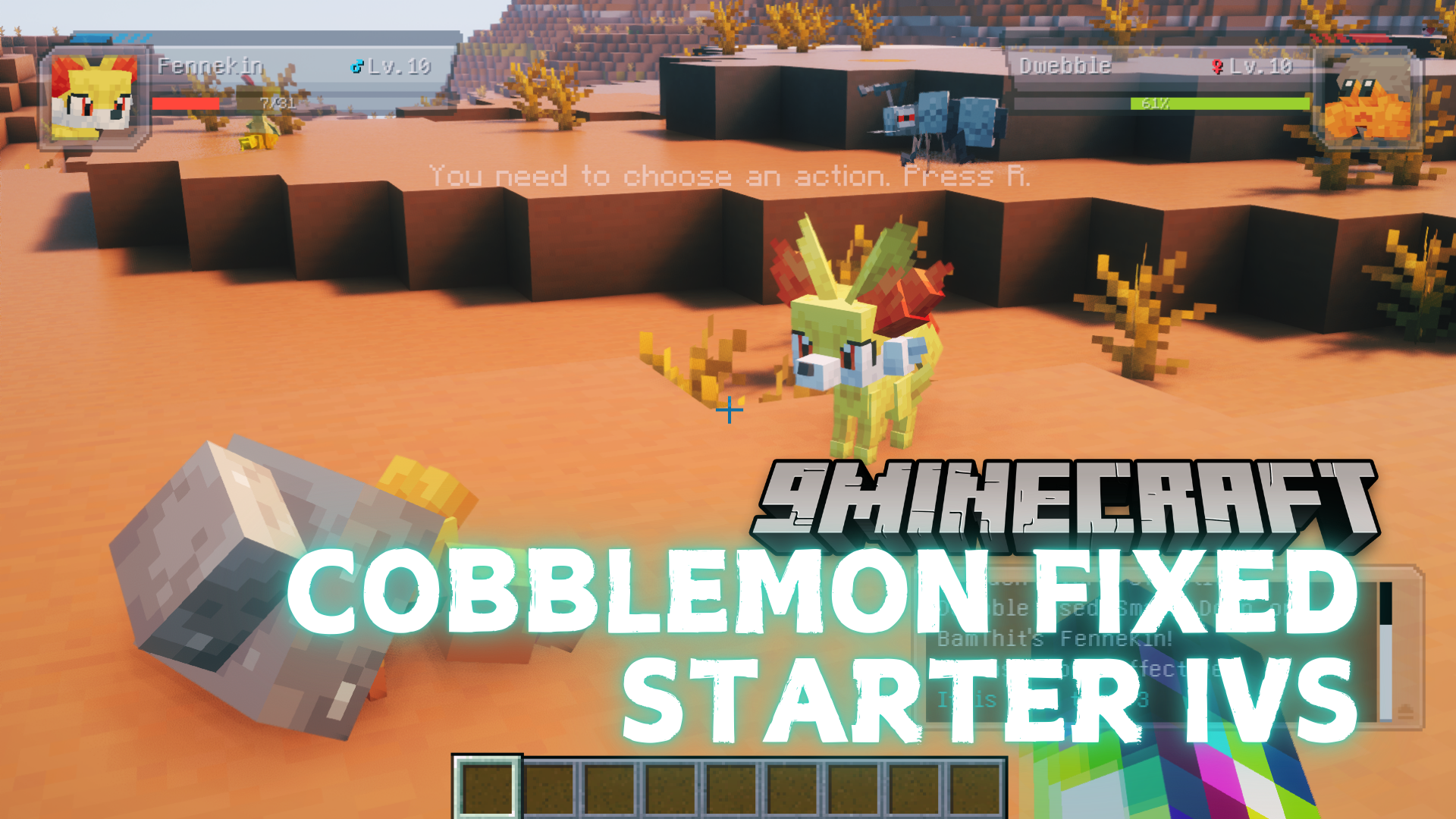
Features:
- Lets you control how Individual Values (IVs) are assigned when you choose a starter Pokémon in Cobblemon.
- Ships with base config options that grant perfect starter IVs by default.
IV Assignment Modes:
- Simple: Sets all IVs to one specific value.
- Range: Rolls all IVs within a range you pick.
- Capped: Sets a chosen maximum number of IVs to their max value.
- Granular: Sets each stat’s IV to a specific number one by one.
- Granular Ranged: Rolls each stat’s IV within its own chosen range.
How to Use:
- Launch Minecraft with this mod, Cobblemon, and Cobblemon Tim Core loaded so the starter IV system can run.
- Open the mod’s config options if you want to change the starter setup; choose Simple, Range, Capped, Granular, or Granular Ranged mode, or keep the default base config for perfect IVs.
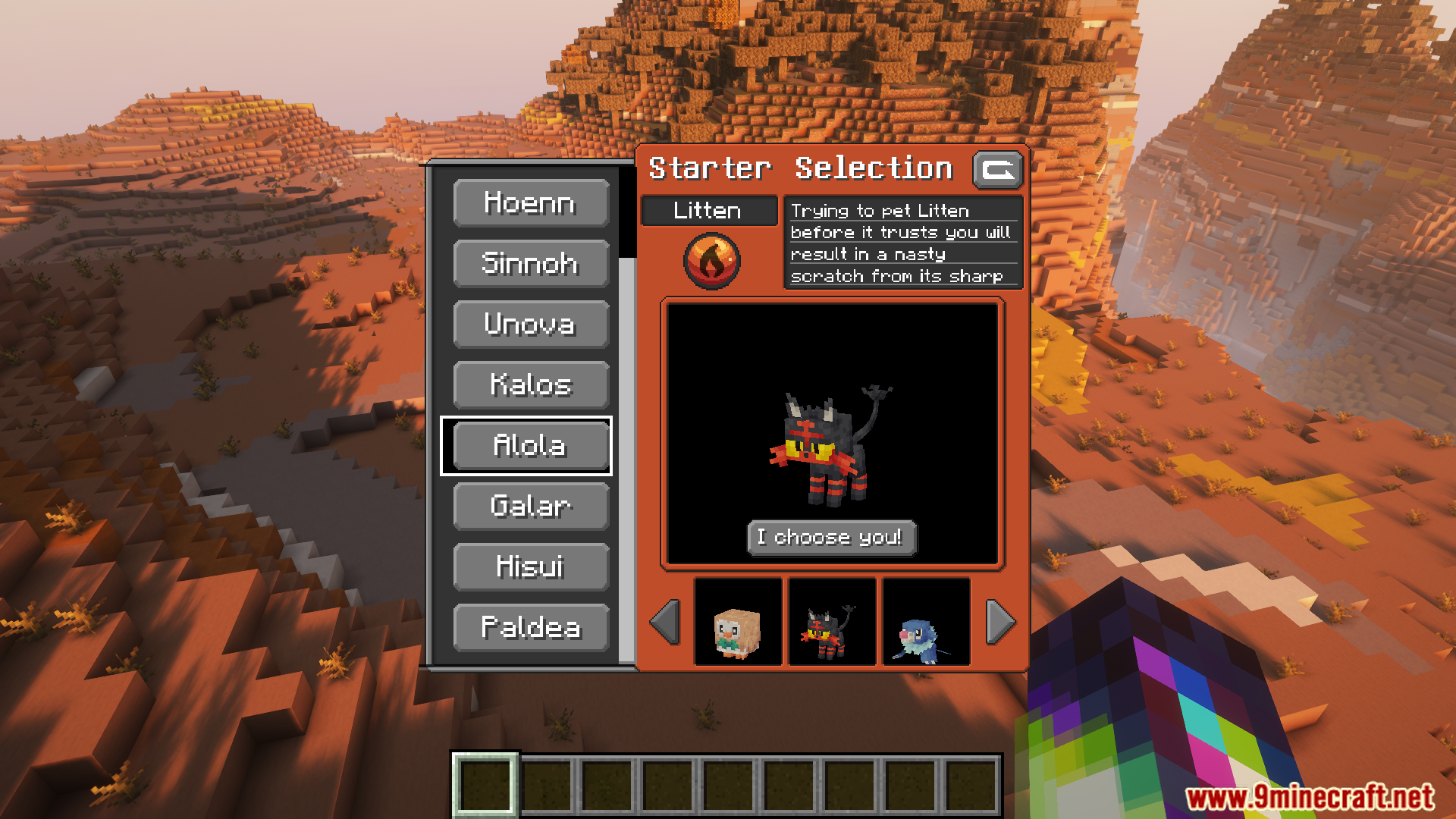
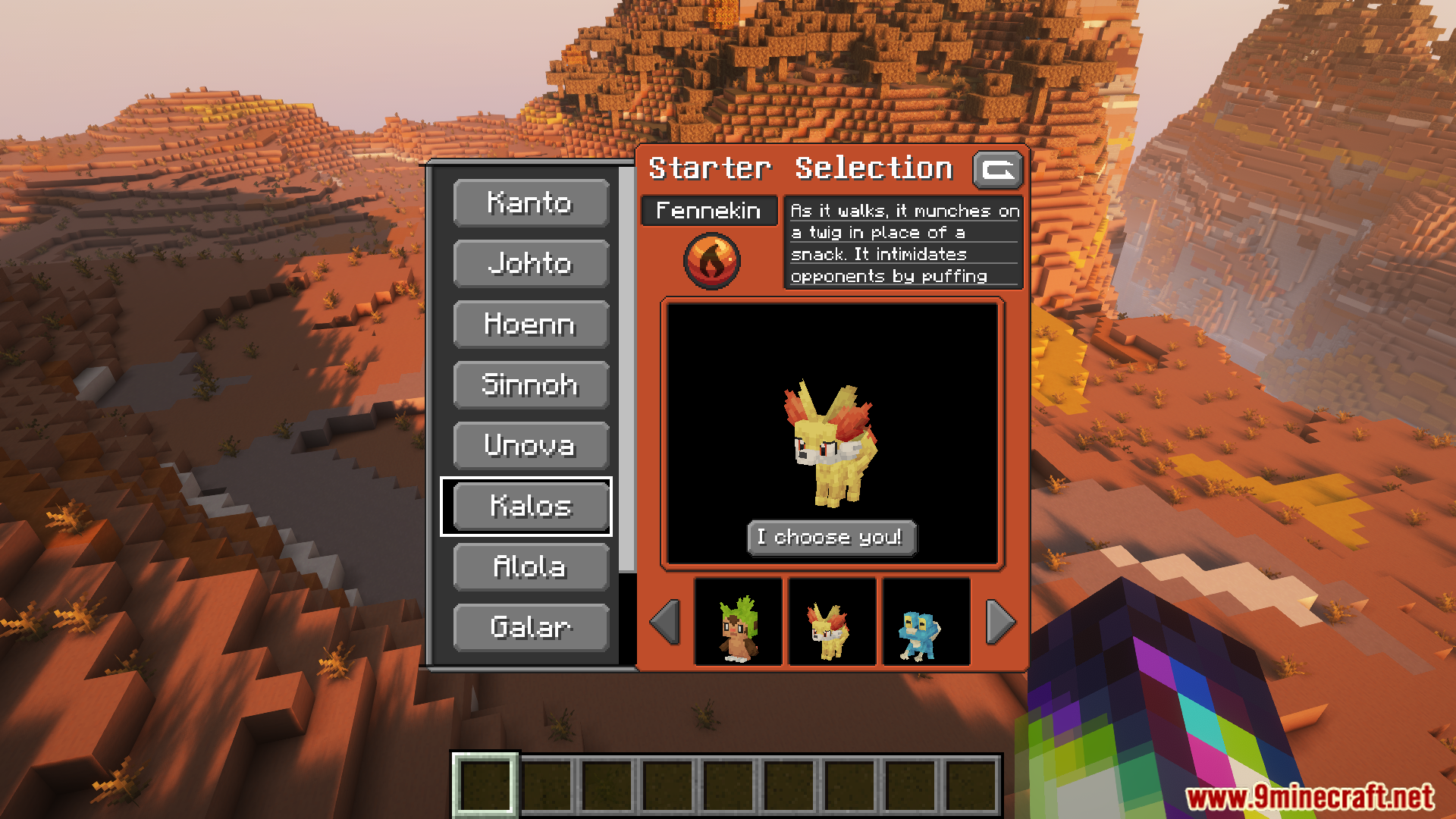
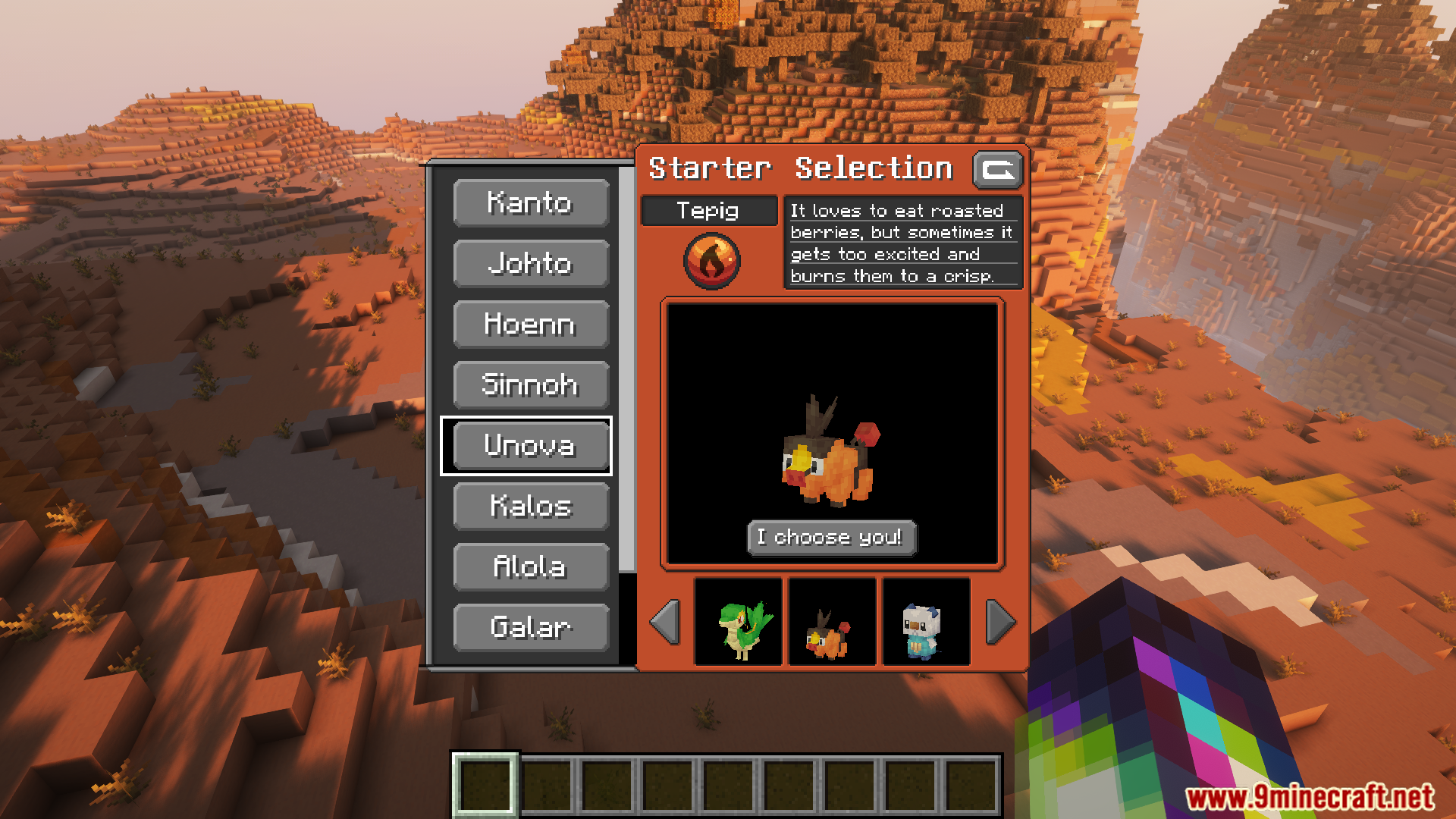
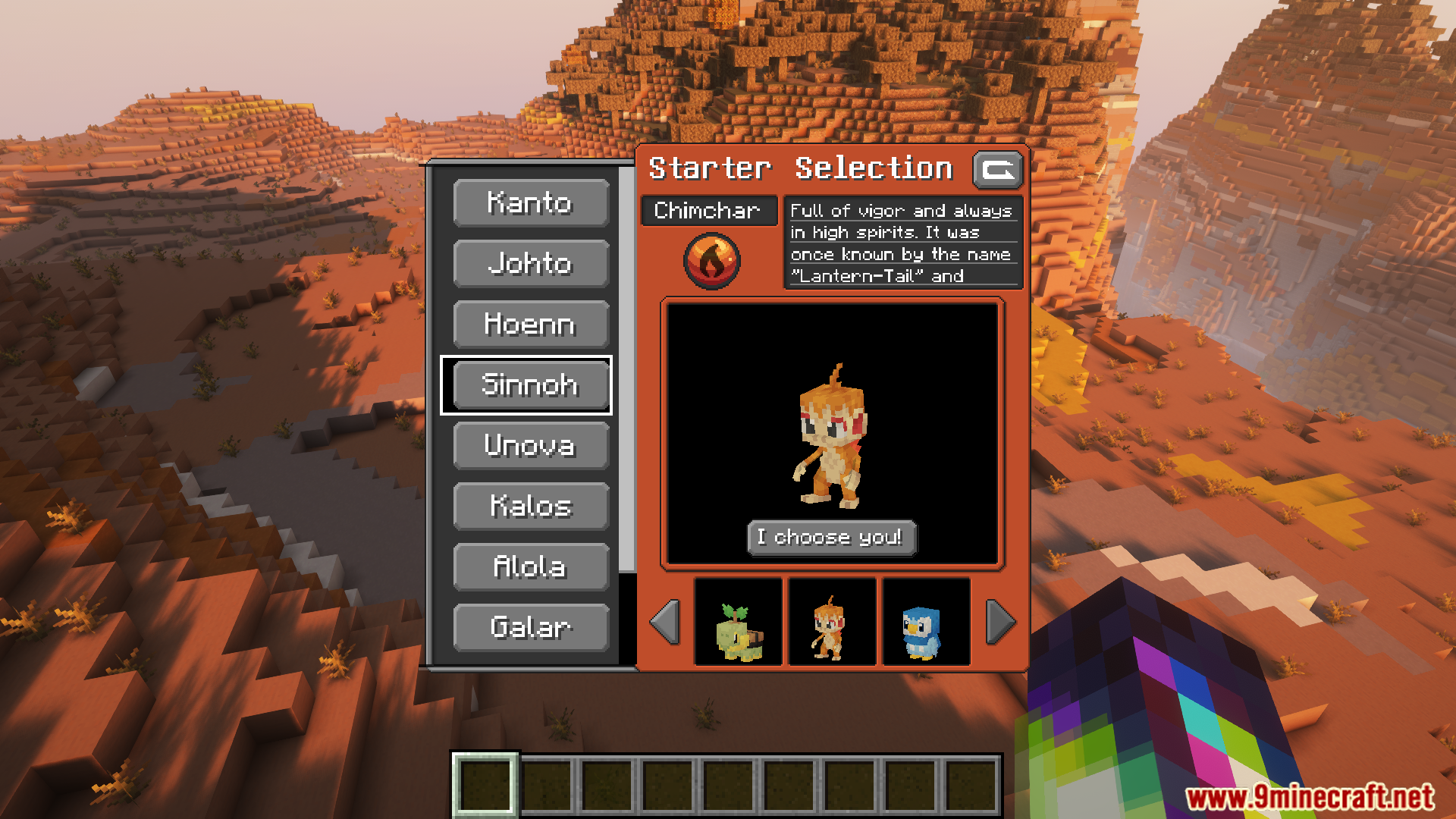
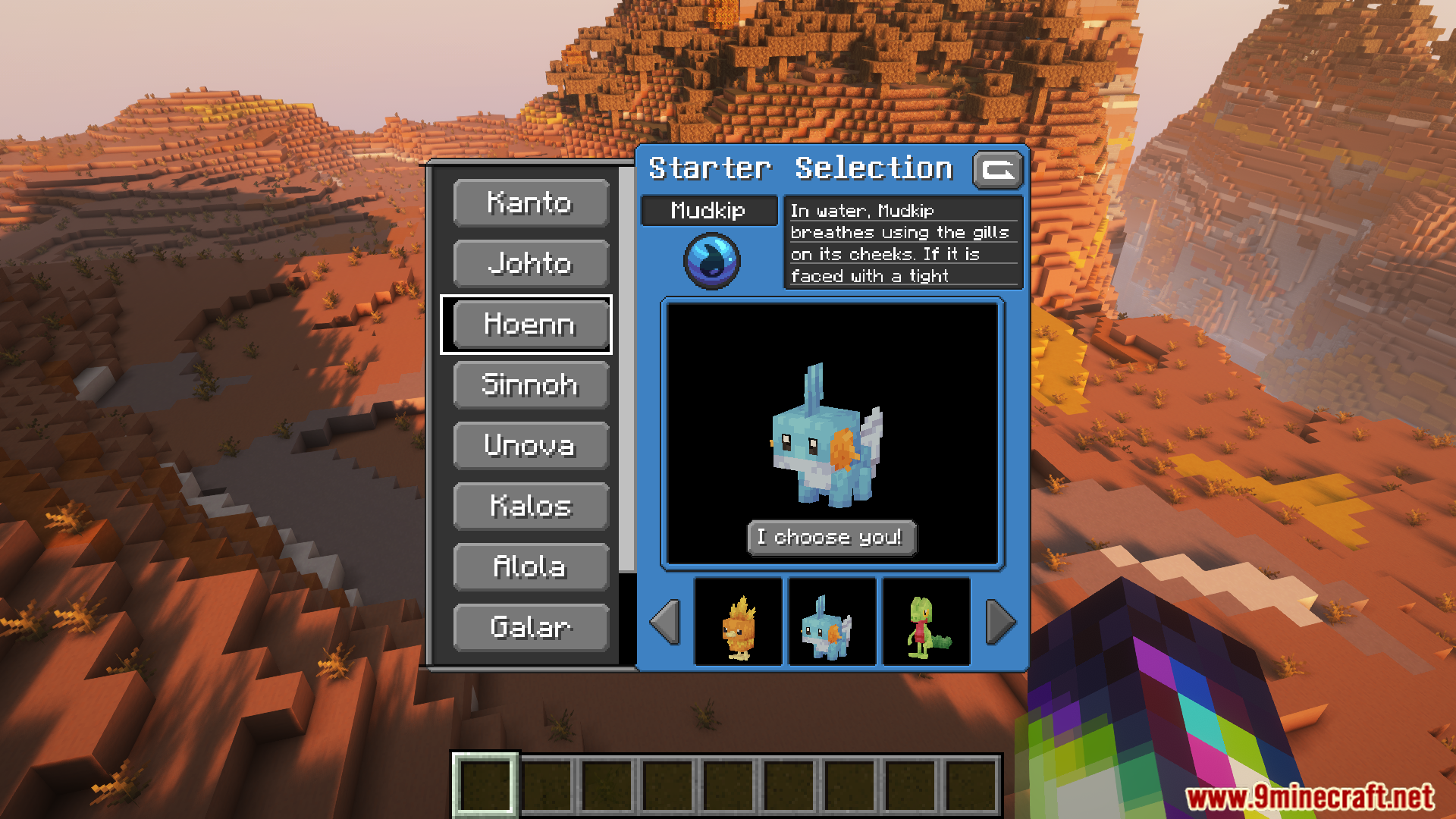
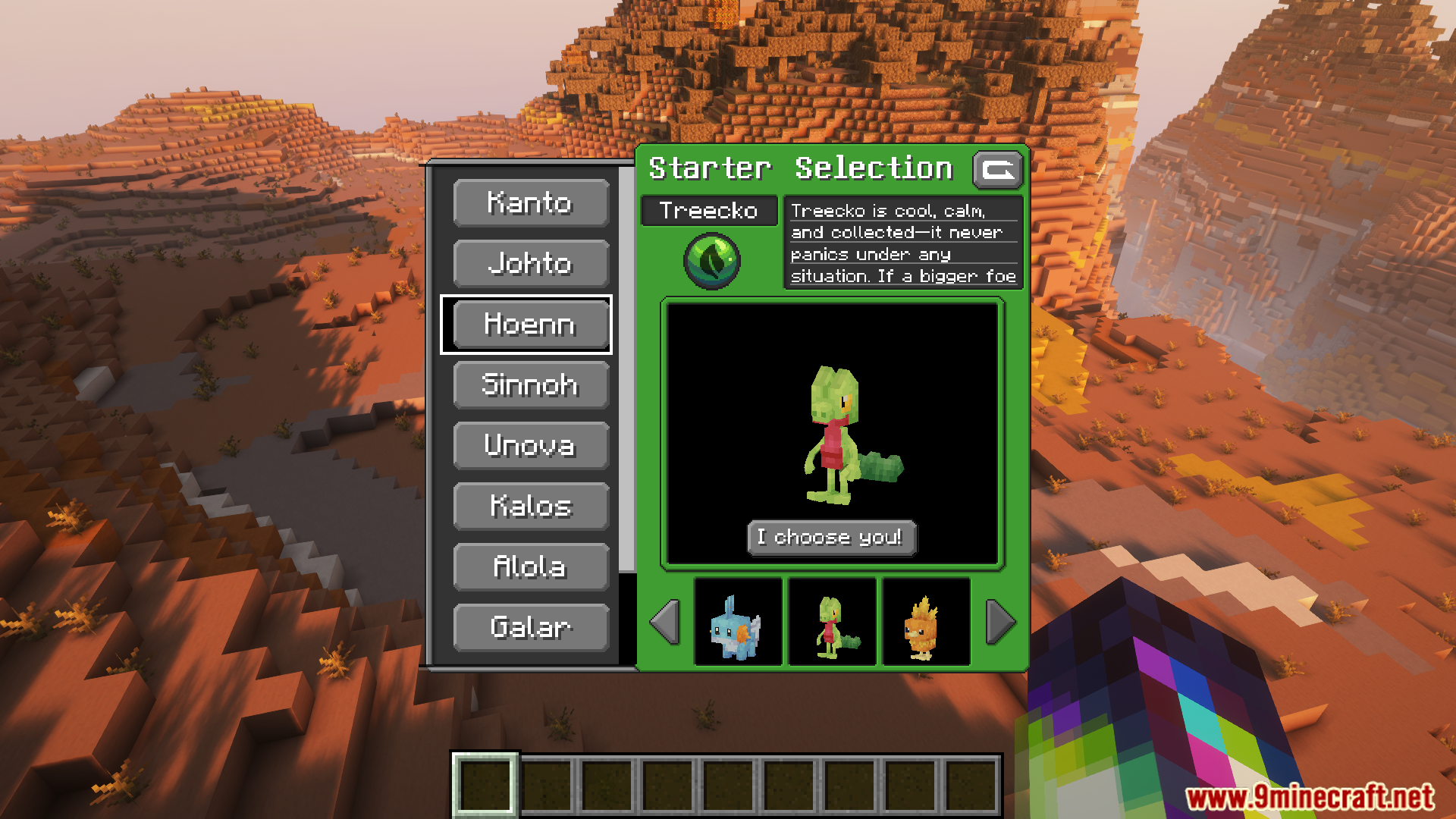
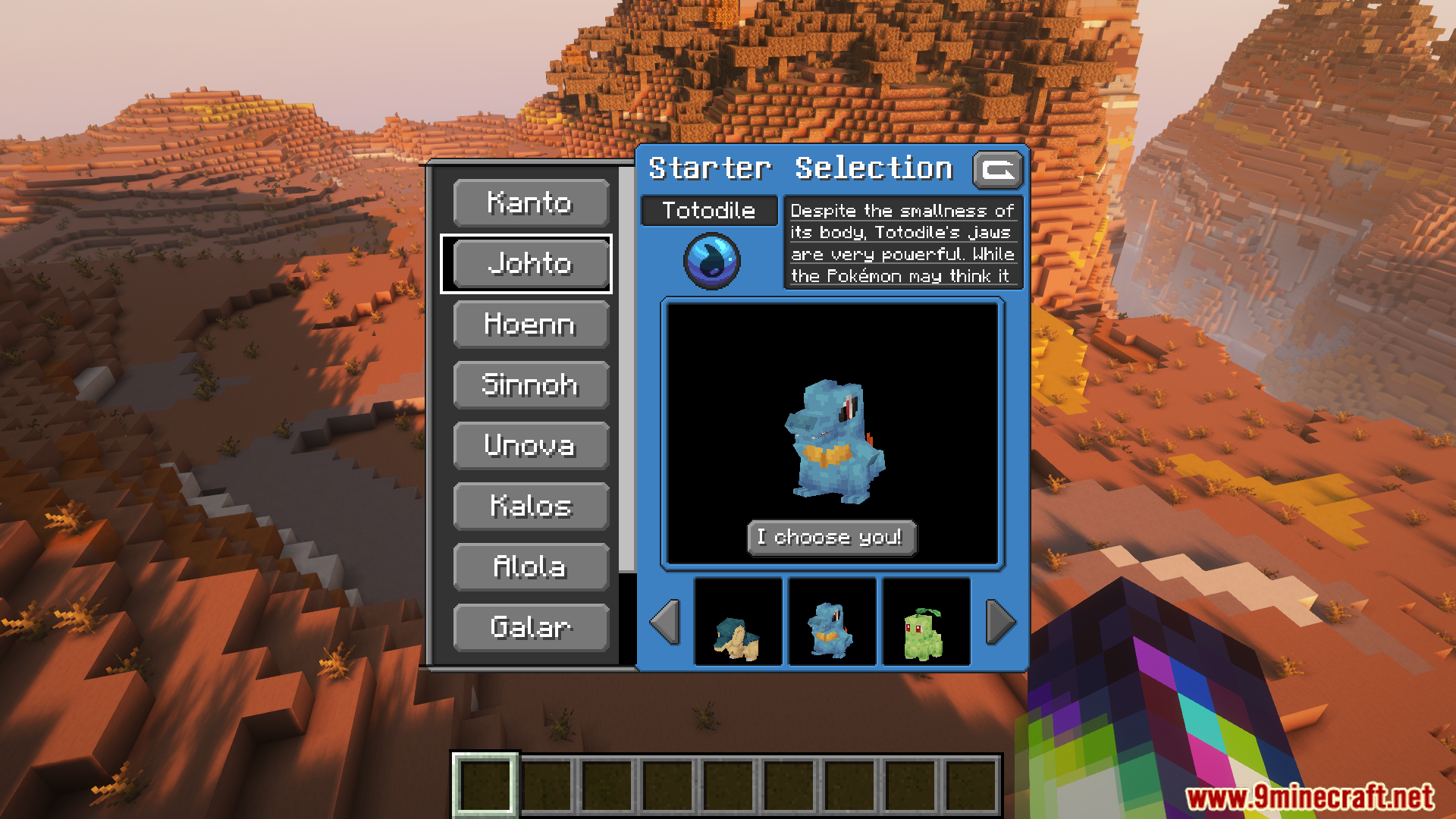
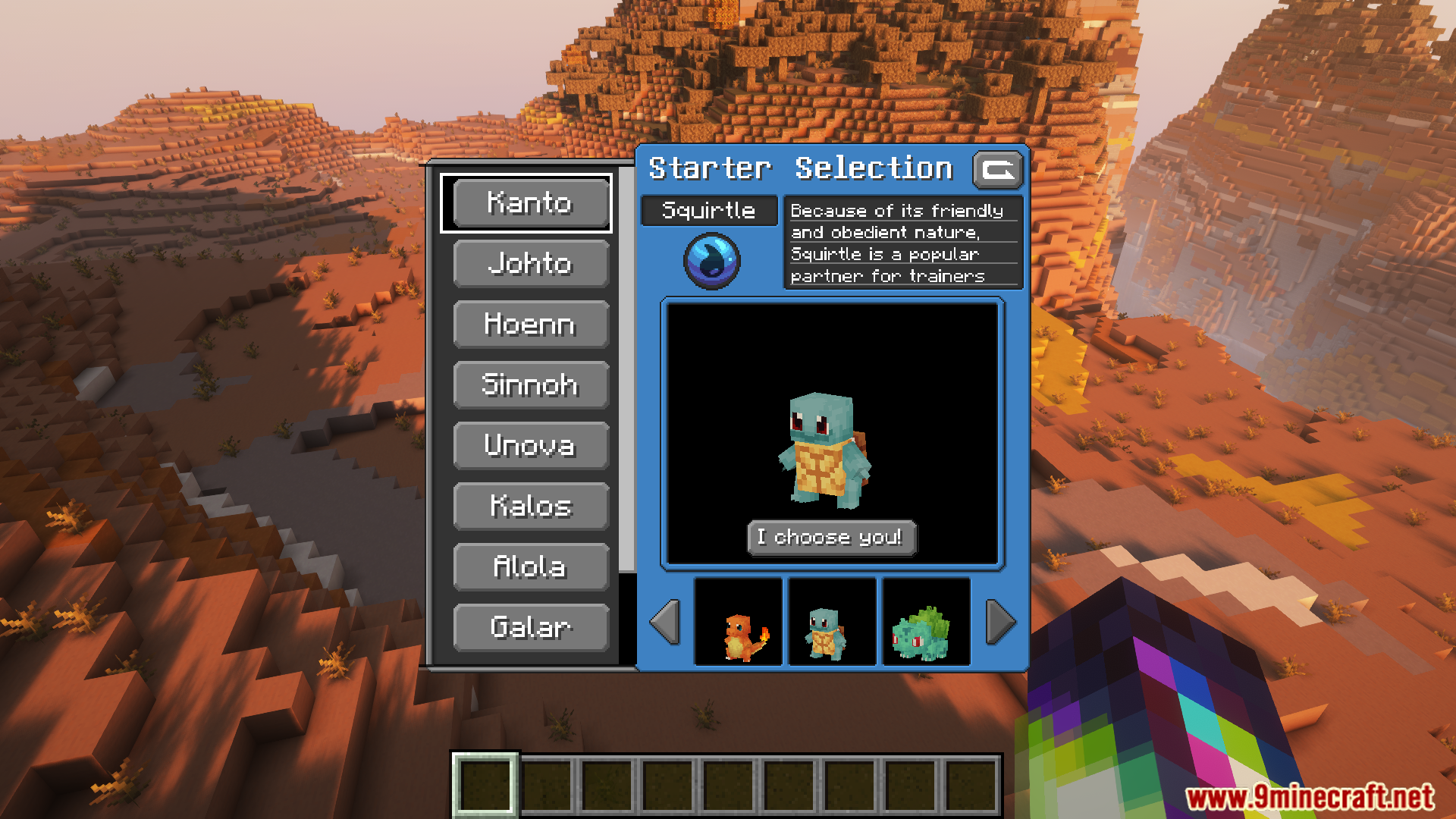
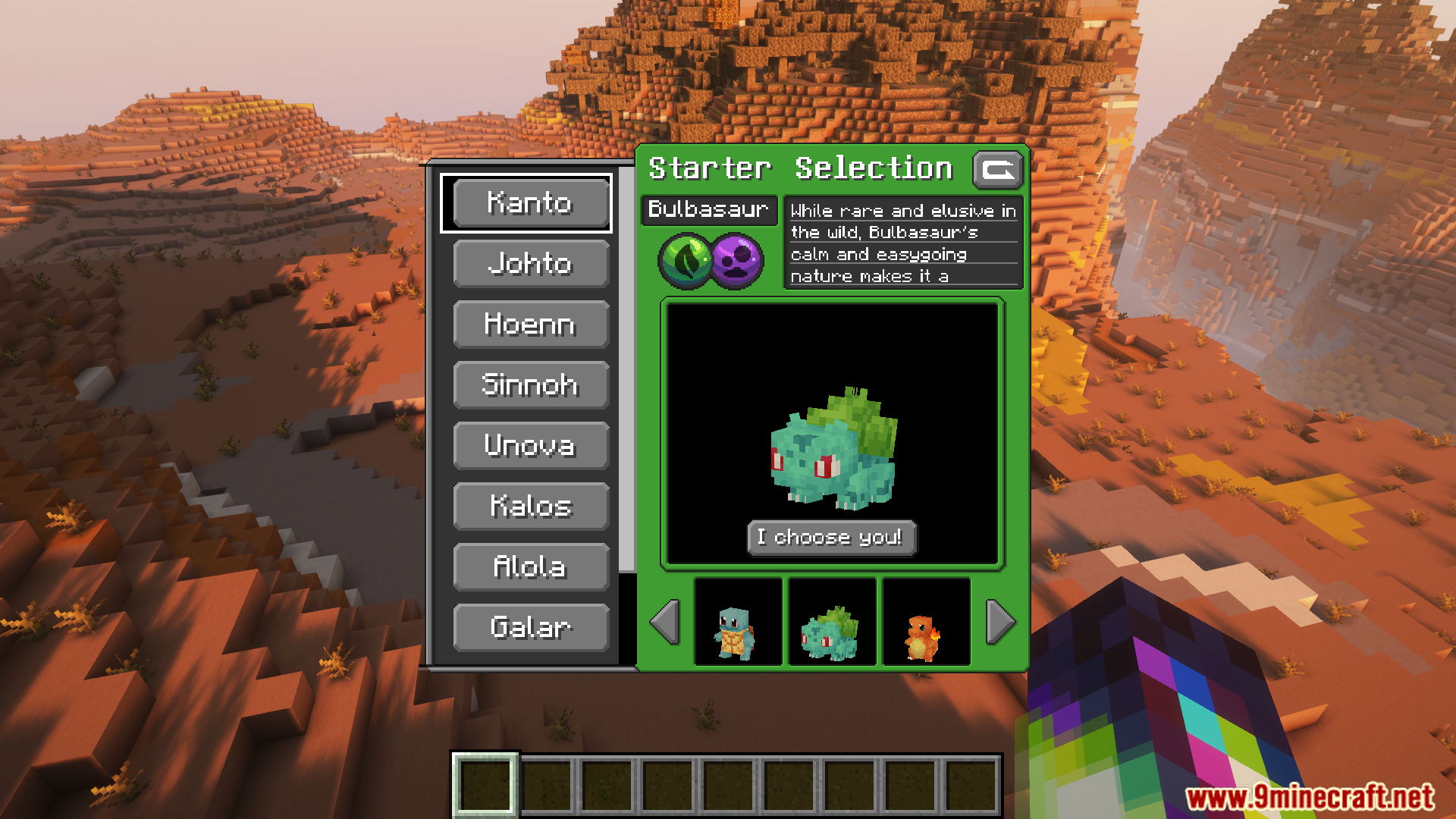
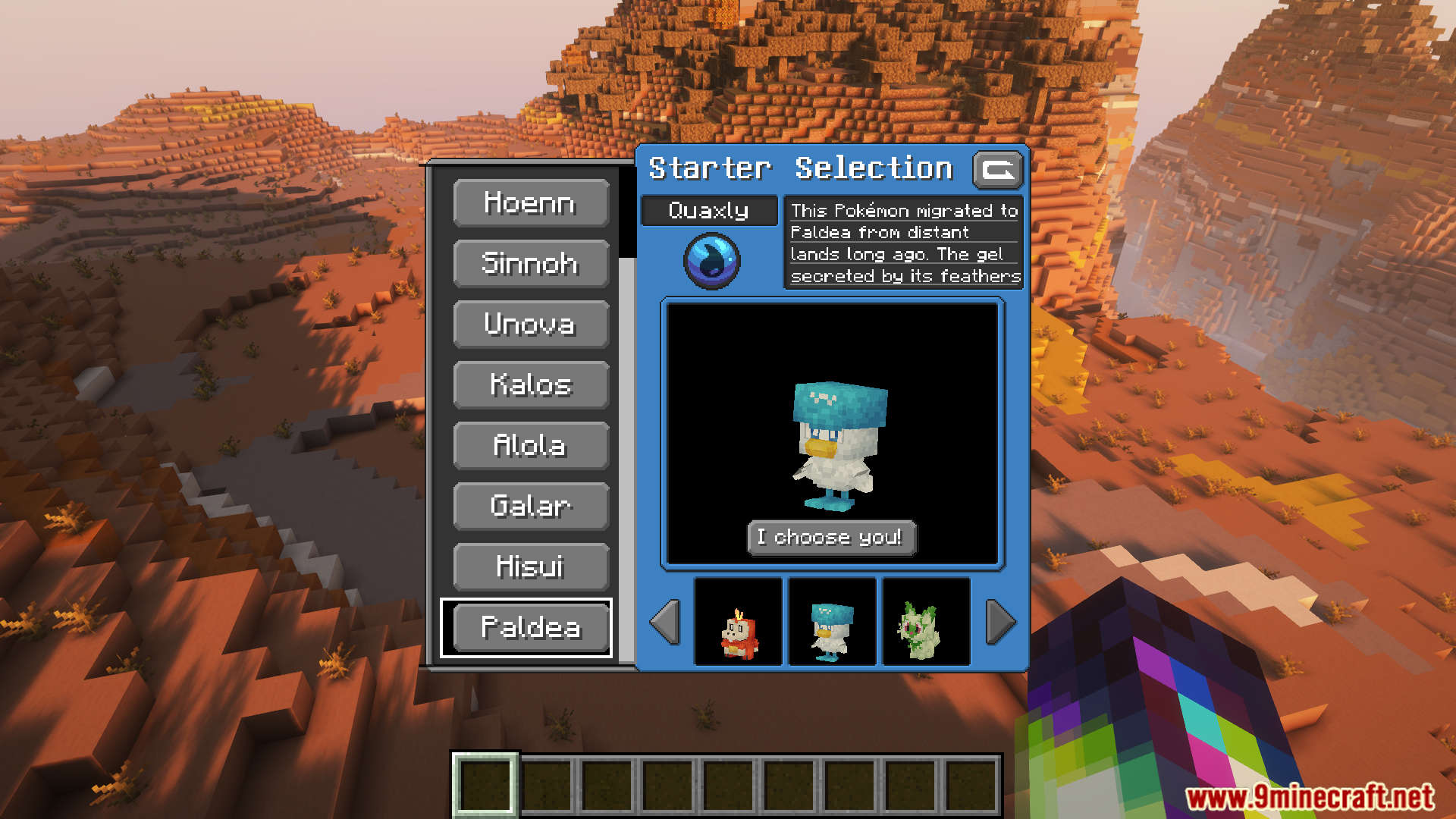
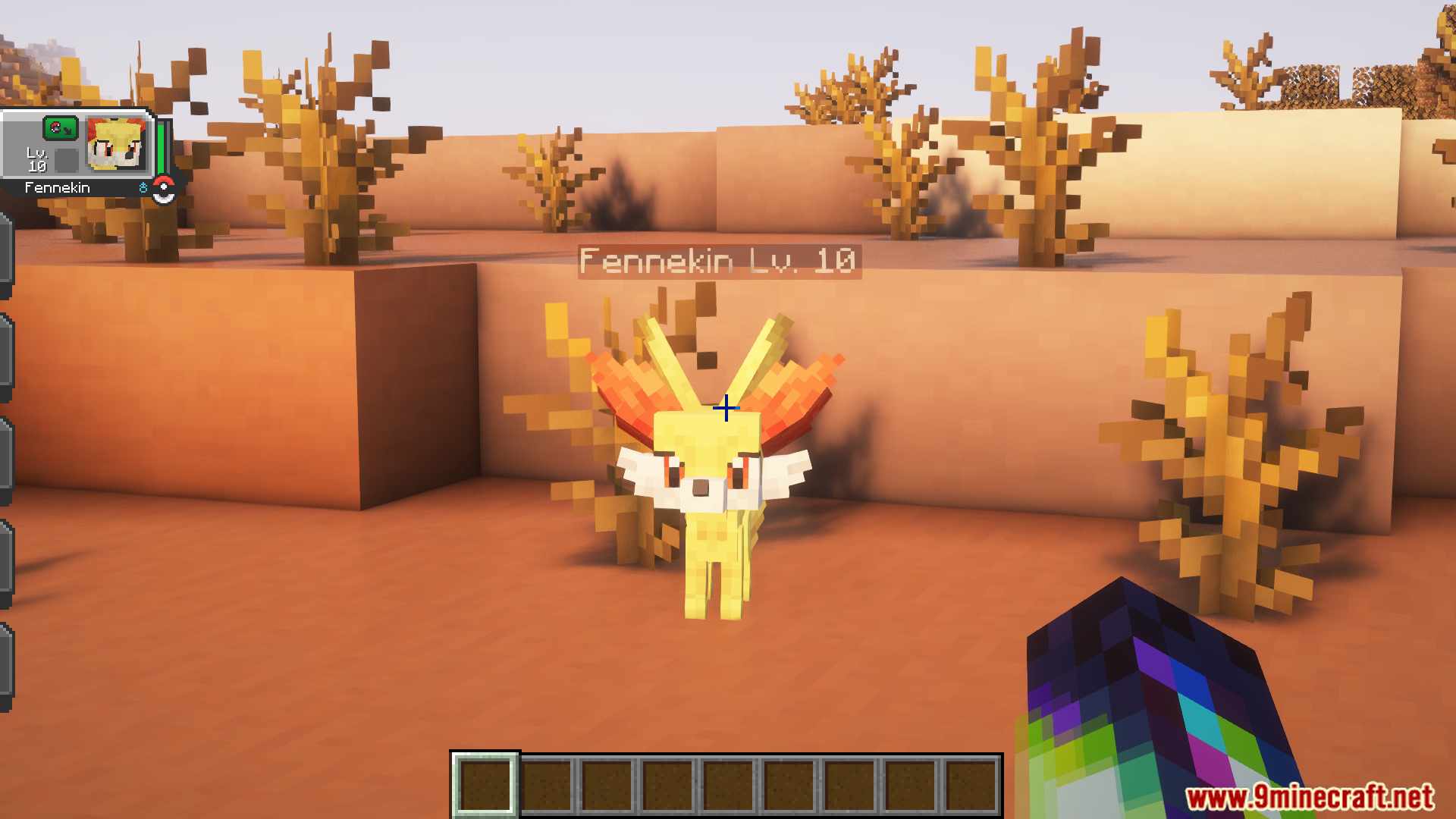
- Create and enter a new world to open the Cobblemon starter selection menu.
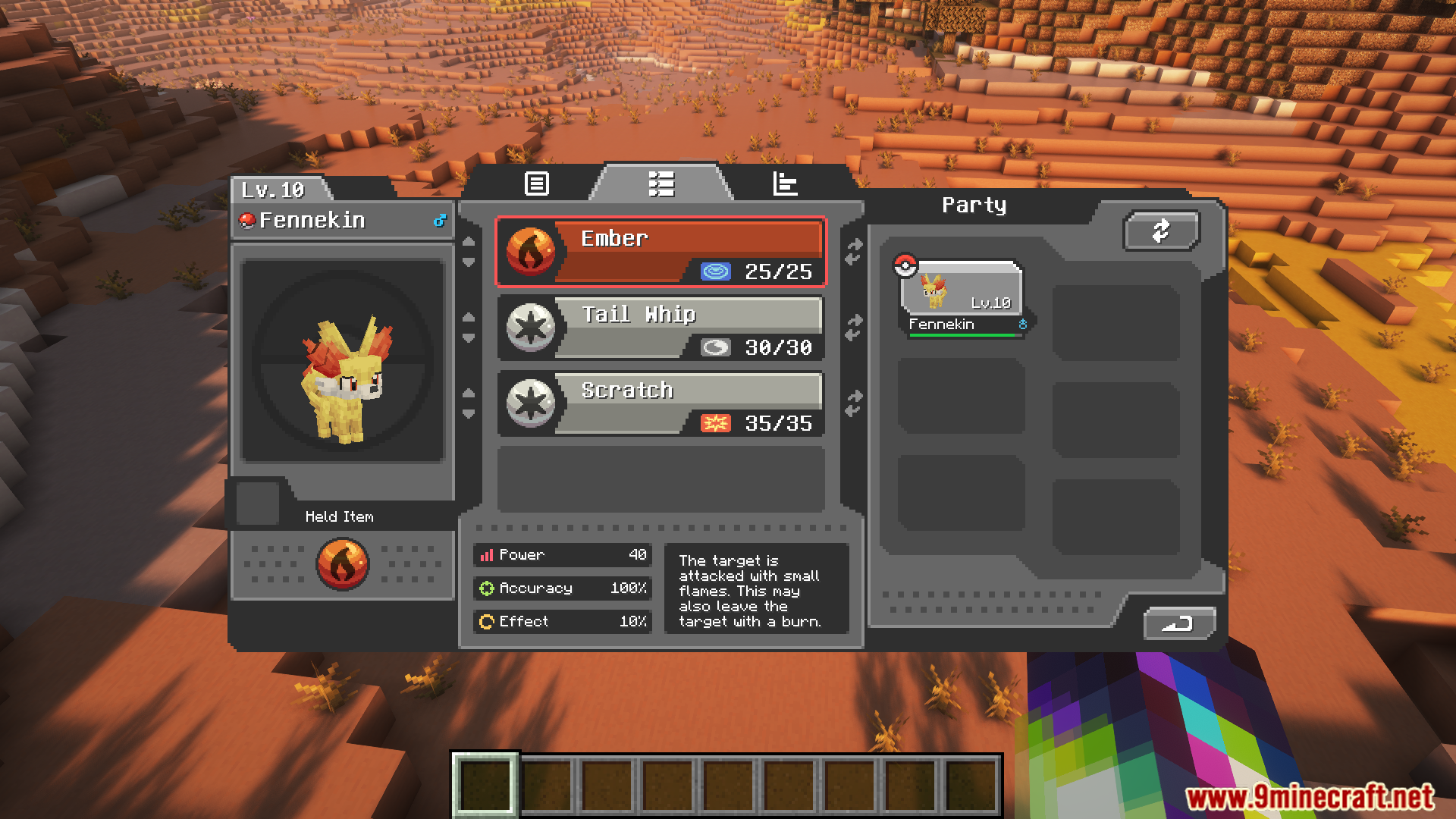
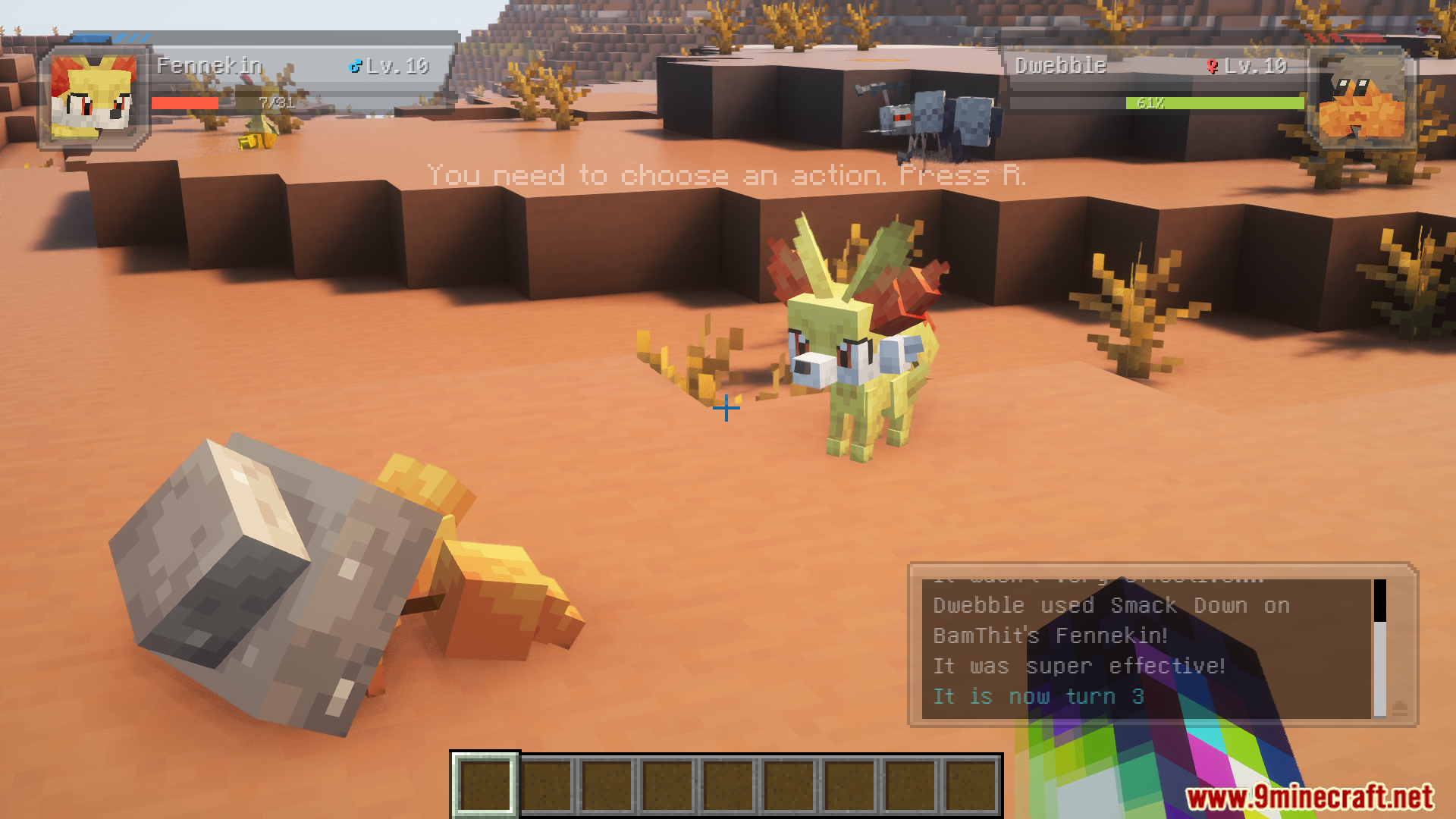
- Pick your starter Pokémon and check its stats screen to see your chosen IV values applied.
Screenshots:
How to Install:
New to Minecraft? Follow our step-by-step guide to install Mods on your PC.View Guide
Requirements:



Cobblemon Fixed Starter IVs Mod Download Links
For Minecraft 1.21.1, 1.21
Fabric Version: Download from Server 1 – Download from Server 2
For Minecraft 1.20.1
Forge Version: Download from Server 1 – Download from Server 2
Forge Version: Download from Server 1 – Download from Server 2
What is the longest real-time wait you will tolerate for a heavily modded game to load to the main menu?
25 responses · See the full results →
You May Also Like
Picked for this page
 CookieCore (1.20.1) – Library for Ephys’s Mods
 Cobblemizer Mod (1.21.1, 1.20.1) – Customize Your Pokémon
 Campfire Spawn and Tweaks Mod (26.3, 1.20.1) – Set Spawn at Campfires
 Zombie Villagers From Spawner Mod (26.3, 1.20.1) – Configurable Spawn Chance
 Untranslated Items Mod (26.2, 1.20.1) – Display Item Names in English
 LumyMon Mod (1.21.1, 1.21) – Forge Your Path To Legendary Pokémon
 Better Frost Walker Mod (26.3, 1.20.1) – Improved Frost Walker Enchantment
 ZoomX Smooth Mod (26.3, 1.21.1) – Scout Distant Biomes with Custom Zoom
 AFK Cinematics Mod (26.3, 1.21.1) – Turn AFK Breaks Into Cinematic Camera
 LopyMine’s Inventory Interactions Mod (1.21.11, 1.20.1) – Items Swing on Cursor
 Potion Combiner Mod (1.21.1, 1.20.1) – Merge Multiple Potions
 Async Logger Mod (26.2, 1.20.1) – Stop Console Logs From Freezing Your Game
Most viewed in Mods over the last 7 days
 Ala Industrial Mod (26.3) – Run Electric Power Grids and Automated Factories
 PleasureCraft Mod (26.3, 1.21.1) – Jenny Mod Remake for Fabric
 Jennycraft Mod (26.3, 1.20.1) – Virtual Girlfriend in Minecraft
 Fapcraft Mod (26.3, 1.12.2) – Comprehensive and Detailed Content
 Jenny Mod (Fapcraft) Official Complete Guide – How to use, Tutorial
 BangCraft Mod (1.20.1) – Jenny, Ellie and Elliot
 Fabric Loader (26.3, 1.20.1) – Fabric Installer for All Minecraft Versions
 Meteor Client Mod (26.3, 1.20.1) – Xray, HUD, Fly
 The Shooting Star Demo Mod (26.3, 1.20.1) – Vaporize Terrain From Orbit
 OptiFine HD (26.3, 1.20.1) – Run Faster, FPS Boost, Shaders Support
 Aristois Client Mod (1.21.4, 1.20.1) – World Class Minecraft Utility
 SchnurriTV Mod (1.12.2) – Characters and Features
More from Mods
 Artemis’ Thin Logs Mod (26.3, 1.20.1) – Build Custom Trees and Detailed Wood
 Asterion Mod (26.3, 1.20.1) – Survive Ancient Mazes and Slay the Legendary Minotaur
 Passthrough Signs Mod (26.3, 1.20.1) – Right-Click Through Wall Signs
 Packing Tape Mod (26.3, 1.20.1) – Move Chests, Machines
 No XP Anvils Mod (26.3, 1.20.1) – Repair And Enchant Without XP
 Naruto Shippuden Mod (26.3, 1.16.5) – Immerse Yourself in The World of Ninja
 Araxer’s Bestiary Mod (26.3, 1.20.1) – Build an In-Game Encyclopedia of Every Mob
 Villagers Plus Mod (26.3, 1.20.1) – Expanded Villager Types and Villages
 Ore Excavation 9minecraft Mod (26.3) – Mine Ores and Chop Trees in a Single Swing
 Dirigo Mod (26.1.2, 1.21.1) – Walk Across Nether Lava Seas and Automate Animal
 HandLib Mod (26.3, 1.21.1) – Keep Your Multiplayer World Stable
 Happy Ghasts Boost Mod (26.1.2, 1.20.1) – Fly Across Vast Distances at Top Speed

This post has no comments yet. Be the first — your comment will appear here.