
Cobblemon Hunt Mod (1.21.1, 1.20.1) – Turn Every Wild Catch Into Profit

 0


Cobblemon Hunt Mod adds a bounty hunting system for Cobblemon. You take on active hunting tasks to track down and capture specific Pokémon for in-game money and command rewards. Bounties sort targets across four rarity tiers—common, uncommon, rare, and ultra-rare—and can require matching traits like ability, gender, nature, or shiny status. This system works in both single-player and multiplayer worlds, and servers can set up shared or per-player hunts. It also requires Impactor and Gooeylibs to run.
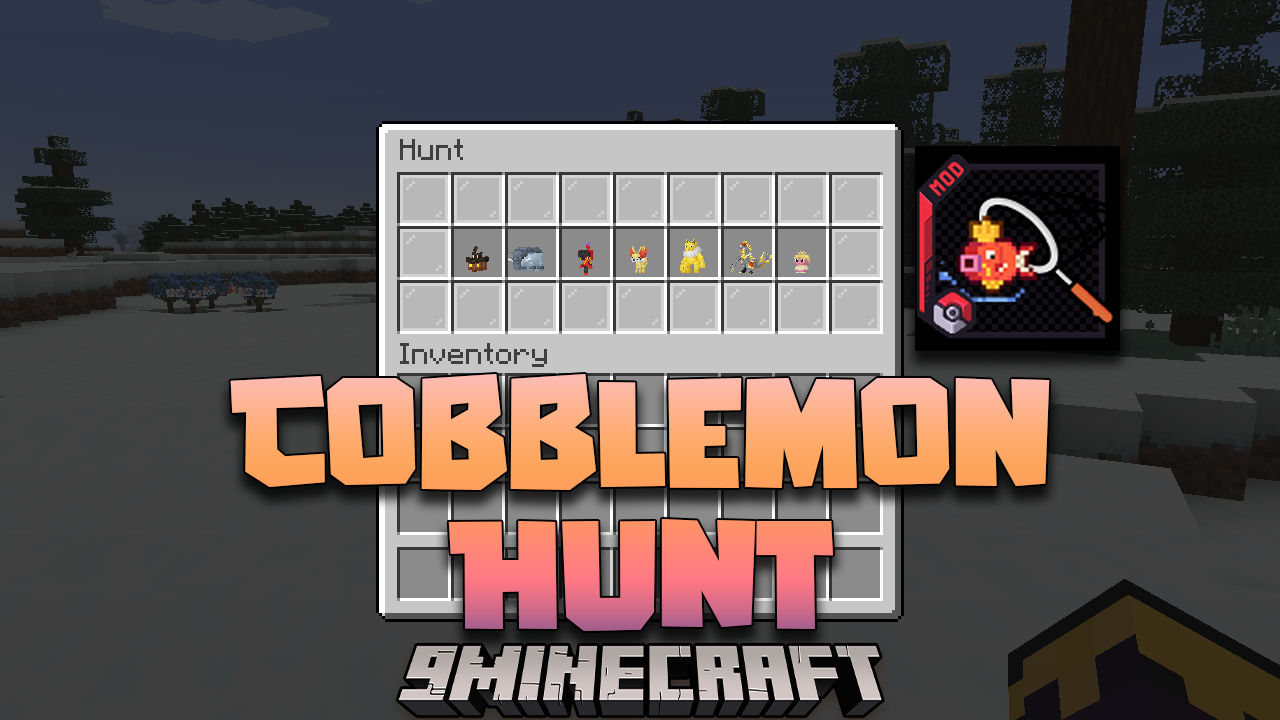
Features:
- Bounty Hunting Tasks: Capture specific target Pokémon shown in the Hunt menu to earn in-game currency and bonus rewards.
- Four Rarity Tiers: Sorts targets into common, uncommon, rare, and ultra-rare pools with default weighted chances of 60, 30, 9, and 1.
- Property Matching: Requires caught Pokémon to match traits like ability, gender, nature, or shiny status so hunts stay rewarding and strategic.
- Impactor Currency and Command Rewards: Pays out money using Impactor’s default currency or a custom currency, and can run server commands to give items like diamonds when you finish a hunt.
- Runs in both single-player and multiplayer worlds, with a toggle for shared server-wide hunts or separate hunts for each player.
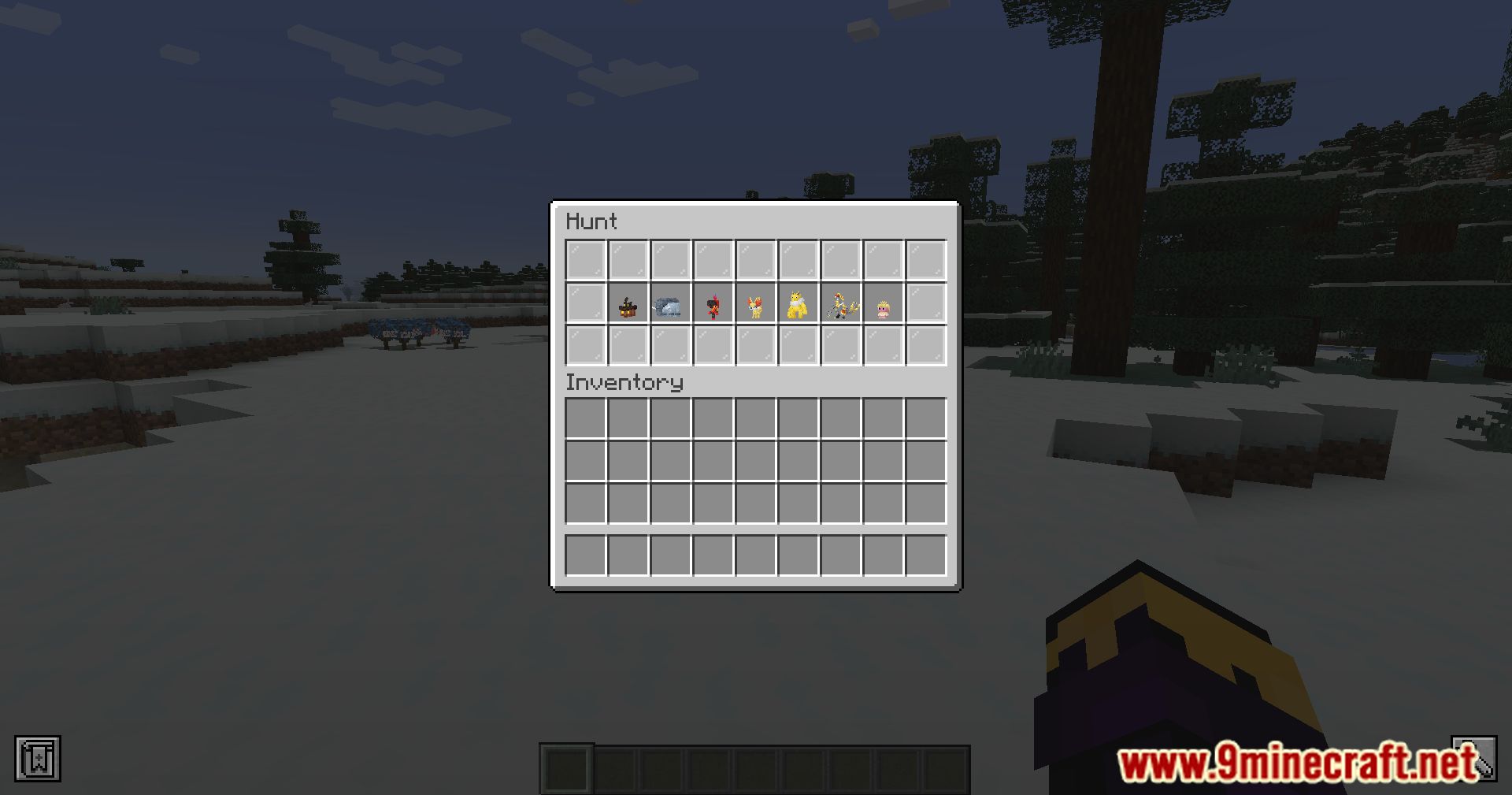
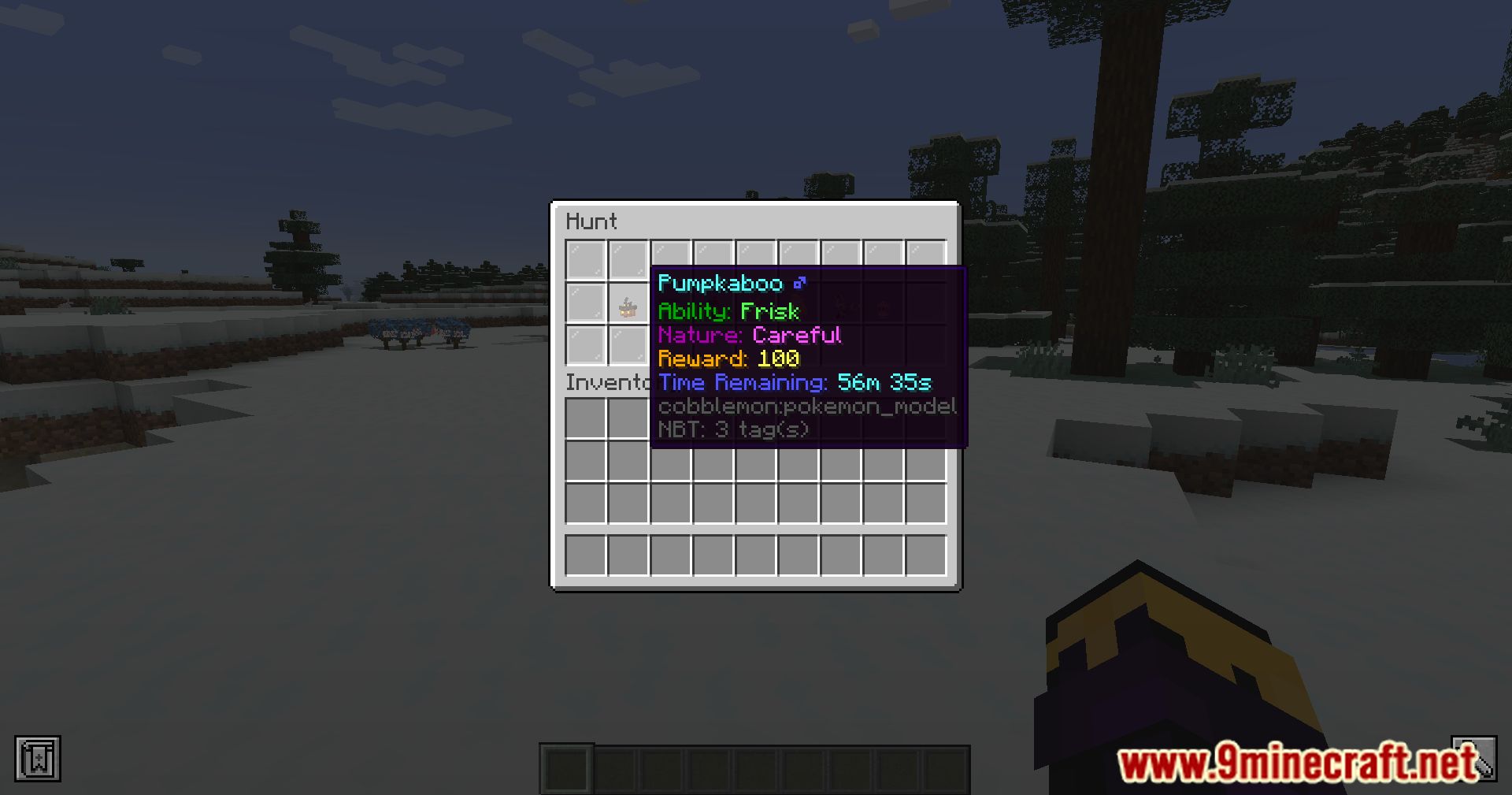
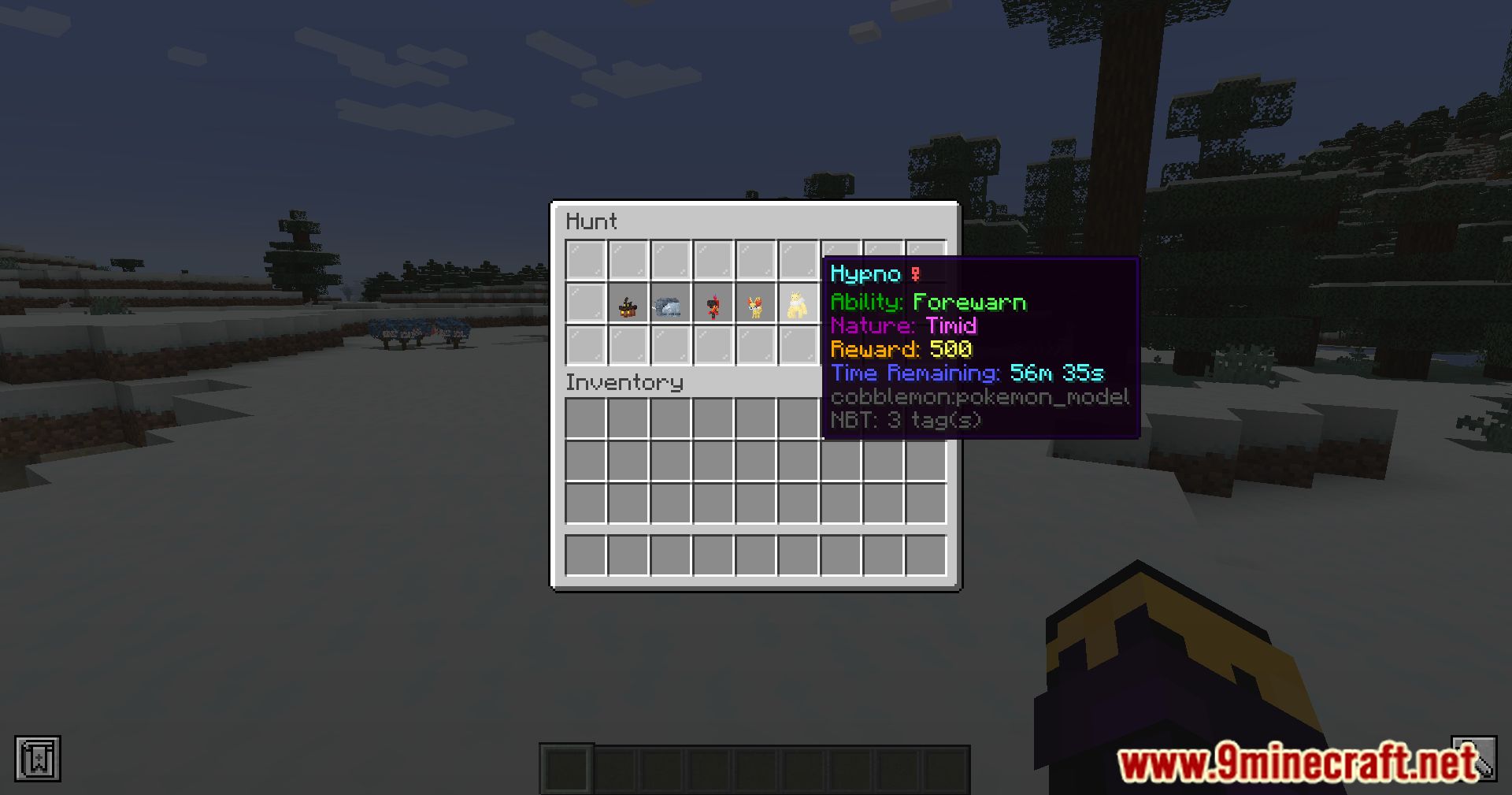
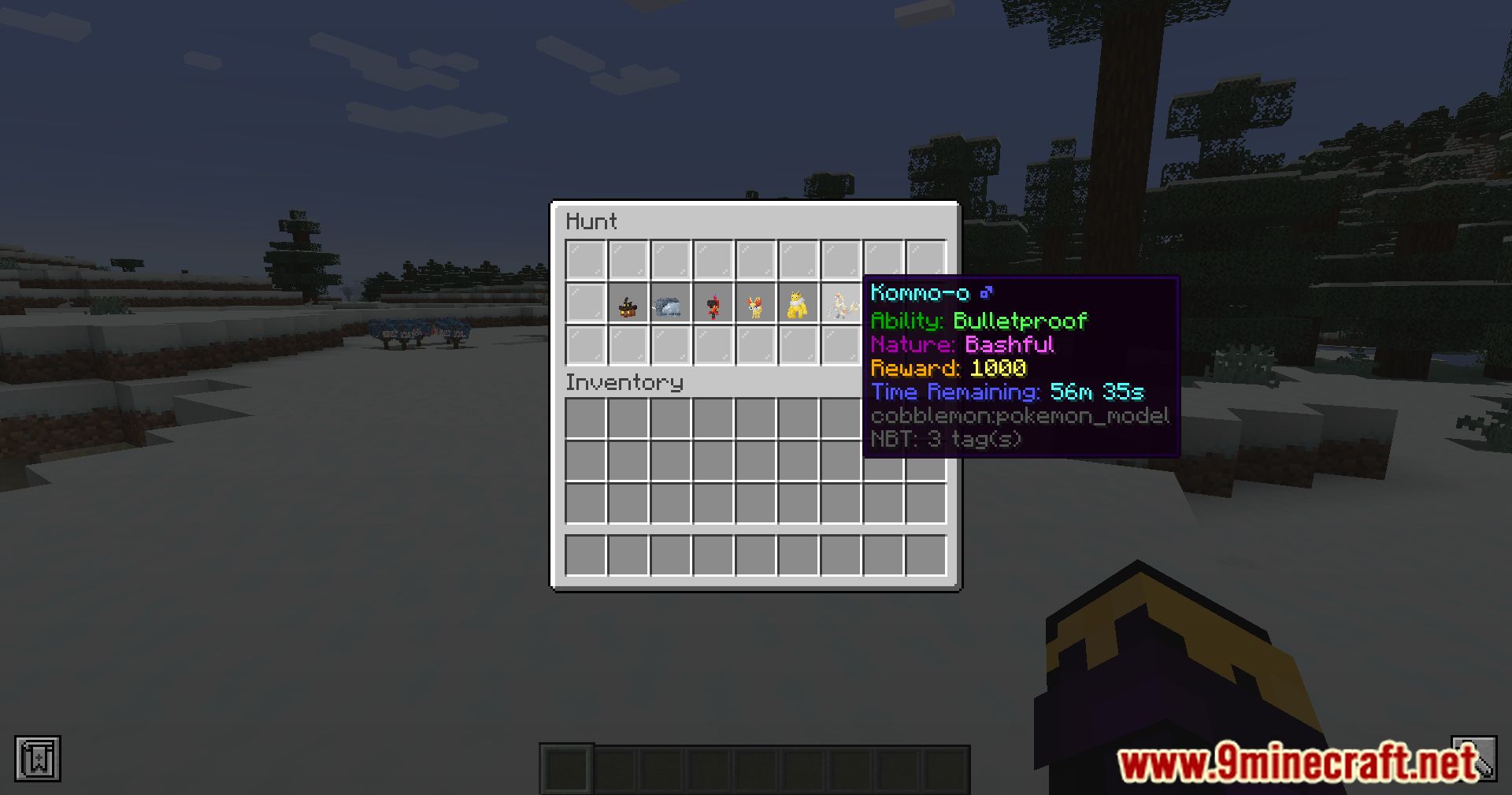
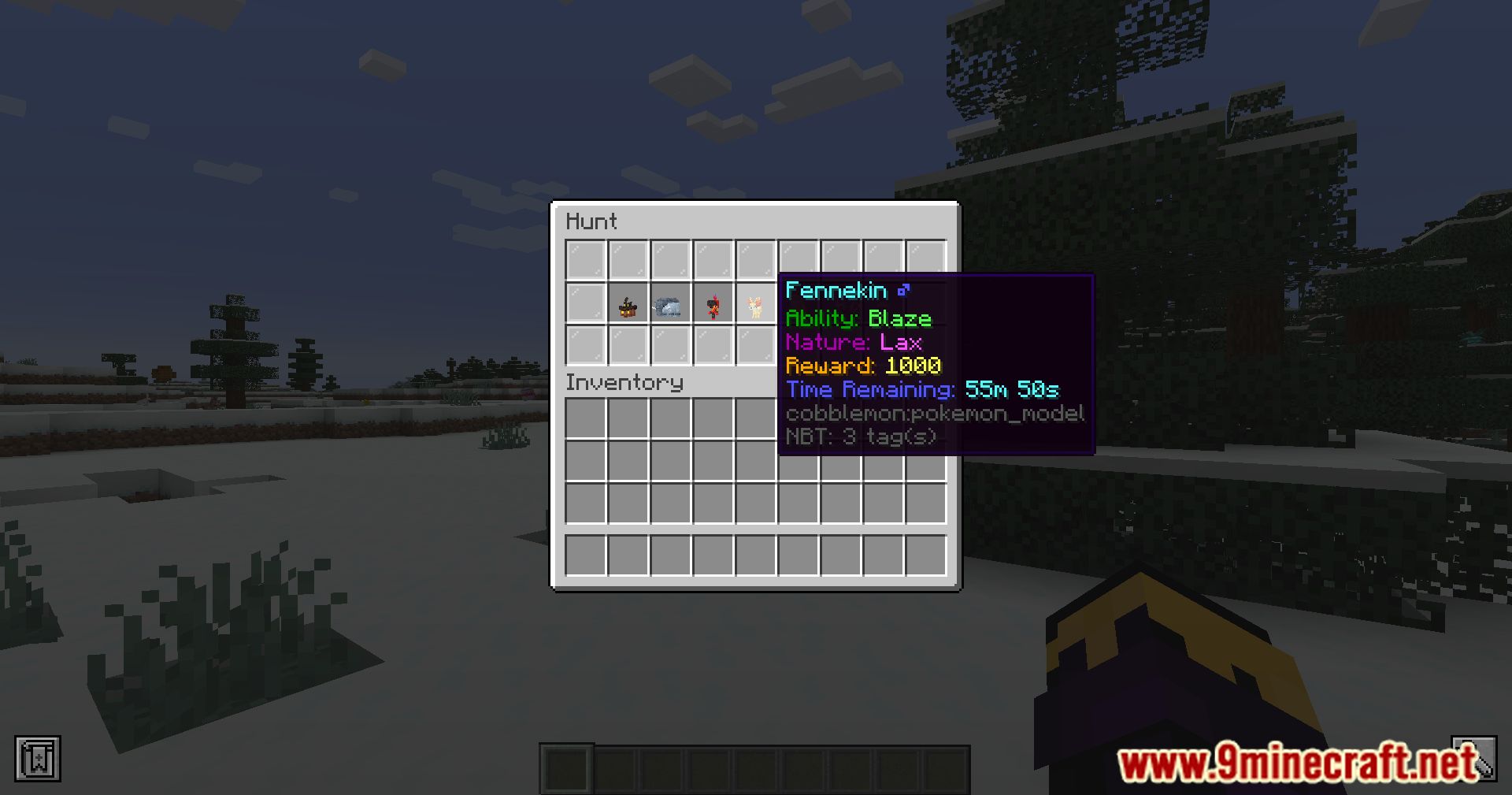
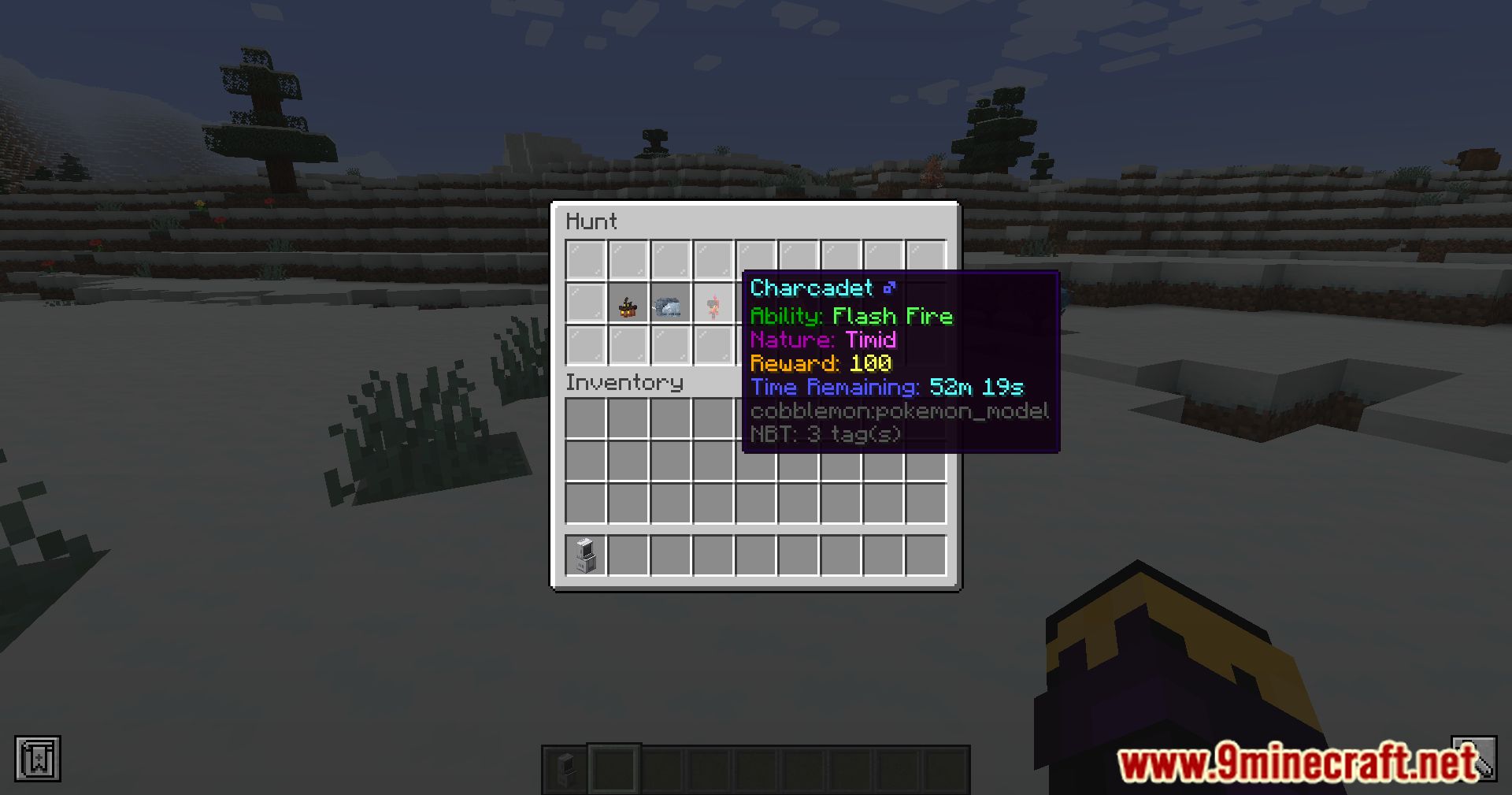
- Displays active bounties, target details, required traits, and rewards inside an easy-to-read in-game Hunt menu.
- Keeps 7 active hunts running at the same time by default, with each hunt lasting 60 minutes, and both limits can be changed in the config.
- Sends chat broadcasts when a hunt starts or expires, with optional timer cooldowns and a 5-second default buffer to stop chat spam.
- Supports custom prices and command rewards for specific Pokémon species and forms, such as Magikarp or Alolan forms, overriding standard rarity payouts.
- Includes a blacklist so you can block chosen Pokémon from showing up in hunts.
Commands:
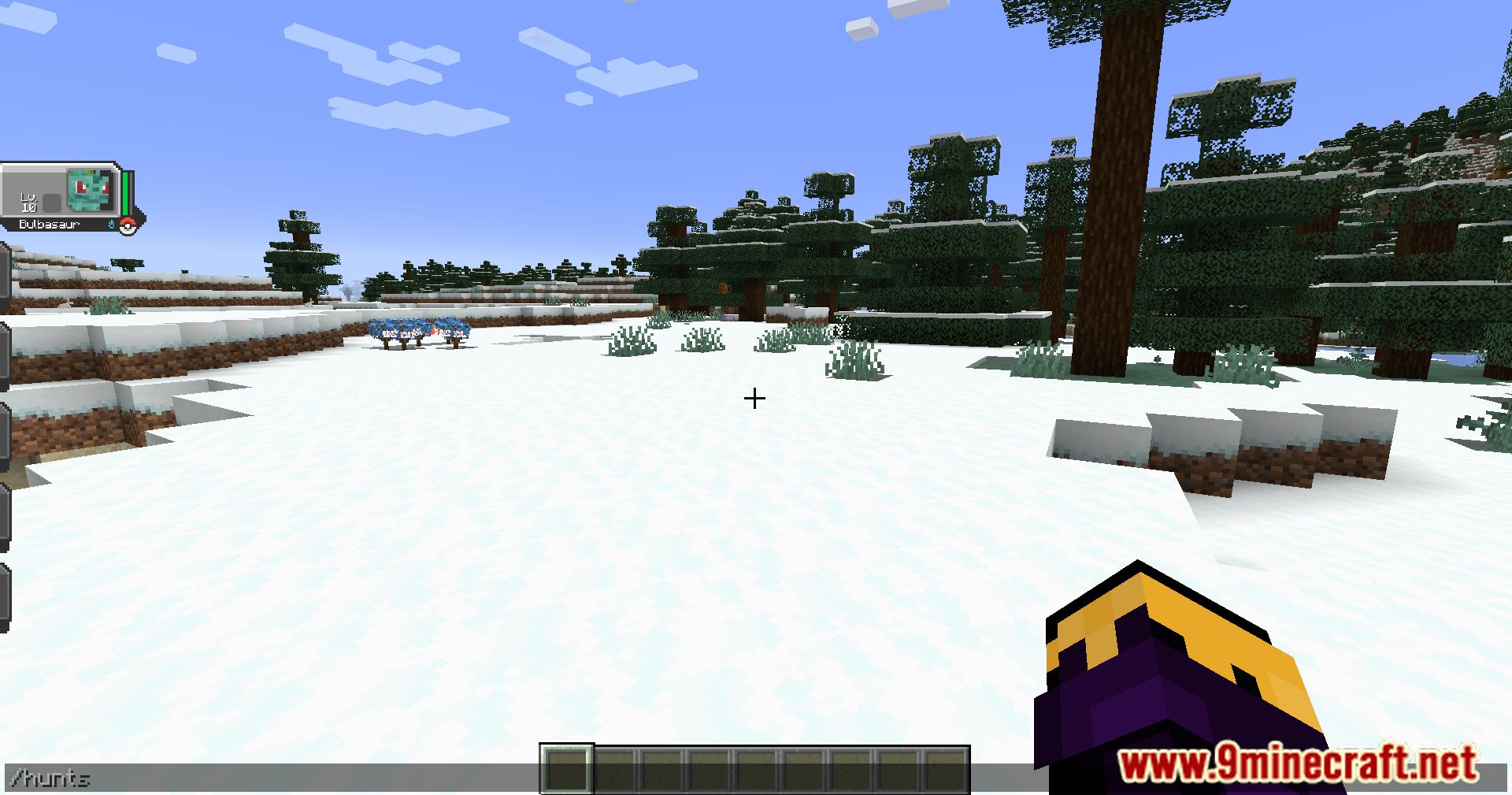
/hunt: Opens the Hunt menu to view active Pokémon bounties./hunt reload: Reloads the hunt system and applies config changes.
Permissions:
cobblemon.hunt.base: Allows players to run/hunt.cobblemon.hunt.reload: Allows admins to run/hunt reload.
Configuration:
useImpactorDefaultCurrency: Set totrue(default) to pay with Impactor’s default currency, orfalseto use a custom currency.impactorCurrencyName: Sets the custom Impactor currency name (default:impactor:huntcoins); ignored whenuseImpactorDefaultCurrencyistrue.individualHunts: Set totruefor separate hunts per player, orfalse(default) for shared server-wide hunts.sendHuntBeginMessage: Broadcasts a message when a new hunt starts (default:true).sendHuntEndMessage: Broadcasts a message when a hunt expires (default:true).timerCooldowns: Enables a cooldown between hunt announcements to prevent spam (default:true).bufferDuration: Minimum time in seconds to wait before sending another announcement (default:5).huntDuration: How long a single hunt lasts in minutes (default:60).huntAmount: Number of active hunts available at the same time (default:7).rarity: Sets weighted chances for each rarity tier—common(60),uncommon(30),rare(9), andultraRare(1).rewards: Defines the currencypriceand servercommandsfor each rarity tier (default payouts range from 100 currency and 1 diamond for common up to 1,000 currency and 4 diamonds for ultra-rare).matchProperties: Controls which traits must match to finish a hunt—ability(true),gender(true),nature(true), andshiny(false).customPrices: Overrides rarity rewards for chosen Pokémon usingspecies(such asmagikarp),form(such asAlolan, or blank for the default form), and a customrewardwithpriceandcommands.blacklist: Lists Pokémon species excluded from hunts (empty by default).
How to Use:
- Type
/huntin chat to open the Hunt menu and see all currently active Pokémon bounties. - Hover over a target Pokémon in the menu to check its rarity, required traits (such as ability, gender, nature, or shiny status), and reward details.
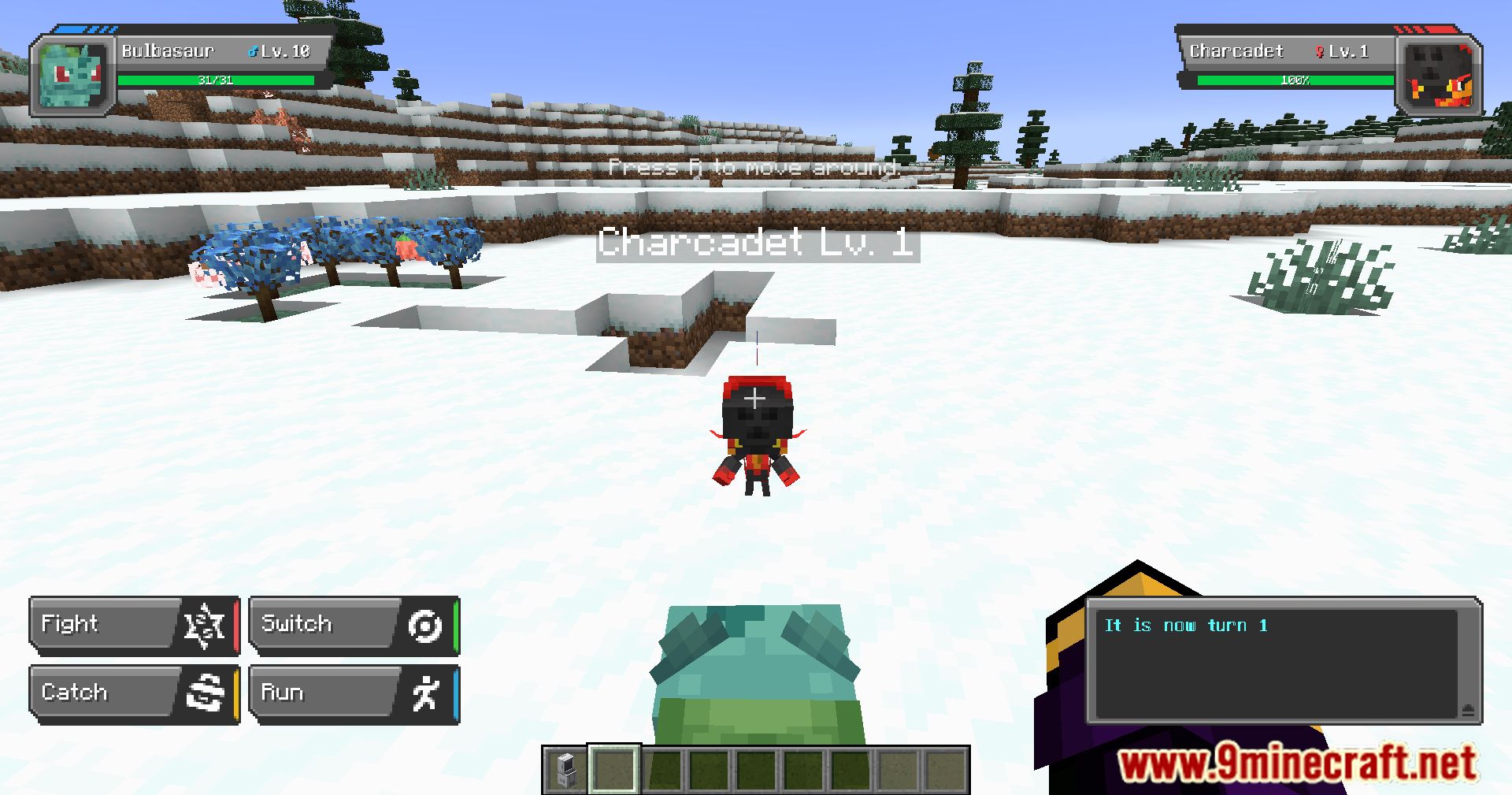
- Explore the world to find and capture the requested Pokémon with matching traits before the hunt timer runs out.
- Complete the capture to receive your Impactor currency and any configured command rewards.
- If you have admin permission and edit the config file, type
/hunt reloadin chat to load your updated settings without restarting.
Screenshots:
How to Install:
New to Minecraft? Follow our step-by-step guide to install Mods on your PC.View Guide
Requirements:


Cobblemon Hunt Mod Download Links
For Minecraft 1.20.1, 1.20
Forge Version: Download from Server 1 – Download from Server 2
Fabric Version: Download from Server 1 – Download from Server 2
For Minecraft 1.21.1, 1.21
NeoForge Version: Download from Server 1 – Download from Server 2
Fabric Version: Download from Server 1 – Download from Server 2
What do you do when a mod you love is abandoned by its creator?
19 responses · See the full results →
You May Also Like
Picked for this page
 Cobblemon Pokenav Mod (1.21.1, 1.20.1) – Efficient Pokémon Tracking
 OriginsTweaks Mod (1.21.1, 1.20.1) – Unleash New Active Skills for Each Origin
 LumyMon Mod (1.21.1, 1.21) – Forge Your Path To Legendary Pokémon
 Better Frost Walker Mod (26.3, 1.20.1) – Improved Frost Walker Enchantment
 Mace PVP Traning Bot Mod (1.21.11) – Master Multiplayer Combat in Single-Player
 ZoomX Smooth Mod (26.3, 1.21.1) – Scout Distant Biomes with Custom Zoom
 Dark Fantasy Nordic Tombs Mod (1.21.1, 1.20.1) – Raid Unbreakable Tombs
 AFK Cinematics Mod (26.3, 1.21.1) – Turn AFK Breaks Into Cinematic Camera
 LopyMine’s Inventory Interactions Mod (1.21.11, 1.20.1) – Items Swing on Cursor
 SCP-6096 The Blanket Ghost Mod (1.20.1, 1.19.2) – Don’t Let It Catch You
 Potion Combiner Mod (1.21.1, 1.20.1) – Merge Multiple Potions
 Cobblemon Catch Rate Display Mod (1.21.1, 1.21) – Catch Probability Calculator
Most viewed in Mods over the last 7 days
 Ala Industrial Mod (26.3) – Run Electric Power Grids and Automated Factories
 PleasureCraft Mod (26.3, 1.21.1) – Jenny Mod Remake for Fabric
 Jennycraft Mod (26.3, 1.20.1) – Virtual Girlfriend in Minecraft
 Fapcraft Mod (26.3, 1.12.2) – Comprehensive and Detailed Content
 Jenny Mod (Fapcraft) Official Complete Guide – How to use, Tutorial
 BangCraft Mod (1.20.1) – Jenny, Ellie and Elliot
 Fabric Loader (26.3, 1.20.1) – Fabric Installer for All Minecraft Versions
 The Shooting Star Demo Mod (26.3, 1.20.1) – Vaporize Terrain From Orbit
 Meteor Client Mod (26.3, 1.20.1) – Xray, HUD, Fly
 OptiFine HD (26.3, 1.20.1) – Run Faster, FPS Boost, Shaders Support
 Aristois Client Mod (1.21.4, 1.20.1) – World Class Minecraft Utility
 Prestige Client Mod (1.21.11, 1.21.4) – Powerful Ghost Features for Crystal & Sword PvP
More from Mods
 Earth Platform Mod (1.21.1) – Travel Across Real Continents in a True Scale World
 Taunahi Mod (26.1.2) – Automate Daily Farming and Slayers in Hypixel Skyblock
 HORROR Fake Join Leave Messages Mod (1.20.1) – Trigger Creepy Chat Scares
 Bons Voyage Mod (1.20.1) – Teleport Across Biomes Through Hidden Waystones
 Orbital Railgun UPDATED Mod (26.3) – Flatten Giant Landscapes From Space
 Automobility Autoradio Mod (26.3, 26.1.2) – Trade Custom Mixtapes with Friends
 Towers of the Wild 9minecraft Mod (26.3, 26.2) – Climb Tall Towers for Loot
 Ender Storage 9minecraft Mod (26.3, 26.2) – Send Loot Back Home From Any Dimension
 Snad 9minecraft Mod (26.3, 26.2) – Build Faster Sugar Cane and Nether Wart Farms
 Together Forever Unofficial Mod (1.12.2) – Share Team Advancements
 GroovyDuvet Mod (1.21.11, 1.20.1) – Run Groovy Scripted Addons Without Game
 Swing Through Grass 9minecraft Mod (26.3, 26.2) – Fight Mobs Without Breaking Tall Grass

This post has no comments yet. Be the first — your comment will appear here.