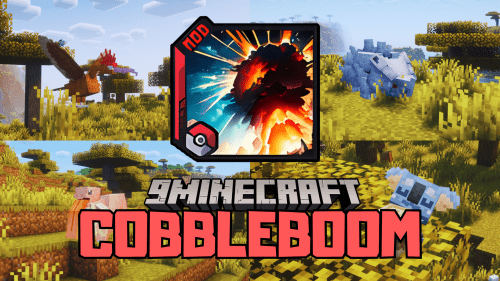
Cobblemon Spawn Notifications Mod (1.21.1, 1.20.1) – Notify When Legendary Appears

 0
0  February 3, 2025
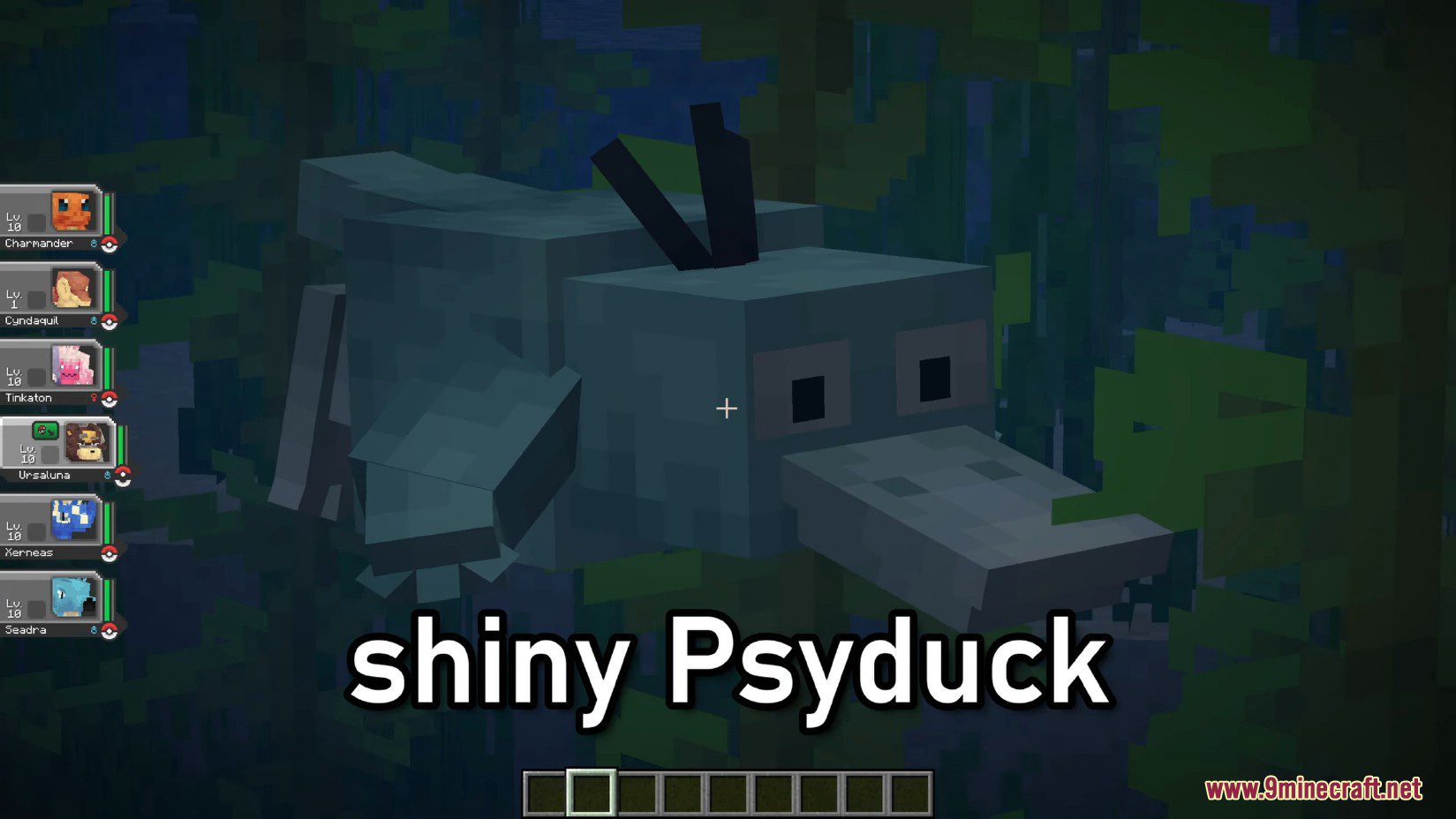
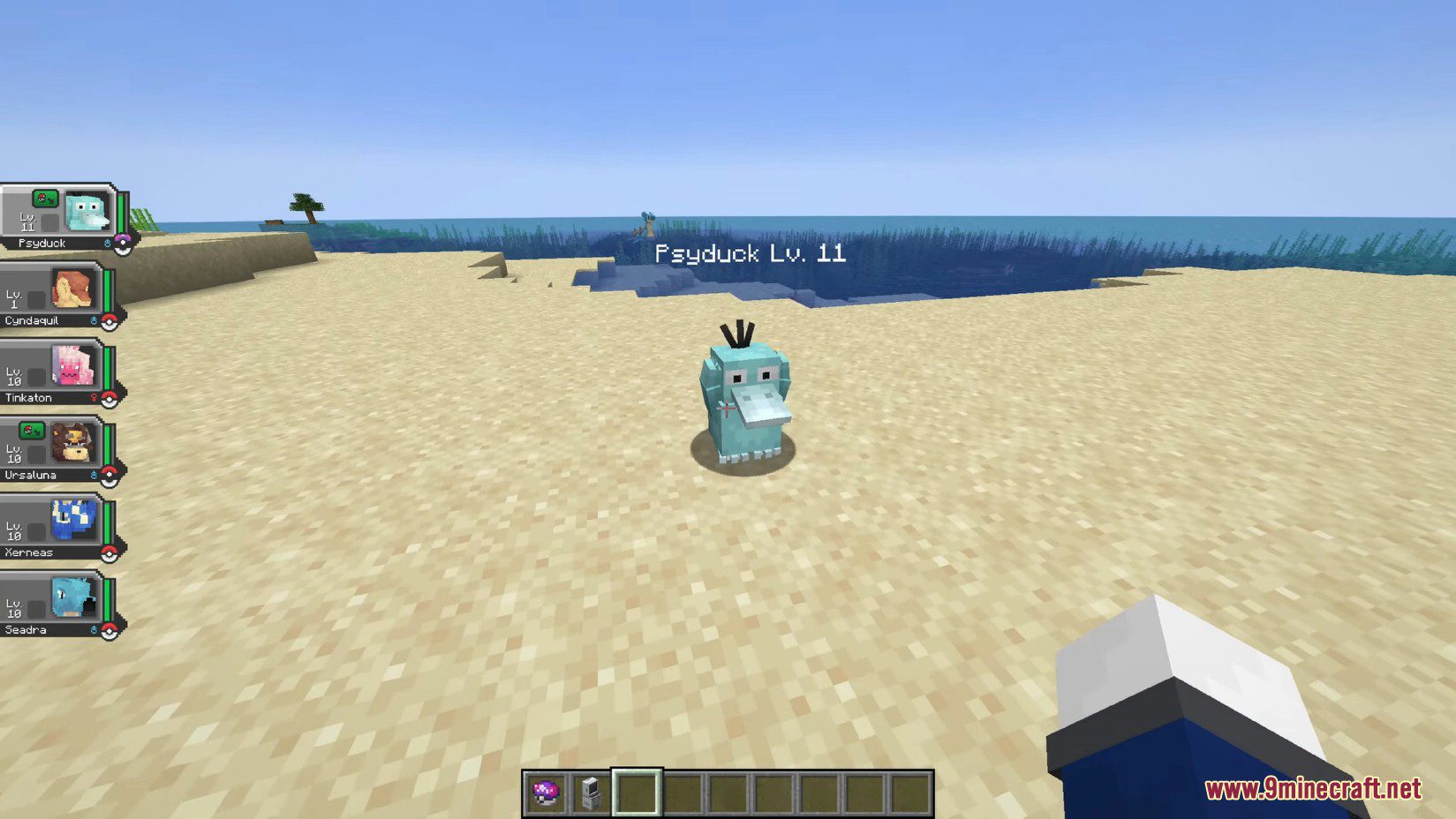
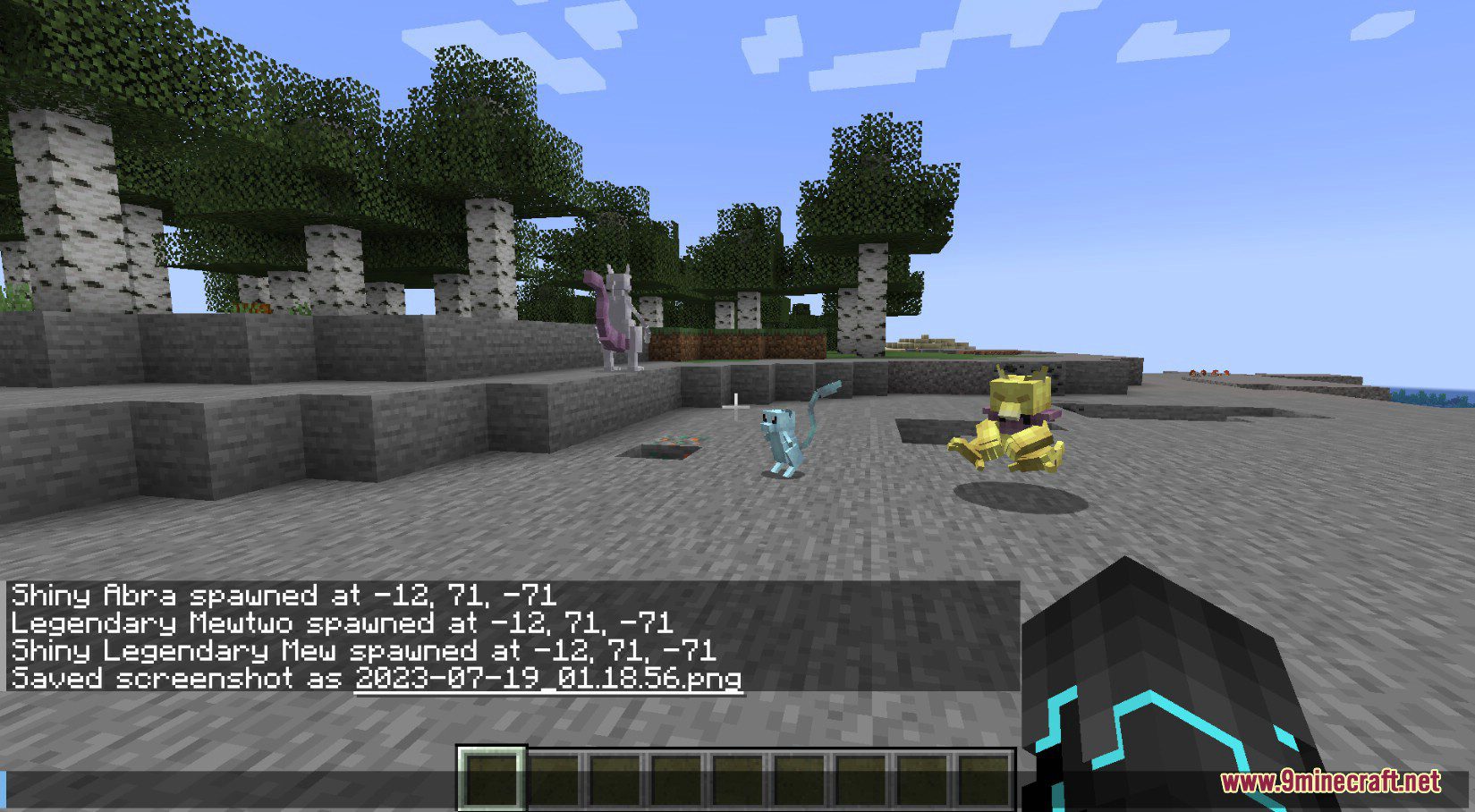
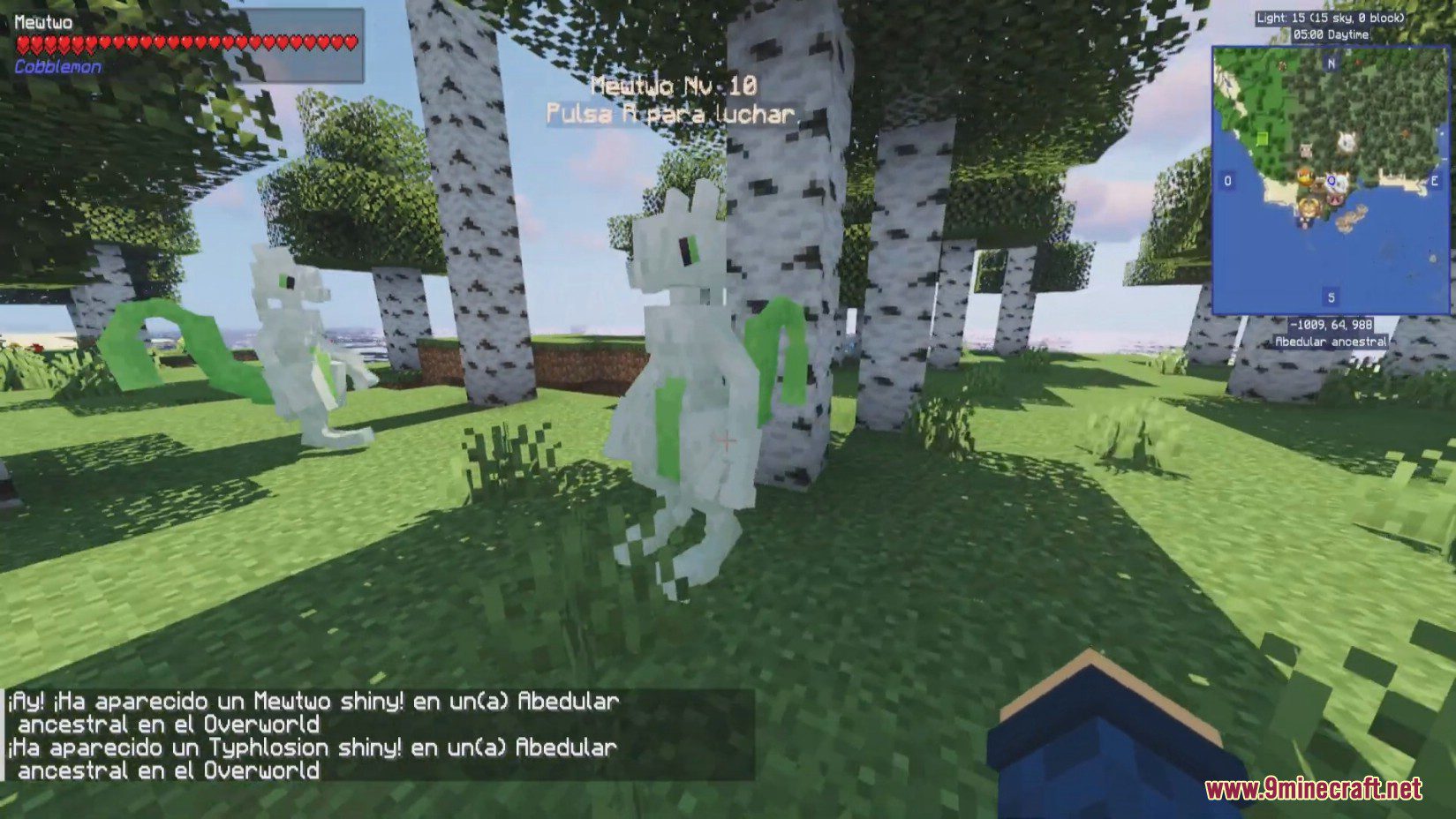
With Cobblemon Spawn Notifications Mod, when a Legendary and/or Shiny Pokémon appears, a message is broadcast to all players on the server, ensuring everyone is aware of these rare occurrences.
Features:
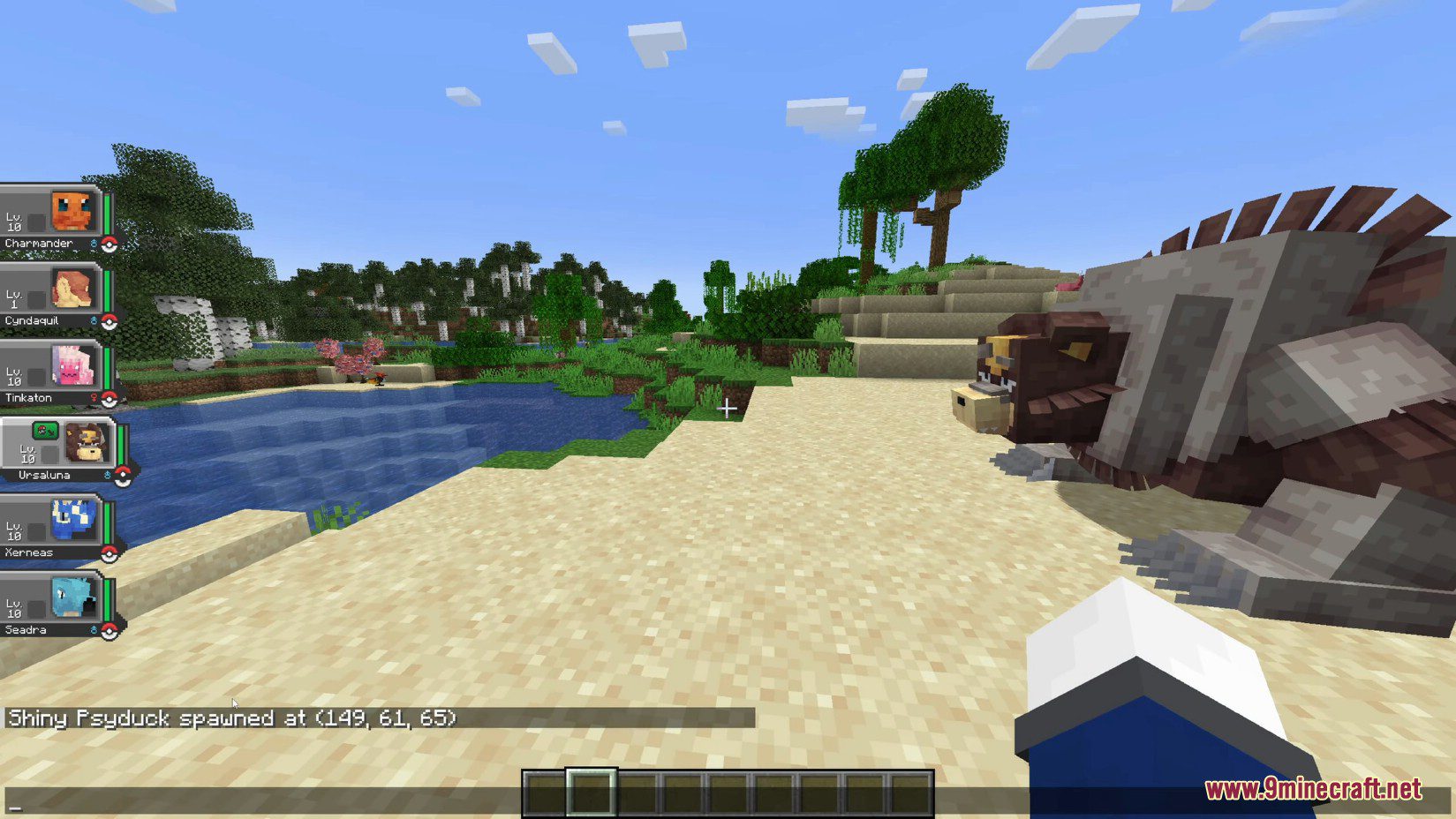
- Notifications: A system message alerts all server players when a shiny or legendary Pokémon spawns, providing details about the encounter.
- PLA Shiny Sound: The distinctive shiny sound from Pokémon Legends: Arceus is played when a shiny Pokémon spawns or is sent out by a player, adding an exciting audio cue to the rare event.
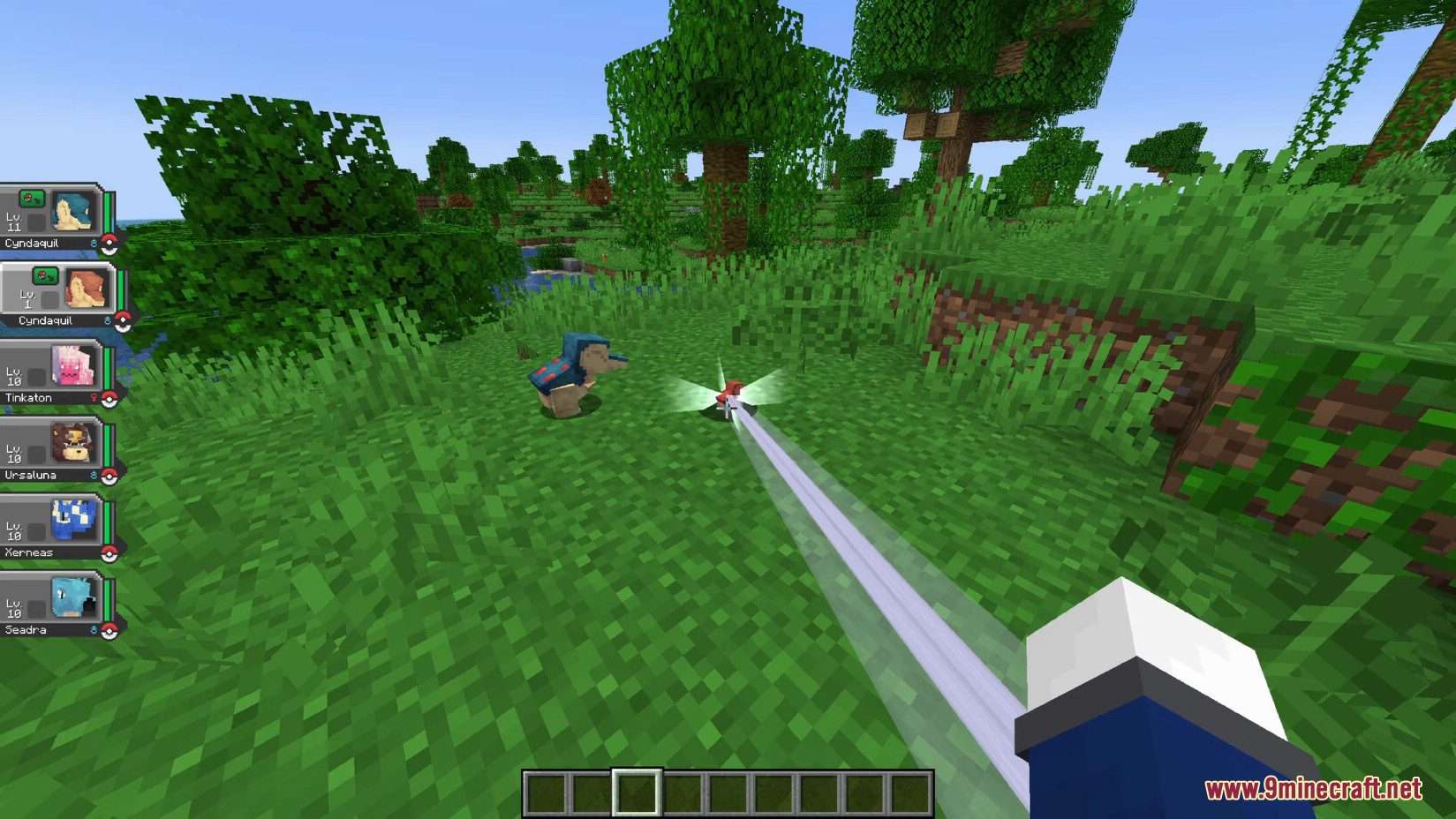
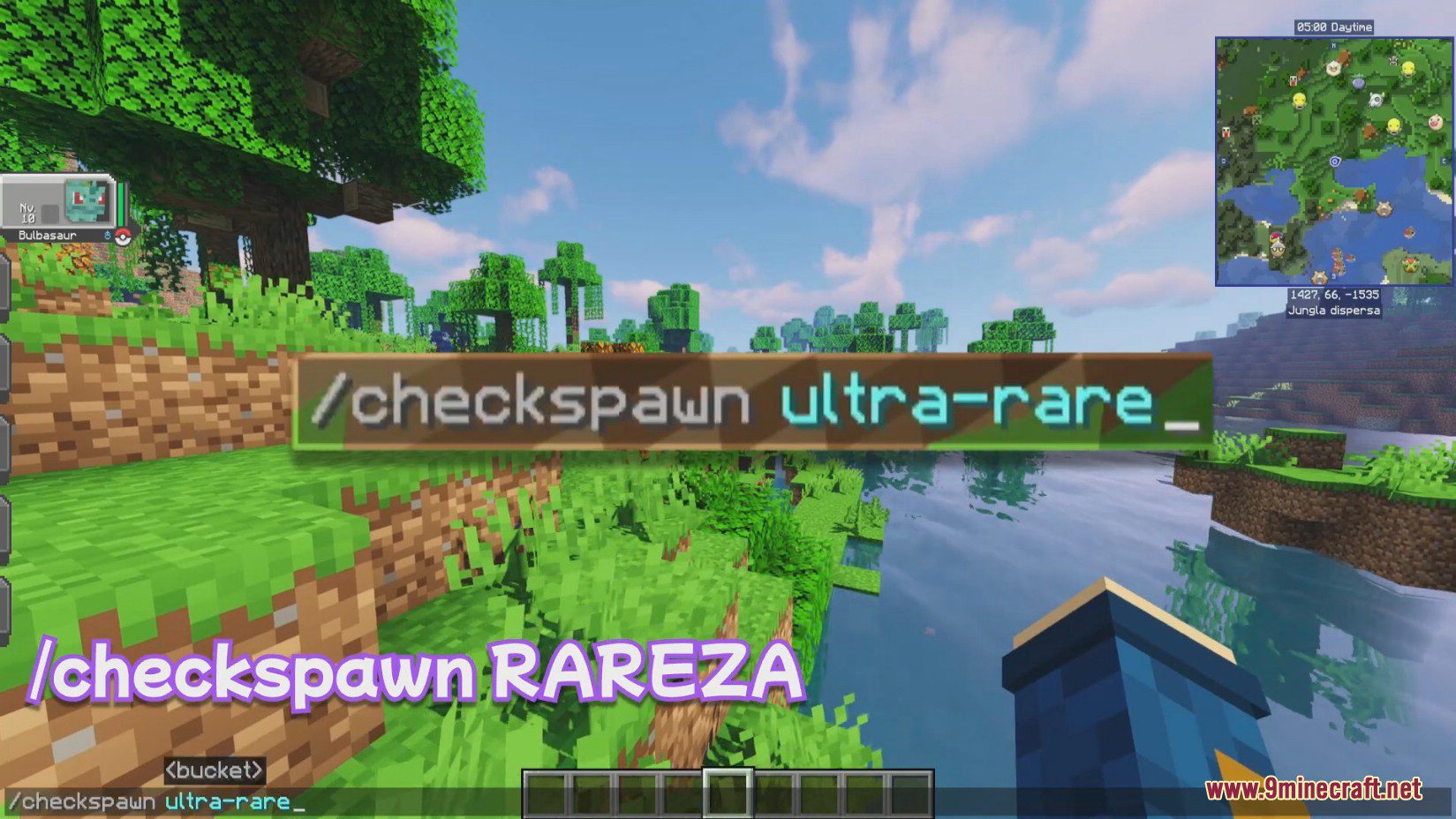
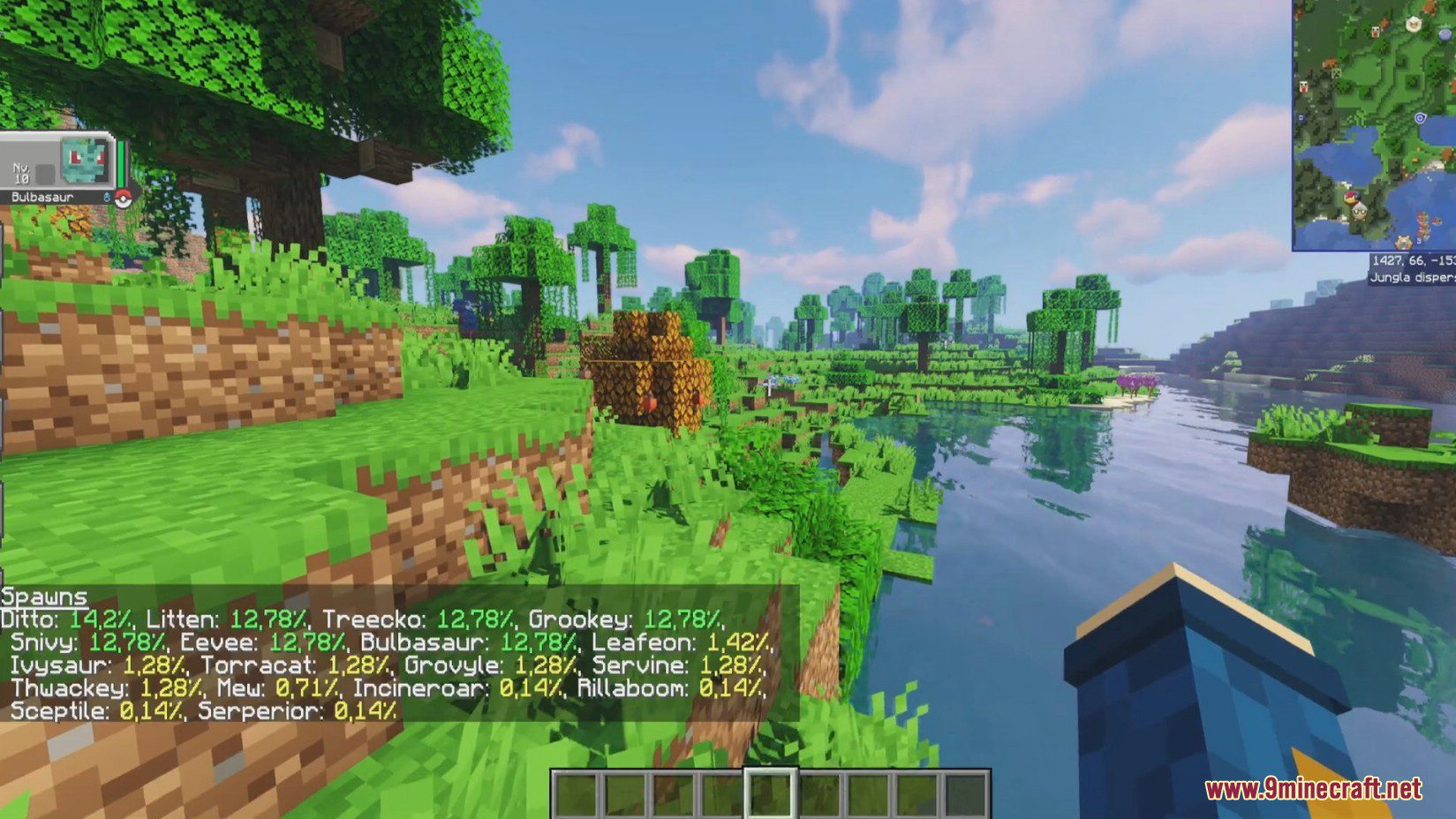
Screenshots:
Configs:
- broadcastShiny: Enable or disable broadcasting messages about shiny Pokémon. Default is
true. - broadcastCoords: Choose whether to show coordinates in spawn notifications. Default is
true. - broadcastBiome: Toggle the inclusion of biome information in notifications. Default is
false. - playShinySound: Enable the PLA shiny sound when a shiny Pokémon spawns. Default is
true. - playShinySoundPlayer: Decide if the PLA shiny sound should play for player-owned shiny Pokémon. Default is
false. - announceCrossDimensions: Allows spawn notifications to cross dimension boundaries. If
true, it will add the dimension name to the notification. Default isfalse. - broadcastDespawns: Option to broadcast messages when a Pokémon despawns. Default is
false. This feature is a little buggy. - broadcastRange: Define the range for spawn notifications. A value of
-1means unlimited. Default is-1. - playerLimit: Limit the number of players who receive notifications.
-1indicates no limit. Default is-1. - labelsForBroadcast: A set of labels for which Pokémon types to broadcast about. Default includes
"legendary".
How to Install:
New to Minecraft? Follow our step-by-step guide to install Mods on your PC.View Guide
Requirements:

Cobblemon Spawn Notifications Mod Download Links
For Minecraft 1.19.2
Fabric version: Download from Server 1 – Download from Server 2
For Minecraft 1.20.1, 1.20
Forge version: Download from Server 1 – Download from Server 2
Fabric version: Download from Server 1 – Download from Server 2
For Minecraft 1.21.1, 1.21
NeoForge version: Download from Server 1 – Download from Server 2
Fabric version: Download from Server 1 – Download from Server 2
Click to rate this post!
[Total: 2 Average: 5]
You May Also Like