
Connected Copper Blocks Resource Pack (26.3, 1.20.1) – Sleek Industrial Copper
 0
 0

Connected Copper Blocks Resource Pack connects the borders of all copper blocks when you place them next to each other. This pack removes the harsh lines between individual blocks to create large, clean metal surfaces for your builds. It works across all oxidation stages, from fresh orange copper to fully green oxidized blocks, as well as copper grates. To make the connected textures show up in your world, you need to use OptiFine, Continuity, or ConnectedTexturesMod.

Features:
- Bolted Corners Style: Places the small metal bolts only on the outer corners of connected copper surfaces.
- Vanilla Bolts Style: Connects the block borders while keeping the metal bolts on every single block just like vanilla Minecraft.
- Connects textures for regular, exposed, weathered, and oxidized copper blocks.
- Joins the borders of copper grates across all four oxidation levels for cleaner windows and floors.
- Requires OptiFine, Continuity, or ConnectedTexturesMod to work properly in the game.
How to Install:
New to Minecraft? Follow our step-by-step guide to install Resource Packs on your PC.View Guide
Connected Copper Blocks Resource Pack Download Links
For Minecraft
26.3.x
All Versions Covered
26.3
26.2
26.1.2
26.1.1
26.1
1.21.11
1.21.10
1.21.9
1.21.8
1.21.7
1.21.6
1.21.5
1.21.4
1.21.3
1.21.2
1.21.1
1.21
All Versions Covered
26.3
26.2
26.1.2
26.1.1
26.1
1.21.11
1.21.10
1.21.9
1.21.8
1.21.7
1.21.6
1.21.5
1.21.4
1.21.3
1.21.2
1.21.1
1.21
For Minecraft
1.20.x
All Versions Covered
1.20.1
1.20
All Versions Covered
1.20.1
1.20
For Minecraft
1.19.x
All Versions Covered
1.19.2
1.19.1
1.19
All Versions Covered
1.19.2
1.19.1
1.19
For Minecraft
1.18.x
All Versions Covered
1.18.2
1.18
All Versions Covered
1.18.2
1.18
Click to rate this post!
[Total: 0 Average: 0]
You May Also Like
Picked for this page
 Fresh Animations Extensions Resource Pack (26.3, 1.20.1)
 Truly Small Items Resource Pack (26.3, 1.20.1) – Clearer View of Vanilla
 Aimz (26.3, 1.20.1) – Lunar Orbit PVP Crosshair Resource Pack
 Simple Outlined Ores Resource Pack (26.3, 1.20.1) – Bright Borders for Mining
 Custom Background HD Resource Pack (26.3, 1.20.1) – Personalize Your Main Menu
 Dark Smooth GUI Resource Pack (26.3, 1.20.1) – Sleek Dark Mode Menus
 Ore Grids Resource Pack (26.3, 1.20.1) – Glowing Outlines for All Ores
 Super RPG Font Resource Pack (26.3, 1.20.1) – Sleek Fantasy Text and Menus
 1×1 Ultimate Resource Pack (26.3, 1.20.1) – A Minimalist World of Flat Solid
 Char1ie’s Backrooms Resource Pack (26.3, 1.20.1) – Liminal Horror and Endless
 Connected Glass X Bare Bones Resource Pack (26.3, 1.20.1)
 Clean Stained Glass Resource Pack (26.2, 1.20.1) – Crystal Clear Windows
Most viewed in Resource Packs over the last 7 days
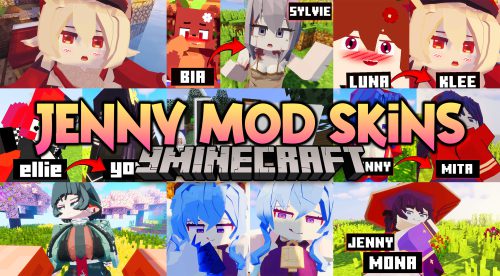 Jenny Mod Skins Resource Pack (1.12.2) – Uzaki, Klee, Mita, and More
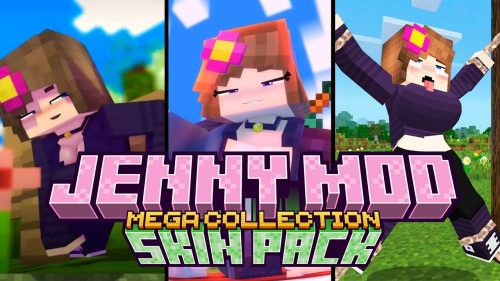 Jenny Mod Skin Pack Mega Collection – 310+ Characters
 750 Models Addon for Yes Steve Model Mod
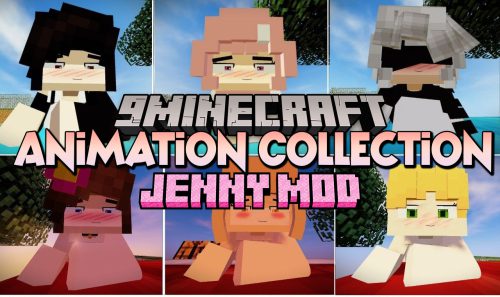 Animation Collection for Jenny Mod – 60+ Animations, Updated Regularly
 Patrix Resource Pack (26.3, 1.20.1) – The Peak of Photorealism
 Jennycraft Resource Pack (1.20.1) – Skins for Jennycraft Mod
 Dewier’s 20k Resource Pack (1.8.9) – Texture Pack
 Vanilla+ 3D Crystal Resource Pack (1.21.1, 1.20.1) – Texture Pack
 TXN Pink Remake Resource Pack (1.21.11) – Pastel Pink Style for Fierce Arena
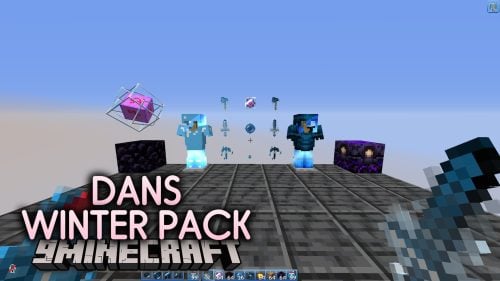 Dans Winter Pack Resource Pack (1.21.11) – Cool Icy Blue Winter Look
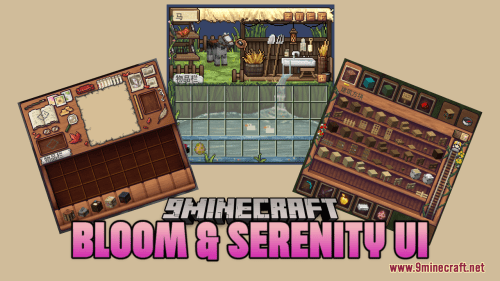 Bloom & Serenity UI Resource Pack (1.21.1, 1.20.1) – Cozy Room-Themed GUI
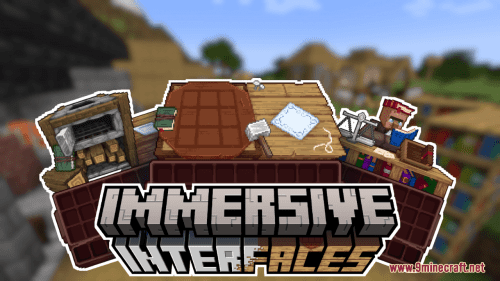 Shrimp’s Immersive Interfaces Resource Pack (26.1.2, 1.20.1)
More from Resource Packs
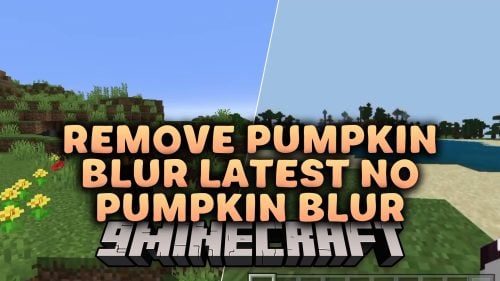 Remove Pumpkin Blur Latest No Pumpkin Blur Resource Pack (26.3, 1.20.1)
 Smaller Totem Pops by PeakMC6725 Resource Pack (26.3, 1.21.11)
 Rias Gremory 16x PvP Pack Resource Pack (26.3, 1.20.1)
 De Noise 3D Buckets Resource Pack (26.3, 26.1.2) – Clean Minimalist Models
 Fall Back to Autumn Resource Pack (26.3, 1.20.1) – Golden Foliage and Cozy
 Flame Frags Essentials Resource Pack (26.3, 1.20.1) – Fiery Combat Visuals
 Crabs Shells Clams YOU WANT IT Resource Pack (26.3, 1.20.1)
 Jaden Man Swords Resource Pack (26.3, 1.20.1) – Pirate Cutlasses and Sharp
 Acidul’s Woods Resource Pack (26.3, 1.21.11) – Natural Wood Details
 Themed GUI Packs Resource Pack (26.3) – Iconic Game Interfaces for Every Menu
 Christmas GUI Resource Pack (26.3, 1.21.1) – Frosted Winter Charm Across Every
 Kyro Gaming PvP Texture Pack Resource Pack (1.21.11, 1.21.1)

This post has no comments yet. Be the first — your comment will appear here.